Crimson Desert 2.04.08 (Mac)
Updated
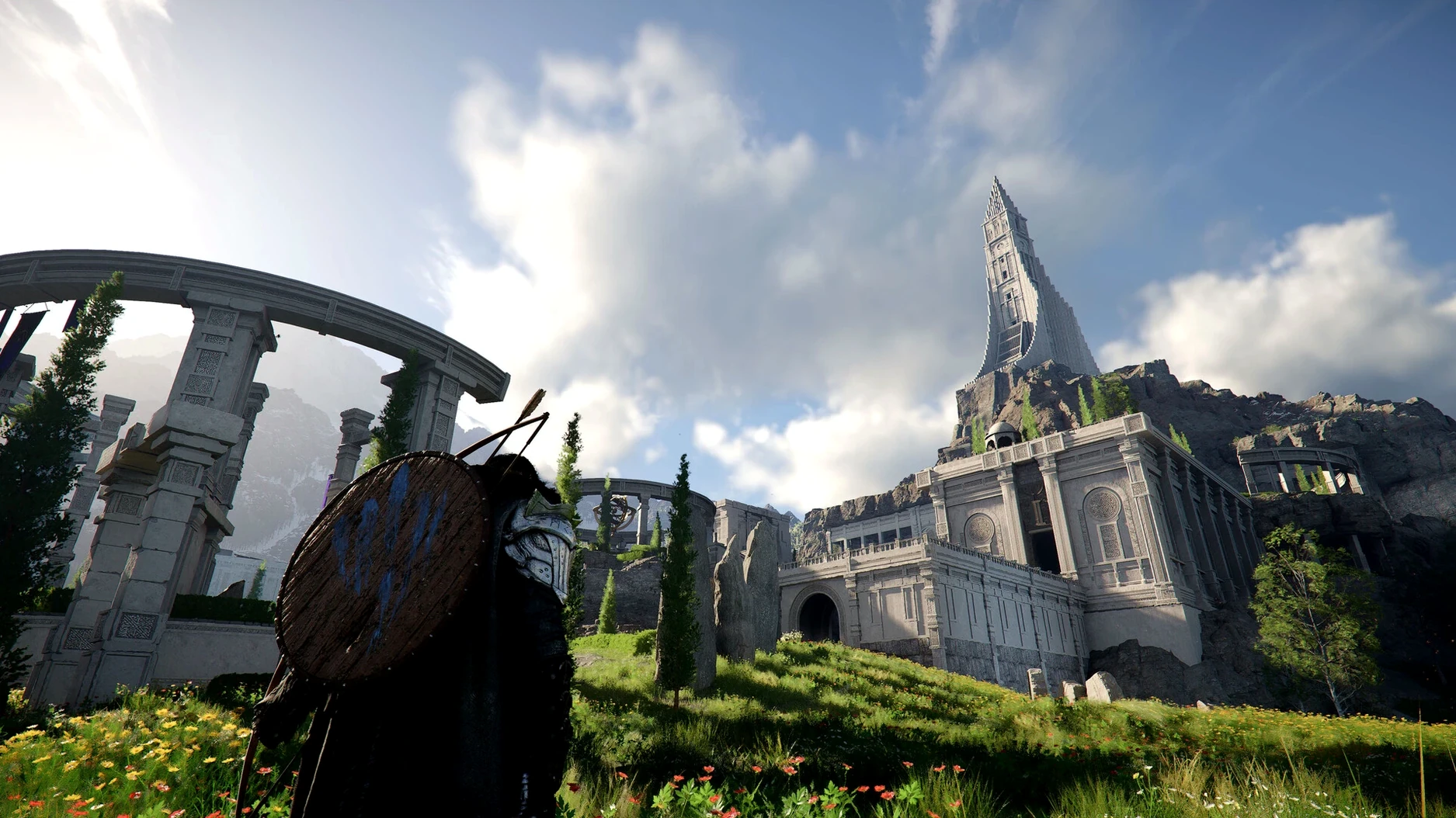
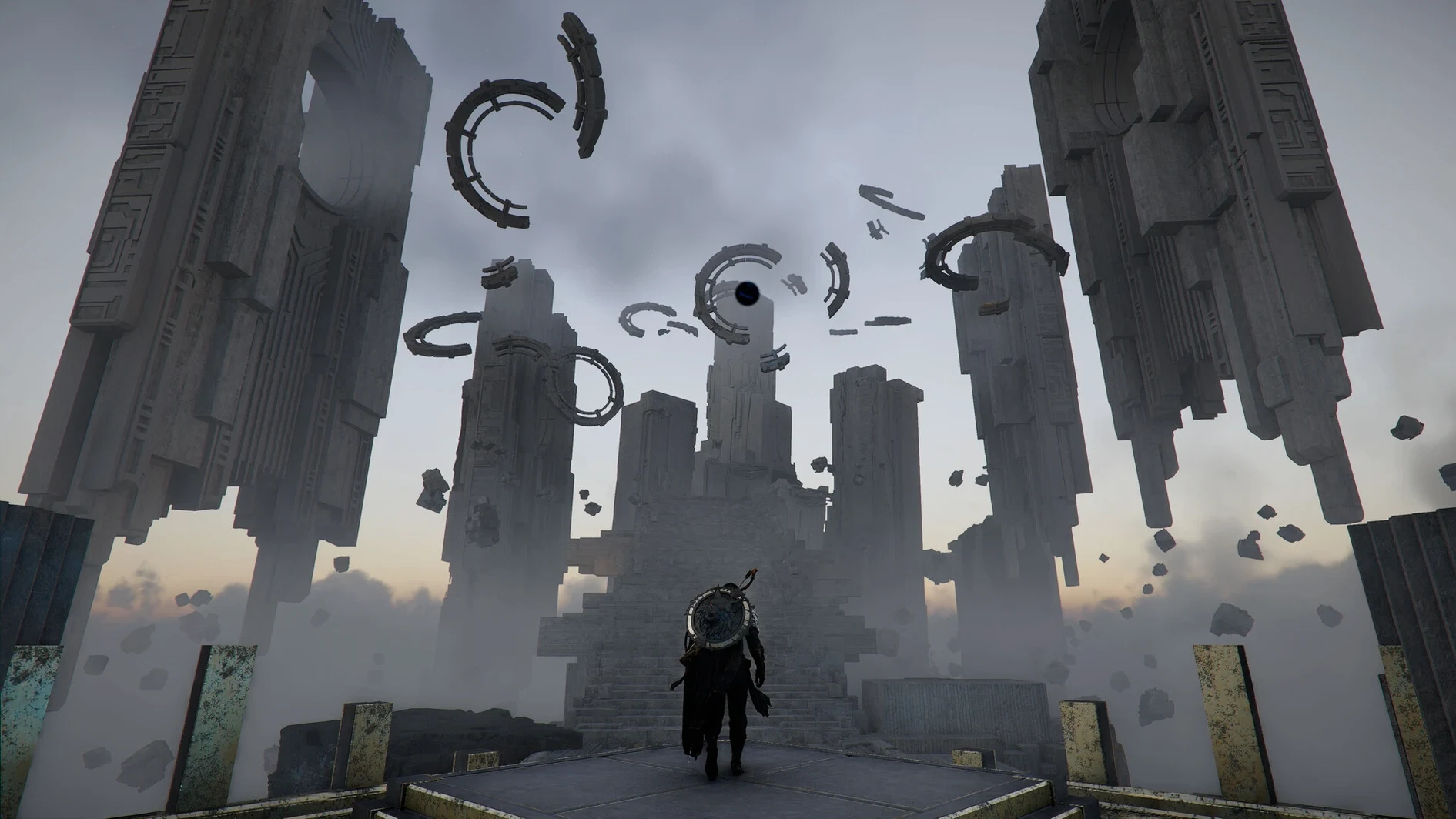
The catalogue note
Version 2.02.00 of Crimson Desert is out, and the headline for Mac players is cross-save. Your progress now follows you between machines, which matters if you split time between a desktop and a laptop. The patch also clears up a housing bug at Howling Hill Camp, fixes a crash tied to DLSS Frame Generation on new games, and smooths out a few combat chaining issues. Nothing flashy, but the kind of cleanup a game this size needs.
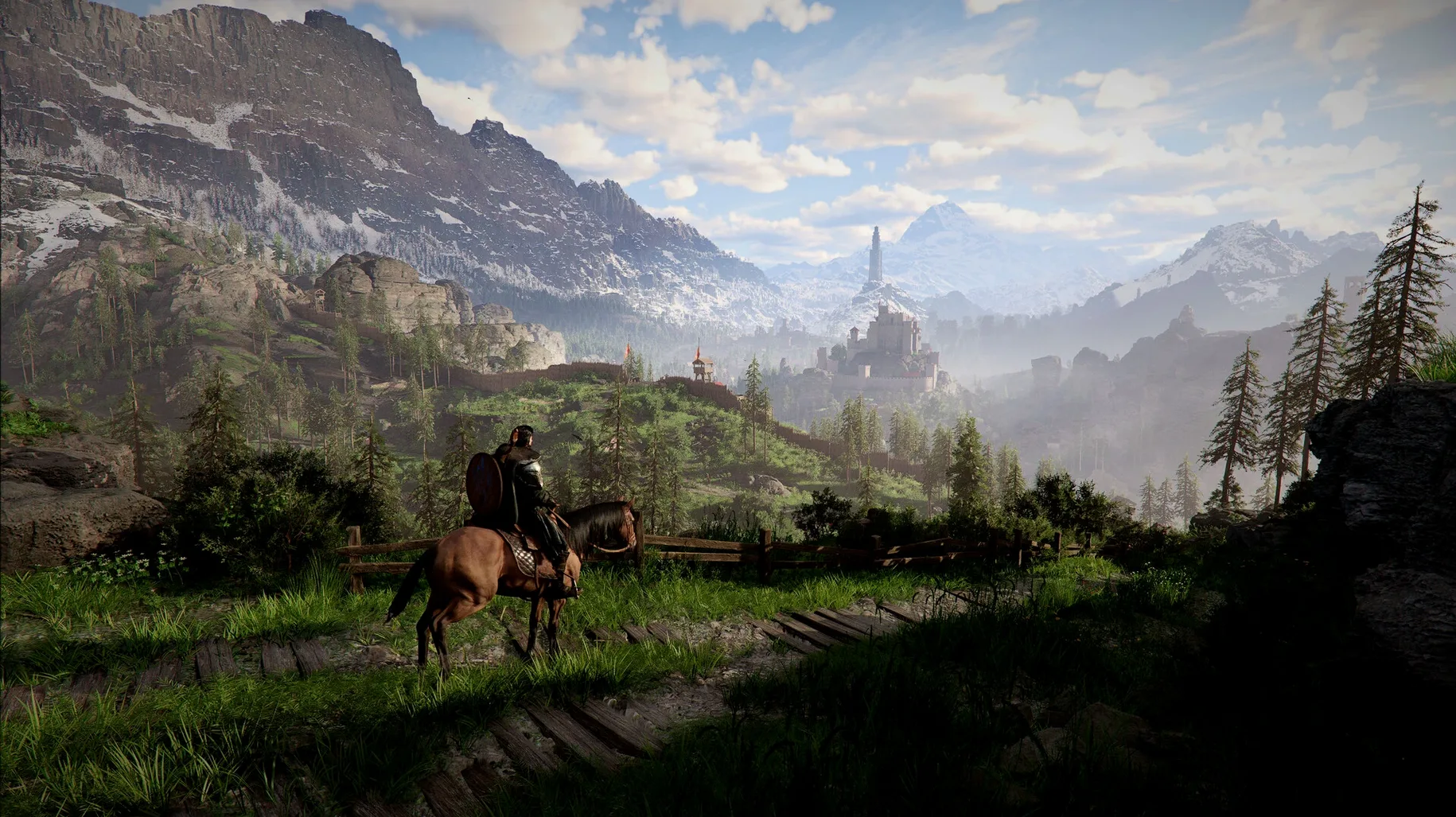
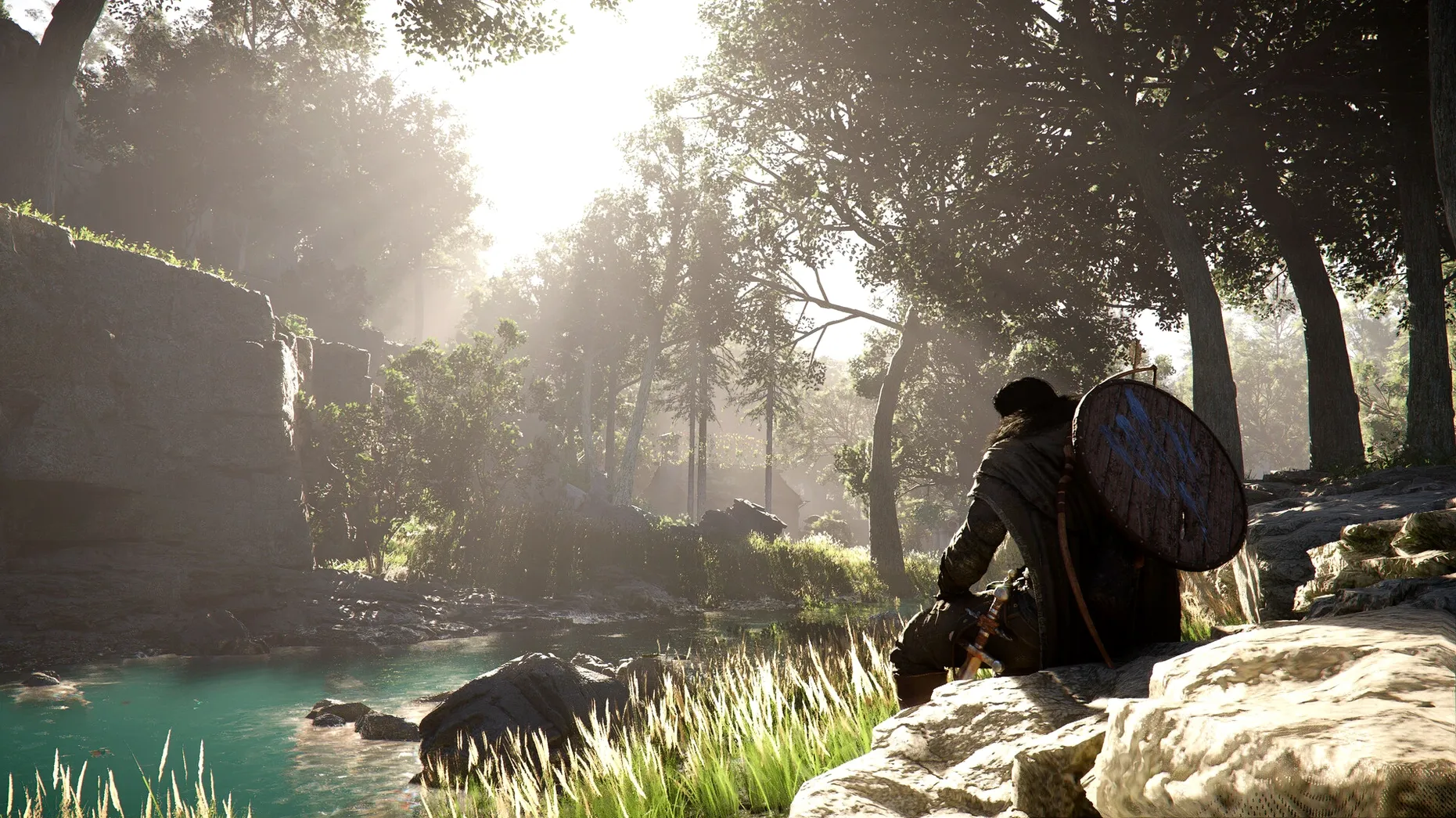
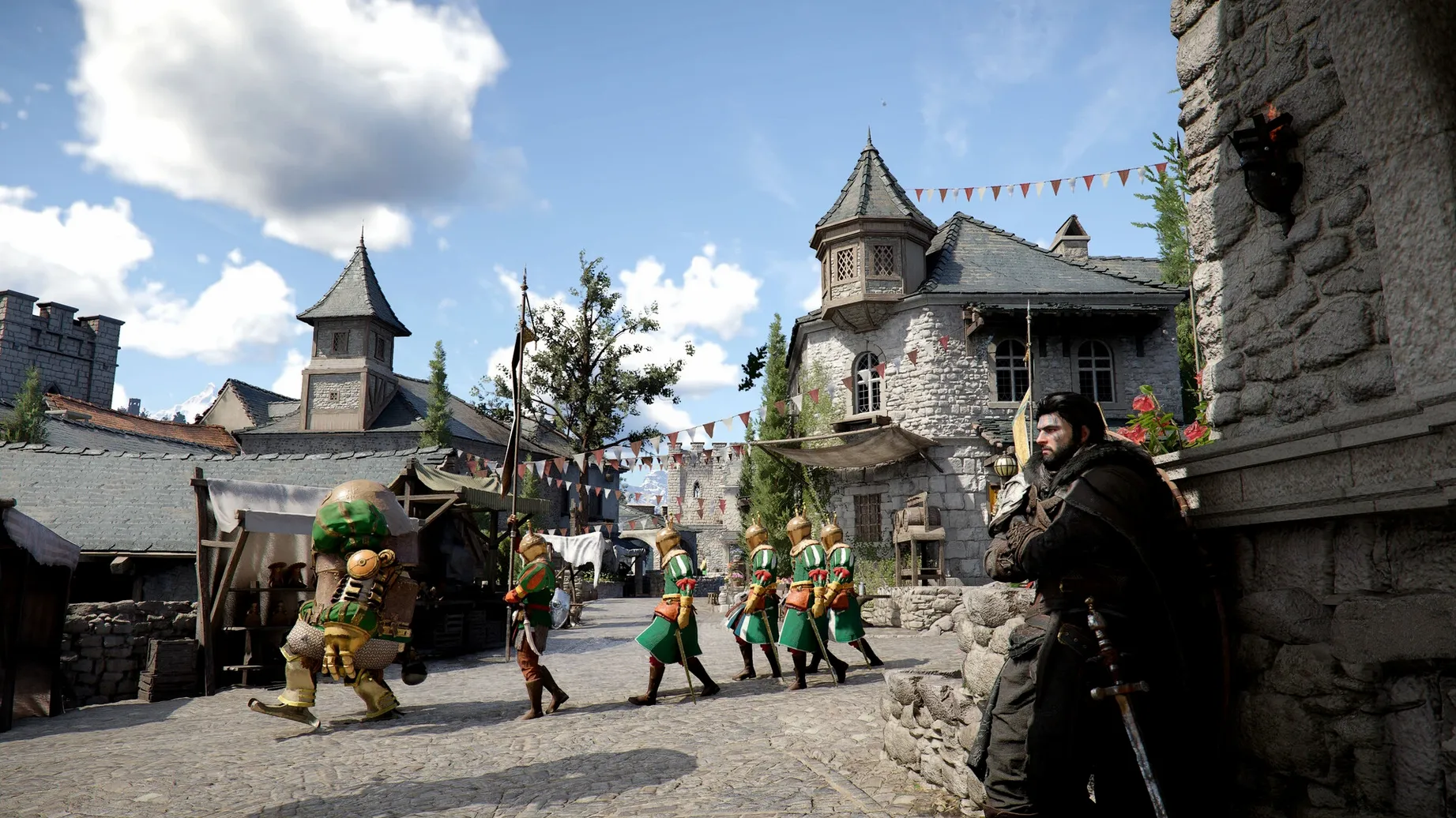
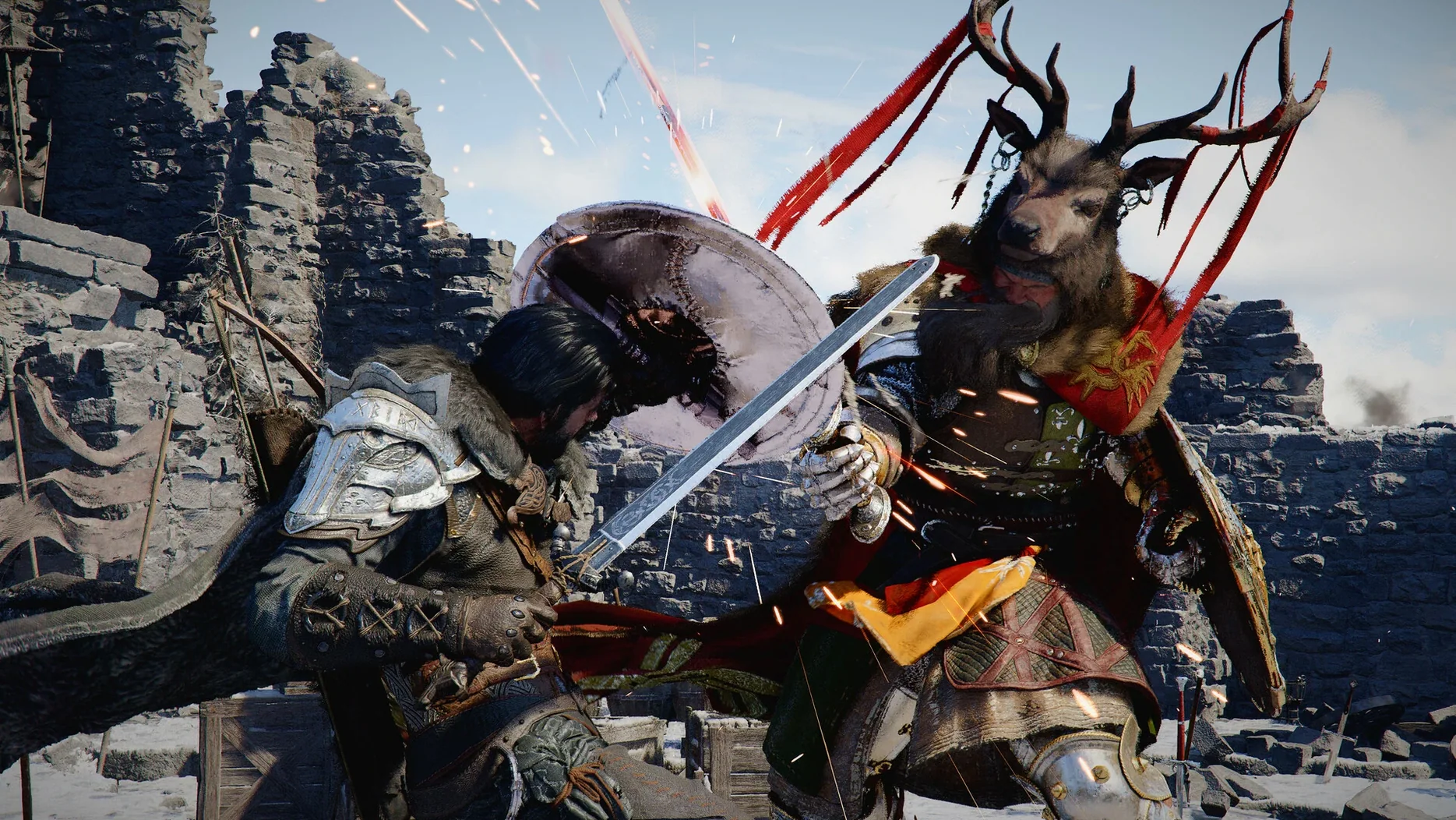
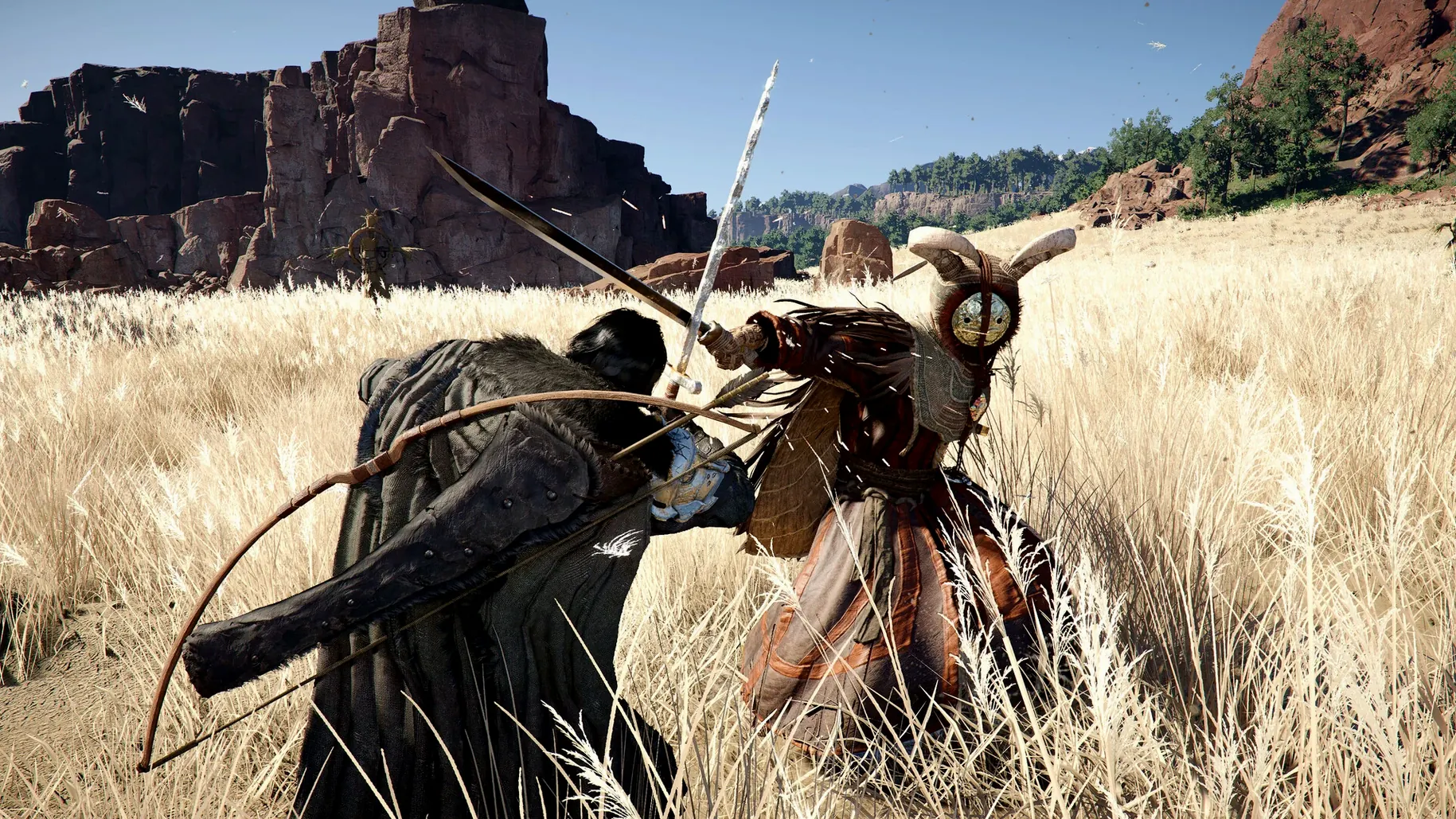
Minute to minute, Crimson Desert is about movement and violence. You play as Kliff, trying to reunite the Greymanes and rebuild after a collapse. That means you spend your time crossing Pywel on foot or horseback, picking fights with whatever stands between you and your objective. Combat is the core loop: heavy and light attacks, punches, kicks, grabs, sliding under strikes, dodging, and counterattacks. Each character you can switch to — Kliff, Unca, Damiana — has their own weapon set and rhythm. Kliff works a sword and shield, Unca favours a spear or two-handed sword, Damiana brings dual blades and ranged options. Learning when to block and when to commit to a string of hits is the difference between surviving a camp and getting flattened.
Outside combat, you are also managing a camp of your own. Raising the banner at Howling Hill Camp is your foothold, and housing becomes available from there — the patch specifically fixes a case where a full inventory blocked that progression. Exploration feeds into that: you find resources, gear, and side stories while clearing bandit posts and ruins. The world is big, but the game keeps you pointed at concrete goals rather than wandering aimlessly.
The current version runs on Apple Silicon with cross-save enabled. Interface languages cover English, Polish, German, Spanish, French, Japanese, Korean, and more. If you want a sprawling action RPG with a solid combat system and a rebuilding hook, this is worth a look.
Suits action RPG fans who love learning enemy patterns
Crimson Desert suits anyone who enjoys a single-player action RPG with a clear sense of progression and a world that rewards curiosity. The combat system has enough depth to keep players who like learning enemy patterns and switching between character styles, but it never demands the reflexes of a fighting game specialist. If you appreciate a narrative that unfolds through exploration and camp management rather than endless dialogue trees, this lands squarely in your territory.
The rebuild mechanic — expanding your camp, gathering resources, cooking, fishing — appeals to players who want downtime between fights. It is not a full survival sim; it is a structured way to turn what you find into something useful. Mini-games with local residents break the rhythm further, so the game never feels like a single uninterrupted combat gauntlet.
Mac users with Apple Silicon machines benefit directly from the cross-save addition. If you work on an iMac and play on a MacBook, or if you upgrade machines, your save travels with you. The patch also improves stability, so players who hit the DLSS crash on new games or the missing housing trigger at Howling Hill Camp can now move past those blocks without workarounds.
A morning in Pywel after building up your camp
You load into Pywel on a morning with clear weather. Kliff is standing at the edge of a camp you built up over the last few sessions — a few tents, a cooking fire, a storage chest. The first thing you do is check the trade goods storage, because the patch fixed an item disappearance issue when loading certain saves. Everything is where it should be.
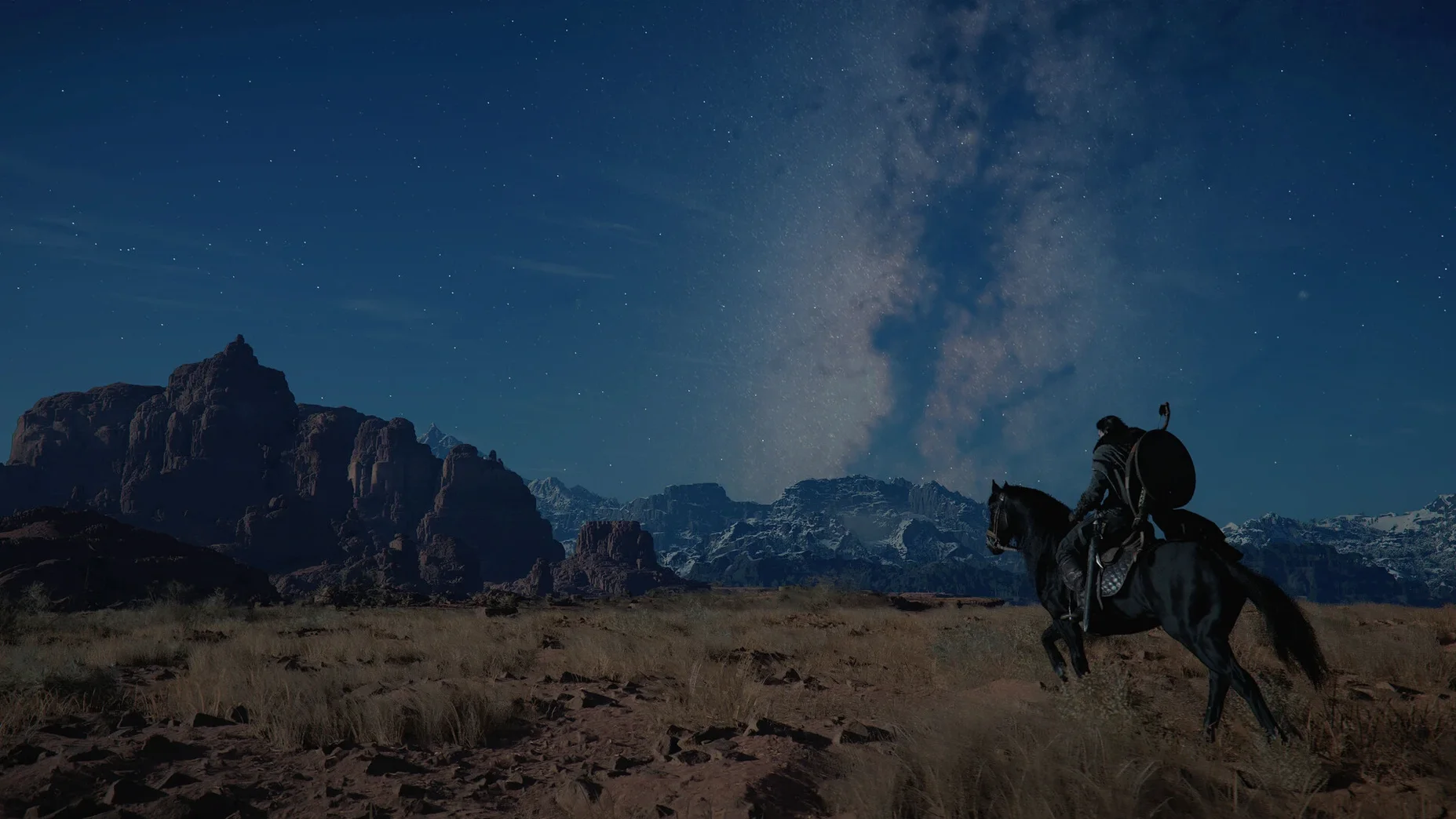
You decide to push east toward a ruin marker you spotted on the map yesterday. Mounting your horse, you ride through a forest, cutting down a patrol of bandits who ambush you near a stream. The fight is short: a grab into a kick, a sword combo, a dodge to avoid a counter. No fancy strings, just efficient work.
At the ruin, you find a locked door and a note hinting at a key held by a merchant in a nearby village. You ride there, talk to the merchant, win a mini-game — a simple timing challenge — and get the key. Back at the ruin, the door opens into a small dungeon with two rooms. You fight a named enemy using a spear for the first time in this session; the reach takes a few seconds to adjust to, but the counter window is generous enough to learn mid-fight.
Inside the treasure room, you find materials for camp upgrades and a new piece of clothing that you customise with a dye. You save, close the game, and call it a session. The whole loop took about forty minutes, and nothing broke or stalled.
Fixes for combat slowdown and save conflicts
Housing not appearing after raising the banner
The 2.02.00 patch fixed the specific case where a full inventory blocked housing from becoming available at Howling Hill Camp. If you are still on an earlier version, clear some inventory space before raising the banner. After updating, the fix applies to existing saves — you do not need to start over.
Thornbriar Fortress liberation stuck
Another fix in this patch. If you were locked out of liberating Thornbriar Fortress, update to 2.02.00 and revisit the area. The trigger should now work. If it does not, verify your save file is from the same version — loading an older save after patching usually resolves it.
Items missing from trade goods storage
The patch addressed a scenario where items disappeared from Trade Goods Storage when loading certain save files. After updating, load your most recent save. If items are still gone, check a slightly earlier autosave — the game keeps several. Pearl Abyss recommends backing up saves before major patches, which is sound advice for any game with persistent inventory.
Descending Force Palm after Aerial Force Palm not chaining
This was a combat timing issue specific to certain situations. The patch corrected the chaining logic. If the move still does not connect, check that you are not inputting the follow-up too early — the window is generous but not instant. Practise on a stationary target before taking it into a fight.
UI text shaking
A visual glitch that could be distracting. Fixed in 2.02.00. No settings tweak was available before; the patch handles it cleanly.
Crash on new game with DLSS Frame Generation enabled
If you start a new game with DLSS Frame Generation on, the game could crash. The patch fixes this. If you still see instability after updating, toggle DLSS Frame Generation off in the graphics settings, start your new game, and re-enable it after the opening sequence.
Most of these fixes are specific enough that the average player might never encounter them. But if you did, they are now resolved without needing to edit config files or restart progress. That is the kind of patch that makes a game feel maintained.
Changes in this build
Version 2.04.08 Native has landed. No public changelog accompanies this one, so the adjustments stay under the hood.
Before it goes on the Mac
- Apple Silicon Mac
Installing it on the Mac
- Open the downloaded disk image.
- Drag the app to the Applications folder shortcut.
- Once copying finishes, open the app from Launchpad.
Notes from the control room
Sign in or open a catalogue account to leave a note.
No notes from the room yet. If you have used this build for a week, a short note helps the next person.