
Updated
The catalogue note
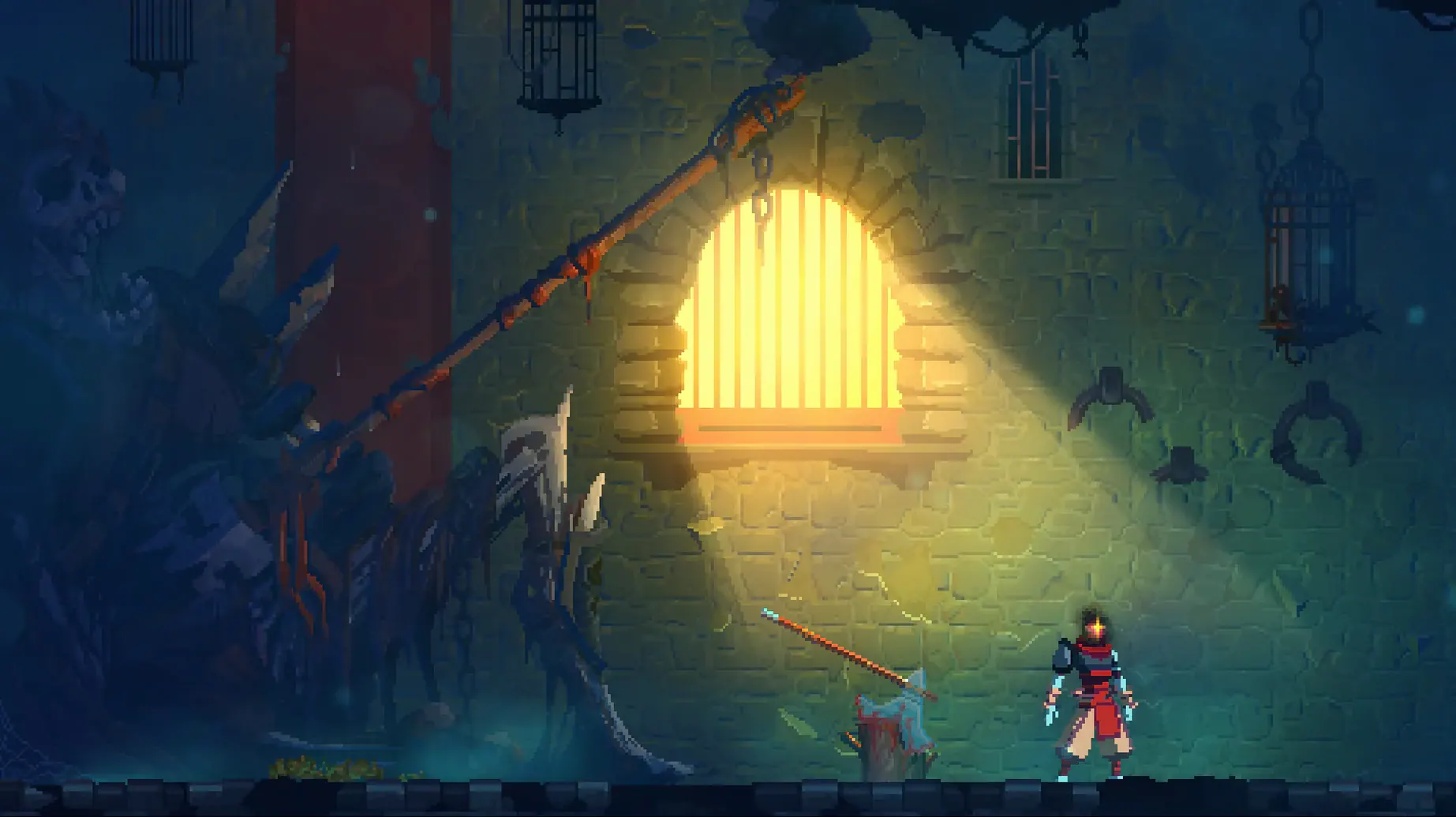
The first thing you notice is the parry. Dead Cells hands you a shield early, and the timing window is tight enough to remind you of Dark Souls, but the pace is pure Castlevania. Motion Twin, a workers' cooperative in Bordeaux, built a rogue-lite that respects your time even as it kills you repeatedly.
Runs require Rosetta 2 and a single sitting
This is an Intel build, so on Apple Silicon you'll run it under Rosetta 2. No save system, so runs are meant to be finished in one sitting.
Set up the controls
Keyboard and mouse work, but a controller is the natural fit. The game remaps buttons cleanly, and the dodge roll on a shoulder button makes the combat feel immediate. If you're coming from a console, plug in your pad before launching.
Toggle auto-hit before your first run
Before your first run, open the options and adjust the auto-hit toggle. By default, the game applies a light aim assist on melee strikes; some players prefer full manual control. The difference is small but noticeable when you're trying to hit a flying enemy above a gap.
Two other settings to find early:
- Camera shake reduction — the default shake is aggressive.
- Input buffer — the game queues inputs slightly. If you find yourself rolling twice when you meant to roll once, reduce the buffer window in the controls menu.
Dead Cells runs at a fixed internal resolution on this build, so don't expect a display scaling slider. The fullscreen toggle works, but windowed mode gives you quicker access to other apps — useful if you're checking a map or a build guide on a second monitor.
No save system means no mid-run quitting
Keyboard and mouse work with rebindable dodge and jump
Yes. The keyboard mapping is complete, and the mouse handles aiming for ranged weapons. You'll want to rebind dodge and jump to comfortable keys — default layout puts dodge on shift, which works, but space for jump and a side mouse button for dodge feels more natural once you're used to it.
Each run lasts 15 to 40 minutes without saving
Fifteen to forty minutes, depending on how thoroughly you explore and how often you die. The game has no save system, so a run is a single session. If you need to interrupt, you can leave the game paused — it stays in memory until you quit or your Mac goes to sleep.
The content is the same at version 1.26.0 fix. The DRM-free build does not phone home or require an account. You install it, you run it.
M1 MacBook Air shows no input lag under Rosetta 2
It runs through Rosetta 2. I tested it on macOS Sonoma on an M1 MacBook Air, and the translation layer introduces no noticeable input lag. The architecture is Intel-only, so you won't see a native Apple Silicon build in this release.
Friday evening: launch from file, no launcher, title menu in seconds
Friday evening. You've cleared an hour. The Mac is on, the controller is paired via Bluetooth. You launch the game from the deadcells file in the game folder — no launcher, no splash screen, just the title menu in under ten seconds.
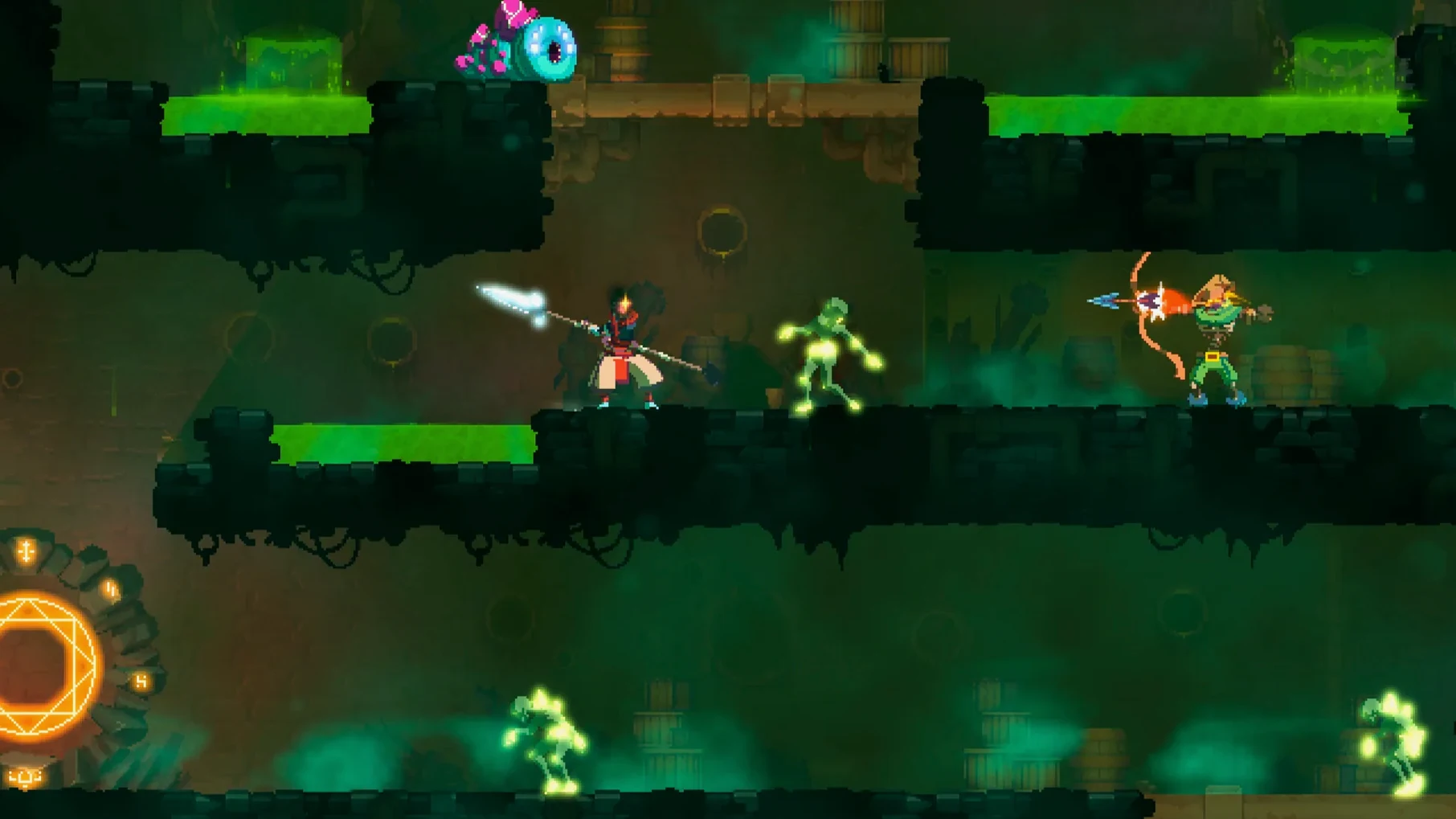
You pick up where you left off last week: the Prisoners' Quarters. The layout is different this time — the game shuffles room connections each run. You head right, find a broadsword in a chest, swap it for the starter blade. The first few enemies are zombies and archers. You parry one, dodge through another, and die to a trap you didn't see. Respawn in the same zone with the same weapon.
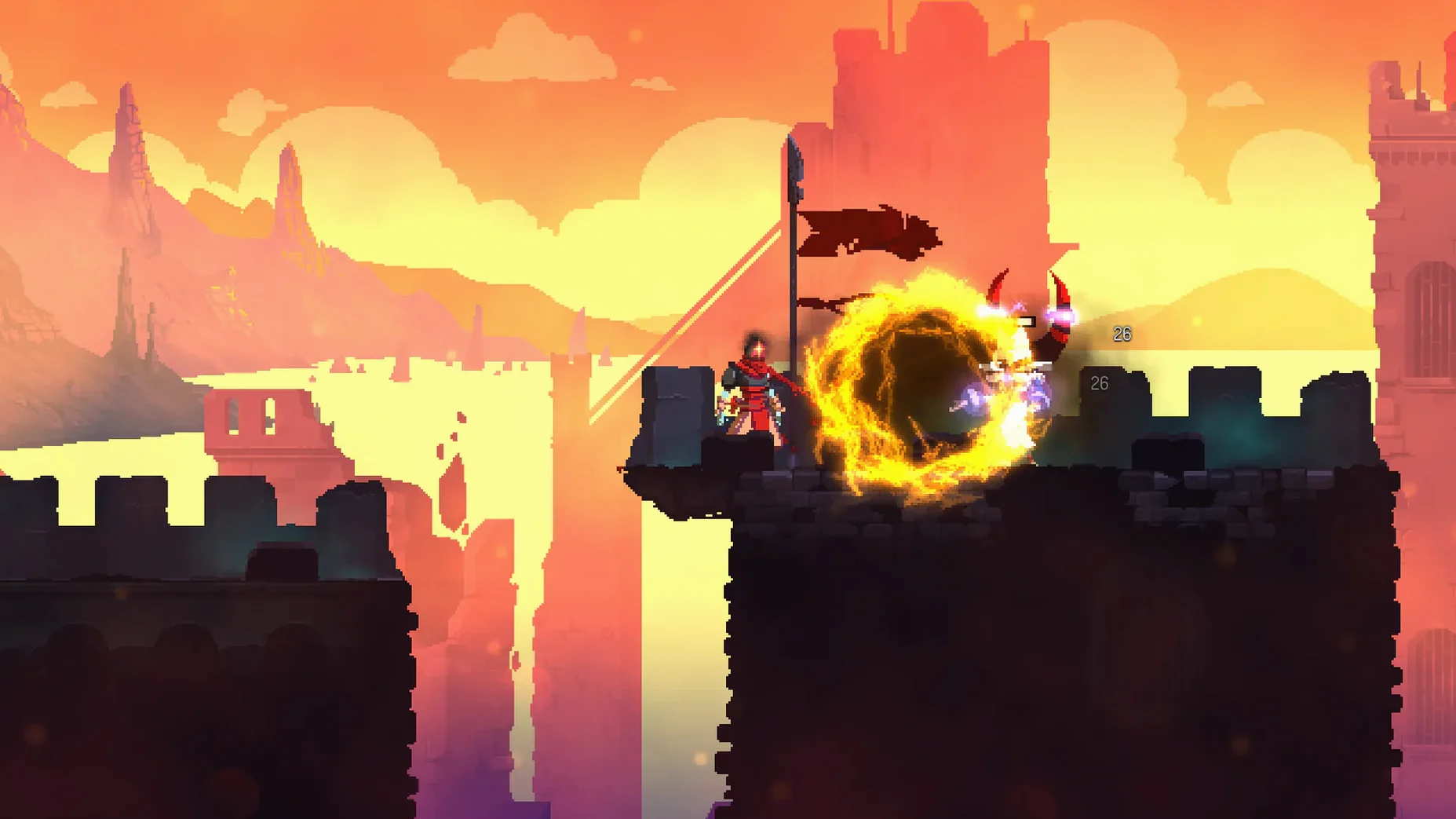
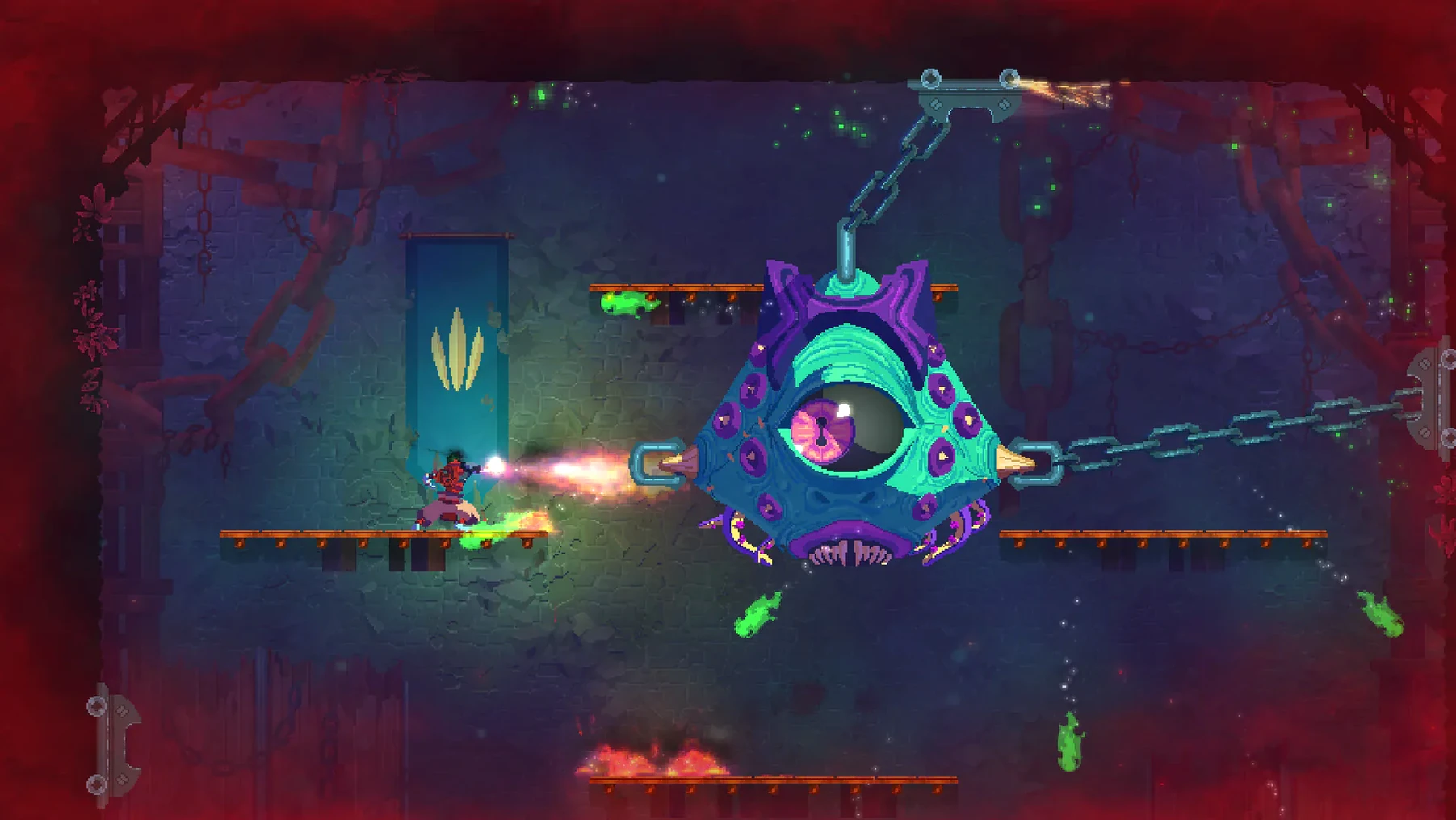
Second attempt: you take the upper path, find a grenade blueprint, and reach the Promenade of the Condemned. The biomes connect differently each run, so the route is never the same. You fight through to the Concierge — the first boss — and beat him on the third try. He drops a scroll that boosts your survival stat. You push into the Ramparts, find a teleporter, and call it a night. The game has no save, so you leave it paused. Tomorrow, you finish the run or you start fresh.
Marta explores every biome and lore fragment across weekly runs
Marta plays Dead Cells after work, three or four runs a week. She's not chasing speed records. She wants to see every biome, unlock every blueprint, and understand the lore fragments hidden in the background art. For her, the DRM-free build matters because she keeps the game folder on an external drive and moves it between her Intel Mac mini and her M1 MacBook Air. No re-authentication, no cloud sync conflicts — just the same deadcells file on both machines.
She plays with a DualSense controller, remaps dodge to L1, and keeps camera shake at zero. Her runs are methodical: she clears every room, breaks every door, and checks every secret wall. The lack of a save system doesn't bother her because she treats each session as a contained experience. When she finds a new weapon, she notes the blueprint in a text file. When she dies, she closes the game and picks a different route the next day. The dead cells torrent or a direct download — either way, the game behaves identically on her setup. For a player like Marta, the game's predictability under different conditions is the point.
The 11 interface languages include Russian, English, German, and Japanese, so localisation is solid.
Before it goes on the Mac
- macOS: not specified (tested on macOS Sonoma)
- Architecture: Intel (works on Apple Silicon via Rosetta 2)
Questions from the room
Does Dead Cells run on Apple Silicon Macs?
The build is Intel-only, but it runs on Apple Silicon via Rosetta 2, as tested on a MacBook Air M1 (2020) with macOS Sonoma.
Does Dead Cells have a save system?
No. The game has no save system; runs are meant to be completed in one sitting, which is typical for the rogue-lite genre.
What languages does Dead Cells support?
It supports Russian, English, German, Spanish, Italian, Simplified Chinese, Korean, Portuguese, Turkish, French, and Japanese.
Installing it on the Mac
- Unpack the archive and run the standard installation procedure.
- Choose the installation location when setup finishes.
- Launch the game using the
deadcellsfile in the game folder.
Notes from the control room
Sign in or open a catalogue account to leave a note.
No notes from the room yet. If you have used this build for a week, a short note helps the next person.