Home › Games › Crusader Kings III
Crusader Kings III 1.20.1 (Mac)
Updated
The catalogue note
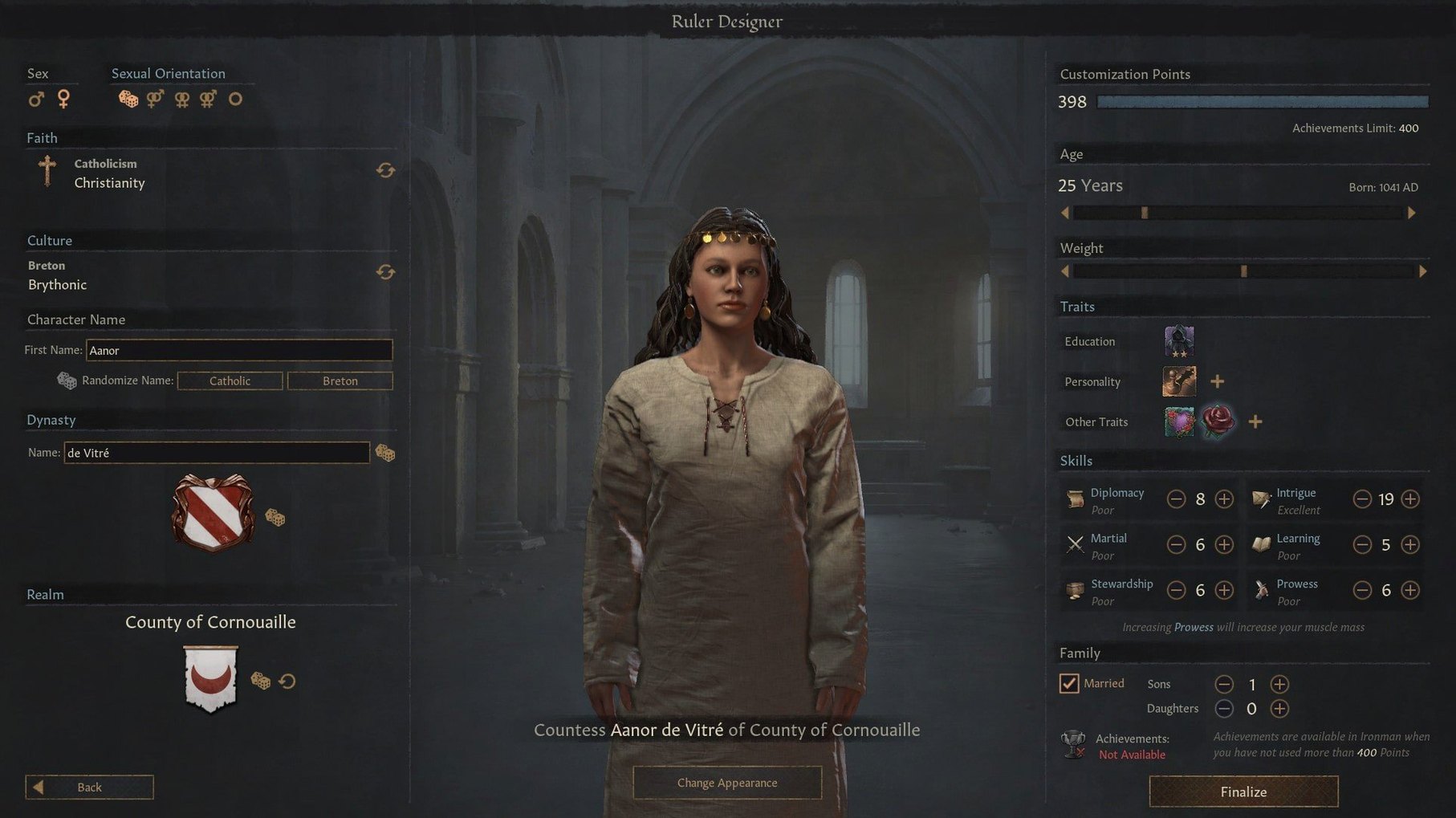
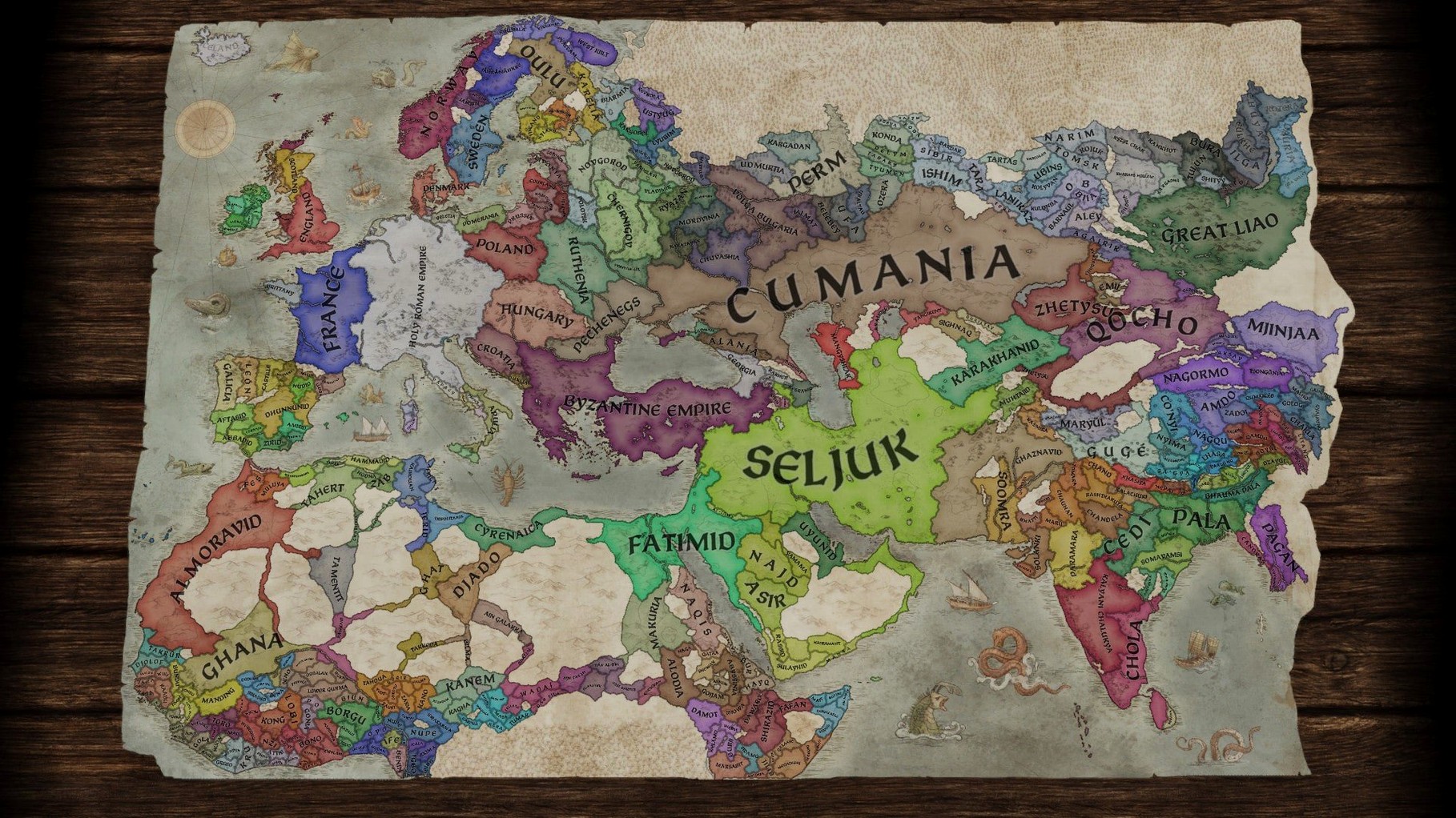
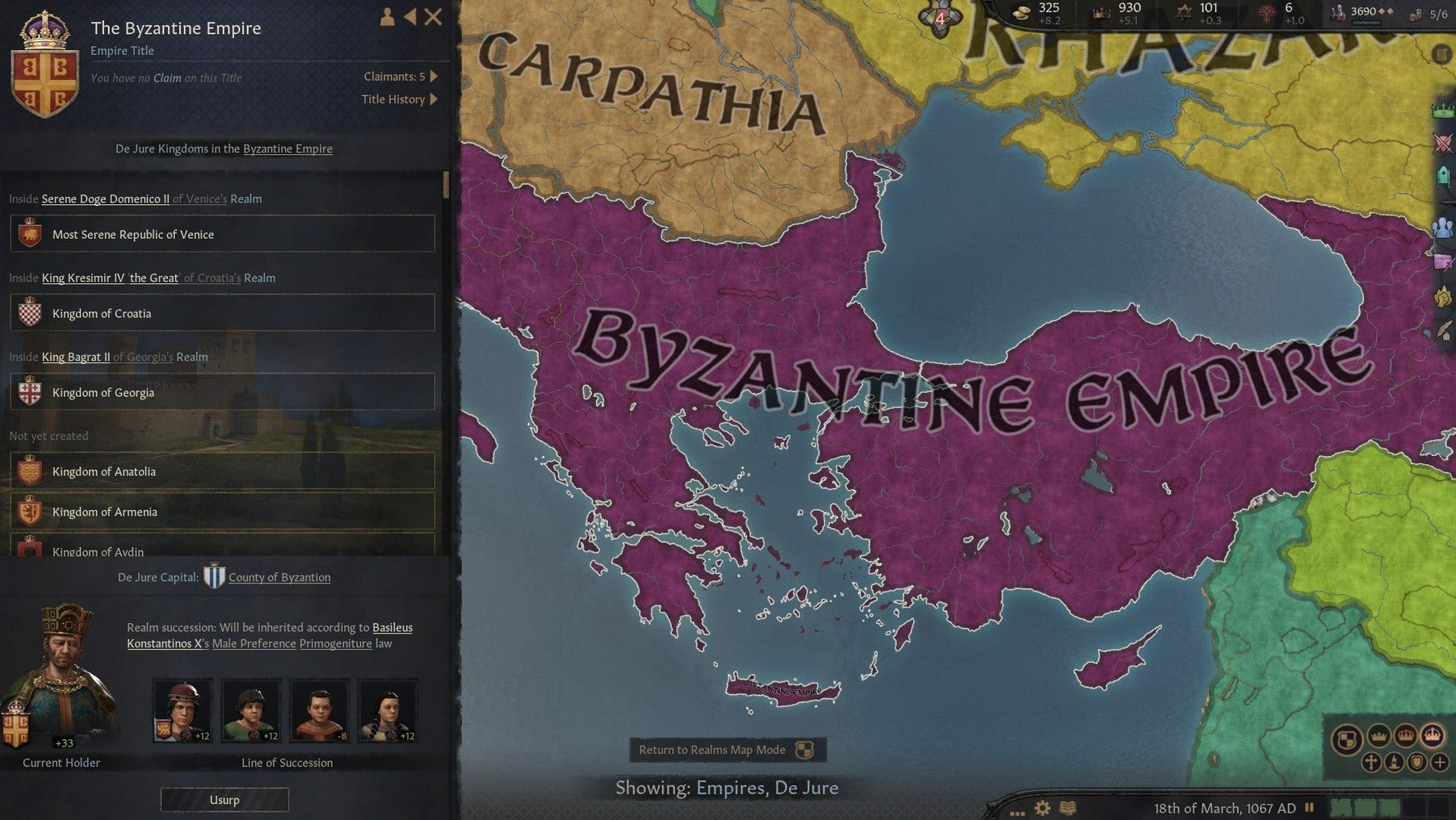
Crusader Kings 3 is a medieval grand strategy and role-playing game about building and ruling a dynasty, and the minute-to-minute reality is closer to a medieval management simulator than a battle map.
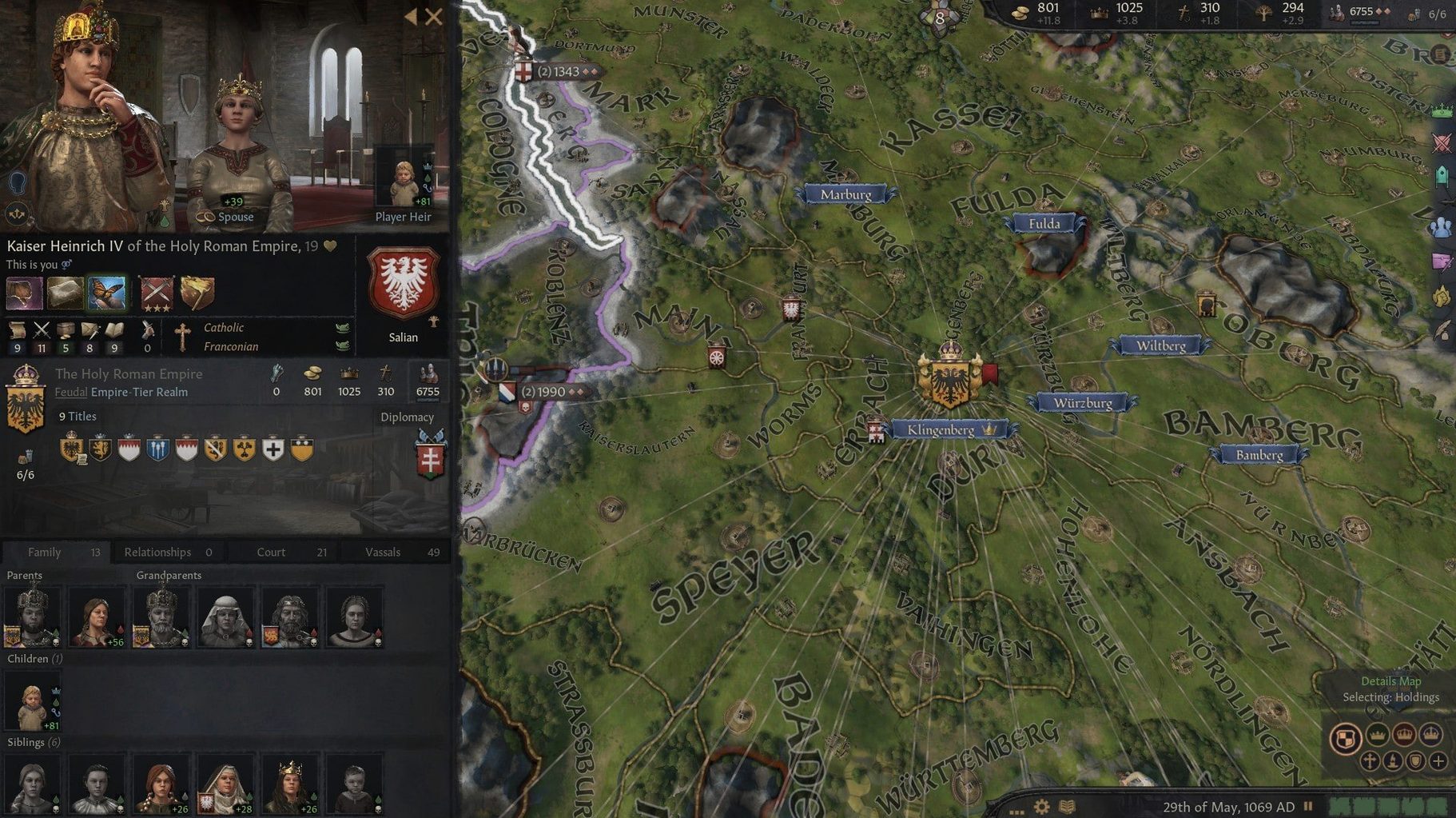
Balancing holdings, budget, and vassal contentment
| Detail | Value |
|---|---|
| Developer | Paradox Development Studio |
| Genre | Grand strategy / RPG |
| Version | 1.19.0.6 |
| Setting | Medieval |
| Architecture | Intel |
Most of your time goes into personal domain management — assigning holdings, balancing the budget, keeping your vassals content. Diplomacy matters as much as warfare; you arrange marriages, negotiate alliances and settle succession disputes before they become civil wars. The role-playing layer sits underneath it: your ruler has traits, relationships and ambitions, and those shape which diplomatic or military options make sense. It is a sequel in the Crusader Kings series, so the core loop of scheming, marrying and occasionally going to war will feel familiar. The current version fixes an issue that made epidemics and natural disasters less lethal than intended, so plagues now hurt as they should.
Managing mods and settings through the Paradox Launcher
The game runs through the Paradox Launcher, which handles updates, mod management and settings profiles. On macOS you can keep the launcher in the background and switch to it when you need to tweak the active mod list or verify file integrity. The launcher itself is a separate process, so if you prefer a leaner workflow you can quit it after the game starts — Crusader Kings 3 does not need it running once the main menu loads.
macOS Mission Control and Stage Manager work as you would expect. The game runs in fullscreen or windowed mode, and windowed mode makes it straightforward to keep a browser or a notes app visible on a second monitor for reference material — dynasty trees, event guides or your own planning notes. The game does not use macOS-native notifications, so you will not get interruptions from the OS while a siege is in progress.
If you use multiple desktops, the game stays on whichever space you launch it from. Switching away and back is quick; the game pauses automatically when you tab out unless you change the setting. That behaviour is useful for players who like to alt-tab to check character stats or read event descriptions without losing their place in the game's clock.
Mods from the Steam Workshop integrate through the Paradox Launcher's mod manager. The launcher downloads and installs mods into the standard ~/Documents/Paradox Interactive/Crusader Kings III/mod/ folder, which is also where you can drop manual mods. The folder structure is the same as on Windows, so modding instructions written for the PC version apply here without adjustment.
Focusing on years between battles, not real-time tactics
Compared to Total War: MEDIEVAL II, Crusader Kings 3 is less about real-time battles and more about the years between them. Total War gives you tactical control of armies on the battlefield; Crusader Kings 3 resolves combat through a system of unit counters and dice rolls, with no direct battlefield input. If you want medieval strategy focused on diplomacy, intrigue and character development, Crusader Kings 3 is the better fit. If you want to command troops in real time, Total War remains the option.
Against EUROPA UNIVERSALIS IV, also from Paradox, the difference is scope. EU4 covers the early modern period and emphasises trade, colonisation and state management at a national level. Crusader Kings 3 zooms in on individual rulers, their families and their personal relationships. EU4 is a map-painting game with spreadsheet depth; Crusader Kings 3 is a character-driven soap opera with a map attached. Players who enjoy the role-playing side of grand strategy will find more to sink into here.
FIELDS OF GLORY: KINGDOMS is a smaller-scale alternative that focuses on turn-based tactical battles and light kingdom management. It lacks the dynasty simulation, the event chains and the depth of vassal politics that define Crusader Kings 3. If your interest is solely in medieval warfare, Fields of Glory covers that ground efficiently. If you want the full feudal experience — marriages, murders, inheritances and crusades — Crusader Kings 3 is the deeper game.
Finding marriage candidates with the character finder tool
- The character finder tool lets you search for any living character by traits, age, gender, rank and location. It is the quickest way to find a suitable marriage candidate or a courtier with a specific skill.
- Right-clicking a character portrait opens a context menu with all the major interactions — scheme, seduce, murder, befriend, declare war — so you do not have to dig through menus.
- The outliner panel on the right side of the screen lists ongoing wars, active schemes, pending decisions and important characters. You can collapse it or adjust its contents in the settings.
- Holding the mouse over any terrain tile in the map view shows the county's development level, control value and the holdings inside it. Useful for planning where to build or march.
- The game remembers your last-selected character filter in the ledger, so you do not have to re-select "my realm" every time you open it.
Auto-pausing on important events to avoid frustration
Before you start a serious campaign, a few settings can save you time and frustration. Open the game's settings menu from the launcher or the main menu and look for these:
- Auto-pause on important events — enabled by default, but you can adjust which event types trigger a pause. Turning off auto-pause for minor notifications keeps the game moving during peacetime.
- Map mode shortcuts — the game assigns hotkeys for map modes (terrain, diplomatic, realm, culture, religion and so on). Learning or reassigning these early saves repeated clicks later.
- Message settings — you can configure which messages pop up as windows, which appear in the log and which are suppressed entirely. Reducing the pop-up volume for routine events like "vassal builds a building" keeps the screen clear.
- Autosave interval — the default is every year, which is safe but slow on older Macs. Setting it to every five years reduces save-time interruptions if your drive is not an SSD.
These adjustments do not change the game's difficulty, but they make the hours spent managing your dynasty feel less cluttered. Crusader Kings III lets you shape a medieval dynasty through intrigue and war, and its Mac configuration files match the crusader kings 3 download torrent setup exactly.
Changes in this build
- Fixed an issue preventing players from manually inviting agents to schemes.
- Fixed an issue causing epidemics and natural disasters to be less lethal than intended.
Before it goes on the Mac
- macOS version not specified by the developer
- Intel architecture
Questions from the room
What is the primary gameplay in Crusader Kings 3?
The focus is on ruling a dynasty through a mix of grand strategy and role-playing: managing domains, diplomacy, and the personal traits of your ruler.
Does Crusader Kings 3 involve more than warfare?
Yes, diplomacy and personal domain management are central to successful rule, alongside military actions.
What changed in version 1.19.0.6?
It fixes an issue where epidemics and natural disasters were less lethal than intended, and also fixes a problem preventing players from manually inviting agents to schemes.
Installing it on the Mac
- Mount the disk image and copy its contents to the Applications folder.
- Run ParadoxInstaller.
- After installation, check for Paradox Launcher; if it does not appear, run the provided ParadoxLauncher file.
- Launch ck3.app.
Notes from the control room
Sign in or open a catalogue account to leave a note.
No notes from the room yet. If you have used this build for a week, a short note helps the next person.