Home › Games › Chilla's Art Missing Children
Chilla's Art Missing Children 1.0 (Mac)
Updated
The catalogue note
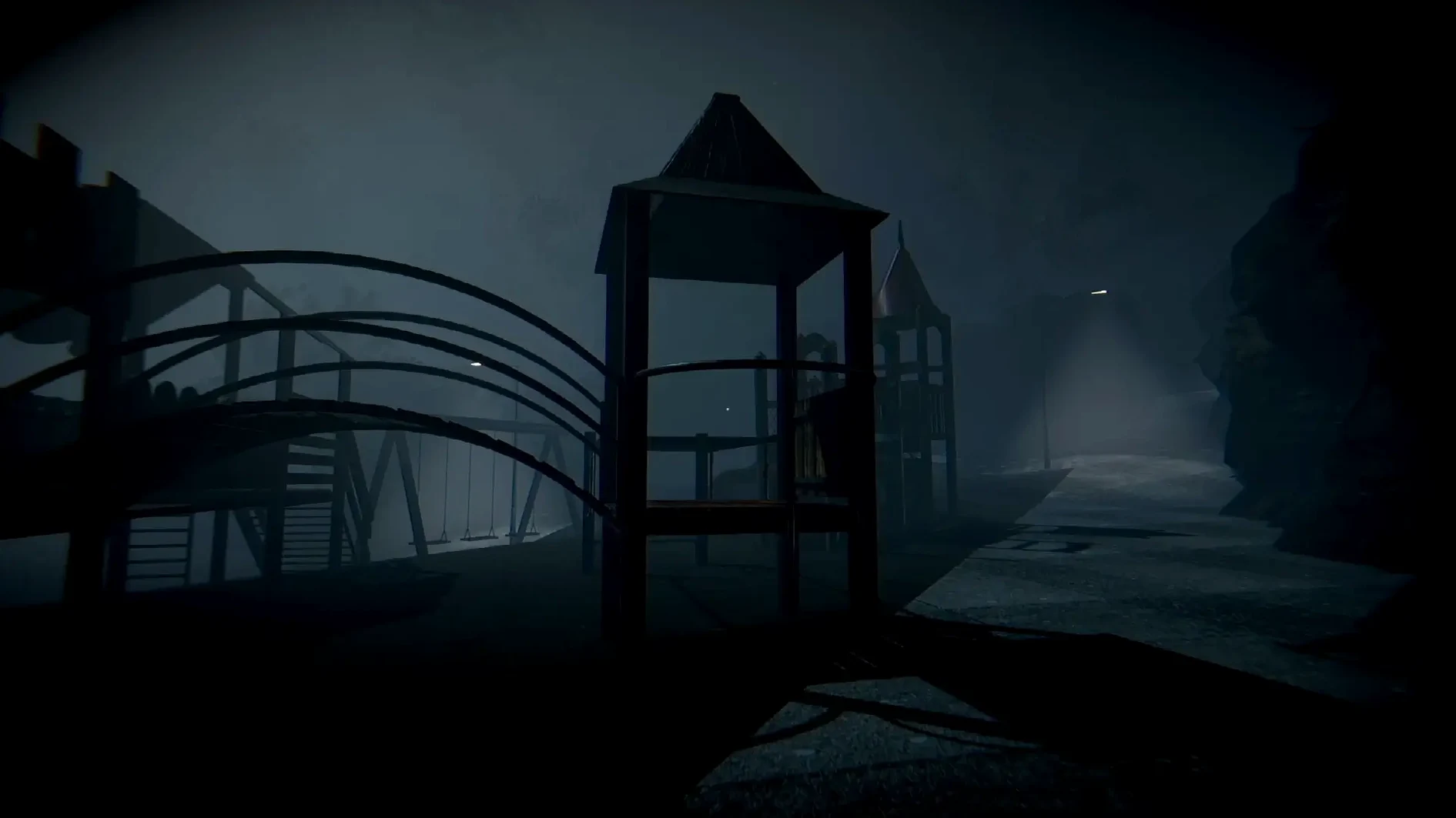
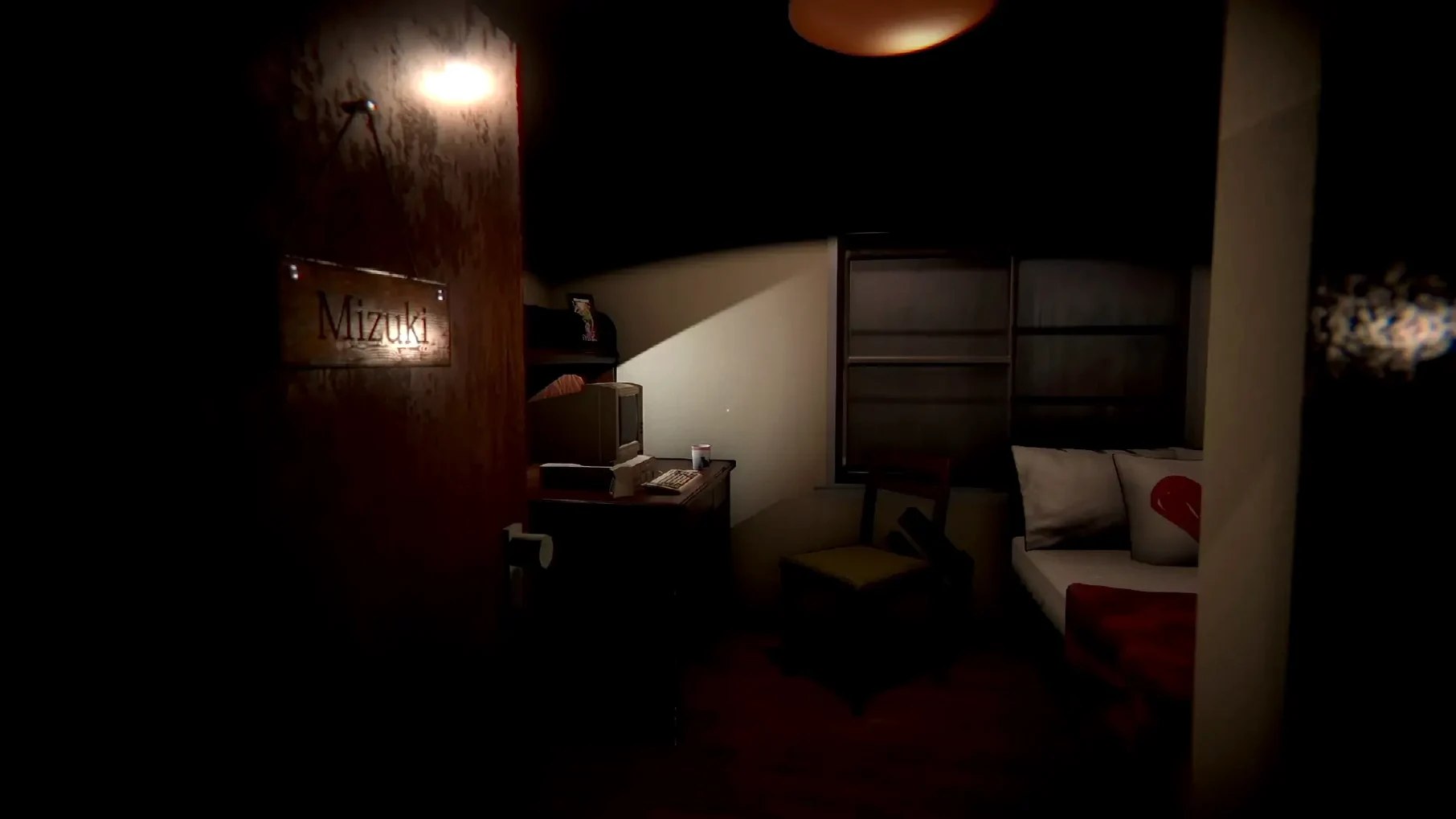
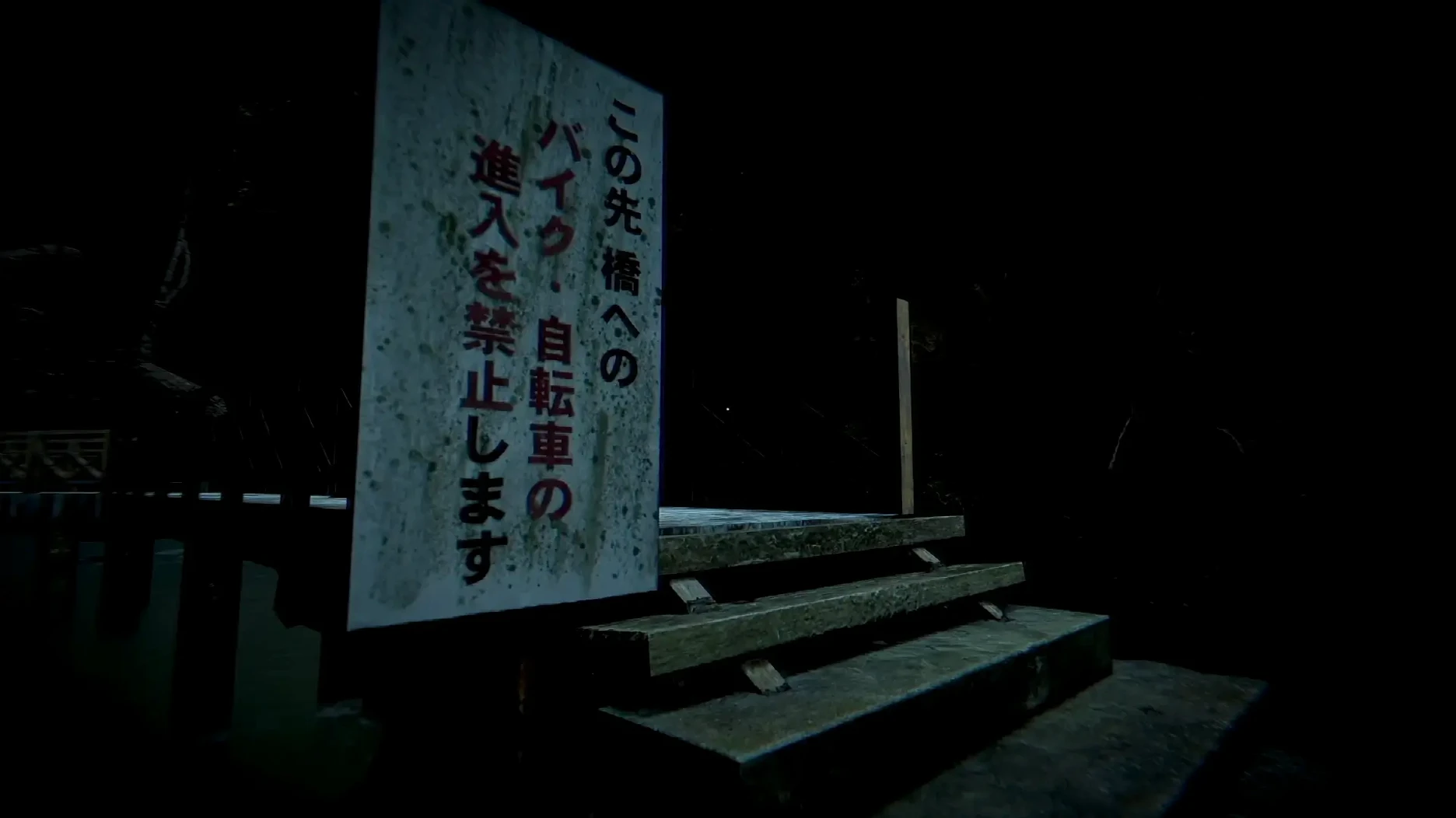
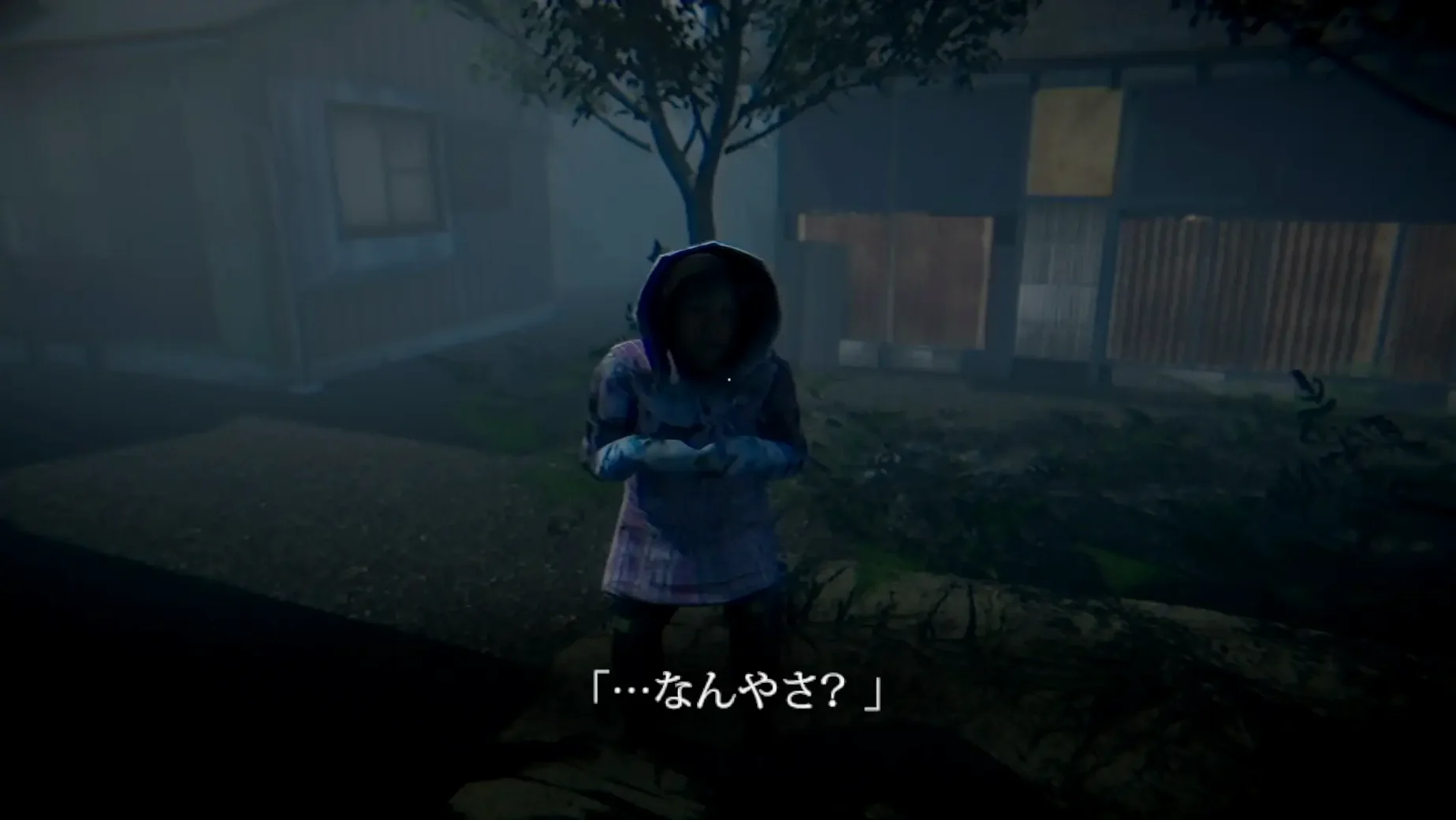
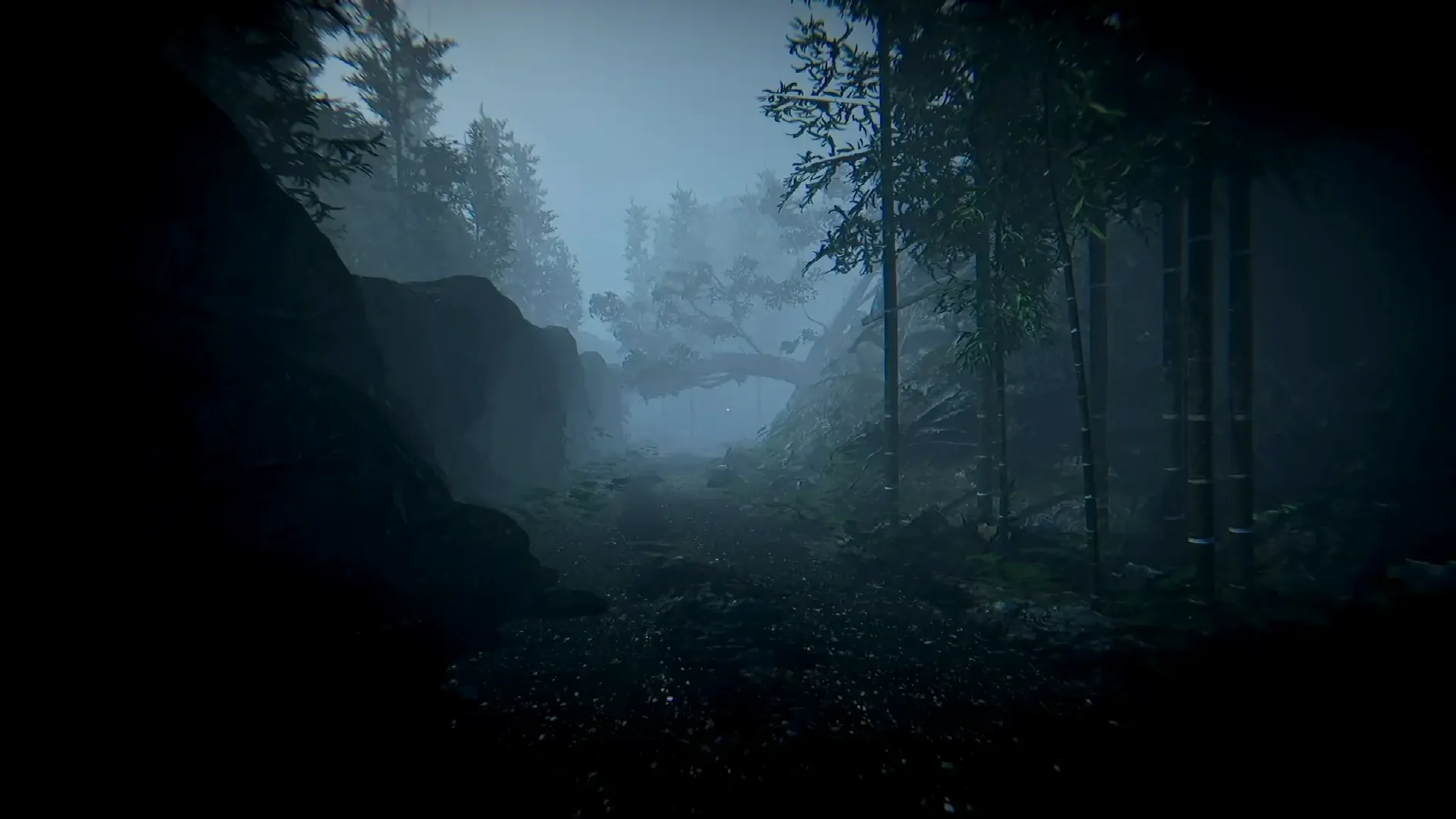
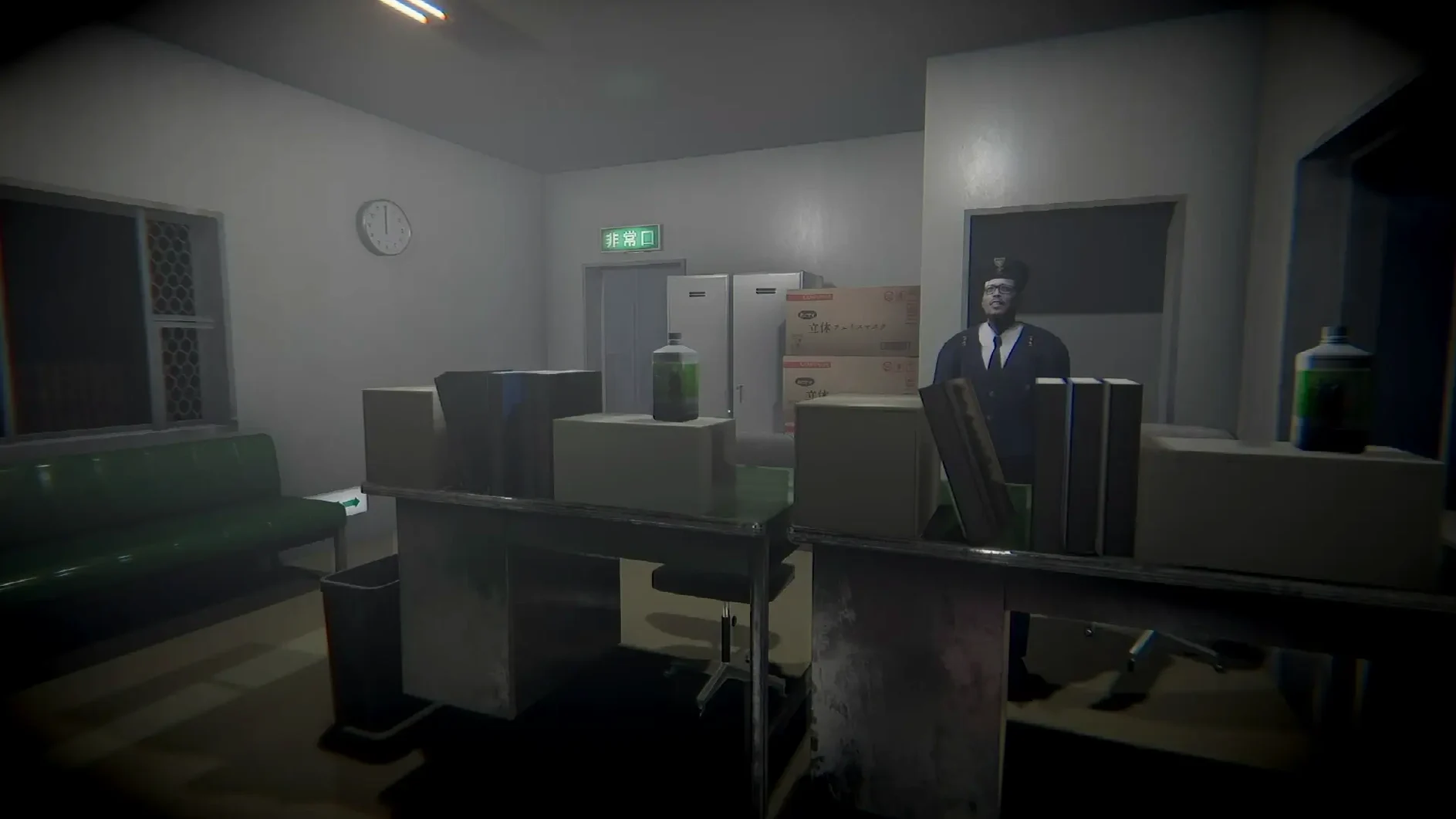
A playthrough of Chilla's Art Missing Children runs forty to sixty minutes. You move a detective through a small, rain-soaked Japanese town, looking for kids who have vanished. The game is horror-adjacent — it builds atmosphere through fixed camera angles, dim interiors and sparse sound design, more J-horror film than jump-scare arcade. Here is what you actually do minute to minute:
- Walk through empty streets and rooms, examining objects that glow or stand out; each interaction adds a line to a notebook.
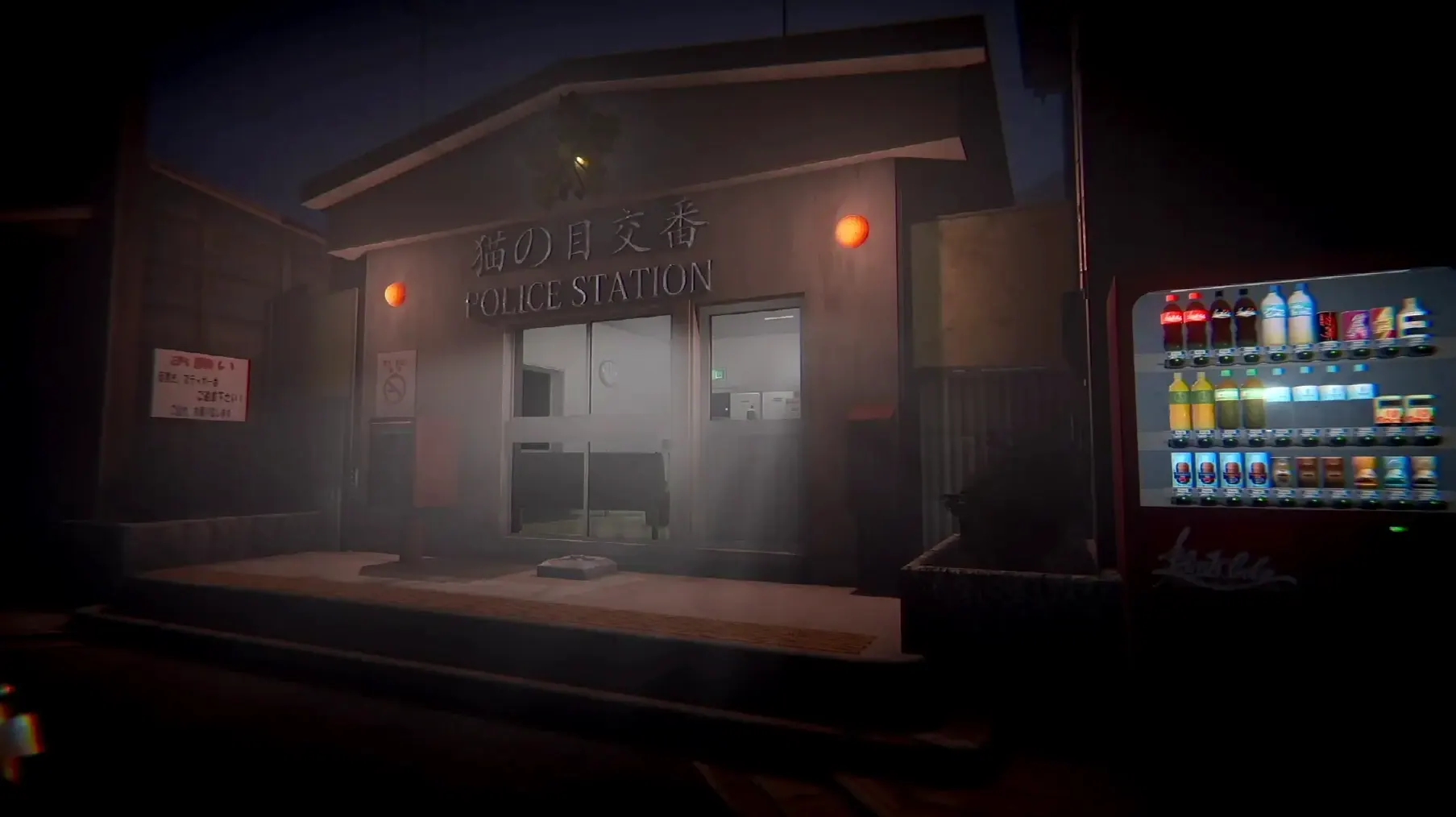
- Return to the police station to save manually; there is no auto-save, so that desk is your only checkpoint.
- Read notes and diary entries that piece together what happened to each child; the story unfolds through text rather than cutscenes.
- Navigate a few locked-room puzzles — find a key, open a door, move to the next area.
- Watch for subtle environmental changes that hint at something following you; the threat is implied, not shown directly.
The game is short, linear and designed for one sitting. It runs on Apple Silicon (tested on macOS Tahoe with an M4 Mac mini). If it refuses to launch, a Fix file is included in the disk image. If it refuses to quit, Option+F4 or Command+Option+Escape usually works.
One playthrough, start to finish
Mount the disk image and drag Chilla's Art Missing Children into Applications. Open it from Launchpad. If a black screen or error message appears, quit the app, go back to the disk image and run the Fix file once; then relaunch. You should now see the language selection screen — English or Japanese — before the title menu appears.
Start a new game. You are a detective in a raincoat, standing outside a police station. Move through the first few rooms to get used to the fixed camera and the slow walking pace. Pick up the notebook near the desk. Every object you can interact with has a subtle highlight — a drawer, a photograph, a note pinned to a board. Click it, read the text, and the notebook updates.
The first child's disappearance leads you to a residential street. Houses are locked; you need keys. Keys are found in gardens, under mats, in bins. Open a door, enter a darkened living room, scan for the next clue. The game does not tell you where to go — the notebook entries give you street names and building descriptions. You match them to the map on the station wall.
Mid-game, the atmosphere shifts. Lights flicker. A door that was open is now shut. You hear a sound behind you but turning around shows nothing. This is the J-horror part — dread without a monster on screen. Keep moving. The second ending requires you to have read every note and diary page. Miss one, and you get the first ending. The game saves only at the station desk, so if you want both endings in one session, save before the final sequence.
No updates, no patches, only a Wineskin wrapper
Version 1.0 is the only release. There are no patches, no updates, no bug fixes. The game ships as a Wineskin wrapper, which means it runs through a translation layer rather than a native port. That has not changed since June 2020.
In practice, this means:
- The Fix file in the disk image is still your first troubleshooting step — run it once before playing.
- Quitting the game via the in-game menu sometimes hangs. Option+F4 or Command+Option+Escape is the reliable fallback.
- The interface language is set before the game starts, not inside it. Choose English or Japanese on the first screen.
- The soundtrack counts as the audio language. There is no voice acting — just ambient sound and music.
- Activation is not required. Drag, run, play.
Nothing has been added or removed. What you download today is what was released in 2020, tested on macOS Tahoe with Apple Silicon and working as intended.
Forty minutes, a black screen, then the language selection
It is late evening. You have forty minutes. You open Launchpad, click the Missing Children icon. The screen goes black for a few seconds — the Wineskin wrapper loading. Then the language screen appears. You select English, press Start.
You are at the police station. The rain sound is steady. You walk through the hallway, open the first door. A desk, a filing cabinet, a photograph of a girl. You click the photograph. The notebook opens with a description: "Miyu, age 8, last seen near the shrine." You close the notebook and leave the station.
The street is empty. Street lamps cast pools of light on wet pavement. You move left, then up. A house with a blue door. The door is locked. You walk around the side — a key under a flowerpot. Back to the blue door, use the key, enter. Inside is dark. A table, a drawer, a child's drawing on the wall. Click the drawing. The notebook updates: "Miyu drew this at school. The figure in the corner is not a teacher."
You exit the house. The street looks the same but the rain sounds louder. You walk past the same lamp twice — the game loops the area until you trigger the next clue. You find a note in a phone booth. It mentions the shrine. You go to the shrine. The gate is open. Inside, a single shoe on the ground. Click it. The notebook fills in the last line.
You return to the station. Save at the desk. Walk to the final room. The ending plays. You watch the credits. The game closes itself — or it hangs. You press Command+Option+Escape, force quit, and the session is done. Forty minutes exactly.
Before it goes on the Mac
- macOS ?
- Architecture: Apple Silicon
- Interface languages: English, Japanese
Questions from the room
How do I save my progress?
You can only save manually at the police station desk. There is no auto-save feature.
What languages does the game support?
English and Japanese.
Installing it on the Mac
- Mount the downloaded disk image and drag the app to the Applications folder alias.
- Open the app from Launchpad after the copy finishes.
- If the game shows an error at launch, run the Fix file located in the disk image.
- If the game does not quit normally, use Option+F4 or Command+Option+Escape.
Notes from the control room
Sign in or open a catalogue account to leave a note.
No notes from the room yet. If you have used this build for a week, a short note helps the next person.