Updated
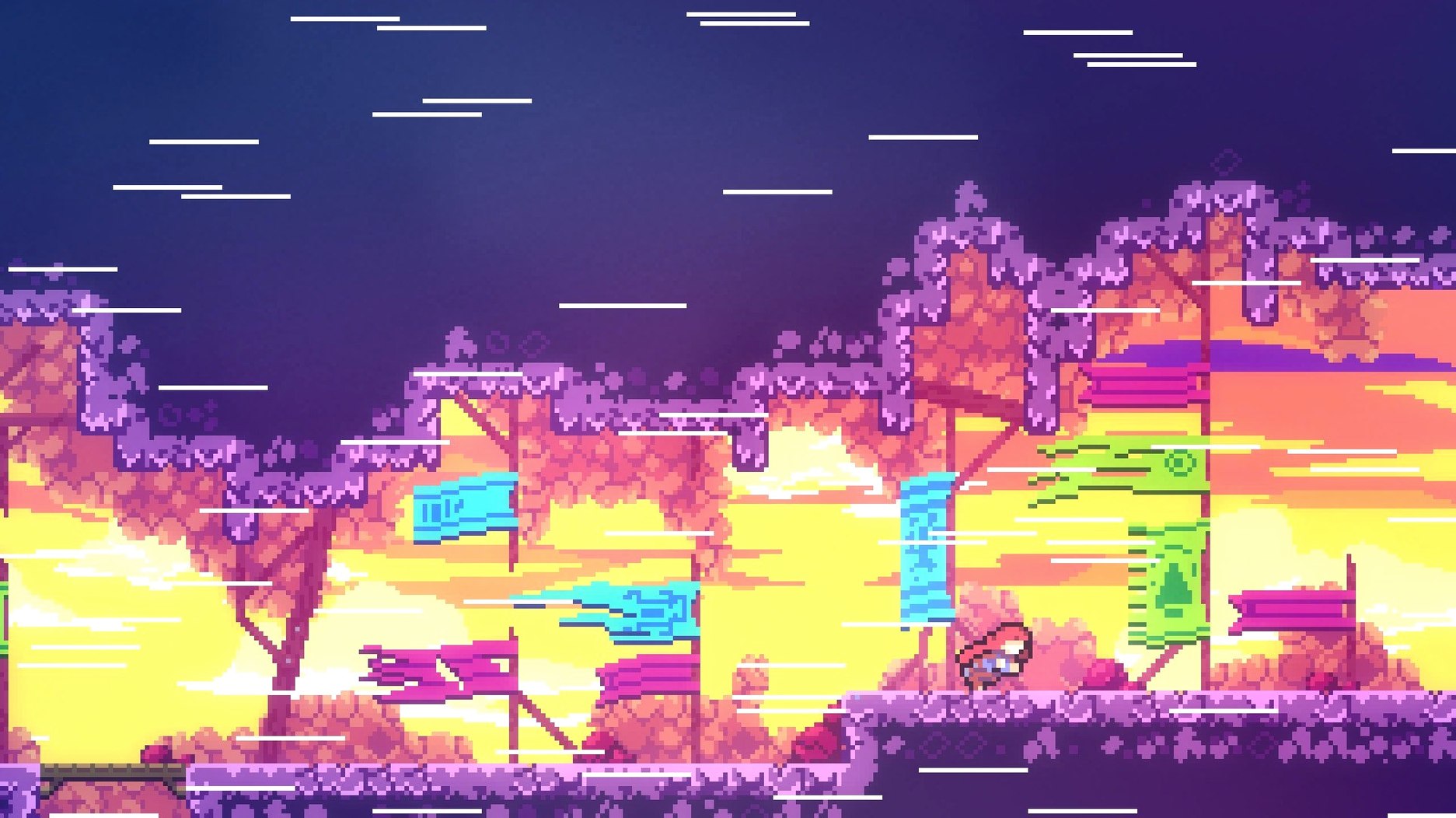
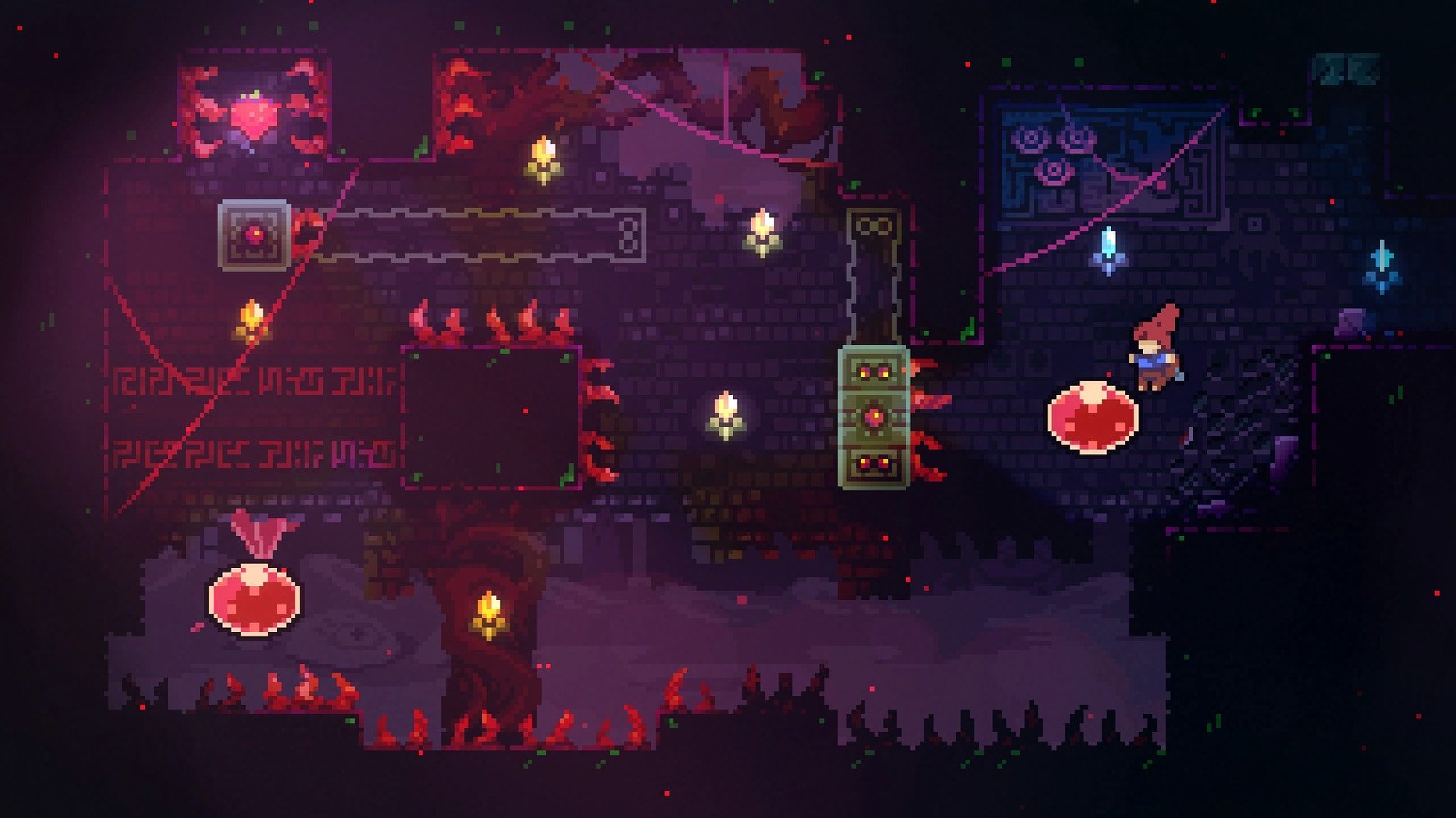
The catalogue note
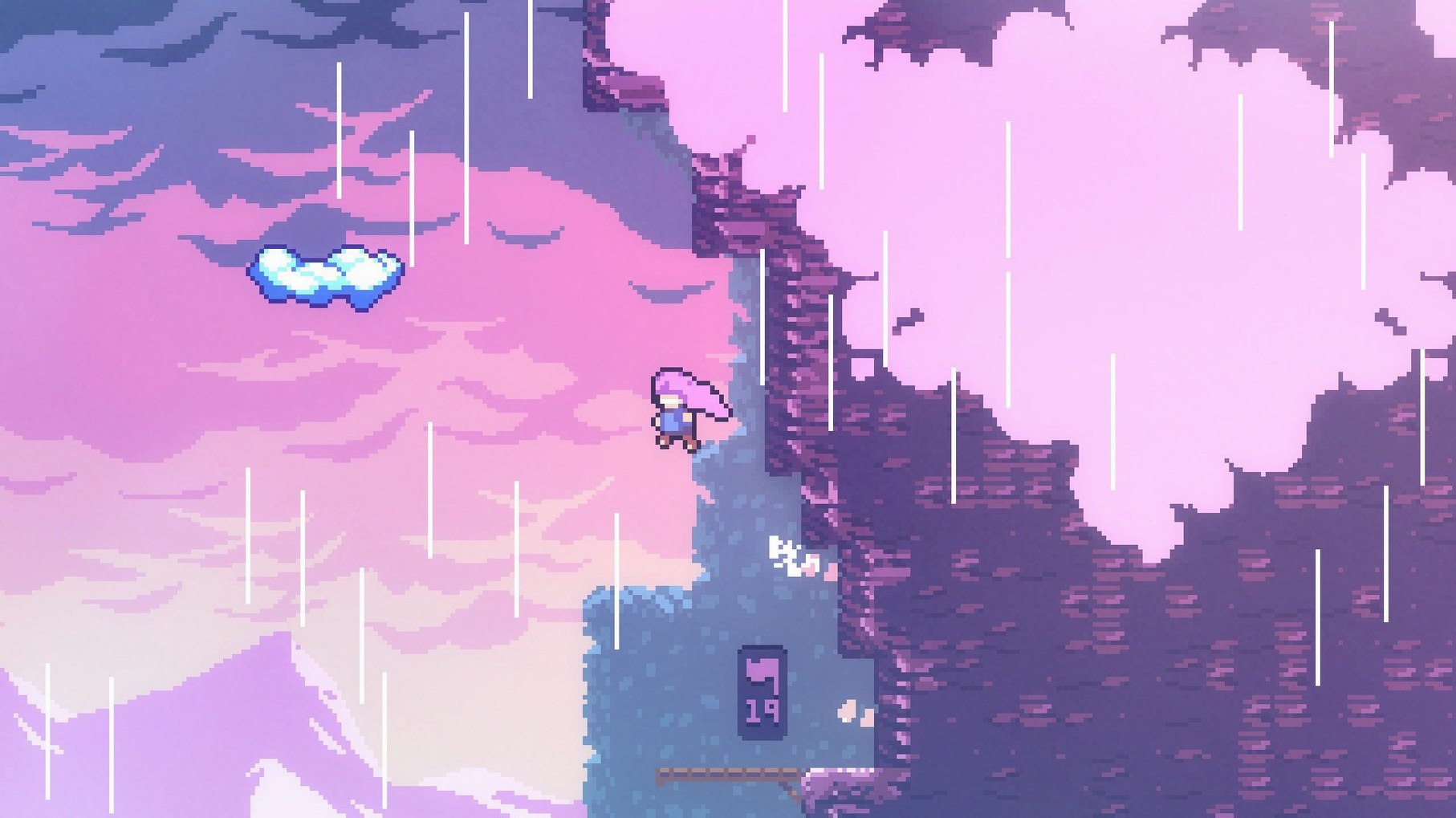
You sit down on a Friday evening, launch Celeste, and within minutes Madeline is dying, a lot. The first screen teaches you to jump, dash, grab, and then it kills you. You respawn instantly, try again, reach the top of that room, and the game moves on. This is the loop for most of its 700 screens.
Celeste works best if you enjoy twitch platformers with precise controls and a steady difficulty curve. The game never feels unfair: when you die, it is usually your timing or your route. The assist mode is there for anyone who needs it, but the intended experience is one of repeated failure followed by small victories. If you have the patience for that kind of game — and you appreciate pixel art, a chiptune soundtrack, and a story that does not get in the way — Celeste is one of the better titles in the genre.
The difficulty is genuine, and the later chapters and bonus content raise it further. On the technical side, the Mac version runs on Intel hardware only, supports a wide range of interface languages, and launches best with a US keyboard layout active.
Stop using the dash as a panic button
New players often treat the dash as a panic button. They press it the moment they see a gap, then find themselves mid-air with no way to correct course. The dash is limited per jump — you get one, then you need to touch ground or a wall to refresh it. Learning to hold it until you have read the room layout saves more lives than quick reflexes.
Another frequent error is ignoring wall grabs. Madeline can cling to vertical surfaces and slide down slowly. Beginners jump away from walls too early, missing the chance to climb higher or reposition before the next dash. Practice staying on the wall for a beat longer. The slide is predictable, and you can time your jump off it once you know the rhythm.
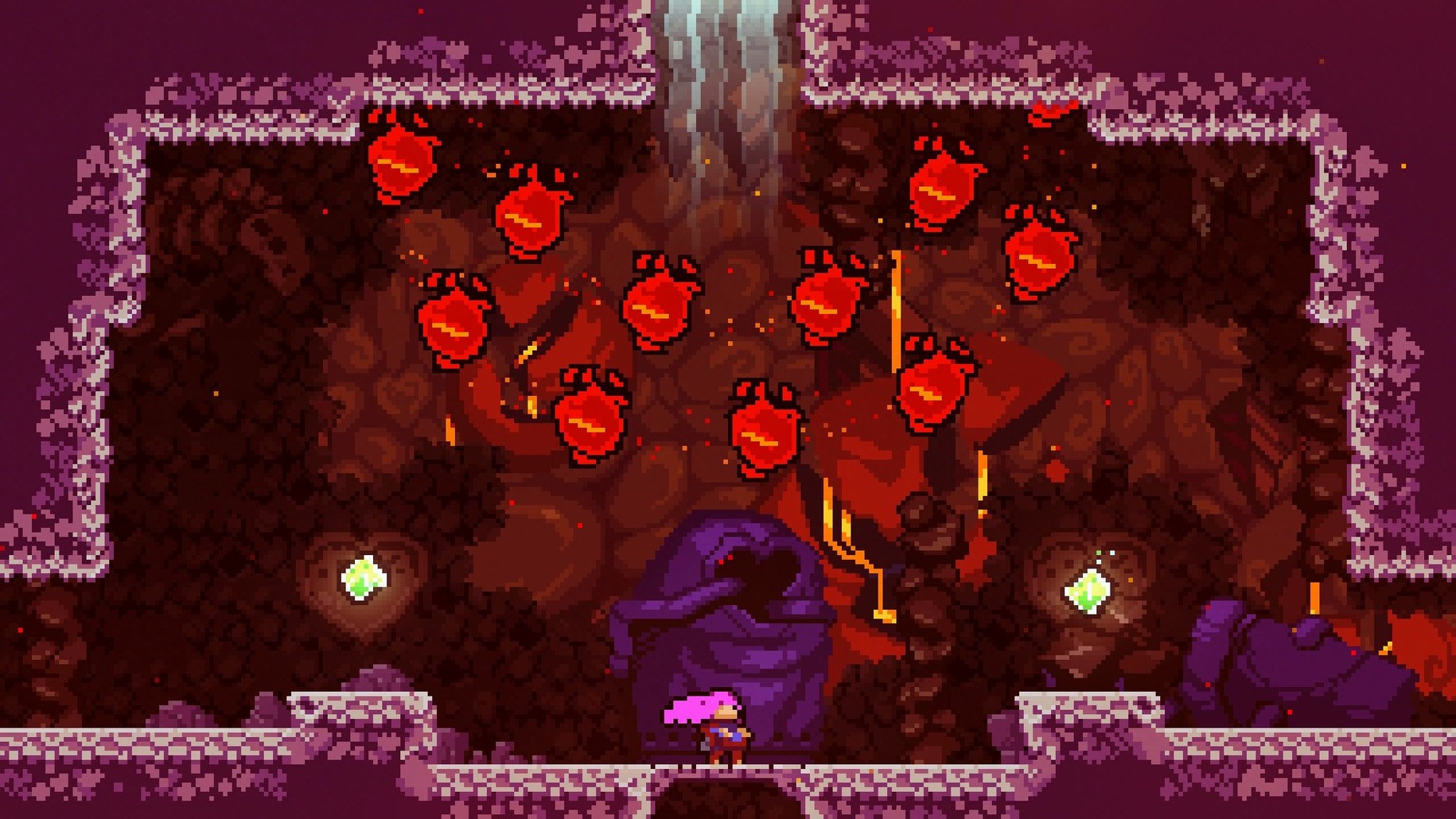
Some players skip the bonus strawberries and hidden areas, thinking they are optional fluff. They are not required to finish the game, but several of them teach movement techniques that reappear in later chapters. If you find a strawberry that requires an extra jump or a wall-bounce, take the detour. The game is teaching you something.
A smaller but noticeable mistake: using a non-US keyboard layout at launch. The game expects certain key bindings, and a different layout can remap controls unexpectedly. The install notes mention this for a reason. If your controls feel off, check your input method before blaming the game.
Quit while you still want the next screen
- After that time, reaction quality drops and frustration creeps in. Stop while you still want to play the next screen.
- Use the first chapter to learn the dash reset rule. Every time Madeline touches a solid surface — ground, wall, moving platform — her dash refills. Internalise this before you reach the second chapter. It is the core mechanic for everything that follows.
- Do not rush to the end of a room. Celeste rooms are small puzzles. Spend a few deaths exploring the layout: where are the walls, the spikes, the safe platforms. The solution is often visible once you stop reacting and start watching.
- If a screen feels impossible, try a different approach. The game rarely has a single solution. Maybe you can wall-bounce earlier, or skip a platform altogether. Experiment for five attempts before you look up anything.
- Leave the assist mode off until you have hit a genuine wall. The game is designed around dying. Using invincibility or infinite dashes early robs you of the satisfaction. Save those options for the post-game content or a specific screen that has stopped being fun.
Mount the disk image and set your keyboard layout first
Here is a start-to-finish approach for your first real session, covering the beginning of Celeste Mountain.
- Mount the downloaded disk image and drag the game to your Applications folder. Launch it with a US keyboard layout active. The game starts at the base of the mountain with no tutorial text — just Madeline and the first screen.
- Move right. Jump over the first gap, then dash across the larger one. Grab the wall on the far side. Climb up. This first room exists to teach you the three basic actions. Do not skip it.
- The second room introduces spikes. Wait for the moving platform, ride it up, jump over the spikes, dash to the exit. If you die, you respawn at the start of the same room. Use the death as information: you jumped too early or dashed too late.
- By the third room, the game adds falling blocks that crumble when you stand on them. Stand briefly, then jump to the next platform. Do not linger. This teaches you that surfaces are not always permanent.
- Continue through the chapter. When you reach a room with a bird, watch what it does — it mirrors your movement and hints at the intended path. Follow it.
- At the end of chapter one, you meet a mirror. The game saves automatically. Otherwise, proceed to chapter two, which introduces moving walls and tighter corridors. The same principles apply: read the room, use one dash per surface, die until you find the rhythm.
- After finishing chapter two, you have seen most core mechanics. The later chapters add new ones, but the workflow stays the same: observe, attempt, adjust, repeat.
No product version numbers or questions to rewrite here
Is celeste hard to get into if I am not good at platformers?
It is harder than Mario, easier than Super Meat Boy. The early screens are forgiving in their layout — wide platforms, few spikes, generous wall space. The difficulty ramps steadily, and the assist mode exists if you need it. Most players who stick with it for the first chapter can finish the main story. The bonus chapters are where the real challenge lives.
Keyboard controls work fine for the whole game
The keyboard controls are responsive and well mapped. Many players complete the entire game on a keyboard. A controller works too, but the game was designed with keyboard input in mind. Use whatever feels natural. The important thing is that the controls register your input without lag, which they do on both.
How long does it take to finish?
The main story is roughly eight to ten hours for a first playthrough, depending on how many deaths you accumulate. The hidden areas, bonus chapters and collectibles add another five to ten hours. There is no filler — every screen is a deliberate challenge. If you only want the story, you can skip most strawberries and still see the credits.
What is the deal with the story?
It is a quiet narrative about anxiety and self-doubt, told through brief dialogue scenes and environmental cues. Madeline talks to a mirror version of herself, meets an old woman on the mountain, and gradually confronts her inner demons. The story never pauses the gameplay for long. It runs alongside the platforming, and you can ignore it entirely if you only want the movement puzzles. But it adds context to the difficulty: the mountain is hard because Madeline is struggling with herself.
Does celeste need an internet connection or activation?
No. The Russian page states clearly that no activation is required. Once you have the disk image mounted and the game copied to Applications, it runs offline. No account, no launcher, no background processes. This is increasingly rare and worth noting.
Before it goes on the Mac
- macOS version not specified
- Intel architecture
Questions from the room
Does Celeste run on Apple Silicon Macs?
The game supports Intel architecture only. It may run under Rosetta 2, but that is not officially stated.
What languages does Celeste support?
Russian, English, German, Spanish, Italian, Simplified Chinese, Portuguese, French, and Japanese.
How long does it take to finish?
The main story covers roughly 700 screens. With bonus chapters and collectibles, playtime varies significantly by skill.
Installing it on the Mac
- Mount the downloaded disk image.
- Drag the game to the Applications folder alias.
- Launch the game after copying finishes.
- Use a US keyboard layout when starting the game.
Notes from the control room
Sign in or open a catalogue account to leave a note.
No notes from the room yet. If you have used this build for a week, a short note helps the next person.