Updated
The catalogue note
Card Shark was released on June 2, 2022, and the current build is 1.2.2206160951.56601 — an Intel (64-bit) binary tested on macOS Monterey with an M1 MacBook Air.
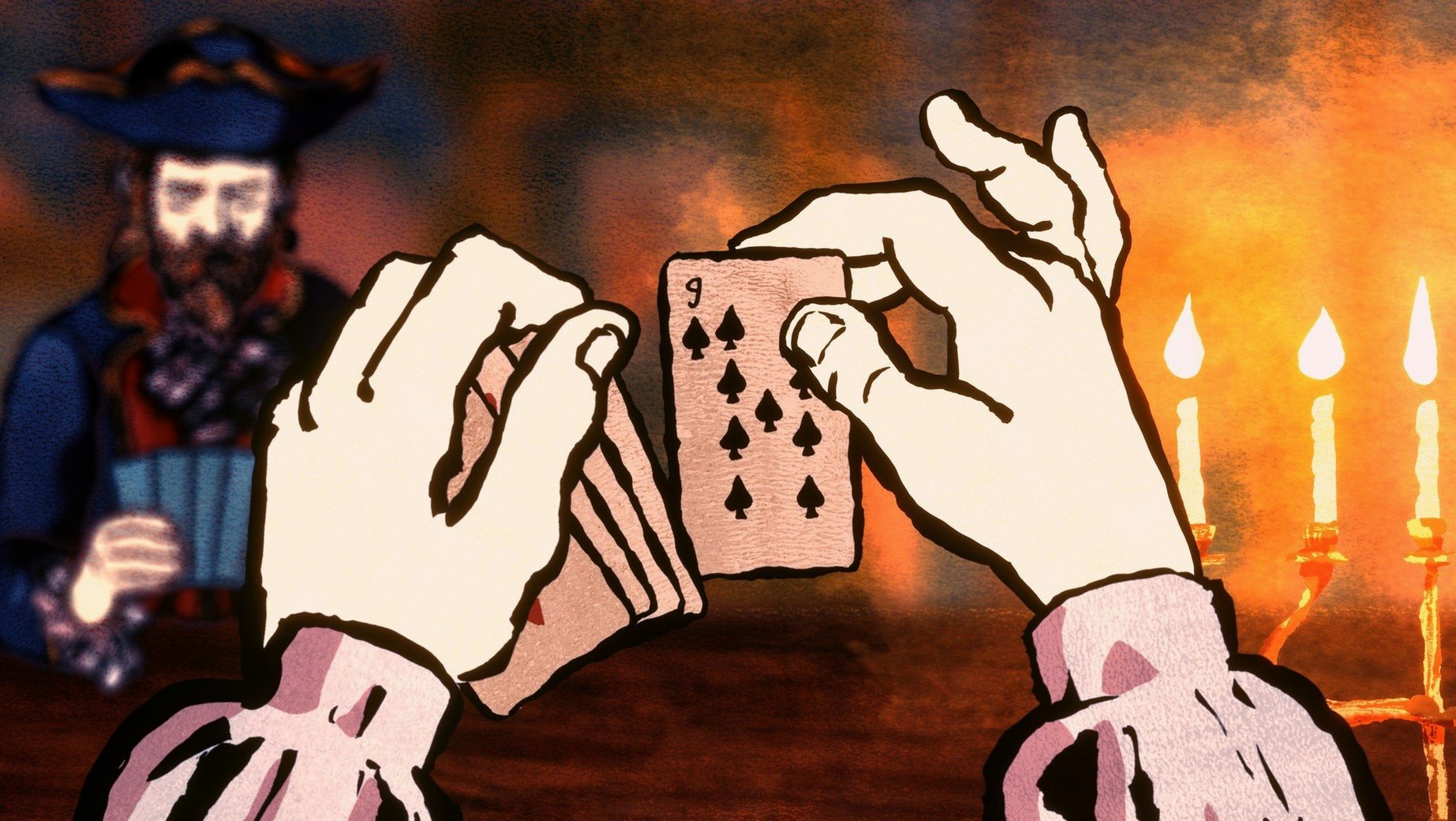
Campaign mode teaches two dozen card tricks in 18th-century France
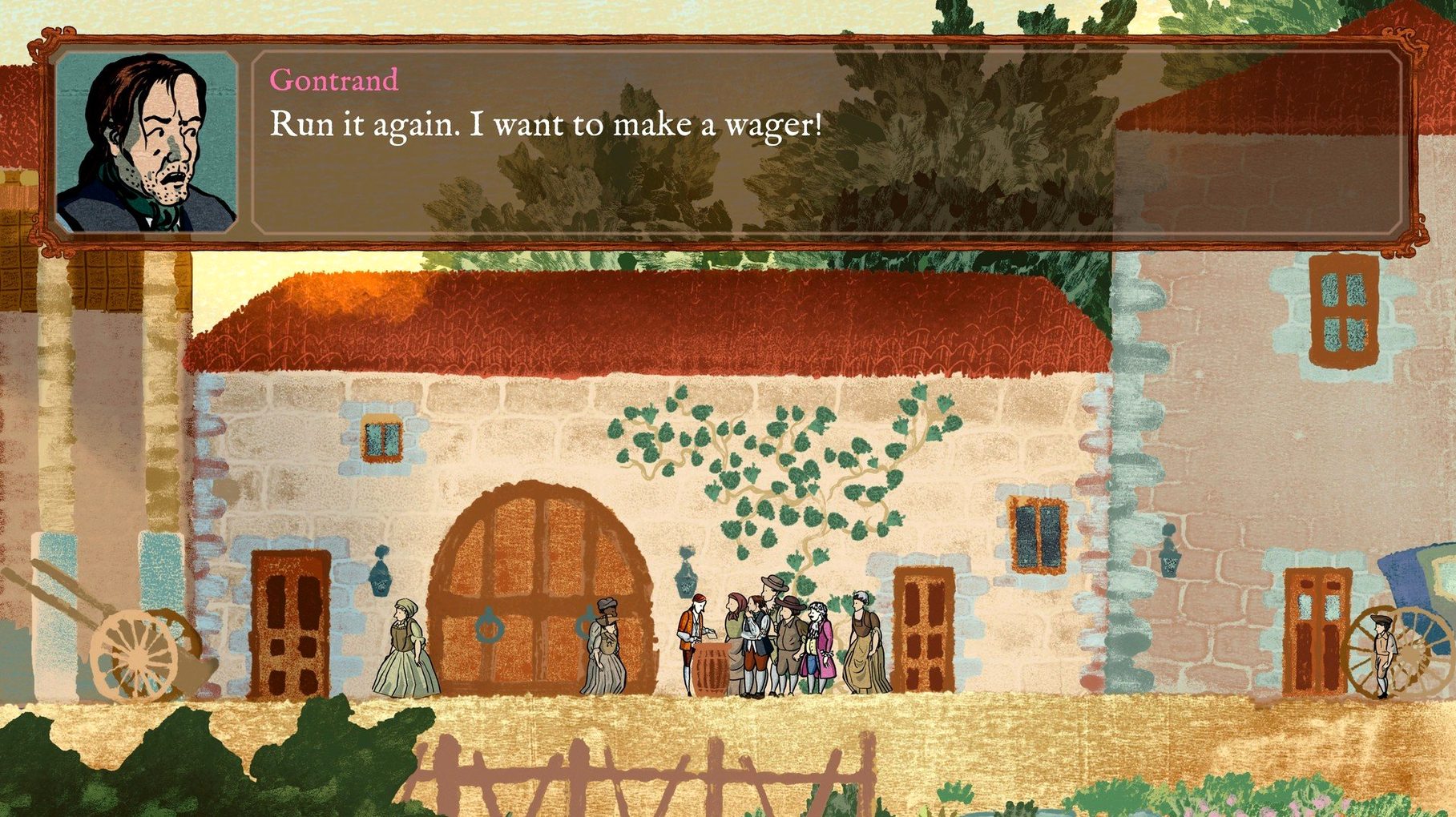
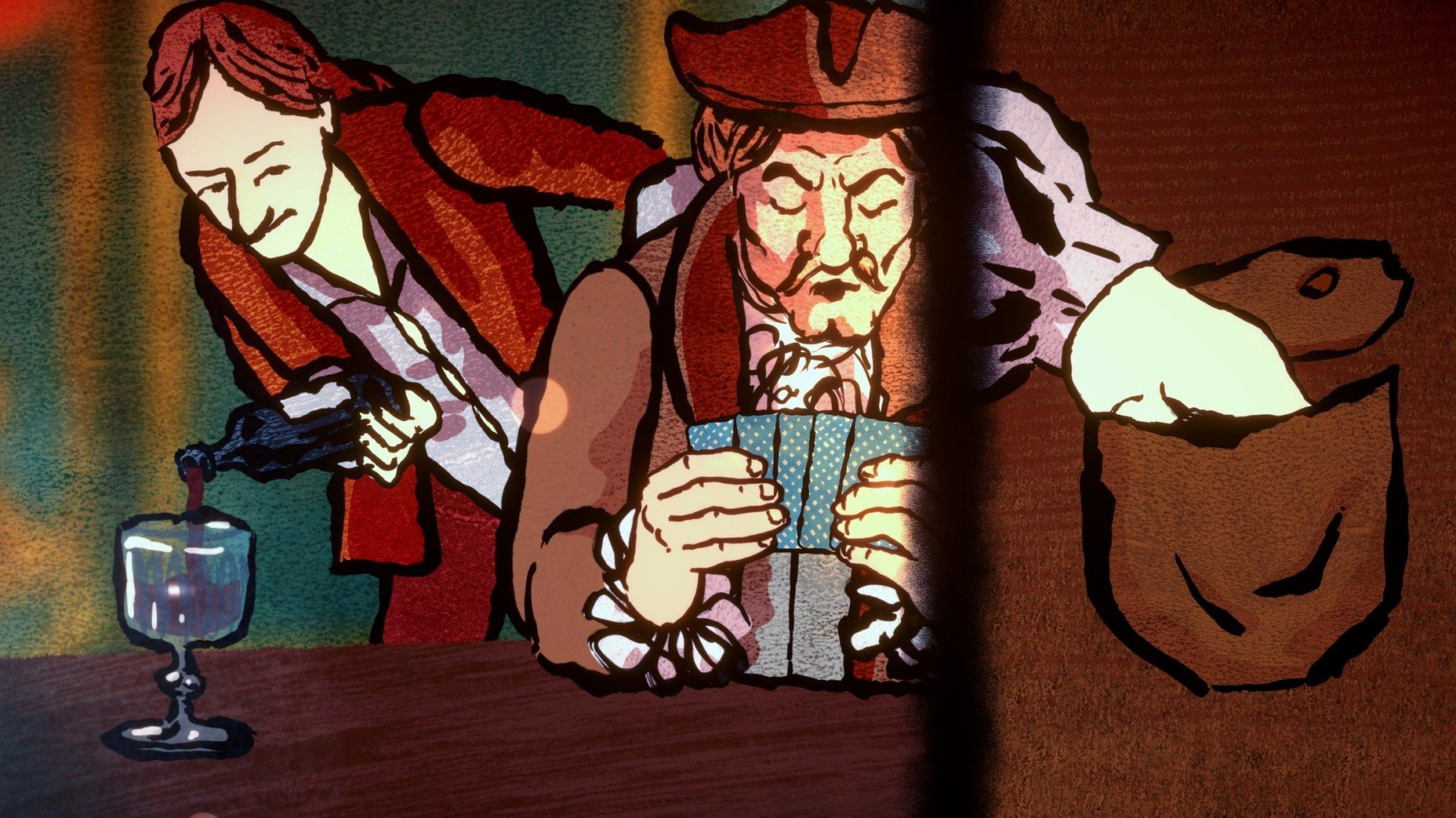
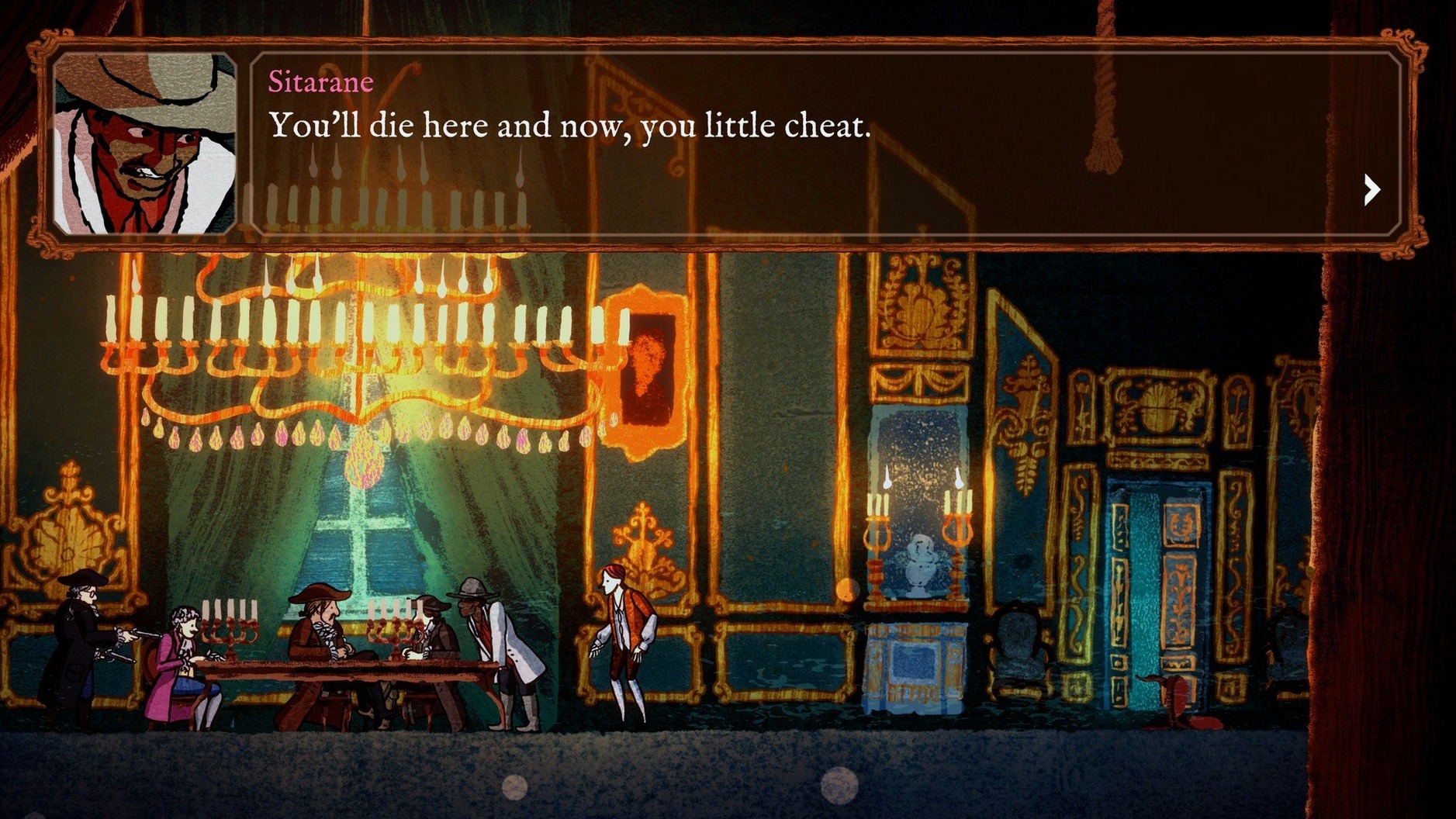
Campaign mode — The main story. You play as a cheat learning more than two dozen card tricks, each a mini-game of deception. Progress through 18th-century France, from taverns to Versailles.
Tricks and tells — Each cheat has its own gesture set and risk. Aristocrats can spot you, and retaliation is swift. The game tracks your reputation and the heat on your character.
Audio and atmosphere — The soundtrack is instrumental only. No voice acting, no dialogue audio. The music sets the period mood.
Interface languages — English, French, German, Spanish, Italian, Portuguese, Russian, Japanese, Korean, Traditional Chinese, Simplified Chinese.
Format note — It runs on Intel Macs natively. On Apple Silicon it works via Rosetta 2.
How it sits next to similar games
If you have played Regency Solitaire or Faerie Solitaire, you already know the card-game side of the genre — but Card Shark is a different animal. Those are pure solitaire variants with no narrative weight. Card Shark uses cards as the prop for a story, not the goal. You are not trying to clear the table; you are trying to fleece the table.
Inscryption shares the deception theme but goes into horror and meta-puzzles. Card Shark stays grounded in period intrigue. No escape rooms, no roguelike deck-building — just manual sleight of hand and social reading of opponents.
Thronebreaker: The Witcher Tales is a card-based RPG with a full campaign. Again, the focus is on building a deck and winning matches by rules. Card Shark discards that framework entirely. You do not win by card values; you win by hiding a king in your sleeve or dealing from the bottom. The challenge is execution, not strategy.
Play offline without a launcher or always-on internet check
Does it require an internet connection to play?
No. The Russian listing confirms DRM-free activation. Once installed, you can play offline. No launcher, no always-on check.
Will it run on an Apple Silicon Mac without problems?
The build is Intel (64-bit). On M1 or M2 Macs it runs under Rosetta 2. The publisher tested it on a MacBook Air (M1, 2020) with macOS Monterey, so the translation layer is accounted for in testing. No guarantee for newer macOS versions, but Rosetta 2 remains available through Ventura and Sonoma.
Is the game translated or subtitled?
Interface and subtitles are available in eleven languages, including English, French, German, Spanish, Italian, Portuguese, Russian, Japanese, Korean, and both simplified and traditional Chinese. Audio is music only — no voice acting in any language.
How long is the campaign?
The campaign covers more than two dozen tricks. Each trick is a new mini-game with its own controls and risk profile. Expect to spend several hours learning the gestures and progressing through the locations.
Can I lose permanently?
Aristocrats can catch you and retaliate, but the game does not end on a single mistake. Reputation and heat systems adjust the difficulty. Save often if you want to avoid replaying large sections.
Adjust gesture sensitivity to make trick timing less tight
Before you start the first hand, open the options menu and adjust these:
- Gesture sensitivity — Each trick requires specific mouse movements or clicks. If you find the timing tight, lower the sensitivity so the game gives you a little more leeway. Start at medium and move up only if you want a harder challenge.
- Language — The installer defaults to the system language, but you can switch to any of the eleven supported languages in the settings. If you prefer the original English text or a specific translation, change it before the tutorial begins.
- Display resolution — The game does not scale automatically on all displays. Set it to the native resolution of your screen for sharp text and card art. Windowed mode is available if you want to keep other tools visible.
- Audio levels — Music and sound effects are separate sliders. The soundtrack is period-appropriate but can loop during long sessions. Drop the music to 60% and keep the effects higher so you hear the card shuffles and opponent reactions.
Once these are set, the game will not interrupt you with prompts during the first few hands.
Changes in this build
Before it goes on the Mac
- macOS Monterey or later
- Intel processor (64-bit)
- Architecture: Intel
Installing it on the Mac
- Run the downloaded package and follow the standard installer steps.
- Choose the destination folder at the end of installation.
- Applications is the recommended install folder.
Notes from the control room
Sign in or open a catalogue account to leave a note.
No notes from the room yet. If you have used this build for a week, a short note helps the next person.