Absynth 6.2.1 (Mac)
Updated
The catalogue note
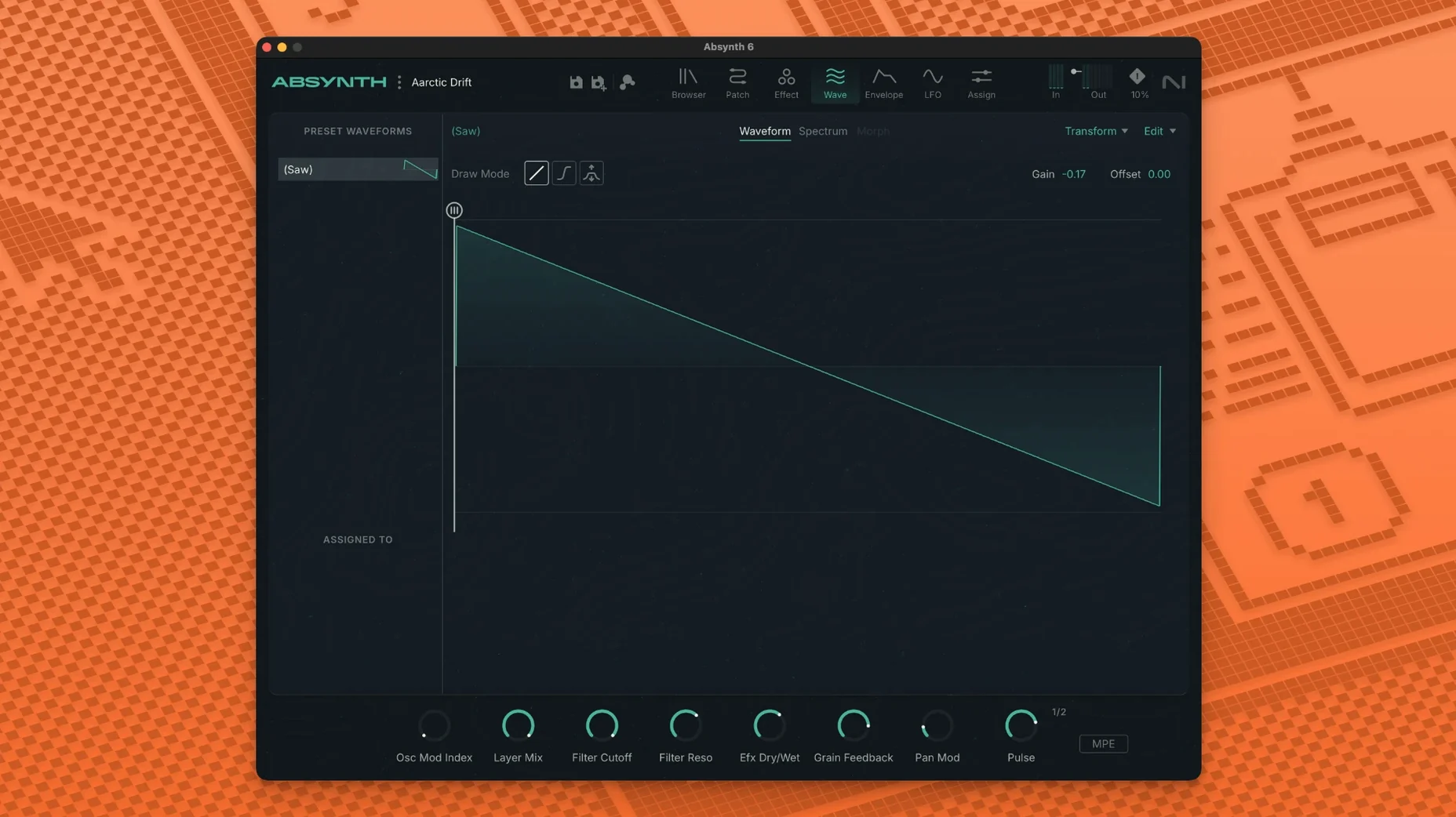
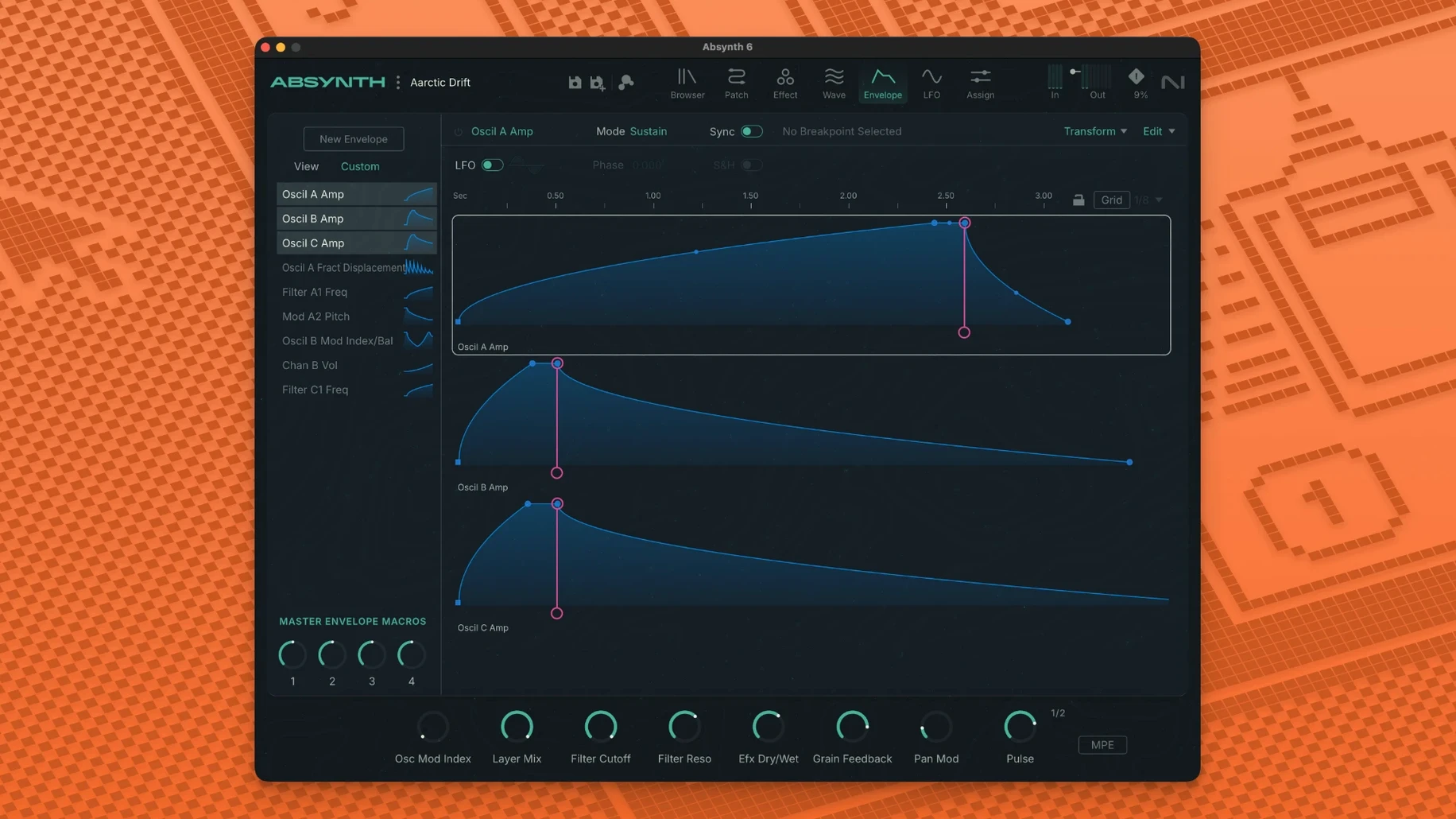
If you have spent time inside Reaktor, Absynth will feel like a familiar neighbourhood, but with its own wiring. This Native Instruments hybrid synth is semi-modular, which means you can route its oscillators, filters and envelopes in ways that would make a fixed-architecture instrument cry. I use it when a patch needs to move: a pad that slowly mutates into percussion, a drone that breathes.
- Four synthesis engines — subtractive, FM, wavetable, granular — can be combined per voice.
- Up to eight-channel surround output, from Quadraphonic to Octaphonic, for film and installation work.
- Full MPE and polyphonic aftertouch, so expressive controllers actually speak.
- 64-bit VST3, AU and AAX hosts on both Apple Silicon and Intel Macs.
- Runs on macOS 14 or later; 4 GB RAM minimum, 6 GB recommended.
Absynth 6 is not a beginner's first synth, but it rewards the curious. Load a patch, pull a modulation route apart, and you'll hear why it survived as a tool for sound design.
Surround support changes how you work with film and spatial audio
Version 6.1.0 is the return of the synth, not a minor dot release. The headline addition — support for up to eight-channel surround formats — changes how you work if your output is film, installation or spatial audio. Quadraphonic, 5.1 and Octaphonic are now available as output configurations. If you previously had to bounce individual channels and assemble them in your DAW, you can now route the patch directly across eight outputs and let the host handle the speaker assignment.
Full MPE and polyphonic aftertouch support matters most when you are playing the synth rather than sequencing it. An MPE controller such as a LinnStrument or Roli Seaboard lets each finger move pitch, pressure and timbre independently. In Absynth that means one note can be bright and sliding while another stays soft and static — something that earlier versions only approximated with per-voice modulation.
Two hundred and fifty new presets ship with this version. I found them spread across the usual Absynth categories: pads, drones, leads, textures. A fair number exploit the new surround routing and MPE capabilities, so they are worth loading even if you only use stereo — the programming quality is higher than the average factory bank.
Installer places VST3, AU and AAX bundles for your Mac host
Absynth 6.1.0 runs as a 64-bit plug-in in VST3, AU and AAX formats. The installer is a disk image; you run the standard procedure and it places the component, vst3 and aax bundles where your host expects them. Native Instruments' usual companion tools (Native Access for library management) are not mentioned in the build, so the installation is self-contained.
The minimum macOS is 14 (Sonoma) and the latest update of macOS 15 or 16 is listed as compatible. Apple Silicon and Intel x86-64 are both supported natively — no Rosetta translation needed on an M-series Mac. 4 GB of RAM is the floor, 6 GB is recommended. If you run large surround patches with multiple granular voices, aim for the higher figure.
The interface is in English only. No localisation options are present in the installer or the application itself.
Tag filters and Hybrid synthesis speed up preset browsing
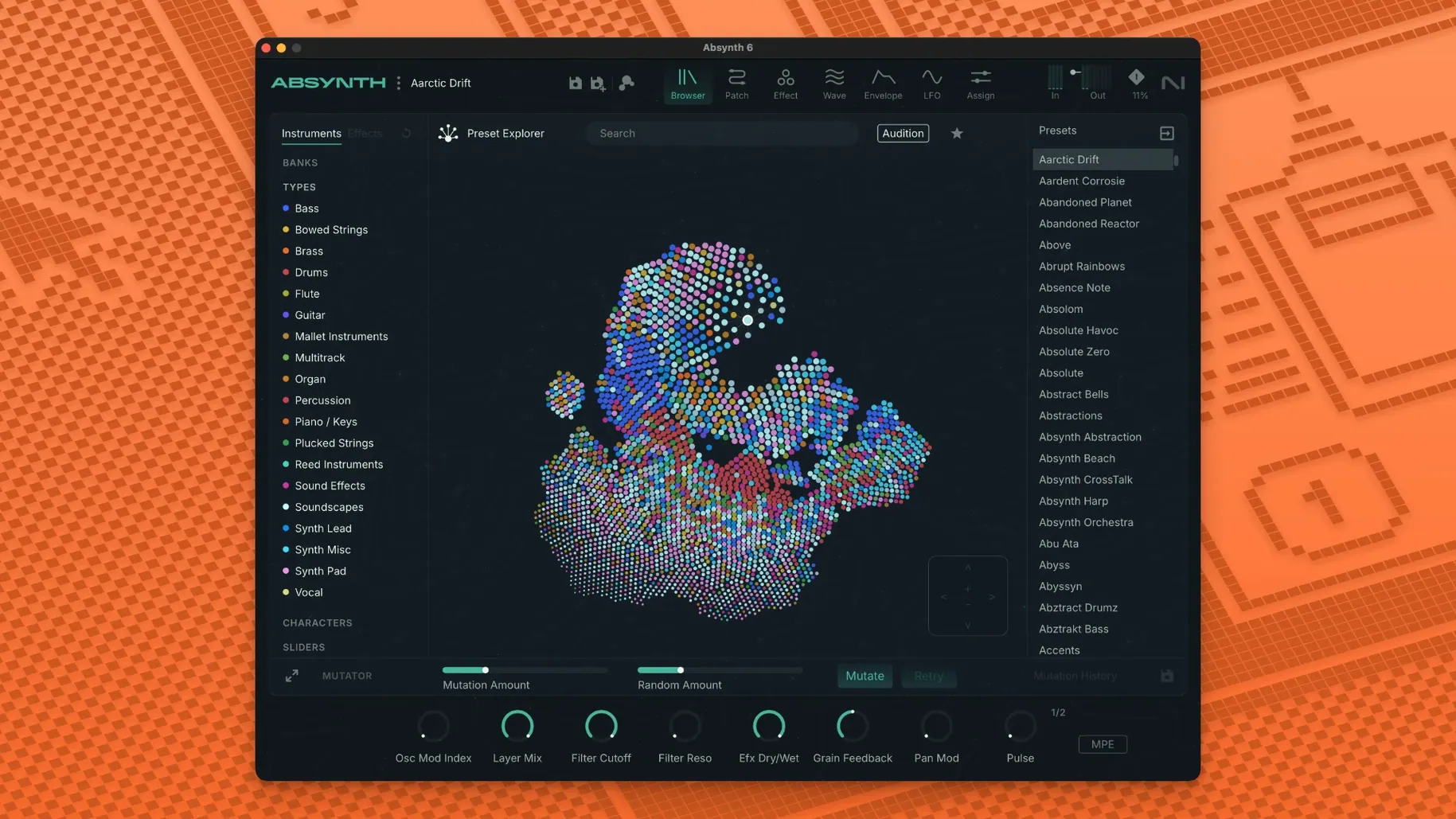
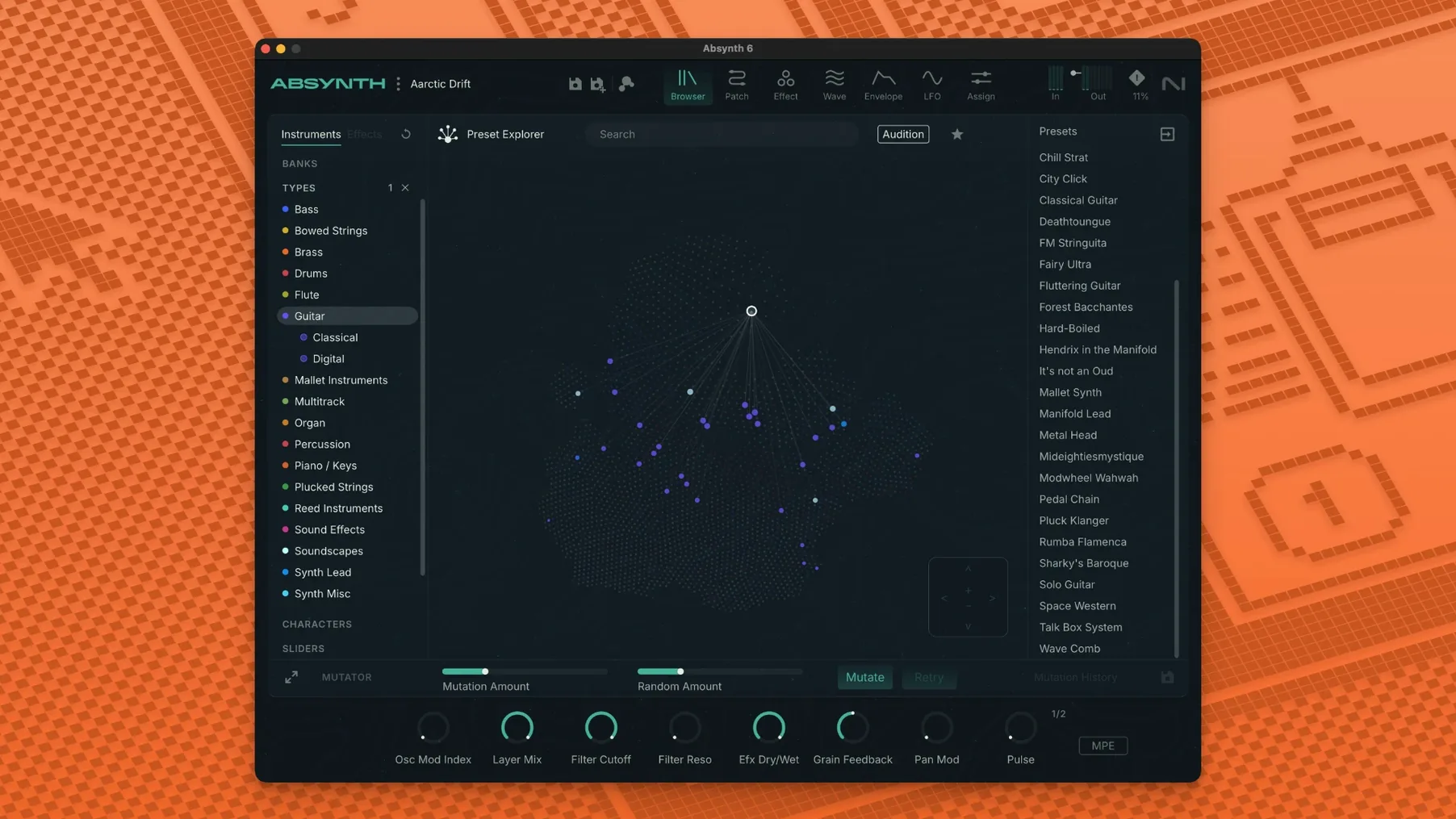
After installation, open the preset browser and spend a few minutes with the tag filters. The browser is the quickest way to find usable sounds without scrolling through 250 patches. I set the synthesis type to "Hybrid" and the complexity to "Medium" — that narrows the list to patches that show off the semi-modular routing without burying you in modulation lines.
If you work in stereo, check the output routing in the main panel before loading a surround preset. Absynth remembers the last output configuration, so a patch designed for Octaphonic will attempt to address eight channels. Switch the output mode back to Stereo (or the format your session uses) in the master section. This avoids silent channels or confused routings when you switch between projects.
Enable polyphonic aftertouch in your host's MIDI settings if your controller supports it. Absynth will respond per-note, but only if the host passes the data through. I also set the MPE pitch bend range to a value that suits my keyboard — the default ±48 semitones is wide for most playing.
Sound Mutator blends two presets by merging their modulation routings
Start with the Sound Mutator. Drop two different presets into its two source slots and let it blend their characteristics. The Mutator does not simply crossfade; it analyses the modulation routings, envelopes and oscillator settings of both patches and produces a hybrid that often sounds nothing like either source. It is the quickest way to understand how Absynth's semi-modular structure works without opening the modulation matrix yourself.
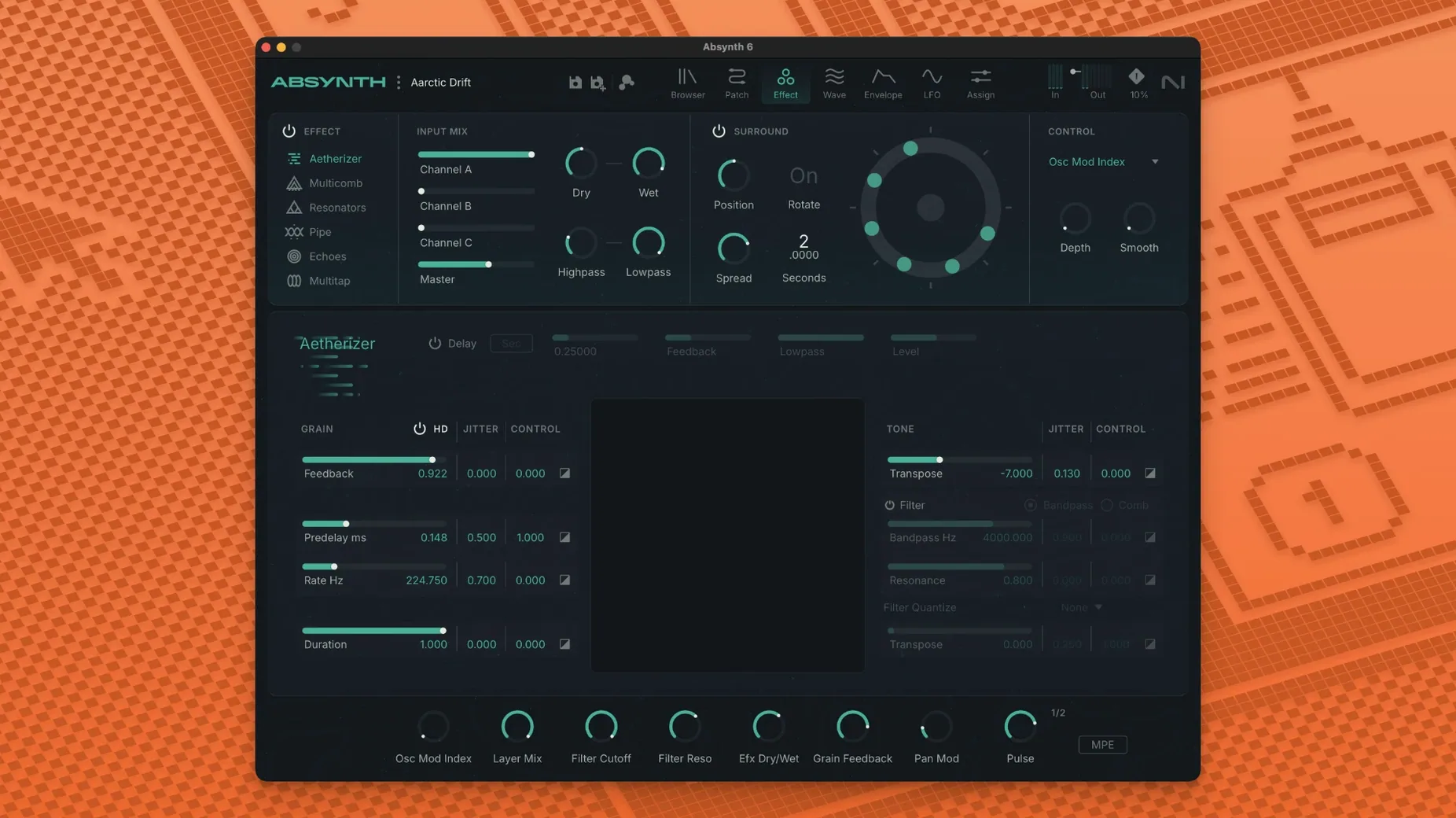
If a patch sounds thin, look at the Aetherizer or Cloud Filter in the effects section. The Aetherizer stretches the sound into a long, evolving wash; the Cloud Filter adds a resonant, shifting character that thickens sparse material. Both are more useful for sound design than the typical reverb or delay you would add in the DAW.
When you find a preset you like, duplicate it and remove one modulation route at a time. Absynth's power is in its routing, and hearing what each connection does is the fastest way to learn the architecture. The granular engine in particular rewards this treatment — strip away the wavetable layer and you hear the grain parameters clearly.
For anyone searching for absynth native instruments material online, version 6.1.0 is the current build. The same applies if you encounter references to absynth 6 torrent or absynth 6 crack — they refer to an earlier release without the surround and MPE additions. The official version is the one described here.
After a few days you will develop a mental map of which synthesis engine suits which task. Subtractive for bass and leads, granular for pads and textures, wavetable for movement, FM for metallic and percussive sounds. Combine them in a single patch and you are no longer working inside a synth — you are working inside a modular environment that happens to have a nice GUI.
Changes in this build
- Absynth 6 marks the return of the synthesizer.
- Support for up to eight-channel surround formats.
- Full MPE and polyphonic aftertouch.
Before it goes on the Mac
- macOS 14 or later
- Apple Silicon or Intel Core i5 or equivalent
- 4 GB RAM (6 GB recommended)
- 64-bit VST3, AU, and AAX host
Installing it on the Mac
- Open the downloaded disk image.
- Run the standard installer and follow the prompts.
Notes from the control room
Sign in or open a catalogue account to leave a note.
No notes from the room yet. If you have used this build for a week, a short note helps the next person.