Rhino 8.30.26103 (Mac)
Updated
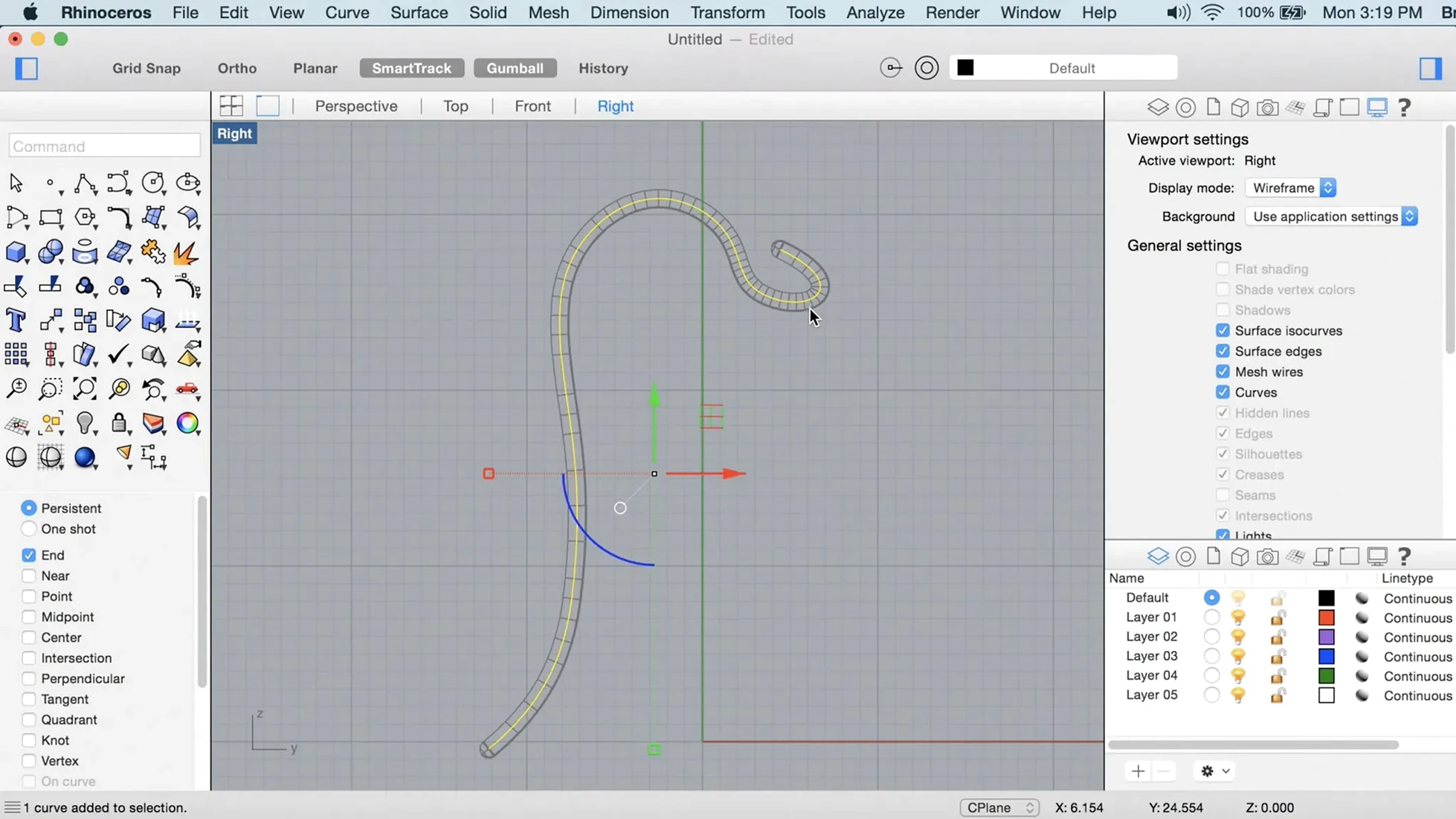
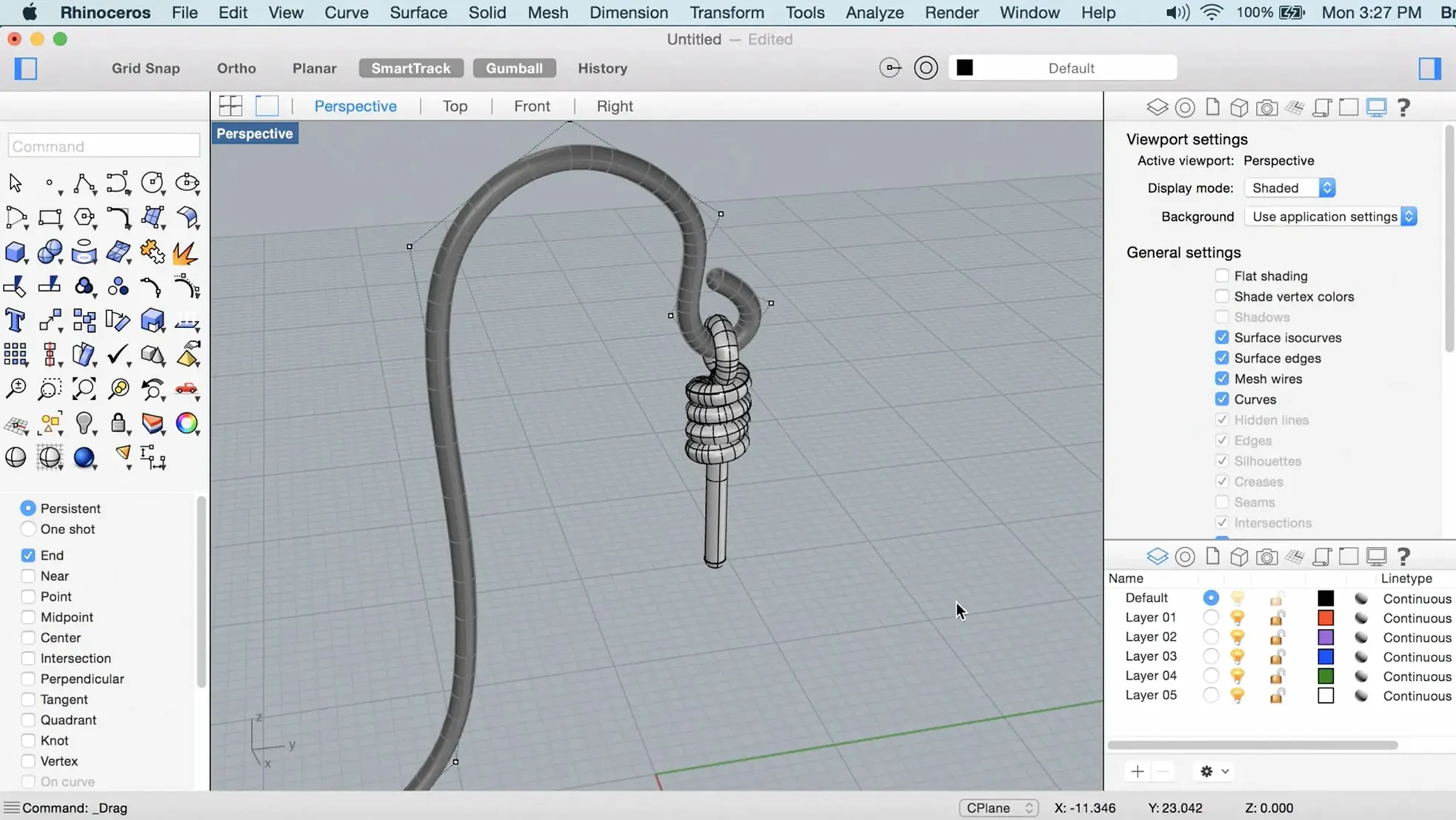
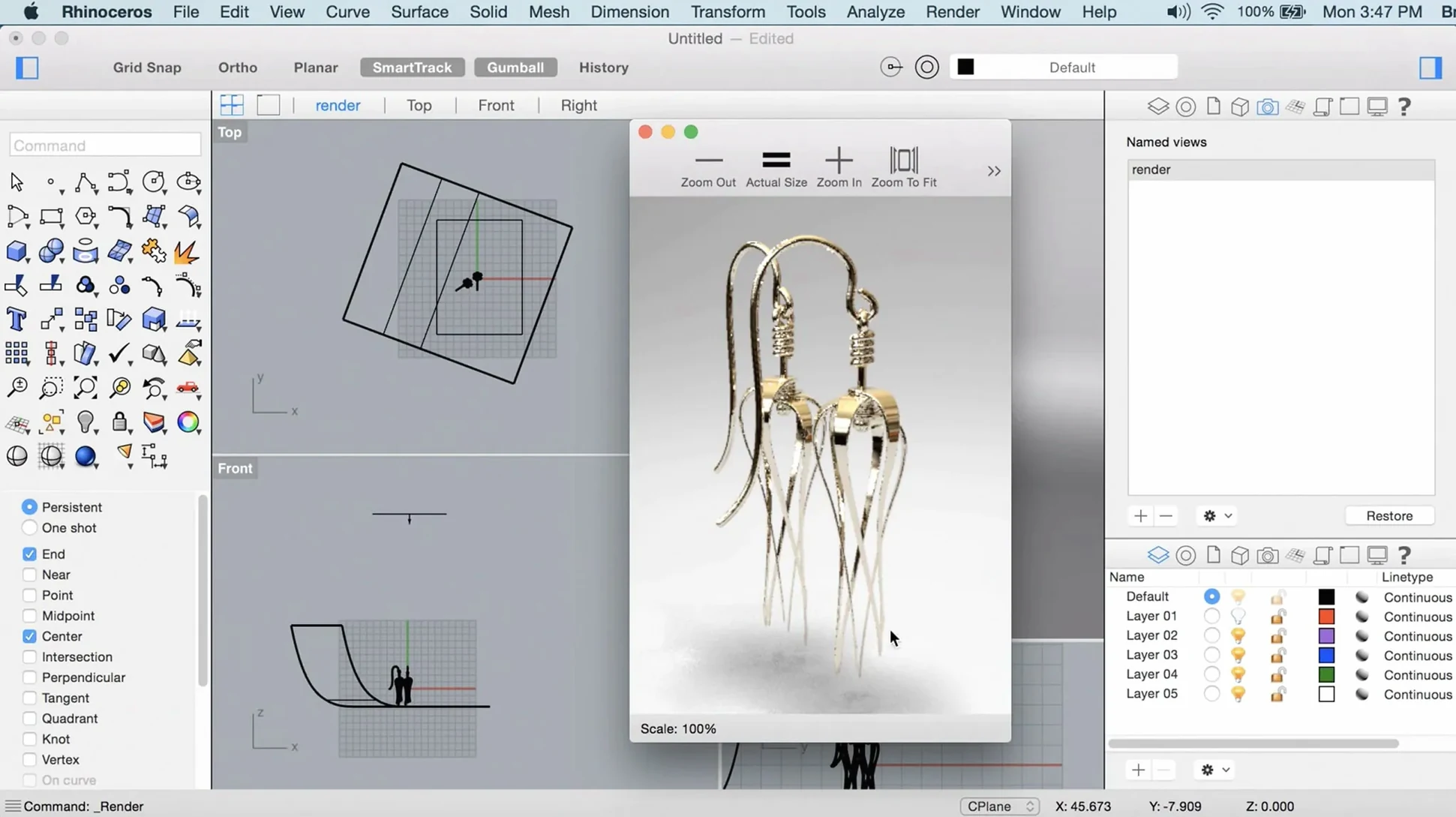
The catalogue note
When a client sends a point cloud of a scanned part and asks for a clean surface model, most tools turn it into an all-day job. Rhino eats that task for breakfast. You load the scan, build a SubD base, then convert to NURBS and refine.
- Import the point cloud or mesh via File > Import.
- Use ShrinkWrap to generate a watertight mesh around the scan. Adjust the target polygon count so you keep the important detail without the noise.
- Add SubD creases where the part has sharp edges, then convert the SubD to NURBS with ToNURBS.
- Check curvature with the analysis tools, then export the final surface as STEP or IGES for the client.
On the studio Mac, the Metal-based viewport stays responsive even with dense objects. It runs natively on Apple Silicon and Intel, and supports macOS 12.4 and later. The render engine is faster in version 8, which helps when you need a quick visual check before sending the file.
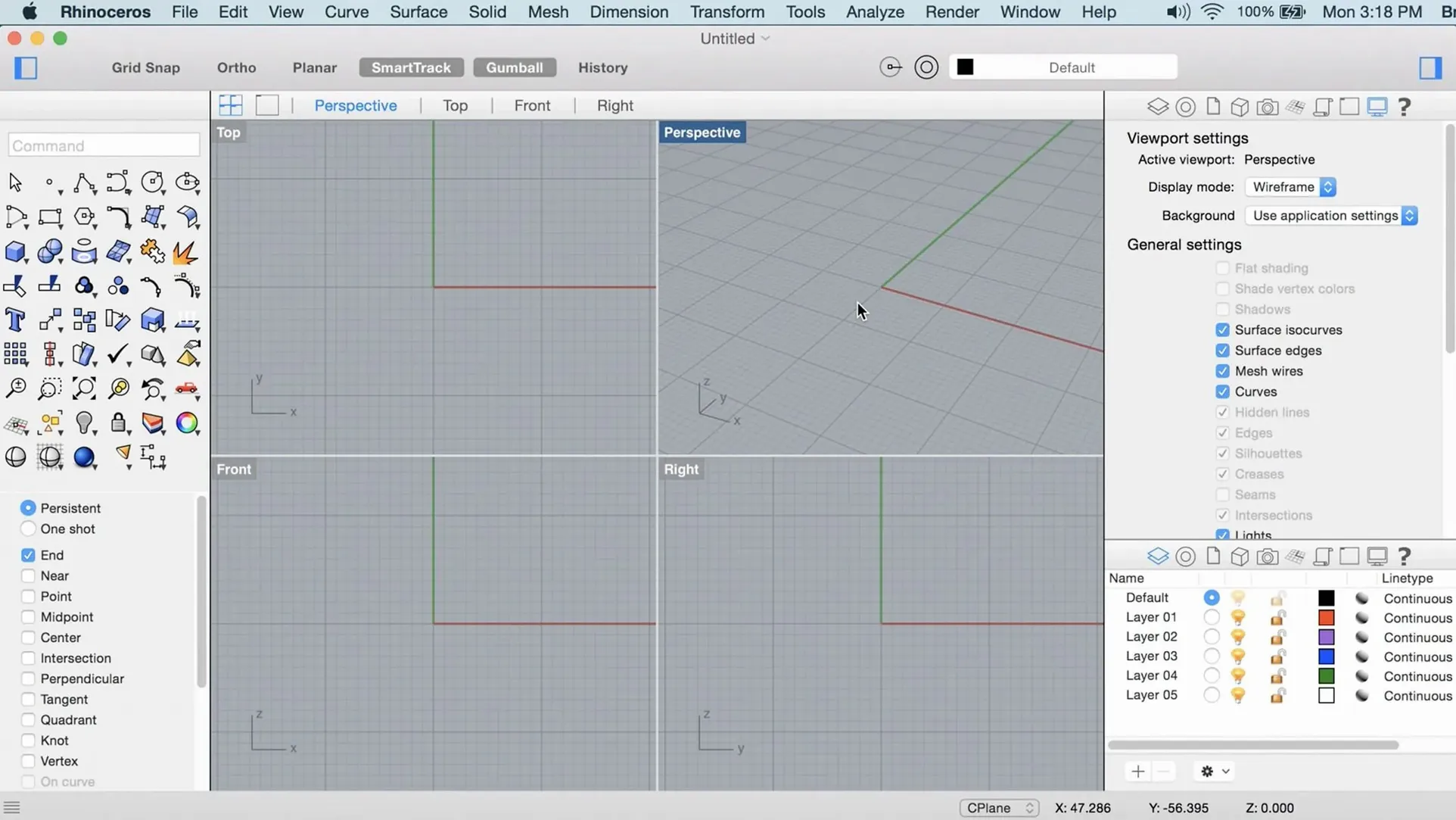
First days with Rhino on a Mac are about adjusting to how it handles, not about learning modelling from scratch. The interface is dense by design — every tool has a place, and version 8’s customisable panels let you arrange what you actually use. Take an hour to tear down the default layout: right-click any toolbar, drag off the palettes you never touch, dock the command line where your eye lands naturally. The PushPull workflow is worth trying immediately on a simple box or extrusion — click a face, drag, and the geometry follows without switching tools. It changes the pace of early sketches.
What the system requirements mean in practice
Rhino 8 for Mac asks for macOS 12.4 Monterey or later, and at least 8 GB of RAM with 10 GB of free disk space. That 8 GB figure is a starting point — if your typical file contains scanned point clouds or SubD surfaces with crease networks, more memory helps the viewport stay responsive when orbiting and zooming. The application runs natively on both Apple Silicon and Intel 64-bit Macs, so you do not lose performance through translation layers. The Metal display pipeline handles viewport redraws on the GPU, which matters when you rotate a model with several million polygon faces. The 10 GB disk requirement covers the application itself plus the default content libraries and templates; your working files live separately.
A multi-button mouse with a scroll wheel is listed as recommended, and it is not a casual suggestion. Rhino’s viewport navigation — orbit, pan, zoom — maps naturally to middle-button and scroll-wheel gestures. A trackpad works, but you will find yourself wishing for a third button when you need to rotate the view while selecting objects. The command line accepts typed input for nearly every operation, so keyboard-driven users can keep their hands off the mouse for long stretches. That is the faster way once you memorise the short forms of common commands.
What to check before installing
Will my existing Rhino 7 files open in version 8 without problems?
Files from Rhino 7 open in version 8 without conversion steps. Objects created with SubD creases or the new ShrinkWrap tool will show their features natively when saved in the 8 format. If you send a file back to a Rhino 7 user, those new object types will not be editable — they appear as standard geometry. The safest practice is to keep a copy saved in Rhino 7 format if your team has not all upgraded.
Mac version matches Windows for core tools
The Mac version of Rhino 8 has feature parity with the Windows build for modelling, analysis, and rendering. Grasshopper runs on both platforms with the same data types and components. The main difference is the interface — macOS uses native window controls, menu bar placement, and trackpad gestures. Some third-party plugins written only for Windows will not work, but most major plugin developers provide Mac-native builds or are in the process of updating for Apple Silicon.
Can I run Grasshopper alongside the main Rhino window?
Yes. Grasshopper opens as a separate window that communicates live with the Rhino document. Changes to the graph update the model in real time. On a Mac with multiple displays, you can put Grasshopper on one screen and the 3D viewport on the other. The new data types in Rhino 8 — including additional geometry and text handling — give Grasshopper more flexibility for parametric workflows without workarounds.
How does Rhino handle Retina and high-DPI displays?
The Metal viewport scales correctly on Retina screens. Toolbar icons and text render at native resolution, so there is no blurriness. If you switch between a built-in Retina display and an external monitor with different scaling, the interface adjusts without restarting. The customisable UI in version 8 lets you set icon sizes per toolbar, which helps on smaller screens where every pixel of modelling space counts.
SubD and ShrinkWrap for architects
Architects working with large site models or detailed building components benefit from the SubD crease workflow — it lets you model organic forms like facades and interior partitions without switching between polygon and NURBS toolkits. The ShrinkWrap tool is particularly useful when you receive scan data from a laser scanner and need a clean mesh for documentation or rendering. Product designers and industrial modellers will find the PushPull interactions speed up the iterative stage where you block out proportions and adjust volumes by eye. For anyone who exports to CAD formats for fabrication — STEP, IGES, STL — the NURBS kernel remains the core strength; the new render engine is a bonus for client previews, not a replacement for dedicated renderers like KeyShot or V-Ray.
Users who collaborate across teams benefit from the workflow changes aimed at large models. The application handles files with hundreds of layers and thousands of objects more responsively when you use the organised panel layouts and the improved selection filters. If you work with point clouds regularly — from photogrammetry or LiDAR — the native support for importing and displaying dense point sets without converting to mesh first saves disk space and import time.
Drag from Finder into the viewport
Rhino 8 exchanges geometry with almost every major 3D format: STEP, IGES, STL, OBJ, FBX, DXF, DWG, 3DM, and others. On macOS, drag-and-drop from Finder into the viewport imports supported files directly. You can also copy geometry to the clipboard and paste it into apps that accept 3D data, though the reliable route remains file export for complex assemblies. The application respects macOS file aliases and symbolic links, so you can organise project assets across external drives without breaking references.
For rendering workflows, Rhino outputs to the common image formats and can send scene data to renderers installed on the same machine. The built-in render engine uses Metal, which means it shares GPU resources with other Metal-aware apps like Final Cut Pro or Motion without conflicts. When you need to present results, the viewport screenshot tool captures the current view at any resolution — useful for quick slides or documentation without a full render pass.
Grasshopper definitions can be saved as standalone files and shared with colleagues who have Rhino 8 but not the same plugins — the definition will warn about missing components rather than failing silently. On macOS, you can keep a Grasshopper window open while working in other applications, and the real-time update still triggers when you switch back to Rhino. This is practical for parametric studies where you adjust sliders in Grasshopper and see the model update in the background while you write notes in another app.
For users who rely on scripting, Rhino supports Python and RhinoScript. Scripts can be triggered from the command line or bound to toolbar buttons. The macOS Terminal integration is not needed for daily use, but power users who automate file processing or batch exports will find the command-line tools useful. The application also respects macOS keyboard shortcuts set in System Settings — you can reassign menu commands without editing internal configuration files.
Changes in this build
- ShrinkWrap tool added.
- Metal-based graphics on Mac.
- More customizable user interface.
Before it goes on the Mac
- macOS 12.4 Monterey or later
- Apple Silicon or Intel 64-bit
- At least 8 GB RAM recommended
- 10 GB disk space
- Multi-button mouse with scroll wheel recommended
Questions from the room
Does Rhino 8 for Mac run on Apple Silicon?
Yes, Rhino 8 for Mac runs natively on both Apple Silicon and Intel 64-bit Macs.
What macOS versions are supported?
Rhino 8 for Mac requires macOS 12.4 Monterey or later.
Installing it on the Mac
- Mount the disk image.
- Run Open Gatekeeper friendly.
- Press Enter in Terminal to bypass Gatekeeper.
- Drag the app to the Applications folder.
- Launch the app.
Notes from the control room
Sign in or open a catalogue account to leave a note.
No notes from the room yet. If you have used this build for a week, a short note helps the next person.