Home › Mac Apps › QuickBooks Mac Plus

QuickBooks Mac Plus 23.1.9 (Mac)
Updated
The catalogue note
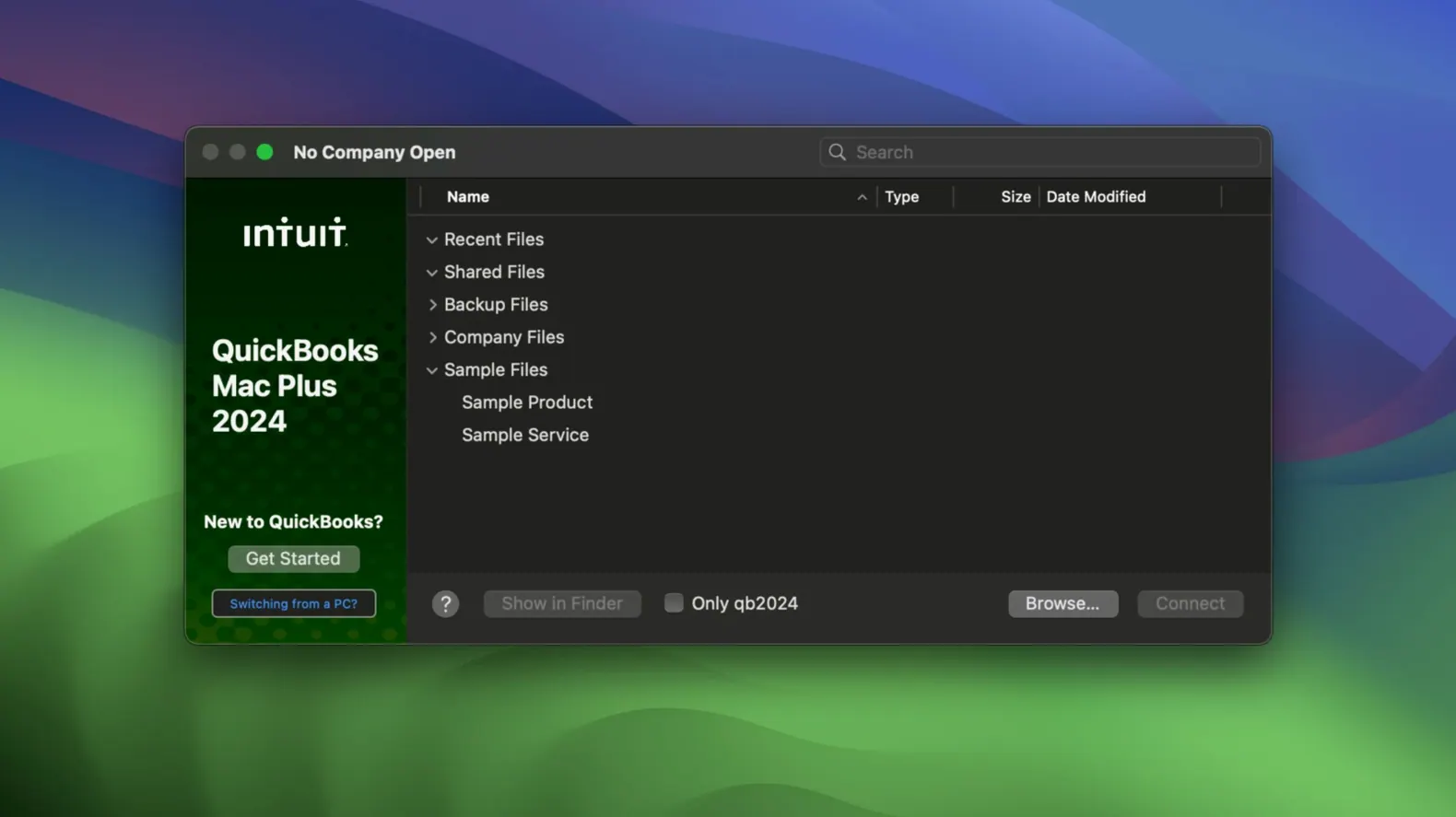
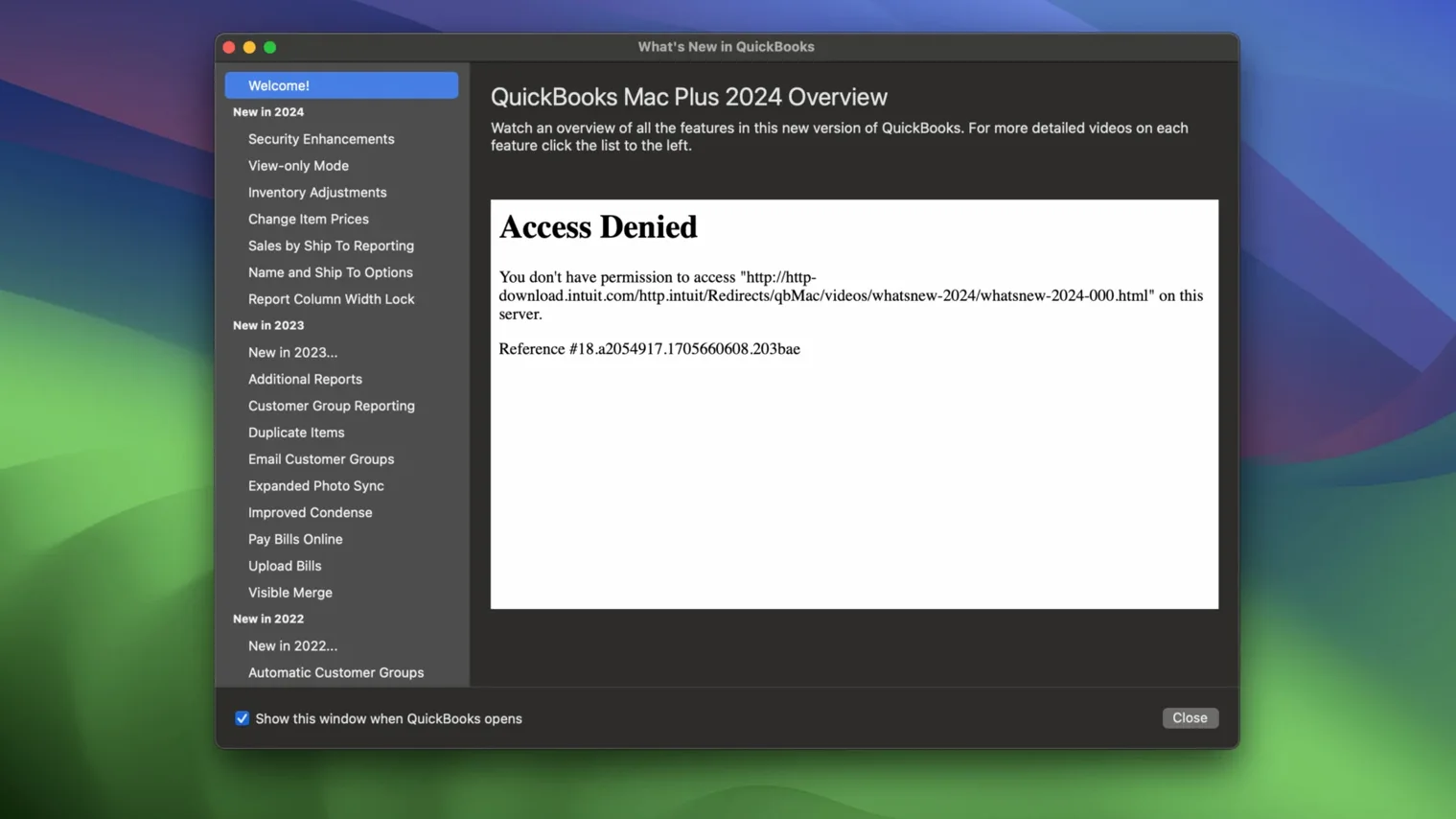
QuickBooks Mac Plus is a desktop accounting application from Intuit, designed for small businesses that need reliable bookkeeping on macOS.
Set up your chart of accounts and send your first invoice
- Set up your chart of accounts – define income and expense categories that match your business. The software tracks both automatically once you start recording transactions.
- Create and send an invoice – use the invoice tool to bill clients. You can track which invoices are paid and which are overdue.
- Enter your products or services – the inventory tool lets you list items and monitor stock levels in real time. Handy if you sell physical goods.
- Import existing data – bring in records from Excel spreadsheets or Xero tables to avoid re-entering everything manually.
- Attach receipts – upload and store digital copies of receipts directly in the app, keeping your paper trail organised.
Understanding the basics
QuickBooks Mac Plus handles core accounting: income, expenses, invoicing, inventory, and payroll. The interface is English-only, which suits most small-business users in English-speaking markets. The current release (23.1.9.R10 Plus) runs on macOS 12 Monterey and later, on both Intel and Apple Silicon Macs. Start by entering your opening balances, then record daily transactions as they happen.
Small business owners who prefer offline accounting
This application suits small business owners who want full control over their accounting data without relying on a constant internet connection. Freelancers, sole traders, and micro-businesses handling fewer than twenty invoices per week will find the interface straightforward enough to use without a dedicated bookkeeper. Accountants who manage multiple clients appreciate the company file structure — each business gets its own file, making year-end consolidation simpler.
Retail businesses with physical inventory gain the most from the real-time stock tracking. If you sell products across several categories and need to know what is available without opening a spreadsheet, the inventory tool saves time. Service-based businesses such as consultants, tradespeople, or creative agencies benefit from the invoicing and expense tracking, particularly when they need to attach receipts for tax purposes.
There is no requirement to stay logged into a cloud account to access your books.
What to check before installing QuickBooks Mac Plus
Can I transfer data from an older accounting app
QuickBooks Mac Plus supports importing from Excel and Xero tables. If you are moving from another desktop accounting package, export your chart of accounts, customer list, and transaction history to a spreadsheet first. The import tool maps columns to QuickBooks fields, but you may need to clean up formatting before the transfer. For users who previously searched for quickbooks 2024 torrent or quickbooks enterprise torrent files, note that this legitimate release works with standard company files and does not require any workarounds to function.
Runs fully offline for core accounting tasks
No. The application runs entirely on your Mac. Bank account connection features require internet access to sync transactions, but the core functions — invoicing, expense tracking, reporting, inventory — work offline. This is useful if you work in areas with unreliable connectivity or prefer to keep financial data off cloud servers.
How does payroll work
Payroll is built into the application. You set up employee profiles, enter hours or salaries, and the software calculates deductions and tax amounts. The automatic tax calculation handles federal and state requirements, though you should verify rates with your accountant. Payroll records are stored in the company file alongside other transactions.
Requires macOS 12 or later with support for new updates
QuickBooks Mac Plus requires macOS 12 Monterey or later, and the developer typically updates the application to support newer macOS releases. The current version runs on both Intel and Apple Silicon Macs without emulation. If you are planning a macOS upgrade, check that the installed version remains compatible — Intuit provides release notes for each update.
Offers guided invoicing and payroll that free GnuCash lacks
QuickBooks Mac Plus versus GnuCash
GnuCash is free and open-source, aimed at users comfortable with double-entry accounting. QuickBooks Mac Plus offers a more guided experience with invoicing templates, receipt storage, and payroll built in. GnuCash handles basic bookkeeping well but lacks the polish of Intuit's reporting dashboard and the 90-day projected income and expense reports. If you need to send professional invoices or track inventory, QuickBooks requires less manual setup.
QuickBooks Mac Plus versus Banktivity
Banktivity focuses on personal finance and small business bookkeeping, with strong bank syncing and budgeting tools. QuickBooks Mac Plus is more suited to businesses that issue invoices, manage inventory, and run payroll. Banktivity's reporting is oriented toward personal spending habits, whereas QuickBooks provides profit-and-loss statements, balance sheets, and tax-ready reports. For a sole trader with simple invoicing needs, Banktivity may suffice; for a business with employees and stock, QuickBooks is the better fit.
QuickBooks Mac Plus versus Manager.io
Manager.io is a cross-platform accounting application with a clean interface and a free tier for small businesses. It supports invoicing, expense tracking, and reporting, but inventory management and payroll are less developed than in QuickBooks. Manager.io stores data locally or on your own server, similar to QuickBooks. However, QuickBooks Mac Plus offers deeper integration with US tax calculations and more comprehensive reporting out of the box.
Create a test company file and set backup locations first
- Create a test company file first – before entering real data, set up a dummy company file and experiment with invoices, expenses, and inventory. This helps you understand the workflow without risking your actual records.
- Set backup locations immediately – the R10 release adds company-specific backup locations and a Backup Save As option. Configure these on day one so your data is saved automatically to a separate drive or network share.
- Enter your opening balances carefully – if you are migrating from another system, take time to verify that bank account balances, outstanding invoices, and inventory counts match your real-world numbers. Errors here propagate through all future reports.
- Learn the dashboard layout – the main screen shows income, expenses, paid invoices, and recent activity. Spend a few minutes understanding what each section displays; it becomes your daily checkpoint for financial health.
- Test the bank connection with one account – if you plan to link bank accounts, start with a single checking account. Confirm that transactions import correctly and that the categorisation rules work before adding more accounts.
- Run a sample report – generate a profit-and-loss report for the test company file to see how transactions appear. This confirms your chart of accounts is structured sensibly before real data flows in.
- Store receipts as you go – the receipt upload feature is most useful when used consistently.
Changes in this build
- R10 adds a Backup Save As option for manual backups.
- R10 adds company-specific backup locations.
Before it goes on the Mac
- macOS 12 Monterey or later
- Intel or Apple Silicon processor
- Interface language: English
Questions from the room
Can I import data from Excel or Xero into QuickBooks Mac Plus?
Yes, the software supports importing data from Excel and Xero tables, making it easier to migrate your existing records.
Installing it on the Mac
- Open the downloaded disk image.
- Drag the app to the Applications folder alias.
- Once copying finishes, launch the app from Launchpad.
Notes from the control room
Sign in or open a catalogue account to leave a note.
No notes from the room yet. If you have used this build for a week, a short note helps the next person.