Home › Mac Apps › OmniReader Pro

OmniReader Pro 3.4.4 (Mac)
Updated
The catalogue note
OmniReader Pro is aimed at people who keep their reading material in more than one format and don't want to juggle separate apps for each. It handles EPUB, CHM and Kindle files, which covers most of the practical bases on a Mac.
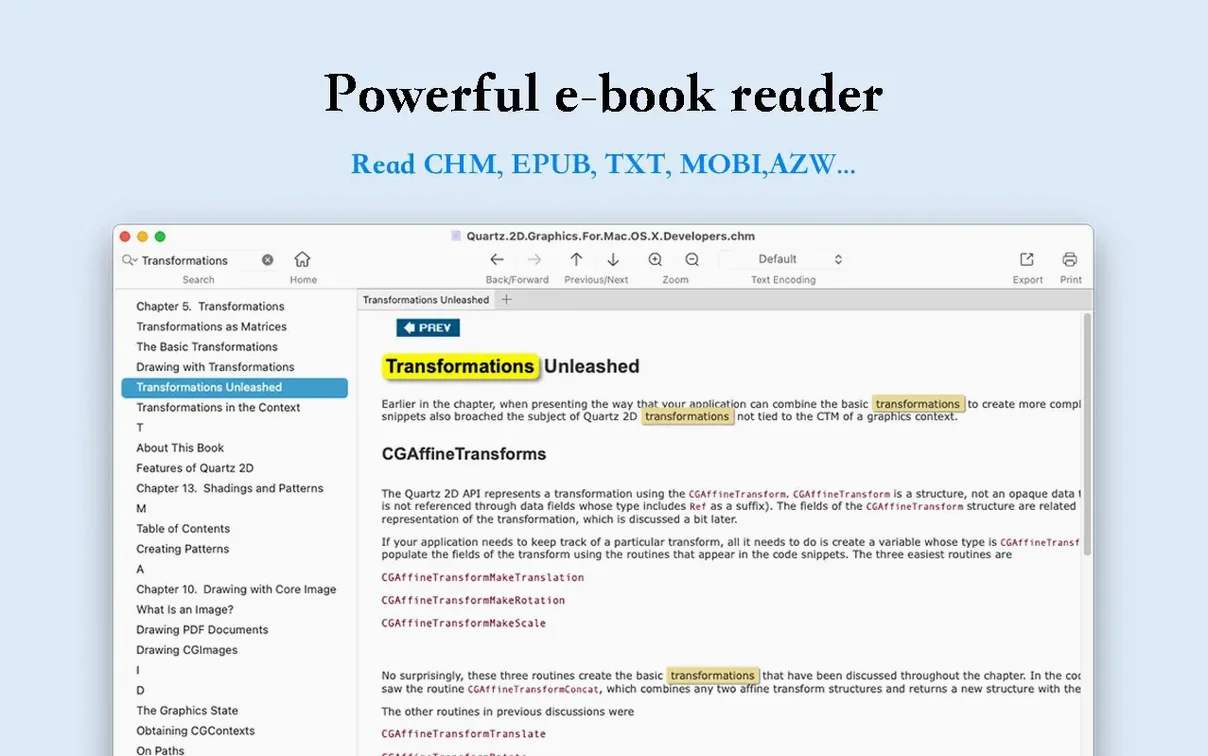
Opens CHM, EPUB, and Kindle files
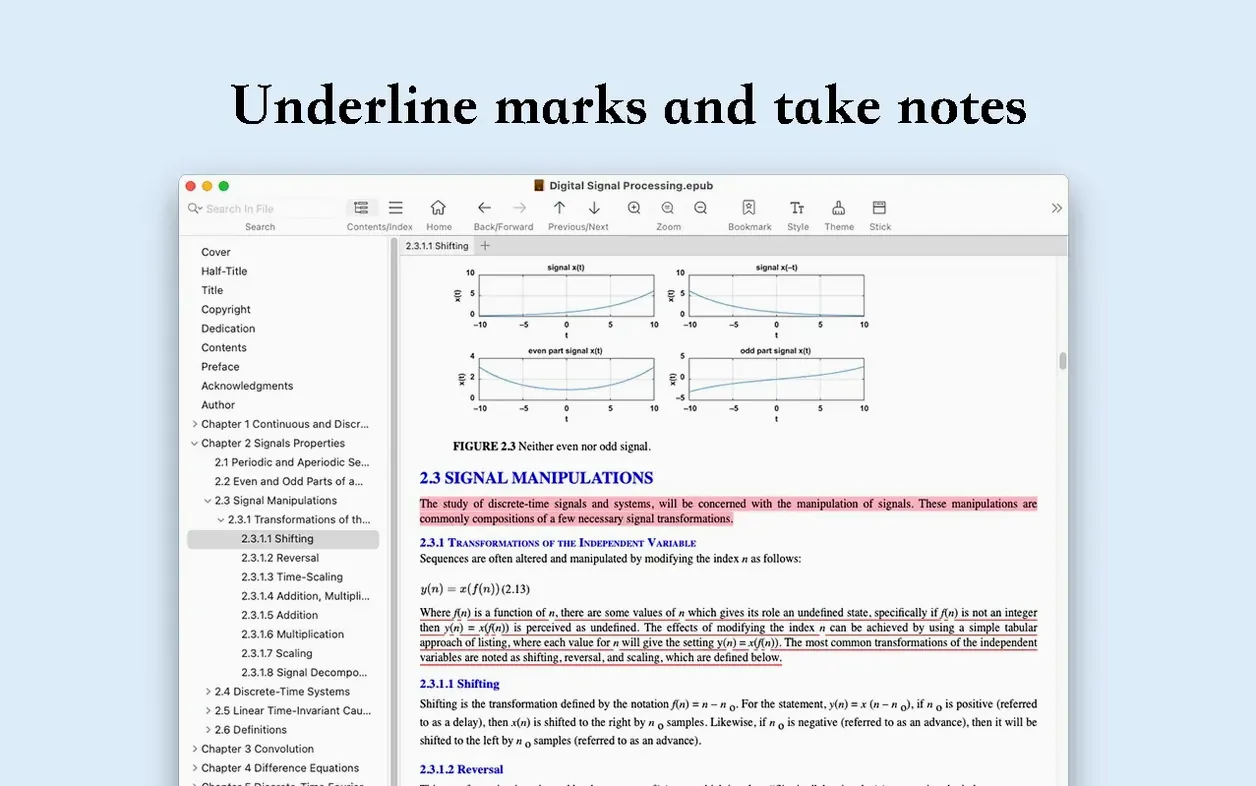
- Reading long documents with page turning, zoom and an auto-adjusting image size.
- Printing pages directly from the reader when you need a hard copy.
- Getting basic file information without leaving the app.
- Exporting books and documents to EPUB or PDF for other devices.
Collapse the sidebar to give the text more room
- The sidebar can be collapsed to give the text more room.
- Version 3.4.4 is a maintenance release — no new features were added, so the workflow is the same as before.
- OmniReader Pro runs on macOS 10.13 and later, on both Intel and Apple Silicon Macs.
First days with OmniReader Pro
After you drag the app into Applications and open it for the first time, the interface is straightforward. Here are a few things worth checking early on.
Test a mixed-format library
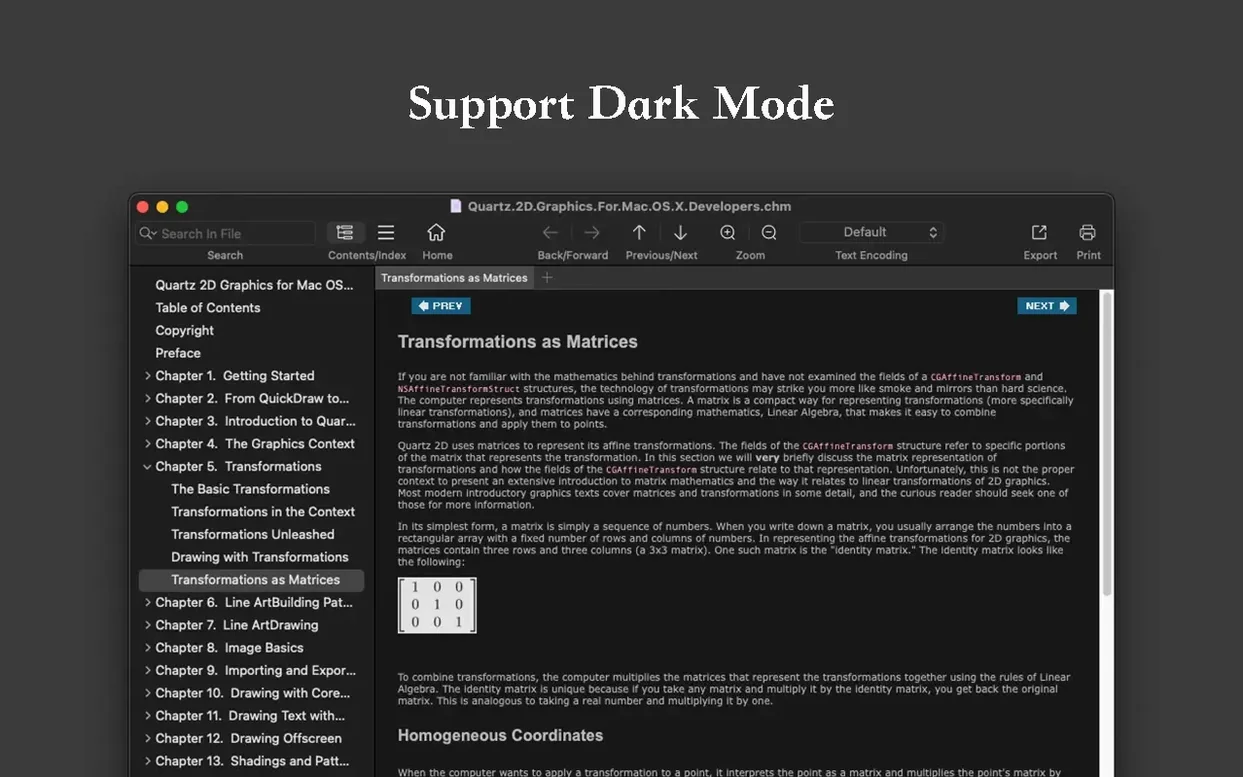
Drop an EPUB, a CHM file and a Kindle document into the library area. The app should open each without complaint. If you see garbled text — which can happen with older CHM files or non-English encodings — look in the preferences or the file‑info panel for encoding options. OmniReader Pro includes handling for garbled text, so it's worth adjusting the encoding before giving up on a file.
Get used to the sidebar
The sidebar shows the book's table of contents and, in some formats, a page list. Collapse it when you want the full width of the window for reading. The app remembers the sidebar state per session, so you won't have to toggle it every time you open a new document.
Try the search
Page search works inside the current document; full‑text search covers the entire library or a subset of books. Both highlight results in the text, which makes jumping between occurrences faster than skimming manually. If you work with reference material, this alone can save time.
Export a file to see how it behaves
Export a short EPUB to PDF and a PDF to EPUB. The conversion is basic — don't expect perfect layout preservation — but it is useful for moving a book to a device that expects a specific format. The image extraction feature is also worth a quick test: pick a book with a few illustrations and run the extract command. The images land in a folder, named sequentially.
A postgraduate student juggles CHM, EPUB, and Kindle exports
Consider a postgraduate student who collects readings in three formats: journal articles saved as CHM from older CD‑ROM archives, modern EPUB textbooks from library loans, and Kindle highlights exported from an e‑reader. Without a single reader, they would open CHM in a separate viewer, EPUB in Apple Books or Calibre, and Kindle samples in the Kindle app — three windows, three search tools, three interfaces.
With OmniReader Pro, the student can drop all three into one library. They search across the full text of every document when compiling references. The forward‑back history lets them retrace their path through a long article. When they need to quote a passage, they print the relevant page directly or export the whole document to PDF for annotation in another app. The image extraction helps when they need figures for a presentation without screenshotting each one manually.
This is not a workflow that demands advanced features — it simply reduces friction between formats. The app does not replace a dedicated reference manager, but it removes the need to remember which reader opens which file type.
Supports CHM and Kindle files Apple Books cannot open
Calibre
Calibre is a full library manager with conversion, metadata editing and device syncing. It handles many more formats than OmniReader Pro and includes a built‑in reader. However, Calibre's reader is part of a larger application; launching it just to read a single file can feel heavy. OmniReader Pro is lighter and launches faster, but it lacks Calibre's batch conversion, news download and organisational tools. If you only need to read and occasionally export, OmniReader Pro is the simpler choice.
Apple Books
Apple Books is free, integrated with iCloud and excellent for EPUB and PDF. It does not open CHM or Kindle files at all. For a user whose collection is purely EPUB and PDF, Apple Books is perfectly adequate. OmniReader Pro fills the gap when you have CHM archives or Kindle documents that Apple Books refuses. It also offers full‑text search across the library, which Apple Books does not provide in the same way.
Kindle for Mac
Side‑loading non‑Amazon files is cumbersome, and it does not handle EPUB or CHM. OmniReader Pro is not a replacement for a dedicated Kindle reader if you buy most of your books from Amazon, but it is useful for the odd Kindle file that you want to read outside the Kindle app's restrictions.
Checks format compatibility before installing
Will it open a file I downloaded years ago and forgot the format for?
If the file is EPUB, CHM or a Kindle format, yes. The app does not support PDF natively as a reading format — PDF files are handled for export only. For PDF reading you would still need Apple Books, Preview or a dedicated PDF reader.
Can I keep my existing library organised inside OmniReader Pro?
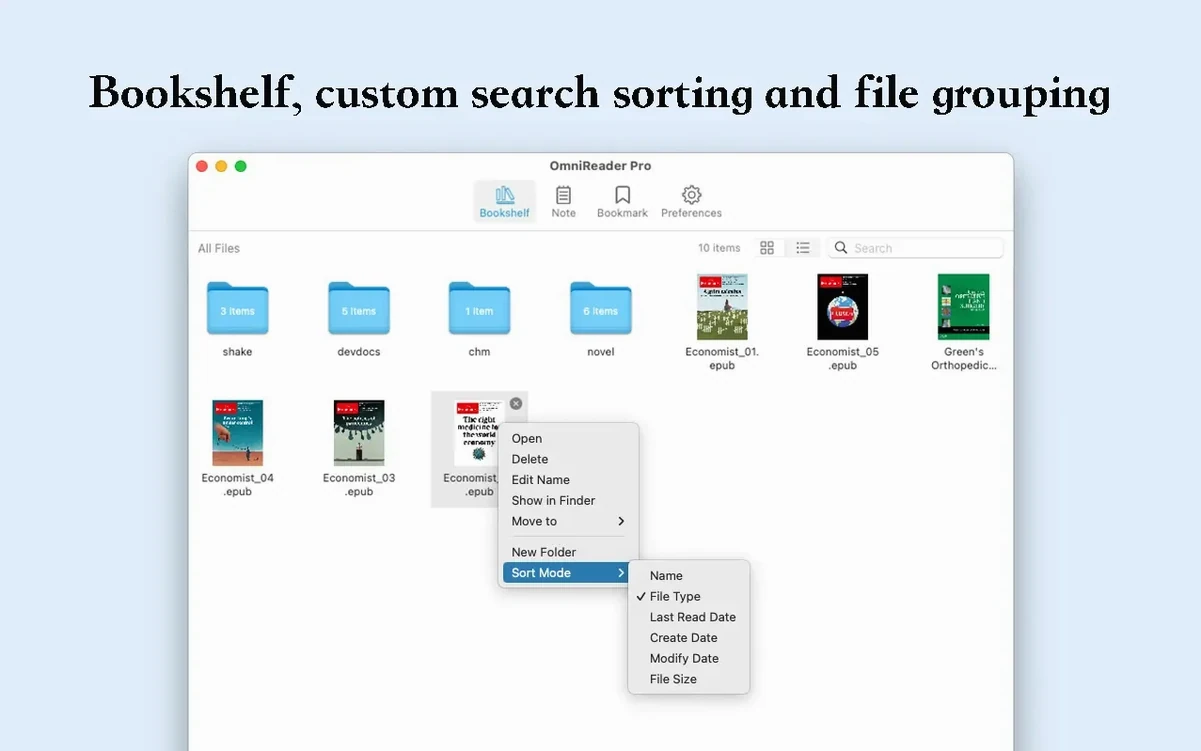
The app provides a library view where you can add files and browse them. It does not offer folders, tags or smart collections. Organisation is limited to the list order and the search function. If you need a structured library, you would keep your files in Finder folders and use OmniReader Pro purely as the reader.
Does it sync between my Mac and iPhone or iPad?
There is no iCloud sync or cloud library. OmniReader Pro is a Mac‑only application. Reading progress, bookmarks and annotations stay on the machine where you made them. If you switch between devices, you would need to export the file and transfer it manually, or use a different synchronised reader.
Main reason to install is format support for CHM and Kindle
If every file you read is EPUB and you are happy with Apple Books, you probably do not need OmniReader Pro. The main reason to install it is format support: CHM and Kindle files are not readable in Apple Books or Preview. The full‑text search across multiple books and the export options are secondary benefits that matter more once you have a mixed collection.
Does the app remember where I stopped reading?
Yes. The forward‑back reading history tracks your position across sessions. When you close and reopen a document, you return to the last viewed page. The app also keeps a history of which documents you opened, so you can jump back to a previous book without navigating the library.
Before it goes on the Mac
- macOS 10.13 or later
- Intel or Apple Silicon
- Interface in English and Simplified Chinese
Installing it on the Mac
- Mount the disk image and run Open Gatekeeper friendly.
- Press Enter in Terminal to bypass Gatekeeper.
- Drag the app to the Applications folder.
- Open the app when installation is complete.
Notes from the control room
Sign in or open a catalogue account to leave a note.
No notes from the room yet. If you have used this build for a week, a short note helps the next person.