
Home › Utilities › 4K YouTube to MP3

Updated
The catalogue note
If you already keep a copy of 4K Video Downloader around for grabbing the occasional clip, this is the sibling that strips the picture out and hands you just the audio. 4K YouTube to MP3 is a separate app from the same developer, built for x86 64-bit Macs running macOS 12 or newer.
What sources does it work with?
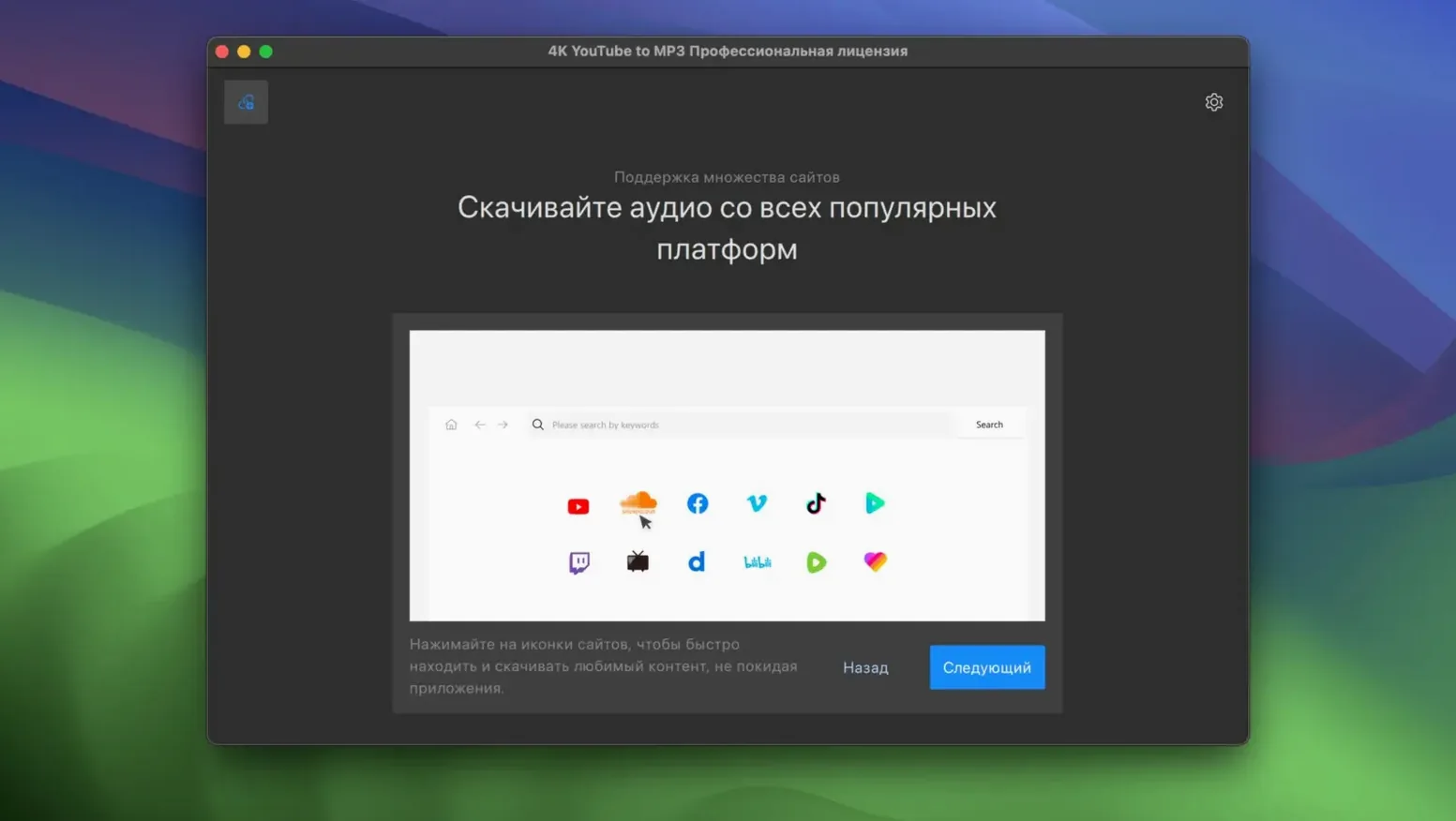
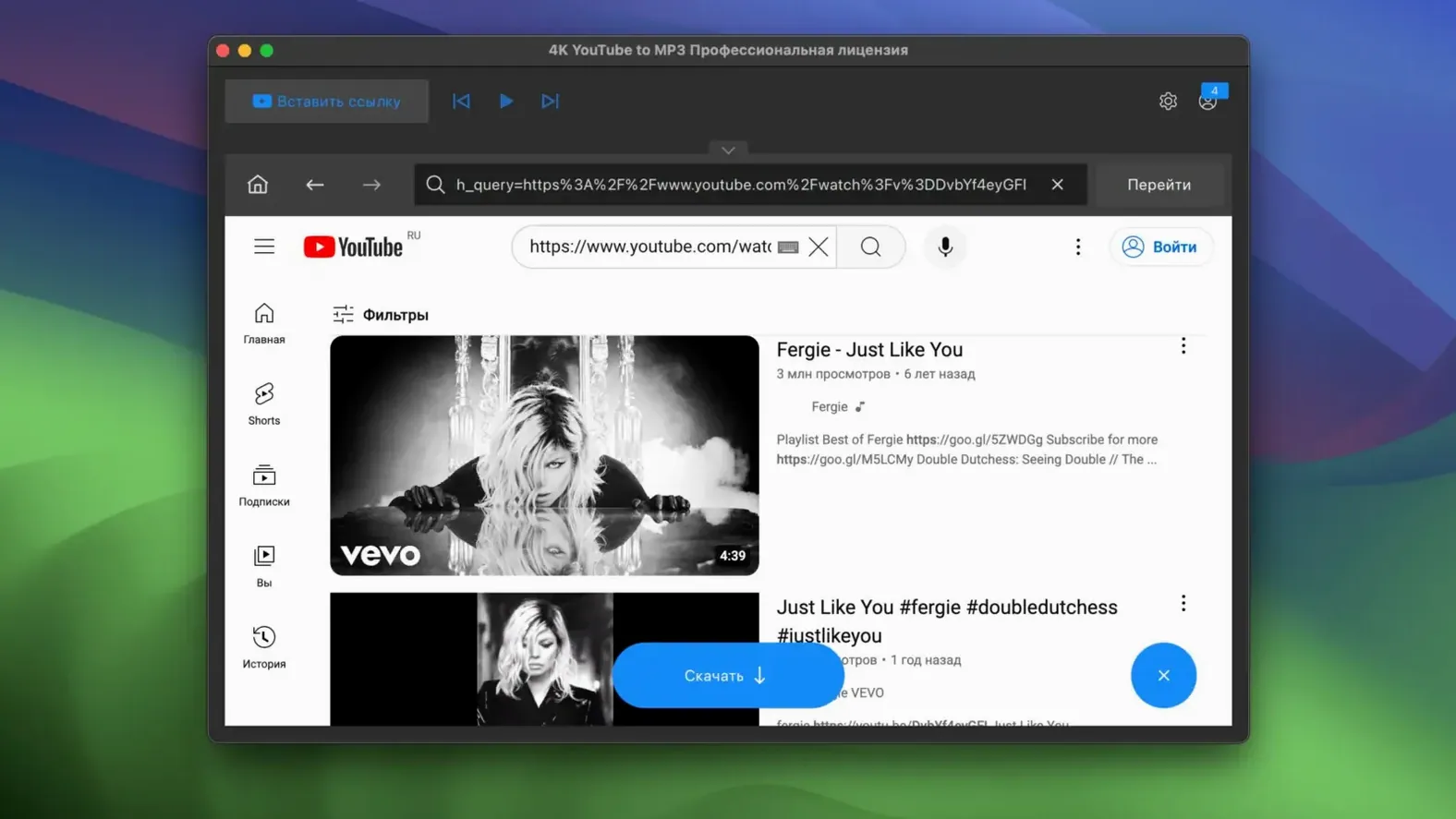
The app extracts audio from YouTube, VEVO, SoundCloud and Facebook. Paste a link, choose MP3, and it downloads and converts in one pass.
Is it only for YouTube despite the name?
No. The name leads with YouTube, but VEVO, SoundCloud and Facebook are supported too. The interface is English only.
Runs as a native Mac app with no server transcoding, but Intel-only
It runs as a native Mac application, so there is no waiting for a website to transcode on a remote server. The trade-off is that it is Intel-only — Apple Silicon machines need Rosetta.
Gatekeeper blocks the app until you mount the disk image
A few things trip people up early on. None are serious, but knowing them saves time.
The app won't open after dragging to Applications.
macOS Gatekeeper blocks apps that are not notarised. The workaround is straightforward: mount the disk image, launch the app once from the DMG, then press Enter in Terminal to bypass Gatekeeper when prompted. After that, drag the app to Applications and it opens normally. If you skip the Terminal step, the app may refuse to run even from the Applications folder.
Downloaded files have no metadata.
The app pulls the audio stream, not the video page metadata. If you rely on track numbers, album art or artist tags for organising your library, you will need to add those manually or use a separate tag editor. This is by design — the app focuses on extraction speed, not library management.
Playlists download only the first few tracks.
This usually happens when the playlist is private, unlisted or behind a login wall. The app can only access public content. Check that the playlist URL works in a browser without signing in. If it does, paste it again — sometimes the clipboard picks up a truncated link.
SoundCloud links fail silently.
SoundCloud occasionally changes its API endpoints. If a track URL produces no result, try the same link in a browser to confirm it is still live. Removed or region-restricted tracks will not download, and the app does not always show an error message for them.
The output format is greyed out.
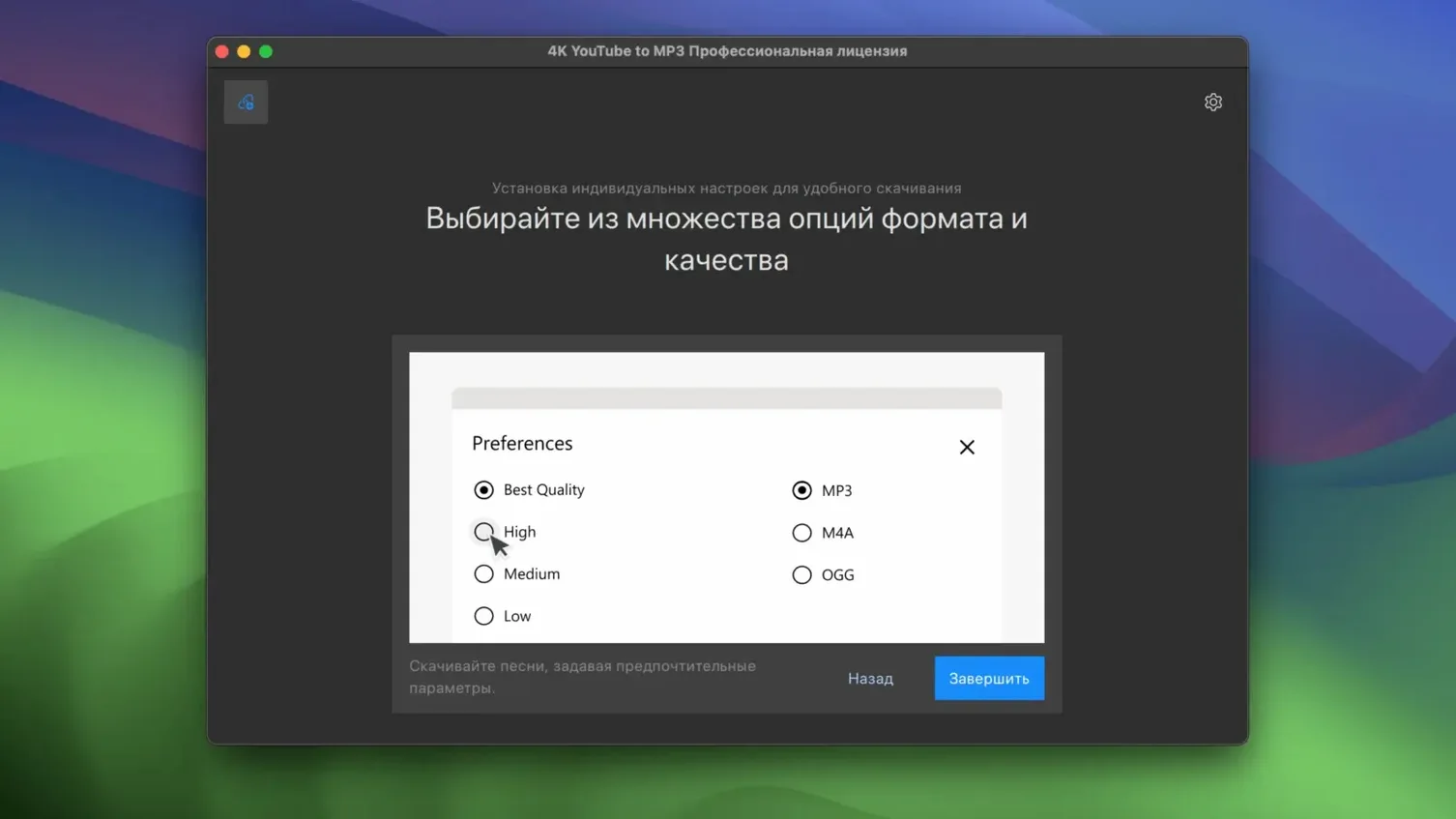
MP3, M4A and OGG are all available, but some sources restrict the formats you can use. For example, VEVO content often only offers M4A. If the dropdown is locked, that is the source limiting it, not the app.
A workflow for downloading a full album from a YouTube playlist
Say you find a user-uploaded album on YouTube — twelve tracks in one playlist, all in decent quality. Here is how to turn them into MP3 files in one go.
- Copy the playlist URL.
Open the playlist in your browser and copy the full URL from the address bar. Make sure it includes thelist=parameter. - Paste it into the app.
Launch 4K YouTube to MP3 and paste the link into the main input field. The app detects it as a playlist and shows the track count. - Choose MP3 as the output format.
Set the format to MP3. If you prefer smaller files, M4A at a lower bitrate is an option, but for an album MP3 at 192 or 256 kbps is a good balance. - Start the download.
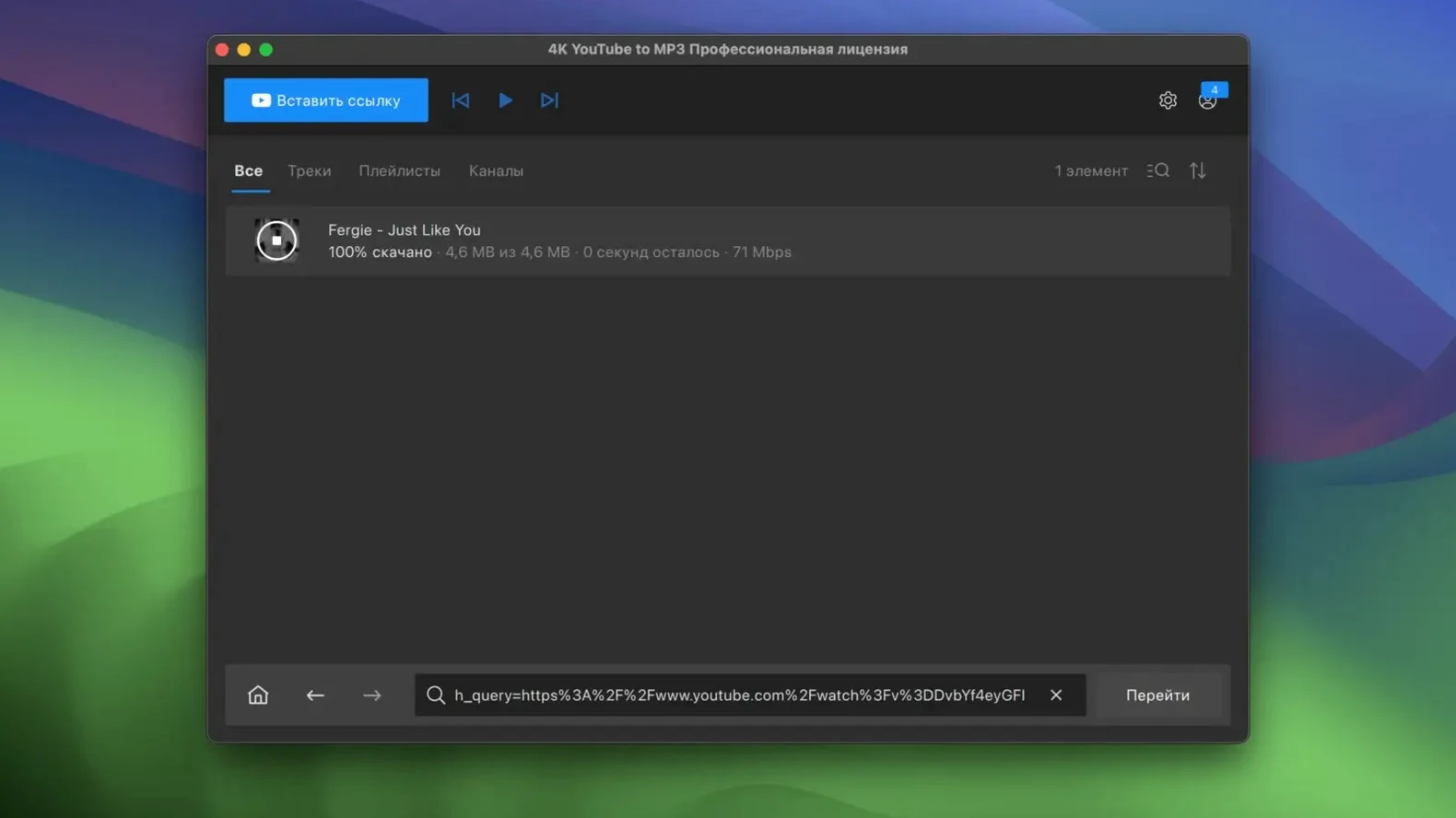
Click the download button. The app processes each track sequentially — it downloads the audio stream and converts it in one pass. You do not need to stay at the Mac; the queue runs unattended. - Find the files.
By default, the files land in the4K YouTube to MP3folder inside your Music directory. Each track is named after the YouTube video title, so renaming may be needed if the titles are inconsistent.
The whole process takes roughly as long as the total album runtime, minus a small overhead for conversion. No browser tabs, no online converters, no waiting for a website to finish.
Magda builds her café playlist from SoundCloud and YouTube tracks
Magda runs a small café in Bristol. She curates the background playlist herself — indie rock in the morning, electronic in the afternoon. She finds most of her tracks on SoundCloud and YouTube, posted by artists who do not release on streaming services.
Her old method was playing the browser tab and hoping the Wi-Fi did not drop. After switching to 4K YouTube to MP3, she pastes a week's worth of links into the queue on Sunday evening, sets the format to M4A for smaller file sizes, and lets the Mac run overnight. By Monday morning, she has a fresh folder of tracks to copy onto the café's iPad.
She does not use playlists often — each artist posts singles, not albums — so the single-link workflow is enough. The app sits in the dock, gets used once a week, and does not nag her with notifications or updates she did not ask for. It is a tool that does one thing and does not get in the way.
Works on M-series Macs under Rosetta 2 with some efficiency loss
Will this work on my M-series Mac?
The app is compiled for x86 64-bit Intel architecture. On Apple Silicon Macs, it runs under Rosetta 2. That means it works, but it is not native — you lose some efficiency. If you are on an M1 or M2, check that Rosetta is installed. macOS usually prompts you the first time you open an Intel app.
Can I use it as a 4k youtube to mp3 downloader for high-quality audio?
Yes, but understand what "high quality" means here. YouTube streams audio at up to 128 kbps in AAC (M4A) or 192 kbps in Opus, which the app converts to MP3. The result is not CD quality — it is a re-encode of a compressed stream. For casual listening, podcast archives or offline playback on a phone, it is fine. For critical listening, it is not a replacement for a lossless source.
Does it handle 4k video youtube download requests?
No. This is the audio-only sibling. If you need the video too, 4K Video Downloader is the other app from the same developer. They coexist on the same Mac without conflict. The confusion is common — the names are too similar.
What about 4k audio downloader functions — does it cover that?
It covers audio extraction from video sources, which is what most people mean by "4k audio downloader." The 4K in the app name refers to the brand, not the resolution. The app does not care about video resolution at all — it only looks at the audio stream.
Can I paste a 4k youtube to mp link directly?
You can paste any supported URL. The app parses the link automatically and extracts the audio stream. There is no separate "to MP" mode — it always outputs MP3, M4A or OGG depending on your selection. The name is just the brand.
Is there a limit on how many tracks I can download?
No hard limit. The queue accepts as many links as you paste. Practical limits depend on your internet connection and disk space. Playlists with hundreds of tracks will run to completion if left alone.
Changes in this build
Version 26.4.0 ships. The developer keeps the change log locked, so there is no public list of what shifted under the hood — but the build number has ticked forward.
Before it goes on the Mac
- macOS 12 or later
- Intel 64-bit architecture
Questions from the room
What format does it output?
The app converts videos into MP3 files.
Installing it on the Mac
The download clocks in around 218 MB and expects an Intel Mac on macOS 12 or later. Four moves get the app in place, and then it’s ready to pull MP3s from video.
- Mount the disk image and launch Open Gatekeeper friendly.
- Press Enter in the Terminal window that appears to bypass Gatekeeper.
- Drag the application into your Applications folder.
- The app is ready to use.
Notes from the control room
Sign in or open a catalogue account to leave a note.
No notes from the room yet. If you have used this build for a week, a short note helps the next person.
Also filed under Utilities
The whole Utilities rack 4K Video Downloader26.3.5 Utilities 247 MB
 1Password7.9.4 Utilities 70 MB
 A Better Finder Attributes7.55 Utilities 13 MB Updated
 Adobe Bridge17.0.0 Utilities 3.6 GB Updated
 Adobe Media Encoder27.0.0 Utilities 2.4 GB Updated
 AirBuddy3.0 Utilities 49 MB
 Airflow3.3.10 Utilities 69 MB
 Alcove1.7.9 Utilities 14 MB