
Home › Logic Pro Plugins › Roland Cloud Legendary Series
Roland Cloud Legendary Series 2025.06.29 (Mac)
Updated
The catalogue note
Anyone who has spent time with the Roland Cloud Legendary Series knows the presets are just the start. Once you set the browser aside, the real work — and the real sound — lives in the modulation matrix, the arpeggiator's hidden parameters, and the way each engine responds to external control.
Map external control to the modulation matrix
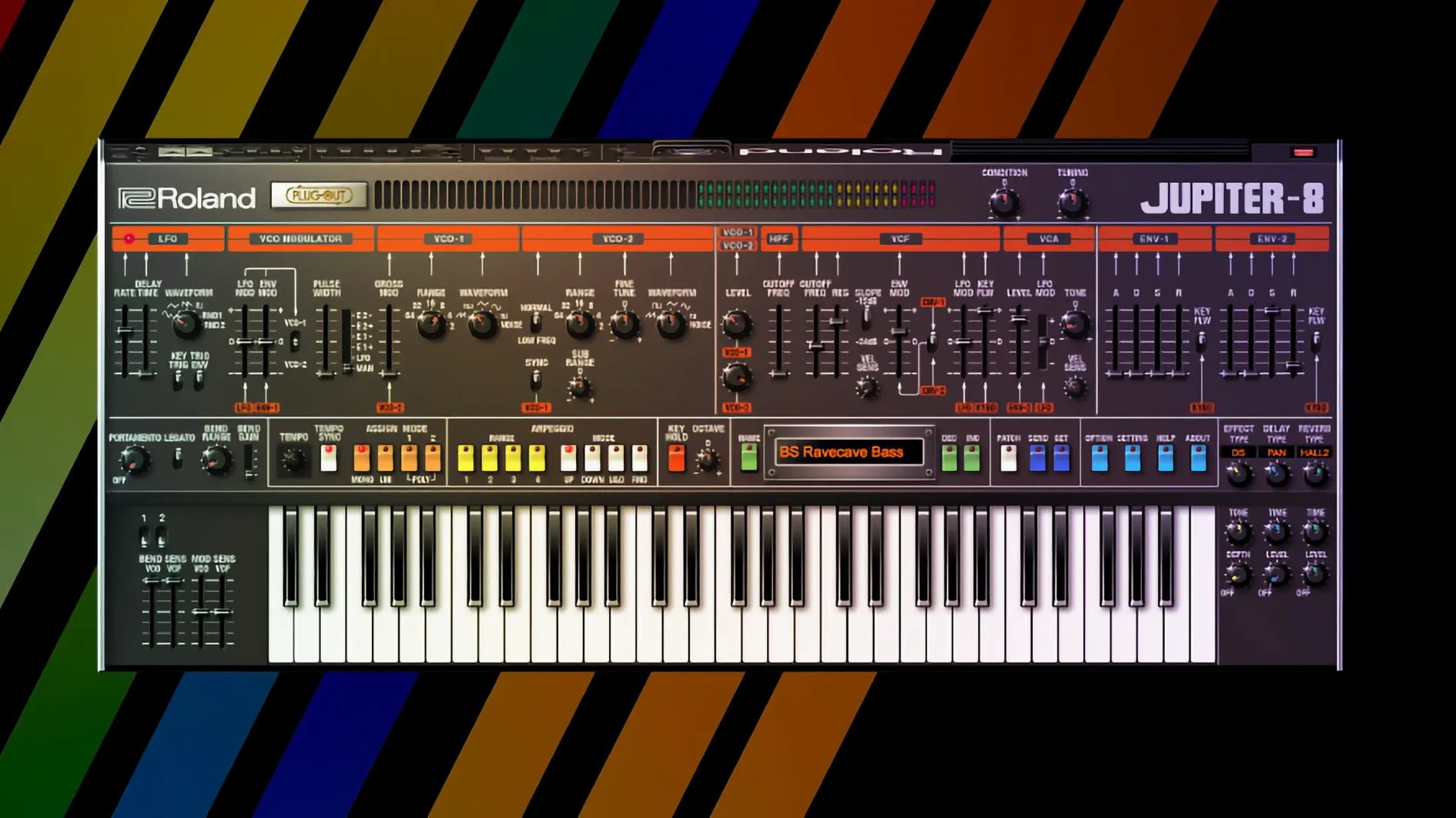
The JUPITER-8 and JUNO-106 in the v2 instruments expose a deep modulation matrix. Assigning a hardware controller’s aftertouch to filter cutoff while routing velocity to pulse-width modulation gives you performance-level expressiveness without touching the mouse during a take.
Layer two engines and manage voice allocation
Open two instances of the JUPITER-4, route them to a group track, and offset their tuning by a few cents. The unison thickens fast, but the real trick lies in splitting the keyboard — lower register does a sub-bass on the JUPITER-8, upper layers a Juno pad — all from within the same Roland Cloud session. Keep an eye on polyphony; the CPU load adds up under heavy unison.
Side-chain the internal compressor for pumping pads
Patch a rhythmic audio track (a hi-hat loop, say) into the side-chain input of the Legendary Series' built-in compressor. Dial the ratio to 4:1 and watch the sustain of a JUNO-106 pad duck in time with the hats. It is a fast way to get movement without drawing automation lanes.
Start with a blank DAW project and a basic TR-808 pattern
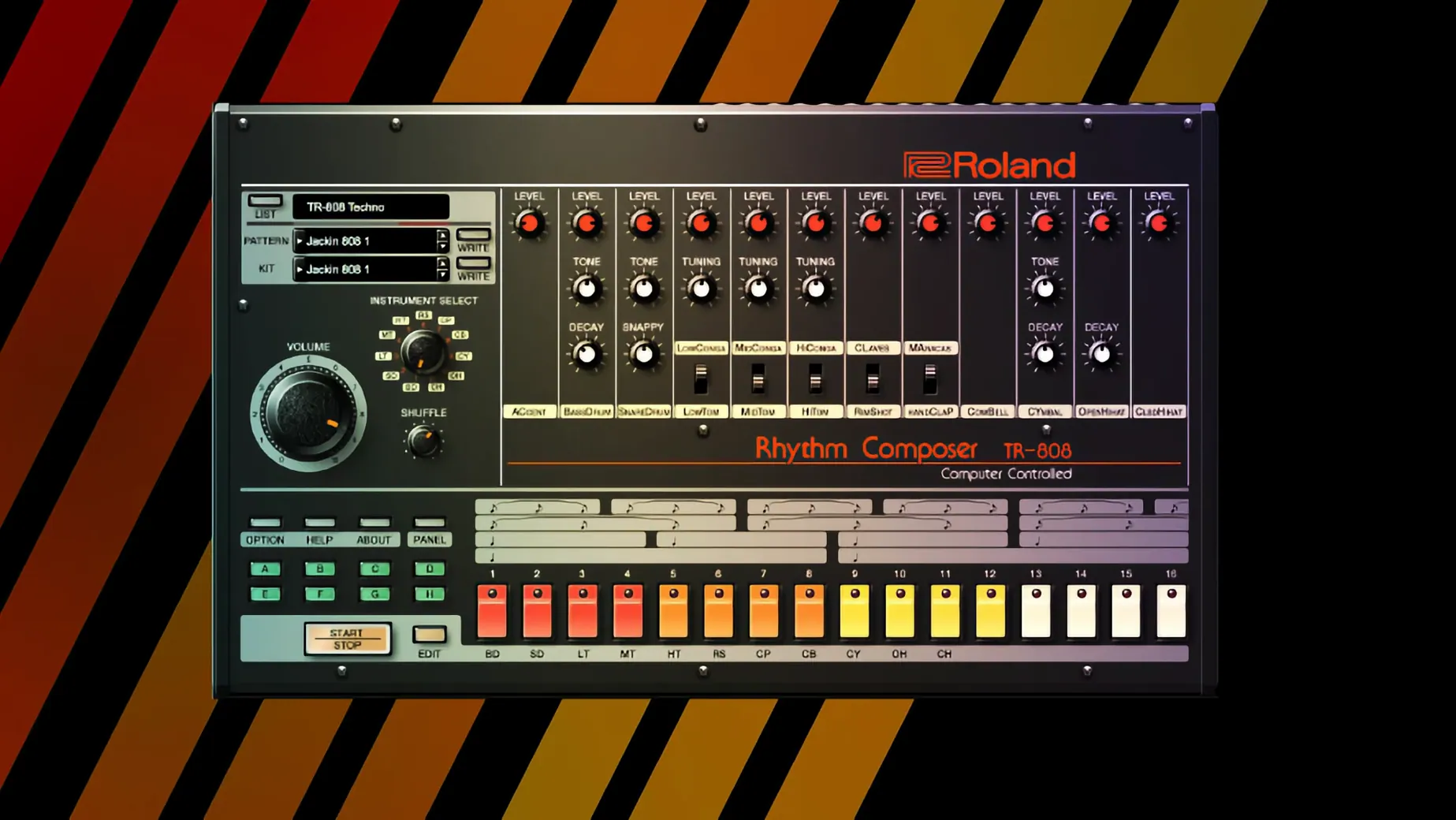
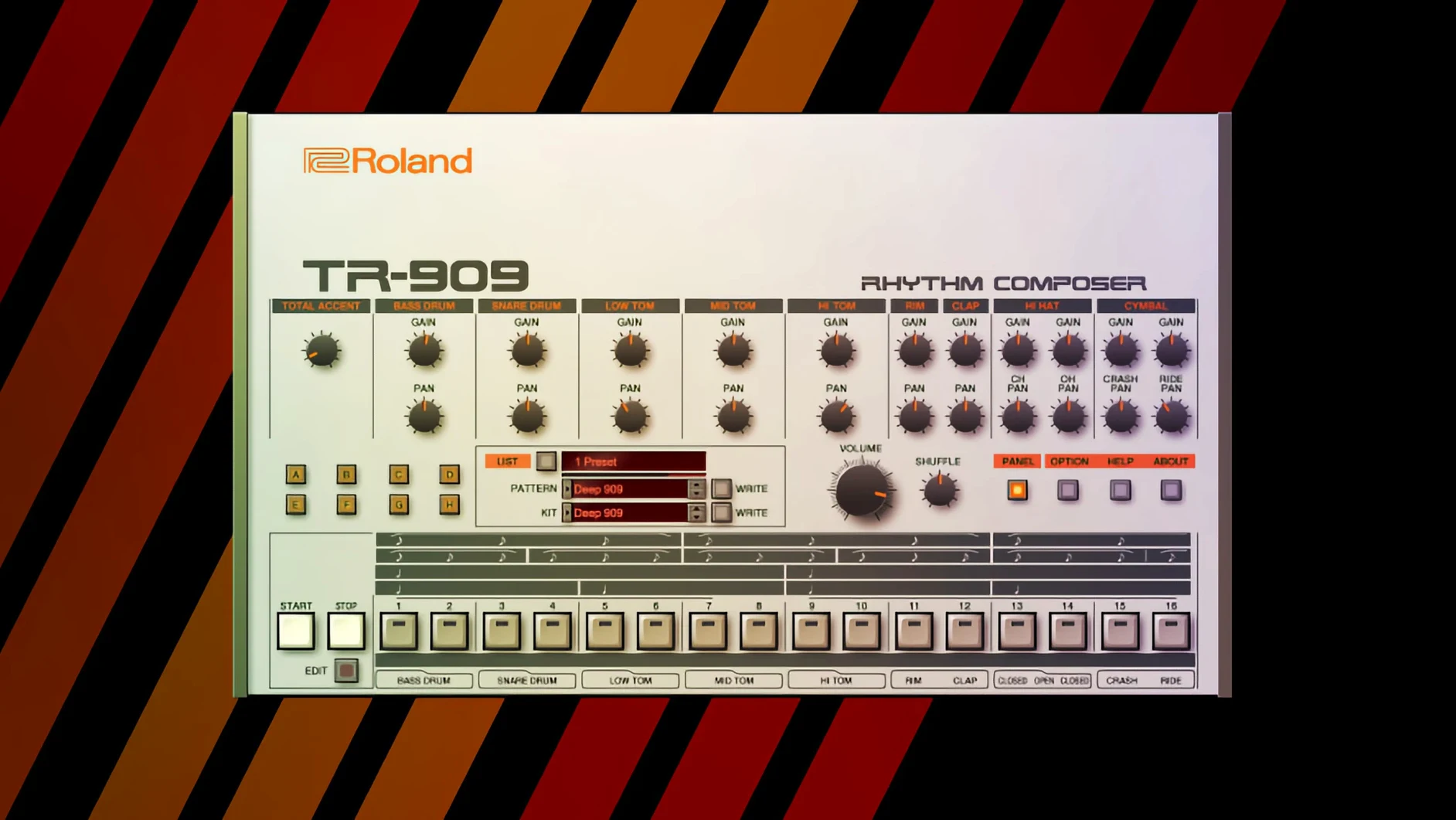
Start with a blank DAW project, tempo set to 120 BPM. Load a single instance of the TR-808 on a MIDI track and programme a basic kick-snare pattern — four-on-the-floor, closed hat on the eighths. The first pass uses the factory 808 kit: the kick has that round, almost wooden thump, the snare rattles with a short decay. No processing yet, just the raw engine running.
From there, bring in the TR-909 on a second track. Programme a syncopated hat pattern — open hat on the off-beats, closed hat in between. The 909's cymbal has a brighter, more metallic edge than the 808, so it sits above the kick without needing EQ. Duplicate the 909 track and replace the open hat with a rimshot, pitched down six semitones. Now the rhythm section has a layered, slightly off-kilter groove that still locks to the grid.
For the harmonic content, load the JUPITER-8 on a third track. Set the arpeggiator to up-down, sixteenth notes, range set to two octaves. Hold a C minor chord. The arpeggiator runs through the notes, and the filter envelope opens with each cycle. The result is a sequenced pad that moves, but it is still thin. Duplicate the track, transpose the second instance up an octave, and pan it hard left. The stereo image widens, and the filter modulation from the two instances cancels in places, creating a sense of depth.
Now record a bass part on the JUNO-60. Play single notes, root and fifth, using the sawtooth oscillator with the low-pass filter closed to about thirty per cent. The bass sits underneath the arpeggiated pad and the drum machines. The mix is not finished, but the bones are there: a full arrangement from four instruments, none of them sampled, all of them running in real time.
Build a two-second transition from rumble to shimmer with the D-50
A sound designer scoring a short film needs a transition sound — something that shifts from a low rumble to a metallic shimmer over two seconds. The D-50 provides the starting point. Then draw a filter envelope that opens slowly, from closed to fully open across the note's duration. The D-50's digital oscillators produce a clean, slightly brittle tone that works for the metallic shimmer.
For the low rumble underneath, layer a single note from the JUPITER-8, played on the lowest octave, sawtooth waveform, filter closed. The two sounds blend: the D-50 provides the high-frequency movement, the JUPITER-8 anchors it in the sub-bass. The sound designer exports a two-bar loop, then reverse it and pitch it down twelve semitones. The result is a whooshing, grating texture that fits the film's tension. All of this happens within one session, no external samplers or hardware required.
Operates as standard AU, VST3, or AAX plugins on any Mac DAW
The Legendary Series instruments operate as standard AU, VST3, or AAX plugins depending on the DAW. They respond to MIDI input from any controller the DAW recognises, and they output audio to any track the DAW routes them to. On macOS, the instruments sit alongside other plugins in the system's plugin folder. They do not require a separate application to run — they load directly inside the DAW.
The instruments also work with macOS's built-in audio routing. If you use the system's aggregate audio device to combine multiple interfaces, the Legendary Series sends its output to whatever bus the DAW assigns. For keyboard players using standalone MIDI controllers, macOS's MIDI services handle the connection: plug in a USB controller, assign it in the DAW, and the instruments respond.
The Roland Cloud application, which manages the Legendary Series instruments, runs as a background service on macOS. It handles authentication and updates. The instruments themselves run in the DAW, independent of the Cloud app once they are loaded. This separation means you can close the Cloud app after loading a session without affecting playback.
Essential for electronic music producers working in house, techno, or synthwave
The Legendary Series suits several types of Mac users. Music producers working in electronic genres — house, techno, synthwave — will find the TR-808, TR-909, and JUPITER-8 immediately useful. The instruments cover the classic sounds those genres rely on, and the modulation matrix offers enough depth to move beyond presets.
Keyboard players who use a hardware MIDI controller benefit from the instruments' responsiveness. The JUNO-60 and JUPITER-8 track velocity well, and the built-in effects — chorus, delay, reverb — mean you can play a part and hear a finished sound without routing through external processors. This is useful for live recording sessions where you want to capture a performance, not a sketch.
Sound designers working to picture or game audio will appreciate the D-50 and the arpeggiator's flexibility. The D-50's digital waveforms do not sound like analog oscillators, which is the point: they provide a different texture for layering or creating effects. The arpeggiator's ability to run at multiple note values and ranges makes it a pattern generator as much as a synth engine.
Finally, Mac users who work in a DAW that supports AU — Logic Pro, for example — will find integration straightforward. The instruments appear in the plugin list like any other AU instrument. On Apple Silicon Macs, the ARM architecture support means the instruments run natively, without Rosetta translation. The same applies to Intel Macs, where the x86 build runs without issues.
Runs natively on Apple Silicon and supports macOS 11 or later
macOS 11 or later is the minimum requirement. The version 2025.06.29 of the Legendary Series installs on both ARM and x86 64-bit architectures. On an Apple Silicon Mac, the ARM build runs natively. On an Intel Mac, the x86 build runs natively. There is no universal binary — the installer selects the correct build for the system.
The instruments load as plugins inside a DAW. Each instance of an instrument uses its own processing and memory. The exact resource usage depends on the instrument and the patch complexity. A simple JUNO-60 patch with one oscillator and no effects uses less than a layered D-50 patch with reverb and delay. The system's memory and CPU will determine how many instances you can run before the DAW struggles.
The Roland Cloud application, which handles installation and updates, runs as a separate process. It does not consume significant resources during playback, but it does need to be running during installation. Once the instruments are installed, you can close the Cloud app. The instruments themselves do not depend on the Cloud app once they are loaded in the DAW.
Before it goes on the Mac
- macOS 11 or later
- Apple Silicon or Intel processor
- Interface language: English
Questions from the room
Does the Legendary Series work on Apple Silicon Macs?
Yes. It supports both Apple Silicon (ARM) and Intel (x86 64-bit) architectures natively on macOS 11 and later.
Which instruments are included in the Legendary v2 collection?
The v2 instruments include the JUPITER-4, JUPITER-8, and JUNO-106 software synthesizers.
What kind of sounds can I create with these instruments?
They are designed for pads, basses, leads, and rhythmic parts, recreating the analog and digital character of classic Roland synthesizers and drum machines.
Installing it on the Mac
- Run the installer that matches your macOS version (11 or later).
- Follow the standard installation procedure — the installer places the plugins inside your system’s default component or VST3 folders.
Notes from the control room
Sign in or open a catalogue account to leave a note.
No notes from the room yet. If you have used this build for a week, a short note helps the next person.
Also filed under Logic Pro Plugins
The whole Logic Pro Plugins rack Roland ZENOLOGY Pro2.0.7 Logic Pro Plugins 1.8 GB
 Revoice Pro5.1.30 Logic Pro Plugins 39 MB
 Safari Pedals Everything Bundle2026.05 Logic Pro Plugins 628 MB
 Scaler 33.3.2 Logic Pro Plugins 1.4 GB
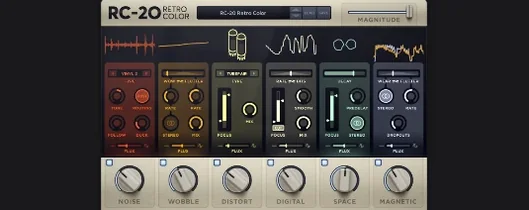 RC-20 Retro Color1.5.1 Logic Pro Plugins 170 MB
 Serato Hex FX1.2.0 Logic Pro Plugins 105 MB
 Serato Sample2.2.0 Logic Pro Plugins 612 MB
 Pulsar Audio Pulsar Primavera1.2.4 Logic Pro Plugins 103 MB