Home › Games › Starcom: Unknown Space
Starcom: Unknown Space 1.0.13c (Mac)
Updated
The catalogue note
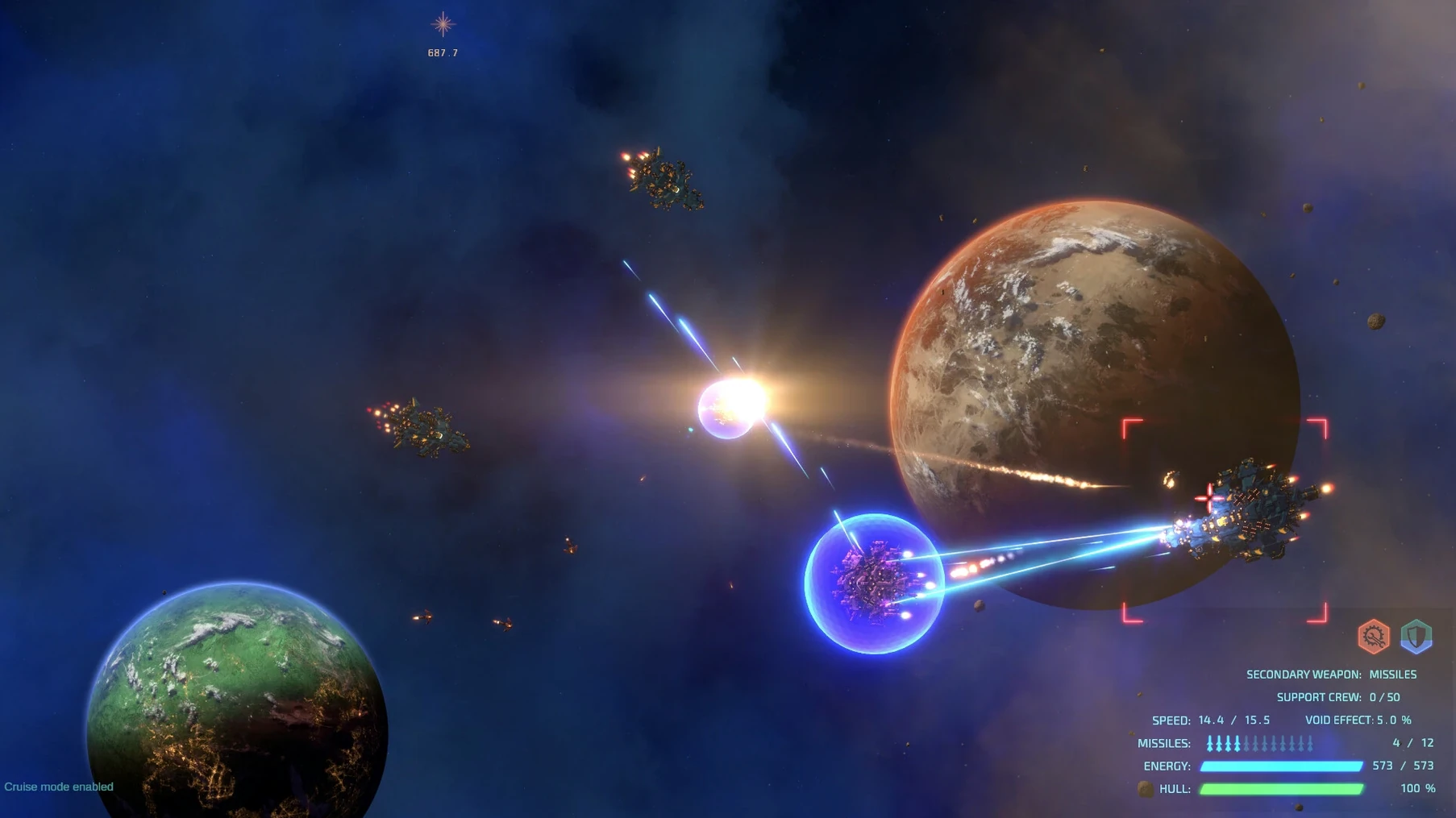
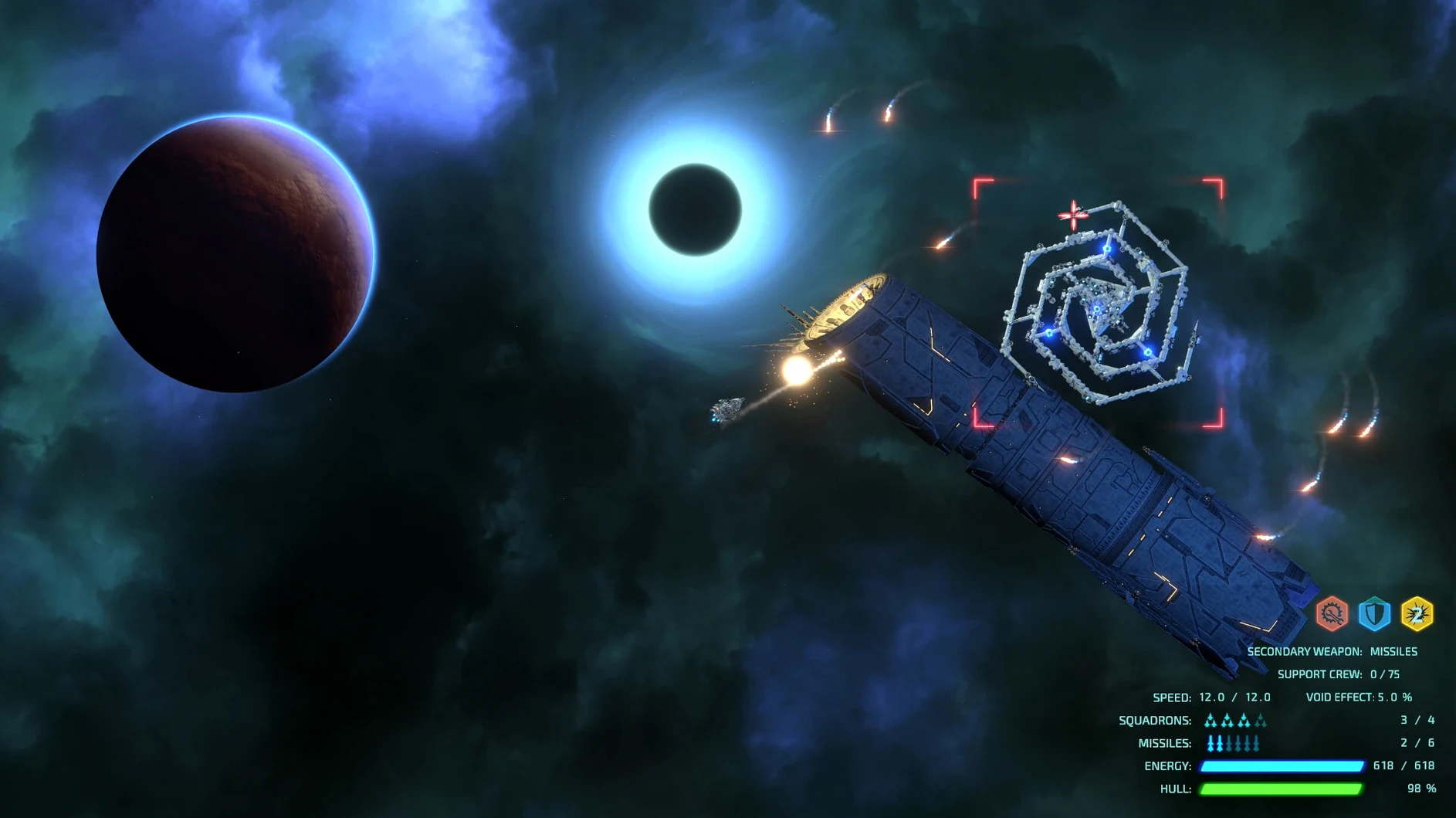
You chart a course through the unknown, scanning for anomalies and outfitting your ship between skirmishes. Starcom: Unknown Space brings its open-world action RPG to Mac via a Wineskin wrapper, and it runs on Apple Silicon enough for daily play.
Runs on base-model M1 Macs
The build is ARM-only, so it targets M-series Macs. It was tested on macOS Sequoia on a MacBook Air (M1, 2020), which means base-model hardware handles it.
Controls follow standard mouse and keyboard binds: steer with WASD, fire with the mouse, and open the map with Tab. You can save anywhere outside combat, so quicksaving before a fight is a habit worth picking up.
Over 100 star systems and a fresh story
The game packs over 100 star systems, 230 anomalies, and 60 main and side missions. It is a new story, not a sequel to Starcom: Nexus, so you can jump in fresh. The interface supports Russian, English, and German.
A first-day workflow
Start by launching the game from Launchpad after the drag-copy finishes. If the game does not start on the first attempt, run the Fix file from the disk image before trying again — that step resolves the most common launch hiccup on Apple Silicon.
Once the main menu appears, change the interface language inside the game settings if English is not your preference. Then begin a new game and spend the first few minutes on the tutorial hints: they explain the basic ship controls, scanning, and the autopilot function. Use autopilot to reach the first few known locations — it saves time while you learn the map.
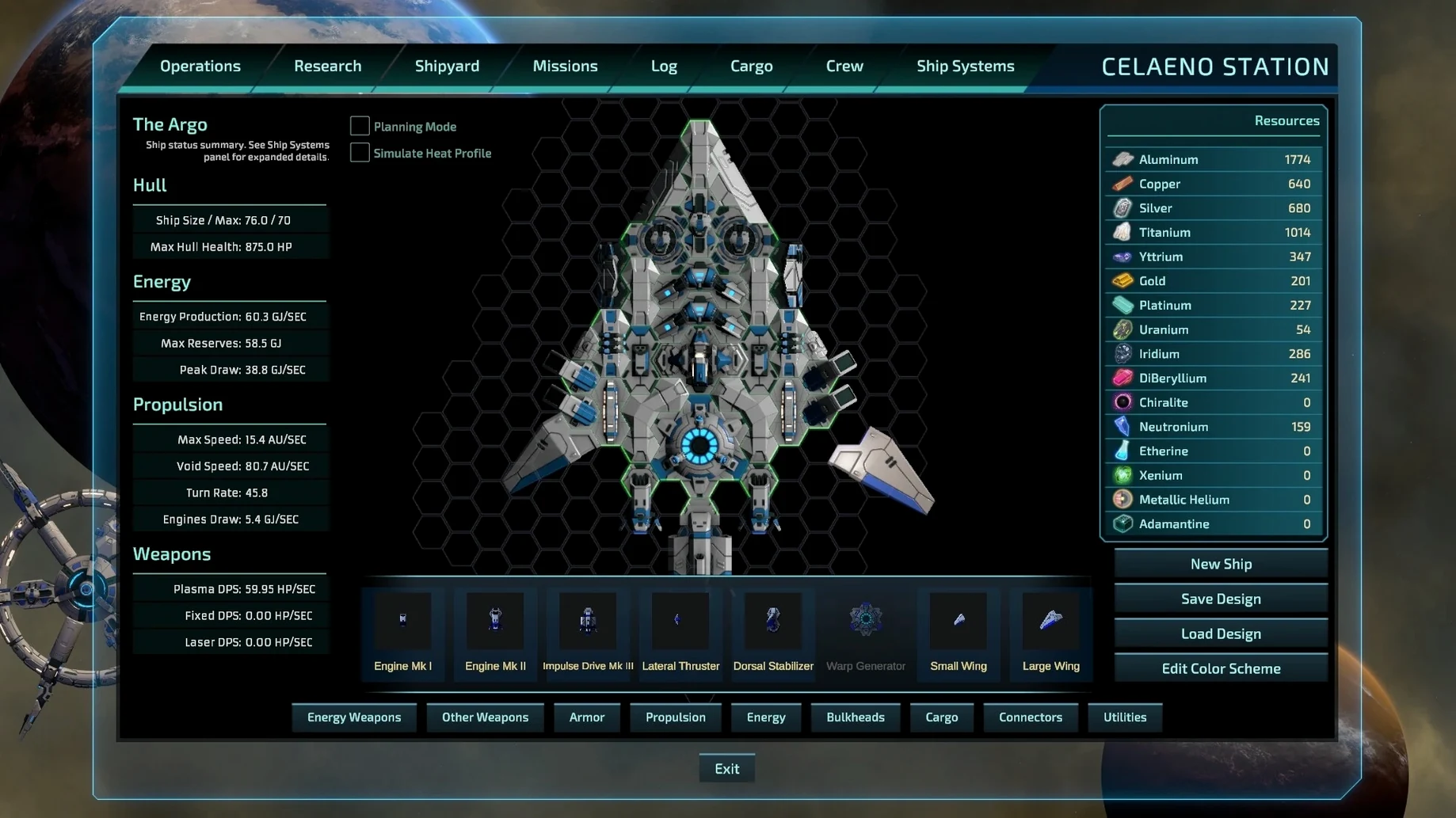
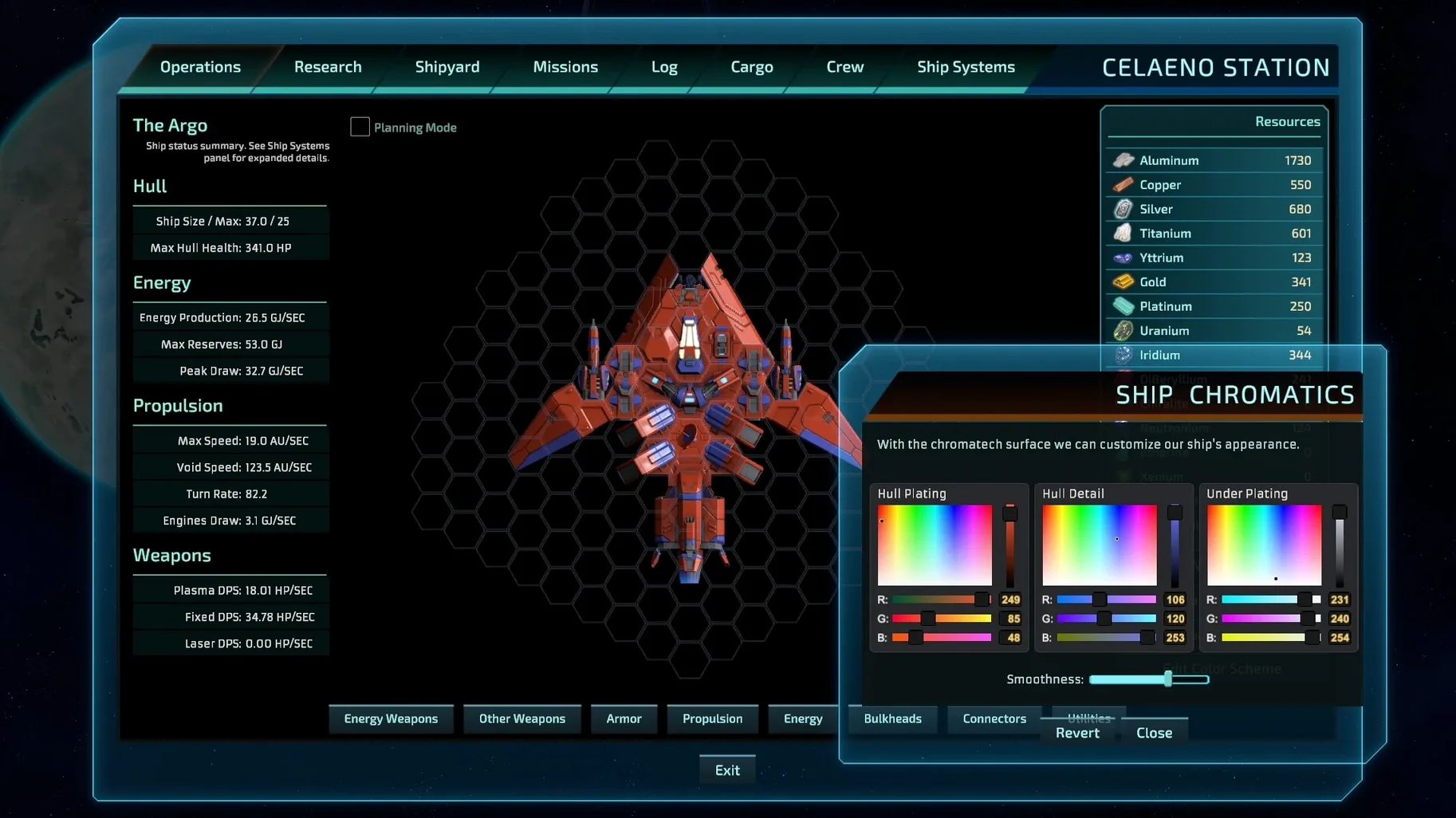
After you have a feel for movement, open the ship-building screen and experiment with one or two hull upgrades. Do not over-optimise early; just add the components that let you survive the first few fights and keep your crew alive.
Train your crew between missions. The skill bonuses apply to ship management and combat, so investing in training early pays off when you hit tougher systems later.
Save before entering unknown systems
- Save often outside combat. The game lets you save anywhere as long as you are not in a fight. Use that freedom — a quick save before entering an unknown system avoids losing progress to an unexpected ambush.
- Use the quick travel gates. Once you discover a gate, you can jump to distant systems quickly. Mark systems you want to revisit on the map.
- Scan every anomaly you find. Over 230 anomalies are scattered across the galaxy. Scanning them yields resources, lore, and sometimes new mission leads.
- Check the language setting early. The interface language is changed inside the game settings, not in a launcher. If the menus appear in a language you do not read, this is the place to switch.
Fix the Wineskin wrapper first
The game does not launch after copying. This is the most frequent issue. Run the Fix file included on the disk image before launching the app. The fix patches the Wineskin wrapper for the current macOS version. If the game still refuses to start, re-mount the disk image and run the Fix again.
Save files are hard to find. They live in AppData/LocalLow/Wx3 Labs, LLC/Starcom Unknown Space/saves, inside the game's SharedSupport prefix path. If you need to back up or transfer a save, that is the folder to look for.
Controls feel unresponsive or the cursor behaves oddly. Check that the game window has focus. On some Mac setups, clicking into the window once after launch helps. If the mouse pointer still lags, try running the Fix file again — it can resolve input quirks tied to the Wineskin layer.
The autopilot does not navigate to a custom point. Autopilot works only for known locations that are already on your map. If you are trying to reach an uncharted coordinate, you need to steer manually until that system is logged.
Changes in this build
- Release date listed as 2024-09-02.
Before it goes on the Mac
- Apple Silicon (ARM) Mac
- macOS Sequoia or later
- Tested on MacBook Air (M1, 2020)
Questions from the room
Does Starcom: Unknown Space run on Intel Macs?
No, the package is built for ARM architecture, so it only runs on Apple Silicon Macs.
Can I save the game at any time?
Yes, you can save anywhere outside combat, which makes exploration and mission planning easier.
What if the game does not start?
Run the Fix file from the disk image to repair the Wineskin configuration, then launch again.
Installing it on the Mac
- Mount the downloaded disk image.
- Drag the app into the Applications folder alias.
- Launch the app from Launchpad after copying finishes.
- If the game fails to start, run the Fix file from the disk image.
- Change the language in the game settings.
Notes from the control room
Sign in or open a catalogue account to leave a note.
No notes from the room yet. If you have used this build for a week, a short note helps the next person.