Updated
The catalogue note
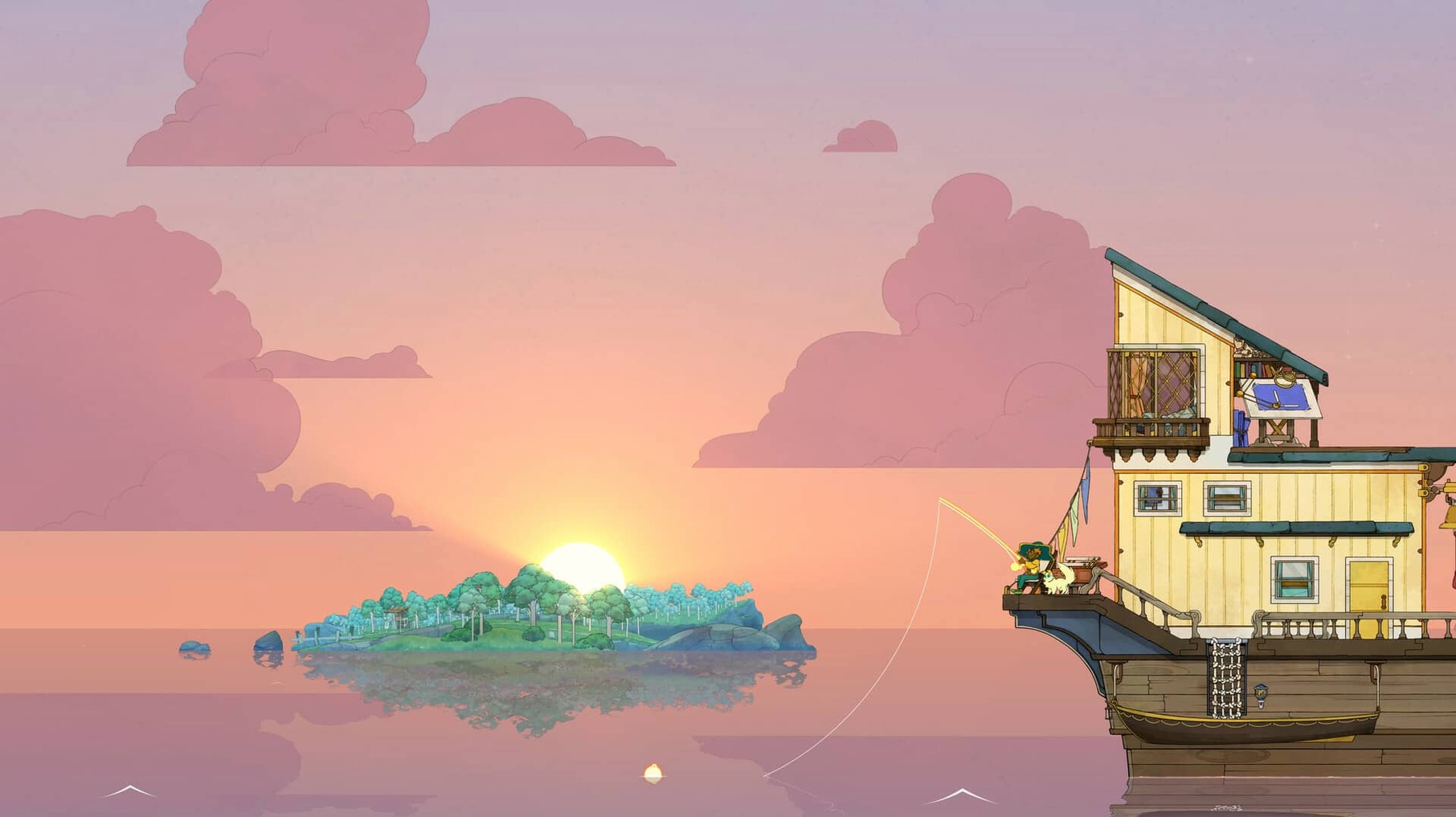
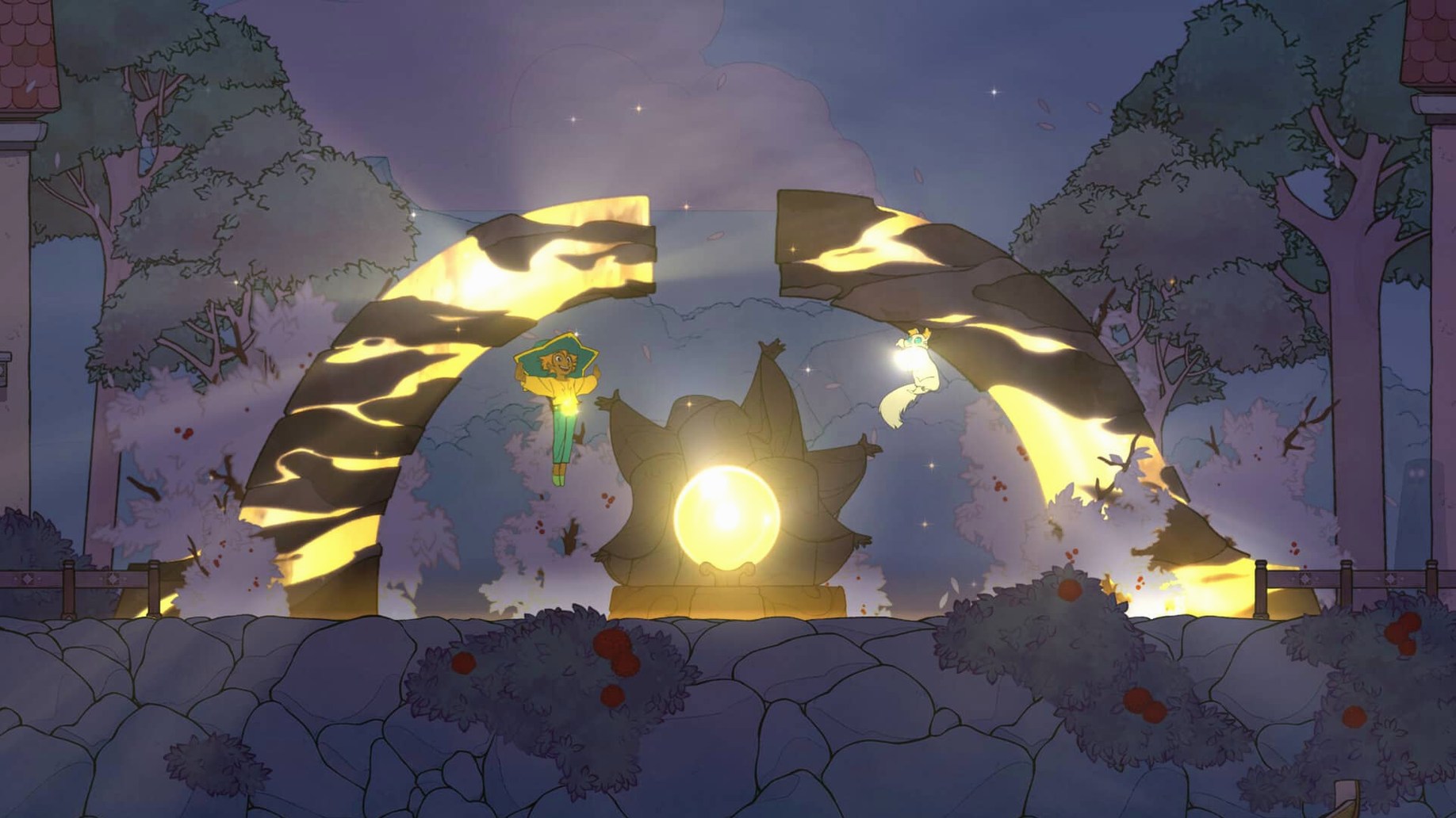
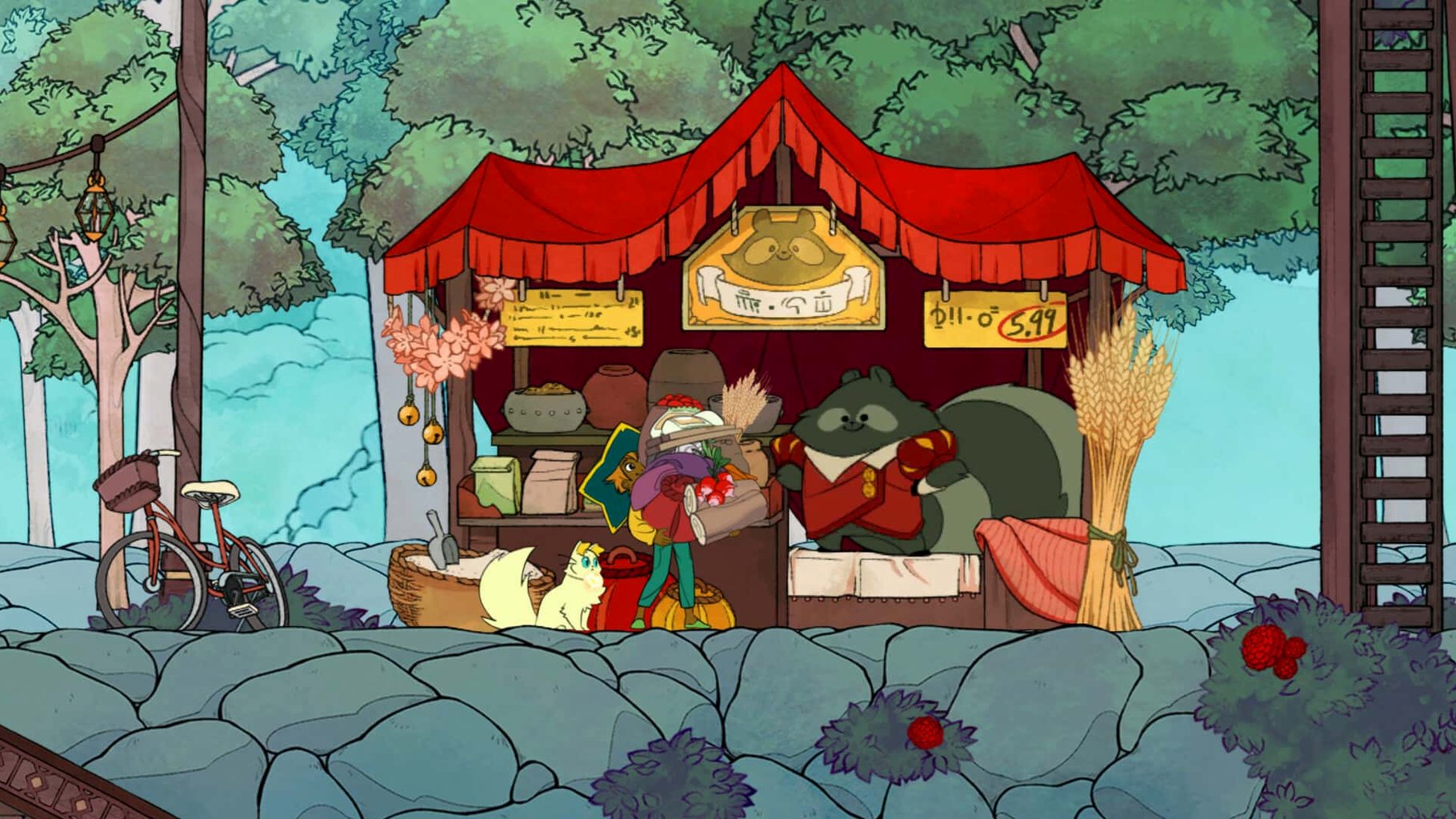
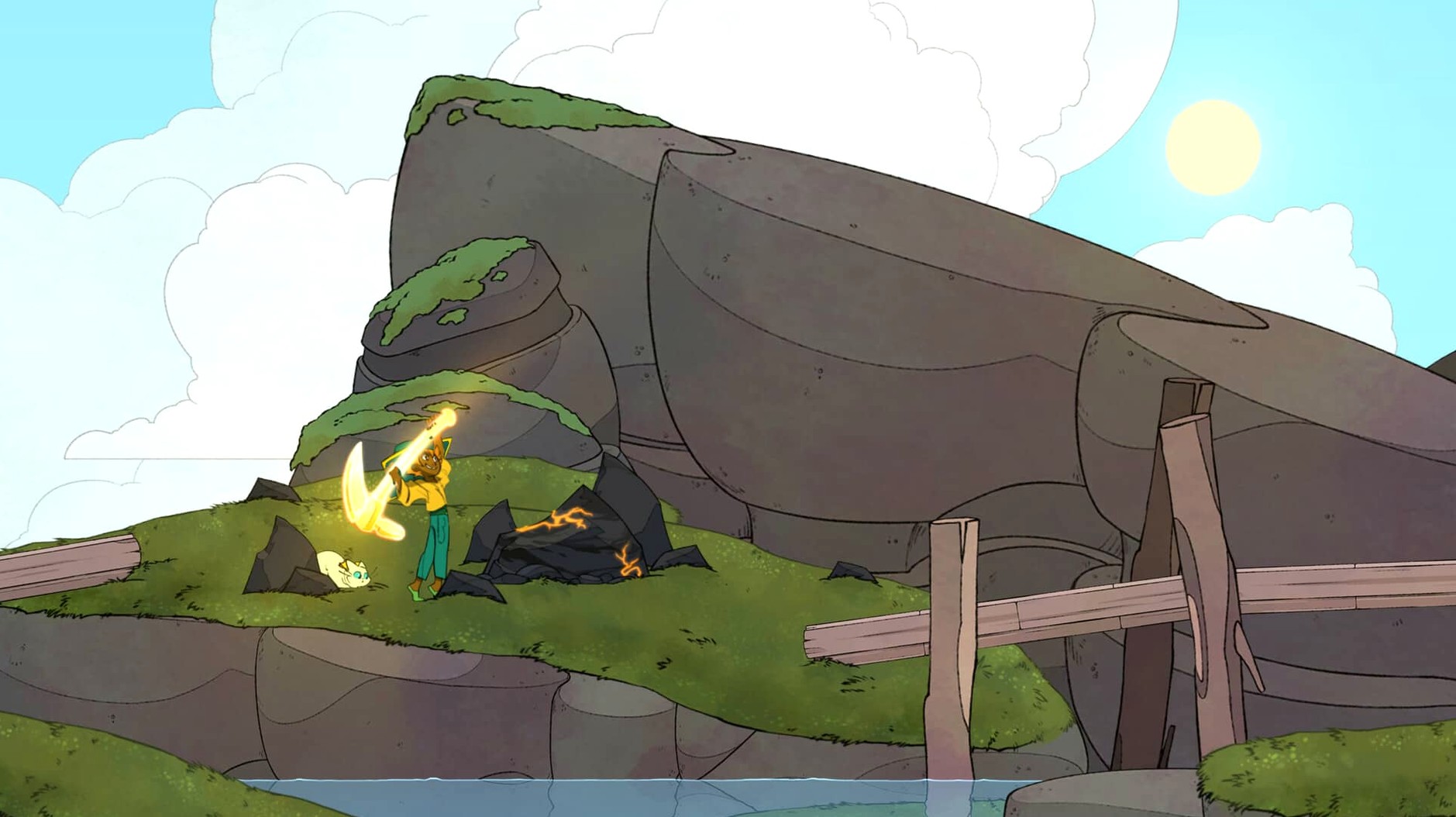
Spiritfarer runs on Intel-based Macs. No Apple Silicon native version is available, so expect Rosetta 2 translation on newer machines. The game is a management title about building and upgrading a boat, exploring a hand-drawn world, and guiding spirits to the afterlife. It mixes farming, mining, fishing, cooking, weaving, and crafting with platformer-style movement — running, jumping, and sliding.
Slow-paced management with a strong emotional core
If you like slow-paced management games with a strong emotional core, Spiritfarer fits. The loop of gathering resources, upgrading your ship, and fulfilling spirit requests is satisfying. The hand-drawn artwork and music add atmosphere. Local co-op for two players works well if you want a shared, unhurried experience. The game supports eight languages, including English, German, Spanish, and French.
Not for action players or those wanting tight controls
Action players may find the pace too deliberate. There is no combat, no time pressure, and the platforming is light. If you need tight controls or fast reflexes, this is not the game. Players who prefer single-player only may also note that co-op is optional but built in. The emotional weight of guiding spirits to the afterlife can be heavy — if you want something purely mechanical, look elsewhere.
Launch failures and save-corruption fixes on Rosetta 2 Macs
A few quirks crop up regularly, especially on Macs running through Rosetta 2. Knowing them saves time.
- Game fails to launch or hangs on the loading screen. This often traces to permissions. Check that the app has access to your Documents folder — Spiritfarer saves there. If it still stalls, delete the preferences file at
~/Library/Preferences/com.thunderlotus.spiritfarer.plistand restart. - Lowering the resolution to 1440×900 or turning off full-screen effects in the display settings usually smooths things out. On M-series Macs, Rosetta 2 handles the translation well, but the game still relies on the GPU — older Intel models with Intel HD Graphics 4000 may need the lowest settings.
- Co-op second player (Narcissus) not responding. Make sure the controller or keyboard is connected before launching the game. The second player can only join at the title screen, not mid-game. If using a controller, disconnect and reconnect it once the game is open.
- Spirit requests not progressing. Some quests require a specific building upgrade or a recipe you haven't unlocked yet. Double-check the request text — it often hints at what you need to build or cook first. If it still seems stuck, save, quit, and reload the save file.
- Audio crackling or cutting out. The game's music and sound effects can clash with certain audio interfaces. Switching your Mac's output to built-in speakers or headphones in System Settings usually resolves it. No sample rate trickery needed.
One weekend session per week on a 2019 MacBook Pro
A friend who works weekdays in an office wanted a game that didn't demand daily logins or muscle memory. They downloaded Spiritfarer on their 2019 MacBook Pro (Intel, Radeon Pro 555X) and played one session per weekend. After two months, they had upgraded the boat to the icebreaker hull, unlocked the fishing minigame, and grown attached to a spirit named Gwen. The game saved progress automatically after each event — no manual saving, no lost weekends. The emotional send-off sequences became the reason to keep playing, not the resource grind. The local co-op option never got used, but they appreciated that the cat character existed for players who want company.
For this type of player, the main friction was remembering where they left off two weeks earlier. Spiritfarer's journal screen lists active requests and spirit locations, so a quick scan at the start of each session was enough to get back into the rhythm.
Save-file stability improved when quitting mid-animation
Version 35325a (54564) is a post-release update that addressed several issues without adding major content. The changes that affect daily play include:
- Improved save-file stability when quitting mid-animation. Earlier builds could corrupt a save if you exited during a spirit release sequence. That is no longer a concern.
- Better controller detection for the second player on macOS. Previous versions sometimes failed to register a second input device until the game was restarted. The update made the handshake more reliable at the title screen.
- Adjusted resource drop rates for certain late-game crafting recipes. The change reduced the number of rare-material runs needed for the final boat upgrades. Players who already own the game will notice less grinding in the endgame.
- Fixed a visual glitch where the boat's lanterns did not render correctly on Intel Macs with specific GPU drivers. The hand-drawn lighting effects now display as intended across all supported hardware.
Before it goes on the Mac
- macOS: not specified, Intel architecture
Questions from the room
Does Spiritfarer support local co-op?
Yes, the game includes local co-op for two players.
What languages does Spiritfarer support?
It supports Russian, English, German, Spanish, Italian, Simplified Chinese, Portuguese, and French.
Does Spiritfarer run on Apple Silicon Macs?
The game is Intel-only and runs via Rosetta 2 on Apple Silicon Macs.
Installing it on the Mac
- Open the downloaded disk image and run the standard installation procedure.
- Choose the destination folder at the end of installation.
- Use the Applications folder when selecting the install location.
Notes from the control room
Sign in or open a catalogue account to leave a note.
No notes from the room yet. If you have used this build for a week, a short note helps the next person.