
Updated
The catalogue note
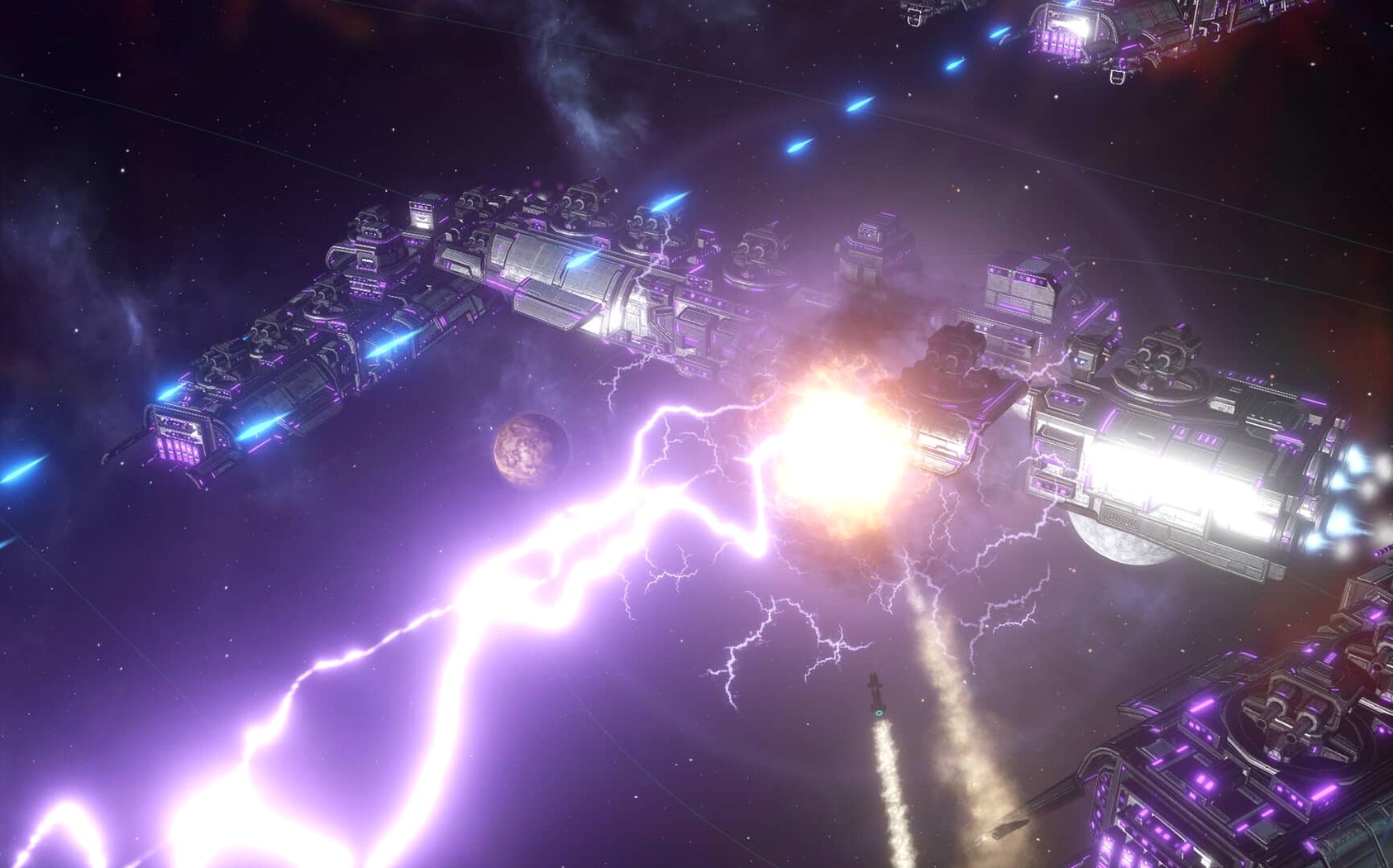
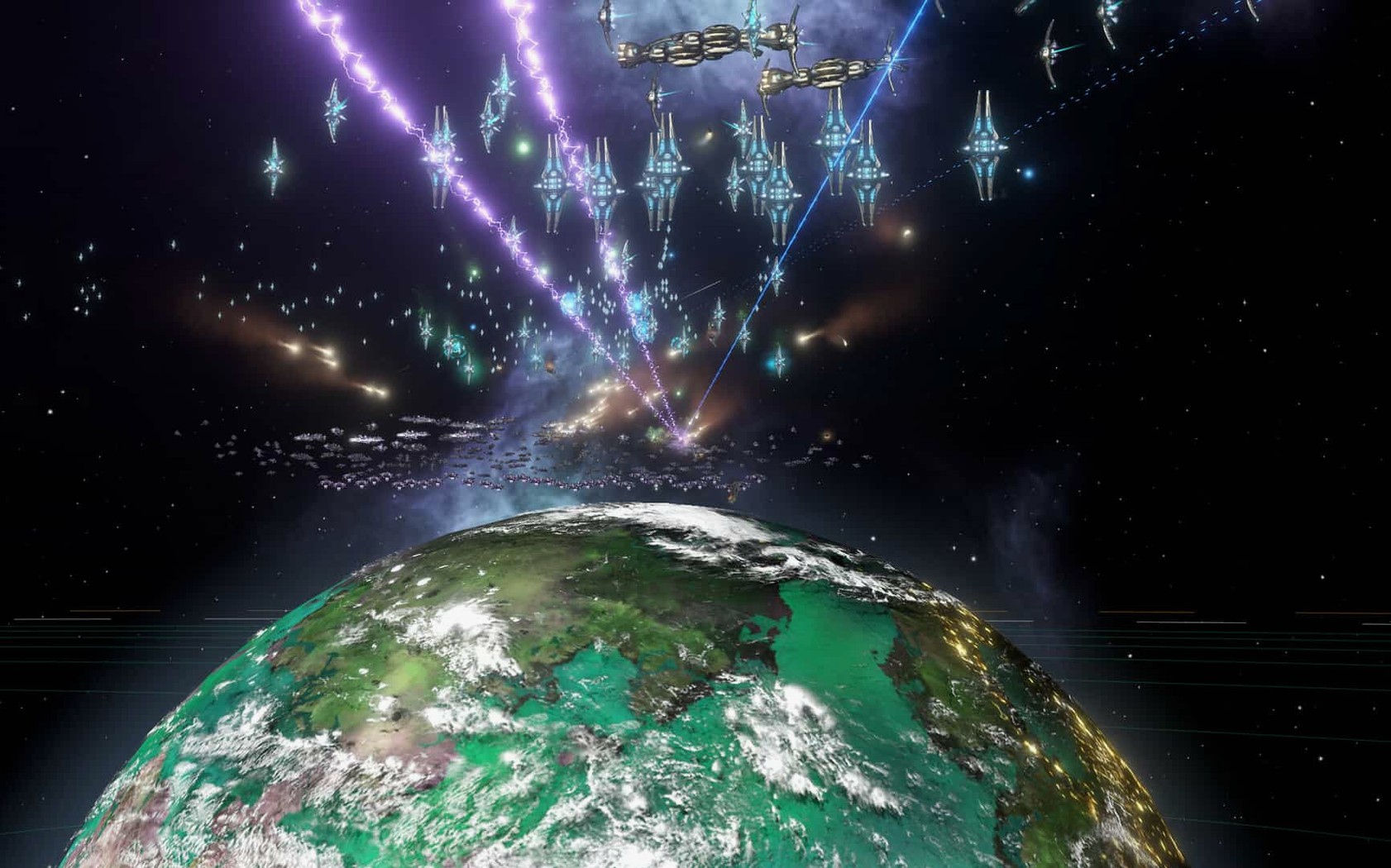
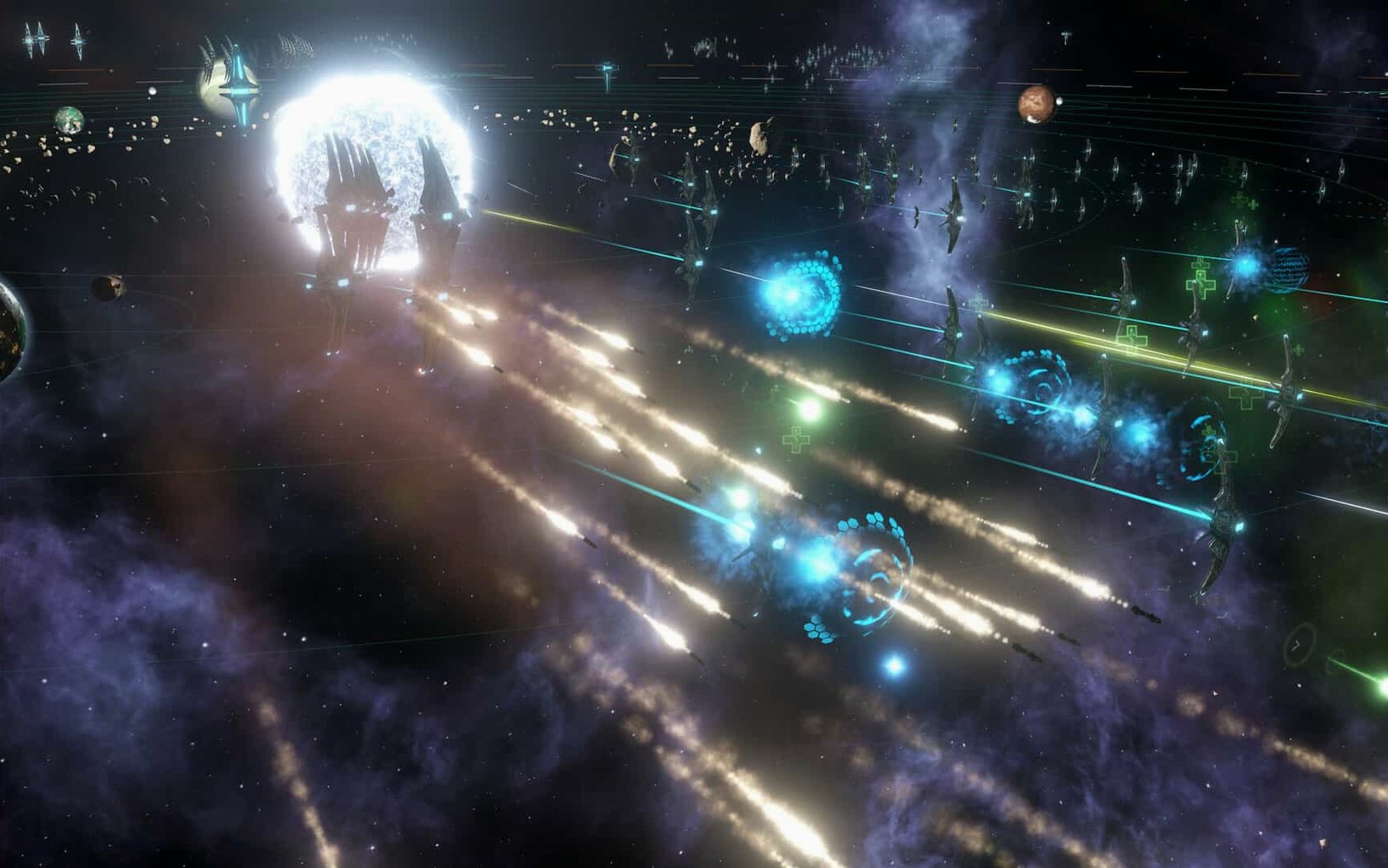
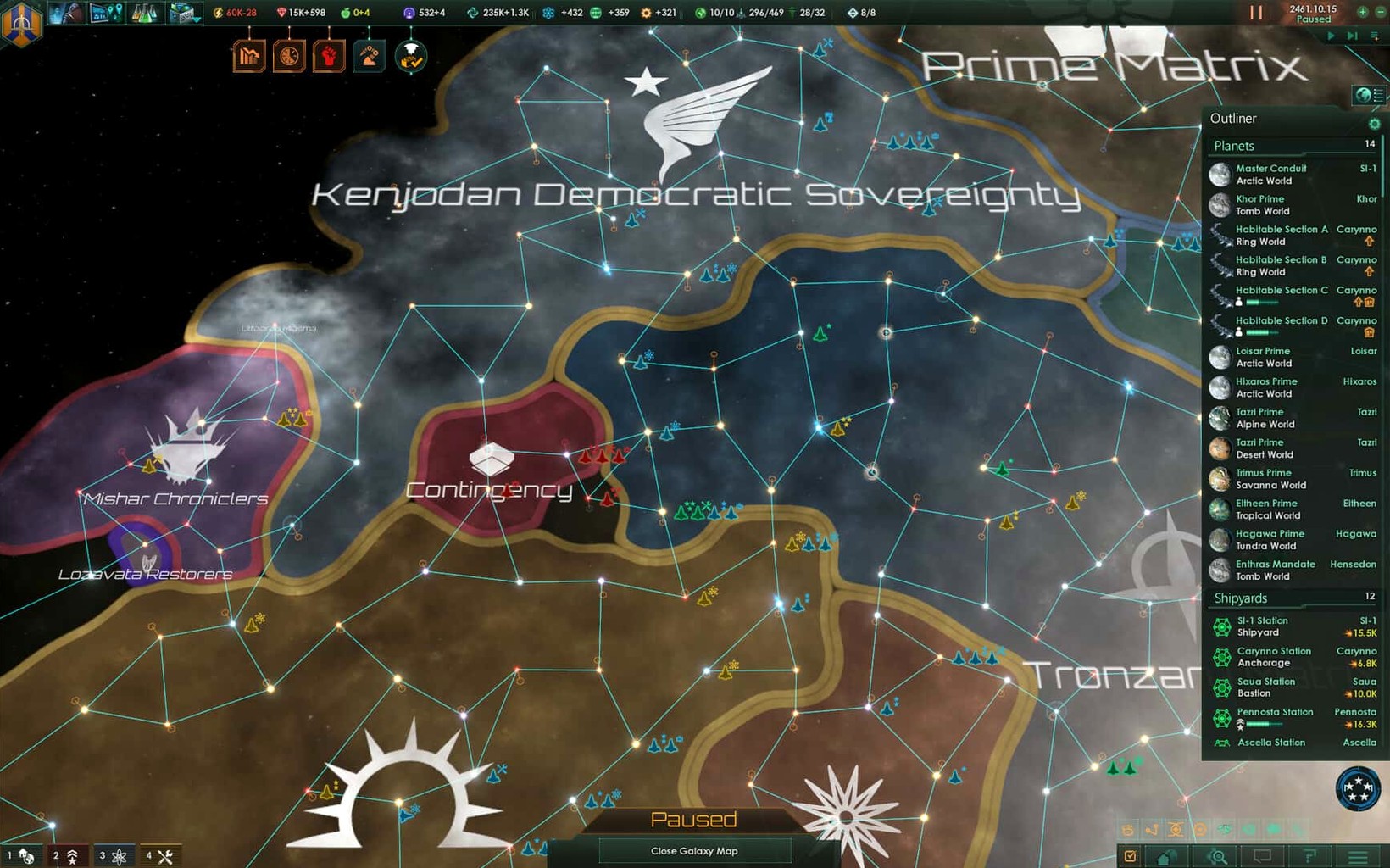
Stellaris is a real-time 4X grand strategy game about building a galactic empire, developed by Paradox Development Studio.
Who will enjoy Stellaris
If you like the slow burn of Crusader Kings or Europa Universalis but fancy a space setting, this fits. The game rewards patience: you explore planets, manage colonies that grow harder to govern as populations rise, allocate budgets, and handle diplomatic relations. Some regions can become autonomous under their own governors, which adds a layer of internal politics. The version 4.5.1 hotfix cleans up fleet automation and fixes multiplayer sync issues, so the current build is stable for long sessions.
Not for those who expect fast-paced combat
Stellaris is not a fast-paced action game. If you expect combat every few minutes or dislike micromanaging dozens of planets and their industrial facilities, this will feel slow. The music-only voice language and the need to read tooltips across eight supported interface languages (English, Russian, German, Spanish, Simplified Chinese, Polish, Portuguese, French) mean it helps to be comfortable with text-heavy strategy. Also, the Intel-only requirement limits it to older Mac hardware.
Expanding too fast without managing administrative strain
The most frequent error is expanding too fast. New players see a habitable planet and immediately colonise it, only to discover that each new settlement increases the empire’s administrative strain. Managing a dozen colonies with low habitability and poor resource income quickly becomes a drag. It is better to focus on a handful of well-chosen worlds early, develop their infrastructure, and only expand once your economy can support the overhead.
Another misstep is neglecting research. The technology tree is deep, and it is tempting to chase military upgrades, but skipping early economic and colony-development techs leaves you struggling to keep pace with rival empires. A balanced research strategy pays off more than rushing for the biggest weapons.
Beginners also tend to ignore the automation features. The sector AI that manages autonomous regions is there for a reason: trying to micromanage every building on every planet past the first thirty or forty colonies leads to fatigue. Let the AI handle routine development on stable worlds while you focus on the critical frontier systems. The 4.5.1 update to fleet automation helps here too — the AI now follows your selected actions more reliably, so you can delegate military patrols without losing control.
Finally, many players skip the diplomacy screen until war breaks out. Maintaining trade agreements and non-aggression pacts early keeps your borders quiet, which buys time to build up your core systems. A single war you are not ready for can undo an hour of careful expansion.
How Stellaris fits with other apps and macOS features
Stellaris is a session game — a single playthrough can run several hours — so it pairs well with macOS virtual desktop management. Dropping the game on its own desktop lets you switch to a browser for wiki lookups or to a notes app for tracking empire goals without alt-tabbing through overlapping windows. The game itself does not demand constant attention at every moment; during quiet exploration phases you can leave it running in the background while you read strategy guides or listen to a podcast.
Because the interface uses no voice acting, you can easily run music or an audiobook alongside the game without clashing with spoken dialogue. The voice language is listed as “music only”, so the soundtrack is ambient enough that it will not fight with external audio.
For multiplayer sessions, the 4.5.1 fix to out-of-sync errors with custom AI empires makes cooperative or competitive games far more reliable. Pair the game with a voice-chat app like Discord on a second monitor or a separate virtual desktop — the game runs in real time, so coordinating fleet movements verbally is often faster than typing messages.
Editing settings.txt to change language before starting
Before starting your first empire, open the settings.txt file located in Documents/Paradox Interactive/Stellaris after launching the game once. The file is small and easy to edit. If your interface language is not English, change the line l_english to your preferred language code (for example, l_russian) — this saves you from switching it every session.
Within the game’s options menu, consider disabling the auto-disengagement feature that pulls fleets out of battle after fifteen days of inactivity. The 4.5.1 update now defaults this behaviour to off for new games, but if you upgrade a save from an earlier version, check that it is still disabled. Manual disengagement gives you full control over prolonged engagements.
Also take a moment to set automation for your core sectors. In the empire tab, assign a trusted sector governor early — even if that sector has only a handful of planets. The AI handles building queues and resource allocation well enough that you can focus on exploration and diplomacy. Tweak the automation settings to allow building military stations and defensive armies; otherwise the AI will build only civilian structures.
A workflow from homeworld to three secure colonies
Here is a step-by-step workflow from the moment you start a new game until you have three secure colonies running independently.
- Choose your empire and homeworld. Pick a species with balanced traits — a mix of industry, research and adaptability. Do not specialise too early.
- Queue initial research. Start with a tech that improves mining stations or colony development speed. Avoid military techs until your economy is stable.
- Build your first three science ships. Send them to survey nearby star systems. Prioritise systems with habitable planets over those with only resources.
- Build an initial colony administration building and a few basic resource extractors.
- Set up sector automation. Once the first colony is built, create a sector containing your homeworld and the new colony. Assign a governor and let the AI manage building upgrades while you focus on exploration.
- Open diplomacy. Contact every empire you discover and propose non-aggression pacts. Even if they refuse, the attempt lowers tension and buys time.
- Repeat for a third colony. Find another high-habitability world and colonise it. Add it to the same sector if it is within range, or start a new sector. Keep your empire to three colonies until your research and mineral income can support a fourth.
- Check fleet automation. Build a small defence fleet — three to five corvettes — and set its automation to patrol the sector. The 4.5.1 improvements mean it will follow your orders without wandering off.
This approach keeps your empire lean, your automation working for you, and your attention free for the strategic decisions that actually matter. Once the early economy is self-sustaining, you can expand at your own pace without the panic of an overstretched supply line.
Changes in this build
- Hotfix release.
- Fixes a Synaptic Lathe ownership issue.
- Improves fleet automation behaviour.
- Fixes multiplayer out-of-sync issues and multiple crash cases.
Before it goes on the Mac
- macOS ?
- Architecture: Intel
- Other: 64-bit processor
Questions from the room
What is the current version of Stellaris?
The current version is 4.5.1, a hotfix release that fixes a Synaptic Lathe ownership issue, improves fleet automation, and resolves multiplayer out-of-sync problems.
Does Stellaris support Apple Silicon Macs?
No, the requirements specify Intel architecture only, with a 64-bit processor.
How do I switch Stellaris to the Russian interface?
Launch the game once and close it after the menu loads. Open Documents, then Paradox Interactive, then Stellaris. In settings.txt, change l_english to l_russian and save the file.
Installing it on the Mac
- Mount the downloaded disk image.
- Run the standard installation process.
- Choose the install location when prompted.
- Use the Applications folder if available.
Notes from the control room
Sign in or open a catalogue account to leave a note.
No notes from the room yet. If you have used this build for a week, a short note helps the next person.