Home › Games › Super Mario Bros.: The Lost Levels

Super Mario Bros.: The Lost Levels 1.0 (Mac)
Updated
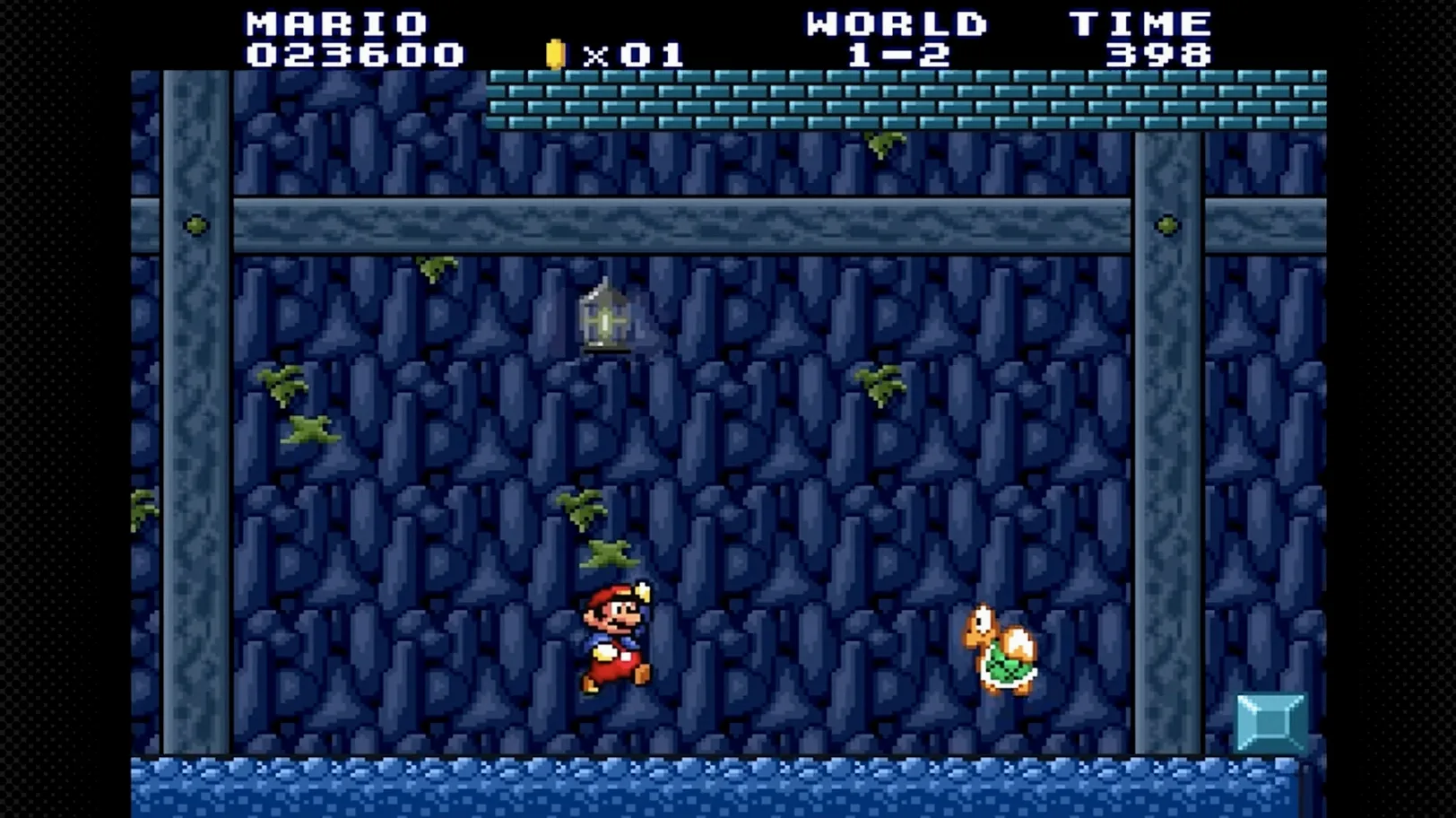
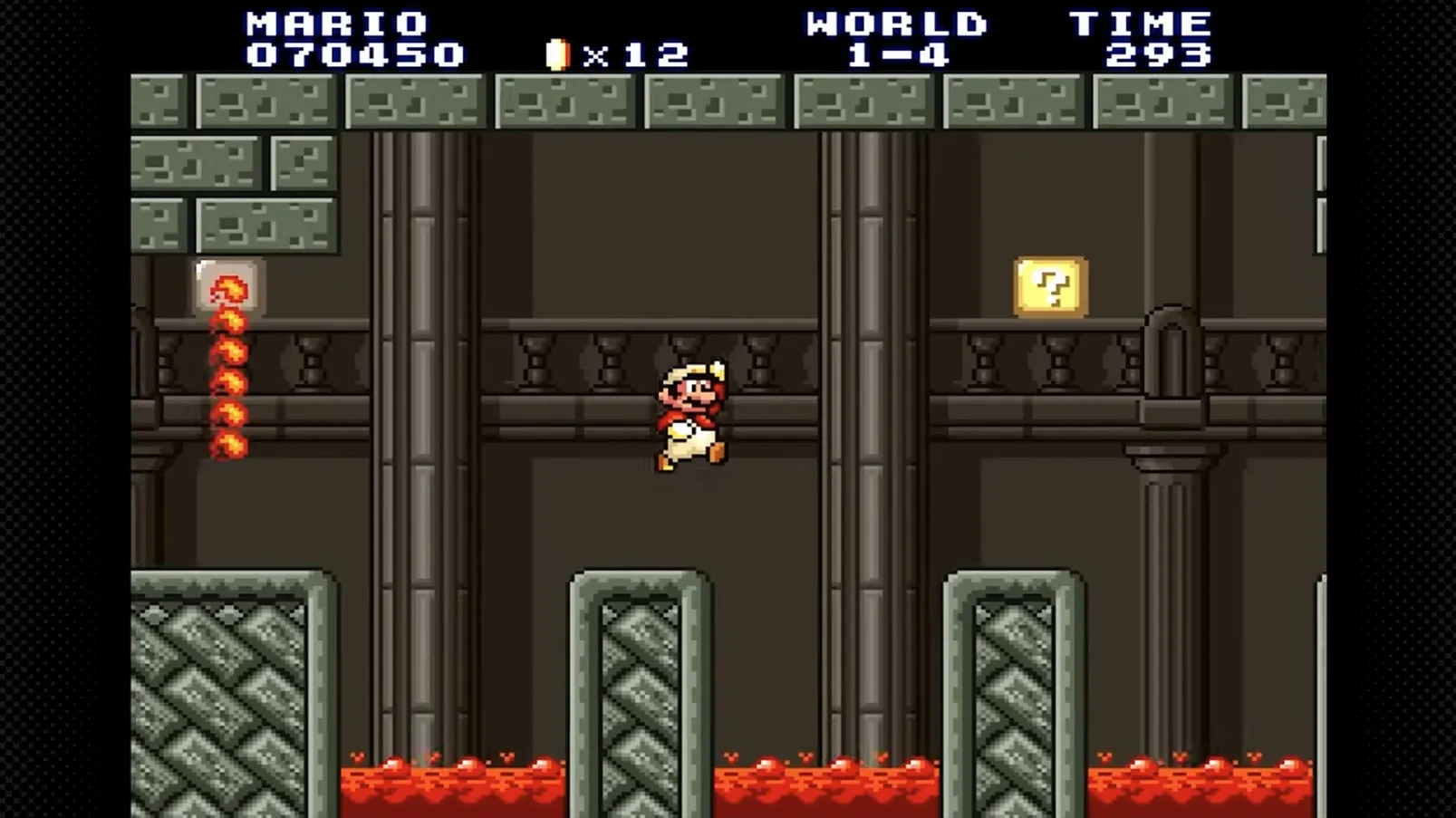
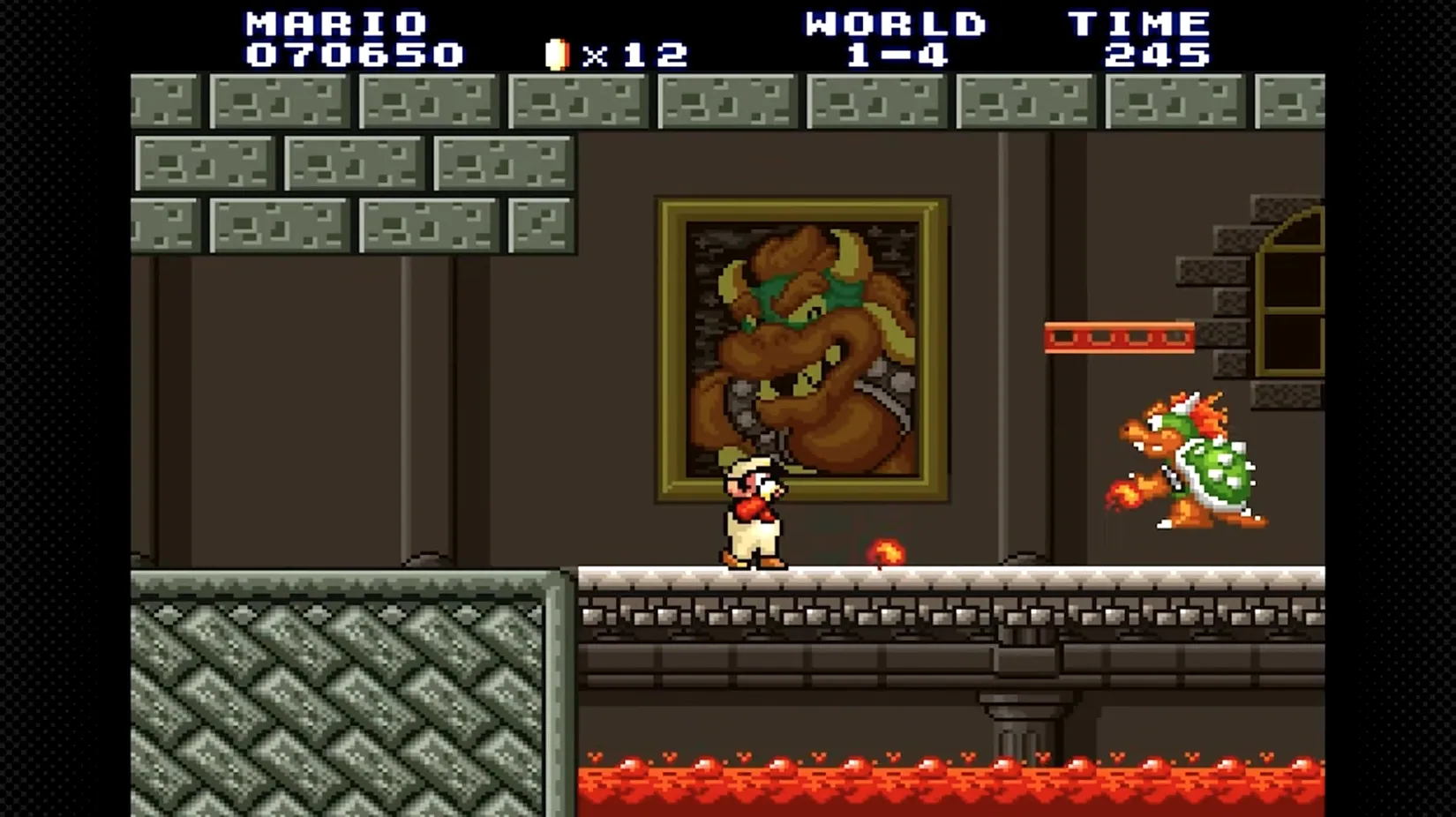
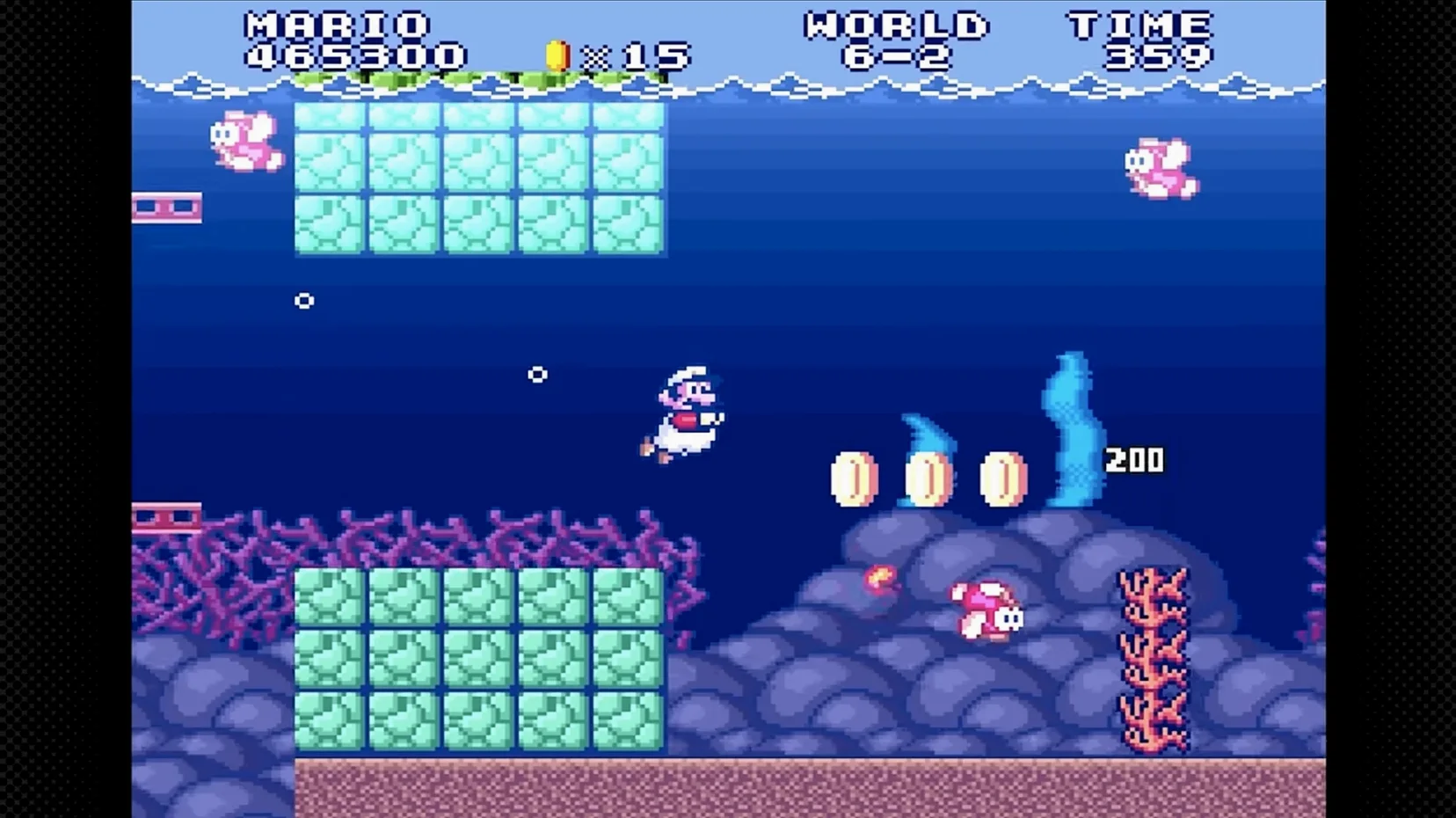
The catalogue note
This one is for the player who found the original Super Mario Bros. too easy and craves a genuine challenge. Not for the casual fan who just wants to coast through a few levels after work.
Masochistic platformer veterans only
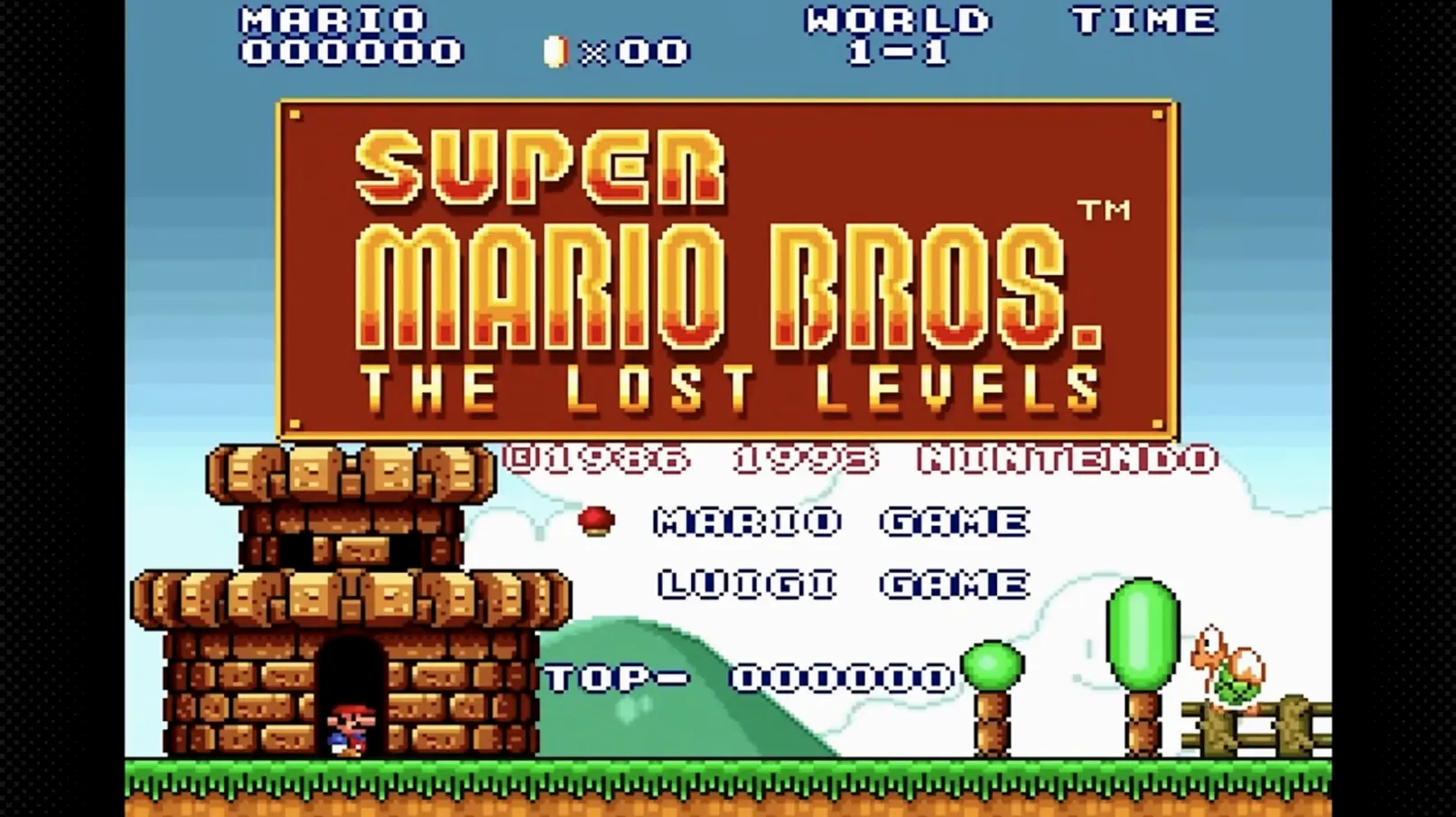
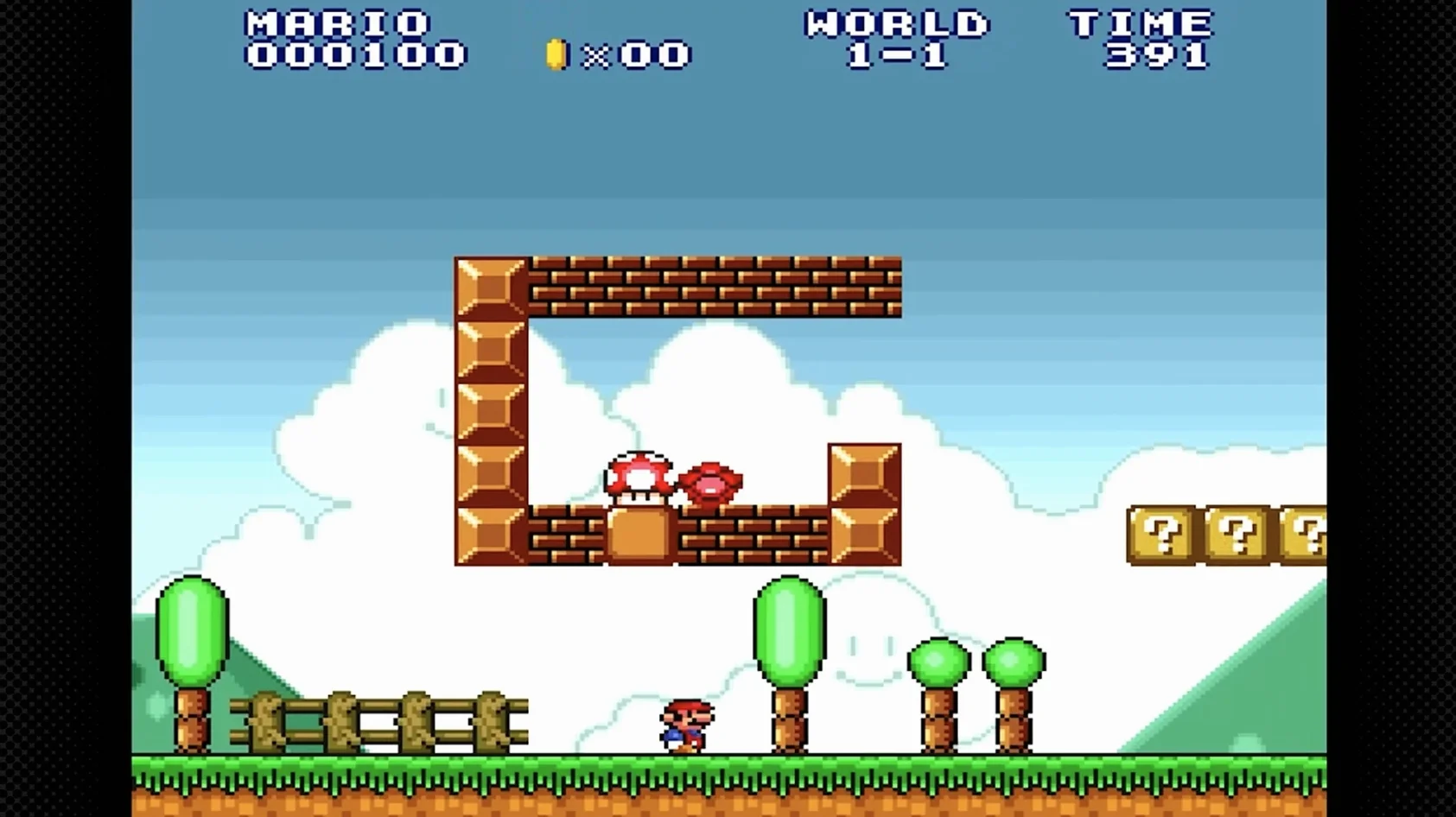
Masochistic platformer veterans — The Lost Levels was originally released only in Japan as the true sequel to Super Mario Bros. Its level design is noticeably tougher, with tighter jumps, more enemies, and a general hostility that rewards muscle memory and patience.
Not for players who want relaxed runs
Players after a relaxed run — If you prefer modern checkpoint systems or forgiving physics, this will frustrate. It is the same engine as the original, but the stages are built to kill you repeatedly. The Western NES release skipped it for good reason.
Mac technical note — The package tested on macOS Sequoia (M1, 2020) runs on Apple Silicon. It is version 1.0 and uses English menus. Expect a straightforward drag-and-drop install from a disk image.
What the Mac version asks of you
The package is built for Apple Silicon only — no Intel support here. Version 1.0 requires macOS ? or later, and the only interface language is English. The sound is purely music (no voice work). Activation is not required; you simply mount the disk image, drag the app to /Applications, and open it from Launchpad. The tested environment was macOS Sequoia on a MacBook Air (M1, 2020), so modern ARM Macs should handle it without extra configuration. No Rosetta translation is involved.
Disk-image install with no installer wizard
The disk-image install method is the same as most retro Mac ports — no installer wizard, no licence key to paste. The app launches directly from the .dmg or from Applications once copied. Because the game is a direct NES emulation wrapper, quitting is typically done via the app menu or the standard Command-Q. The included instructions (inside the disk image) cover any edge cases; if the game refuses to open, those are your first stop.
Fix macOS Gatekeeper blocks and stretched display
- App does not open after dragging — macOS Gatekeeper may block an unsigned app. Open System Settings > Privacy & Security and allow the app to run. The included instructions often mention this step.
- Game appears stretched or letterboxed — The original NES aspect ratio was 4:3. If your display is wider, the app may default to pillarboxing. Check the app’s preferences or the included readme for display options.
- Controller not recognised — The package uses keyboard input by default. Some USB or Bluetooth gamepads may work if macOS treats them as HID devices, but there is no guarantee. The instructions may list supported input methods.
- Strong wind levels feel unfair — The wind mechanic pushes Mario mid-air. This is not a bug; it is part of the original design. Anticipate your jumps and let the wind carry you rather than fighting it.
If you search for super mario bros. the lost levels for mac free download, you will find several versions — the one described here is the 1.0 ARM build from the Russian package, tested on Sequoia.
Changes in this build
Before it goes on the Mac
- macOS ?
- Apple Silicon
Installing it on the Mac
- Mount or open the downloaded disk image.
- Drag the app to the Applications folder.
- After copying finishes, open the app from Launchpad.
- If errors occur, follow the included instructions.
Notes from the control room
Sign in or open a catalogue account to leave a note.
No notes from the room yet. If you have used this build for a week, a short note helps the next person.