Home › Games › STORROR Parkour Pro

STORROR Parkour Pro 0.39.0 (Mac)
Updated
The catalogue note
Getting a modern parkour game to run well on a Mac is still a niche pursuit, but STORROR Parkour Pro at least acknowledges the platform exists. The Early Access build for Apple Silicon means you are not wrestling with a translation layer — it runs natively, which is the right approach for a game that relies on tight, responsive movement.
- Built for ARM natively — no Rosetta overhead. Tested on macOS Tahoe, Mac mini 2024 M4, and it stays fluid during rooftop sprints and line challenges.
- Requires macOS 14.0. No Intel support; Apple Silicon only. If you are on an older OS or an Intel Mac, this one will not launch.
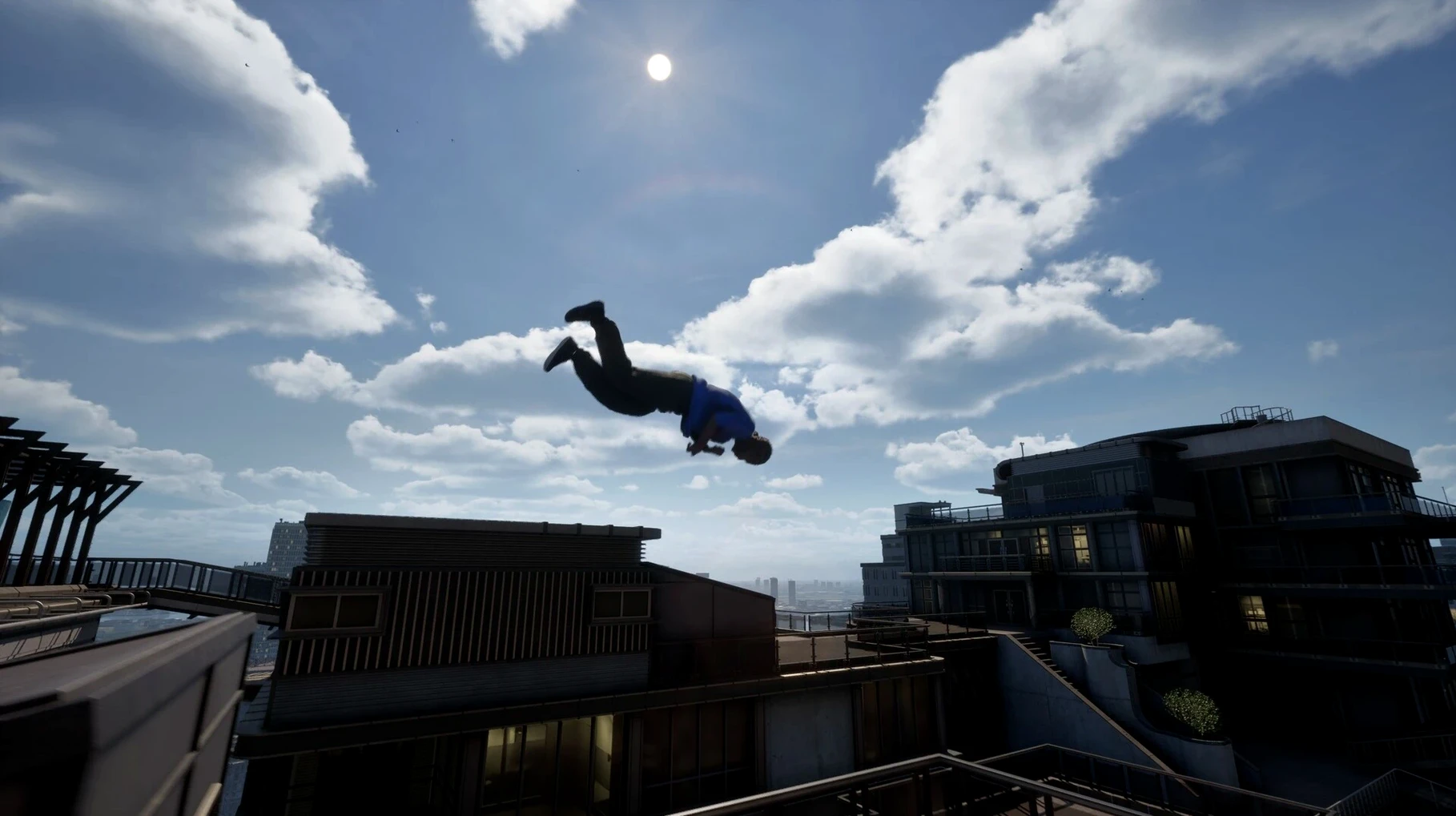
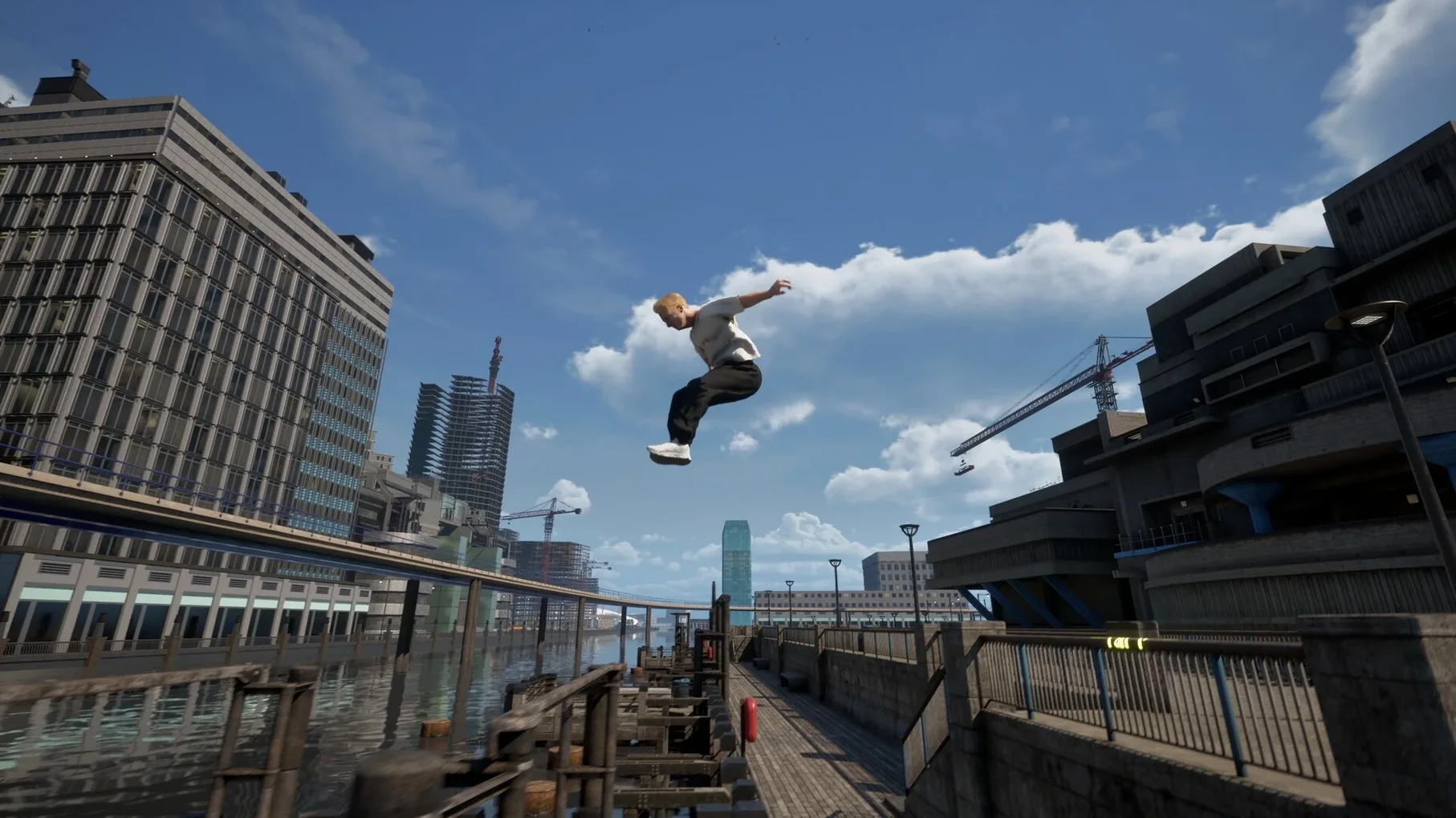
- Hundreds of parkour animations string together based on context. The controls feel like a standard third-person actioner — WASD, shift to sprint, space to jump — but the animation blending is what sells the speed.
- Chase and Escape mode is present for local multiplayer. Handy if you have a friend who also plays on Mac, which is admittedly a small pool.
- Interface languages: 17, including English, Russian, German, Spanish, Japanese, Chinese (both), Korean and more. Voice is English only.
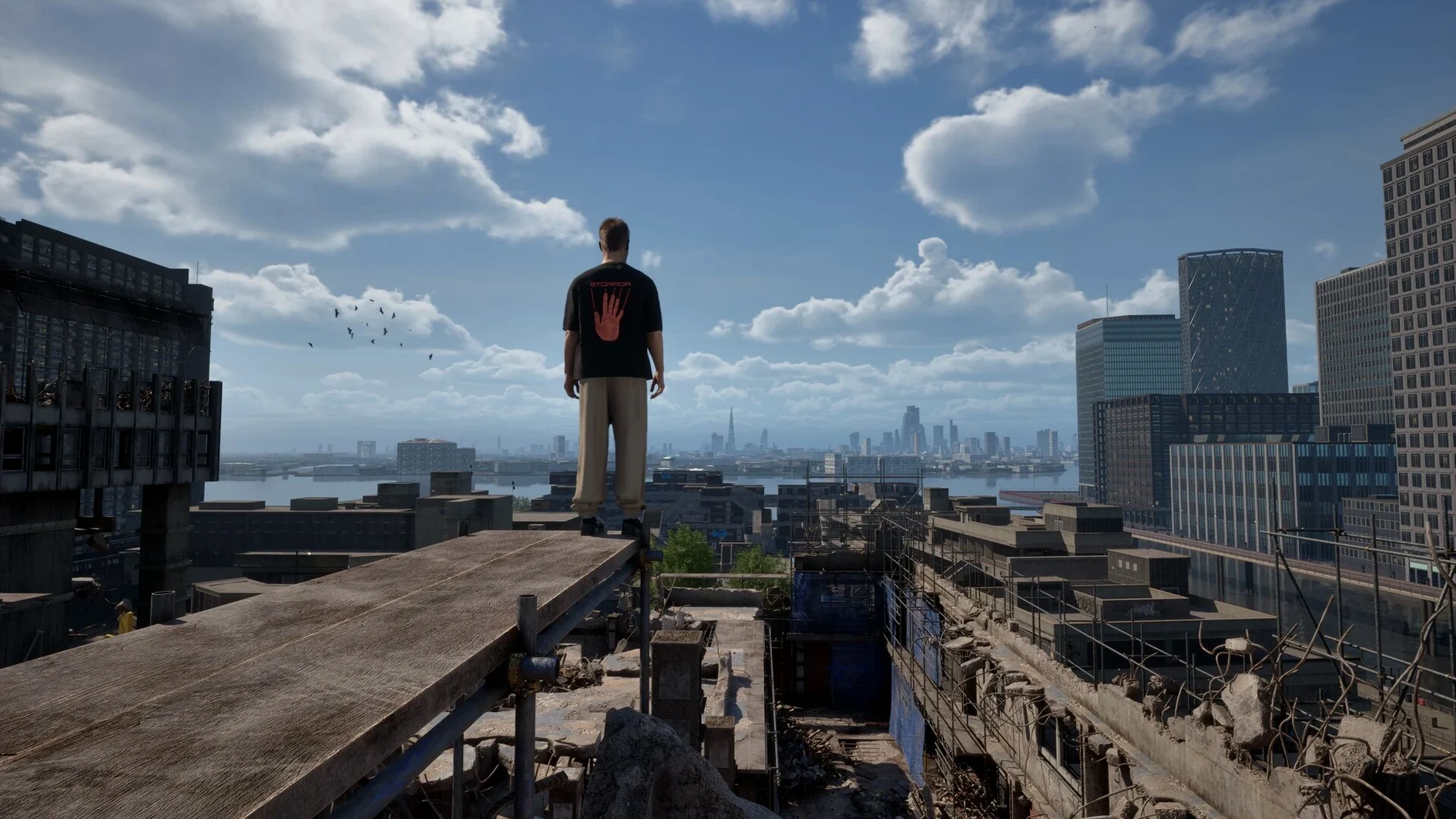
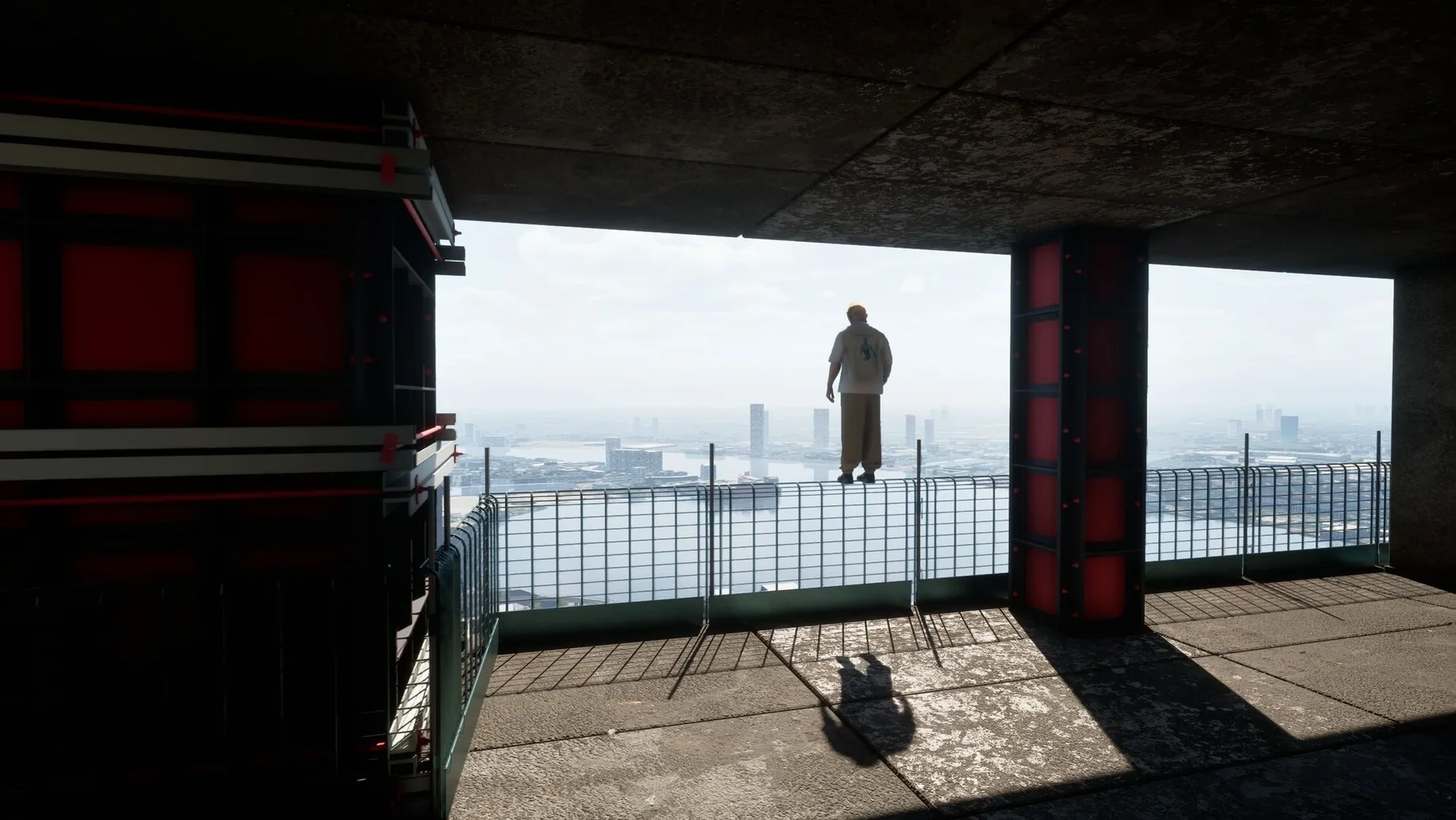
- Early Access means content is still being added. Line Challenges are there; the urban London sandbox is explorable. Expect updates.
The game is not graphically demanding, but the animation system is the real load — it holds up. If you are after a native parkour game on Apple Silicon, this is currently the only serious option.
Run across the open starting area to learn how the environment works
After you have dragged the app into Applications and launched it for the first time, spend a few minutes in the open starting area before jumping into challenges. The movement system relies on reading the environment quickly, so running across flat rooftops at full speed before you understand the jump arc will end with a lot of pavement views.
- Find a low rooftop cluster and practise the sprint-to-jump transition. The animation system blends based on approach angle, so a straight sprint gives a different leap than a diagonal run-up.
- Try climbing a moving crane early on. The physics-based grab detection is forgiving but not infinite — you need to hold your direction toward the next handhold rather than mashing the jump key.
- Ignore the leaderboards for the first hour. Line Challenges and Speed Challenges reward route knowledge more than raw reflexes, and the default camera angle can hide a ledge you thought was reachable.
The game does not lock you into a linear path, so explore the Isle of Dogs map at your own pace. Train tracks and construction sites are good places to learn how the character recovers from a mistimed vault.
Treating every surface as a landing zone ignores the character's physical sense
The most frequent error is treating it like a traditional platformer where every surface is a landing zone. In STORROR Parkour Pro, the character will only grab or vault if the movement makes physical sense — a running jump toward a wall at a shallow angle often results in a slide rather than a catch. Beginners also tend to hold the sprint key permanently, which reduces the window for precise direction changes mid-air.
- Overcorrecting after a missed grab. The recovery animation takes a moment, and trying to input the next jump during that recovery desyncs your timing. Wait until the character is upright again.
- Ignoring the helicopter avoidance sequences. They appear in the Storror Mission and some free roam areas; standing still while scanning the sky leaves you exposed. Keep moving laterally.
- Assuming all rails and ledges are climbable. Some are purely decorative, and the collision model treats them as solid walls. If your character slides off twice, find another route.
New players also underestimate the value of the Chase and Escape mode as a training tool. Playing against a friend forces you to chain movements without thinking, which builds muscle memory faster than repeating the same line challenge alone.
Turn up camera sensitivity to spot handholds while sprinting
The game does not bury its options, but a few defaults benefit from early tweaks. The camera sensitivity defaults to a middle value that can feel sluggish when you are trying to spot the next handhold while sprinting. Turning it up a notch helps during vertical climbs.
- Check the language setting before starting — the interface supports 17 languages, but the voice stays in English regardless. If you prefer subtitles in your native language, enable them in the audio options.
- If you play on a laptop without a mouse, adjust the controller dead zone or keyboard response curve if available. The game was tested on a Mac mini with a standard controller, and the responsiveness held up well.
- Disable any macOS screen recording or overlays that might interfere with full-screen mode. The game runs natively on Apple Silicon, but background processes can introduce input lag during fast sequences.
Animation blending between wall runs and drop landings is cleaner now
The current build, 0.39.0, is an Early Access release from 31 March 2025. Compared to earlier builds, the animation blending has been refined — the transition between a wall run and a drop landing is noticeably cleaner than in previous versions. The Line Challenges also received tweaked checkpoint placements, so you are less likely to respawn ten seconds behind your last position.
- The Speed Challenge timers now pause briefly after a failed grab, which reduces frustration on routes that require precise crane jumps.
- Helicopter patrol patterns in free roam have been adjusted to avoid clipping through buildings. They still track your position, but they no longer phase through geometry.
- The Chase and Escape mode added a respawn delay option for the escaping player, making the mode more balanced when one player knows the map better.
If you downloaded an earlier test version, the save data carries forward, but the updated physics parameters may change how some familiar routes feel. Run a few old lines again to re-calibrate your timing.
Before it goes on the Mac
- macOS 14.0 or later
- Apple Silicon (M1 or newer)
Questions from the room
Does STORROR Parkour Pro support Intel Macs?
No. The build is for ARM architecture only and requires macOS 14.0. Intel Macs are not supported.
Installing it on the Mac
- Mount the downloaded disk image.
- Drag the application into the Applications folder alias.
- Once the copy finishes, launch the game from Launchpad.
Notes from the control room
Sign in or open a catalogue account to leave a note.
No notes from the room yet. If you have used this build for a week, a short note helps the next person.