
Software Inc 1.8.41 (Mac)
Updated



The catalogue note
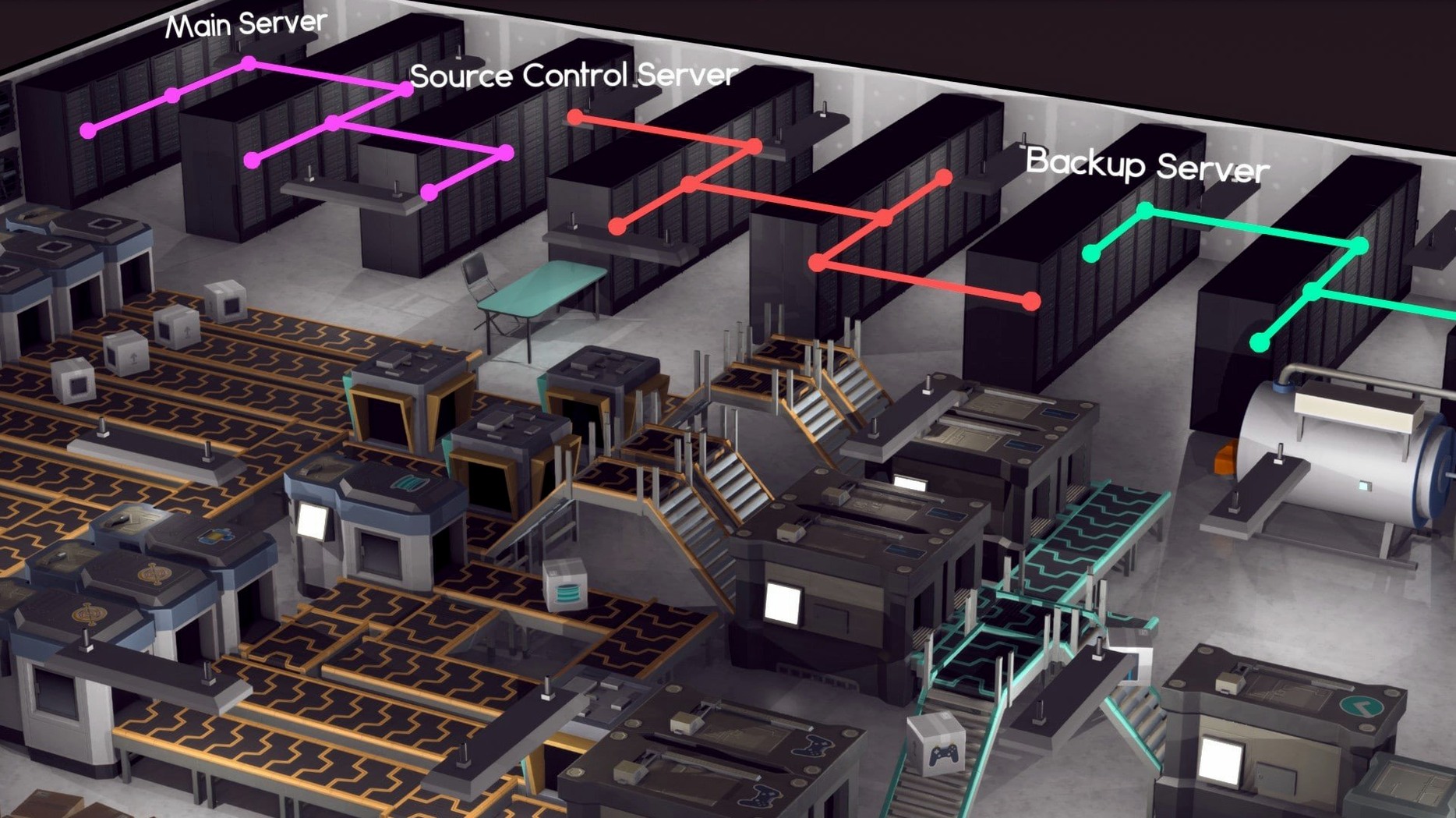
Most business sims let you manage a pre-built company, but in Software Inc you start with nothing but an idea and a hired team. The game solves the problem of wanting genuine control over every aspect of a software business — from coding and product design to office layout and server management. Here is who will get the most out of it, and who might want to look elsewhere.
- Strategic planners: If you enjoy deciding which features to build, which platform to target, and when to release, this is for you.
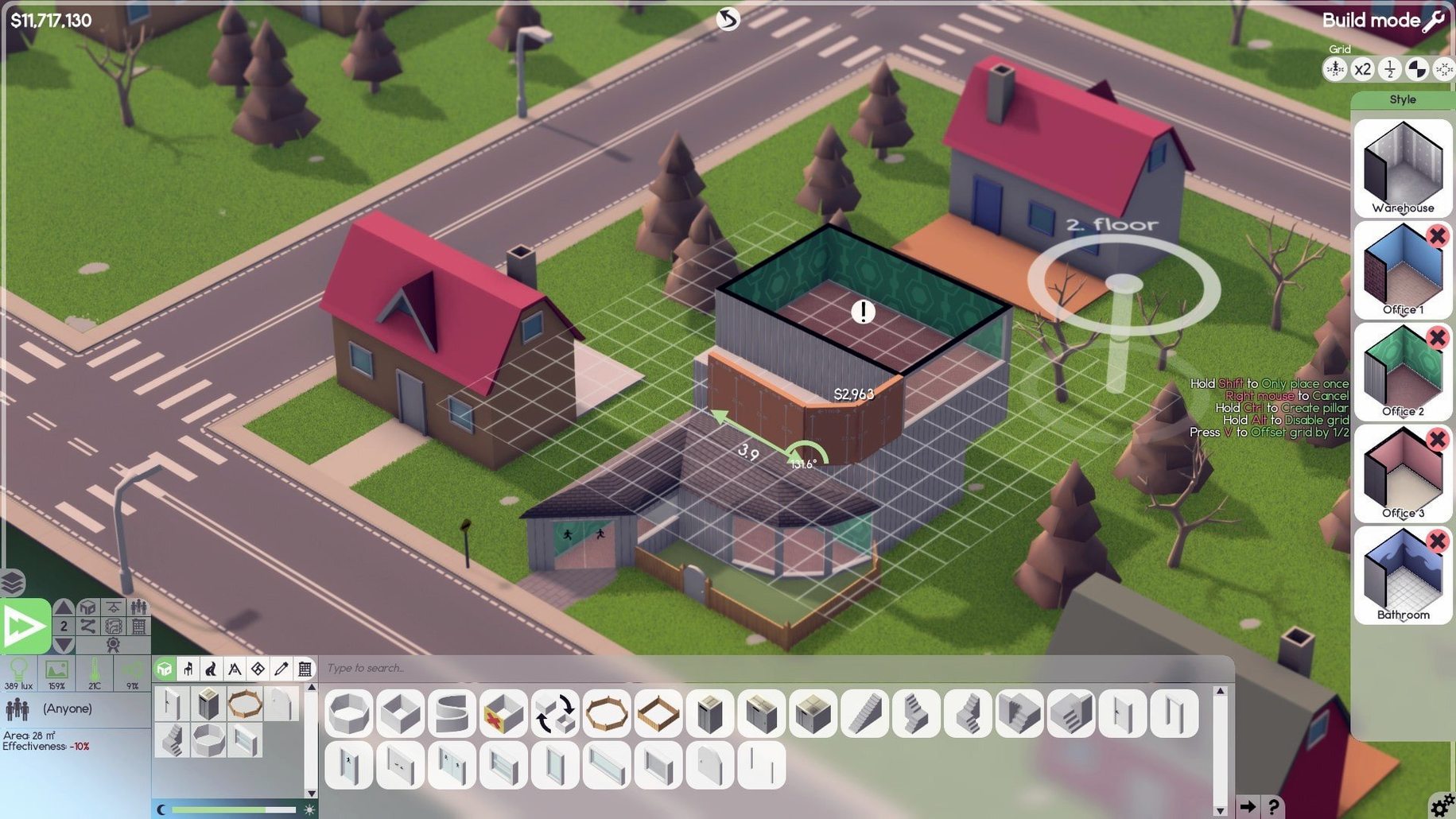
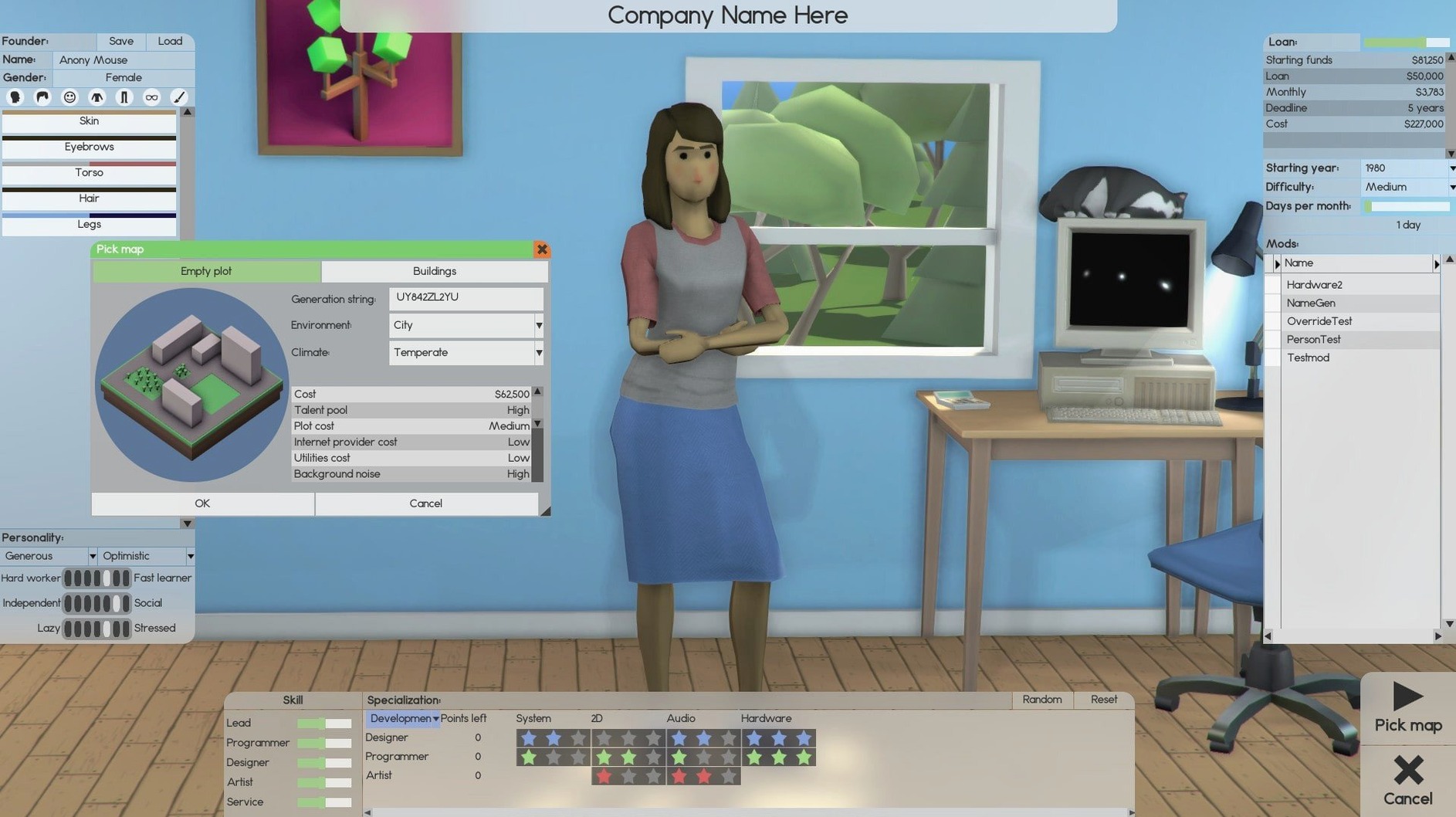
- Creative builders: You design and furnish offices up to ten floors high, including basements, and can customise your avatar.
- Financial jugglers: You can sell products, sign contracts, or issue shares — managing cash flow is central.
- Long-term experimenters: Building franchises and launching servers for online stores takes hours, not minutes.
- Not for impatient players: The game moves at a deliberate pace; there is little hand-holding or fast action.
- Not for those wanting deep code simulation: Programming is abstracted into skill bars and project management, not actual coding.
If you like micromanaging teams, planning releases, and watching a small studio grow into a multi-floor operation, Software Inc delivers. If you want quick results or a narrative-driven experience, this is not the game.
Start with a lead developer and a junior designer on a file converter
You start by hiring a lead developer and a junior designer. The office is a single empty room with a desk and a chair. First task: set the team to work on a simple utility program — a file converter, say — so you can learn the development cycle without burning cash. You assign the lead developer to the design phase and the junior to support tasks. While they work, you pause the game and draw a small kitchen area next to the office. A coffee machine and a table cost little and keep morale from dropping too fast.
The first prototype finishes after a few in-game days. You review the feature list: the default set is generic, so you remove the least useful feature and add a drag-and-drop interface option. The team starts coding. Meanwhile, you hire a second developer and a salesperson. The salesperson sits in the corner with a phone and a computer. You set them to generate leads for the file converter.
When the beta is ready, you assign testers (your existing developers, temporarily) and fix the bugs that appear. The release date approaches. After launch, sales trickle in. You use the revenue to hire a cleaner — desks get dirty and equipment breaks without maintenance. The cleaner is cheap and stops your developers from complaining about sticky keyboards.
By the end of the session, you have a small team, a two-room office, a released product, and a server running for the online store. You save the game and note that you need to start research on the next version tomorrow.
Hiring too many people too early drains your cash
The most common error is hiring too many people too early. Each employee costs salary and space, and a large team sitting idle drains cash fast. Start with two or three people and only hire when you have a product bringing in money.
Another mistake is ignoring office layout. Putting developers next to a noisy door or too far from the kitchen lowers their happiness. Rooms need windows, plants, and reasonable walkways. A cramped office with broken equipment slows everyone down.
Beginners also forget to assign leaders. Without a lead developer, the team lacks direction and projects take longer. Assign a leader to each major project, and make sure that person has high skill in the relevant area.
Watch the market screen and adjust based on competitor products and your product's quality.
Finally, many new players neglect support. After release, customers need help. If you have no support staff, your product's reputation drops and sales suffer. Hire at least one support agent before launching anything.
Set game speed to the middle option before starting
Before you start a new game, open the options menu and adjust a few things to save frustration later.
- Game speed: Set the default speed to the middle option. The slowest is tedious, the fastest can make you miss events. You can always change it mid-game.
- Autosave interval: Enable autosave and set it to every five or ten minutes. The game can be unforgiving if you lose an hour of progress to a crash or a bad decision.
- Notification settings: Turn on alerts for low employee happiness and low funds. These two are the most common reasons a company fails, and the default notifications may not catch them.
- Graphics quality: If the game stutters when you zoom in on a busy office, lower the shadow quality and turn off anti-aliasing. The simulation runs fine on modest hardware, but the 3D view can be heavy.
- Keyboard shortcuts: Learn the ones for pausing, speeding up, and opening the market screen. They save a lot of clicking.
a workflow for launching a new product
This workflow takes you from an empty office to a released product, step by step.
- Hire a team: One lead developer, one junior developer, one designer. That is the minimum for a small product. If you can afford it, add a support agent.
- Build the office: Place desks, chairs, a whiteboard, a kitchen area, and a toilet. A clean, pleasant office keeps morale high. Leave space for expansion.
- Start a project: Click the new project button and choose a simple type — a utility tool or a small game. Set the target platform to Windows first; it has the largest user base.
- Design the product: Assign the designer to the design phase. Wait until they finish the design document. Review it and add or remove features. Keep the scope small for the first release.
- Assign developers: Put the lead developer and junior developer on the coding phase. The lead sets the direction, the junior handles simpler tasks. Check progress regularly.
- Test and fix: When the alpha is ready, assign your team to testing. Bugs appear. Fix the critical ones; minor bugs can wait for a patch. Do not release with major bugs.
- Set up support: Before release, hire a support agent. Set them to handle customer inquiries. If you cannot afford one, delay the release until you can.
- Launch the product.
- Monitor sales: Watch the sales graph for the first few weeks.
- Plan the next version: Once the first product is stable, start gathering feedback from the market screen. Plan a version 2 with the features customers want most.
Before it goes on the Mac
- macOS version not specified by developer; tested on macOS Tahoe (Sequoia) on a Mac mini M4
- Architecture: Intel and Apple Silicon
- Interface language: English
Questions from the room
What platforms is Software Inc available on?
This Mac version runs on both Intel and Apple Silicon machines.
Installing it on the Mac
- Open the downloaded disk image.
- Drag the app into the Applications folder shortcut.
- After copying finishes, launch the app from Launchpad.
Notes from the control room
Sign in or open a catalogue account to leave a note.
No notes from the room yet. If you have used this build for a week, a short note helps the next person.