Home › Games › Sid Meier’s Civilization VII
Sid Meier’s Civilization VII 1.5.0 (Mac)
Updated
The catalogue note
One turn in Civilization VII can take you from moving a warrior two tiles to negotiating a trade deal with a neighbouring empire. The game launched on 2025-02-11 for Mac, PC, and Linux, and the current build is 1.5.0.
Choose your leader and traits
Each historical leader brings special abilities that can be improved and combined. You pick traits and bonuses that fit your strategy, so a militarist playthrough feels different from a cultural one. The leader screen is where you set the tone for the next few hours.
Build and expand your cities
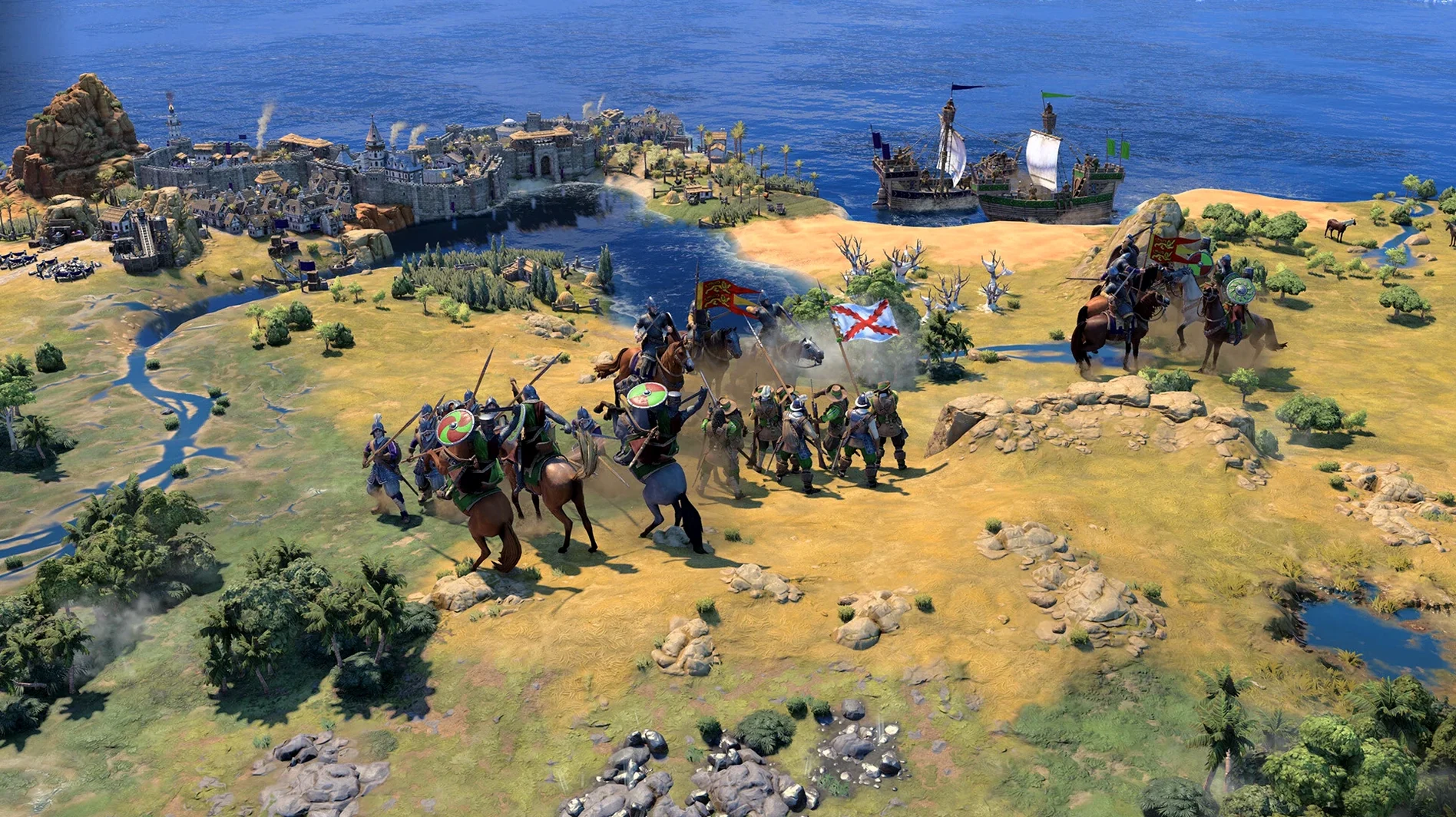
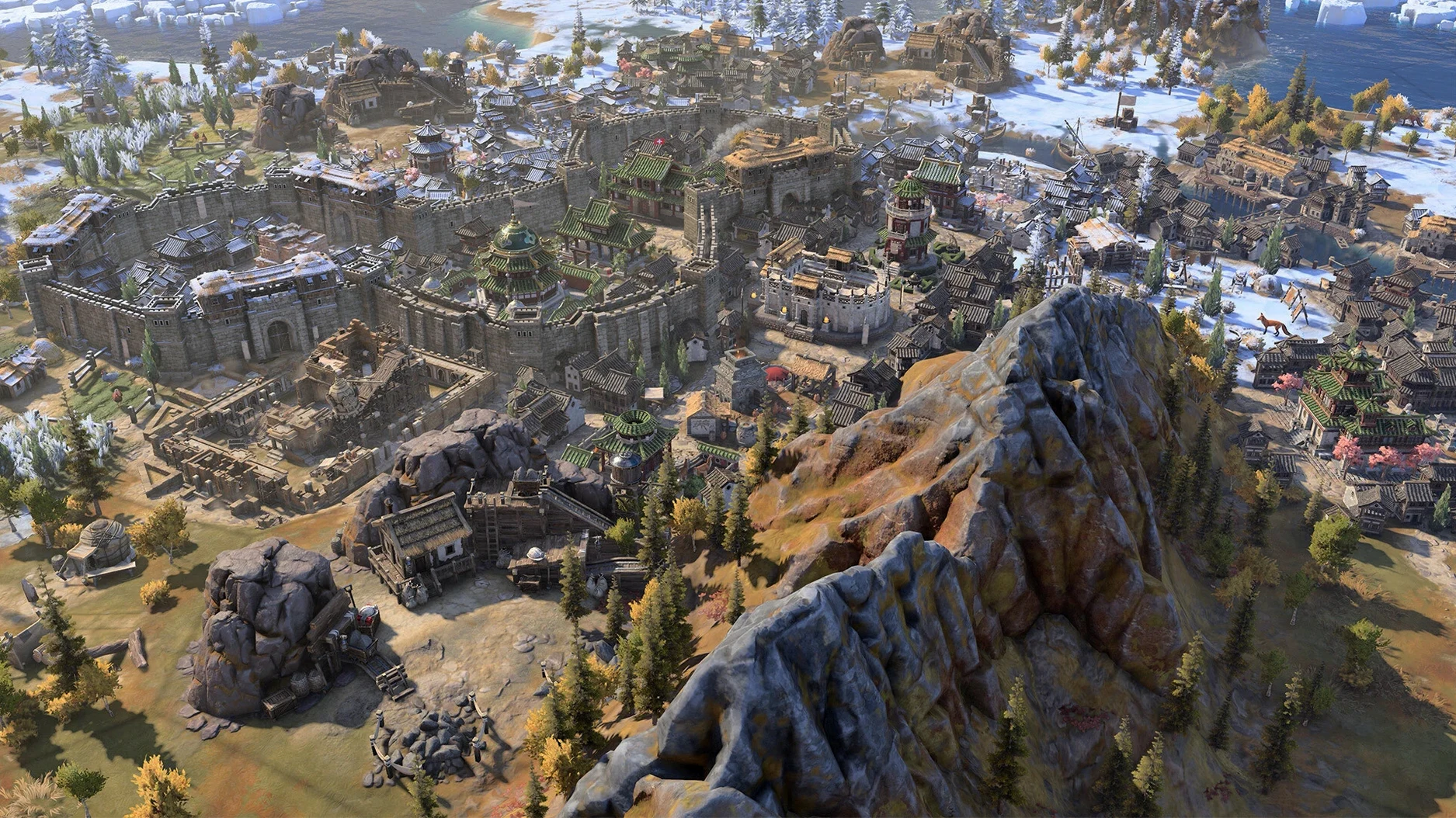
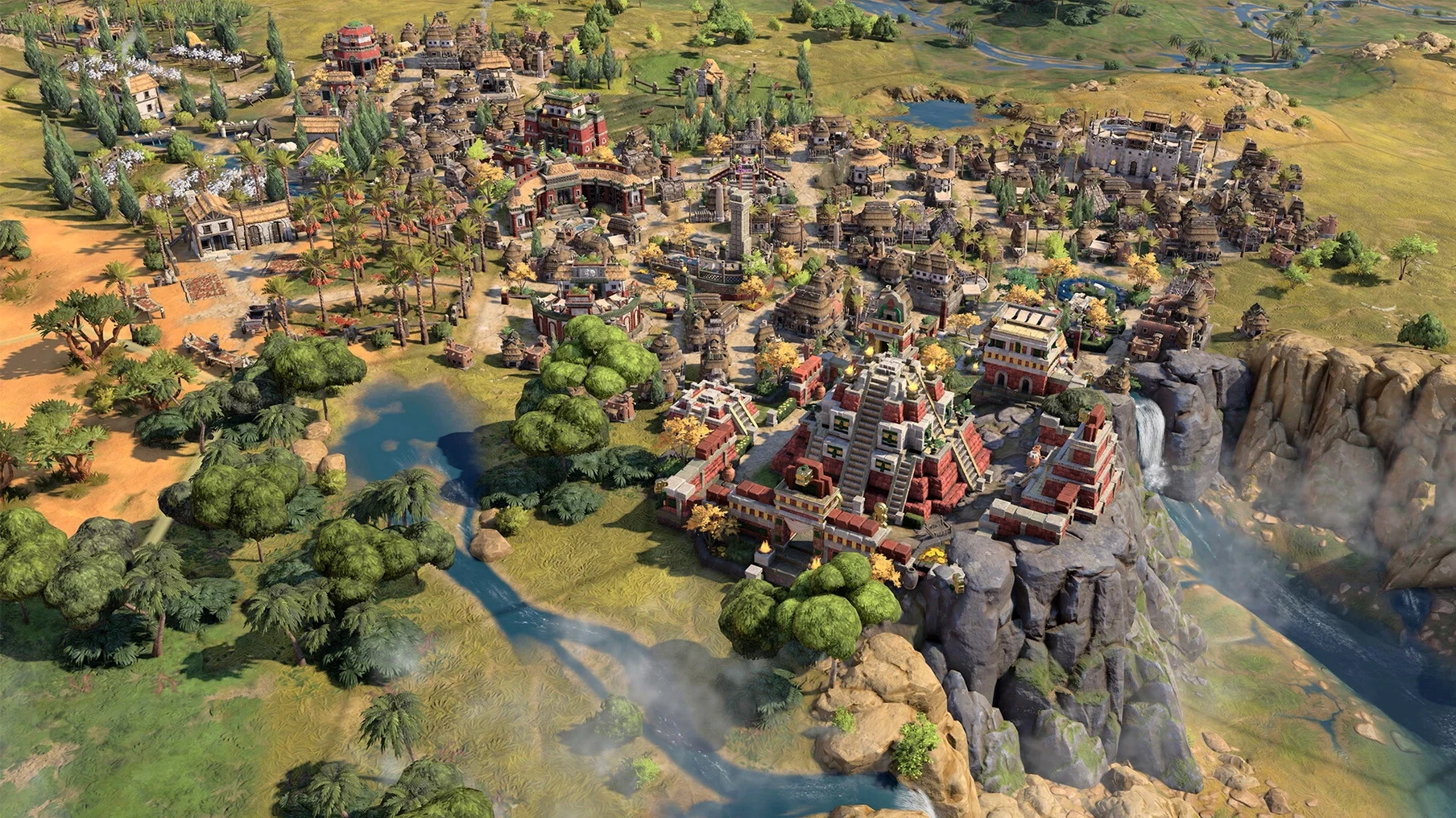
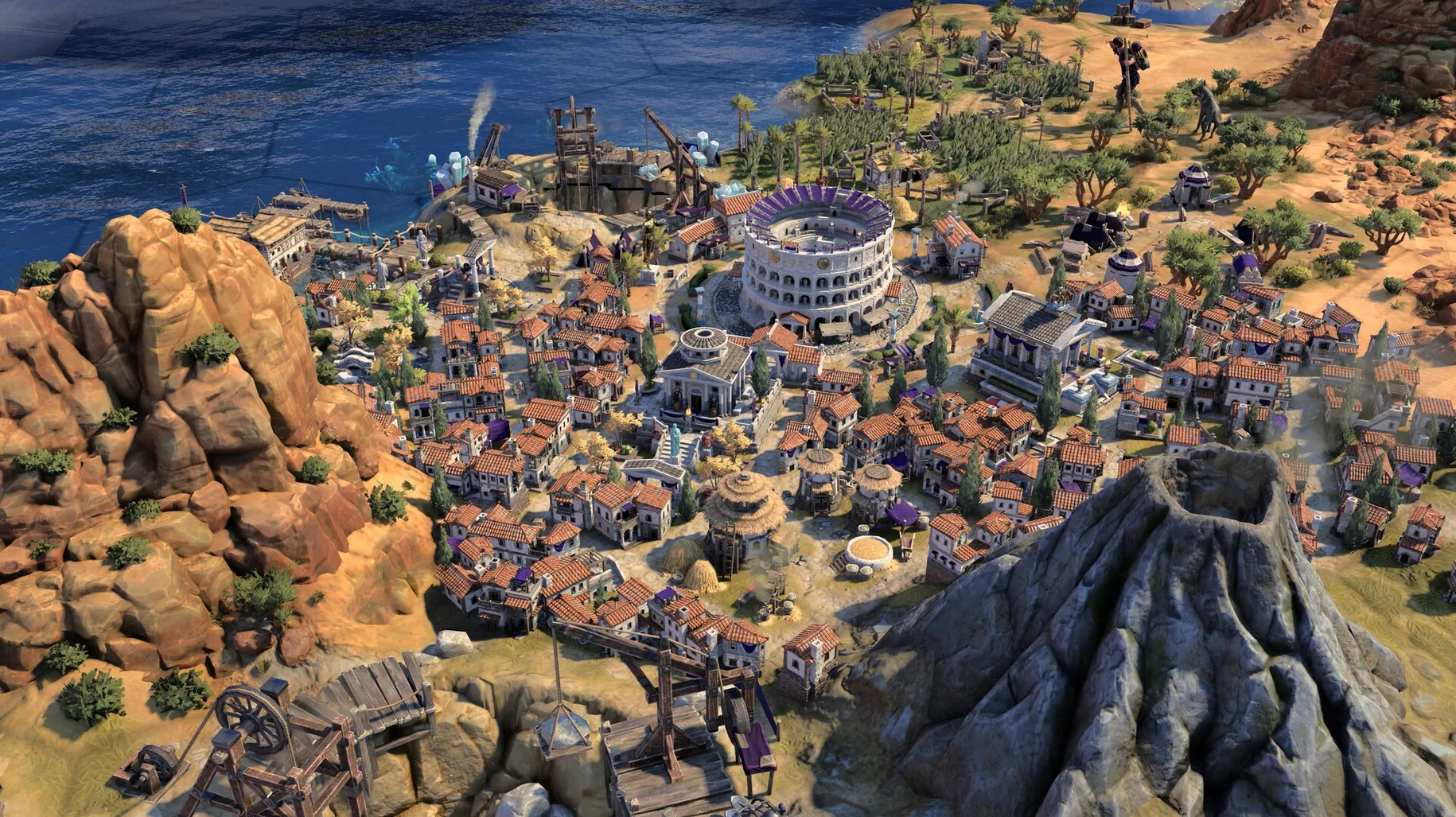
You place districts, queue up units, and direct workers to improve terrain. The world shows architecture and units that match your civilisation's cultural style, so your cities look like they belong to your people. Managing production queues and growth is the steady rhythm of the game.
Push through the ages
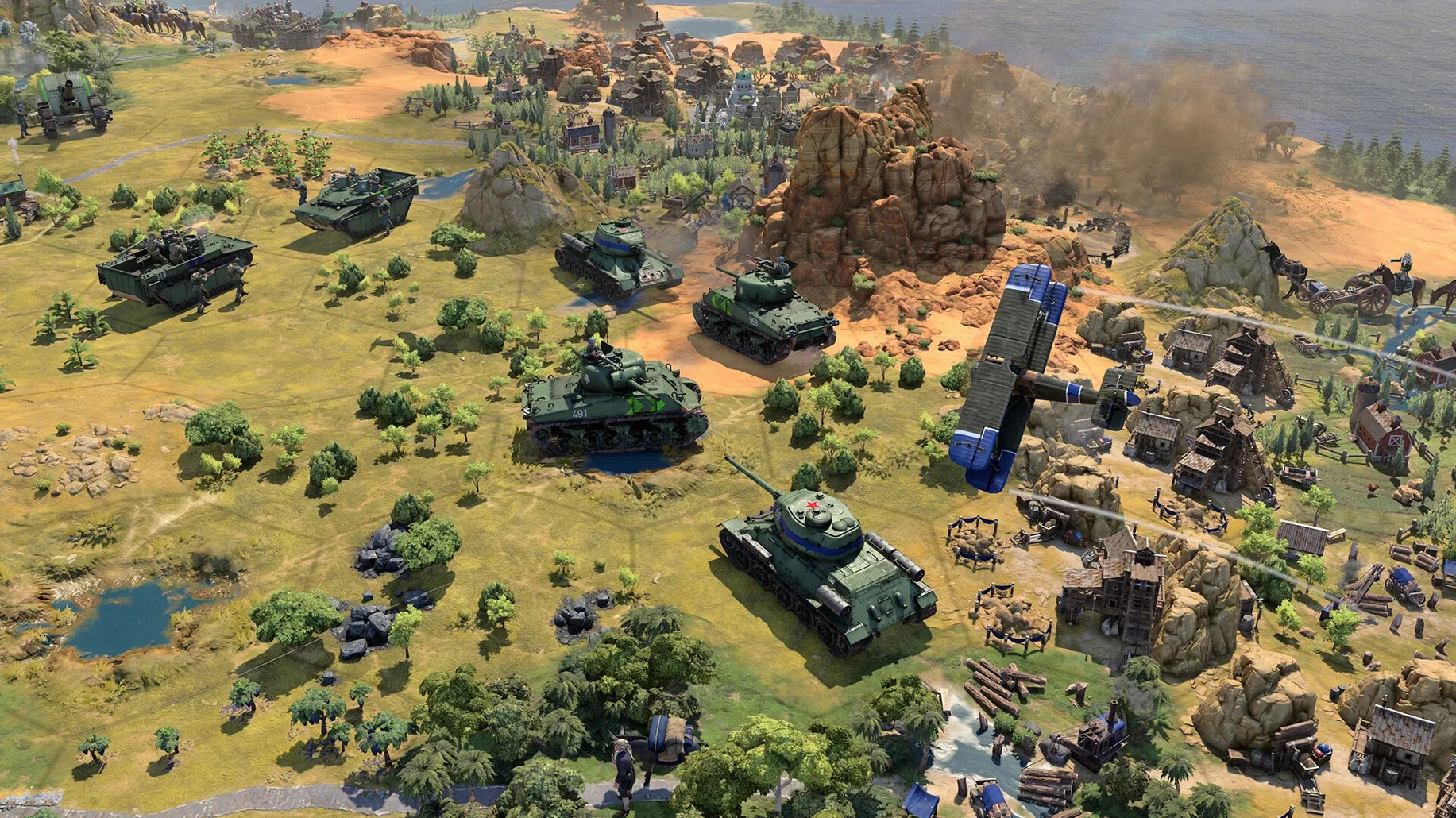
As you advance, new technologies and civics open up. You decide when to pivot from expansion to diplomacy or war. The late-game Modern Age now includes stability and crash fixes, and version 1.5.0 also added the True Start Location Earth map. The pace stays turn-based, but the decisions pile up.
Eras reset between ages, unlike Civilization VI
If you already play turn-based strategy on Mac, you probably know Civilization VI. The earlier game shares the same basic loop — found a city, research techs, fight or negotiate — but VII changes how eras work. In VI, you carry the same leader and civilisation through the whole game; in VII, the rules shift between ages, and you can mix leader abilities with different cultural bonuses. It feels less like a single linear climb and more like three distinct campaigns stitched together.
Compared to Age of Wonders 4, which is also available on Mac and leans heavily into fantasy customisation, Civilization VII stays grounded in historical scenarios. The world-building in Age of Wonders 4 is about creating your own race and magic, whereas VII gives you pre-defined civilisations with culturally accurate architecture and units. If you want historical plausibility rather than fantasy sandbox, VII is the natural choice.
Another game Mac strategy players might consider is Humankind. It also lets you change cultures between eras, but the pacing and diplomacy feel different. Civilization VII has a tighter focus on leader abilities and the new era transitions, which make each age feel like a reset with new conditions rather than a simple continuation. For players who want a clear through-line from antiquity to the modern age, VII delivers it more cleanly.
Pushing culture and tourism to win without war
Imagine you are a player who prefers culture and diplomacy over conquest. You pick a leader with bonuses to Great People generation and start building theatres and museums early. In previous Civilization games, this meant slowly accumulating tourism over the whole timeline. In VII, the era transitions change the rules: your cultural output in the Exploration Age might unlock different benefits than in the Modern Age, forcing you to adapt your strategy mid-game. A player who ignores this and keeps building the same cultural districts from antiquity may find their bonuses wasted when the age shifts. The new system rewards paying attention to what each era values.
New players treat every age the same and lose bonuses
- Ignoring era-specific bonuses. New players often treat every age the same way. They research the same techs and build the same districts, not realising that the game resets some conditions between eras. A bonus that helped in antiquity may not carry forward, so check what changes when you advance.
- Neglecting diplomacy. Because the early turns feel like a race to claim territory, beginners sometimes forget to send delegations or open borders. In VII, a neighbour you ignore early can become a problem later, especially if they combine traits and leader abilities that favour war.
- Over-focusing on one city. The game encourages you to expand, but some players pour all their production into a single capital. Spreading out to a few well-placed settlements gives you more flexibility when the era changes and new resources become important.
Interface and voice languages for diplomacy immersion
The game supports twelve interface languages and eleven voice languages, including Russian, Polish, Korean, and both simplified and traditional Chinese. If you play in a non-English language, the full voice acting in your language makes a difference during diplomacy scenes and leader conversations — you hear the leader speak in your own tongue, not just subtitles.
Version 1.5.0 addressed lag that could occur when using mouse and keyboard inputs simultaneously. If you are a player who switches between mouse clicks and keyboard shortcuts frequently, the fix makes the game feel more responsive, especially during the busy mid-game turns where you are managing multiple cities and units.
If you have an Apple Silicon Mac and an iPad, you can pick up a game on one device and continue on the other. The interface scales well on the iPad screen, and the turn-based nature means you do not need real-time reflexes to play on a tablet.
Changes in this build
- Added the True Start Location Earth map.
- Stability and crash fixes in the late game Modern Age.
- Addressed lag when using mouse and keyboard inputs simultaneously.
Before it goes on the Mac
- macOS ?
- Apple Silicon
Questions from the room
Does Civilization VII run on Apple Silicon Macs?
Yes, the game requires Apple Silicon and was tested on a Mac mini 2024 with M4 running macOS Tahoe.
Installing it on the Mac
- Open the downloaded disk image.
- Drag the app to the Applications folder alias.
- Launch the app from Launchpad after copying finishes.
- Quit the game with Command-Q.
Notes from the control room
Sign in or open a catalogue account to leave a note.
No notes from the room yet. If you have used this build for a week, a short note helps the next person.