Home › Games › RollerCoaster Tycoon Classic +
RollerCoaster Tycoon Classic + 1.0.435 (Mac)
Updated
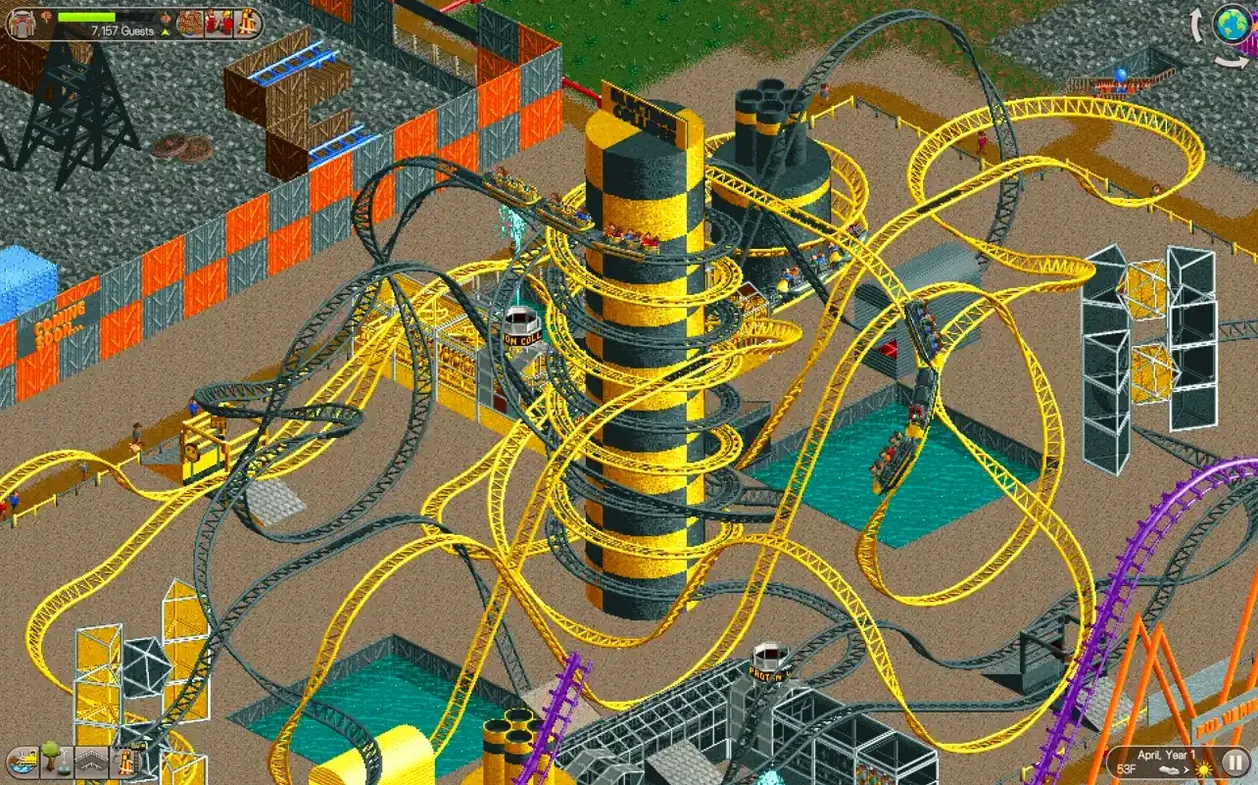
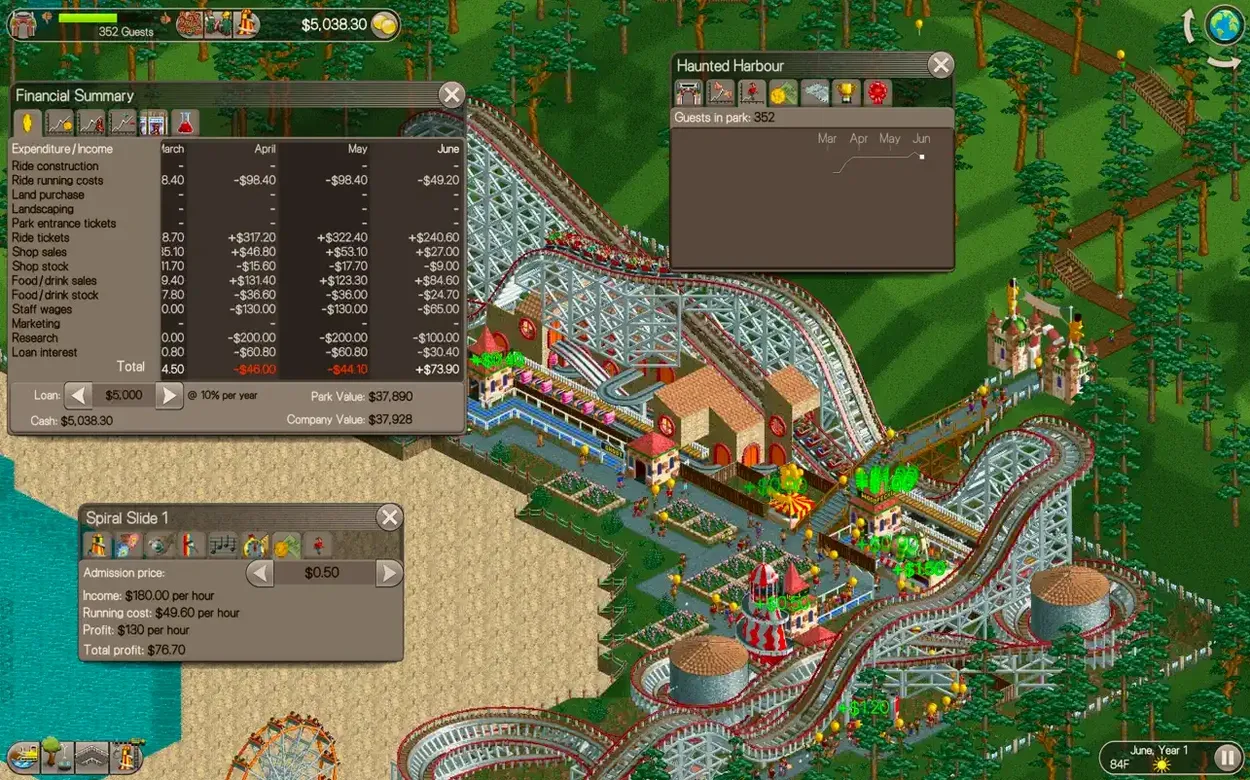
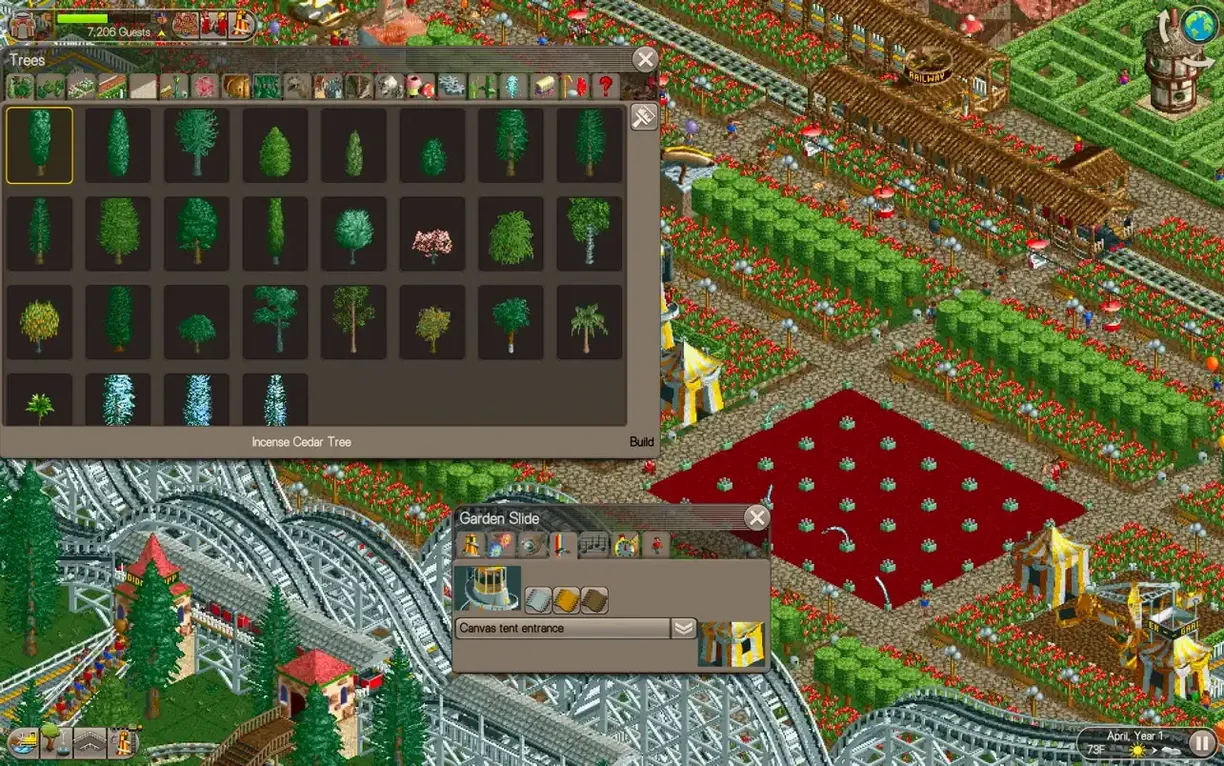
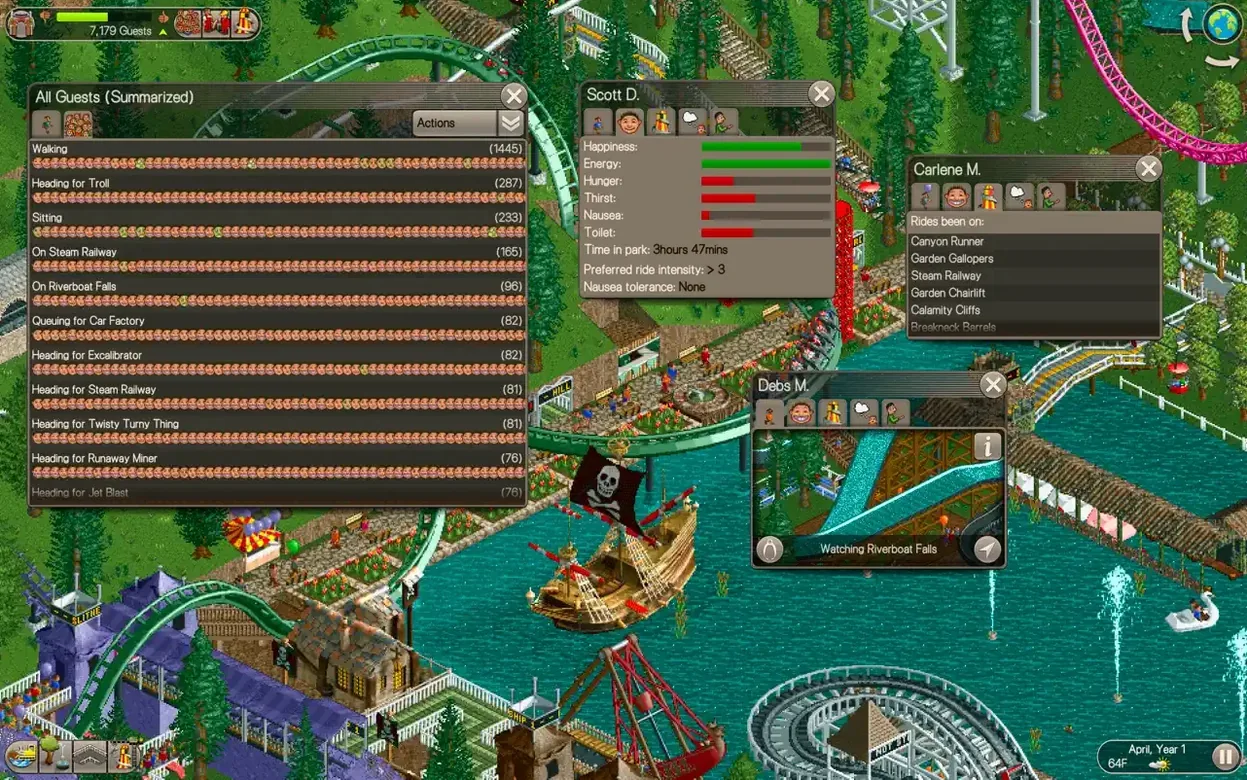
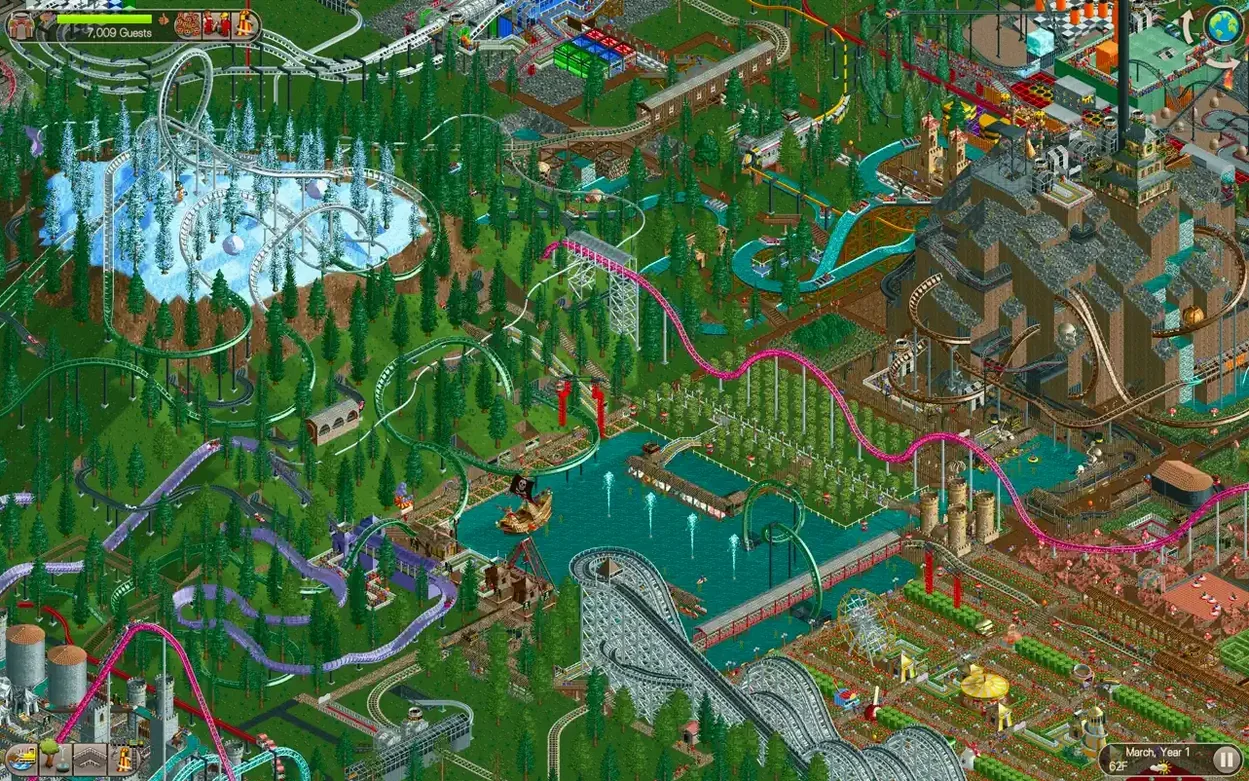
The catalogue note
RollerCoaster Tycoon Classic + runs on both Intel and Apple Silicon Macs, so the full theme park simulation is available regardless of which side of the transition you sit on. The game combines the content of the first two RollerCoaster Tycoon titles into one package.
Build the park
Landscaping tools and path construction let you shape the terrain before you place a single shop. Once the ground is ready, you design and build roller coasters and other rides from scratch, then fill the gaps with dozens of shops and scenery objects.
Run the business
The 95 classic park scenarios demand more than a good coaster. Managing staff keeps the park clean and safe, while finances decide whether you expand or tighten the belt. Original music and sound effects from the amusement park setting carry the atmosphere through both tasks.
The game remembers your window position and build-menu tab
The game remembers your window position and size between sessions, which saves a drag or two on a multi-monitor setup. The build menu keeps its last-used tab open, so if you were placing benches on a path, the bench subcategory stays selected when you reopen it. The scenario list includes a completion marker next to each park you have finished, handy when you work through the 95 scenarios out of order. The ride testing mode shows a brief satisfaction rating per train without requiring you to close the coaster editor first.
A forest scenario with generous loans and landscaping tools
You open the game and pick a forest scenario from the mid-tier challenges. The park is empty and the loan approval is generous, so you lay a straight path from the entrance to a central plaza. Landscaping tools reshape a hill into a gentle slope — you place a wooden coaster foundation on that slope, then open the coaster designer. You build a medium-sized coaster with two chain lifts and three sharp corners, test it once, and adjust the last section to raise the excitement rating. Satisfied, you close the editor and the ride appears on the foundation.
With the coaster in place, you hire two handymen and a mechanic. The park entrance area receives a burger stand and a drink stall, placed along the path. After five minutes of operation, the park is running a small profit and guests are lining up for the coaster. You save, close the game, and note that the coaster builder still feels familiar after twenty years.
Leaving two tiles of space between ride footprints
New players often place too many rides too close together, which blocks path connections and makes guests walk in circles. A simple rule: leave two tiles of space between any two ride footprints. Another common error is spending the entire starting loan on a single expensive coaster. A cheap flat ride and a few shops keep the park solvent while the coaster is under construction. Beginners also forget to assign staff to the coaster queue — without a mechanic on duty, the ride shuts down when something breaks. A small detail: the scenario objectives can require a certain park rating or guest count, but ignoring the staff panel entirely makes those targets unreachable.
Interface and text support English, German, Spanish, Italian, and French, which makes the scenario objectives easier to parse for non-native players.
Before it goes on the Mac
- macOS version not specified by the developer
- Intel and Apple Silicon supported
Questions from the room
How many scenarios are in RollerCoaster Tycoon Classic +?
The game includes 95 classic park scenarios drawn from both RollerCoaster Tycoon and RollerCoaster Tycoon 2.
Can I design my own roller coasters in the game?
Yes, you can design and build roller coasters and other rides, then place them among dozens of shops and scenery objects.
What languages does RollerCoaster Tycoon Classic + support?
The game supports English, German, Spanish, Italian, and French.
Installing it on the Mac
- Open the downloaded disk image.
- Drag the app to the Applications folder alias.
- After copying finishes, open the app from Launchpad.
Notes from the control room
Sign in or open a catalogue account to leave a note.
No notes from the room yet. If you have used this build for a week, a short note helps the next person.