
Home › Games › Rabbids Multiverse
Rabbids Multiverse 1.2.0 (Mac)
Updated
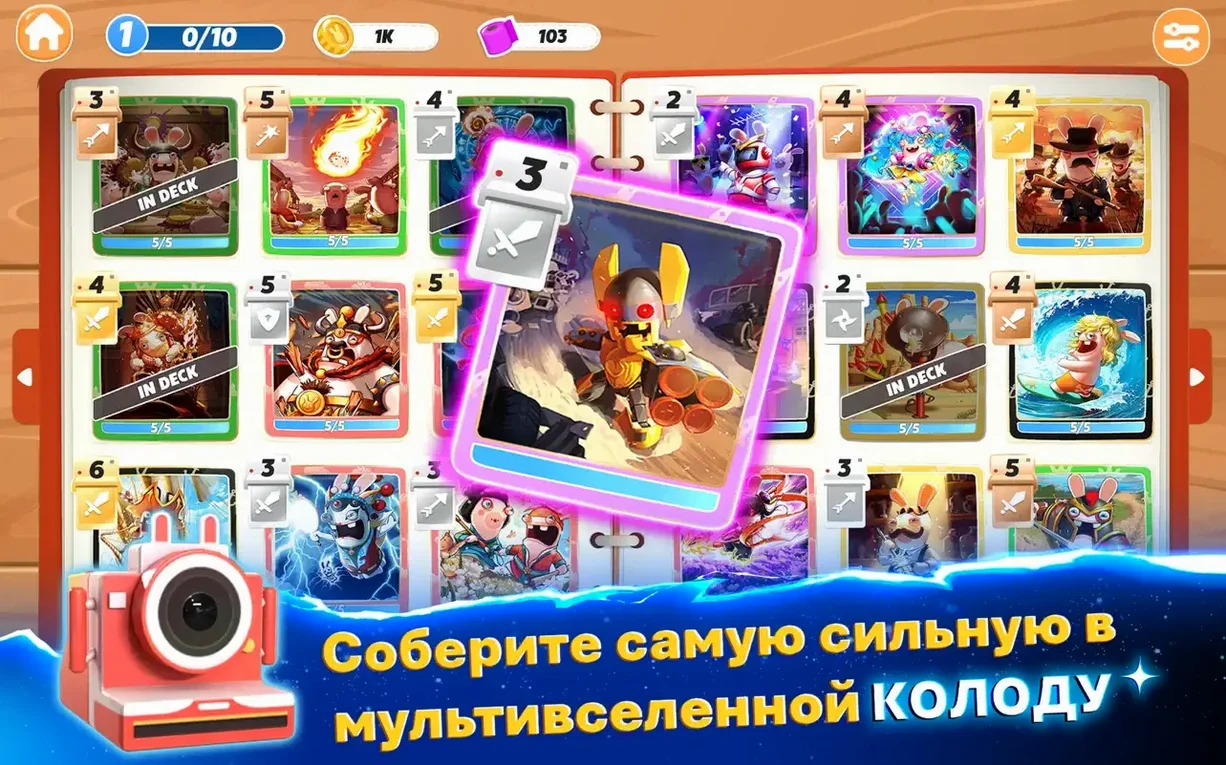


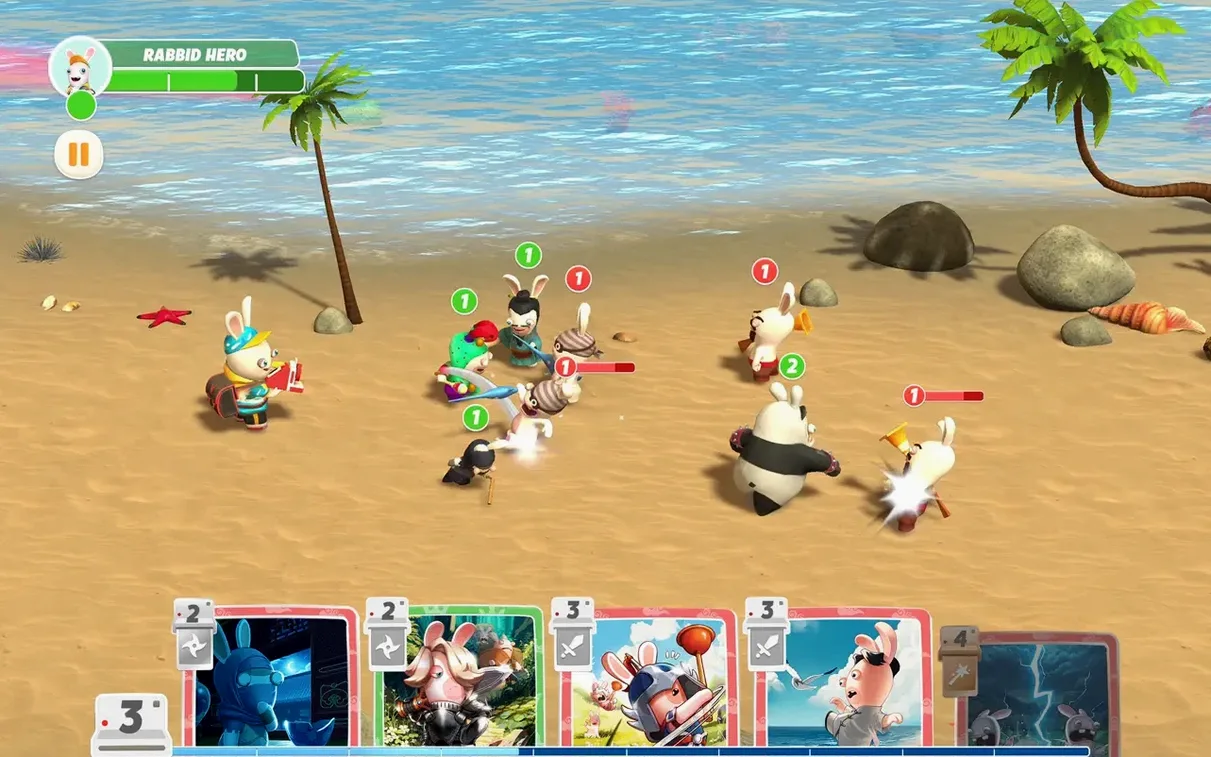
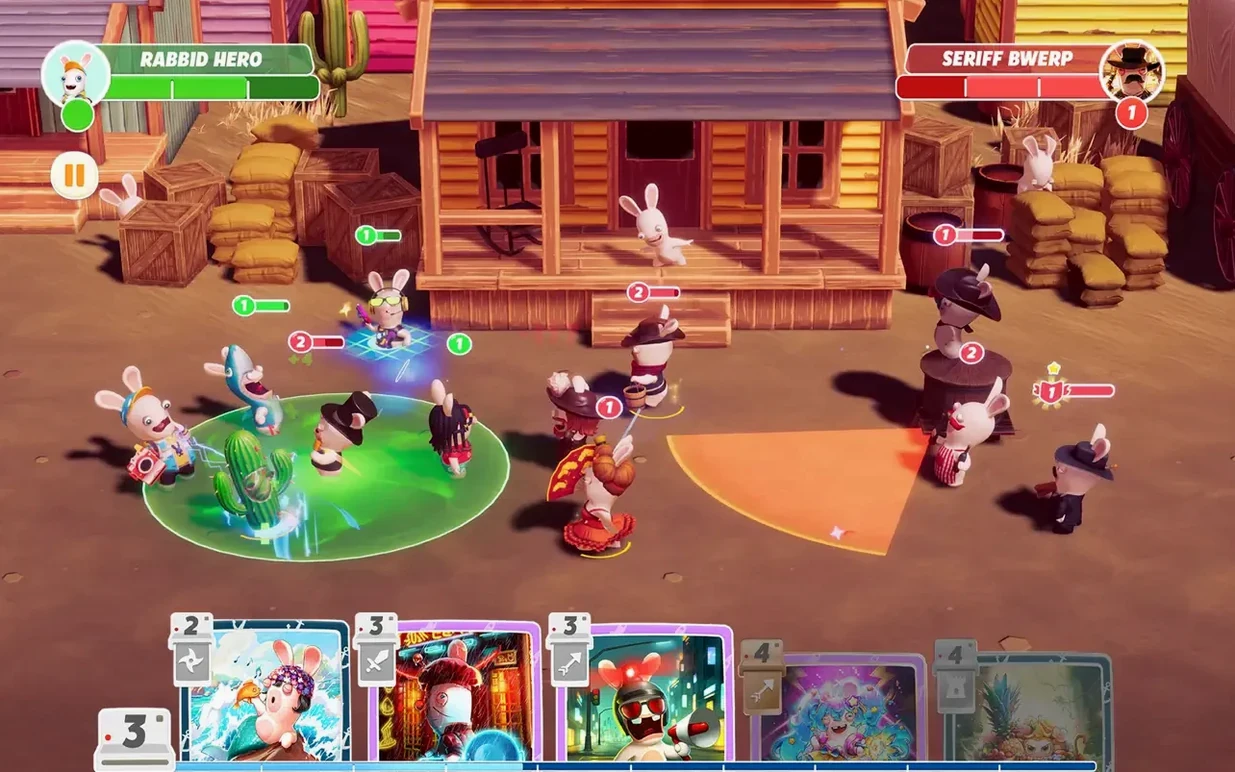
The catalogue note
Rabbids Multiverse is a deck-building adventure game set in the Rabbids multiverse, available natively on Mac. It is a battle card game where you collect legends across five distinct parts of the multiverse and build a deck of battle cards. The game supports solo play and runs on macOS 11.0 and later on both ARM and x86 (64-bit) architectures, having been tested on macOS Tahoe and a Mac mini 2024 M4.
| Detail | Value |
|---|---|
| Developer | Ubisoft |
| Current version | 1.2.0 |
| Platforms | Mac, iPhone, iPad, Apple TV, Apple Vision Pro |
The game presents a straightforward premise: you assemble a deck from the legends you discover and use it to battle through the multiverse. The card-based combat is the core loop, and the five multiverse parts provide variety in setting and opponents. It is a solo affair, so the pace is your own. The interface supports Russian, English, German, Spanish, Italian, Chinese (Traditional), Chinese (Simplified), Korean, Portuguese, French and Japanese.
Runs on macOS 11.0 with both Apple Silicon and Intel processors
The minimum requirement is macOS 11.0, which covers a broad range of hardware. The developer notes support for both ARM (Apple Silicon) and x86 (64-bit) architectures, so it will run on Macs with Intel, Core or M-series processors. The testing was done on macOS Tahoe and a 2024 Mac mini M4, which gives some indication of compatibility with current OS versions and Apple Silicon hardware.
Beyond the OS version, there are no listed hardware demands — no specific RAM amount, GPU class or disk space figure. That means the game is likely designed to run within the capabilities of most Macs that meet the OS requirement. Older Intel Macs that can still run macOS 11.0 and newer M-series machines should both be able to start the game. The absence of a dedicated graphics card requirement suggests the card-based visuals are not demanding on the GPU.
Suits casual deck-building fans who prefer simple controls
This game suits several types of Mac owners:
- Players who enjoy deck-building and card-battle mechanics but want a game that does not demand fast reflexes or complex controls. The simple controls make it accessible for casual sessions.
- Fans of Ubisoft’s Rabbids series who want to see the characters in a new genre. The multiverse setting and collection elements add a different flavour compared to the usual Rabbids party games.
- Family players looking for a game rated 9+ that can be played alone or shared with others. The solo focus means no pressure to compete online, but the family play mode allows a shared experience on the same device.
- Mac users who want a native game rather than running something through compatibility layers. The native build on both architectures avoids Rosetta translation on Apple Silicon.
It is also worth noting that the game runs on Apple TV and Apple Vision Pro, so if you use those devices, the same title is available across your Apple ecosystem.
Covers compatibility and controller support before you install
Confirmed compatible with 64-bit Intel Macs on macOS 11.0 or later
Yes, as long as you are on macOS 11.0 or later and have a 64-bit Intel processor. The developer lists x86 (64-bit) as a supported architecture, which covers Intel Core and Core M series chips. No specific clock speed or core count is required.
Does the game require an internet connection?
Given the solo and family play focus, it is reasonable to expect the core game works offline after installation. No online activation step is listed in the build notes.
No explicit controller support; uses keyboard, mouse, or touch input
The simple controls description suggests keyboard and mouse or touch input are the primary methods. The game is also available on iPad and iPhone, where touch is standard. No controller support is explicitly stated in the specifications, so plan for keyboard and mouse play on Mac.
How much storage space will it take?
No exact figure is provided in the documentation. The game is part of Ubisoft’s mobile and Mac lineup, which typically keeps download sizes moderate. Clear some space as with any game, but there is no indication of a massive install footprint.
Is the game in my language?
Interface languages include Russian, English, German, Spanish, Italian, Chinese (Traditional and Simplified), Korean, Portuguese, French and Japanese. If your language is not listed, the English interface should be usable.
Changes in this build
Before it goes on the Mac
- macOS 11.0 or later
- Intel x86 (64-bit) or Apple Silicon (ARM) processor
- Works on Mac, iPhone, iPad, Apple TV and Apple Vision Pro
Questions from the room
Does Rabbids Multiverse support multiplayer?
No, the game supports solo play only.
Installing it on the Mac
Notes from the control room
Sign in or open a catalogue account to leave a note.
No notes from the room yet. If you have used this build for a week, a short note helps the next person.
Also filed under Games
The whole Games rack Resident Evil Village1.1.2 Games 32 GB
 Rogue Legacy 21.2.2a Games 770 MB
 RollerCoaster Tycoon Classic +1.0.435 Games 255 MB
 Pilot Brothers: Trilogy1.0 Games 826 MB
 Shogun Showdown1.0.2 Games 100 MB
 Palworld1.0.5 Games 31 GB
 Sid Meier’s Civilization VII1.5.0 Games 18 GB
 PAC-MAN Party Royale4.5.1 Games 572 MB