Home › Games › PAC-MAN Party Royale

PAC-MAN Party Royale 4.5.1 (Mac)
Updated
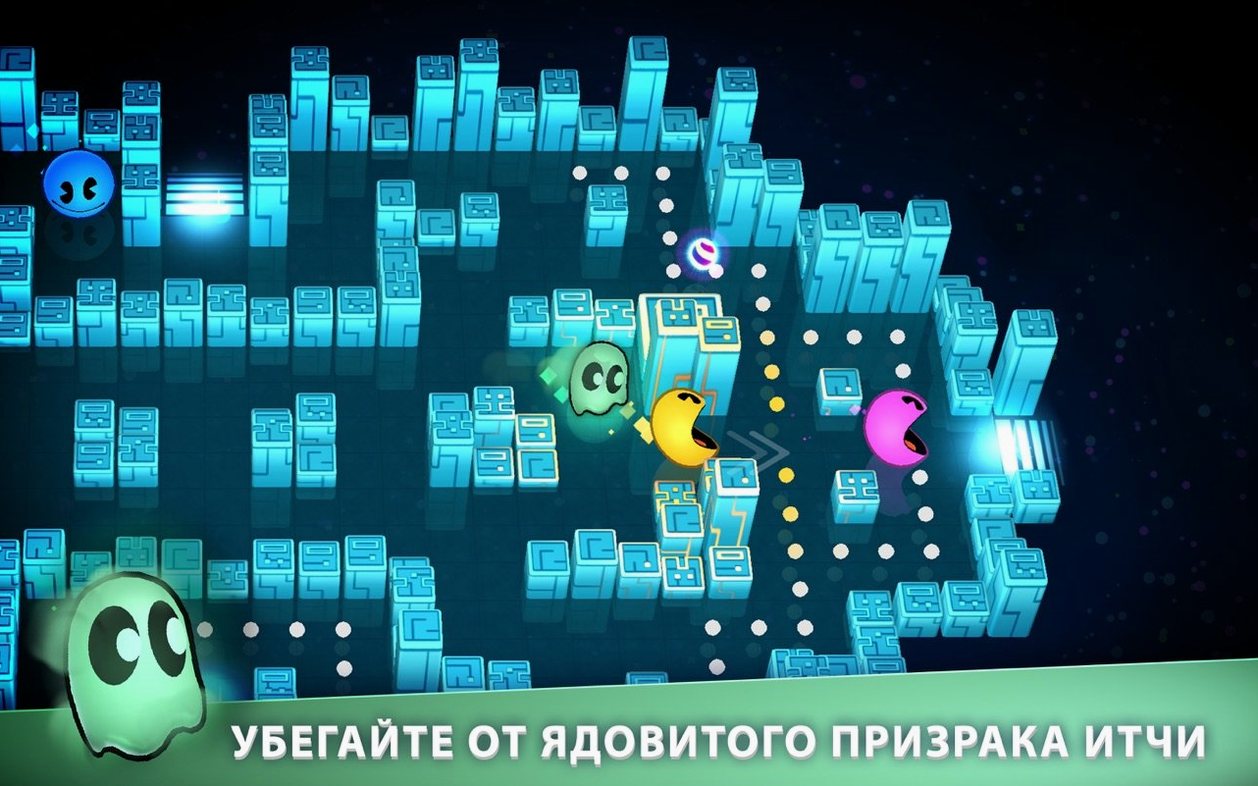
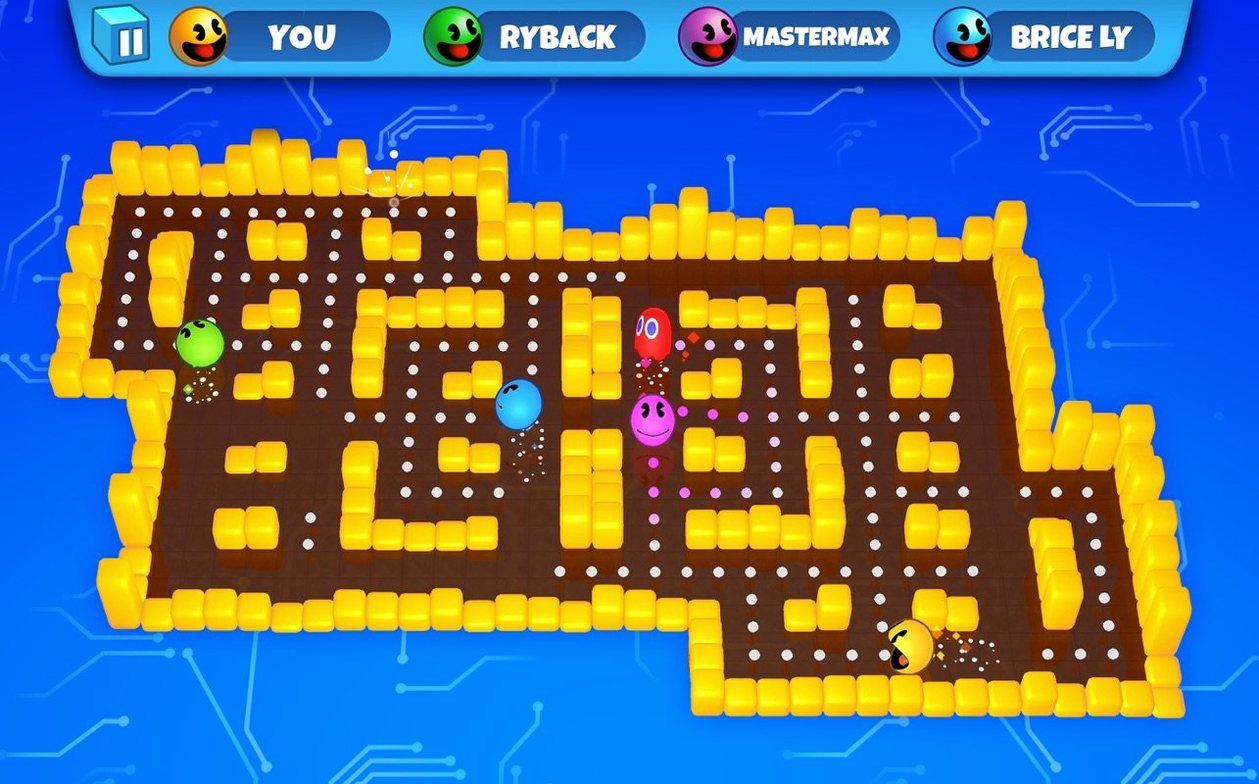
The catalogue note
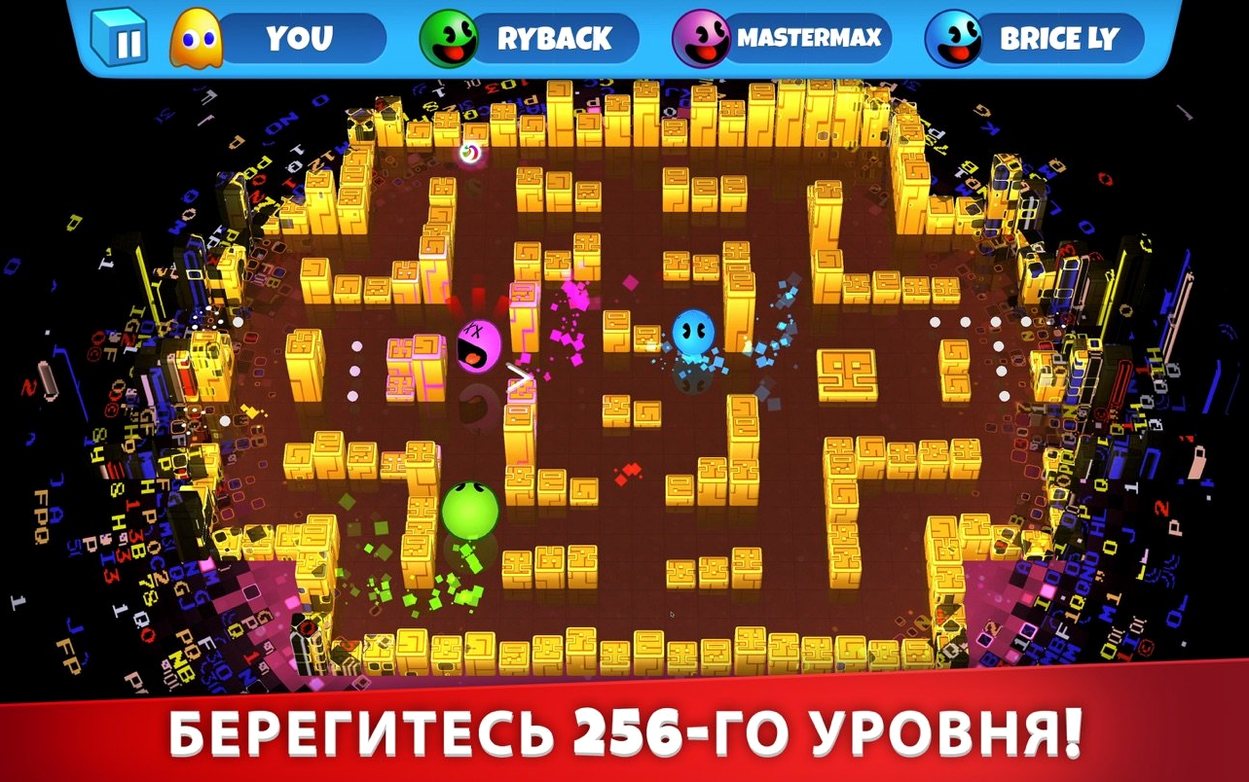
Anyone who remembers the original arcade PAC-MAN will find a very different creature here. PAC-MAN Party Royale is built for multiplayer chaos, not solitary maze running. The headline is the four-player Battle Mode, where you and up to three others compete online or on the same Mac with separate controllers. Get caught and you turn into a ghost yourself, adding a neat twist to the chase.
| Detail | Value |
|---|---|
| Developer | Bandai Namco Entertainment Inc. |
| Current version | 4.5.1 |
| macOS requirement | macOS 10.15 or later |
| Architecture | Apple Silicon & 64-bit Intel |
| Interface languages | 14 languages including English, French, Japanese, Arabic |
Version 4.5.1 resolves a crash that could hit right after the tutorial and brings general bug fixes, so the game runs more reliably. The interface is available in 14 languages, which makes it easy to hand a controller to someone who doesn’t speak English. If you want a quick multiplayer brawl that’s light on setup, this is it.
The crash after the tutorial is fixed
The jump to 4.5.1 fixed one specific pain point: the crash after the tutorial. If you’ve played before, you probably skipped the tutorial anyway, but for new players that crash was a dead end before they’d seen a single power-up. Now the tutorial finishes cleanly every time. The other bug fixes in this release are the usual housekeeping — nothing that changes the rules, but the game feels tighter. No more odd hangs when the maze starts collapsing or when the 256 glitch kicks in.
Mount, drag, launch, and play with no account prompts
You mount the disk image, drag the app to Applications, and launch it from Launchpad. No activation screen, no account prompts — the game opens straight to the menu. You pick Battle Mode, then choose between local play or an online match.
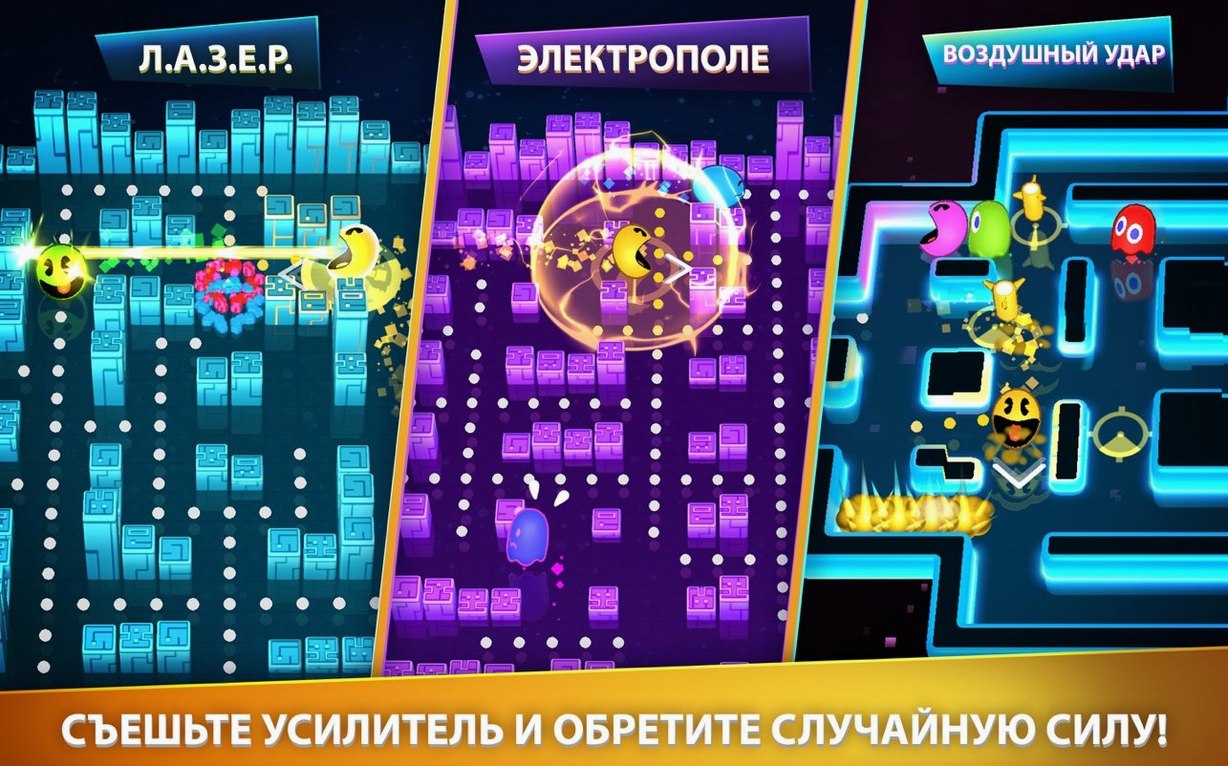
For local play, you connect up to four controllers. The game detects them immediately. You pick a maze — each one has its own layout and a few power-up spawn points. The round starts. You’re PAC-MAN, eating dots and dodging ghosts. When a ghost catches you, you turn into a ghost yourself, which flips the dynamic: now you chase the remaining living players. The power-ups change things mid-round — speed boosts, temporary invincibility, the ability to eat ghosts back. If nobody wins after a while, the maze starts collapsing, forcing everyone into a smaller space until one player remains.
Online matches work the same way, but you join a lobby or invite friends. The game handles matchmaking without fuss. A full round rarely lasts more than a few minutes, so you can run several matches in a short session. The music stays constant throughout — there’s no voice chat or narration, just the soundtrack.
Parent and two children can play together on one Mac
Consider a parent with two children who each have their own controller. They’re looking for something quick to play together on a shared Mac — no long tutorials, no complicated menus. PAC-MAN Party Royale works here because you can set up a three-player local match in under a minute. The parent doesn’t need to understand the game’s history; the children pick it up by watching the first round. When the maze collapses, the tension is immediate and the round ends fast. If the children want to keep playing, they just start another match. The 14-language interface means the menu text can be set to whichever language the family speaks at home. This is a game that fills a short window of time without demanding anyone’s full attention for an hour.
Before it goes on the Mac
- macOS 10.15 or later
- Apple Silicon or 64-bit Intel processor
Questions from the room
Can I play PAC-MAN Party Royale with friends who aren't in the same room?
Yes. The game supports online play, so you can join matches with friends over the internet.
Installing it on the Mac
- Mount the downloaded disk image.
- Drag the app to the Applications folder alias in the disk image window.
- Once copying finishes, open the app from Launchpad.
Notes from the control room
Sign in or open a catalogue account to leave a note.
No notes from the room yet. If you have used this build for a week, a short note helps the next person.