Old World 85345 (Mac)
Updated
The catalogue note
Old World is a historical 4X strategy game about ruling an empire across generations, where characters age, die, and their heirs take over.
Soren Johnson, lead designer of Civilization IV, created Old World
| developer | Mohawk Games |
|---|---|
| creator | Soren Johnson (lead designer of Civilization IV) |
| setting | classic antiquity |
| noble families | four per kingdom, seven kingdoms in total |
| events | more than 3,000 unique events inspired by history and mythology |
| interface languages | English, German, Spanish, French, Russian, Japanese, Traditional Chinese, Simplified Chinese |
| architecture | Intel and Apple Silicon |
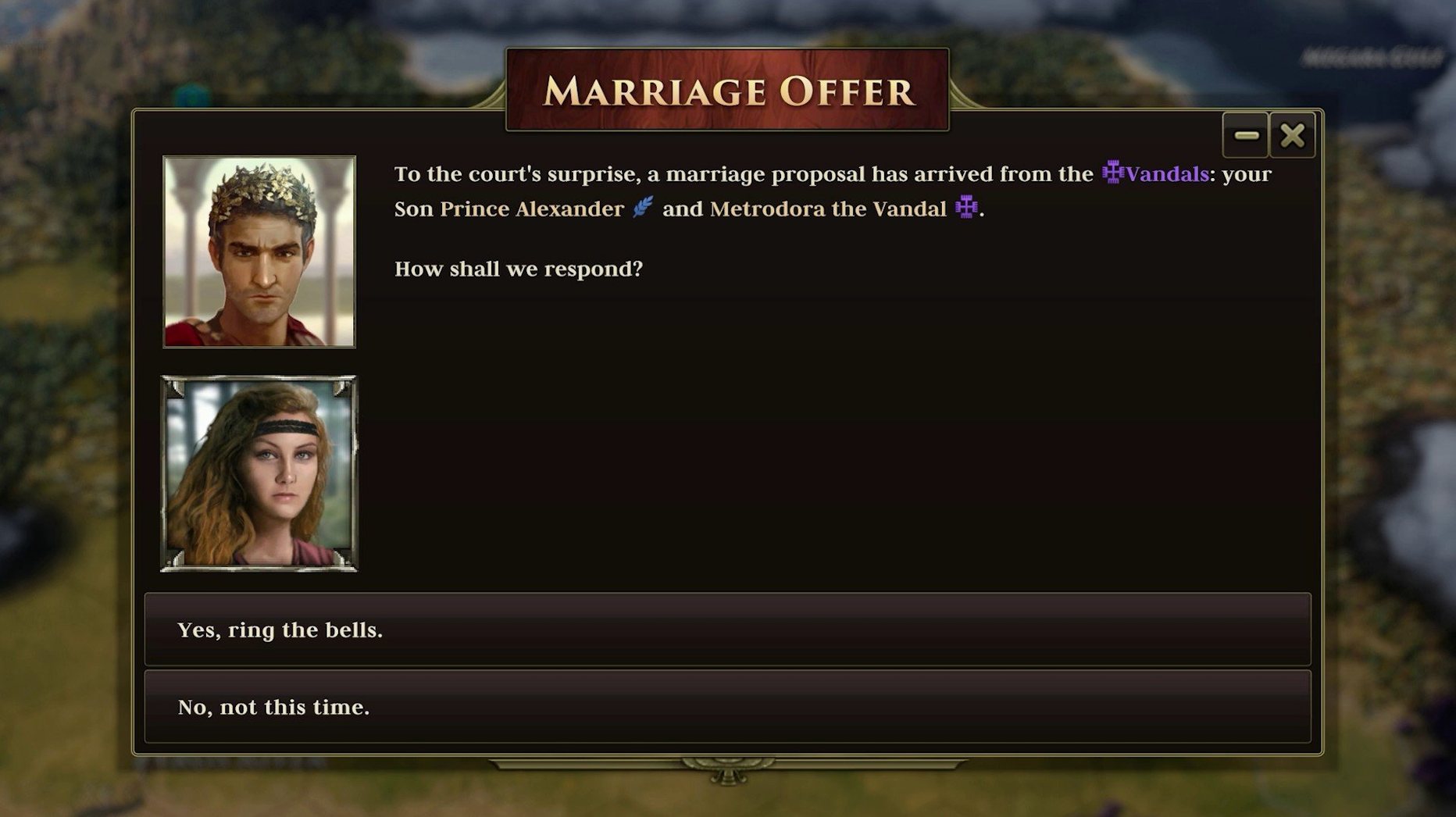
The core loop is dynastic. You manage marriages, heirs and your standing with noble families while expanding and defending your realm. The event system keeps each playthrough distinct, and the historical setting grounds the strategy in familiar territory. Available on Steam, GOG, Epic and Stove, this version runs natively on both Intel and Apple Silicon Macs.
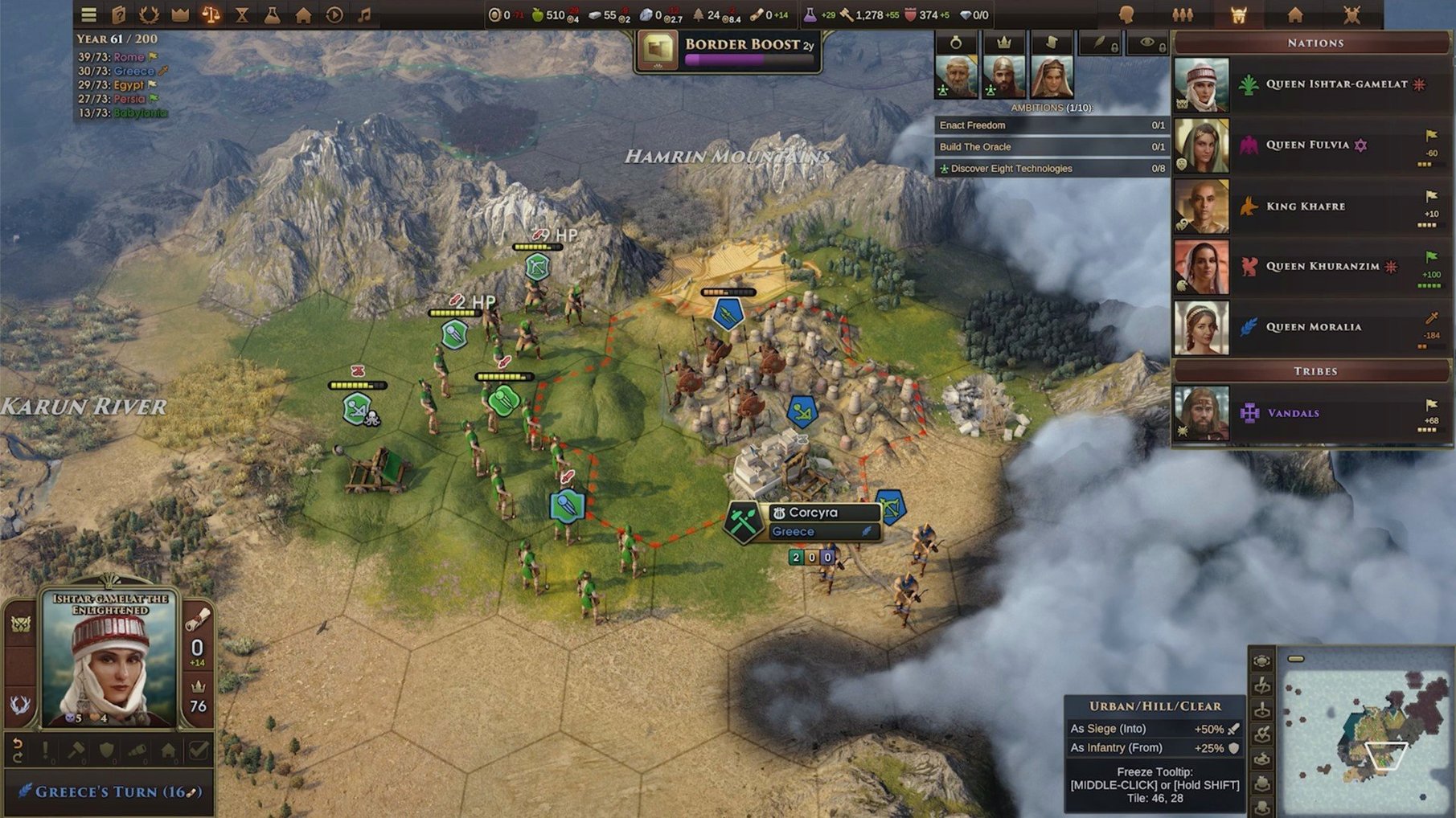
Orders counter sits in the top bar at all times
Old World does not overwhelm you with tooltips, but a few details in the interface reward attention. The Orders system – which governs unit movement and actions – is visible at all times in the top bar, and you can hover over it to see a breakdown of how many Orders remain from your current ruler's allocation. When a character gains a trait or a wound, the portrait frame subtly changes colour; you can spot these without opening the character screen. The event log, tucked away in the bottom-right panel, lets you scroll back through the last few turns of decisions, useful when you need to recall which noble family you just angered.
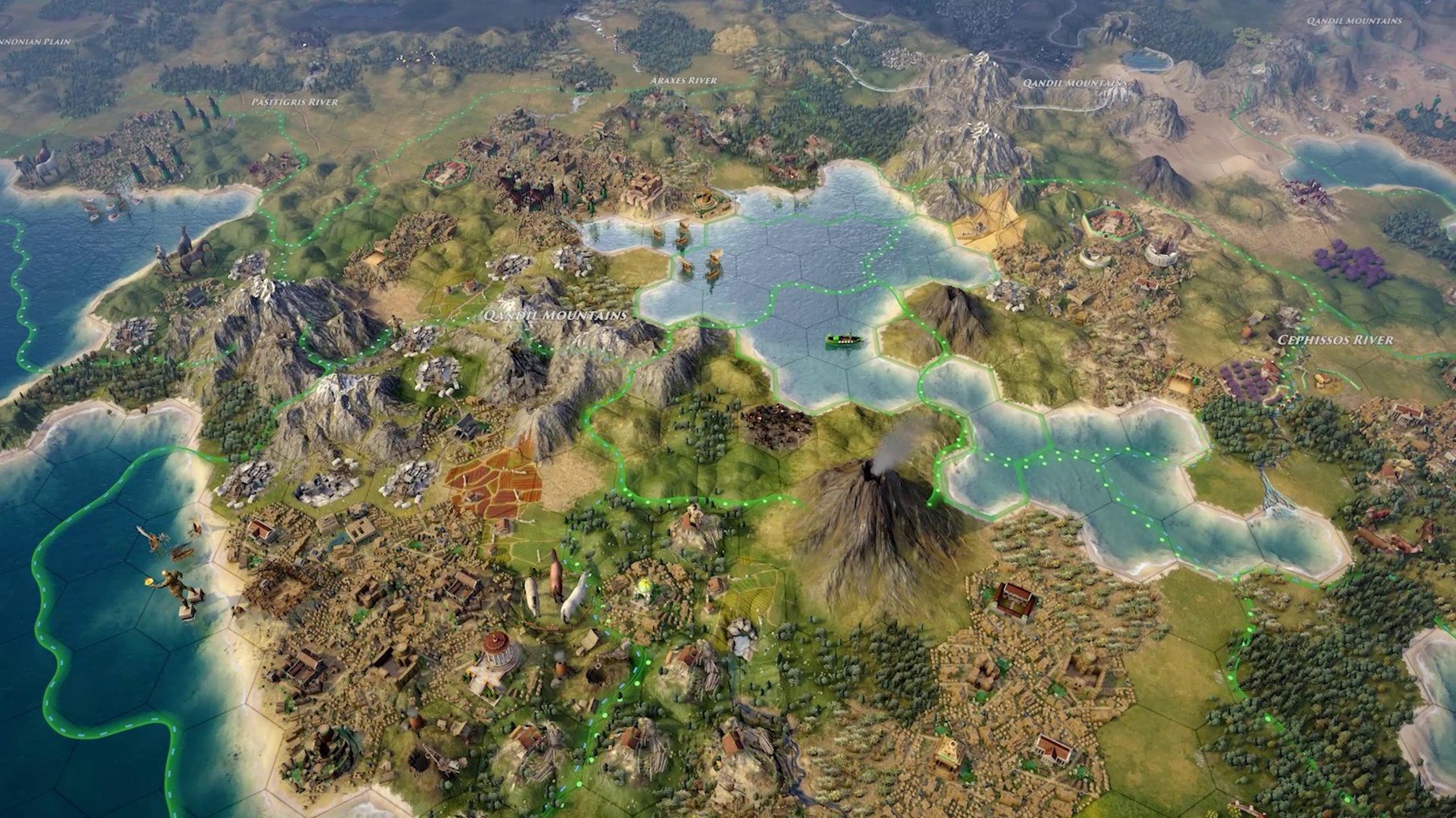
The game also highlights tiles that are eligible for improvement when you select a Settler or Worker unit. It is a small visual cue, but it saves scanning the entire map each turn. Similarly, when you queue a building in a city, the production panel dims already-built structures, so you do not double-order.
Full-screen mode works via the green window button
Old World does not demand much from the operating system, but it integrates with macOS in a few practical ways. The game supports full-screen mode via the green window button, and it respects macOS's native window management for resizing and snapping to screen edges. If you use multiple desktops, you can keep the game on one Space and reference a browser or notes on another without issues.
Multiplayer uses cloud play through the developer's own service, so you can start a turn on your Mac, save, and continue on another machine – useful if you share the game between a desktop and a laptop. The hotseat mode works with macOS's user switching: you can hand the keyboard to another player without logging out. Asynchronous play, where turns are taken over time, integrates well with the system's sleep and wake behaviour; the game saves state cleanly when the Mac goes to sleep.
Mod support is straightforward. Mods are typically downloaded from Steam Workshop or manually placed in the game's Mods folder, which lives inside ~/Library/Application Support/Old World/. The game detects new mods at launch, and you can enable or disable them from the main menu without restarting.
Polybolos siege units now deal 50% more damage
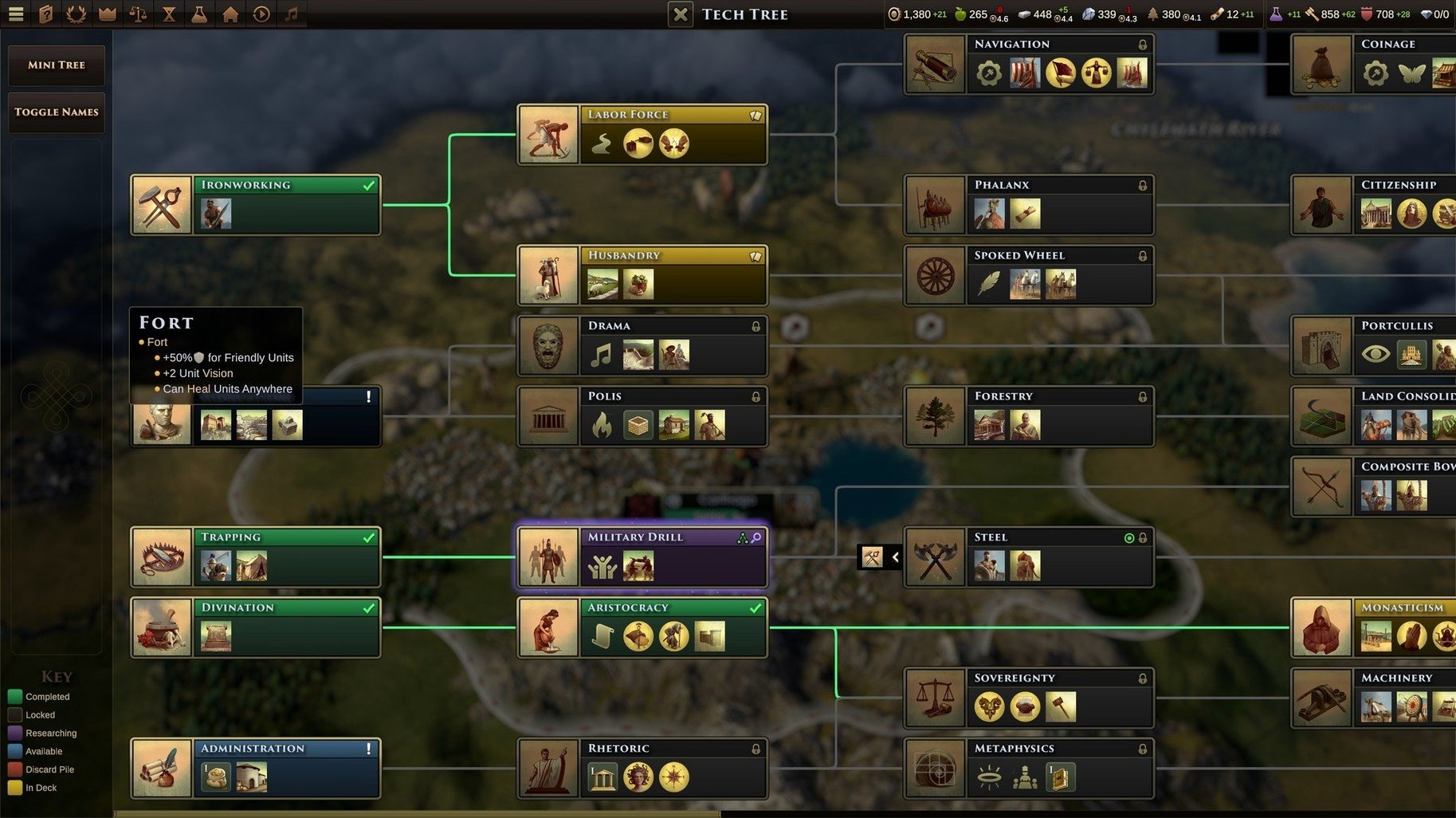
Version 1.0.84658, released in September 2026, makes three practical adjustments and one behind-the-scenes fix. Polybolos – the ranged siege units – now deal 50% more attack damage. In practice, this means they can soften up city defences more reliably, and you may want to build them earlier than before. Forts can no longer be placed adjacent to one another. If you were in the habit of chaining forts across chokepoints, you now need to leave at least one tile between them, which changes how you fortify borders.
The AI builds fewer Militia, Conscripts, and obsolete units. This does not make the AI weaker overall – it redirects its production toward more useful units, so mid-game armies feel less like filler and more like genuine threats. The Mac crash debugging added in this version is invisible during normal play, but it means that any crash reports you submit will contain more useful information for the developers. For most players, this translates to a quieter experience over time.
Set the interface language before starting a campaign
- Interface language: The game defaults to your system language if it is supported. If you prefer English or another language, set it in the Options menu before starting a campaign – it is not changeable mid-game.
- Graphics quality: The auto-detect usually picks a sensible setting, but on older Intel Macs you may want to drop shadows or terrain detail to keep turn times snappy. On Apple Silicon, the default works well.
- Auto-end turn: Turn this on from the Gameplay options. It saves a click every turn by automatically ending your turn when you have no remaining Orders and no pending decisions.
- Event notification style: You can set events to pause the game or to show a small pop-up that you dismiss at your own pace. The pause option is safer for multiplayer or hotseat, where a missed event can put you at a disadvantage.
- Multiplayer settings: If you plan to use cloud play, set your account details in the main menu first. The game stores them for future sessions, so you only need to do this once.
Old World remains a game you can learn over dozens of hours, and these settings help you settle into it faster. The version 84658 changes are small but meaningful, and the cross-platform multiplayer options make it a solid choice for asynchronous strategy sessions with friends who do not all use the same operating system. For players coming from other 4X titles, the dynastic mechanics and Orders system offer a different rhythm worth exploring.
Before it goes on the Mac
- Apple Silicon or Intel 64-bit Mac
Installing it on the Mac
- Mount the downloaded disk image.
- Run the standard installer.
- Choose the installation location.
- Applications is recommended as the destination folder.
Notes from the control room
Sign in or open a catalogue account to leave a note.
No notes from the room yet. If you have used this build for a week, a short note helps the next person.