Spiritfall 1.6.27 (Mac)
Updated
The catalogue note
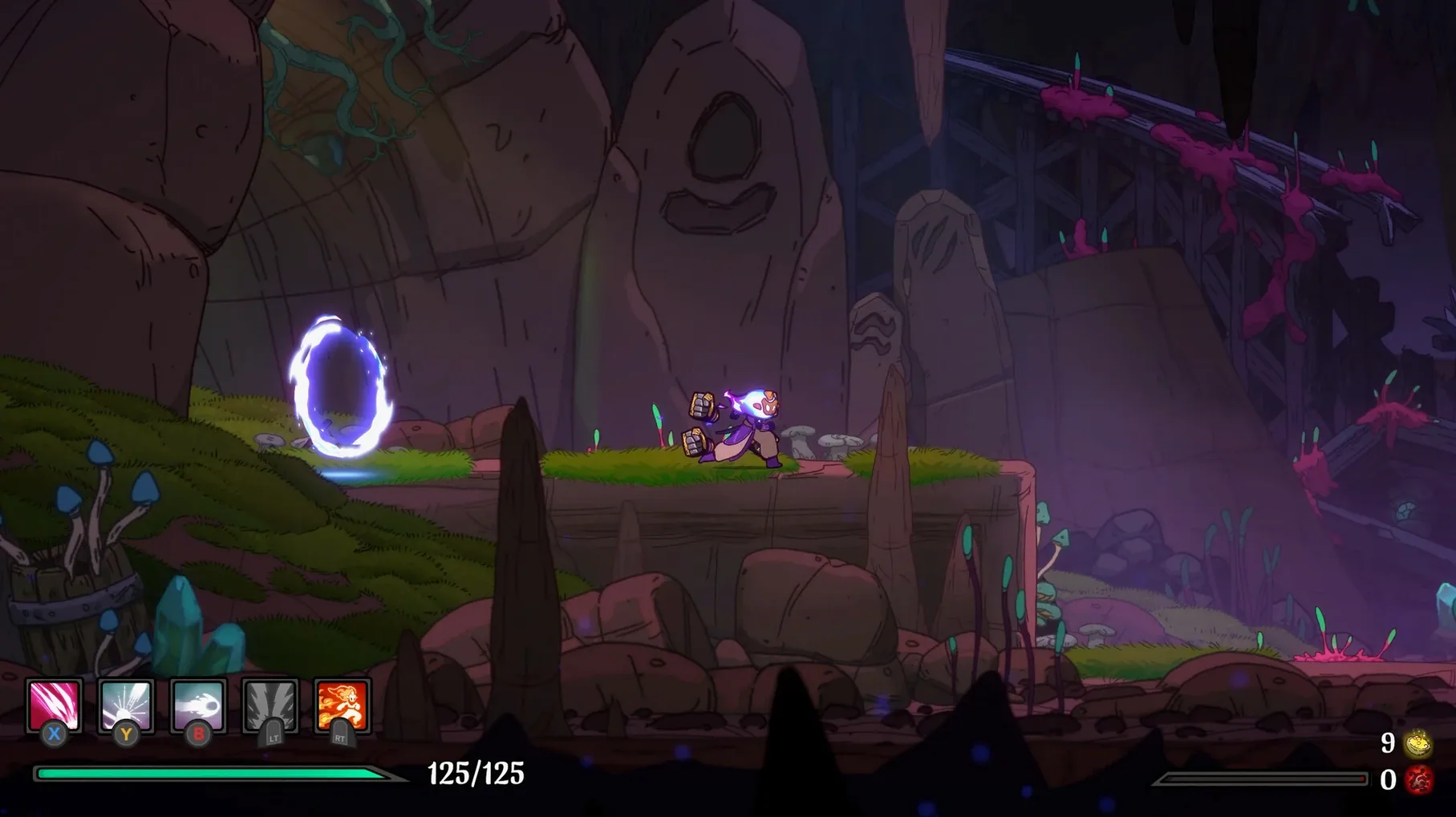
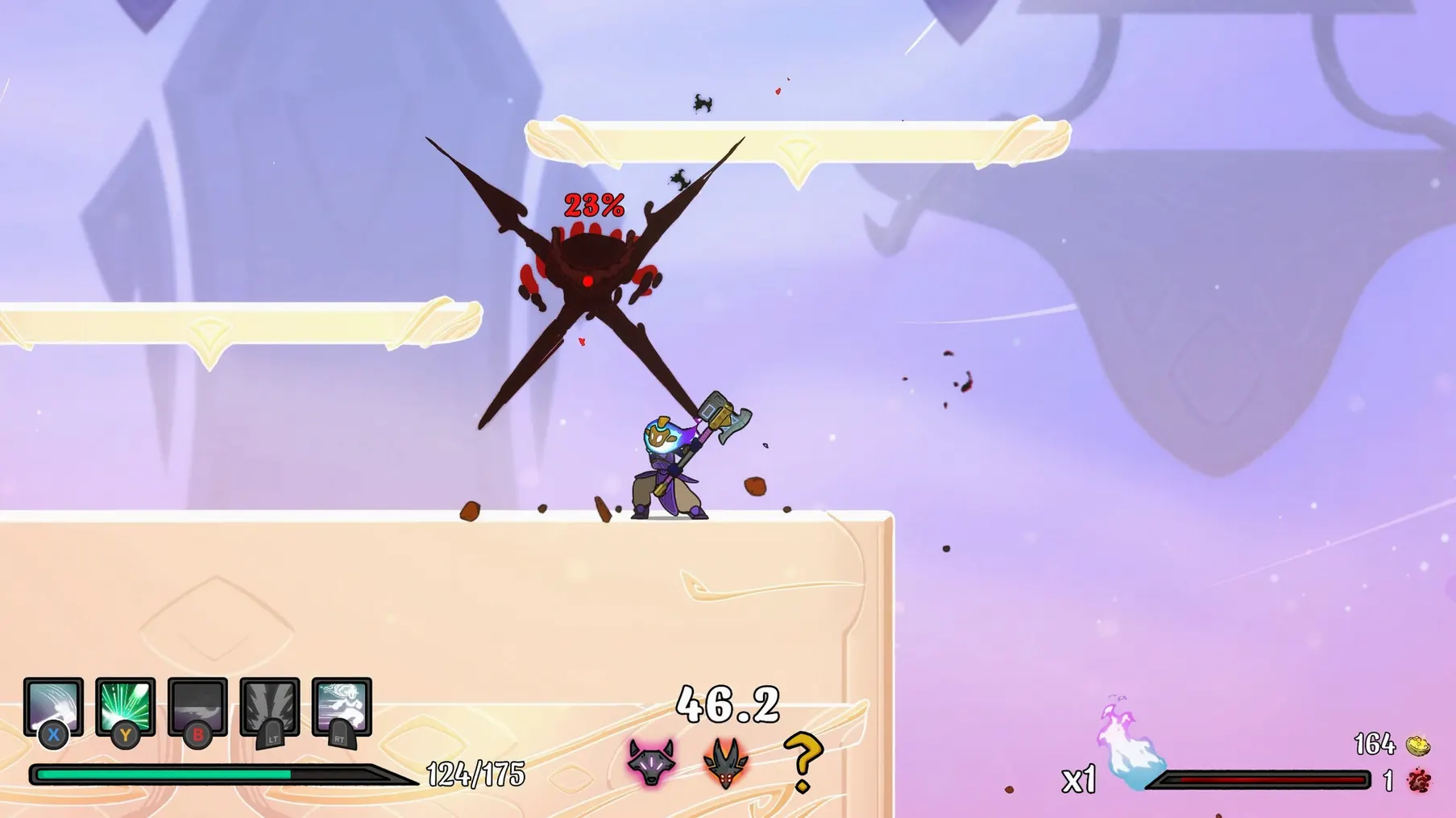
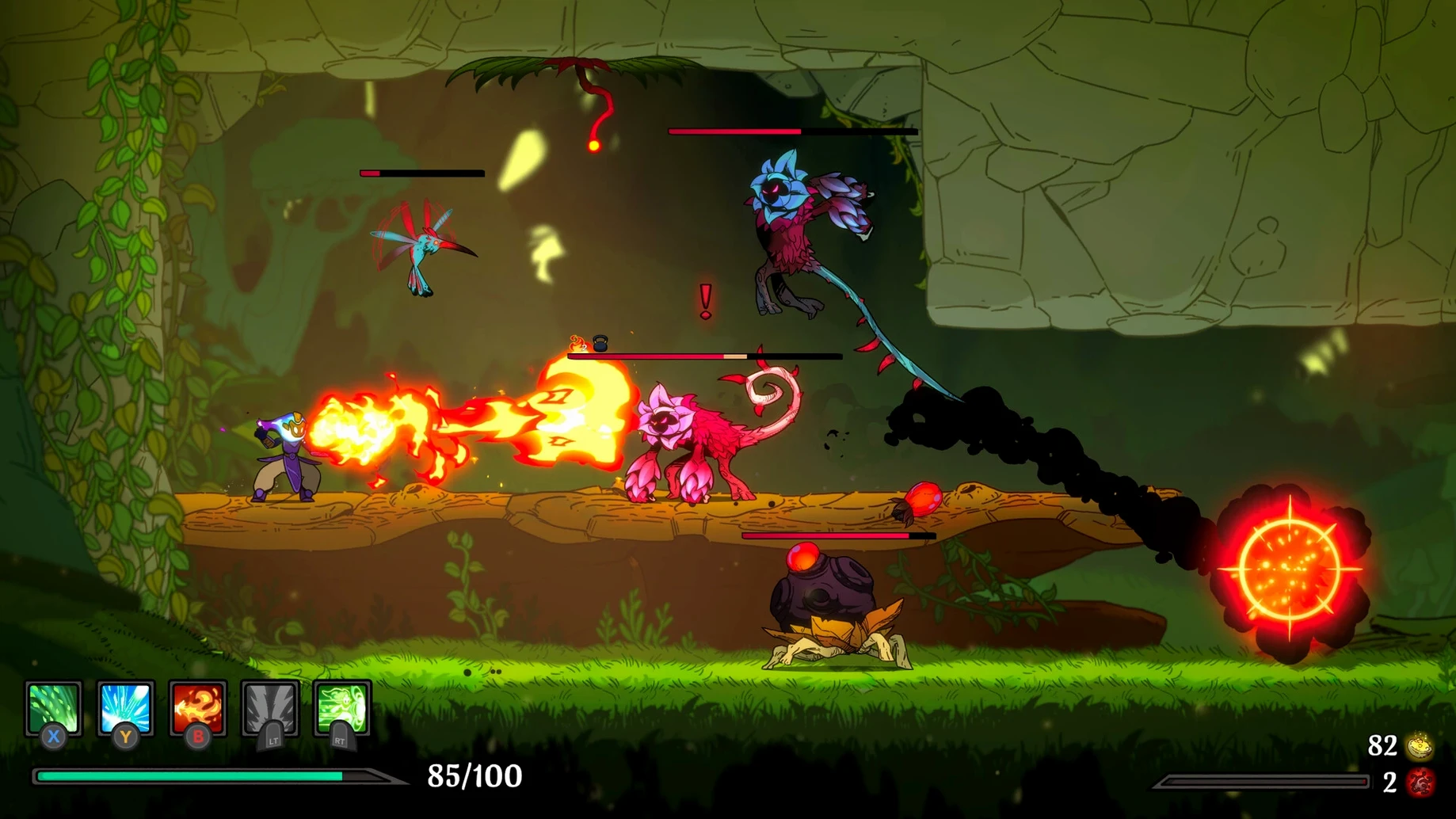
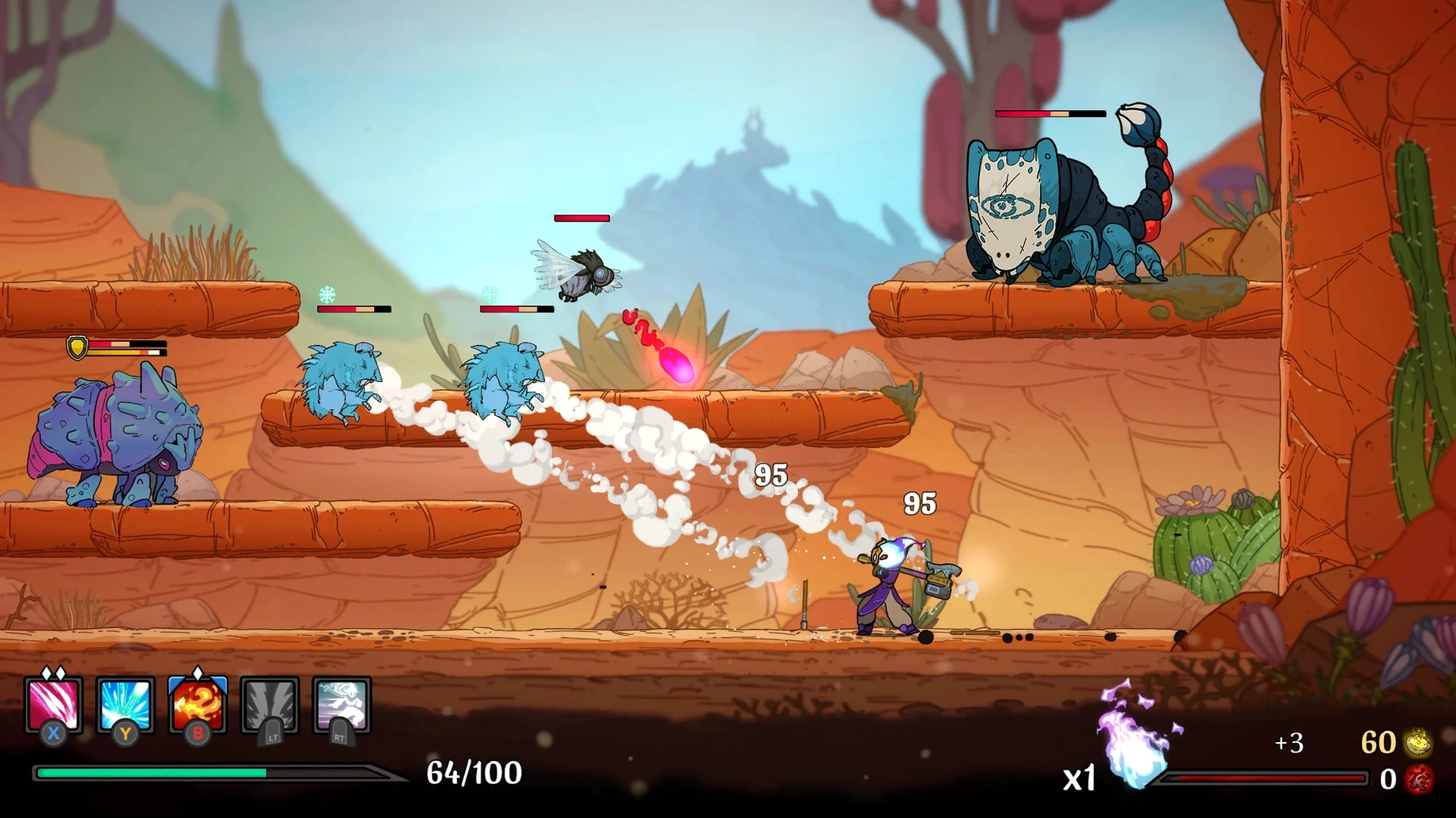
Think of Spiritfall as a brawler that borrows the run structure of a roguelike. You fight through arenas, pick upgrades, die, and start again with a fresh build. The tested version ran on macOS Sonoma on a MacBook Air (M1, 2020), and the build supports both ARM and Intel.
Fast directional combat for roguelite fans
Players who like fast, directional combat and don't mind losing progress will find plenty here. The platform-fighter movement means spacing and timing matter more than stats.
Restarting from scratch after each death
If you prefer a steady campaign or hate restarting after a tough boss, the roguelite loop will test your patience. Death is not the end, but each run starts from scratch.
Twelve interface languages and cross-platform release
Twelve interface languages are included, from English and Polish to Japanese and Korean. The game released on 28 February 2024 and is available on major platforms.
Native Apple Silicon and Intel support without translation
Spiritfall runs natively on both Apple Silicon and Intel-based Macs, so no translation layer is needed on M-series hardware. The build is a universal binary covering ARM and x86 (64-bit) architectures. On the test system — macOS Sonoma, MacBook Air (M1, 2020) — the game launches without additional configuration steps. The disk image mounts directly, and dragging the app to Applications is the entire install routine.
Interface language support is broad: twelve languages cover most European and East Asian markets. Voice is listed as music, meaning there is no spoken dialogue to switch — the soundtrack handles the audio side. No activation is required, so the game runs immediately after copying.
Older Intel machines with integrated graphics may need to lower resolution or detail settings, while Apple Silicon users benefit from the native ARM path.
Fixing launch issues and Gatekeeper blocks
- Game doesn't launch after copying. Check that you dragged the app into the Applications folder and not another location. Gatekeeper may block an unidentified developer — right-click the app and select Open from the context menu, then confirm in the dialogue.
- Performance feels sluggish. The game is a 2D platform fighter with roguelite elements, so it is not demanding by modern standards. Close background apps that use GPU resources.
- Controller not recognised. Spiritfall supports standard game controllers on macOS. If yours is not detected, pair it via Bluetooth or USB, then check System Settings → Bluetooth or Game Controllers. Some third-party controllers need a driver like 360Controller.
- Save progress lost after a crash. The game uses roguelite persistence — permanent upgrades carry over, but run progress resets on death. If the game crashes, verify the save files are intact in
~/Library/Application Support/Spiritfall/. Corrupted files may require reinstalling.
A roguelite veteran tests platform-fighter movement
Jakub is a long-time roguelite player who has hundreds of hours in games like Dead Cells and Hades. He tries Spiritfall for a change of pace. The platform-fighter movement is familiar if he has played Super Smash Bros. — directional attacks, aerial combos, and spacing. He picks a weapon, enters the first arena, and dies quickly because he forgets that blocking works differently here.
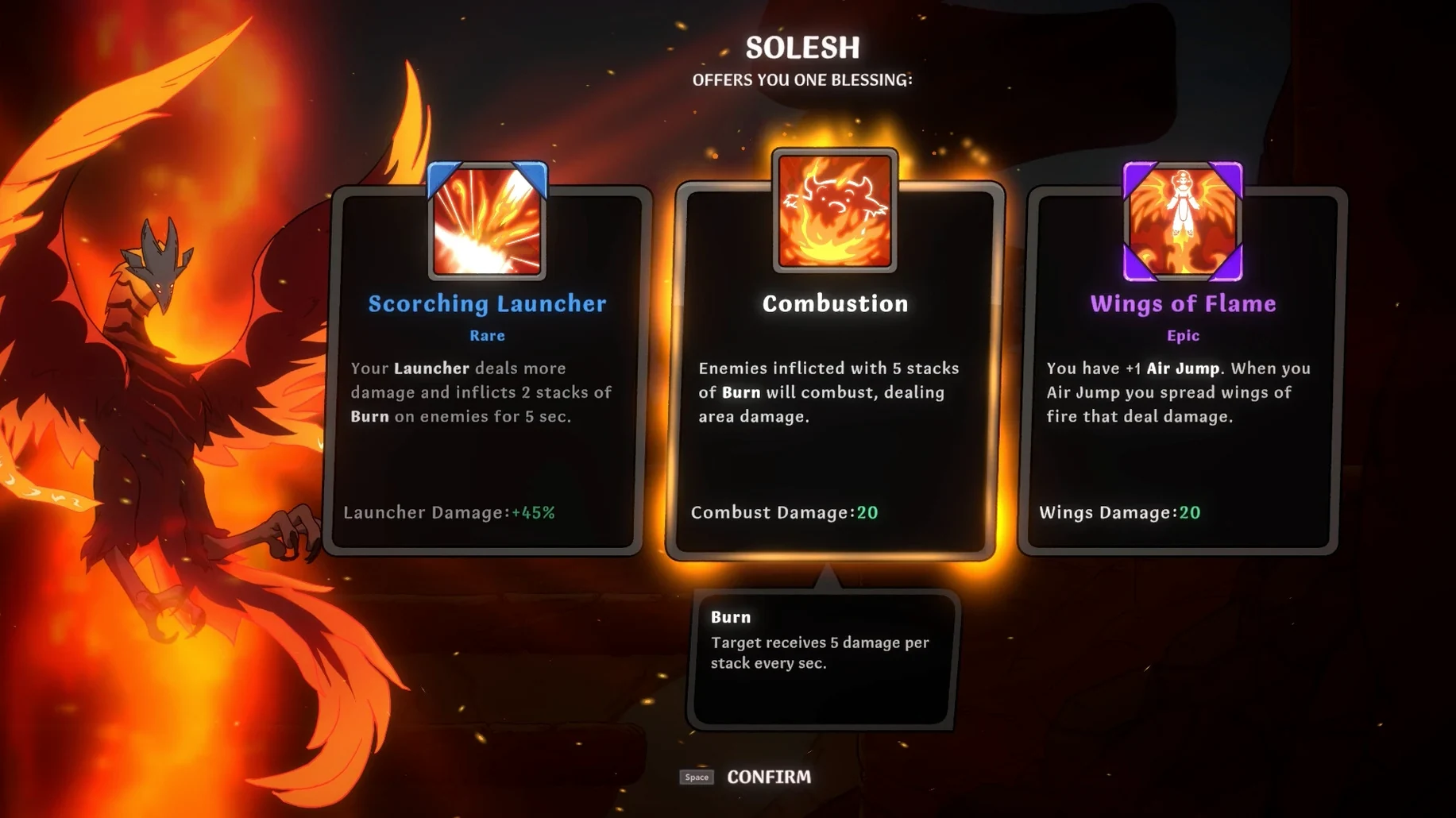
After a few runs, he unlocks blessings from the pool of over 150. He starts combining attack speed boosts with a weapon that has unique moves from awakening. The randomly generated map keeps each route fresh, so he does not memorise a single path. When he finally clears a boss, the permanent upgrade tree gives him a reason to start another run immediately. For Jakub, the loop works because the combat itself is satisfying enough to carry the repetition.
Before it goes on the Mac
- macOS: not specified by the developer
- Architecture: Apple Silicon and Intel (64-bit x86)
Questions from the room
Does losing a run in Spiritfall end the game permanently?
No. Defeat does not end the run permanently; you restart with a new run, carrying only what the roguelite mechanics allow.
Installing it on the Mac
- Open the downloaded disk image.
- Drag the app to the Applications folder alias.
- Once copying finishes, launch the app from Launchpad.
Notes from the control room
Sign in or open a catalogue account to leave a note.
No notes from the room yet. If you have used this build for a week, a short note helps the next person.