Home › Mac Apps › m’s HalfTone
m’s HalfTone 1.5.3 (Mac)
Updated

The catalogue note
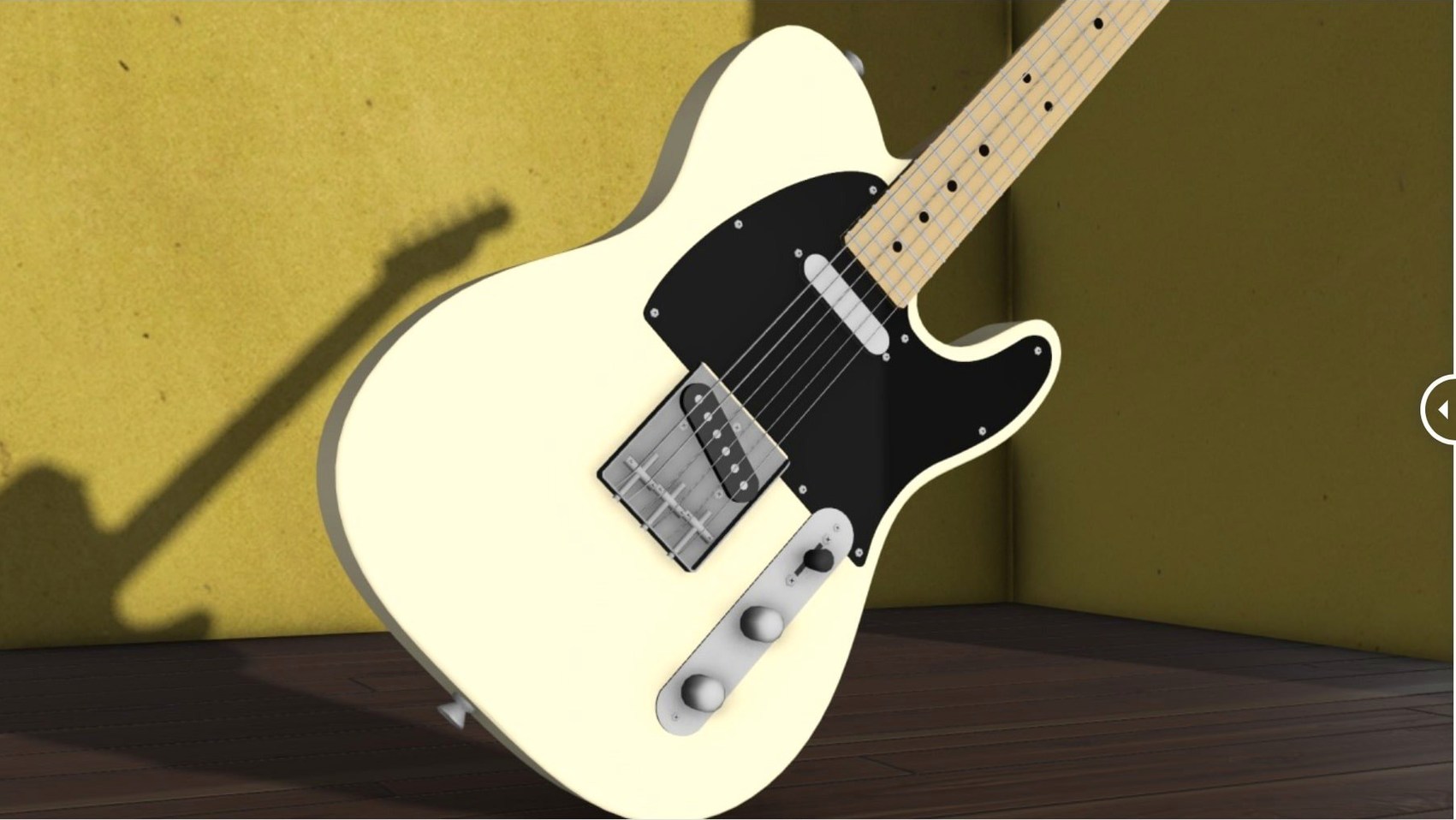
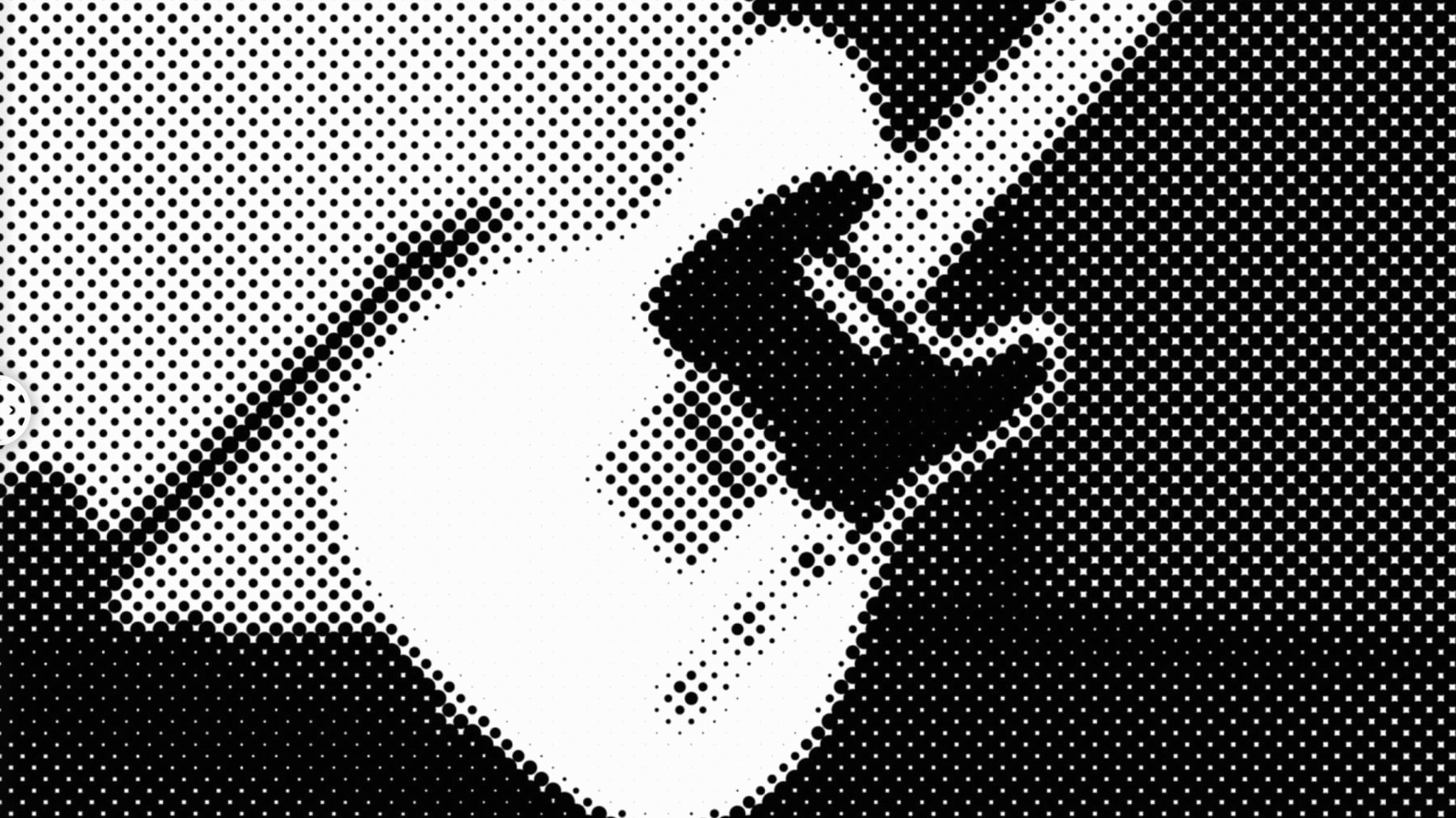
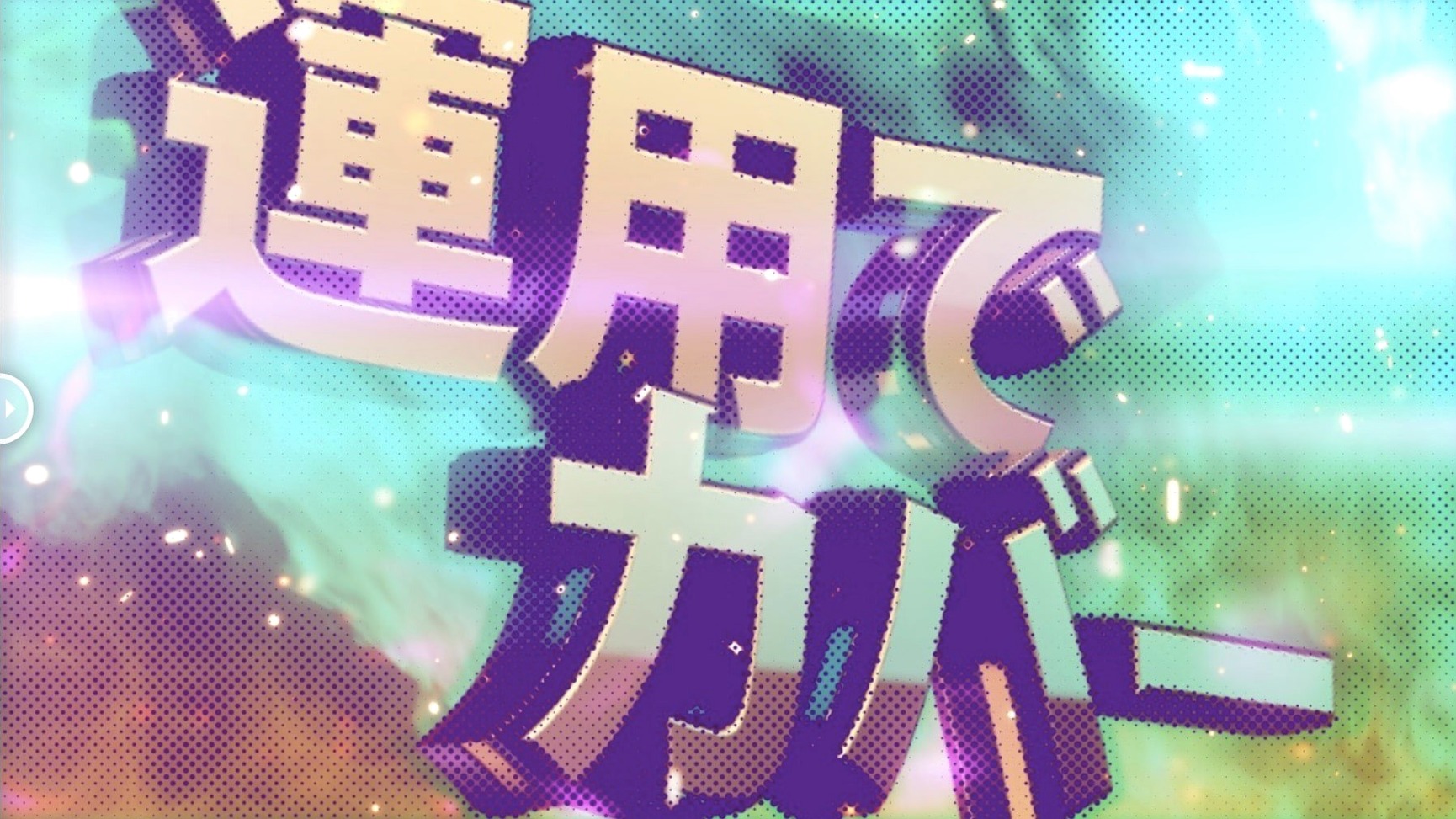
Motion graphics artists and compositors who need halftone effects inside After Effects can use m's HalfTone without setting up layer maps — the plugin applies the effect directly to the layer. It supports circle, square and line halftone shapes across both ARM and x86 64-bit architectures.
Licensing framework updated to v4.1.4
Version 1.5.3 updates the licensing framework to v4.1.4. The plugin works with After Effects CS5 through 2026, and installation follows the included guide for activating the licence.
No extra layers needed for the halftone pattern
Because the plugin adds the effect directly, you do not need extra layers or maps to drive the halftone pattern. The developer, AE_OFF, lists support for both Intel and Apple Silicon Macs, so it runs natively on current hardware.
Lives entirely inside After Effects as a standard effect
m's HalfTone lives entirely inside After Effects, so it does not rely on external generators, image sequences or third-party renderers. You apply it as a standard effect on any footage layer, adjustment layer or pre-comp. That means it works alongside the usual AE toolset — masks, track mattes, blending modes, expressions — without conflicts. The plugin respects layer transforms and masks, so rotating or scaling a layer keeps the halftone pattern locked to the content, not the comp frame.
On macOS, the plugin is a single .plugin bundle placed in the After Effects Plug-ins folder. It does not install background processes, launch agents or system extensions. That keeps the system clean and avoids permission prompts that sometimes trip up audio or video plug-ins on recent macOS versions. The plugin also plays well with native macOS features such as Spaces and full-screen mode — it does not interfere with window management or keyboard shortcuts.
Because it supports both ARM and x86 64-bit, you can run it under Rosetta 2 if you have an older workflow that still uses Intel-native AE, though native Apple Silicon gives the expected performance advantage. The plugin does not use Metal or OpenCL acceleration, so it relies purely on After Effects' own rendering pipeline.
Common issues with After Effects plugins
A few issues come up regularly with After Effects plugins. Here is what to watch for with m's HalfTone.
Check the plug-in folder location
If m's HalfTone does not appear after installation, the most likely cause is the plug-in folder location. After Effects looks for plugins inside the application bundle (Applications/Adobe After Effects [version]/Plug-ins/) and sometimes in the shared Adobe Common Files folder. Make sure the .plugin file is in the correct folder for your AE version. If you run multiple AE versions, each needs its own copy. Restart After Effects after moving the file.
Activation errors after updating
Version 1.5.3 uses the updated licensing framework v4.1.4. If you upgrade from an older version, the new licence system may not recognise the old activation. The included guide covers the activation steps — follow it exactly. If you see a licence error, remove the old plugin file first, then place the new one and run the activation again.
Halftone pattern looks blocky or aliased
This is usually a sampling issue. The plugin includes sampling controls — adjust those rather than scaling the layer or comp. If the source footage is lower resolution than the comp, the halftone dots may appear jagged. Increasing the sampling quality inside the effect settings helps. Also check that the comp resolution is set to Full, not Half or Third, when previewing.
Performance stutter during preview
Halftone effects can be render-heavy because each frame processes dot patterns. If playback stutters, reduce the preview resolution temporarily or use After Effects' caching (enable RAM Preview). The plugin itself does not offer a draft mode, so working at a lower comp resolution is the practical workaround.
Best for motion graphics designers and compositors
m's HalfTone suits a few specific roles:
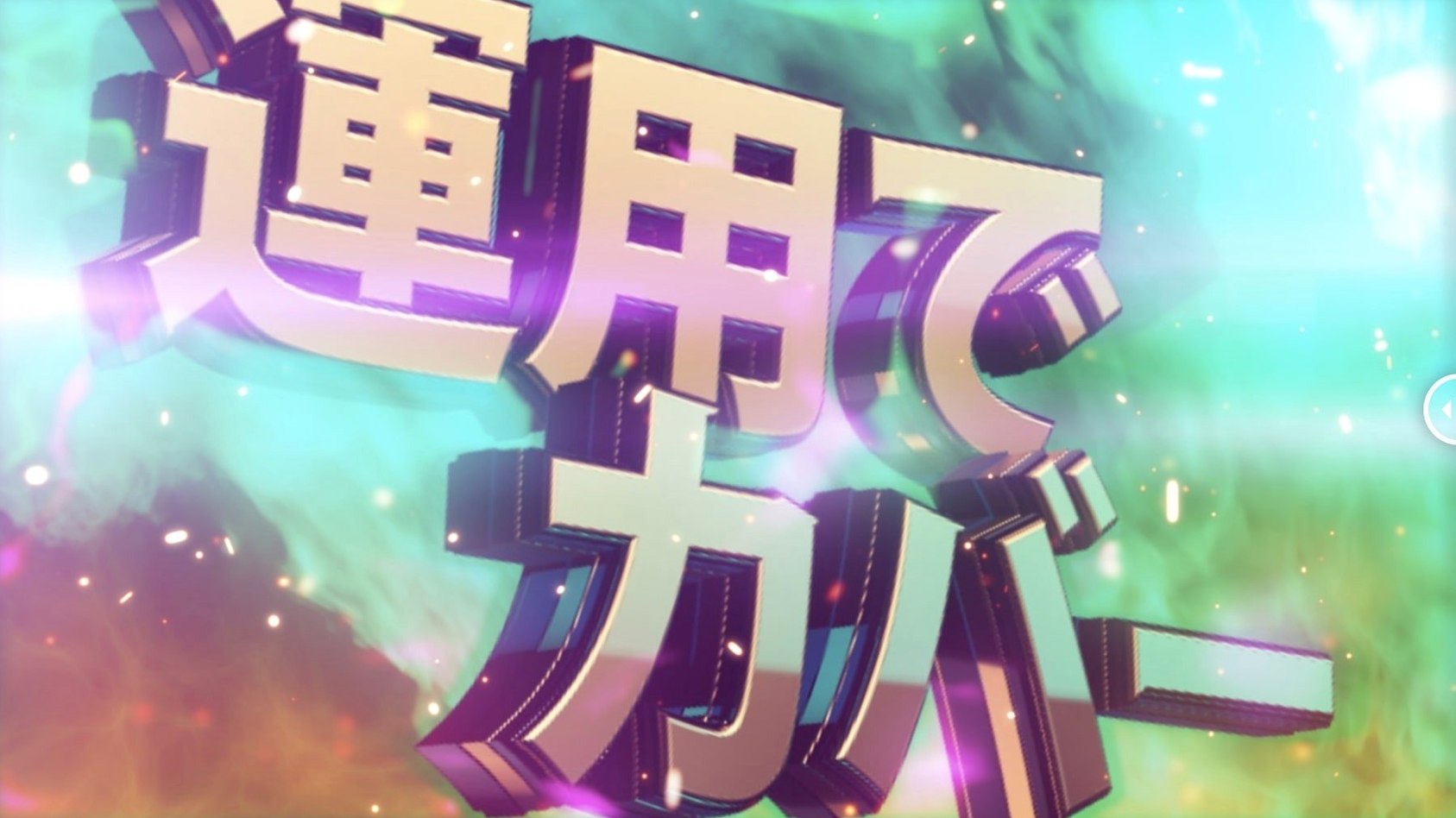
- Motion graphics designers who regularly add comic-book, pop-art or retro halftone textures to text, logos or vector elements. The direct-to-layer workflow saves time when building tight animated sequences.
- Compositors who need halftone effects on live-action footage for film or broadcast — the three shape types (circle, square, line) give enough variety to match different visual styles without switching plugins.
- Video editors working in AE for finishing and effects.
- Mac users on Apple Silicon benefit from native ARM support. Older Intel Macs are also covered, so the plugin works across the hardware transition without extra steps.
The plugin is less useful if you rarely apply halftone effects or if you prefer procedural workflows with expressions and external maps — though it does not prevent you from combining it with those approaches.
Compatible with After Effects 2026 back to CS5
Does the plugin work with After Effects 2026?
Yes, version 1.5.3 is listed as compatible with After Effects 2026, all the way back to CS5. That covers the full range of current and legacy releases.
Do I need a separate application to generate halftone images?
No. The plugin processes the effect inside After Effects — you apply it to a layer and adjust controls such as dot size, rotation, offset, alpha and sampling. No external software or image sequence is required.
Can I animate the halftone parameters over time?
Yes. All the controls (dot size, rotation, offset, alpha, sampling) are keyframeable in After Effects. You can animate a dot size increase, a rotation sweep or an alpha fade just like any other effect property.
Does the plugin support multi-frame rendering in After Effects?
The page does not specify multi-frame rendering support. If your workflow depends on it, test with a short clip first. The plugin relies on the standard AE rendering pipeline, so it should work, but performance may vary.
What about language — is there a Japanese or Chinese interface?
The interface language is English only. No localised versions are available. The controls use straightforward terms (dot size, rotation, alpha), so the English interface should be easy to follow even for non-native speakers.
Where can I find the installation instructions?
The download includes a separate guide that covers installation and activation. Follow those steps exactly — the licensing framework update in 1.5.3 means the process differs slightly from older versions.
Changes in this build
- Licensing framework updated to v4.1.4.
Before it goes on the Mac
- macOS version not specified by the developer.
- Intel (x86 64-bit) or Apple Silicon (ARM) architecture.
- After Effects CS5 through 2026.
Questions from the room
Does m's HalfTone require additional layer maps?
No. The plugin applies the halftone effect directly to a layer without using layer maps.
Which After Effects versions are supported?
The plugin supports After Effects from CS5 through 2026.
Installing it on the Mac
- Use the included installation and activation instructions.
- Follow the included guide to install and activate the plugin.
Notes from the control room
Sign in or open a catalogue account to leave a note.
No notes from the room yet. If you have used this build for a week, a short note helps the next person.