
Home › VST Plugins › WaveLab Pro
WaveLab Pro 13.0.30 (Mac)
Updated
The catalogue note
WaveLab 13 runs on macOS 13 and later, with both Apple silicon and Intel 64-bit Macs supported. The current build, 13.0.30, is listed for macOS 14, 15, and 26, so if your Mac is on a recent system, you are covered.
| Detail | Specification |
|---|---|
| Developer | Steinberg |
| Category | VST / Mastering software |
| Version | 13.0.30 |
| macOS | 13 or later |
| Architecture | Apple silicon, Intel 64-bit |
| Interface language | English |
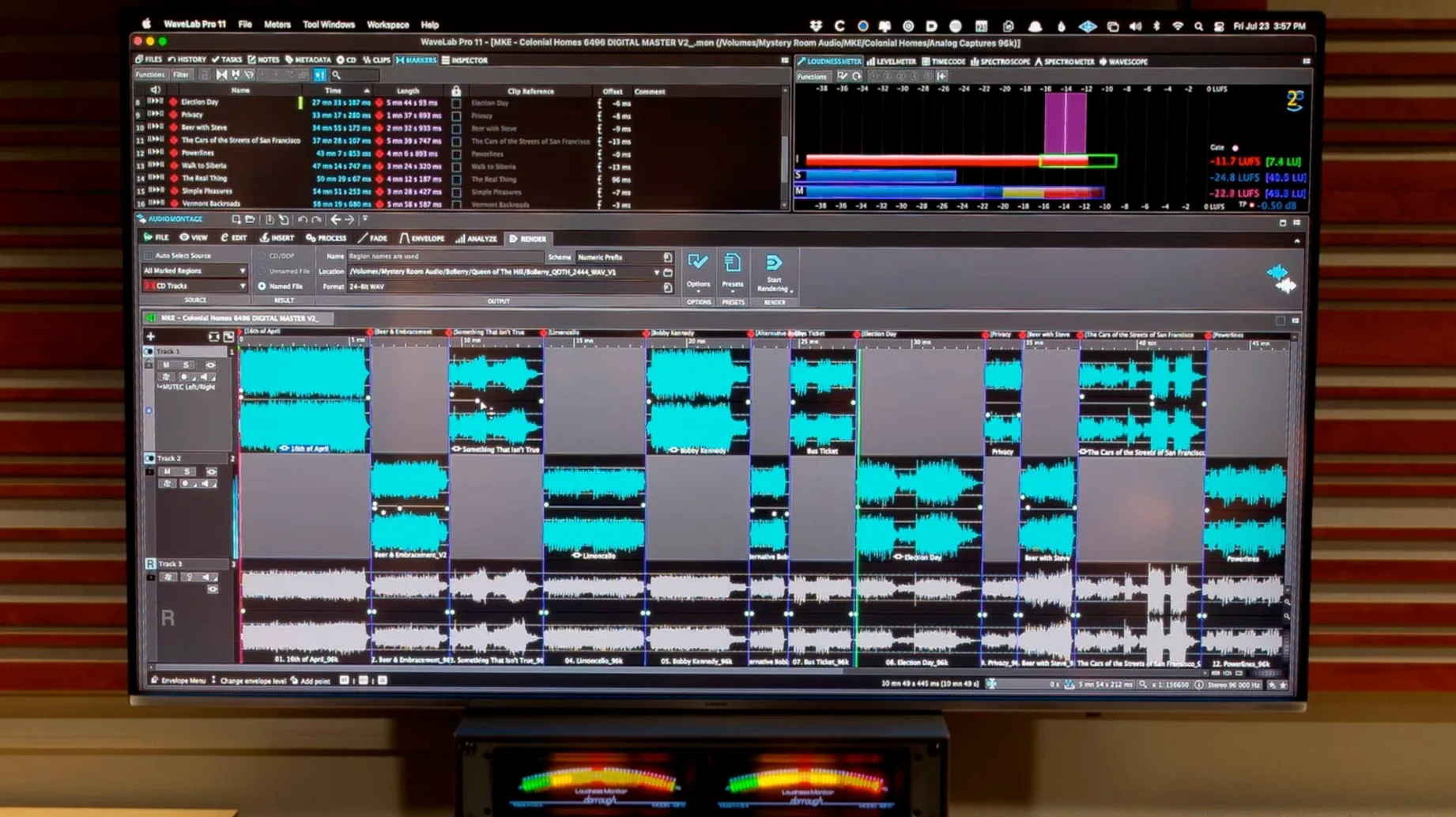
What makes WaveLab useful in a mastering session is how it puts the tools where your ears need them. Sample-accurate editing means you can trim a transient or align a fade without guesswork. The waveform peaks auto-scale to the visible area, so you always see the full picture without fiddling with zoom. Drag and drop, copy and paste work across platforms, which speeds up moving files between projects. If you work with video or need to sync montage navigation, that is there too. The ARA plug-in integration lets other hosts talk to WaveLab directly, which is handy when you want to master inside your DAW. It is a complete mastering solution, and the controls are laid out for people who think in terms of gain, EQ and loudness, not menus.
Opens inside Cubase, Nuendo, Reaper and Studio One via ARA
WaveLab Pro does not sit in isolation. The ARA plug-in version loads inside Cubase 13, Nuendo 13, Reaper 7 and Studio One 6.5, so you can open a track from your DAW, apply WaveLab's editing and restoration tools, and send it back without leaving the arrangement. Audio ranges transfer between applications with or without effects — you can drag a region from WaveLab into a Finder window, paste it into an audio editor, or drop it straight into a Logic Pro or Ableton Live project. The drag-and-drop and copy-paste behaviour is consistent across apps, so it behaves like any well-behaved macOS citizen.
On the system side, WaveLab respects macOS window management. You can snap the montage window to one side of the screen and keep the file browser or spectrum analyser on the other. The auto-scaling of waveform peaks works with any display resolution, which matters if you run a Retina screen or an external monitor at a different scaling. File and montage navigation synchronise across views, so when you scroll the master montage, the audio file editor follows. That sync is one of those small things that saves time once you get used to it.
For forensic audio analysis, WaveLab can handle the sort of detailed inspection that post-production and broadcast people need. Spectral editing and audio restoration tools integrate into the same workflow, so you can clean a recording, analyse it, and master it without opening another piece of software. Version 13.0.30 introduces channel-based surround files inside master montages and HRTF support for binaural monitoring when working with Dolby Atmos, enabling you to load a personal HRTF profile and verify how your mix converts to headphones while staying in the mastering session.
Dolby Atmos montages now accept channel-based surround files
Version 13.0.30 brought two practical additions that affect how you work with immersive audio. First, channel-based surround files are now supported in Dolby Atmos master montages. Before this, you might have needed to bounce or convert formats externally. Now you can drop a 5.1 or 7.1 file directly into the montage and treat it as part of the Atmos bed. Second, binaural monitoring supports loading a personal HRTF profile. Users with personal HRTF data may import it and hear the Atmos mix over headphones using a more precise spatial depiction. For anyone mastering Atmos content, those two changes reduce the number of trips between the DAW and the monitoring system.
Everything else in 13.0.30 carries over from the 13.x line: the same editing engine, the same ARA integration, the same audio restoration tools. No interface overhaul, no new file formats — just targeted improvements for people who work in surround and binaural. The full installer replaces whatever previous version you had, so the update is clean.
Works as a standalone app without a DAW
Can I use WaveLab without a DAW? Yes. It is a standalone application. You open it, import audio, edit, master and export. The ARA plug-in is an extra option if you want to use it inside another host, but the core workflow does not require one.
Does it work with Logic Pro or Ableton Live? The ARA integration is listed for Cubase 13, Nuendo 13, Reaper 7 and Studio One 6.5. For other DAWs, you can still drag and drop or copy and paste audio between applications. The standalone version works regardless of your primary sequencer.
Will it run on macOS 13? Yes. The requirement is macOS 13 or later, and the build supports both Apple silicon and Intel 64-bit Macs. The download page lists macOS 14, 15 and 26 specifically, so you are safe on any recent system.
Do I need an iLok or a physical dongle? Activation is included in the package. The exact method depends on the installer you download, but the package contains everything needed to authorise the software.
Is the interface localised? No. The interface language is English. If you are comfortable reading technical audio terms in English, you will have no trouble.
Can I use it for audio restoration and forensic work? Yes. Spectral editing and audio restoration tools are built in, and the sample-accurate editing makes it suitable for detailed forensic analysis.
Adjusting the default waveform zoom level for fixed view
After the initial installation, a few settings can make the day-to-day session more efficient. WaveLab auto-scales waveform peaks to the visible area by default, which is fine for most work. If you prefer a fixed zoom level, you can adjust that in the preferences. The file and montage navigation synchronisation is on by default — leave it on if you work with a master montage and want the audio file editor to follow along.
For the ARA plug-in, check that your DAW recognises it after installation. Steinberg's installer places the plug-in in the standard component and VST3 locations, but you may need to rescan your plug-in list inside Cubase, Nuendo, Reaper or Studio One. If you use Dolby Atmos, load your personal HRTF profile in the binaural monitoring section before you start working on a surround project. The profile loading is a one-time step per session, but it makes a difference to the accuracy of the headphone mix.
If you transfer audio ranges between applications frequently, set your clipboard and drag-and-drop preferences to include or exclude effects. That way you decide whether the region carries processing or just the raw audio.
Mastering engineer opens a 96 kHz 24-bit WAV in the audio editor
A mastering engineer receives a stereo mix from a client, a 96 kHz 24-bit WAV file. She opens WaveLab Pro and drags the file from the Finder into the audio file editor. The waveform auto-scales to fill the window, and she sees the full dynamic range at a glance. She sets a few markers at the start of each section: intro, verse, chorus. Sample-accurate editing lets her trim the silent gap at the beginning down to a single sample without overshooting.
Next, she opens the master montage and arranges the song files in order. The montage window shows the whole album, and the navigation syncs with the audio file editor — clicking a region in the montage jumps the editor to that exact point. She applies EQ and compression to the master bus, checks the loudness against the target, and makes small adjustments. The spectral editor helps her remove a low-frequency rumble from one section that the client did not catch. She selects the noise in the spectrogram, applies restoration, and the rest of the audio stays untouched.
For the Atmos version, she imports a 5.1 surround file into the Dolby Atmos master montage. The channel-based surround file sits in the bed, and she loads her personal HRTF profile into the binaural monitoring section to check how the mix sounds on headphones. She exports the final master as a stereo WAV for streaming and a Dolby Atmos ADM for the immersive release. The whole session takes an hour, including the cleanup and the Atmos check.
The client sends a revision: a slightly different mix. She drags the new file over the old one in the audio file editor, the waveform updates, and the montage regions remain intact. A few EQ tweaks, a quick listen, and the master is ready. That is the sort of session WaveLab handles without extra steps.
Changes in this build
- Dolby Atmos master montages can include channel-based surround files.
- Dolby Atmos binaural monitoring supports loading a personal HRTF profile.
Before it goes on the Mac
- macOS 13 or later
- Apple silicon or Intel 64-bit
Questions from the room
Does WaveLab 13 support Apple silicon Macs?
Yes, the build supports both Apple silicon and Intel 64-bit Macs.
Can WaveLab be used as a plug-in in other software?
WaveLab is available as an ARA plug-in, so it can integrate with compatible hosts.
Installing it on the Mac
- Run the installer and follow the included installation and activation instructions.
Notes from the control room
Sign in or open a catalogue account to leave a note.
No notes from the room yet. If you have used this build for a week, a short note helps the next person.
Also filed under VST Plugins
The whole VST Plugins rack VocalSynth 22.6.1 VST Plugins 259 MB
 XLN Audio Life1.2.3 VST Plugins 442 MB
 Valhalla DSP Bundle2025.12 VST Plugins 61 MB
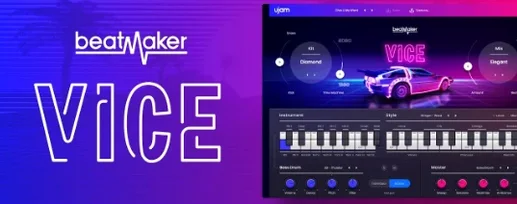 UJAM Beatmaker VICE2.4.0 VST Plugins 262 MB
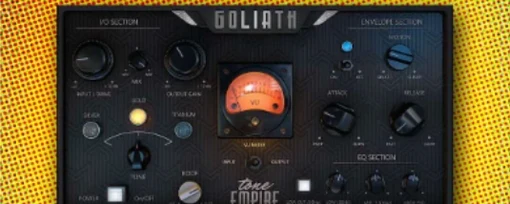 Tone Empire Goliath V31.0.0 VST Plugins 82 MB
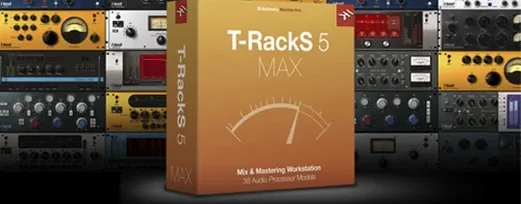 T-RackS6.3.2 VST Plugins 2.3 GB
 Steinberg SpectraLayers Pro13.0.40 VST Plugins 3.8 GB Updated
 Sonic Academy KICK1.1.8 VST Plugins 358 MB