
Home › Logic Pro Plugins › Ample Sound Ample Guitar LP III

Ample Sound Ample Guitar LP III 4.0.1 (Mac)
Updated
The catalogue note
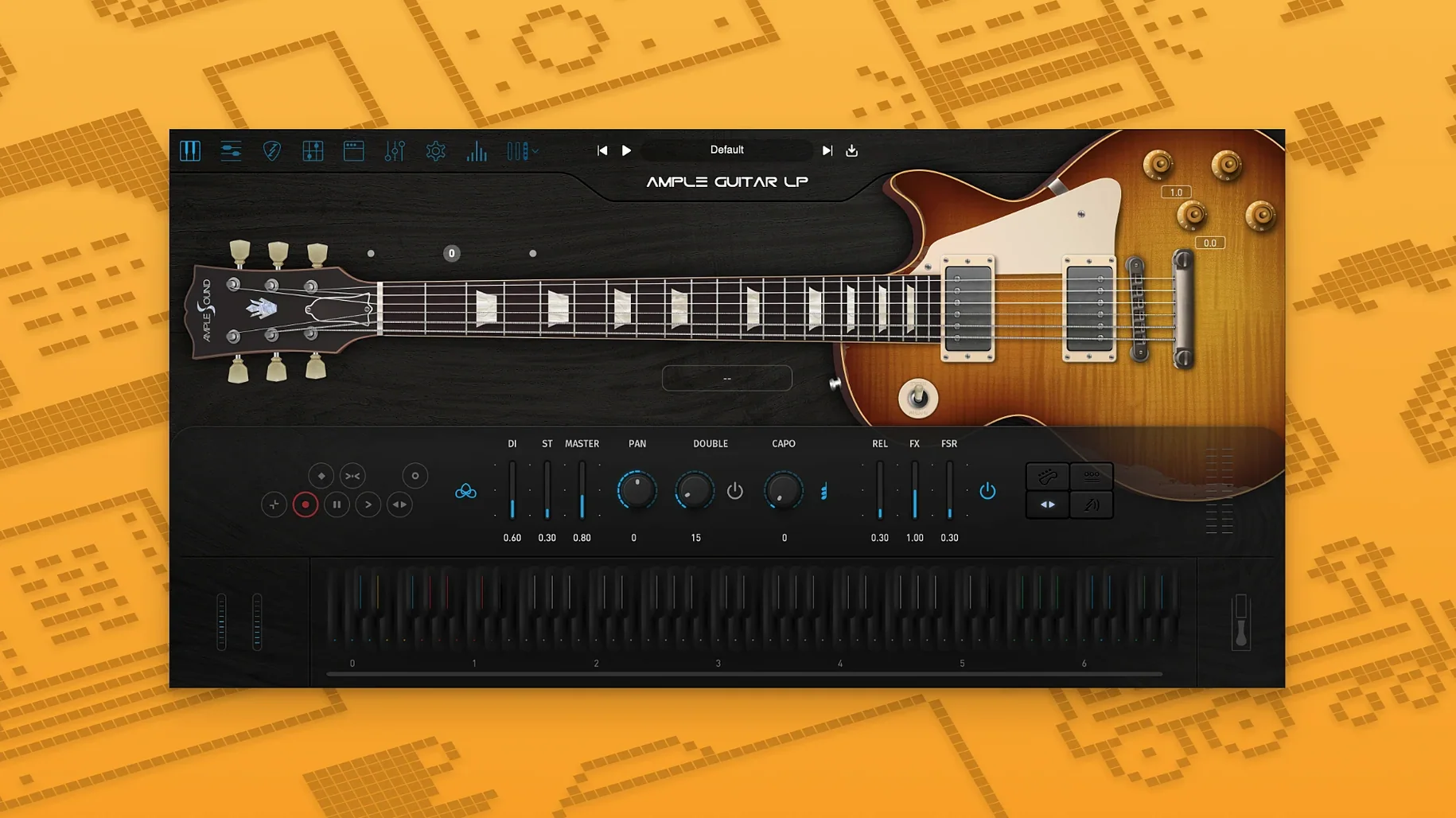
Ample Guitar LP III is the kind of tool you reach for when a session calls for that thick, woody humbucker tone. It sits in the same family as the other Ample Guitar instruments, but this one is built around a Gibson Les Paul 1958 character. The plugin installs on macOS 10.13 or later, on both Intel and Apple Silicon machines, so it slots into most studios without fuss.
VST, AU, and AAX plugin formats
You get the usual plugin formats—VST, AU, and AAX—so Logic, Pro Tools, and Cubase all see it straight away. The installer handles the Mac package, and the included instructions walk you through activation. No surprises there.
Fingerstyle library from a 1959 Reissue guitar
Version 4 adds a fingerstyle library recorded with a 1959 Reissue guitar, which brings a softer attack for blues and jazz lines. The built-in amp and effects cover the rock side, from clean sparkle to driven crunch. If you are after a versatile electric guitar without leaving the box, this does the job.
Tab Player reads Guitar Pro files
The LP III has a few details that do not jump out on first launch but make daily use smoother. The Tab Player reads Guitar Pro files, so you can drag in a prepared part and have the notes mapped to the fretboard instantly. It is not a replacement for programming your own phrasing, but it gets the basics down fast when you are working against a deadline.
The Strummer engine handles chord strumming with separate control over downstrokes and upstrokes. You can set the number of strings hit per strum and the velocity spread. It is worth spending a few minutes with the speed and sync options, because a locked-in strum pattern can save you from editing individual MIDI notes for half an hour.
There is also a CPC (Customised Parameters Control) system that lets you map several articulations to a single MIDI CC. Instead of switching between keyswitches mid-take, you set up a controller to fade from fingerstyle to picked notes as you play. It takes a moment to configure, but once saved as a preset it stays ready for the next session.
Clean verse to driven chorus in one session
Say you need a verse-chorus rock rhythm with a clean verse and a driven chorus. Here is one way to work through it with the LP III.
- Load the plugin on a stereo track in your DAW. Set the Pick Direction to downstrokes for the verse, which gives a consistent, punchy attack.
- Program the verse chords in your MIDI clip. Keep the velocity between 90 and 105. Too low and the note loses body; too high and the pick noise becomes dominant.
- Switch to the Strummer for the chorus. Set the strum key to a low C, then trigger the chords from that key.
- Add a Doubling track. Duplicate the MIDI clip, pan the two tracks hard left and right, then nudge the second track forward by 10 to 20 samples. This gives a wider stereo image without extra processing.
- Use the built-in amp. Select a driven preset from the Amp System for the chorus. For the verse, reduce the gain and engage the neck pickup simulation from the Pickup selector. The change in tone is immediate and you do not need to load an external amp sim.
- Bounce the parts to audio. Once the MIDI performance is solid, print the tracks. This frees up CPU and lets you edit the audio directly if you need to trim any rogue pick noise or string buzz.
The result is a two-guitar wall of sound that stays phase-coherent because the doubling is done from the same source. It works for rock, but the same steps apply to blues or country if you adjust the amp and pickup settings.
Studio composers working in rock, blues, or jazz
Studio composers and songwriters who work in rock, blues or jazz will find the LP III fits naturally into their template. If your tracks already use a mix of real and programmed instruments, this plugin bridges the gap: you can write a convincing guitar part without needing a player in the room.
For those who work in post-production or sound design, the fingerstyle library in version 4 gives a cleaner, less percussive source that layers well under dialogue or ambience. It is not a general-purpose synth, but for guitar-specific cues it saves time compared to layering samples from a general library.
MIDI channel mismatch after loading
No sound after loading. Check the MIDI channel in the plugin. The LP III defaults to channel 1, but your DAW may send on a different channel. Open the plugin's MIDI settings and match the channel to your track output.
Strummer does not trigger. The Strummer engine activates only when it receives a chord played within a defined range. If you are sending single notes or notes outside the strum key zone, it will not respond. Set your MIDI clip to send a chord in the lower octaves and the strum key on a separate note in the upper octave, or use the dedicated strum key switch.
Fingerstyle library does not load. Version 4 includes two libraries: the original picked library and the new fingerstyle library. If you do not see the fingerstyle articulations, open the Library selector in the plugin and choose the fingerstyle set. The installer places both, but the default may be the picked library.
High latency during playback. The built-in amp and effects add some processing. If you are monitoring through the plugin and feel delay, reduce the buffer size in your DAW's audio settings. Alternatively, use the plugin's Direct Sound mode if available, which bypasses the amp and effects for lower latency during recording, then switch to the full chain when mixing.
Offline activation fails. If the Activation Manager does not complete the process, use the offline method. Note the Challenge Code shown in the plugin, go to the Ample Sound website, log into your account, and generate a Response Code using your User ID and the Challenge Code. Enter the Response Code back in the plugin. The instructions included with the installer cover this step by step.
These are the common points where users stall. Once you know where they are, the rest of the setup is straightforward.
Before it goes on the Mac
- macOS 10.13 or later
- Intel or Apple Silicon
Questions from the room
Does Ample Guitar LP III work on Apple Silicon Macs?
Yes, the plugin supports both Intel and Apple Silicon architectures, running natively on macOS 10.13 or later.
Installing it on the Mac
- Run the Mac plugin package installer.
- Follow the included instructions to finish installation and activation.
Notes from the control room
Sign in or open a catalogue account to leave a note.
No notes from the room yet. If you have used this build for a week, a short note helps the next person.
Also filed under Logic Pro Plugins
The whole Logic Pro Plugins rack AIR Music Technology Hype1.2.1 Logic Pro Plugins 801 MB
 AIR Music Technology AIR Vocal FX Collection1.2.1 Logic Pro Plugins 218 MB
 Arturia Efx AMBIENT1.0.0 Logic Pro Plugins 285 MB
 Arturia FX Collection2026.02 Logic Pro Plugins 16.1 GB
 Arturia V Collection 11 Pro2025.20.26 Logic Pro Plugins 53.8 GB
 Addictive Keys1.7.3 Logic Pro Plugins 4.2 GB
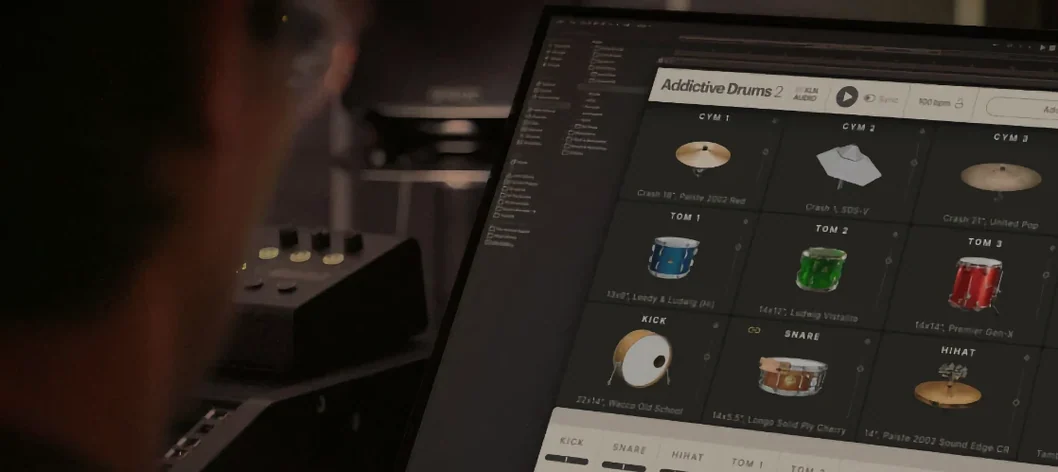 Addictive Drums 22.9.1 Logic Pro Plugins 14.5 GB
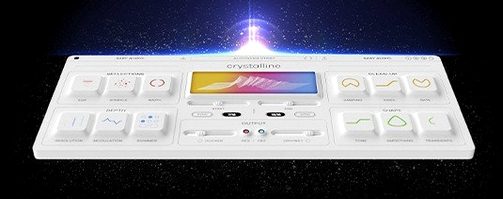 BABY Audio Crystalline1.5 Logic Pro Plugins 107 MB