
Home › Logic Pro Plugins › AIR Music Technology AIR Vocal FX Collection

AIR Music Technology AIR Vocal FX Collection 1.2.1 (Mac)
Updated
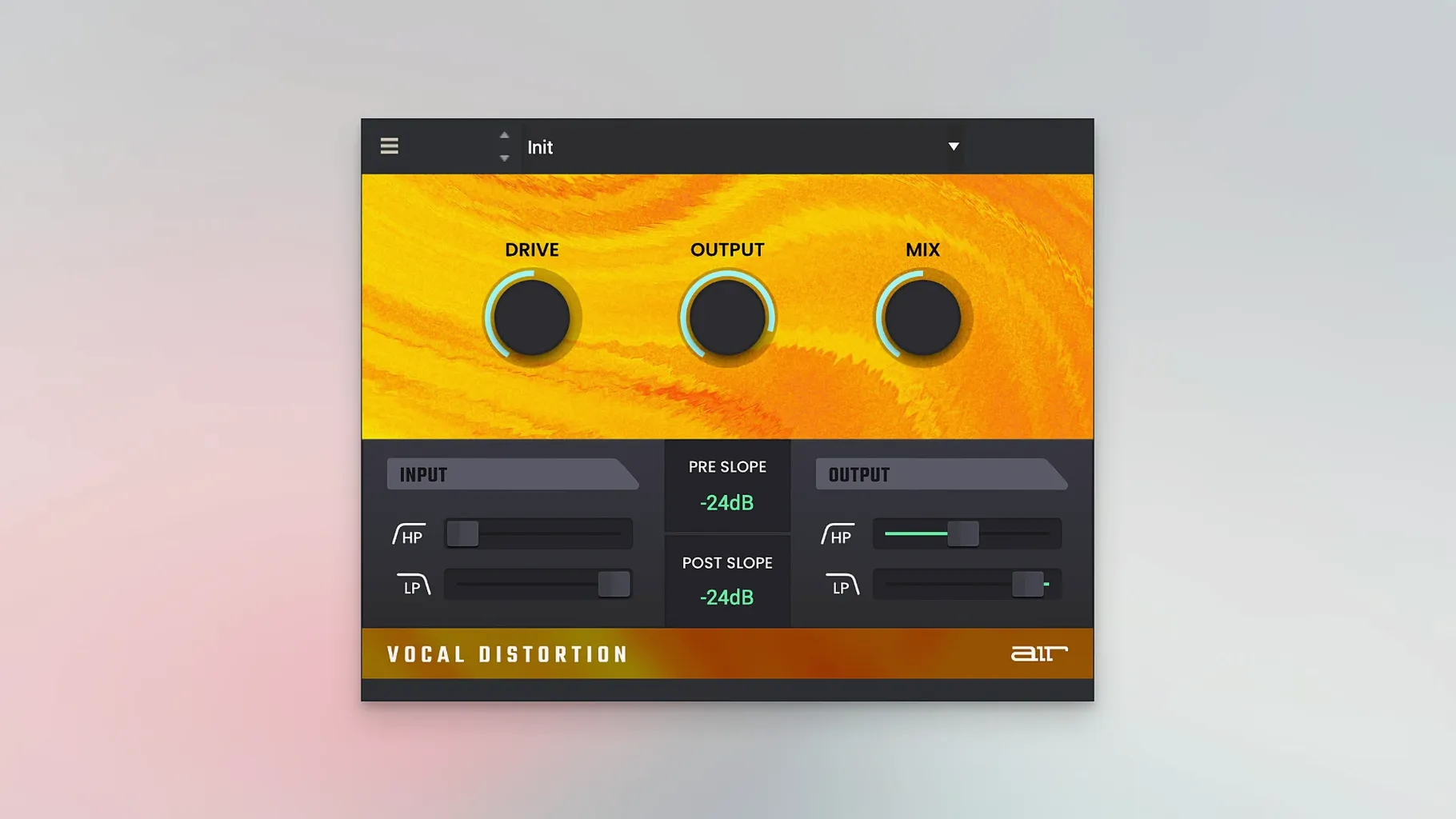
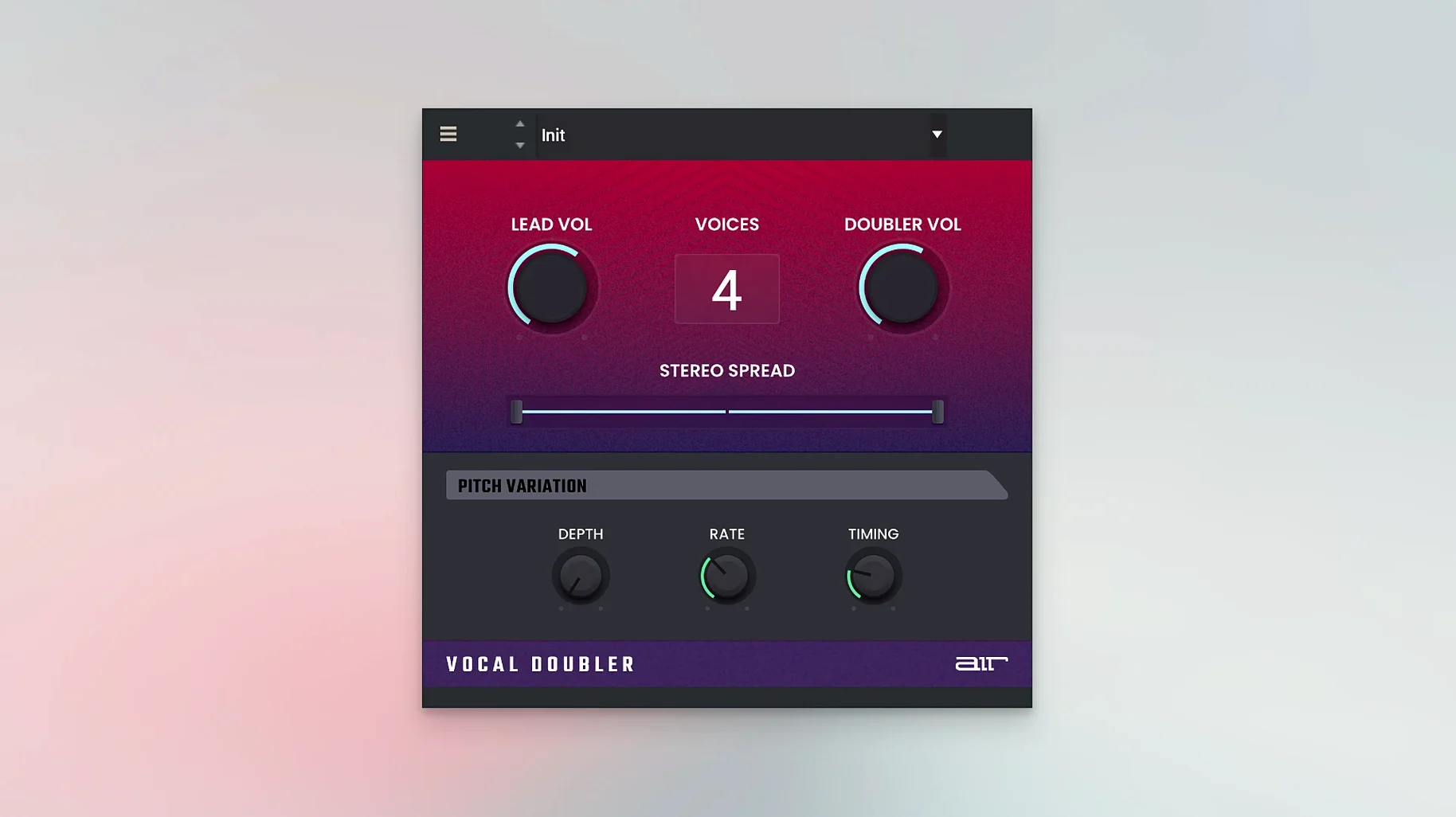
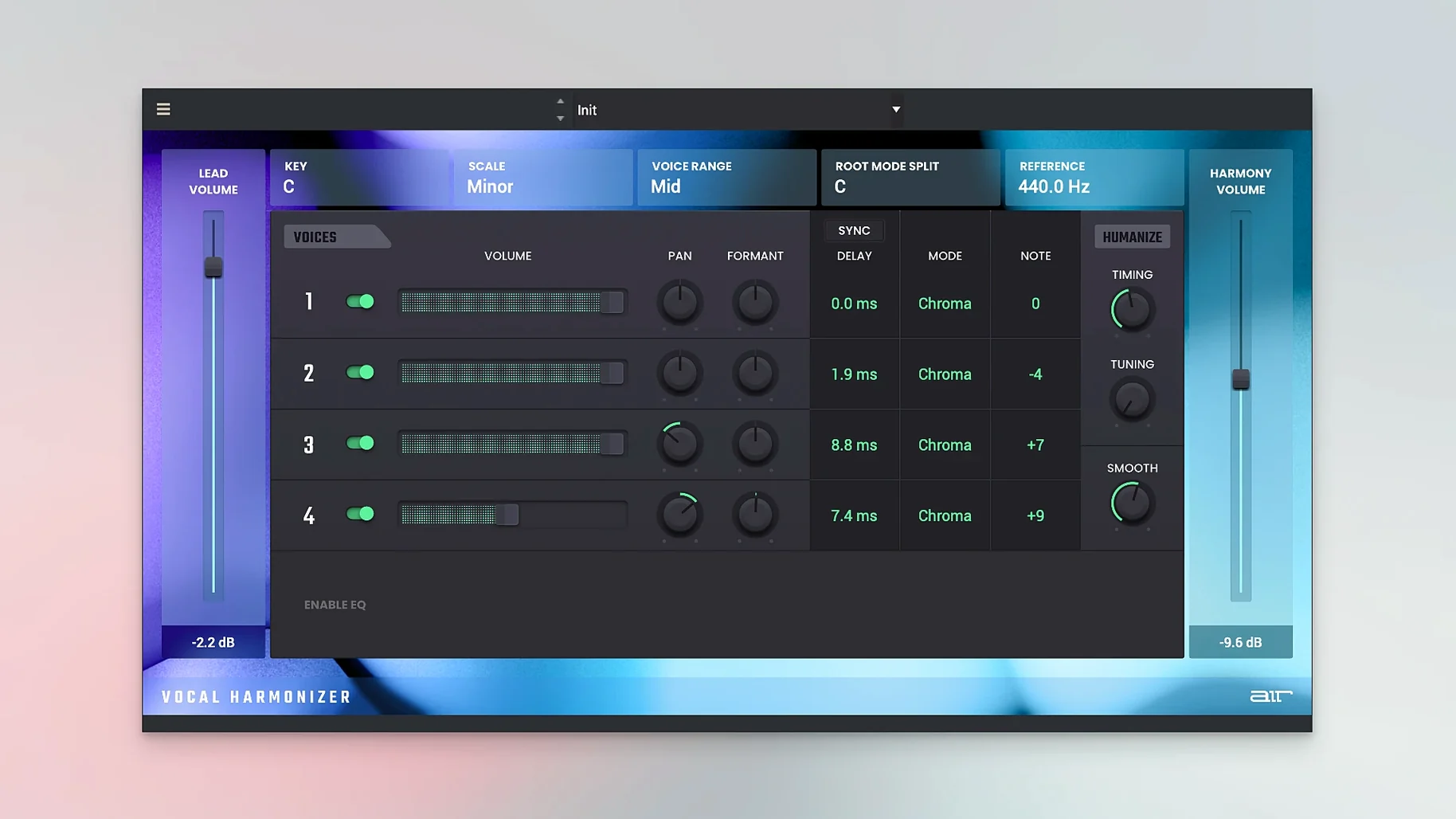
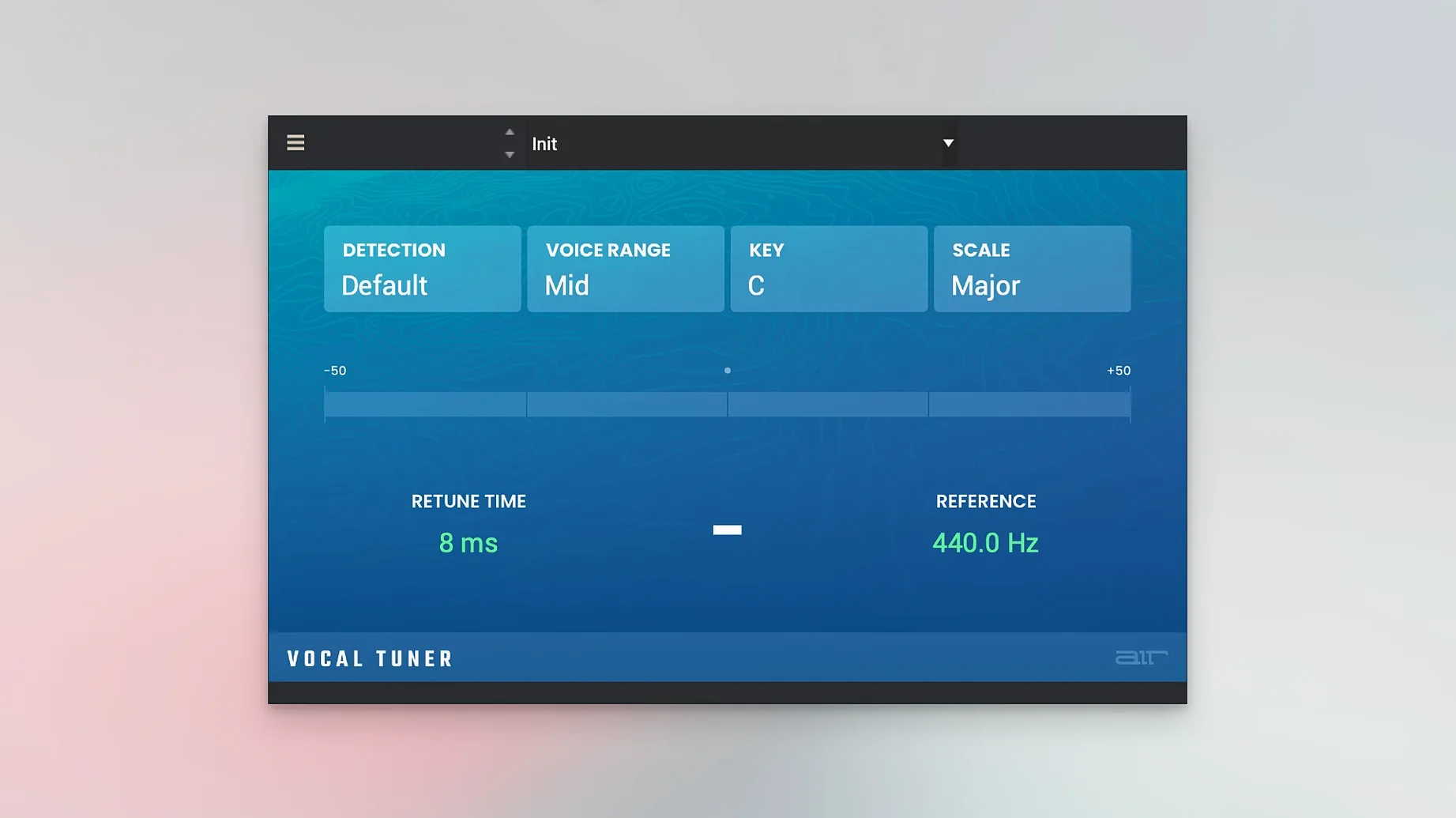
The catalogue note
The AIR Vocal FX Collection runs on any Mac with macOS 12 or later, covering both Apple Silicon and Intel x86 64-bit machines. The interface is English only, and the current build is 1.2.1.14.
Check your Mac before installing
Open About This Mac to confirm the macOS version. If you are on Monterey or newer, the plugins install as standard AU or VST components inside your DAW's plugin folder.
Know what the bundle includes
This is a set of four vocal processors: one handles automatic pitch correction, another builds harmonies from a single track, one adds distortion, and the fourth does doubling. Each uses straightforward controls and presets, so you can dial in a sound without deep menu diving.
Consistent preset browser across all plugins
Each plugin in the bundle shares a consistent preset browser at the top of its window. Clicking through the factory presets gives you an immediate sense of the processor’s range — Vocal Tuner, for instance, has presets for subtle pitch correction and more aggressive auto-tune effects, while Vocal Harmonizer ships with interval and scale presets that save you reaching for music theory. The preset names are descriptive enough that you can pick a starting point without auditioning every one.
The gain staging is also worth noting. Every plugin includes an output level control, so you can match the processed signal to your raw vocal’s volume before committing. This makes A/B comparison during a mix session quicker and avoids sudden level jumps when you toggle the plugin on and off.
For those using the bundle inside a DAW that supports multi-channel routing, Vocal Doubler and Vocal Harmoniser both output a stereo signal even from a mono source. That saves you setting up separate bus routing for a wide vocal effect.
Turning off network solves first-launch activation
The most frequent issue people hit is the activation handshake. The included note about blocking internet access is there for a reason — if the plugin window shows an authorisation prompt on first launch, turn off your Mac’s network connection (or use a firewall rule), then restart your DAW. The check passes on the next attempt and the plugin stays authorised afterward.
Another snag: the plugins may not appear in your DAW’s list immediately after installation. If you do not see AIR Vocal Tuner or its siblings, rescan your plugin folders. In most DAWs this means restarting the application or triggering a manual plugin rescan from the preferences. The bundle installs to the standard system plugin paths, so there is no need to copy files manually.
Some users report that Vocal Harmoniser produces no output when the input track is silent or very low. The harmony engine needs a clean, audible source to generate notes — feeding it a heavily compressed or gated vocal can cause gaps. Keep the input level at a moderate, consistent level for best results.
A different workflow from Logic Pro's built-in tools
If you already own a DAW that includes its own pitch correction and harmony tools — Logic Pro’s Pitch Correction and Vocal Transformer, for example — the AIR Vocal FX Collection offers a different workflow. The AIR plugins are designed as individual, focused processors rather than a single multi-effect channel strip. This matters if you want to stack them on separate sends or use only the distortion stage without the rest.
Compared to dedicated vocal effect bundles like Antares’s offerings, the AIR collection is more straightforward. Antares plugins often include detailed formant and throat modelling controls; the AIR equivalents keep the interface simpler, with fewer parameters. That suits producers who want quick results without studying a manual. The trade-off is less fine-grained control over things like vibrato rate or formant shift.
For MPC users, the bundle integrates naturally. The AIR brand has long been associated with Akai hardware, so the plugin aesthetic and parameter mapping feel familiar if you come from that ecosystem. Other vocal bundles from third-party developers may not share that design language.
Natural Correct preset fixed a flat verse vocal
I had a recorded verse vocal that sounded flat in a few places and needed width. First, I inserted AIR Vocal Tuner on the track and clicked through the presets until I found one called Natural Correct. The tuning was subtle — it pulled the wayward notes toward the nearest semitone without making the performance sound robotic. I left the speed control at its default setting and moved on.
Next, I duplicated the vocal track and put AIR Doubler on the duplicate. The preset called Wide Layer gave me a stereo spread that sat underneath the main vocal. Then I sent both tracks to a group bus and inserted AIR Vocal Harmonizer. I set the key to E minor to match the song and dialled in a third above the lead. The harmony tracked the original performance cleanly, with no glitching on the faster phrases.
For the chorus, I wanted grit. I added AIR Vocal Distortion on an auxiliary send and blended it in parallel. The Crunch preset added a transistor-radio character that cut through the mix without overwhelming the clean signal. I adjusted the output level to match the dry send, then automated the send level so the distortion only appeared on the chorus sections.
The whole chain — tuner, doubler, harmoniser, distortion — stayed inside a single project with no compatibility issues. The bundle handled the session without needing any third-party bridging or wrapper software.
Follow the included installation and activation instructions exactly. If you hit activation errors, block internet access temporarily and retry — that resolves most licence checks.
Before it goes on the Mac
- macOS 12 or later
- Apple Silicon or Intel x86 64-bit
- Interface language: English
Questions from the room
Does the AIR Vocal FX Collection work on Apple Silicon Macs?
Yes, it supports both ARM and x86 64-bit architectures, so it runs natively on Apple Silicon and Intel Macs alike.
What does the pitch correction plugin do?
It automatically corrects the pitch of a vocal track in real time, using simple controls and presets to adjust the correction amount.
Installing it on the Mac
- Run the installer and follow the included installation and activation instructions.
- If activation problems occur, block internet access temporarily and try again.
Notes from the control room
Sign in or open a catalogue account to leave a note.
No notes from the room yet. If you have used this build for a week, a short note helps the next person.
Also filed under Logic Pro Plugins
The whole Logic Pro Plugins rack AIR Music Technology Hype1.2.1 Logic Pro Plugins 801 MB
 Ample Sound Ample Guitar LP III4.0.1 Logic Pro Plugins 9.2 GB
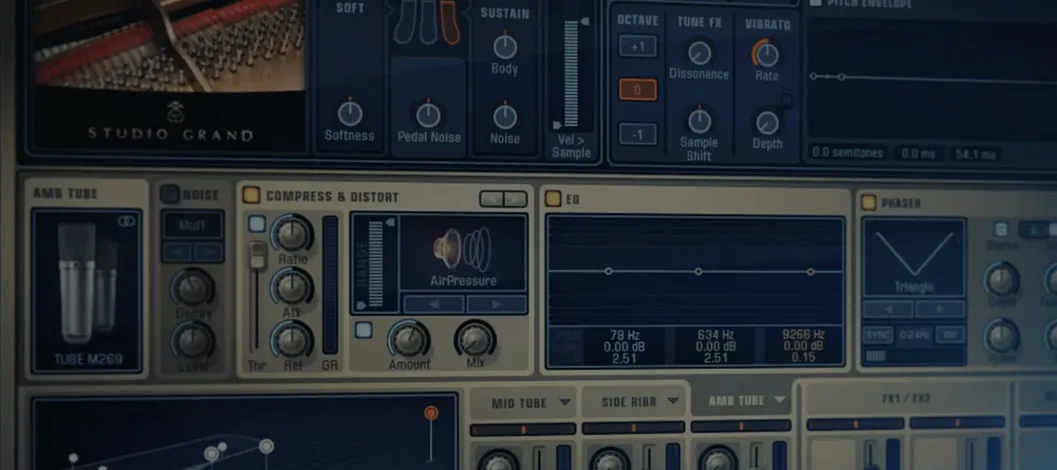 Addictive Keys1.7.3 Logic Pro Plugins 4.2 GB
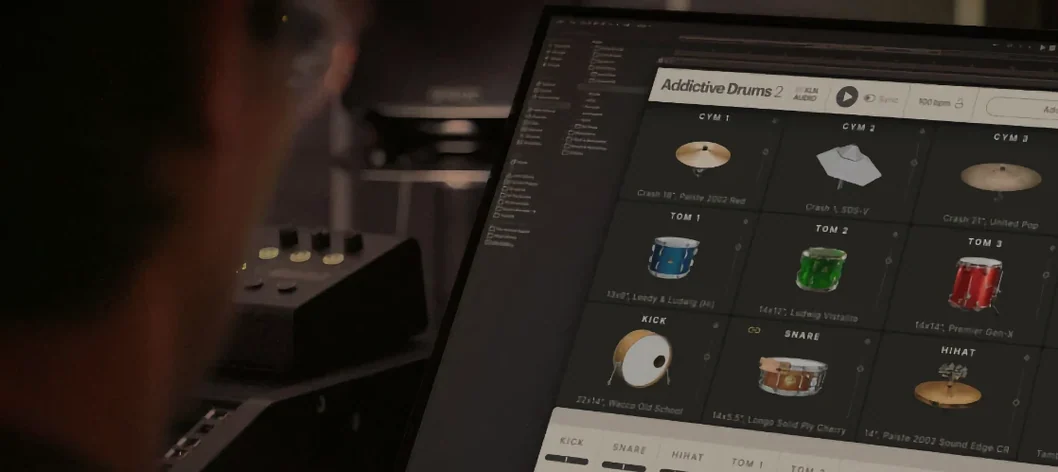 Addictive Drums 22.9.1 Logic Pro Plugins 14.5 GB
 Arturia Efx AMBIENT1.0.0 Logic Pro Plugins 285 MB
 Arturia FX Collection2026.02 Logic Pro Plugins 16.1 GB
 Arturia V Collection 11 Pro2025.20.26 Logic Pro Plugins 53.8 GB
 BABY Audio Crystalline1.5 Logic Pro Plugins 107 MB