
Home › Logic Pro Plugins › AIR Music Technology Hype

AIR Music Technology Hype 1.2.1 (Mac)
Updated
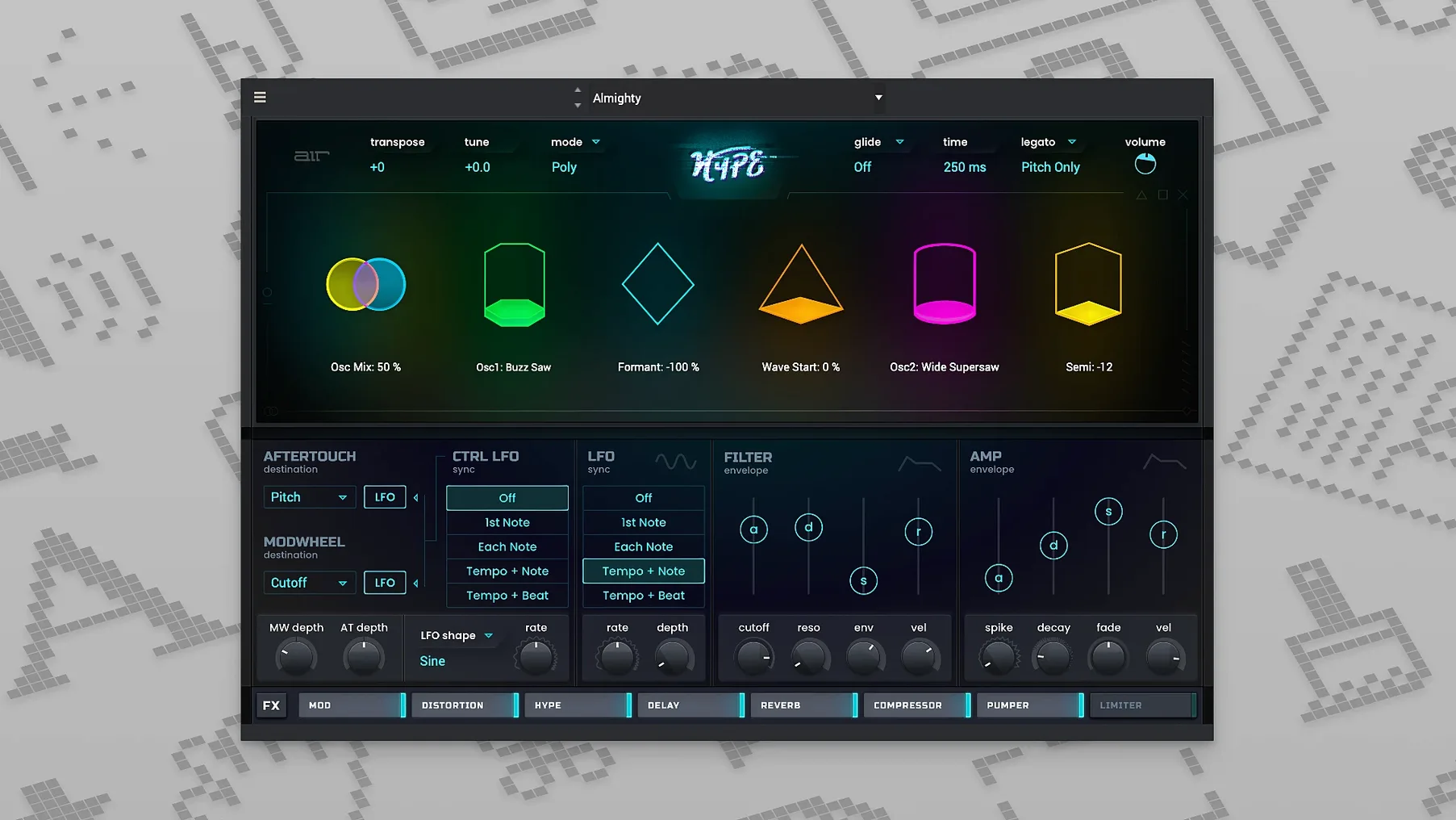
The catalogue note
Hype is a hybrid synthesizer plugin that blends FM, wavetable, virtual analog, and sample-based sound engines into a single instrument.
| Version | 1.2.1.14 |
|---|---|
| Languages | English |
| Architecture | Intel 64-bit, Apple Silicon (ARM) |
| Formats | Common plugin formats |
| Presets | Over 1,500 |
Originally developed for Akai MPC and Force hardware, Hype now runs natively on macOS alongside your DAW of choice. Its preset library covers everything from aggressive basses to atmospheric pads, and the four synthesis layers can be mixed independently. The interface is English only, and the installer is a standard disk image.
Hybrid architecture causes most Hype issues
Most of the issues people run into with Hype stem from its hybrid architecture or from the transition away from the original Akai hardware environment. Here are the ones that come up most often.
Check component and VST paths when plugin is missing
After installation, Hype should show up under its manufacturer name, AIR Music Technology, in your DAW's plugin list. If it does not, check that the installer placed the component file in /Library/Audio/Plug-Ins/Components (for AU) or the VST bundle in /Library/Audio/Plug-Ins/VST. A quick rescan of plugins in your host usually picks it up. If the host still does not see it, restart the machine — the audio unit cache sometimes needs a fresh load.
Preset browser feels slow
With over 1,500 presets, the browser can take a moment to populate on first launch. This is normal: the plugin builds its index on initial scan. Subsequent loads are faster. If the browser remains sluggish, check that your macOS version is at least 10.13 — older systems lack the file system performance the browser expects.
Sound engine layers do not seem to blend
Hype's four synthesis layers (FM, wavetable, virtual analog, sample) each have independent volume and routing controls. A common mistake is leaving one layer muted or set to zero output. Open the mixer section inside the plugin and confirm each layer's fader is up. The macro controls also affect layer balance, so reset them to centre before troubleshooting.
Desktop app behaves differently from the plugin
The standalone desktop application and the plugin share the same sound engine, but the desktop version may use a different audio driver setup. If you hear glitches or no sound in the standalone app, go to its audio settings and select your interface or built-in output. The plugin inherits the host's audio configuration, so it rarely has this problem.
Sound designers benefit most from four synthesis types
Hype suits a broad range of Mac-based music makers, but some groups benefit more than others.
Sound designers working in electronic music will find the four synthesis types useful for building layered textures. The FM and wavetable engines cover metallic and evolving tones, while the virtual analog and sample layers add warmth and real-world character. The built-in effects — modulation, distortion, EQ, reverb, delay, compression — mean you can shape a sound without leaving the plugin.
MIDI keyboard users who want a single plugin with a large preset library will appreciate the 1,500-plus sounds. Hype loads quickly as a plugin, and the macro controls let you tweak the most important parameters without digging into sub-menus. It works well as a go-to synth for live playing or sketchpad sessions.
Producers moving from Akai MPC or Force hardware will recognise the architecture. If you previously used Hype on standalone hardware, the macOS version keeps the same sound engine and preset structure. The desktop app mirrors the plugin experience, so you can work outside a DAW when needed.
Mac users on Apple Silicon benefit from native ARM support. The plugin runs without translation layers, which keeps the CPU load in line with other modern hybrid synths. Intel Mac users are covered too — the 64-bit x86 version works on macOS 10.13 and later.
Key questions to answer before installing Hype
No Akai hardware needed for the macOS version
No. Hype was originally exclusive to Akai hardware, but the current macOS version is a standalone product. It installs as a plugin and a desktop application. No external hardware is required beyond your Mac and a means of audio output.
Hype can simplify a multi-plugin workflow
That depends on your workflow. Hype is a hybrid synth that covers FM, wavetable, analog-modelled, and sample-based synthesis in one place. If you typically reach for several different plugins to get those sounds, Hype might simplify your setup. If you already have dedicated synths for each engine, it becomes an additional option with its own preset library and macro controls.
Edit knobs and macros let you tweak presets safely
Yes. Each preset can be modified using the edit knobs and macro controls. The changes are not saved automatically, so you can experiment without fear. If you want to keep a modified sound, save it as a new preset within the plugin's browser.
Works with GarageBand and Logic Pro on macOS 10.13+
Yes, as long as your macOS version is 10.13 or later. Hype installs an Audio Unit (AU) component, which Logic Pro and GarageBand recognise. It also installs VST and AAX formats for other hosts.
Is the desktop app the same as the plugin?
The sound engine is identical. The desktop app lets you run Hype without a DAW, which is useful for standalone sound design or live performance. The plugin integrates into your host's track and automation system. Both share the same preset library and macro controls.
Maintenance update 1.2.1.14 improves macOS compatibility
The current release, dated 13 February 2026, is version 1.2.1.14. Based on the version numbering, this is a maintenance update rather than a feature overhaul. In everyday use, the main differences from earlier builds are:
- Improved compatibility with macOS 10.13 and later — the plugin now runs on a wider range of systems without workarounds.
- Full support for both Apple Silicon and Intel 64-bit architectures in a single installer, so there is no need to pick a separate build.
- Standardised installation via disk image, matching the approach used by most modern macOS audio plugins.
If you are upgrading from an earlier version, the presets and user settings carry over. The plugin behaves the same way in your DAW, and the desktop app runs as before. No re-learning is needed.
Before it goes on the Mac
- macOS 10.13 or later
- Intel 64-bit or Apple Silicon processor
Installing it on the Mac
- Open the downloaded disk image.
- Run the standard installation process.
Notes from the control room
Sign in or open a catalogue account to leave a note.
No notes from the room yet. If you have used this build for a week, a short note helps the next person.
Also filed under Logic Pro Plugins
The whole Logic Pro Plugins rack AIR Music Technology AIR Vocal FX Collection1.2.1 Logic Pro Plugins 218 MB
 Ample Sound Ample Guitar LP III4.0.1 Logic Pro Plugins 9.2 GB
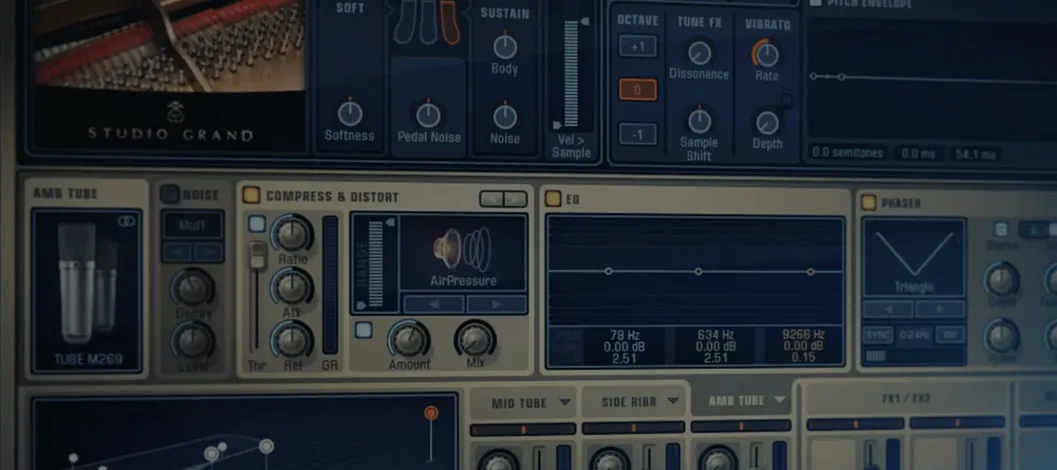 Addictive Keys1.7.3 Logic Pro Plugins 4.2 GB
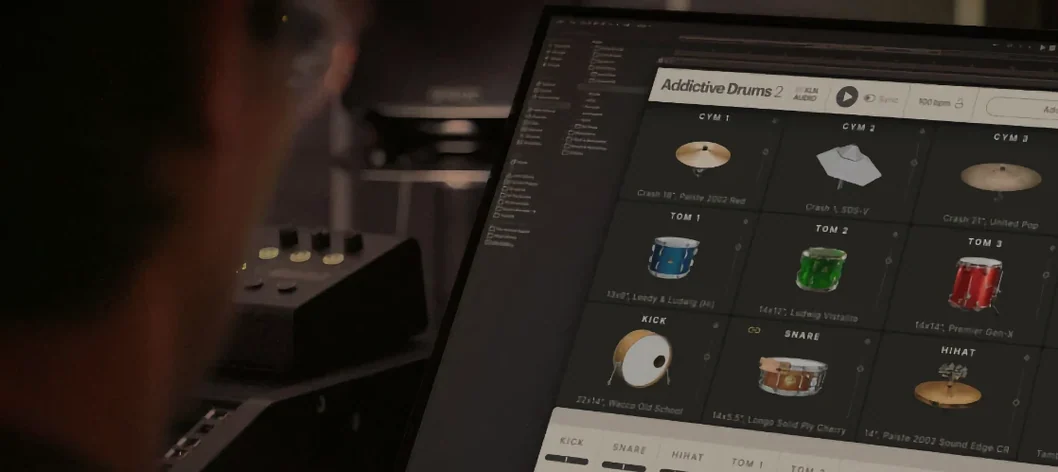 Addictive Drums 22.9.1 Logic Pro Plugins 14.5 GB
 Arturia Efx AMBIENT1.0.0 Logic Pro Plugins 285 MB
 Arturia FX Collection2026.02 Logic Pro Plugins 16.1 GB
 Arturia V Collection 11 Pro2025.20.26 Logic Pro Plugins 53.8 GB
 BABY Audio Crystalline1.5 Logic Pro Plugins 107 MB