Home › Games › The Banner Saga 2
Updated
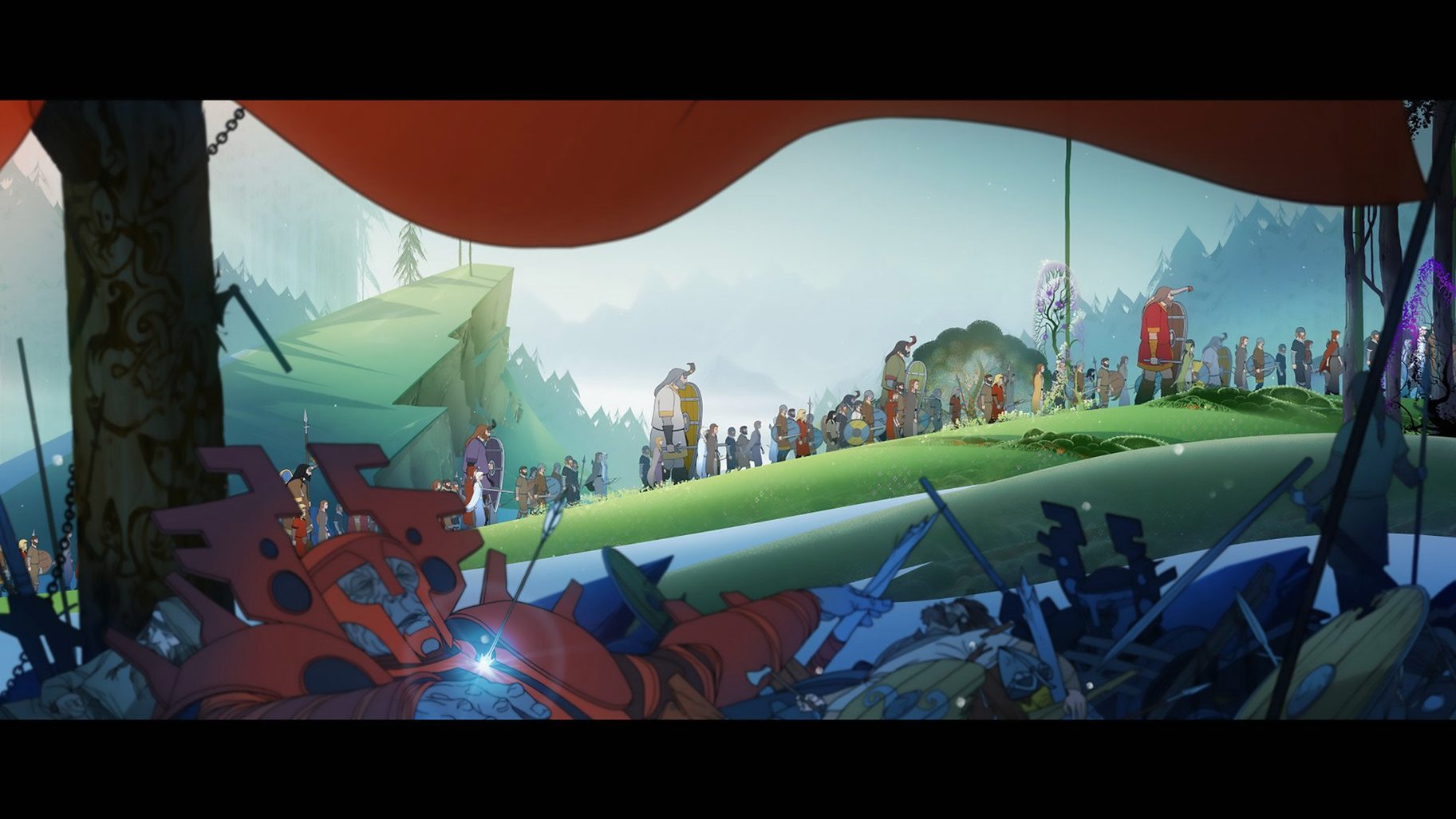
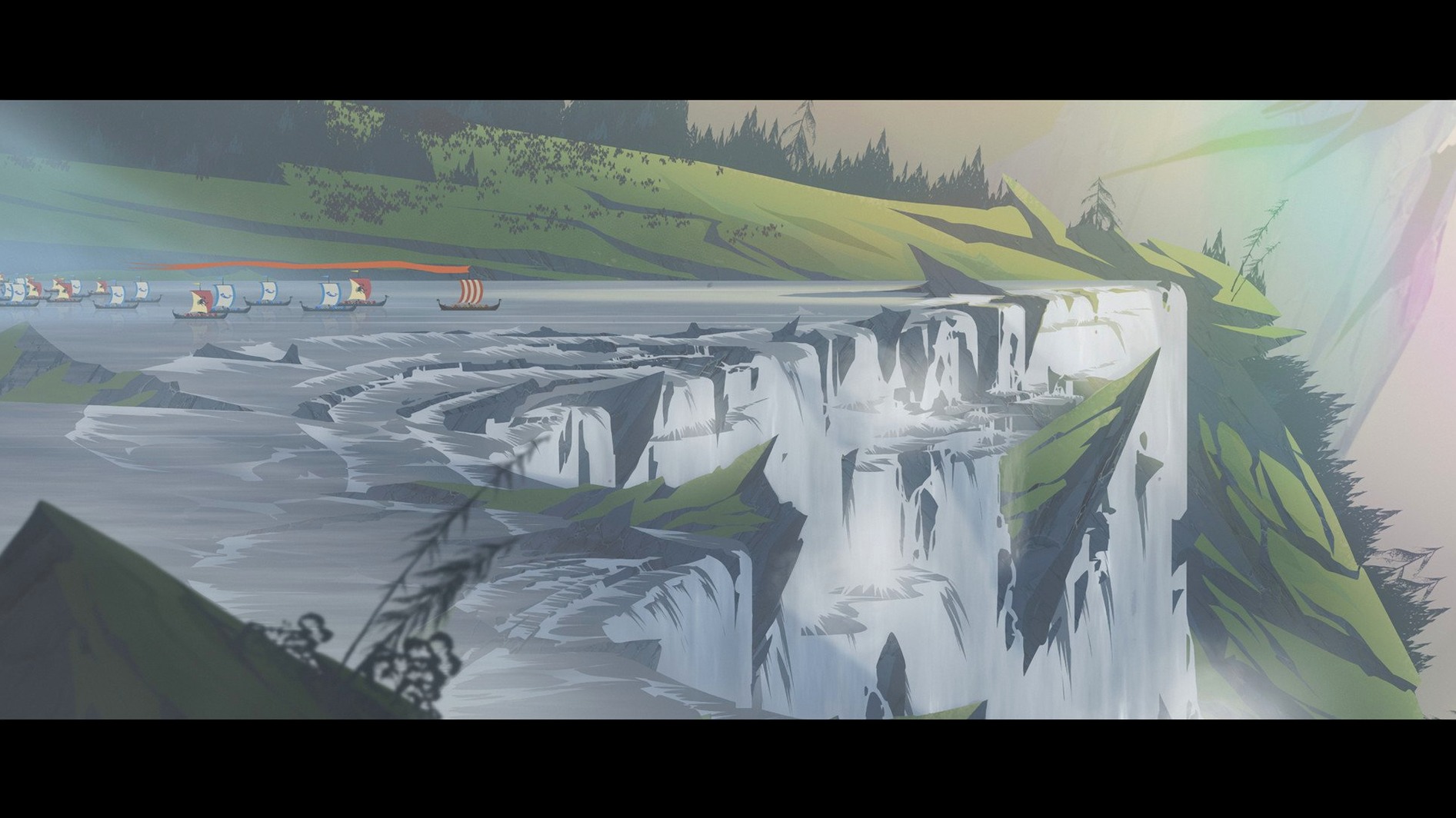
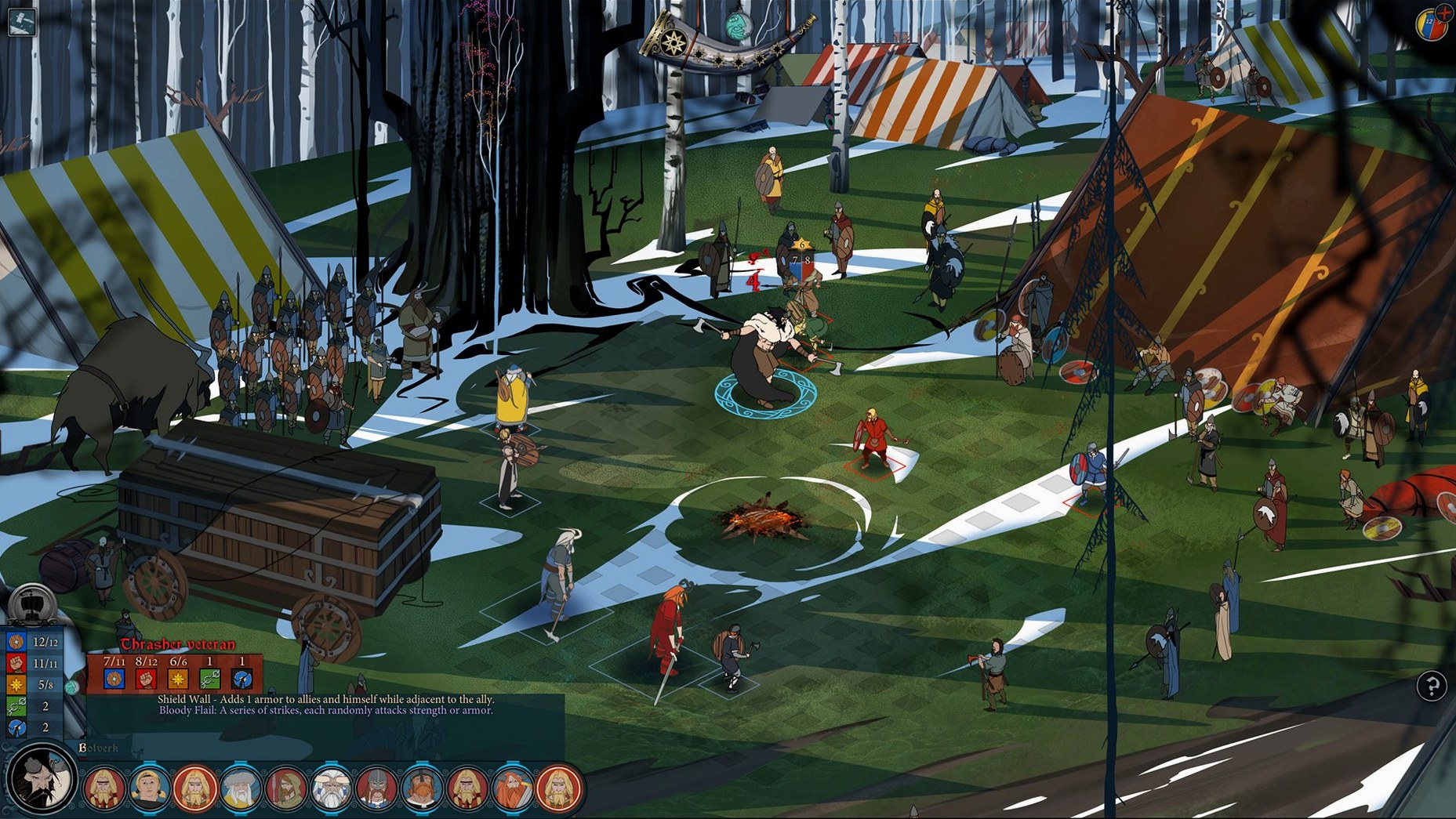
The catalogue note
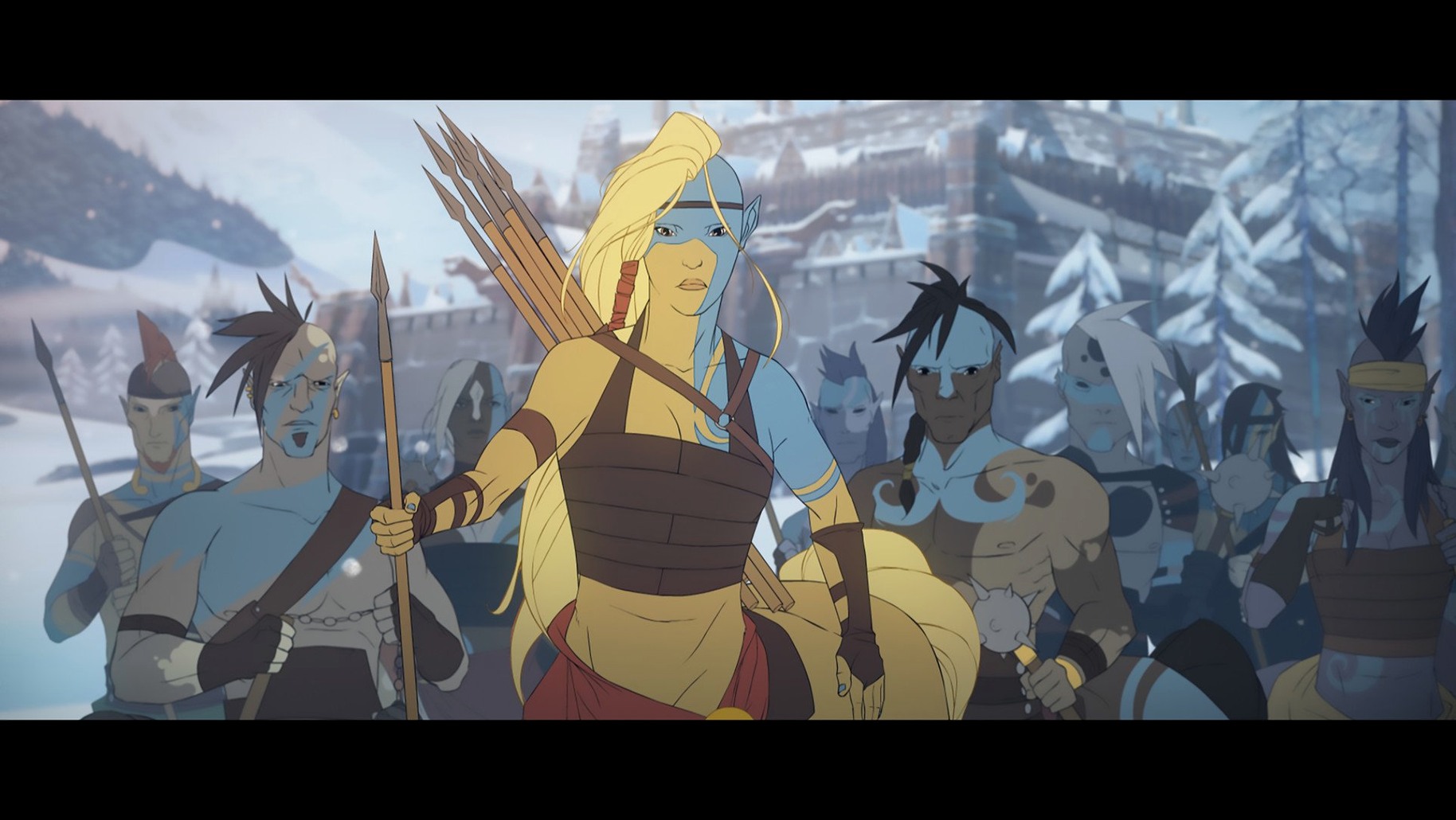
The Banner Saga 2 runs on Intel Macs, so older MacBooks and iMacs are fine — no Apple Silicon version is listed. It's the second chapter of Stoic's trilogy, picking up right after the first game. If you've played that, you know what you're getting: a grim, hand-drawn world where every choice has weight.
Minute to minute, you're mostly moving a caravan across a frozen landscape. You manage supplies, decide who rests and who fights, and talk to people who may or may not be telling you the truth. Then comes the combat — turn-based tactics on a grid, where positioning matters more than raw numbers. Each character has a role, and losing one hurts because they don't come back.
The soundtrack, by Austin Wintory, carries the mood. It's not loud, but it stays with you. If you liked the first game's blend of story and strategy, this is more of the same, done with confidence.
Gatekeeper blocks the unsigned executable on Intel Macs
The most frequent issue on Intel Macs is the game refusing to launch after installation. This usually comes down to macOS Gatekeeper blocking the unsigned executable. To fix it, control-click the game icon in /Applications/The Banner Saga 2, select Open from the menu, and confirm the dialog. The game remembers the exception after that.
Another common problem is the caravan screen stuttering or freezing during long play sessions. The game's engine can struggle with the caravan's resource tracking if you've been moving for an hour or more. Save and restart the application — it clears the state and you lose no progress.
Save files from the first game not carrying over is a recurring complaint. The Banner Saga 2 looks for saves in ~/Library/Application Support/The Banner Saga/. If your first game save is elsewhere, copy it to that folder before launching. The game checks for it only at the start of a new campaign, not mid-play.
Audio crackling or dropping out during battles is rare but happens. Check that no other app is using the same audio output. The game uses system audio channels directly; a browser tab playing music can cause conflicts.
Low caravan morale reduces combat stats noticeably
New players often ignore the caravan's morale system. Keeping your fighters fed and rested is not flavour text — low morale reduces their combat stats noticeably. Letting supplies run dry for a few days can turn a manageable fight into a wipe.
Another beginner error is treating every battle as winnable. The Banner Saga 2 does not balance encounters to your level. Some fights are meant to be lost or avoided. Pushing through a fight you can't win risks permanent hero death, and there is no reload-scumming if you overwrite your save.
Players also tend to hoard renown. Renown is both currency and experience — spending it on level-ups is how you keep your roster viable. Saving it all for rare items in shops leaves you with underlevelled fighters halfway through the story.
Frequent autosaves protect against crashes during travel segments
Before you start a campaign, open the options and set autosave to its most frequent interval. The game has no manual save during travel segments, so frequent autosaves are your only safety net against a bad decision or a crash.
Turn on combat speed to at least medium. The default animation pace is deliberate, and after the first few battles you will want it faster. The option is under gameplay settings.
If you are playing on a laptop, reduce the shadow quality to low. The Intel GPU handles the hand-drawn art fine, but shadows eat cycles and the visual difference is minimal. It keeps the fan from ramping up during caravan sequences.
Before it goes on the Mac
- Architecture: Intel
- Interface languages: Russian, English, German, Spanish, Italian, Polish, Portuguese, French, Japanese
Questions from the room
Does The Banner Saga 2 run on Apple Silicon Macs?
The current version is listed for Intel architecture only, so it won't run natively on Apple Silicon. You may need Rosetta for compatibility, but check the official requirements.
Is The Banner Saga 2 a direct sequel?
Yes, it begins shortly after the events of the first game and continues the same story as part of the trilogy.
Who developed The Banner Saga 2?
The game was developed by Stoic, the same studio behind the first Banner Saga.
Installing it on the Mac
- Run the installer and follow the standard steps.
- At the end of setup, choose where to place the game. The Applications folder is a safe bet.
- Launch it from
/Applications/The Banner Saga 2/The Banner Saga 2.app/Contents/MacOS/The Banner Saga 2.
Notes from the control room
Sign in or open a catalogue account to leave a note.
No notes from the room yet. If you have used this build for a week, a short note helps the next person.