
Timberborn 1.1.2 (Mac)
Updated
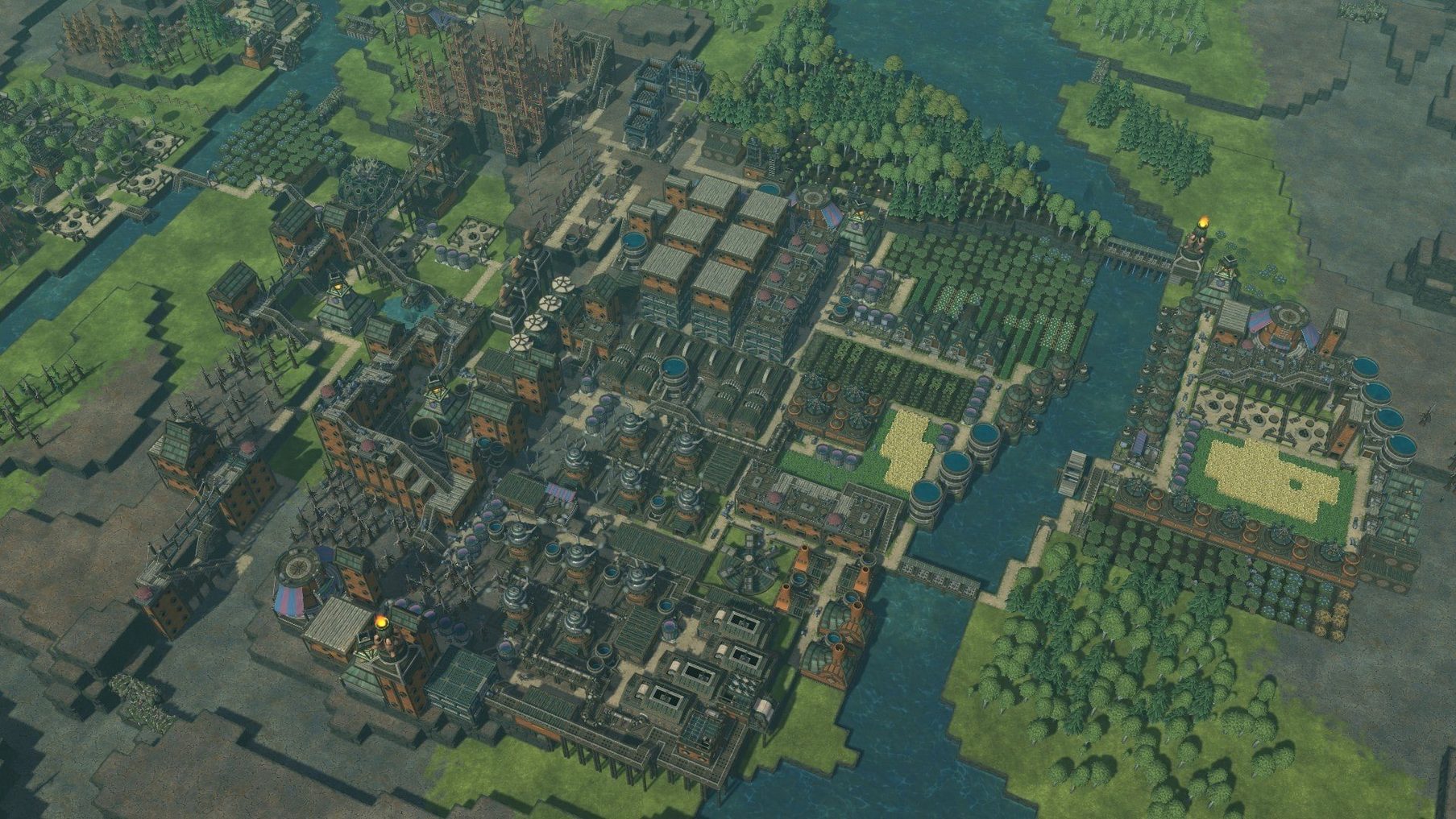
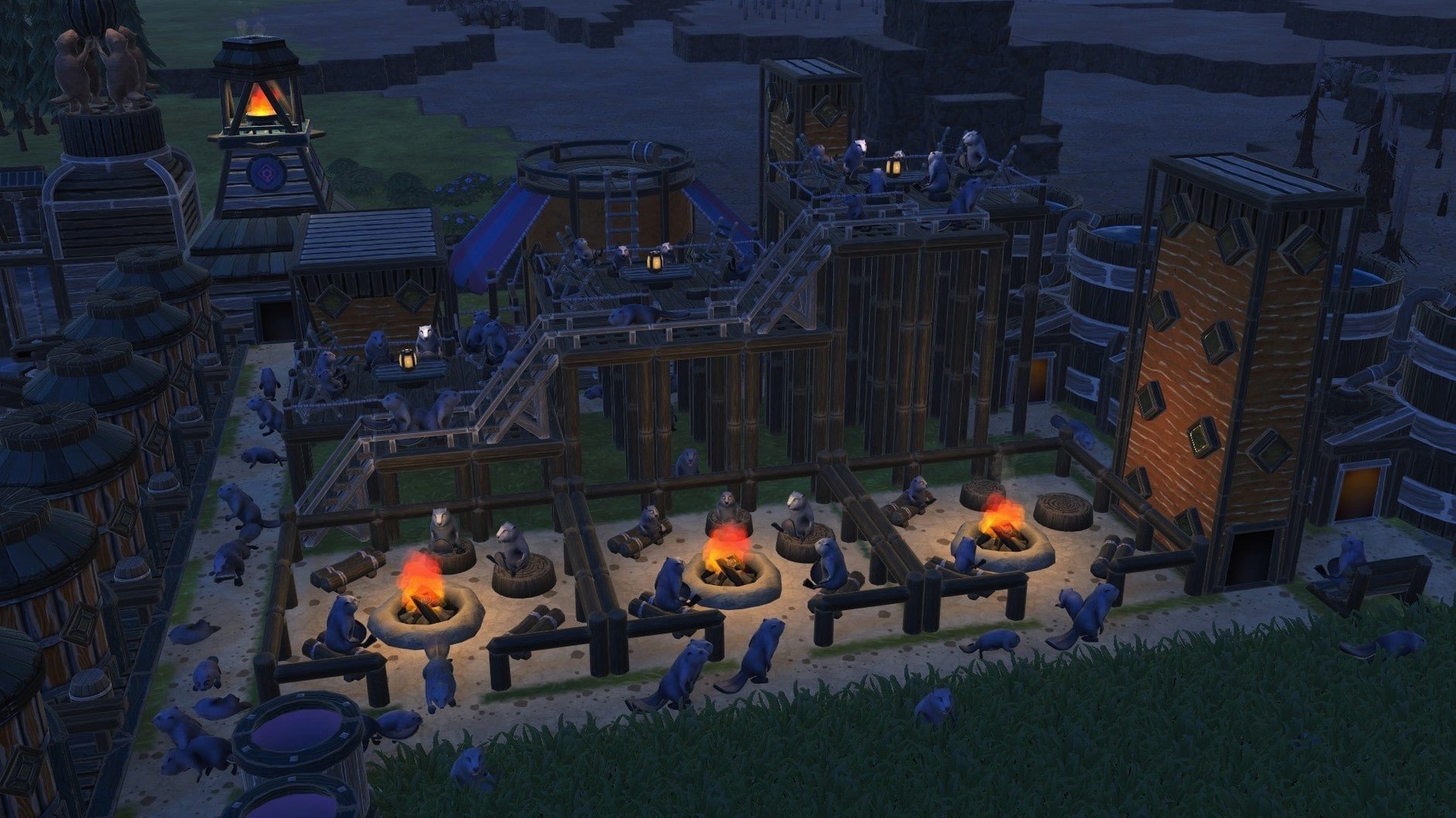
The catalogue note
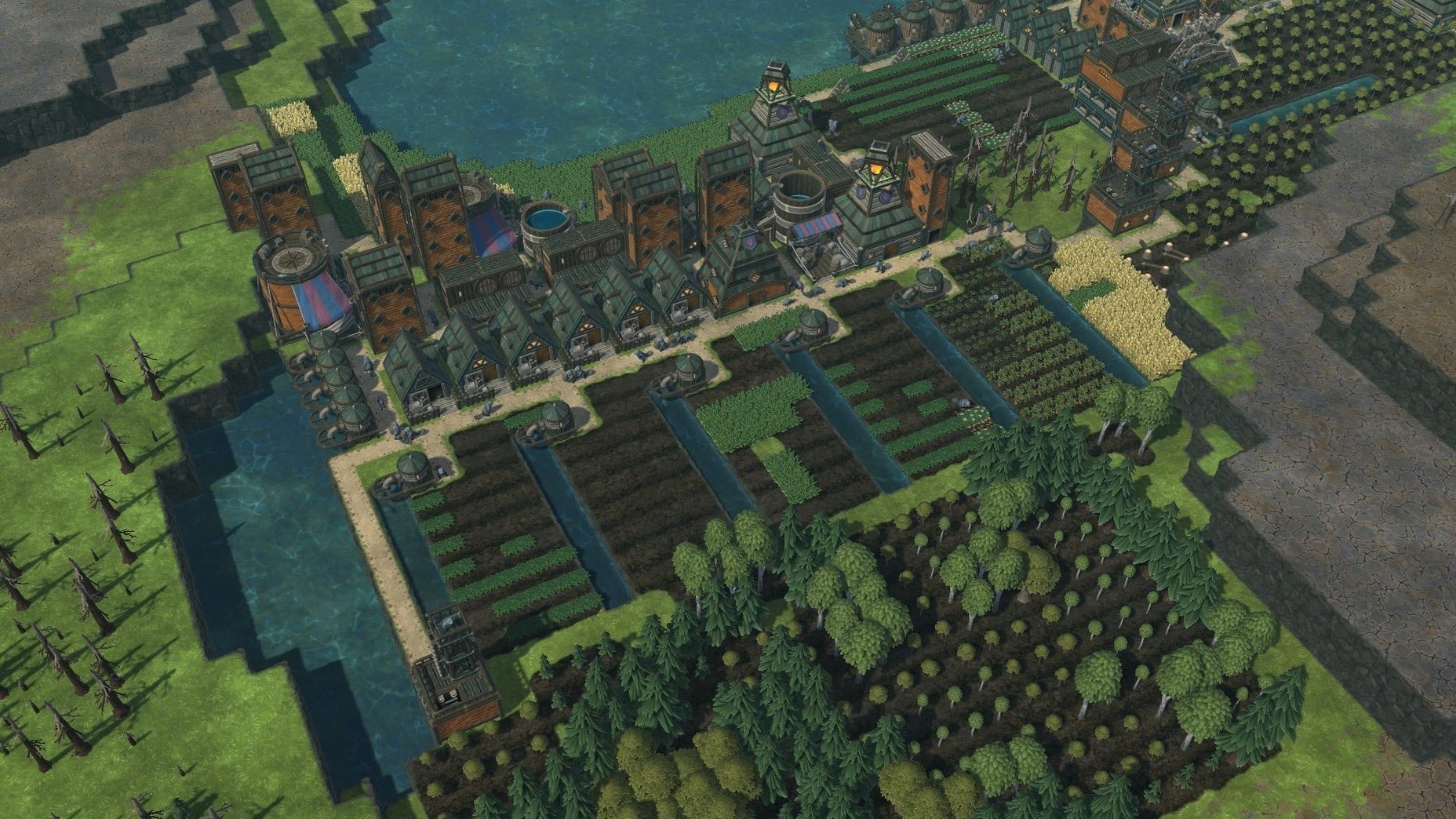
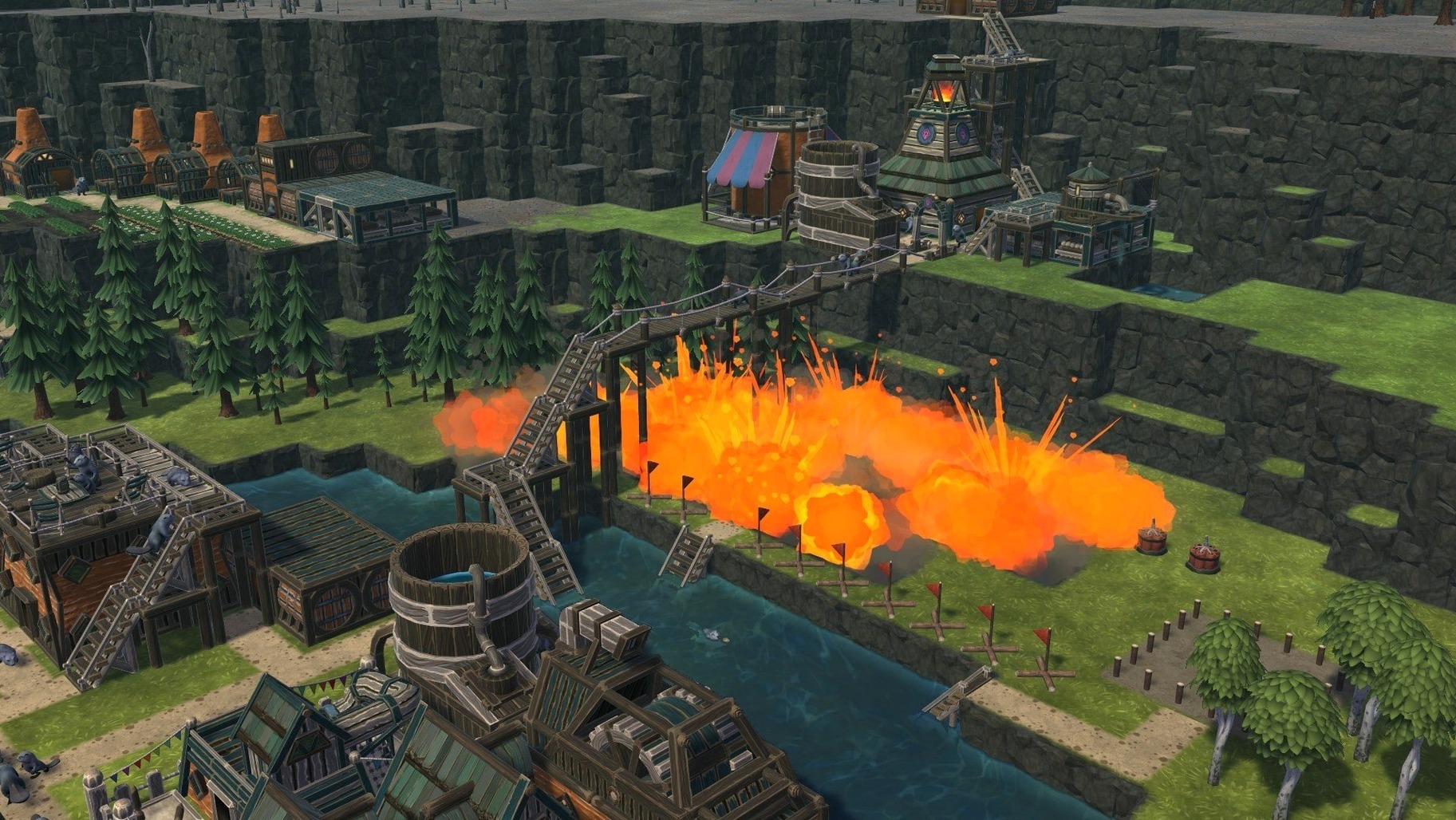
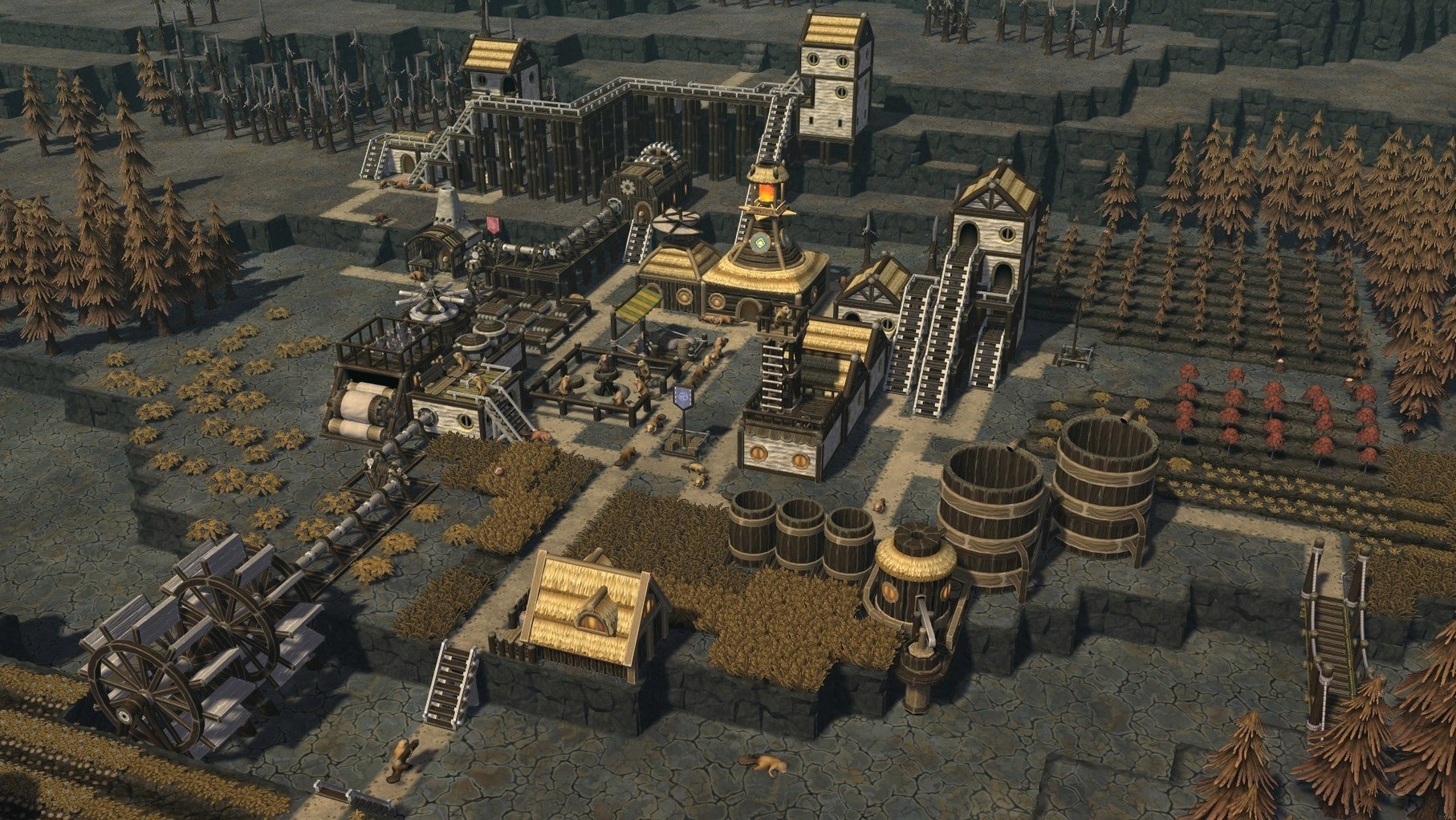
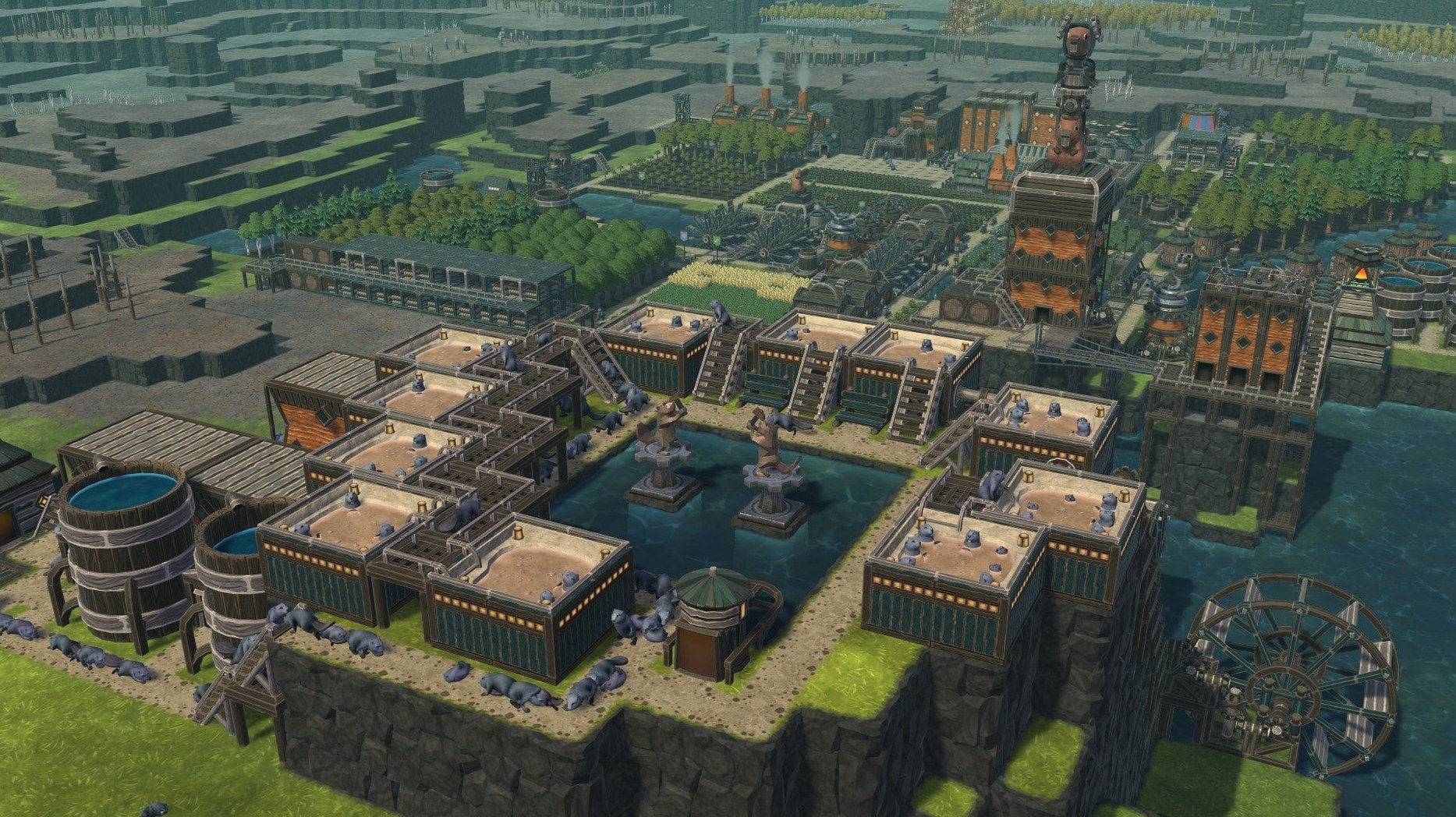
Timberborn 1.1.2.4.52e959e.gm builds a beaver colony from logs, water and patience. The build runs on both ARM and 64-bit x86 Macs, and the interface covers twelve languages including English, Polish, Ukrainian and Japanese.
Punishes careless planning with colony death
Players who like systems that punish carelessness. Water management is the core loop: dams, canals and pumps keep the colony alive through droughts, and every structure has to justify its timber cost. The two factions — Iron Teeth and Folktails — approach the same problems differently, which gives the campaign legs for repeat playthroughs. If you enjoyed city builders where the challenge is logistics rather than decoration, this lands in that territory.
Not for those who want a relaxed beaver simulator
Anyone expecting a relaxed beaver simulation will bounce off. The colony can die; cycles of wet and dry seasons demand planning ahead, not decorating riverbanks. The engineering layer is the point, so if you prefer games that manage themselves, this is not that. It is also Mechanistry's debut title, which shows in places where the UI could be more forthcoming about why a job is stuck.
Save time by adjusting autosave and other defaults
Before you get deep into dam-building, a few adjustments save time later. The game's default settings are conservative, and you will likely want to tweak them early.
- Autosave interval. Timberborn does not autosave as often as some players expect. Set it to every five or ten minutes rather than the default. Droughts can kill a colony fast, and losing an hour of canal work stings.
- Notification volume. The beaver sounds are charming for the first hour, then repetitive. Turn the ambient and UI sounds down in the audio mixer so you hear only the water and construction cues that matter.
- Camera speed. The default scroll speed is slow for larger maps. Crank it up so you can survey your district boundaries without holding the arrow keys for ten seconds.
- Game speed during droughts. Timberborn lets you adjust simulation speed. I run normal speed during wet seasons and pause or slow down during droughts to micro-manage water pumps without panic clicks.
These are not hidden settings — they sit in the options menu from the main screen. Worth checking before you load a saved game.
Answers about Intel Macs, tutorials, and offline play
Runs on 2017 Intel Macs but slower on integrated graphics
Yes. The build supports 64-bit x86 architecture alongside ARM, so a Mac from 2017 or later with macOS ? should handle it. The water physics and beaver pathfinding will run slower on Intel integrated graphics, but the game is playable. The Mac mini M4 tested here had no trouble, but that is a current machine.
Tutorial is brief but explains non-obvious mechanics
The tutorial is brief and worth running once. It explains water flow, dam placement and district gates — mechanics that are not obvious from the UI alone. After that, you can start a custom game with your own settings and skip the hand-holding.
Is it the same as the Windows version?
Feature parity is close. The Mac release date is 2021-09-15, the same week as the Windows launch, and updates have kept both versions aligned. The DRM-free build means no launcher, no online check — you run the package, pick a folder, and play. The Windows version behaves the same way.
Works fully offline except for map sharing
No. Timberborn is a single-player game. The custom-map editor and community sharing require a connection to download maps, but the campaign and sandbox modes work entirely offline.
Rewards city-builder veterans who love tight resource loops
Timberborn rewards two types of player. The first is the city-builder veteran who has played Banished, Frostpunk or Dwarf Fortress and wants a tighter resource loop. Water is the only resource that can kill your colony outright, and managing it across seasons feels more like engineering than economics. The vertical architecture — stacked buildings, platforms, bridges — adds a spatial puzzle that flat city builders lack.
The second type is the Mac gamer who runs a machine without a dedicated GPU. Timberborn's graphics are clean but not demanding; the system requirements are modest, and the game runs on Intel integrated graphics without dropping to a slideshow. It is a rare native Mac title that does not require a gaming laptop.
If you have downloaded a timberborn torrent or timberborn mac torrent in the past to test performance, the DRM-free build here is the same game without the wrapper. No launchers, no background services — just the colony.
District gates and night work save clicks once known
The game includes a few features that the tutorial skips. They are not shortcuts, but they save clicks once you know them.
- District gates and night work. Beavers will only work within their assigned district unless you build gates. You can also toggle night work per district, which doubles construction speed at the cost of beaver happiness. Useful during the first drought cycle.
- Statistics panel. The 1.1 update added statistics features. Open the panel to see water consumption per beaver, food stock levels, and building efficiency over time. It helps diagnose why a district is failing before it fails.
- Custom-map editor. The editor lives in the main menu, not inside a save. You can draw rivers, set drought intensity, and place starting resources. Maps can be shared via the community tab, which is worth browsing if the default maps feel repetitive.
- Pause while building. You can pause the simulation and still place blueprints. Beavers will start building when you unpause. This makes planning large dam systems less stressful.
Timberborn is a city-building game where beavers construct dams and manage water flow for their colony. The game is deeper than its beaver premise suggests, and the small conveniences make the difference between a colony that survives and one that washes away.
Changes in this build
- The 1.1 release added new maps.
- New statistics features were introduced.
Before it goes on the Mac
- macOS: not specified by the developer
- Architecture: ARM and 64-bit x86
Questions from the room
Does Timberborn run on Apple Silicon Macs?
Yes, the current build supports both ARM and 64-bit x86 architectures.
Which languages does Timberborn support?
The interface is available in English, Russian, German, Spanish, Italian, Simplified Chinese, Korean, Polish, Portuguese, Ukrainian, French and Japanese.
Installing it on the Mac
- Run the downloaded package.
- Follow the standard installation procedure.
- Choose an installation location when prompted.
- Applications is the recommended destination folder.
Notes from the control room
Sign in or open a catalogue account to leave a note.
No notes from the room yet. If you have used this build for a week, a short note helps the next person.