Updated
The catalogue note
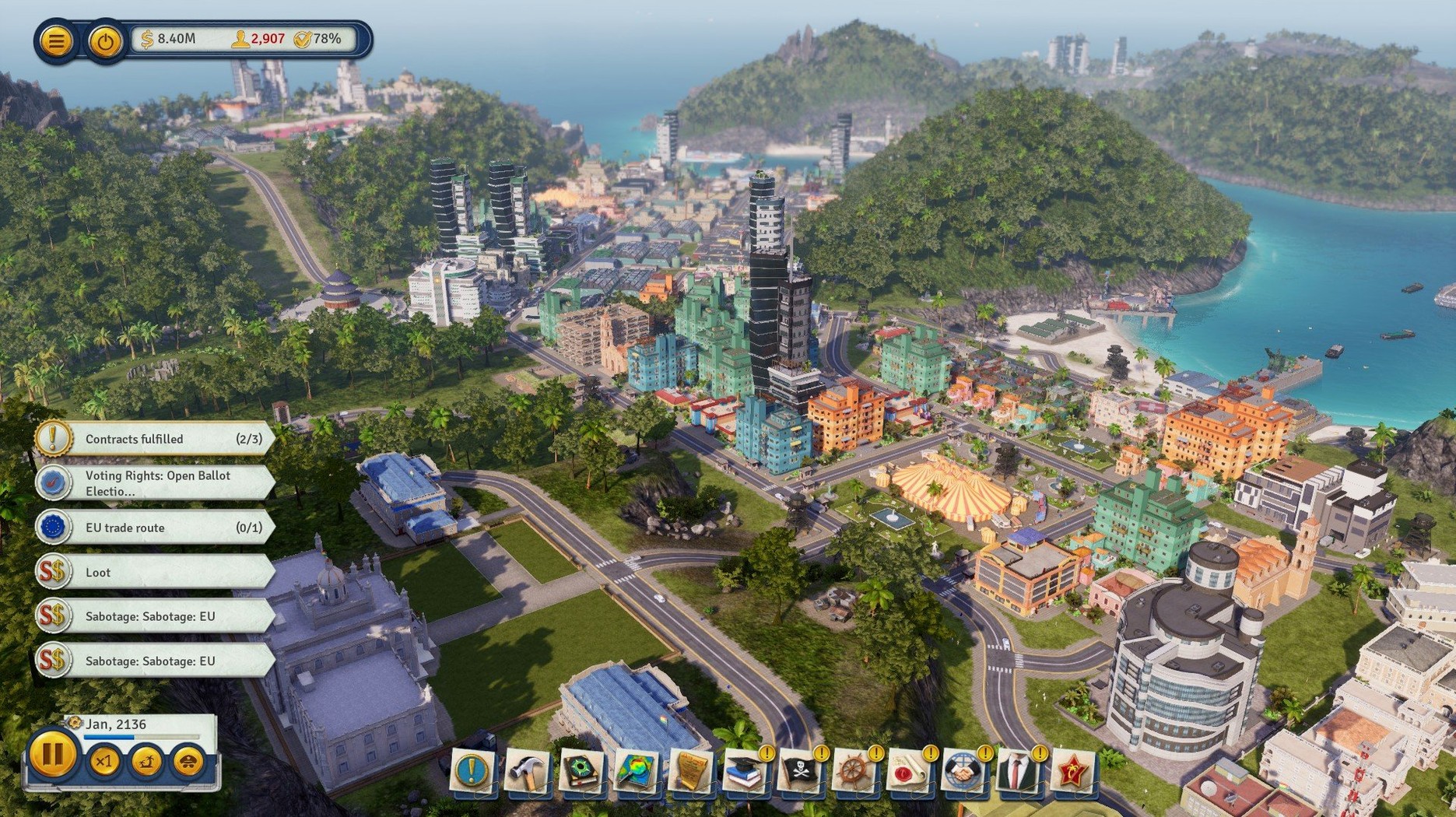
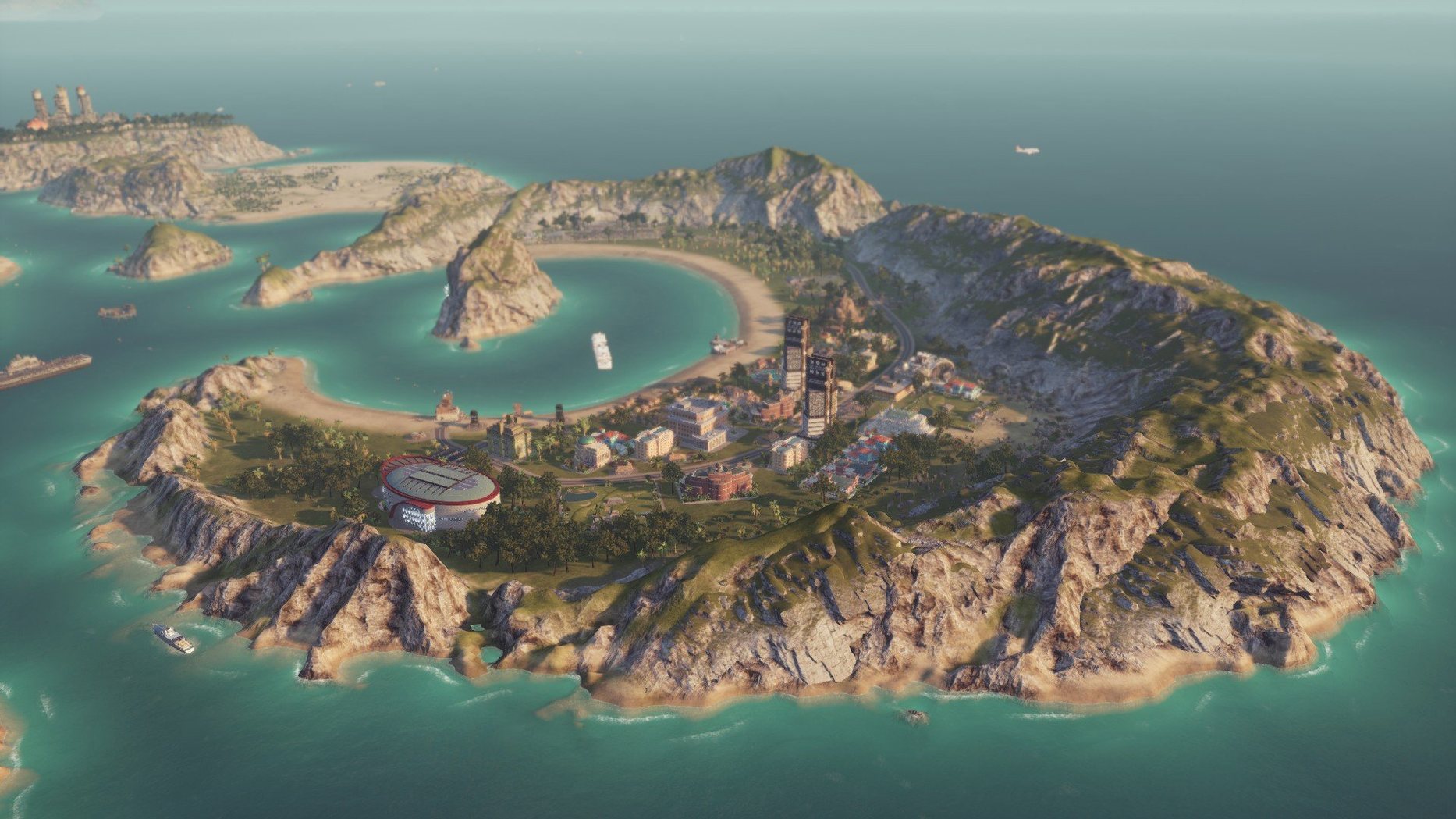
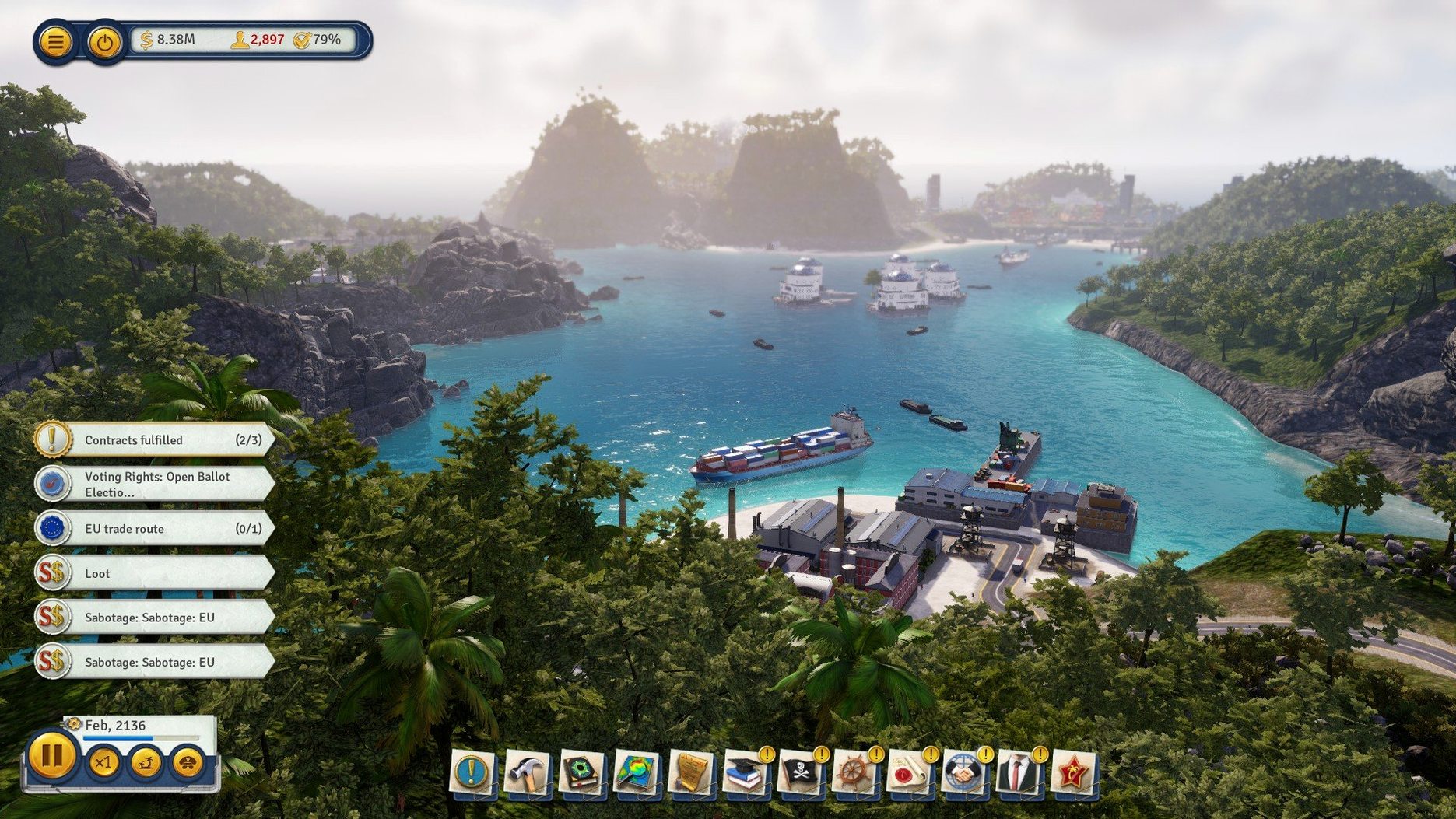
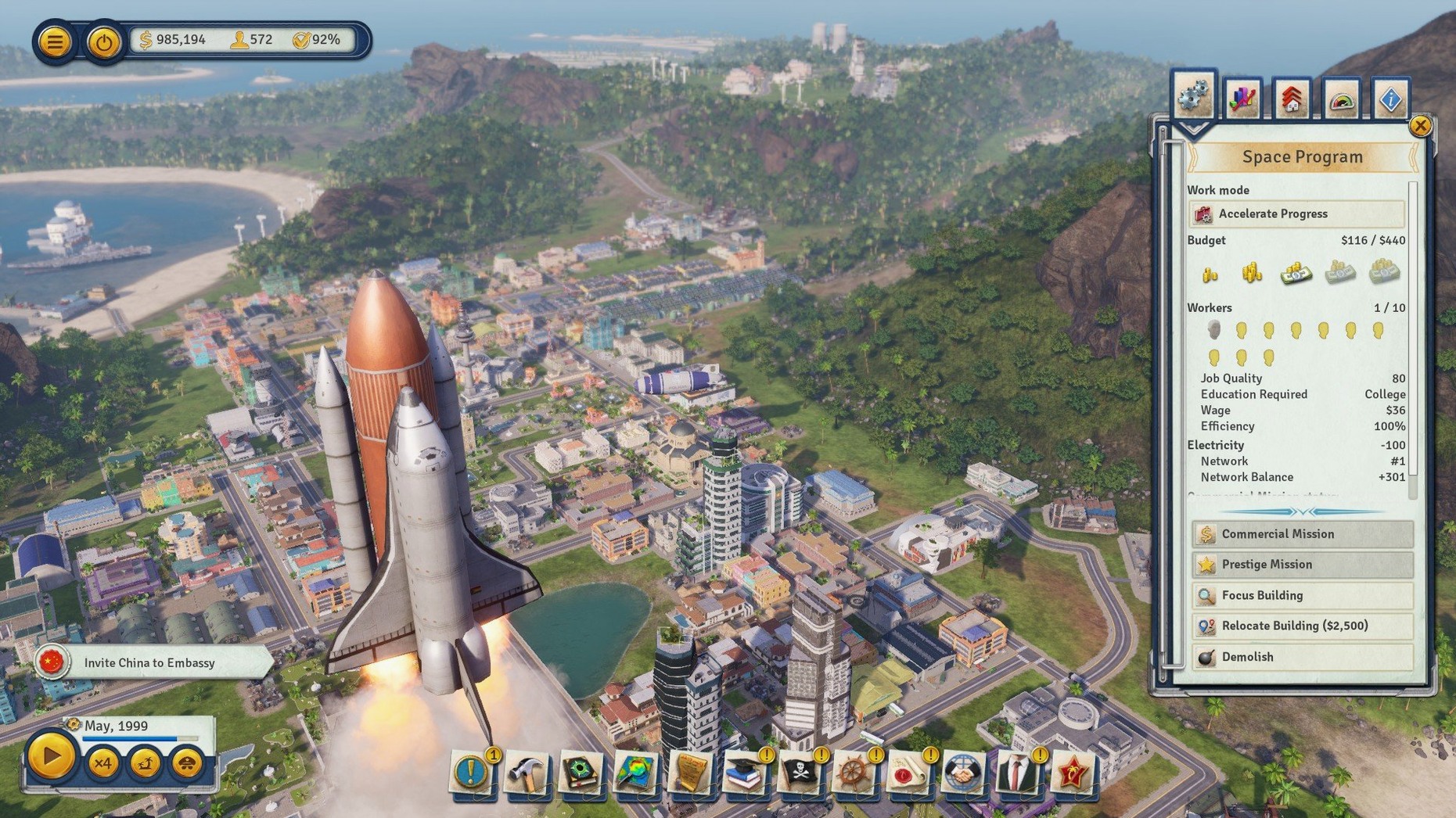
Tropico on Mac suits anyone who enjoys running a small state with a dictator's smile and an engineer's ledger. You spend your time building roads, power plants, and housing, then watching the budget lines to keep the treasury in the black. The archipelago setting means each island demands different infrastructure priorities — one might need more farms, another better defences. The economic layer is straightforward: you set production quotas, taxes, and trade routes, and the numbers either work or they don't. Military upgrades matter when rebels or foreign powers test your grip. Voice options include English, German, Spanish, Italian, and French, which adds some flavour to an otherwise dry management loop.
Avoiding coups by balancing politics with city-building
New players often treat Tropico as a pure city-builder and ignore the political side. You can build a perfect grid of roads and a reliable power network, but if your approval rating drops too low, a coup ends the game regardless of your infrastructure. Keeping an eye on the factions — capitalists, communists, environmentalists — and balancing their demands matters more than any single building.
Another common error is expanding too fast. The archipelago gives you multiple islands, and connecting them with bridges feels like progress. But each new island adds maintenance costs and administrative overhead. A bridge to an empty island with no productive buildings just drains cash. The numbers will tell you: wait until you have a stable surplus before extending your reach.
Beginners also neglect transport systems beyond the basic road network. Taxis and cable cars are not decorative. They move workers between housing and workplaces faster than walking, which directly affects production output. A factory with no workers is a dead investment, and a housing block with no connection to jobs creates unemployment and unrest. Plan your routes when you lay the first road, not after the complaints start.
Defence is another area where new players underestimate cost. Cheap barracks and a few watchtowers look adequate until a rebellion or an outside force arrives. The game expects you to strengthen defences progressively, not all at once. The trick is to spend on military just enough to deter trouble, then reinvest the rest into the economy. Over-defend too early and you starve your growth. Under-defend and you lose your state.
What to know before installing Tropico on a Mac
will my mac run this game
Your machine needs macOS 10.12.6 or later, a 64-bit processor, and an Intel architecture. The suggested specification calls for a quad-core i5 or i7 running at 3 GHz, 8 GB of RAM, and a 2 GB VRAM GPU capable of Metal and Shader 5 support. The installer occupies roughly 16 GB of disk space. If your Mac meets those numbers, the game will launch and run.
is the game drm-free
Yes. The package is marked DRM-free, which means no online activation check, no limited installs, no secondary launcher. You install it, you own it. That matters if you play on machines with intermittent internet or if you like to keep older versions archived.
which languages are available
The interface supports Russian, English, German, Spanish, Italian, and French. Voice acting is in English, German, Spanish, Italian, and French, with no Russian dub included. Russian speakers get the menus and text but hear the original English voices.
can i install it on an apple silicon mac
The build is x86 64-bit, not native for Apple Silicon. It runs through the Rosetta 2 translation layer on M1 or M2 Macs. Functionally it works — the tested system was macOS Sequoia on a 2020 MacBook Air with an M1 processor — but you are not getting native performance. If you want to search for a native build, checking for tropico mac torrent or tropico torrent results might show you what other releases are out there, but this version is the same x86 binary on any Mac.
Storage, processors, and loading times on Intel Macs
The game is compiled for 64-bit Intel processors. On a machine that meets the listed specs, you can expect the game to install and load into the main menu. The 16 GB of free storage is consumed by the full install, so make sure your drive has that room before you start the package. The installer is a single .pkg file — run it, pick a location, and let it finish.
Memory usage will sit around the 8 GB mark at typical settings, though the game will page if your system has less. The GPU requirement is specific: Metal and Shader 5 compliant, with 2 GB of VRAM. Cards that fall short may cause graphical glitches or refuse to render the archipelago correctly. Integrated graphics that do not meet that spec are unlikely to work well.
On Apple Silicon hardware, the x86 binary is translated via Rosetta 2. It will run, but you should expect higher CPU load and longer loading screens than on native software. The experience is playable but not optimised.
Fixing a game that won't launch on macOS
Game does not launch after installation. Check that you placed the game in a location where your user has read and write permissions. The Applications folder usually works. If the game still refuses to start, verify that your macOS version is 10.12.6 or newer. Older macOS releases lack the required libraries.
Graphics look wrong or the screen flickers. This usually points to a GPU that does not meet the Shader 5 requirement. Lowering the in-game resolution and disabling advanced graphical options may help. If the problem persists, confirm that your GPU driver is up to date — Apple does not offer discrete driver updates for most GPUs, but a macOS update can resolve some compatibility issues.
Ensure your laptop is not in a power-saving mode and that the fans are clear. Closing background applications frees up RAM and CPU cycles. On Apple Silicon, Rosetta 2 translation adds overhead — nothing changes that except a native binary, which this version is not.
Bridges or cable cars do not appear where you place them. The game expects valid pathing between the two endpoints. If the terrain is too steep or the distance exceeds the allowed span, the placement will fail silently. Zoom in and check the elevation contours before you commit the funds.
Before it goes on the Mac
- macOS ? (unspecified version)
- Intel processor, 64-bit
- Quad-core i5 or i7 at 3 GHz or better
- 8 GB RAM
- Metal, Shader 5 compliant GPU with 2 GB VRAM
- 16 GB available storage
Questions from the room
What Mac hardware was Tropico tested on?
The tested system was macOS Sequoia on a MacBook Air with an M1 processor from 2020.
Is Tropico a native Apple Silicon app?
No, the build is x86 64-bit, so it runs under Rosetta 2 on Apple Silicon Macs.
What kind of activities fill a typical game session?
You build and improve infrastructure, manage the economy, strengthen defences, and make political decisions across an archipelago of islands.
Installing it on the Mac
- Run the
tropico6_english_t6…pkgfile and follow the standard installation procedure. - Choose the installation location when prompted.
- Select the Applications folder if available.
Notes from the control room
Sign in or open a catalogue account to leave a note.
No notes from the room yet. If you have used this build for a week, a short note helps the next person.