
MiSide 0.93L (Mac)
Updated


The catalogue note
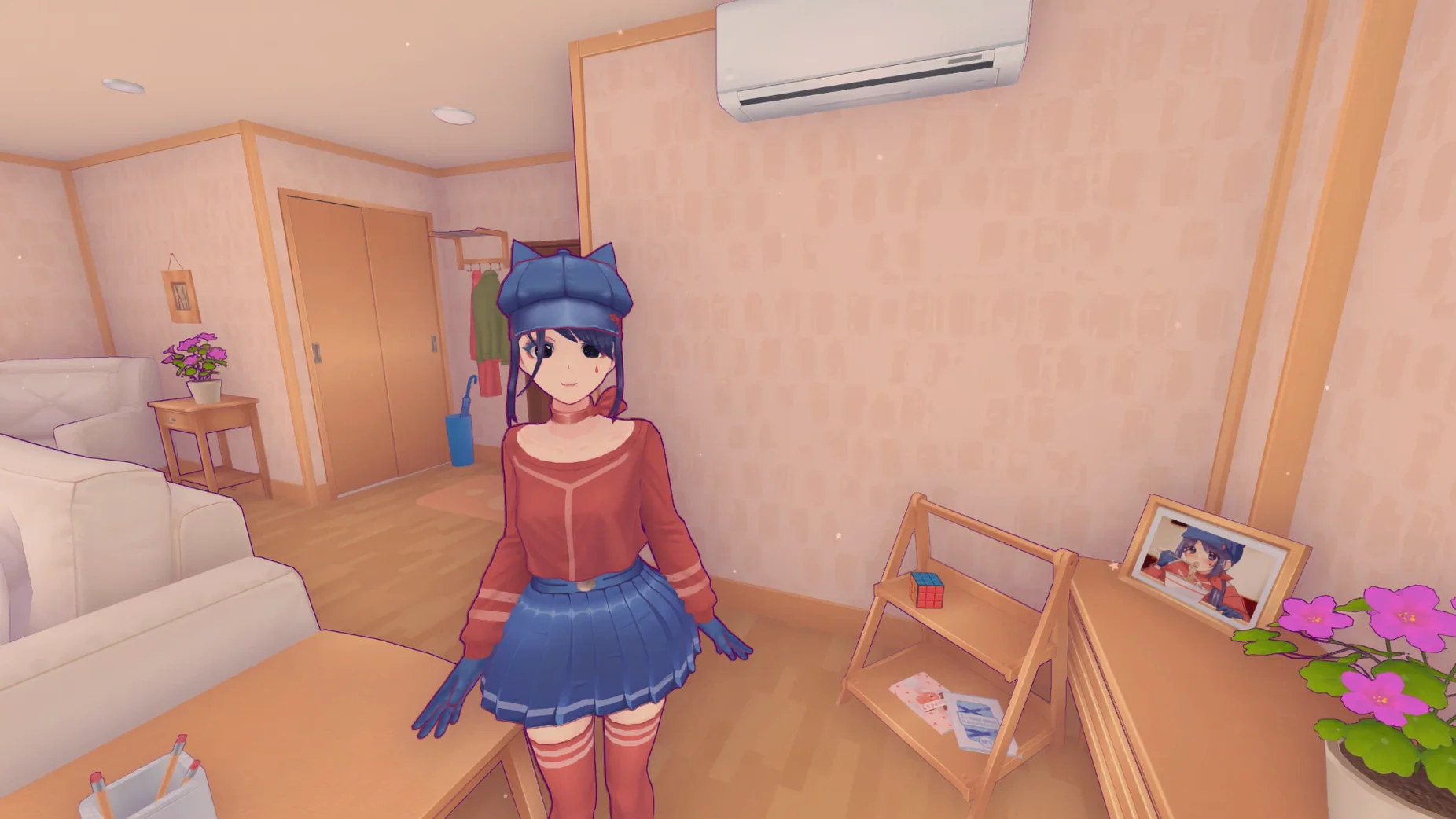
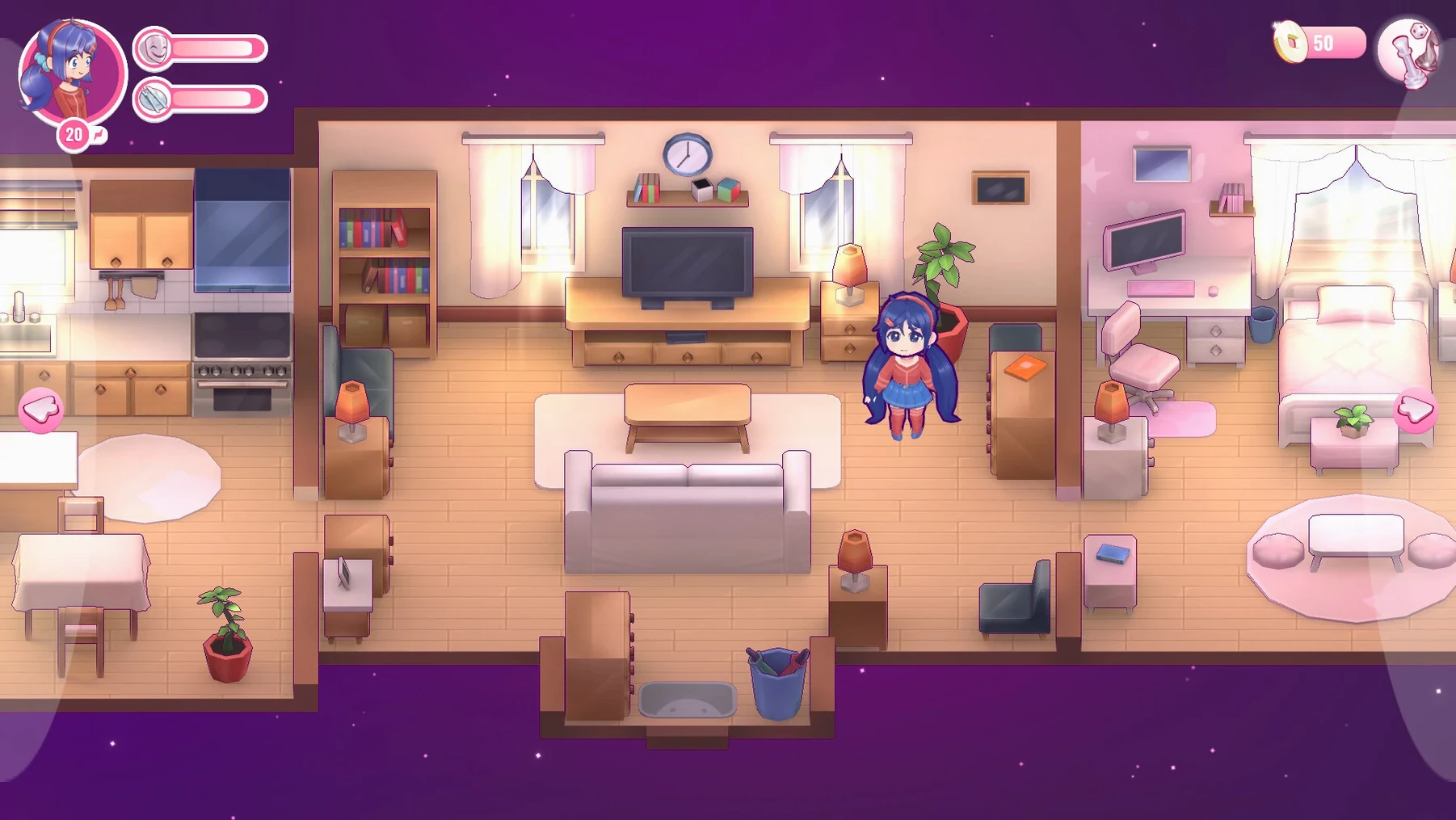
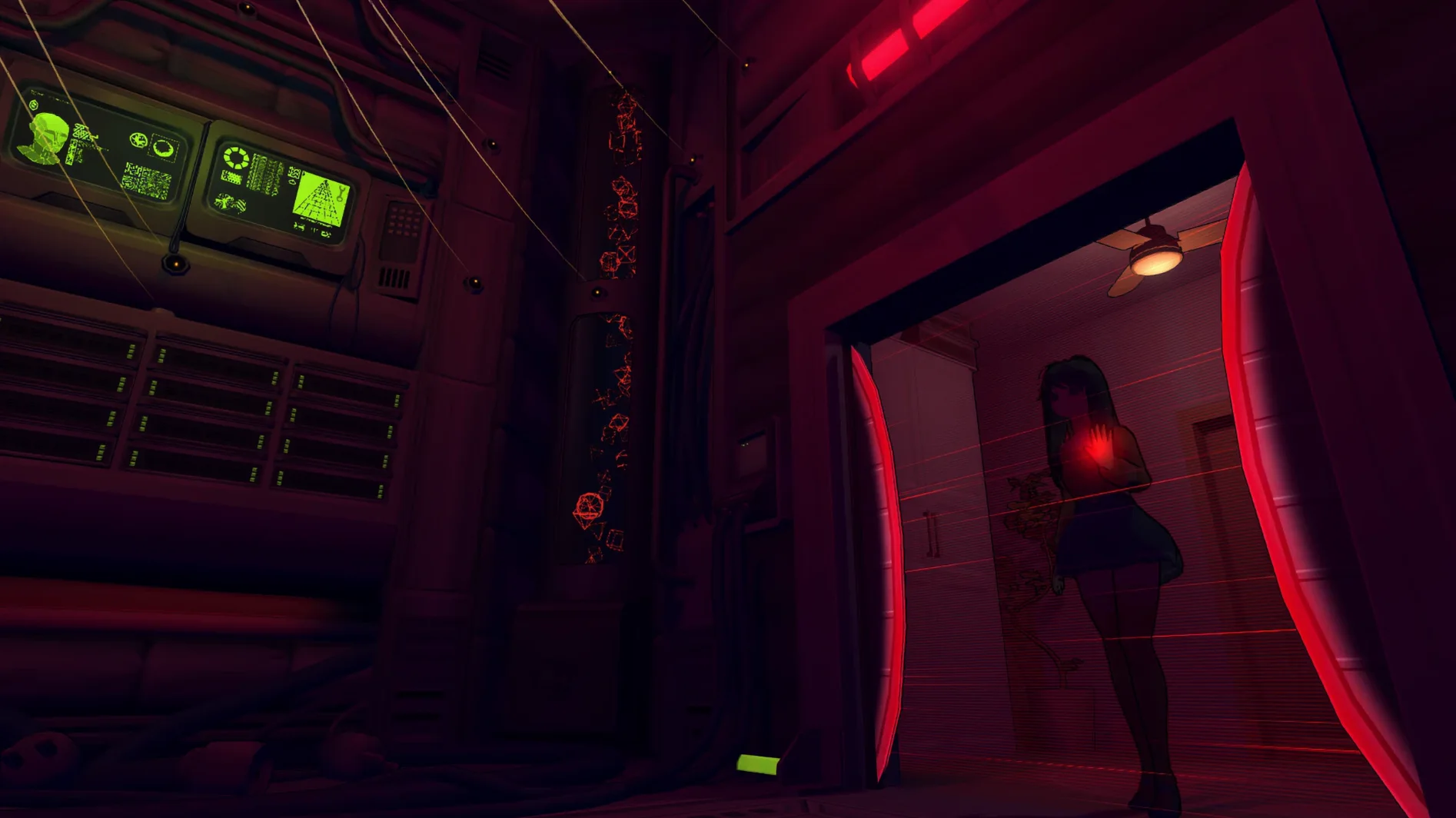
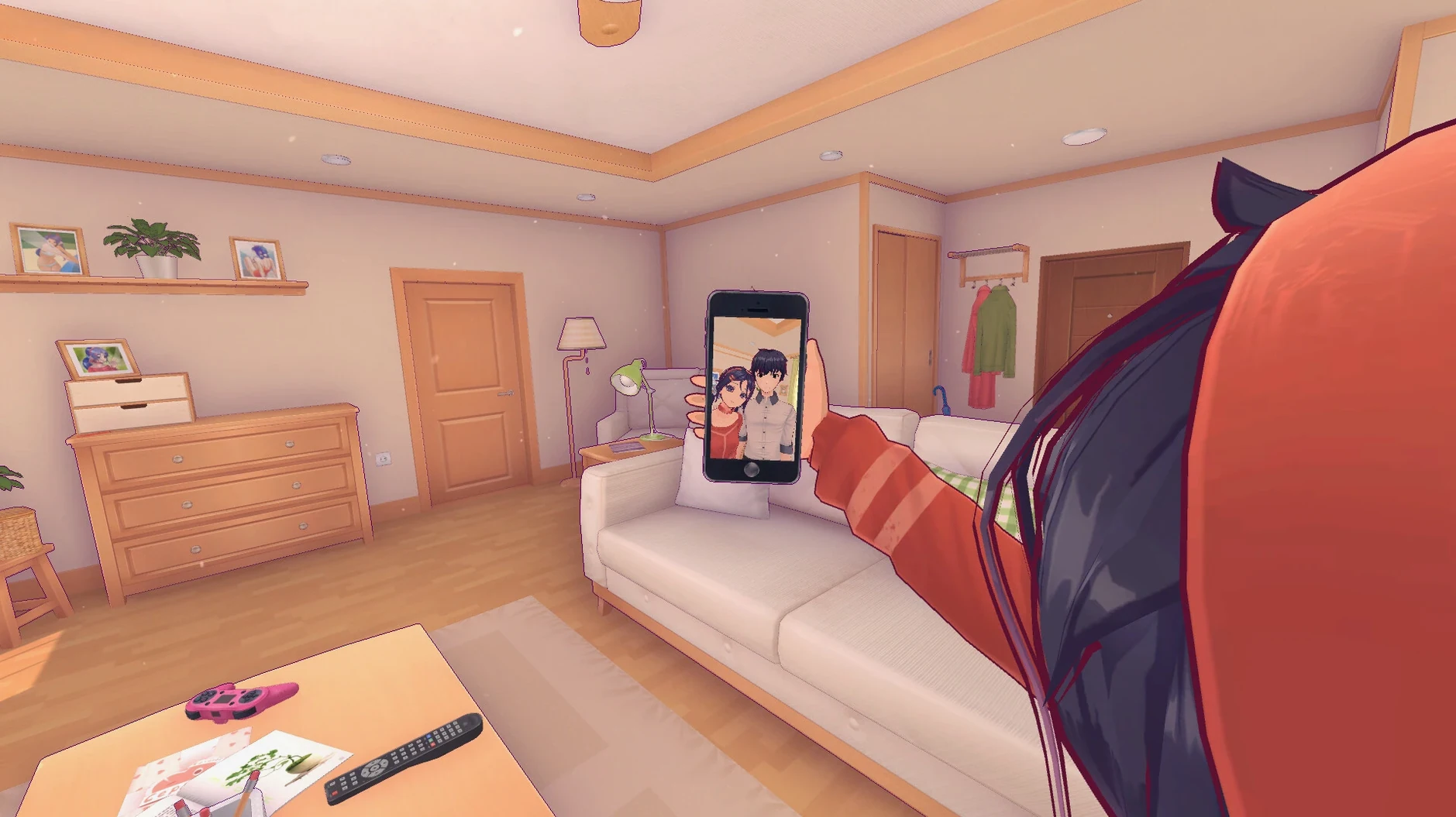
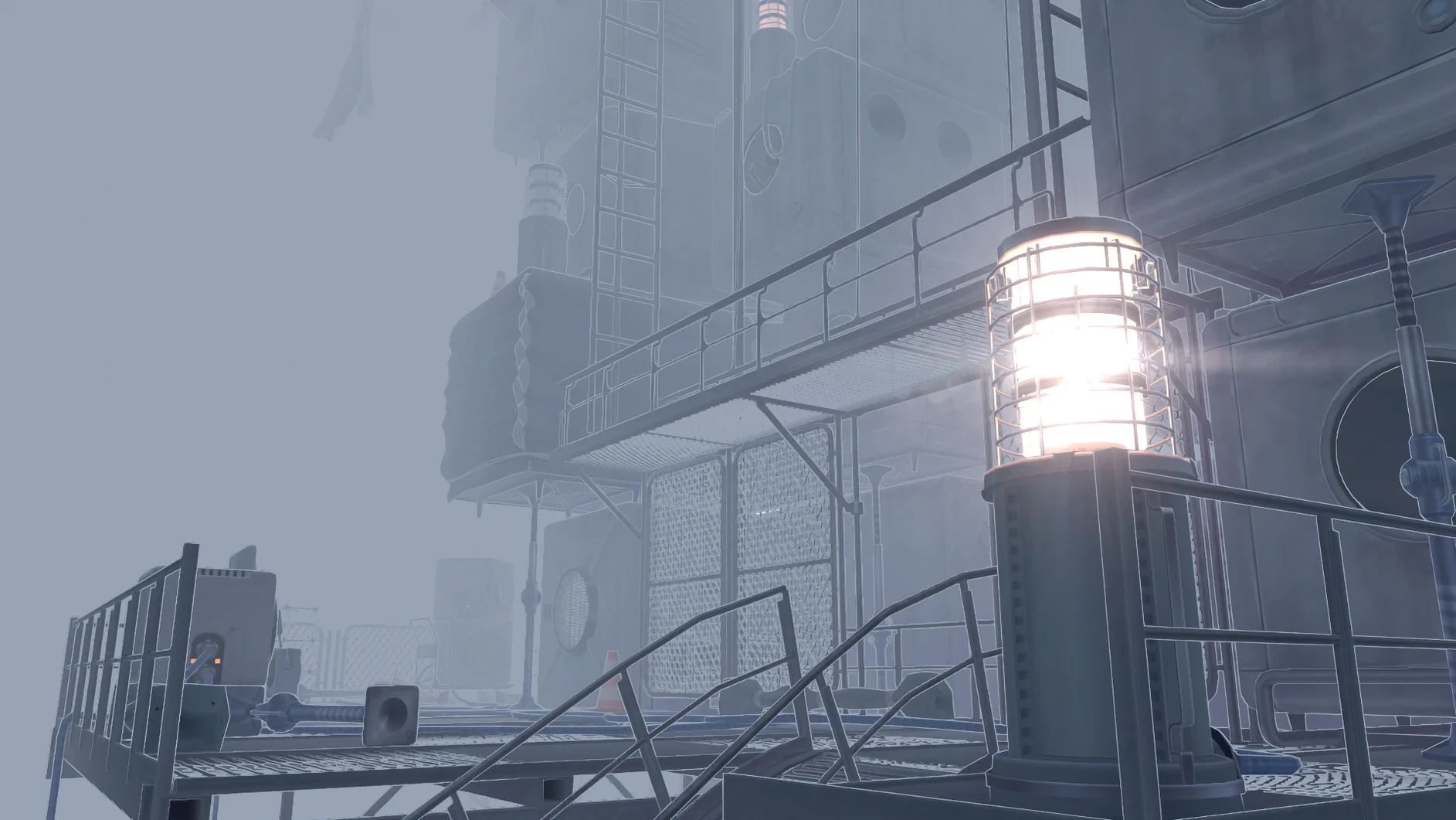
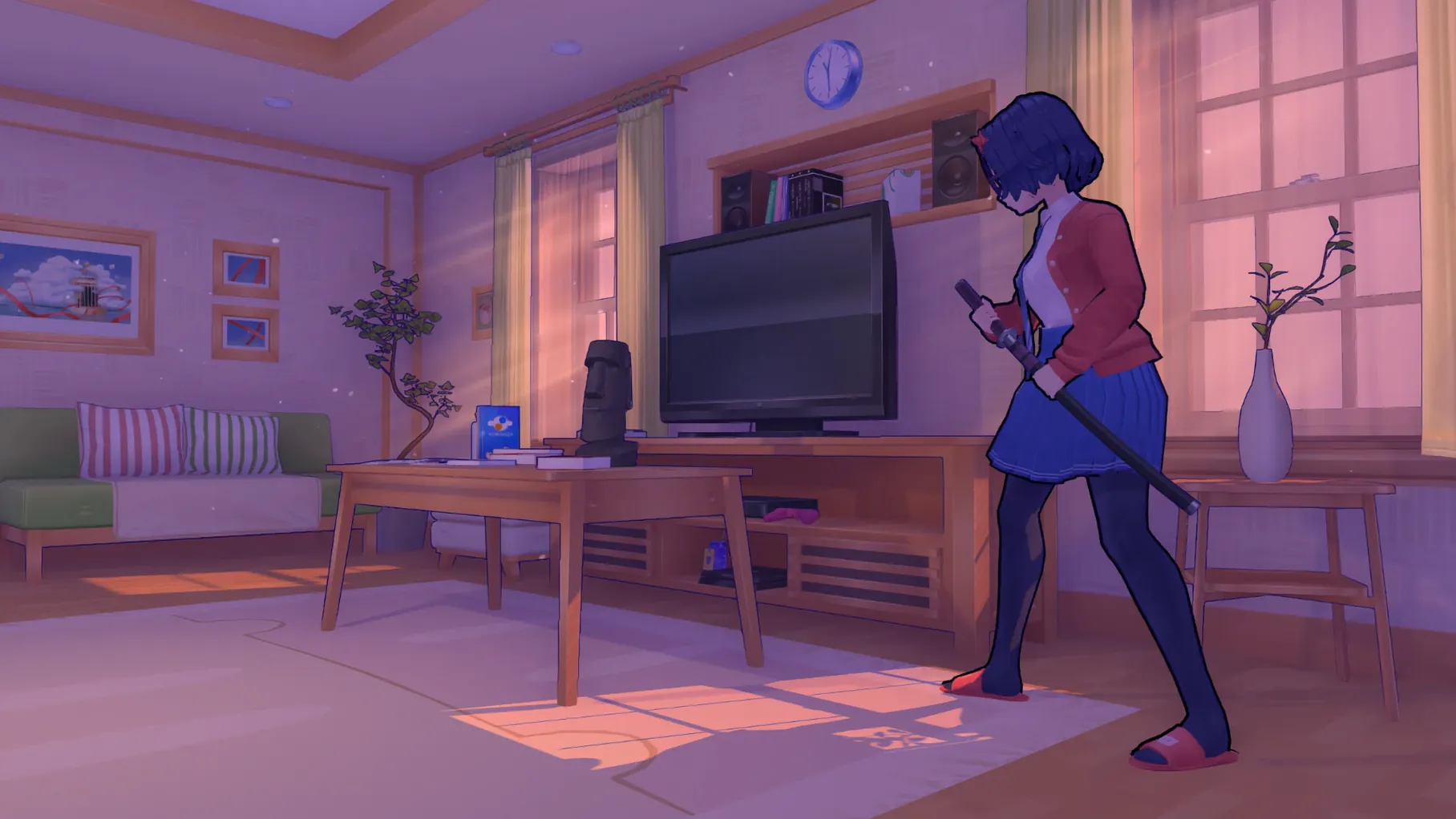
People who like their adventures with a bit of branching and a lot of atmosphere will find MiSide a good fit. It’s a first-person adventure where the story bends around your choices, and the cast — more than ten characters — keeps the world feeling populated rather than scripted.
Minute to minute, you’re doing things like:
- Exploring hand-crafted environments in first person, looking for the next interaction point.
- Making decisions that send the plot down different paths — replaying to see the other branches is part of the point.
- Talking to the characters, each with their own routines and reactions to what you do.
- Picking up on audio cues from the original soundtrack that set the mood for each scene.
- Digging into the details of the world — the kind of clutter that tells a story without a line of dialogue.
- Managing your save manually when you want to try a different route without losing progress.
The Mac build is Apple Silicon only, tested on macOS Sequoia on a Mac mini 2020 M1. After encountering a launch error, the Fix file within the mounted image typically resolves it. Language selection happens at first launch or later from the main menu, with a broad list of interface languages to choose from.
Runs as a Windows game inside a Wineskin wrapper
Because the build uses a Wineskin wrapper, MiSide runs as a Windows game inside a translation layer rather than as a native macOS binary. This means it behaves like a separate environment on your drive — the app bundle contains its own Windows prefix with all the libraries it needs. You won't find it in the Applications folder behaving like a typical Mac app; it's a self-contained package that launches via Wineskin's engine.
The game's save files sit deep inside the app bundle itself, not in the usual ~/Library/Application Support folder. If you want to back up progress before trying a different route, you'll need to navigate to MiSide.app/Contents/SharedSupport/prefix/drive_c/users/Sikarugir/AppData/LocalLow/AIHASTO/MiSideFull/Save and copy the files out manually. The same applies for mods — the BepInEx plugins folder lives at MiSide.app/Contents/SharedSupport/prefix/drive_c/KS Games/MiSide/BepInEx/plugins, so adding community tweaks means digging into the app bundle.
Working alongside other software
MiSide doesn't interfere with other apps because it's sandboxed inside its own wrapper. You can run it alongside your usual macOS tools — browsers, messaging apps, audio software — without conflicts. The game's audio output follows macOS system settings, so it'll route through whatever output device you have selected. If you're recording or streaming, you can capture the game window normally through macOS screen recording or OBS; the Wineskin layer doesn't block that.
For anyone searching, miside macos download usually points toward this kind of wrapper build. It's a self-contained install: mount the disk image, drag the app to Applications, and launch from Launchpad. No additional setup, no Steam client required on the Mac side.
Changes in this build
- 0.93L release includes official Steam release notes.
Before it goes on the Mac
- Apple Silicon
- macOS (tested on macOS Sequoia)
Questions from the room
Can I change the language after starting the game?
Yes, the language can be changed on first launch or from the main menu at any time.
Installing it on the Mac
- Mount the downloaded disk image.
- Drag the app into the Applications folder shortcut.
- Copying done, launch the app from Launchpad.
- If launch errors appear, run the Fix file in the mounted image.
Notes from the control room
Sign in or open a catalogue account to leave a note.
No notes from the room yet. If you have used this build for a week, a short note helps the next person.