
Updated
The catalogue note
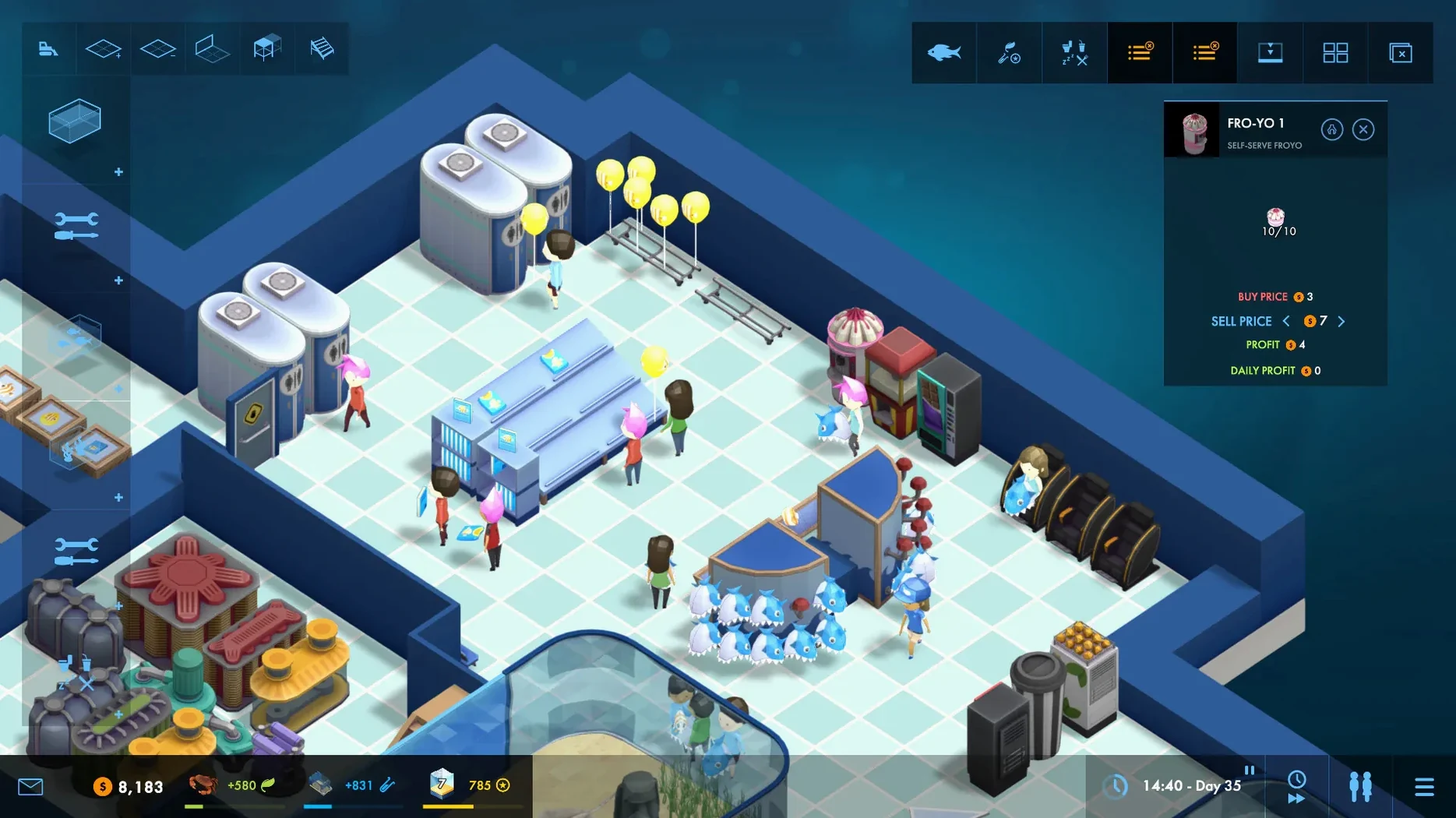
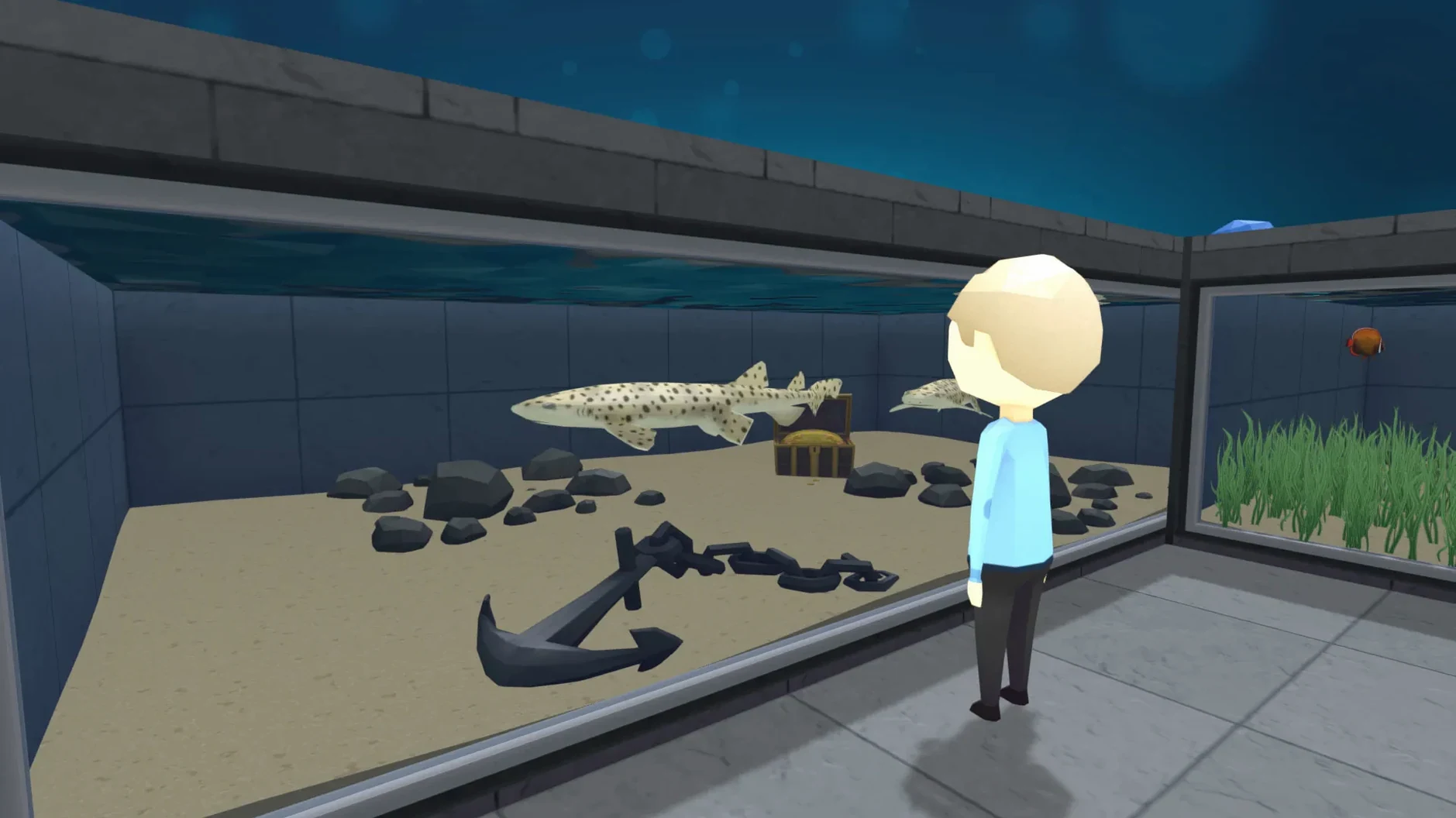
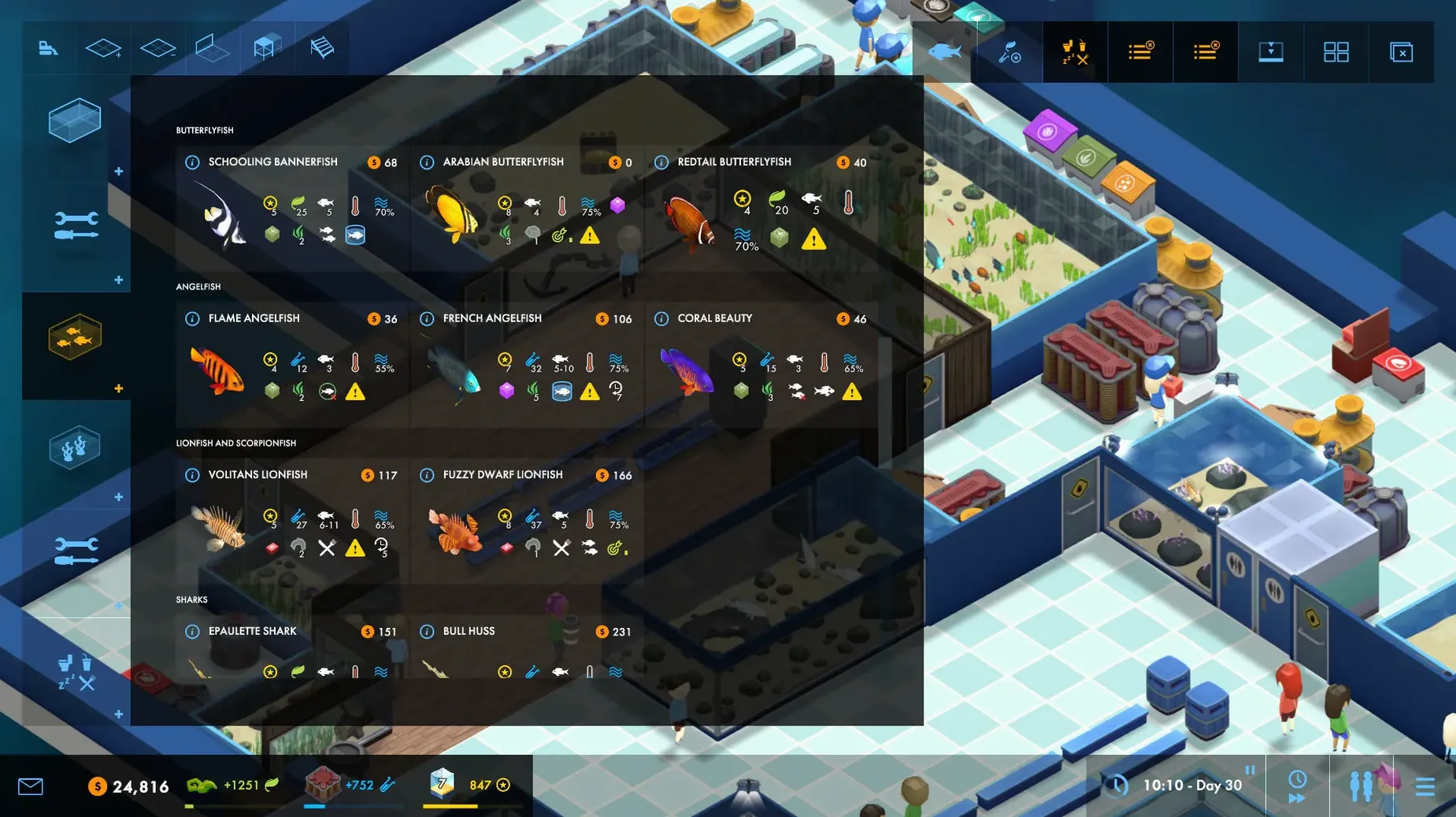
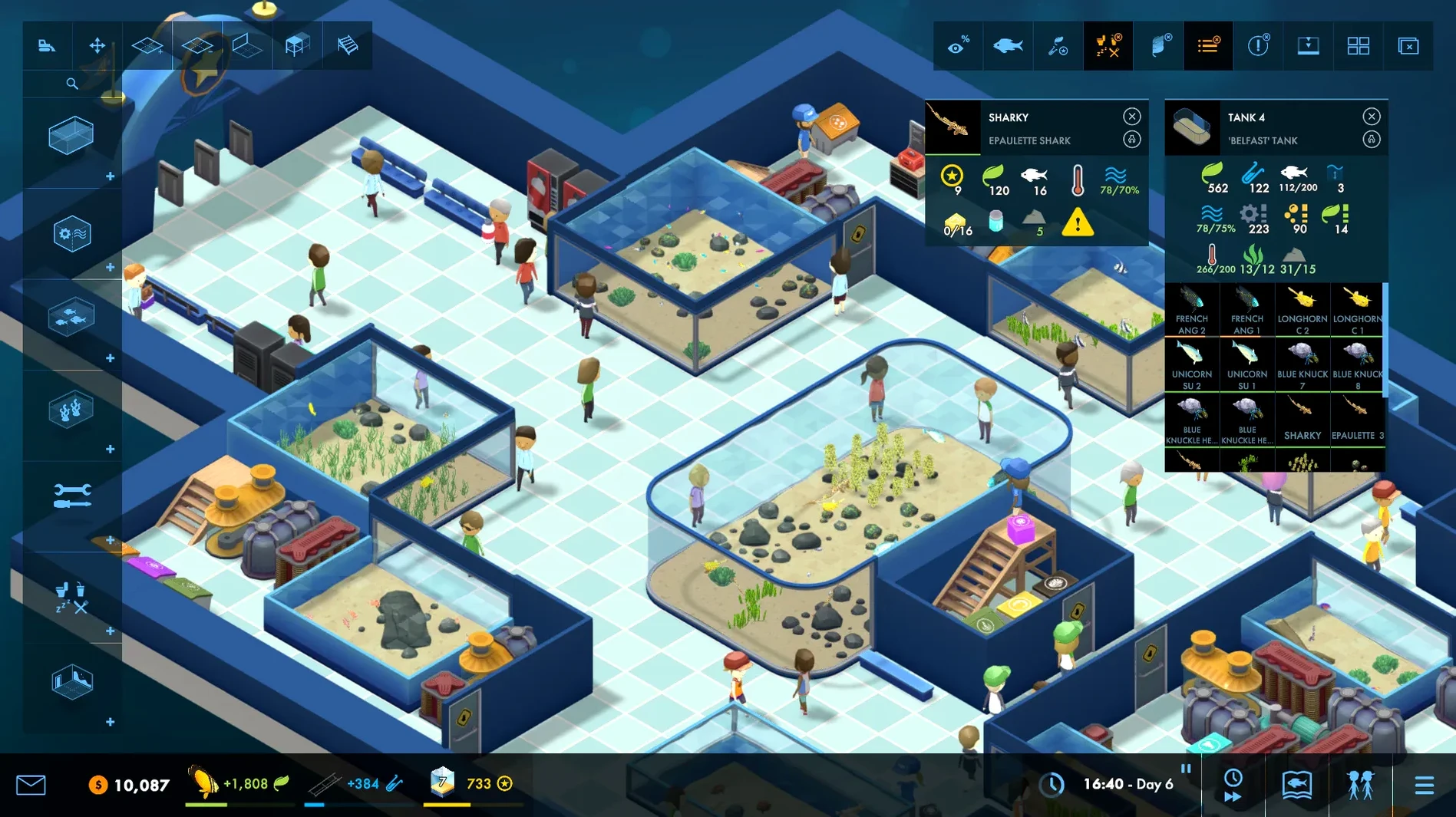
Version 5.1.5g of Megaquarium brings a handful of stability fixes for the aquarium management sim from Twice Circled, the studio behind Big Pharma. The game itself hasn't changed much — it's still the same single-player economic simulator where you design exhibits, keep fish healthy, hire staff by skill and potential, and balance guest happiness with benches, food, drinks, toilets and a souvenir shop.
Intel-only with acceptable performance on Apple Silicon
- Architecture: Intel only. Runs through Rosetta 2 on Apple Silicon Macs — expect acceptable performance on M1 and later, though the game was built before native ARM support.
- Controls: Full keyboard and mouse. No controller support out of the box. Interface is straightforward; you click to place tanks, assign staff, and manage research points that unlock new animals and equipment.
- Performance: Lightweight by modern standards. The campaign has ten levels; sandbox mode is open-ended.
What's included
The package includes interface text in English, Russian, German, Spanish, Italian, Simplified Chinese, Polish, Portuguese, French and Japanese. A standard installer handles the setup; choose the Applications folder when prompted to keep things tidy.
First steps: getting oriented in the campaign
Start with the campaign, not sandbox. The ten levels introduce mechanics one at a time — staff management, research priorities, guest needs — and each level is short enough that you can learn without feeling overwhelmed. On level one, resist the urge to buy every fish species immediately. Research a small number of hardy fish first, then place a bench or two and a drink stall. Guests generate points slowly at the start; those points unlock better equipment and more animals.
After the first level, pause before expanding. Check which staff skills your current aquarium actually needs. Hiring a specialist in fish health when you only have three tanks is wasteful; a generalist with decent cleaning and feeding stats gets you further in the early game.
Adjust sound volume and scroll speed in the options menu
Before you start a level, open the options menu and adjust a few defaults:
- Sound volume. The ambient aquarium hum and music loop are pleasant but can wear thin over a long session.
- Scroll speed. The default camera pan is a little slow for managing a growing aquarium. Bump it up by one notch — you will move between tanks and staff much faster.
- Confirmation prompts. The game asks for confirmation before placing expensive tanks or hiring staff. Leave these on for the first few levels; once you know the costs, you can disable them in the gameplay settings.
Leave walkable space around exhibits to avoid guest congestion
- Don't fill every tile. Leave walkable space around exhibits. Guests get stuck in crowds if you place too many tanks, benches and stalls close together. A two-tile-wide corridor is usually enough for smooth flow.
- Check guest happiness regularly. The happiness overlay (toggle it with the icon in the toolbar) shows you exactly where guests are unhappy. A red zone near a tank usually means they cannot see the fish properly — adjust the viewing angle or add a bench opposite the glass.
- That way you fill a new tank in one go instead of waiting between deliveries.
- Staff breaks. A tired worker is an ineffective worker. Schedule two staff members per shift in larger aquariums so one can rest while the other covers feeding and cleaning. The game handles this automatically if you have enough staff hired.
Megaquarium is not a fast game. The simulation runs live, and fish get sick, filters clog, guests complain about dirty windows. Patience and gradual expansion work better than rushing to unlock everything. The sandbox mode is waiting once the campaign teaches you the basics.
Before it goes on the Mac
- macOS version: not specified by the developer
- Architecture: Intel
- Other: no additional requirements listed
Questions from the room
Does Megaquarium run on Apple Silicon Macs?
It runs via Rosetta 2. The game is Intel-only natively, but performance on M1 and later is acceptable for this type of sim.
How many levels are in the campaign mode?
The campaign has ten levels.
Can I play without a campaign?
Yes, there is a sandbox mode where you build freely without campaign objectives.
Installing it on the Mac
- Unpack the archive.
- Run the standard installation process.
- Choose the installation location when prompted.
- Select the Applications folder if possible.
Notes from the control room
Sign in or open a catalogue account to leave a note.
No notes from the room yet. If you have used this build for a week, a short note helps the next person.