Minecraft 1.21.7 (Mac)
Updated
The catalogue note
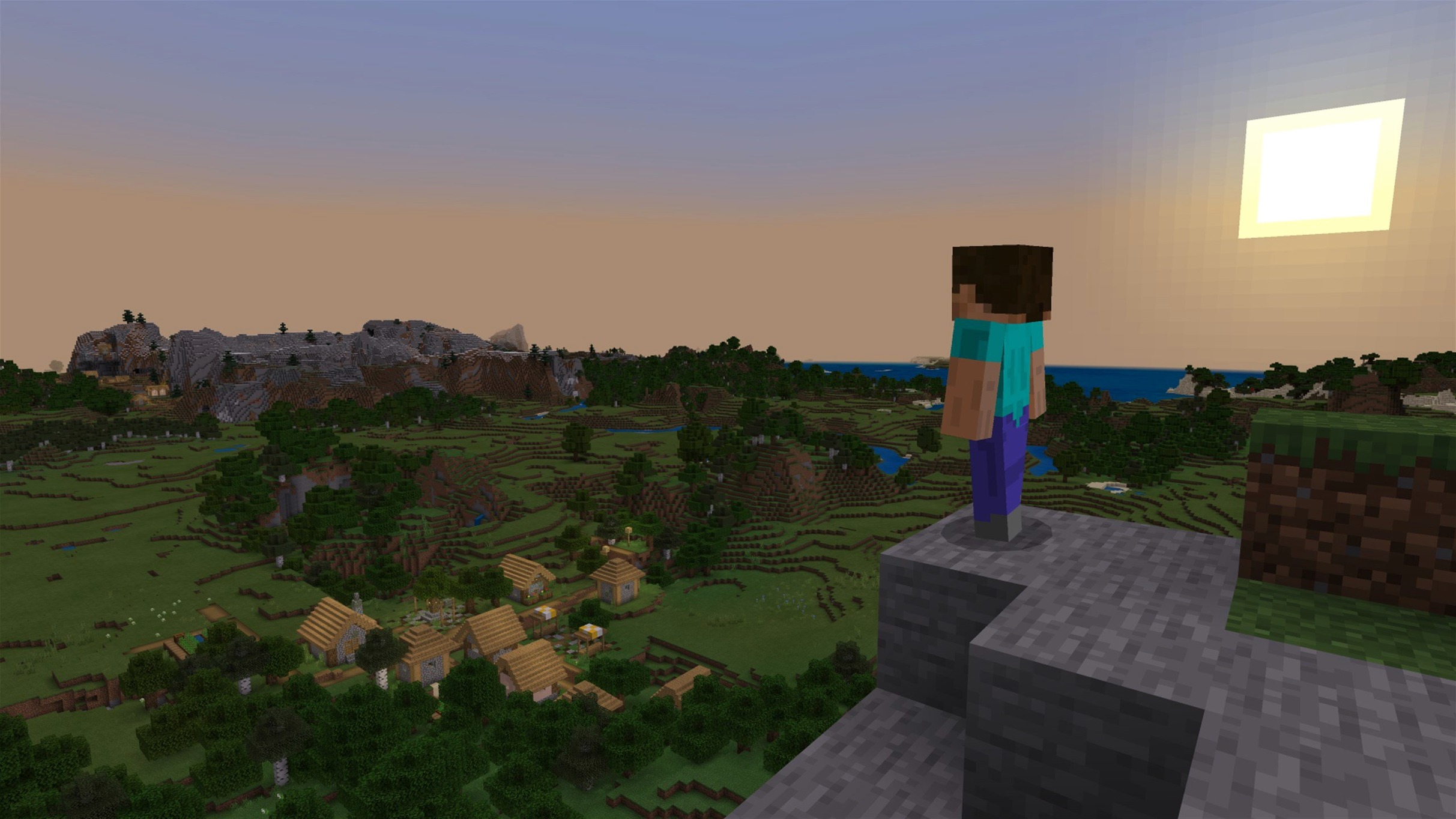
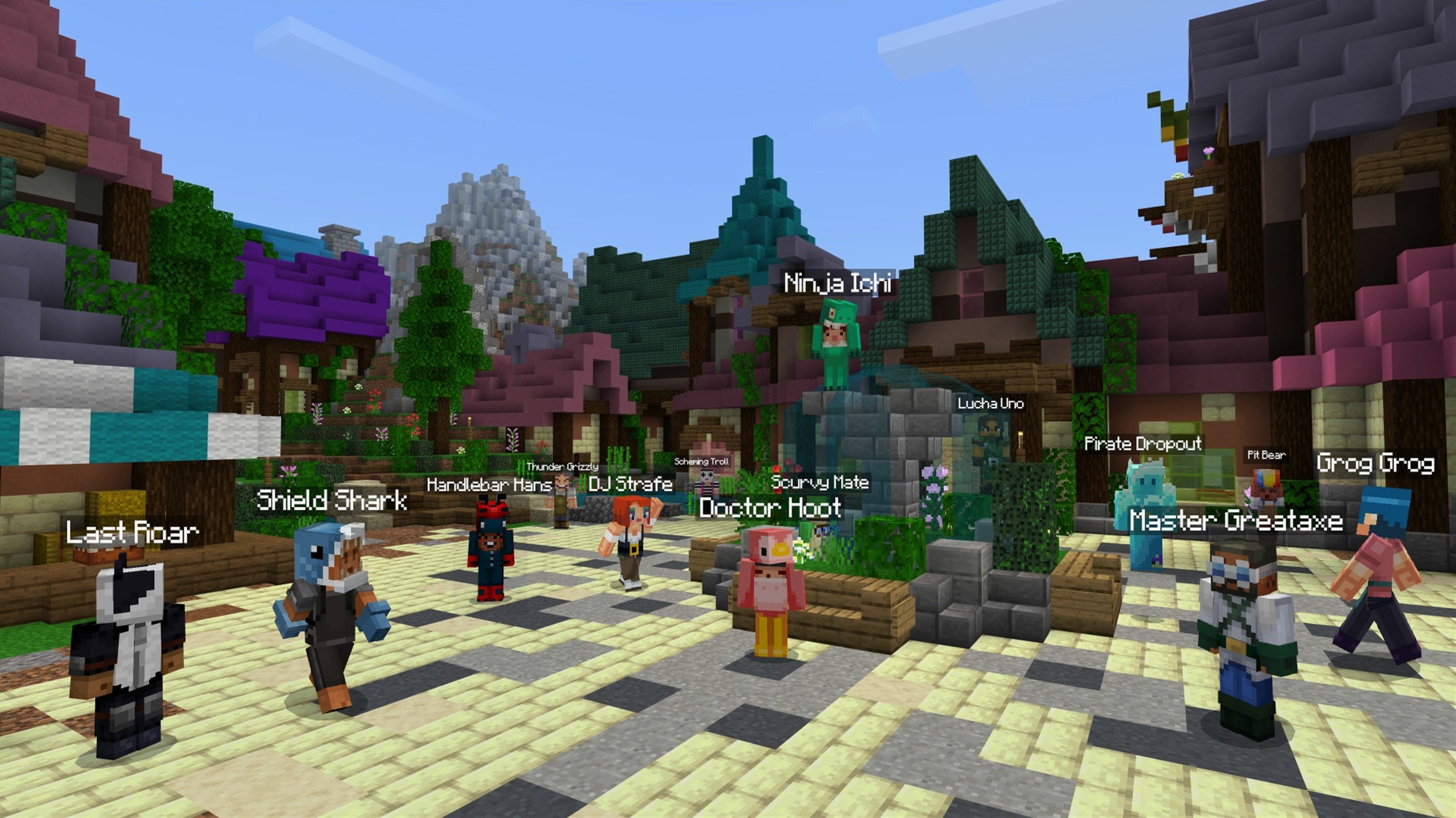
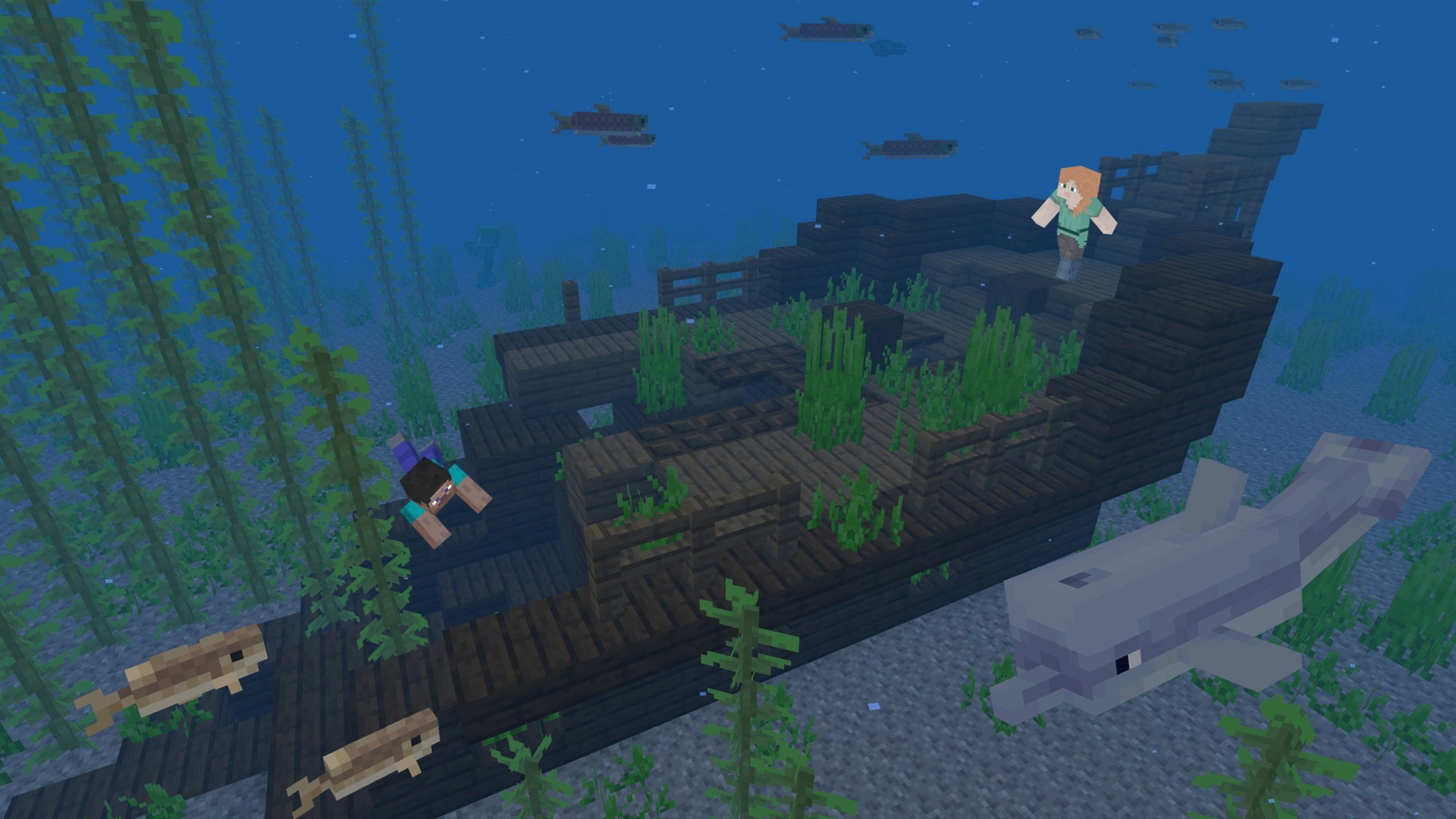
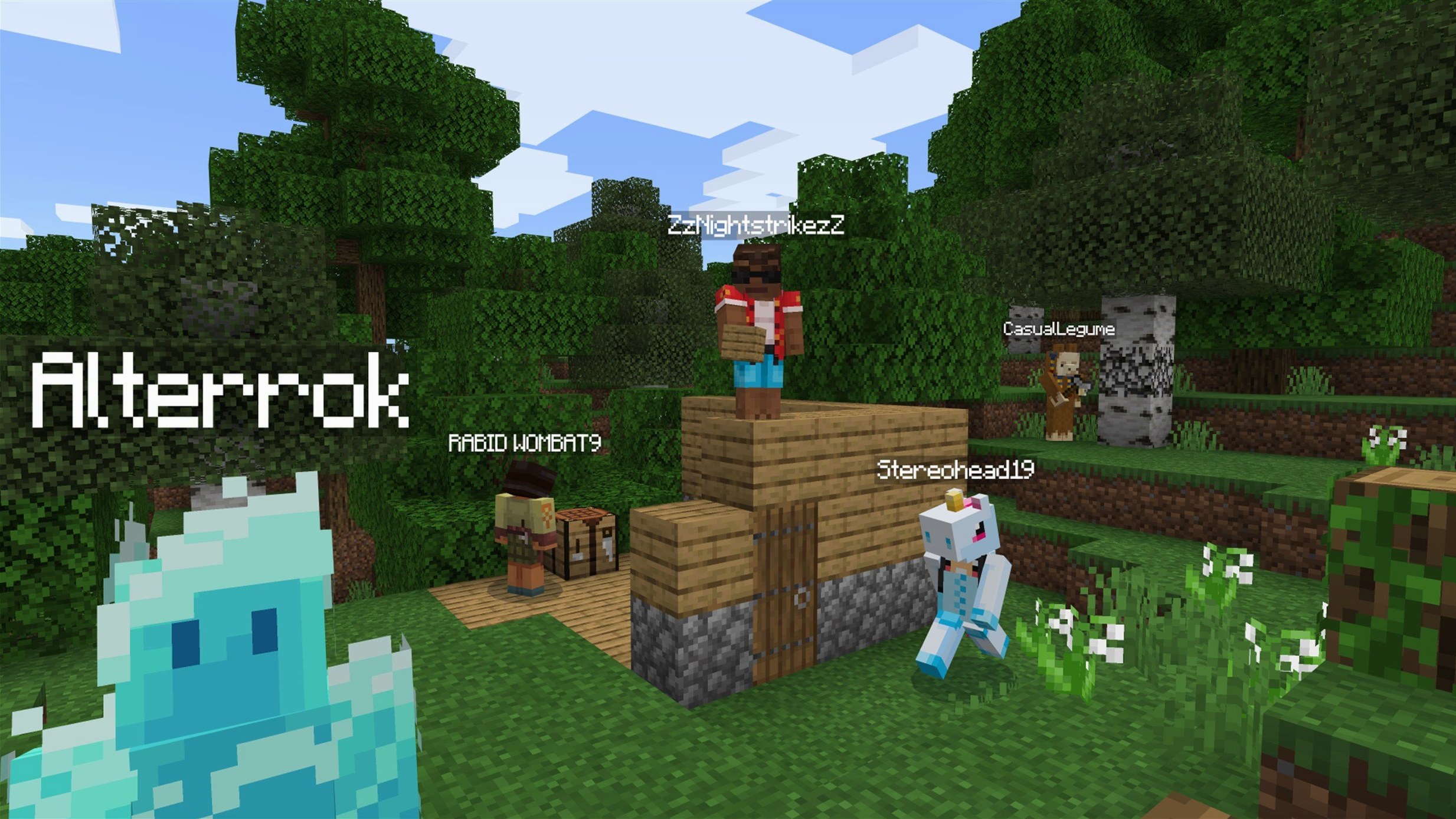
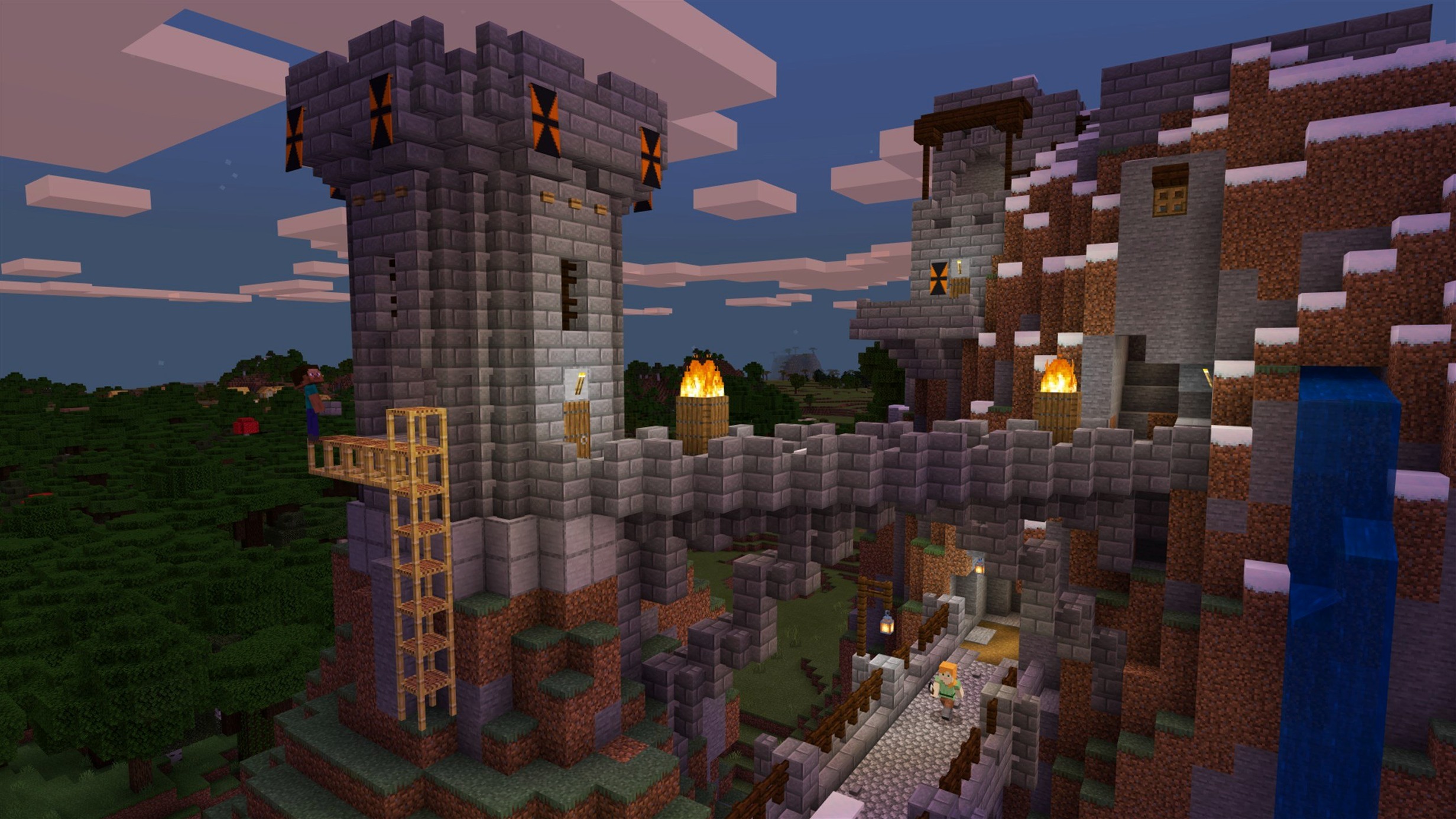
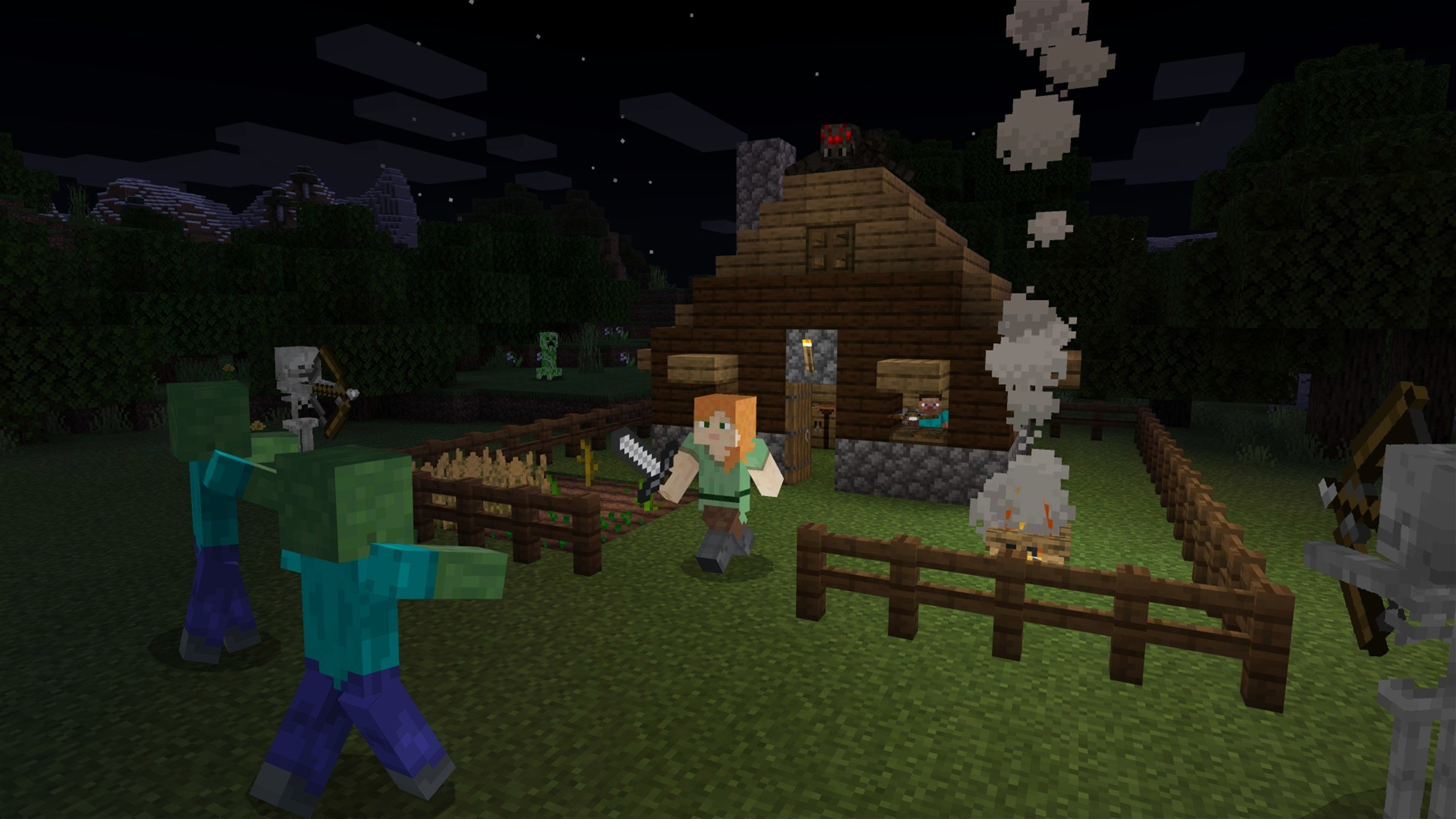
Minecraft is a sandbox construction game where you place blocks, build structures, and explore a procedurally generated world.
Minecraft Java Edition includes music and redstone contraptions
This is the Java Edition, part of the Minecraft bundle for PC. The core loop is familiar: mine resources, craft tools, build anything from a dirt hut to a redstone contraption. The game includes music, which sets the mood as you dig and build. Interface languages cover Russian, English, and Ukrainian, so pick your preference at launch.
Version 1.21.7 changes
The update adds a new 3x3 painting and the Lava Chicken music disc, both nice touches for collectors. Under the hood, the data pack version moves to 81 and the resource pack to 64. Bug fixes address resource pack loading, text rendering, startup crashes on some AMD graphics, Qualcomm graphics issues, and texture leaks after a resource reload. Stable enough for a long session.
Launcher opens but the game doesn't start
After a fair few installs and troubleshooting sessions, a handful of problems keep turning up. Here is what usually goes wrong and how to fix it.
- The launcher opens but the game doesn't start. This is often a Java issue. Minecraft Java Edition needs a 64-bit runtime. If you have an older Java version installed, the launcher can get confused. Open the launcher settings and check which Java executable it points to, or let the launcher download its own bundled version.
- Graphics glitches or a black screen. The 1.21.7 patch notes mention fixes for Qualcomm and some AMD graphics. If you still see problems, try reducing the render distance in the video settings before anything else. Also, make sure your Mac's graphics drivers are up to date via System Settings.
- Text rendering looks odd or missing. This was a known bug addressed in this release. If it persists, try switching the interface language to English, then back to your preferred language. That often forces a font cache refresh.
- Resource packs don't load. Version 1.21.7 bumps the resource pack version to 64. Packs made for older versions may not work. Check the pack's
pack.mcmetafile and update thepack_formatnumber if you are comfortable editing JSON. Otherwise, find an updated version. - The game runs on the wrong GPU. On Macs with multiple graphics processors, Minecraft can sometimes pick the low-power chip when you want performance. There is no in-game setting for this. Use the macOS Energy Saver or the "Prefer High Performance" option in the application's Get Info panel.
Turn off fullscreen for smoother macOS gameplay
Before you start a serious build, a few tweaks save time and frustration. These are not about performance alone, but about how the game feels day-to-day.
- Toggle "Fullscreen" to off. Minecraft's fullscreen mode can behave oddly on macOS, especially with multiple monitors. Running it in a maximised window gives you fewer display glitches and quicker access to other apps.
- Increase the "FOV" to 90 or 100. The default 70 feels narrow when you are building tall structures or exploring caves. A wider field of view helps you spot creepers before they sneak up.
- Disable "View Bobbing". It adds immersion, but it can cause motion sickness during long mining sessions. Turning it off makes the camera steady.
- Set "Autosave" to a shorter interval. The default saves every two minutes. If you are doing complex redstone wiring, dropping it to 30 seconds means you lose less work if the game crashes. The trade-off is more disk writes, but that is rarely noticeable on modern SSDs.
- Rebind "Sneak" to a toggle. By default, you hold the Shift key to sneak. If you plan to build bridges or walk along narrow ledges, changing it to a toggle in the controls menu saves your pinky finger.
Find a spawn point with varied biomes to avoid early deaths
This is my routine when starting a fresh survival game. It avoids common early deaths and sets you up for a long playthrough.
- Find a spawn point with varied biomes. When the world loads, look around. If you see only desert or ocean, consider deleting and generating a new seed. A spot near a forest, a plains, and a mountain gives you wood, food, and exposed stone within a short walk.
- Punch three logs, craft a crafting table, and make a wooden pickaxe. Do not build a house yet. Your first goal is stone tools. Head to the nearest exposed stone or dig down a few blocks.
- Mine 16 cobblestone. That is enough for a furnace, a stone pickaxe, a stone axe, a stone sword, and a shovel. Smelt the logs into charcoal while you mine. You now have torches.
- Kill three sheep for wool. You need a bed. If there are no sheep nearby, explore until you find some. A bed lets you skip the night and set your spawn point. That is your single most important item for the first day.
- Build a temporary shelter. Dig into a hillside or build a small box from dirt. Place your bed, crafting table, and furnace inside. Light the interior with torches to stop mobs spawning.
- Cook food. Kill cows or pigs, cook the meat in the furnace. Stack up at least ten cooked pieces. Hunger is what kills new players more often than monsters.
- Plan your permanent base. Scout the area during the day. Look for a location near water, with flat ground and access to a cave system. Mark the spot with torches or a small pillar. You can move your bed there later.
This sequence takes about 20 minutes of real time. After that, you have food, light, a safe spawn, and a location in mind. Everything else is optional.
Digging straight down leads to lava or cave falls
Most new players repeat the same errors. Avoid these and the game opens up faster.
- Digging straight down. It is the classic. You stand on a block, mine it, and fall into a cave or lava. Always dig at an angle or stand two blocks away from the hole you are making.
- Not carrying a water bucket. A bucket of water saves you from fall damage, puts out fire, and lets you climb cliffs. Keep one in your hotbar after the first few hours.
- Building a house out of wood. Wood looks nice, but it burns. One lightning strike or a stray fire charge from a ghast, and your base is gone. Stone or cobblestone is safer for the outer walls.
- Ignoring the food bar. Many beginners think food is only for healing. If your hunger bar drops below 18 shanks, you cannot sprint. Below 6, you cannot regenerate health. Eat regularly, not only when you are hurt.
- Exploring without a map or compass. The world is huge and identical in every direction. If you wander off without marking your base, you may never find it again. Place torches on one side of a path as you go, so you know which direction leads home.
- Using all your iron on tools. A full iron set is tempting, but you need iron for buckets, shears, and rails later. Make a pickaxe, a sword, and a shield first. Save the rest for utility items.
Creative builders and architects prototype spatial ideas with block-based system
Minecraft Java Edition on macOS suits several types of users, not all of them obvious gamers.
Creative builders and architects. The block-based system is surprisingly good for prototyping spatial ideas. Architects I know use it to sketch out room layouts or landscape concepts before committing to CAD software. The unlimited resources in Creative mode and the ability to fly make it faster than most 3D modelling tools for rough work.
Redstone engineers and logic tinkerers. Redstone is a simplified electronics simulator. If you enjoy logic gates, timing circuits, or basic computing concepts, you can build working calculators, combination locks, and even simple computers inside the game. It is a low-stakes way to learn digital logic.
Parents playing with children. The Java Edition runs on older Macs that cannot handle modern 3D games. The system requirements are modest, and the world is not violent unless you seek out combat. Setting up a local multiplayer game on a home network is straightforward, and the parental controls in macOS work fine alongside it.
Players who want mods. If you have ever been frustrated by a game's closed ecosystem, the Java Edition is the opposite. There are thousands of mods, from simple texture packs to total conversions. Installing them requires a bit of file management, but Mac users comfortable with the Terminal or Finder will manage fine.
Mac users with Apple Silicon. The game runs natively on ARM, which means it sips power compared to running it through emulation or on a gaming PC. The tested hardware was a Mac mini M4 on macOS Tahoe, and the experience was solid at default settings.
Collectors and completionists. The 1.21.7 update adds a new painting and a music disc. If you like filling out every inventory slot and hunting for rare items, the Java Edition gives you a clear set of goals. The procedurally generated world means every seed is a new puzzle to solve.
Changes in this build
- Added a new 3x3 painting.
- Added the Lava Chicken music disc.
- Data pack version updated to 81; resource pack version to 64.
Before it goes on the Mac
- 64-bit system
- Apple Silicon or Intel Mac
Installing it on the Mac
- Open the Minecraft Launcher.
- If the launcher does not show the latest release automatically, select Latest Release from the menu next to the Play button.
Notes from the control room
Sign in or open a catalogue account to leave a note.
No notes from the room yet. If you have used this build for a week, a short note helps the next person.