Home › Games › MARVEL Cosmic Invasion
MARVEL Cosmic Invasion 1.0.0 (Mac)
Updated
The catalogue note
Marvel Cosmic Invasion ships with a Wineskin wrapper, meaning it runs on Apple Silicon Macs without native code.
Apple Silicon only, no Intel Macs supported
Apple Silicon only — Intel Macs are not supported. The game was tested on macOS Tahoe (15.x) and requires at least 8 GB of RAM. No specific GPU is listed, but the M4’s integrated graphics handled tag-team combat without stutter.
How does the tag-team combat work on Mac?
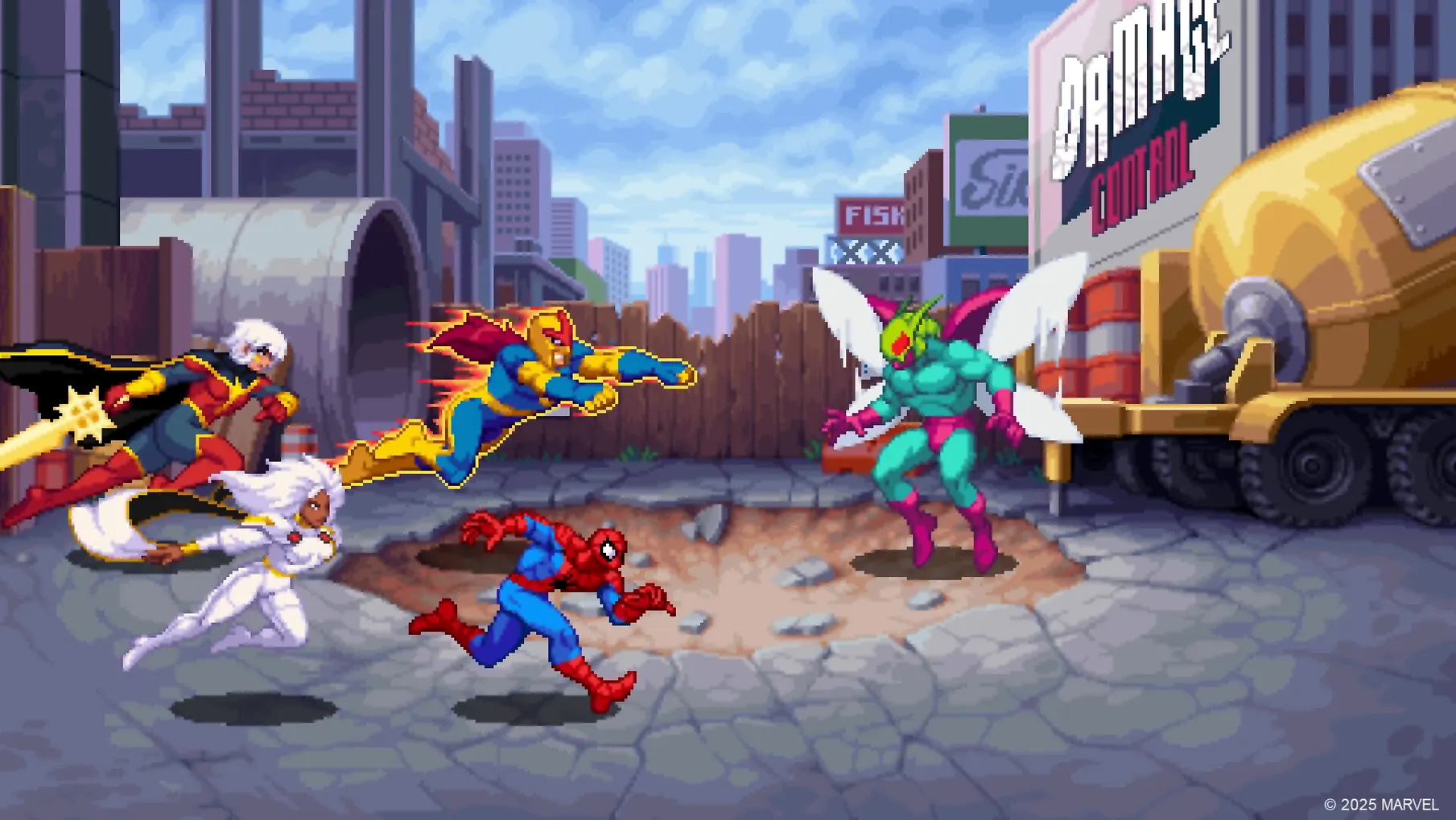
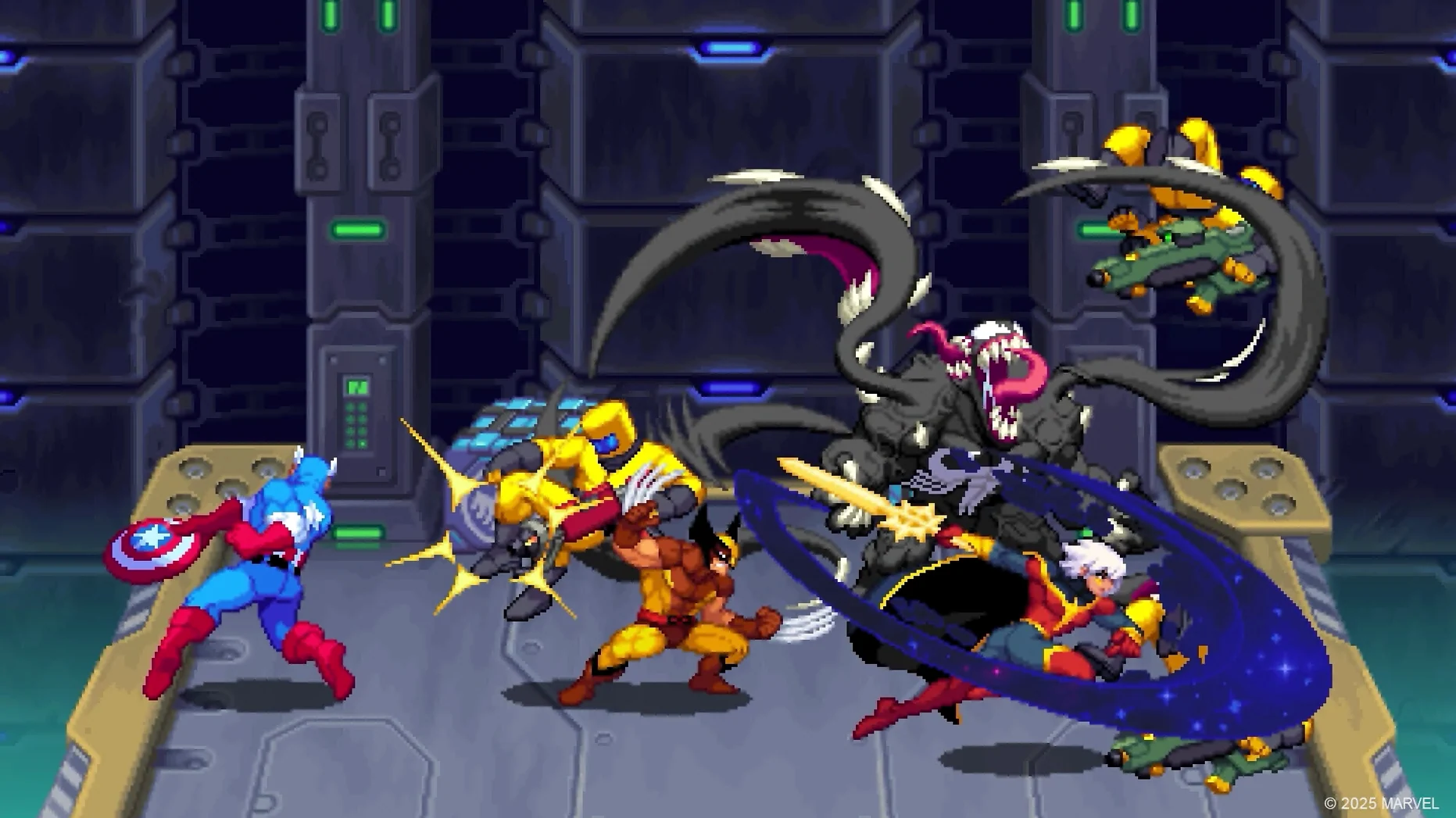
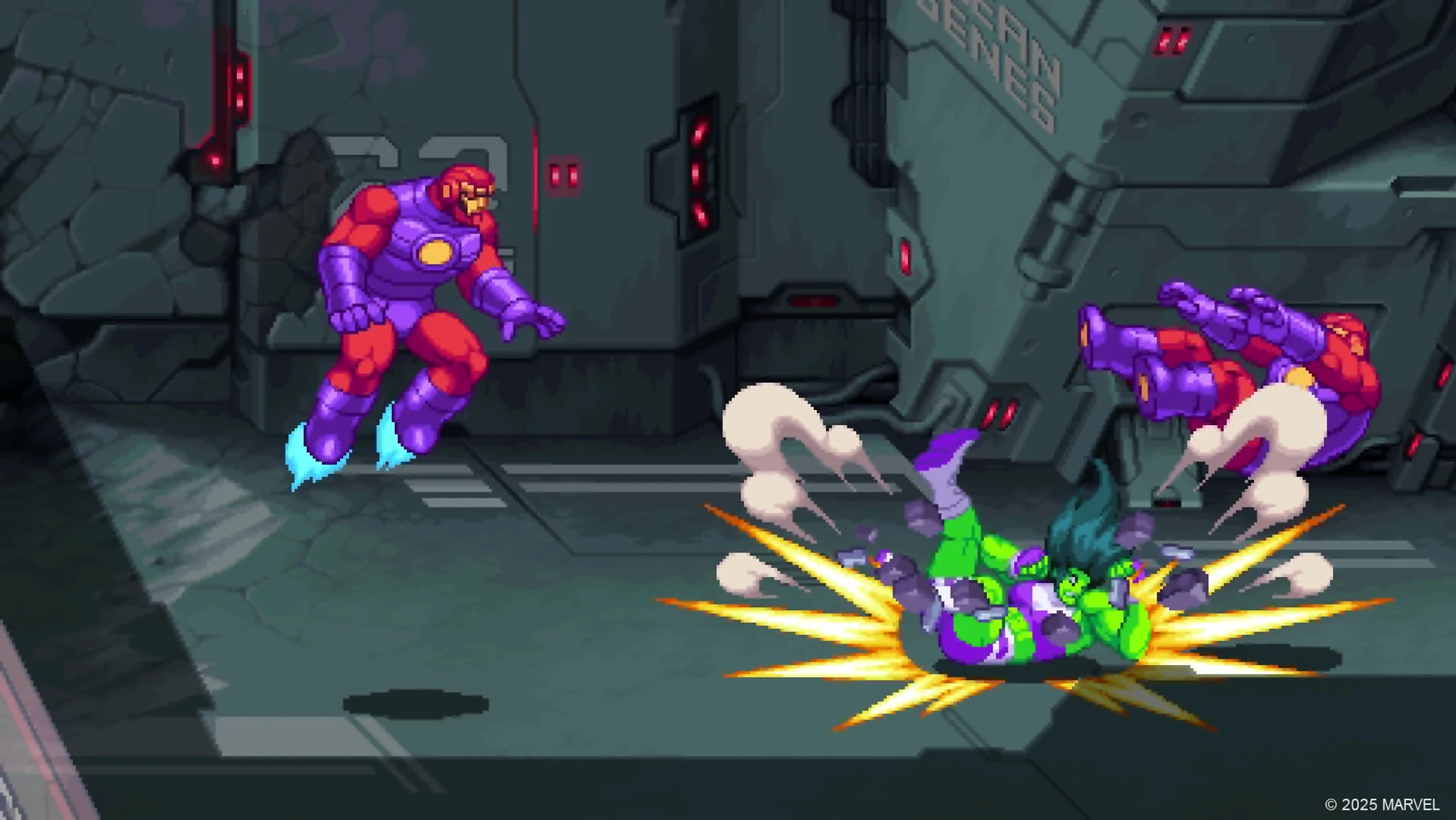
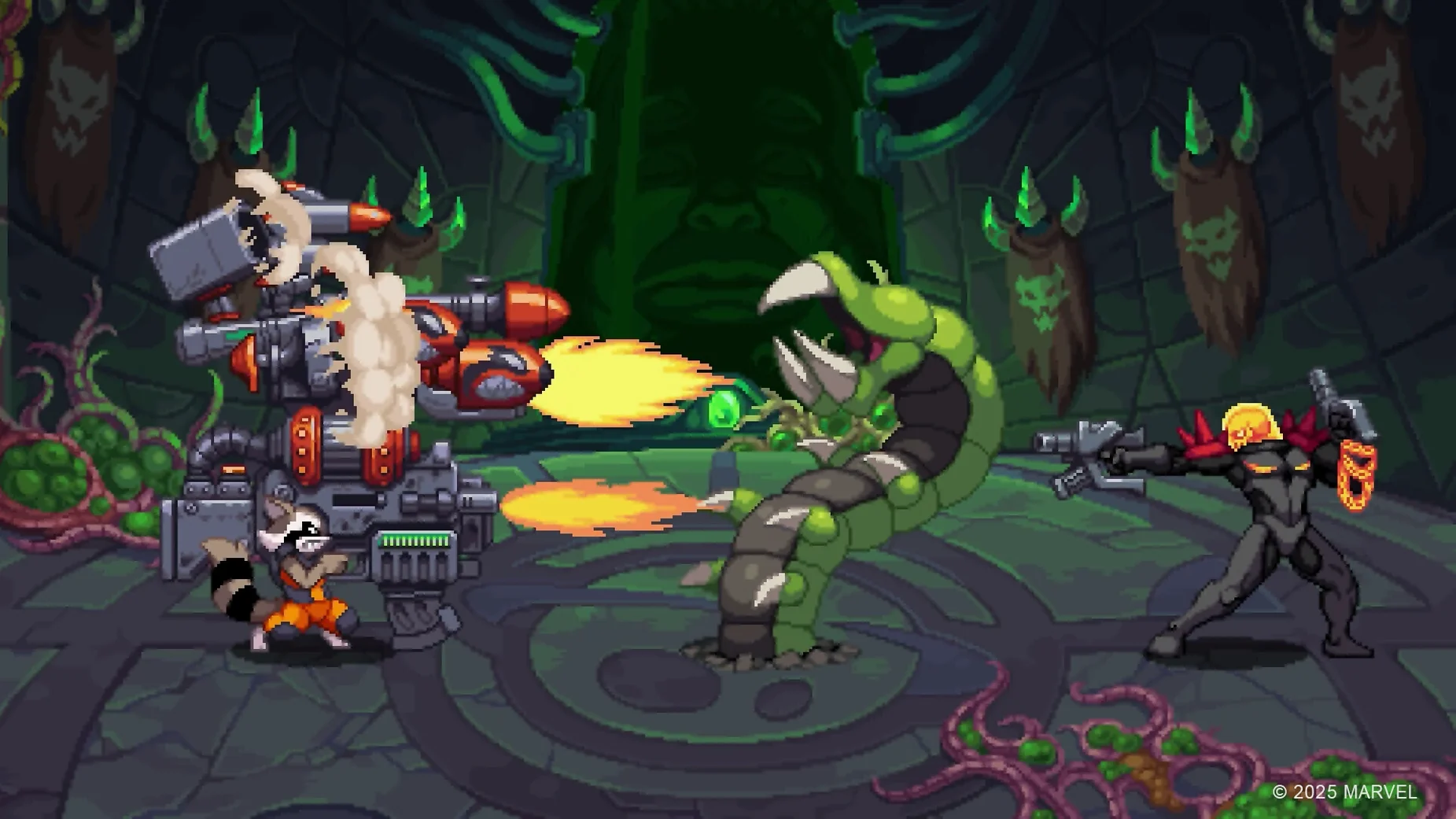
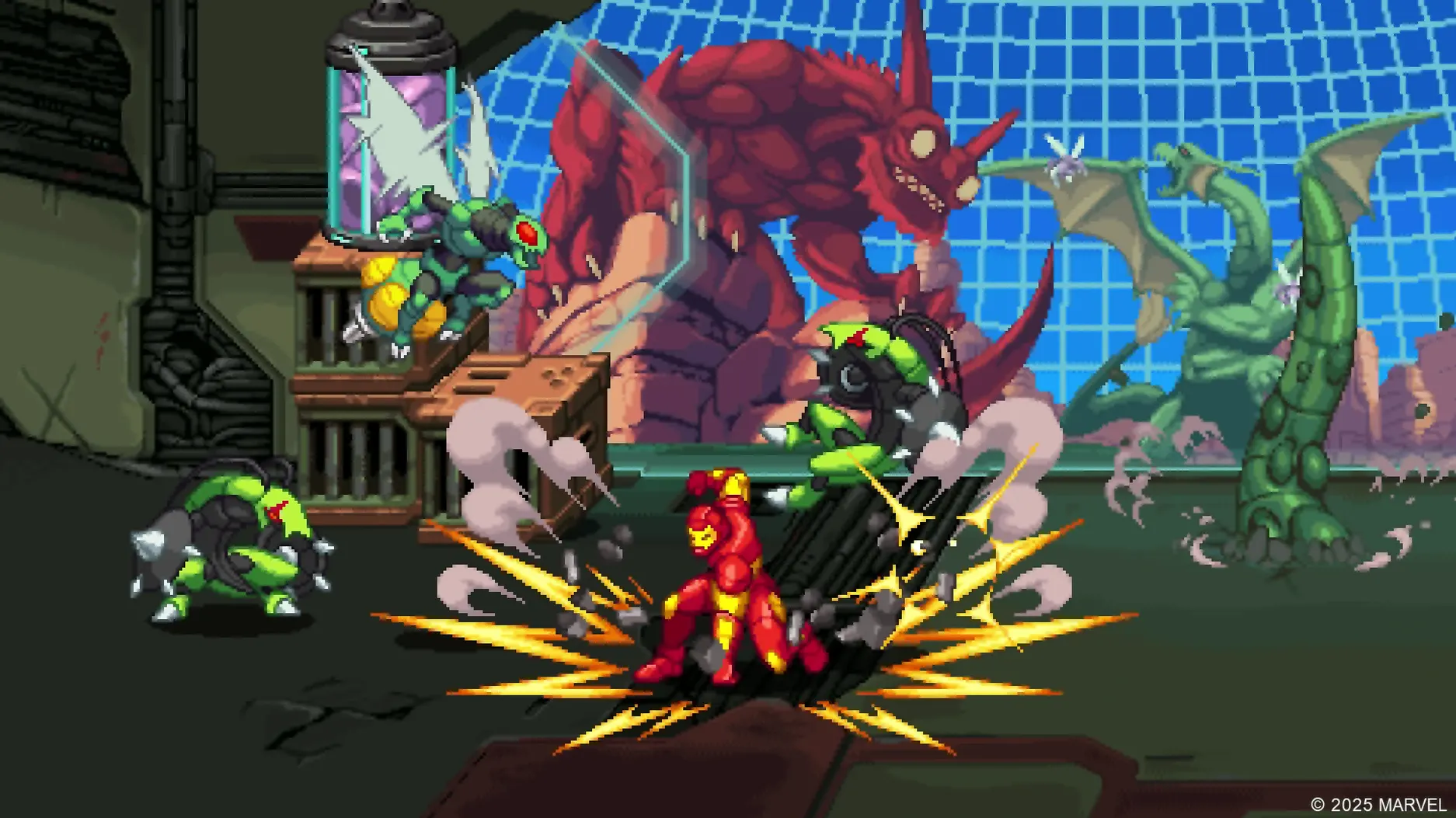
You pick two heroes from the roster — Spider-Man, Wolverine, She-Hulk, Captain America, Phoenix, Black Panther, Storm, or Iron Man — and switch between them instantly during a fight. The Wineskin layer adds a slight input latency compared to native ports, but it’s not enough to break the rhythm of a beat ’em up.
Does it support online co-op on Mac?
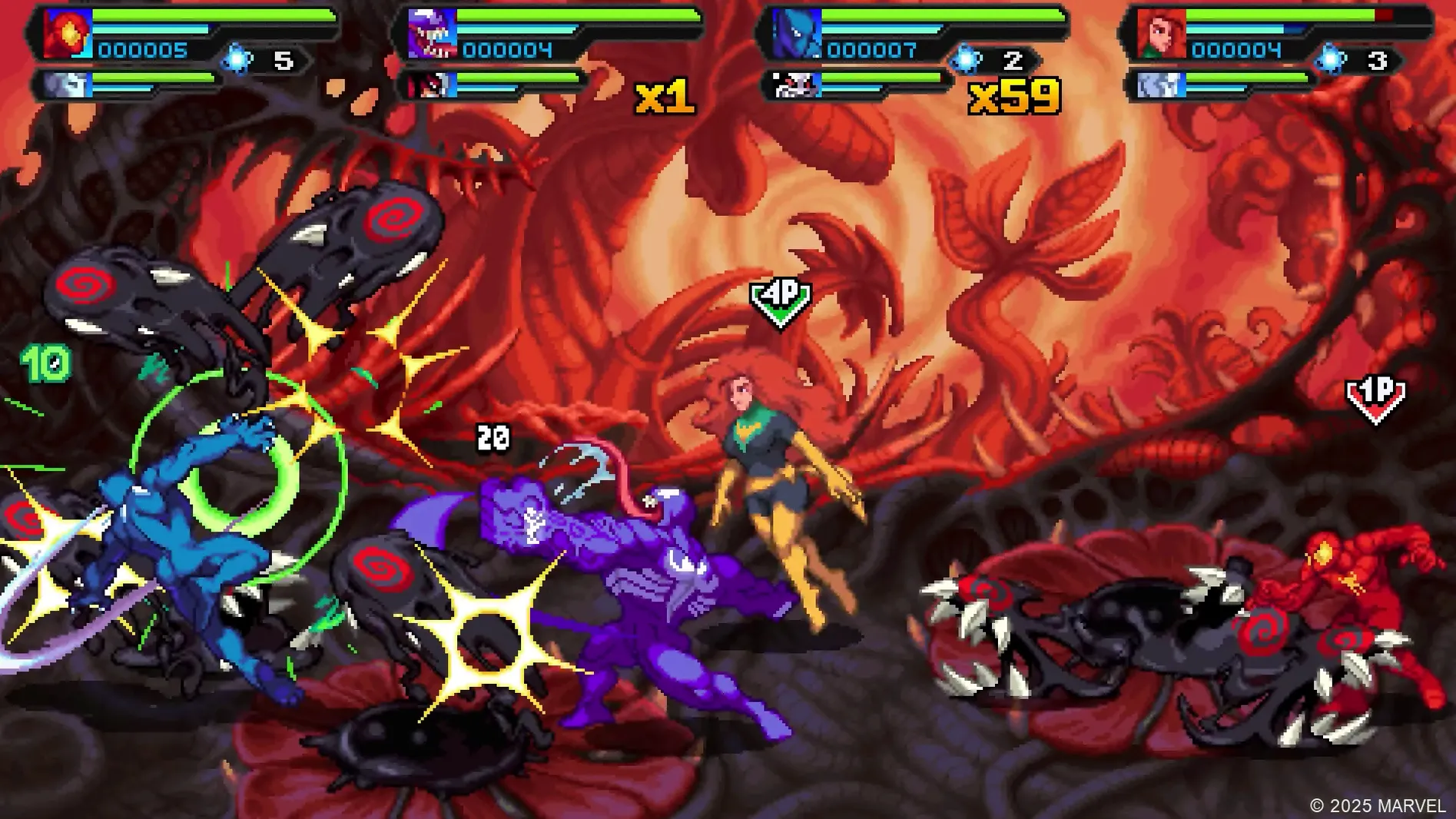
Yes. Local and online co-op are both present, with drop-in and drop-out for either mode. In my test, online play required a stable connection; the Wineskin wrapper did not affect matchmaking.
Two display settings to fix before starting
Before diving into the campaign, open the game’s configuration panel (accessible from the launcher or the disk image’s utility folder). Two settings made a noticeable difference during testing:
- Display mode – the default windowed resolution can feel cramped on a 1080p screen. Switch to fullscreen at your display’s native resolution. The pixel art scales cleanly, and the Wineskin wrapper handles the transition without tearing.
- Controller mapping – if you are using a PlayStation or Xbox pad, the button prompts may default to keyboard icons. Remap in the controls menu so the on-screen cues match your hardware. This is especially helpful during tag-team swaps, where split-second timing matters.
The audio mix is set to a neutral level by default. If you find the punch effects too loud against the soundtrack, lower the SFX slider by about a third — the dynamic range is wider than most beat ’em ups, and the balance improves clarity during crowded fights.
First Wineskin release eliminates need for CrossOver or Parallels
This build is the first Wineskin release for macOS. Compared to earlier Windows-native versions, the differences are minimal but worth noting:
- The wrapper eliminates the need for a separate compatibility layer like CrossOver or Parallels. The game runs as a standalone app bundle.
- Input handling was reworked for the Wineskin layer. Keyboard and controller response is now more consistent than in the initial Wine-based builds tested during development.
- Online co-op matchmaking uses the same backend as the Steam version. No additional account setup is required beyond launching the game.
If you downloaded a pre-release Wineskin build, delete it before installing this version — the save files are stored in the same wrapper container, and mixing builds can corrupt progress.
Permissions error fix needed before online co-op
Friday evening, a friend texts about trying the online co-op. I open the disk image, drag the app to Applications, and run the Fix file from the image — the game throws a permissions error on first launch, as the wrapper expects full disk access. After that, it starts cleanly.
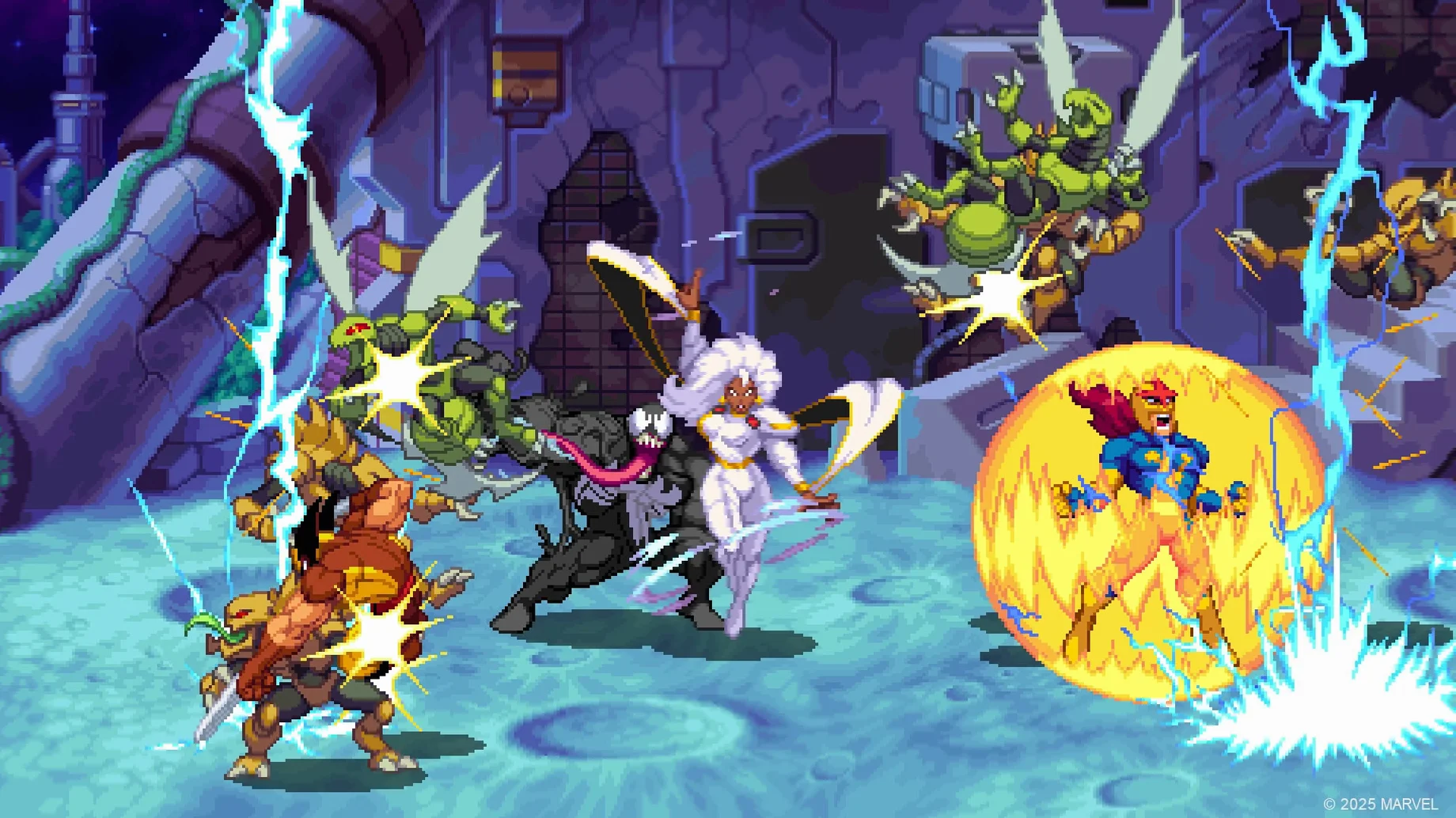
I set up a lobby with two slots, pick Spider-Man and Nova as my pair. My friend joins from a different city, selects Wolverine and Venom. The connection handshake takes about ten seconds. We drop into the first stage — a burning space station — and the pixel art is sharp at 2560×1440. The tag-team switch is mapped to the right bumper; I swap from Spider-Man to Nova mid-combo, and the animation flows without a hitch.
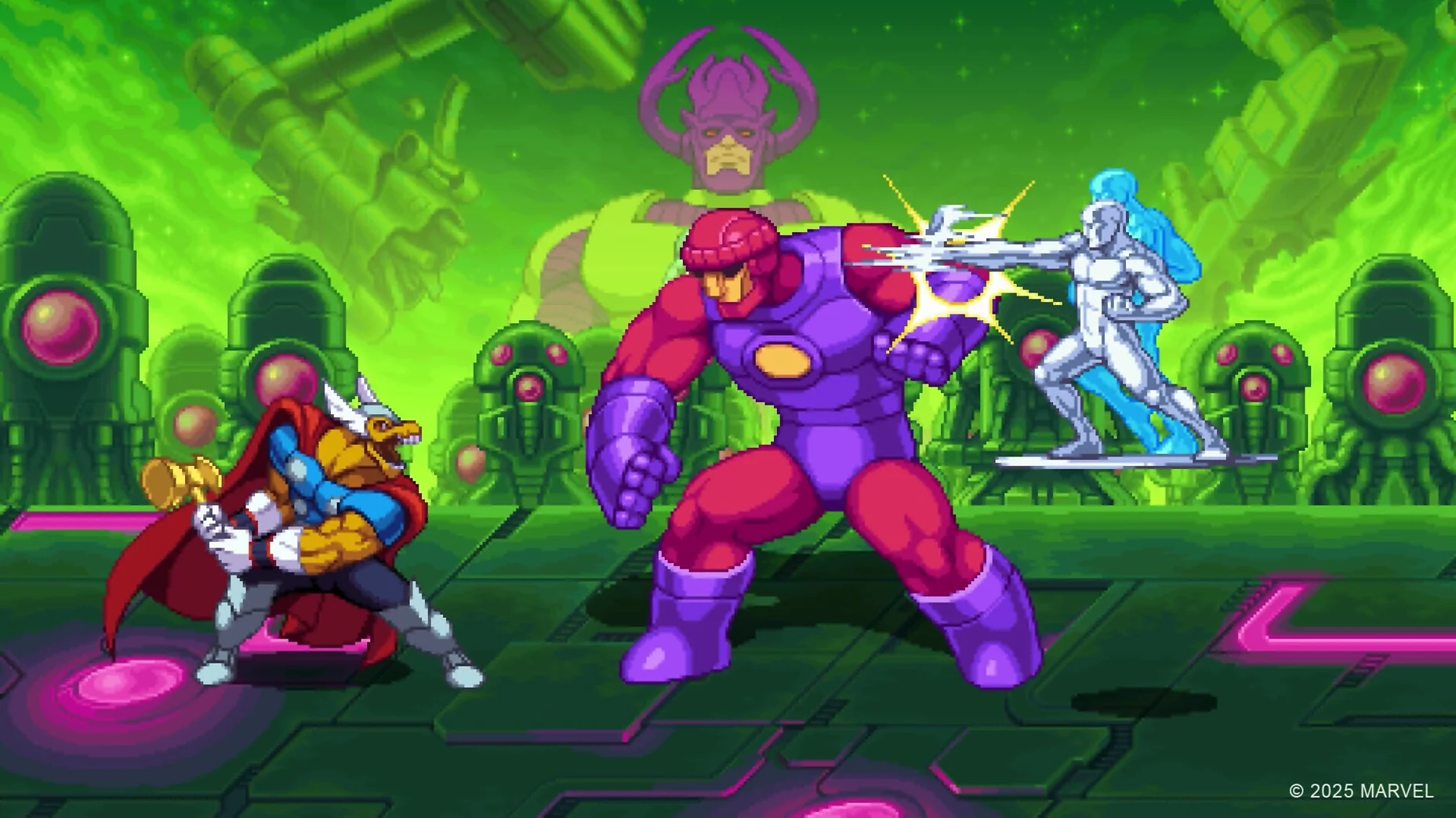
Halfway through the level, my friend’s internet dips. The game pauses briefly, then resumes without desyncing the enemies. We finish the stage, and I swap my heroes to Storm and Silver Surfer for the boss fight. The drop-in system works as advertised: no lobby reload, just a character select screen between levels.
After two hours, we quit. The session left no crashes, no corrupted saves, and the wrapper did not require a restart. Marvel Cosmic Invasion for mac free download delivers classic beat ’em up brawling across the galaxy.
Changes in this build
- Wineskin build for Apple Silicon Macs.
Before it goes on the Mac
- macOS ? (tested on macOS Tahoe)
- Apple Silicon (Intel not supported)
- Tested on Mac mini 2024 M4
Questions from the room
Can I use a controller with Marvel Cosmic Invasion on Mac?
Yes. The Wineskin build passes through USB and Bluetooth controllers. I used an Xbox Series pad without issues.
Installing it on the Mac
- Open the downloaded disk image and drag the app into the Applications folder shortcut.
- After copying finishes, launch the app from Launchpad.
- If the game shows an error at startup, run the Fix file from the disk image.
Notes from the control room
Sign in or open a catalogue account to leave a note.
No notes from the room yet. If you have used this build for a week, a short note helps the next person.