Home › Video › Elmedia Player Pro

Elmedia Player Pro 8.24 (Mac)
Updated
The catalogue note
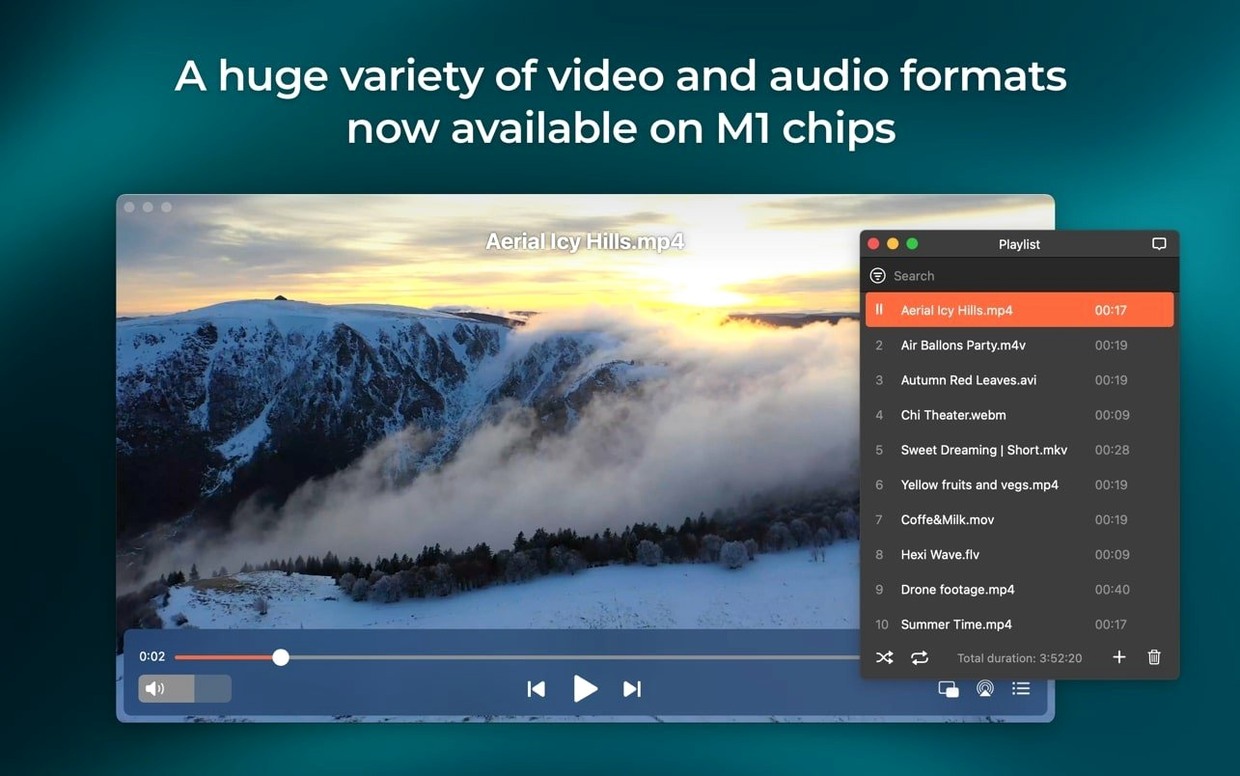
Elmedia Player Pro supports over a dozen video and audio formats out of the box, including FLV, SWF, WMV, AVI, MOV, MP4, MKV, MP3, FLAC, and DAT. It handles hardware-accelerated decoding for smooth HD playback, and can pass through AC-3 and DTS audio from DVD sources over S/PDIF or HDMI when the audio chain allows it. For anyone who keeps a mixed library of old and new files, that breadth of format support is the main draw.
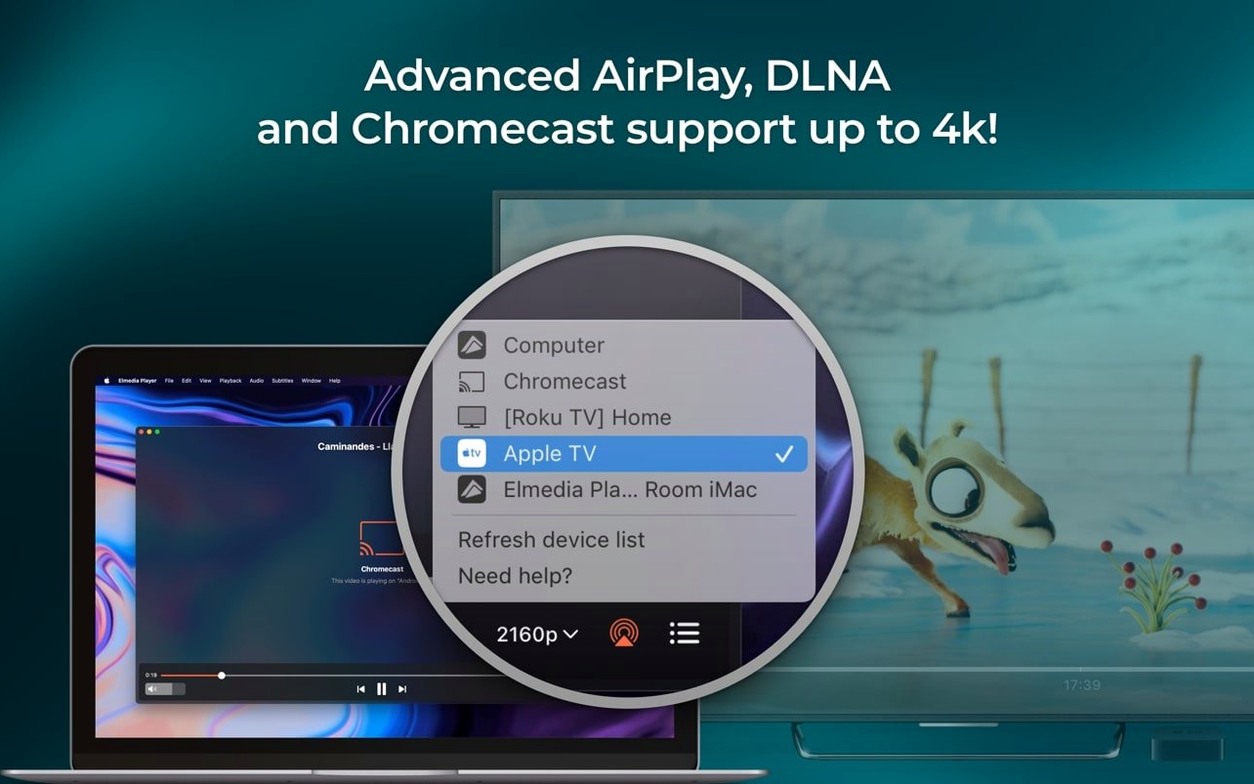
The player can also stream to AirPlay devices or to other Macs running Elmedia, and it can download online video and audio — including RTMP streams — from within the app. A built-in browser lets you play web video without leaving the player, and you can take screenshots during playback. Version 8.24 adds support for M4B audiobook files and improves compatibility with macOS 26; it also fixes streaming to certain devices and an error when opening the device list for streaming.
This is a media player for the Mac user who wants a single app that opens almost any file, can grab streams from the web, and can send audio or video to other screens without extra software. It is not a fussy audiophile tool or a lightweight QuickTime replacement — it sits somewhere in between, covering the practical needs of a mixed-media workflow. The interface is in English, German, Spanish, Italian, Chinese (Simplified), Korean, Dutch, Polish, French, Czech, Swedish, and Japanese. It runs on macOS 10.12 and later on both Intel and Apple Silicon.
Screenshot tool captures frames as TIFF, PNG, or GIF
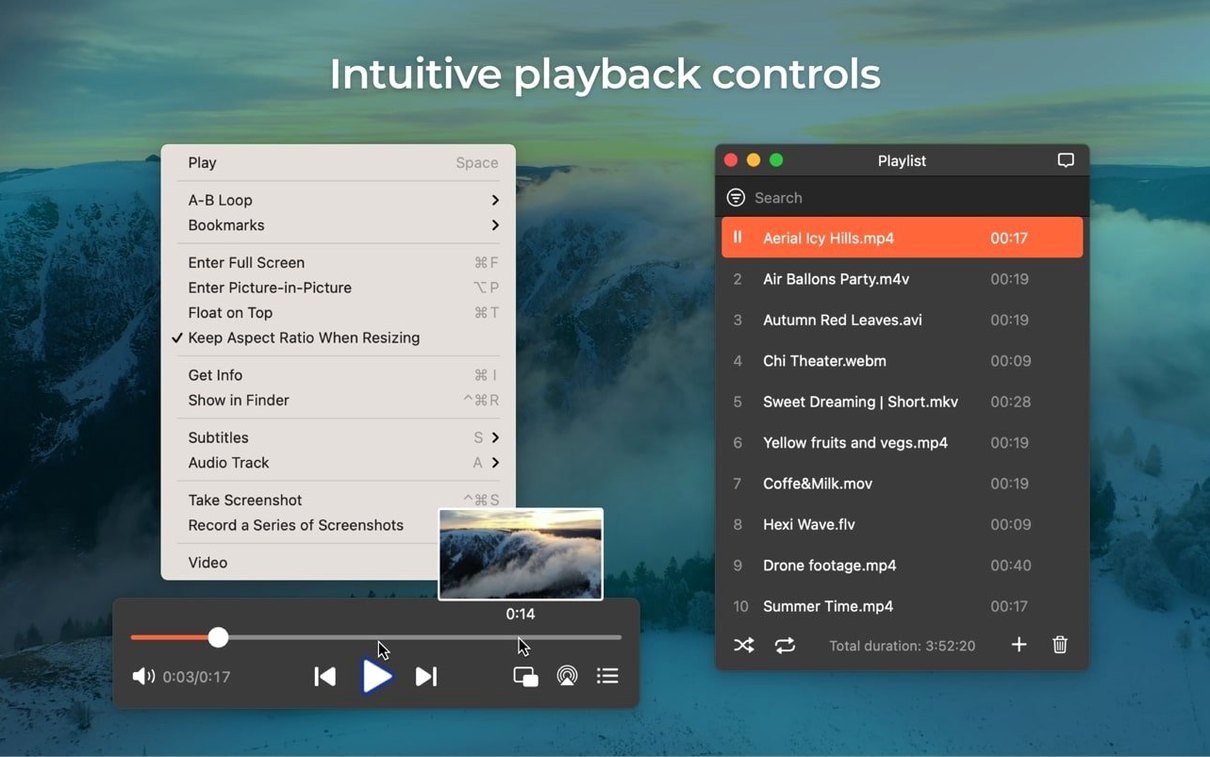
A few features in Elmedia Player Pro don't announce themselves loudly but save time once you know them. The screenshot tool, for instance, lets you capture a frame as TIFF, PNG, or GIF — useful if you need a still from a video for reference or a quick share. You choose the format before you snap, so there is no conversion step afterward.
The built-in browser is another detail that blends into the player. It is not a full replacement for Safari or Chrome, but it handles the task of locating and playing online video without switching apps. You paste a link, the page loads inside the player window, and playback happens in the same space. For RTMP streams specifically, the download function works from within that browser view, so you do not need a separate tool to grab streaming content.
Audio routing also has more flexibility than you might expect. The player can output to headphones, speakers, or another device, and you can set it to use two, four, or eight audio channels. That matters if you are working with multichannel audio from a DVD or a surround-sound file and want to hear it properly through your setup rather than downmixed to stereo.
Flash EXE files are an odd corner, but Elmedia Player Pro can convert them to SWF format. If you have old Flash-based content that was packaged as a Windows executable, this conversion makes it playable on the Mac without needing a separate Flash environment.
Plays MKV and FLAC without extra codecs
Does it play MKV files without extra codecs? Yes. MKV is one of the supported formats, and the player handles it directly — no need to install Perian, VLC's codec bundle, or any third-party decoder. The same applies to FLAC audio, which some macOS-native players skip.
Can I stream to an Apple TV? If your Apple TV supports AirPlay, yes. The player streams to AirPlay devices, which includes Apple TV, HomePod, and other compatible hardware. It also streams to other Macs that have Elmedia installed, so you can push a video from your laptop to a desktop without transferring the file.
Will it run on an older Mac? The minimum requirement is macOS 10.12, and version 8.24 now requires 10.13 or later. Both Intel and Apple Silicon architectures are supported. If you are on High Sierra or Mojave, the player should work without issue.
The PRO version adds the features most people ask about: downloading online video and audio, streaming to AirPlay and other devices, the built-in browser, and AC-3/DTS passthrough.
Gatekeeper bypass step needed during installation
The installation process uses a Gatekeeper bypass step. You mount the disk image, execute an Open Gatekeeper friendly command, hit Enter inside the Terminal window, and then drag the app to the Applications folder. If the app does not launch after that, check that macOS has not quarantined it — right-click the app in Applications and select Open from the context menu, then confirm the dialog. That usually clears the first-run block.
Streaming to a device sometimes fails. Version 8.24 fixed errors when opening the list of devices for streaming and improved streaming to certain devices. If you still see no devices, make sure both the Mac and the target device are on the same network and that AirPlay is enabled on the receiving end. Restarting the player or the target device often resolves temporary discovery issues.
Audio passthrough for AC-3 or DTS may not work if your audio path does not support S/PDIF or HDMI. Check that your Mac's output is set to a compatible interface — USB audio interfaces that do not pass multichannel encoded audio will not work. Switch to HDMI output or a S/PDIF optical connection if your hardware supports it.
If the player does not prevent the Mac from sleeping during a stream, version 8.24 improved that behaviour, but you can also set your Mac's Energy Saver preferences to prevent sleep manually while streaming. The player's setting should handle it now, but a backup in system preferences never hurts.
Sits alongside QuickTime and VLC as a third playback option
Elmedia Player Pro sits alongside QuickTime Player and VLC as a third option for media playback. It does not replace either entirely — QuickTime remains the native choice for screen recording and basic editing, and VLC has a larger community codec library. What Elmedia adds is the browser-based stream downloading and the AirPlay streaming without extra plugins, which QuickTime does not offer and VLC handles less directly.
On macOS 26, version 8.24 improved compatibility, so it should behave well with that version's changes to graphics and audio subsystems. The player respects the system's audio output selection, so you can use Aggregate Devices or Multi-Output devices created in Audio MIDI Setup — useful if you route audio to multiple destinations.
If you use the Mac's built-in screenshot tool (Shift-Command-4 or Shift-Command-5), note that Elmedia Player's in-app screenshot function captures the video frame itself, not the player window overlay. That means you get a clean frame without the player's controls or background. Save it as TIFF, PNG, or GIF depending on your need for quality versus file size.
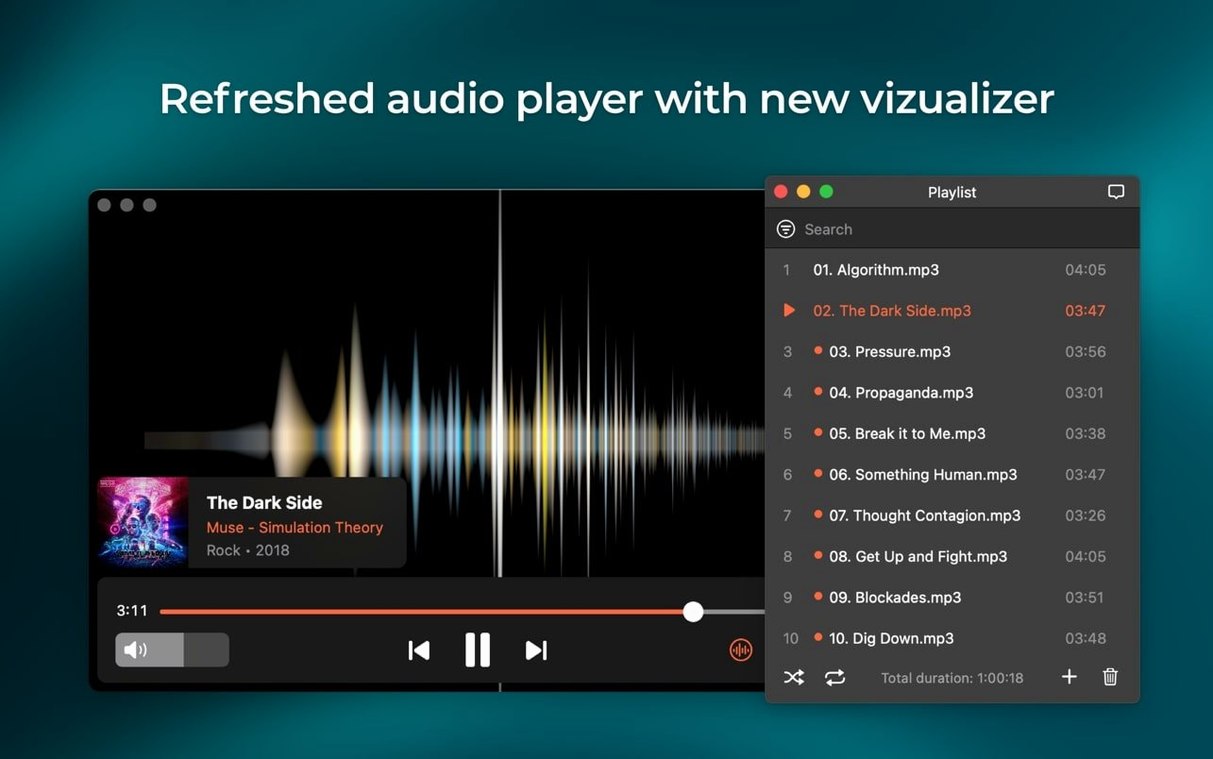
For anyone who keeps a library of M4B audiobook files, the new support in version 8.24 means you can play them in the same player that handles your video files. No need to switch to iTunes or a dedicated audiobook app for that format.
Elmedia Player Pro unlocks hardware-accelerated playback and format support for power users who previously sought elmedia player mac crack. Similarly, elmedia torrent and elmedia player torrent refer to unauthorised downloads. The player itself is straightforward to install and use without those routes.
Changes in this build
- Added support for M4B audiobook files
- Improved compatibility with macOS 26
- Improved preventing the Mac from sleeping while streaming
- Fixed streaming to certain devices
- Fixed errors when opening the list of devices for streaming
Before it goes on the Mac
- macOS 10.12 or later
- Intel or Apple Silicon
Questions from the room
Does Elmedia Player Pro support AirPlay?
Yes, it can stream video and audio from a Mac to AirPlay devices or to other Macs with Elmedia installed.
What video formats does it play?
It handles FLV, SWF, WMV, AVI, MOV, MP4, MKV, MPG, and many others, plus audio formats like MP3, FLAC, and M4A.
Can it download online videos?
Yes, it can download online video and audio tracks, including RTMP streams, directly from within the player.
Installing it on the Mac
- Mount the disk image and run Open Gatekeeper friendly.
- Press Enter in the Terminal window to bypass Gatekeeper.
- Drag the app into the Applications folder.
- Use the app after installation.
Notes from the control room
Sign in or open a catalogue account to leave a note.
No notes from the room yet. If you have used this build for a week, a short note helps the next person.