
Home › Logic Pro Plugins › Bogren Digital Ampknob BDE 120

Bogren Digital Ampknob BDE 120 1.0.246 (Mac)
Updated
The catalogue note
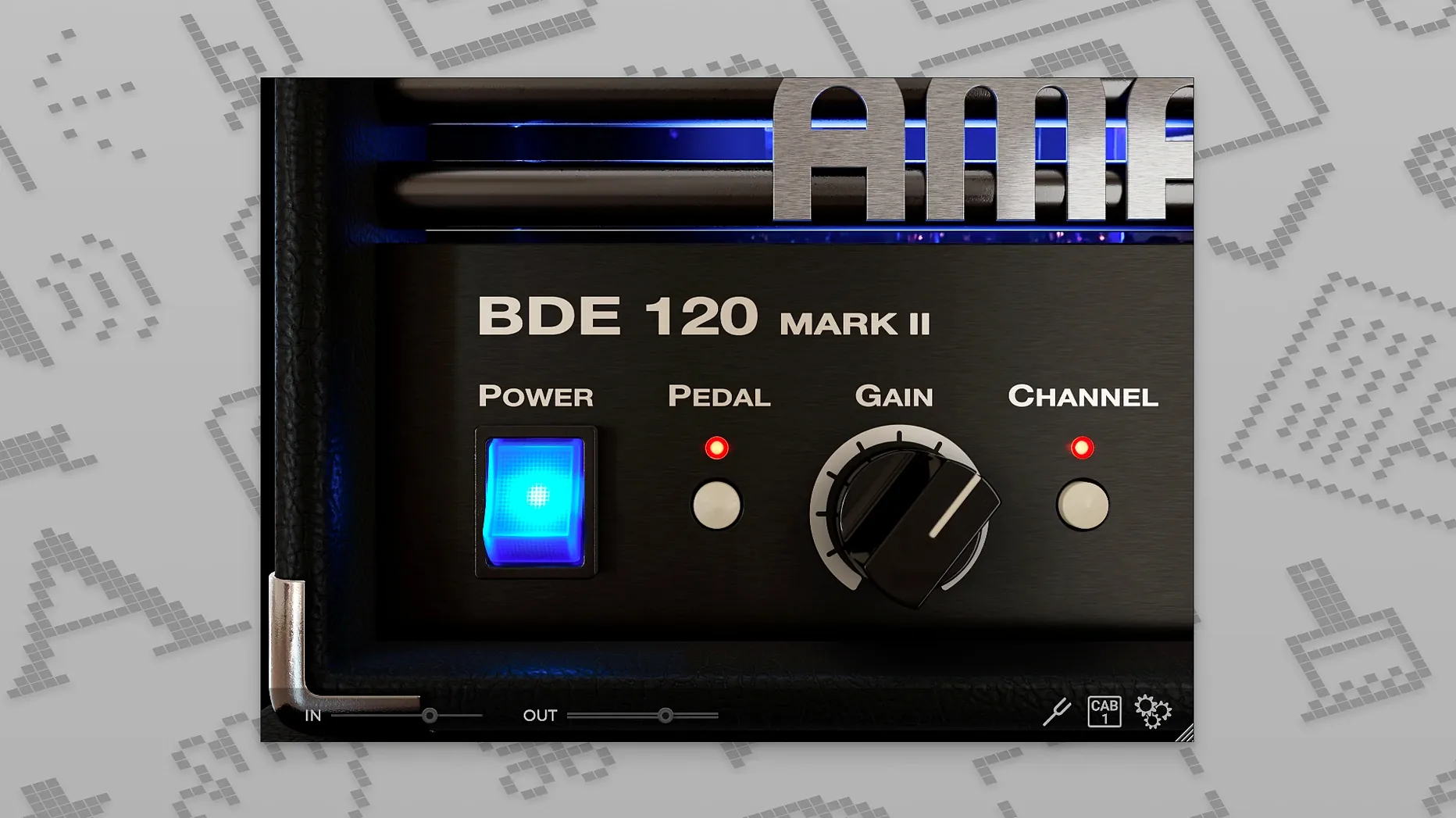
You dial in a rhythm part and it needs to cut through the mix without turning into mush. The Bogren Digital Ampknob BDE 120 is built for that moment.
Delivers sharp, mid-forward high-gain tones for modern metal
This is a high-gain plugin from the Ampknob line, designed for maximum precision and aggression. Its sound is sharp and mid-forward, suiting modern metal tones, tight rhythm work, and clean chugs. The number of controls stays minimal — you spend less time tweaking and more time tracking.
Requires macOS 10.13, AVX2 CPU, and a clean reinstall
- Check that your Mac runs macOS 10.13 or later and that the CPU supports AVX2 instructions.
- Remove any previous version of the plugin completely. The current version (1.0.246) requires a clean reinstall.
- Run the installer from the package. Activation and setup instructions are included.
The plugin runs natively on both Intel and Apple Silicon Macs. It appears as VST3, AU, AAX, or as a standalone application, so it fits most DAWs without extra bridging.
Saves a metal EP mix by tightening loose rhythm guitars
A mix engineer in a home studio is working on a five-song metal EP. The rhythm guitars were tracked with a different amp sim, but the low end sounds loose and the palm mutes lack bite. Rather than re-amp the whole session, they insert the BDE 120 on the guitar bus and dial in a single setting. The tight low end and mid-forward character lock the chugs into place without extra EQ work. The lead track, which needed a more present upper-midrange to stand out against the kick and snare, gets a separate instance with a slightly different gain position. The whole process takes under ten minutes. For this user, the value is not in endless tweaking — it is in getting a usable metal tone fast, with minimal CPU overhead from a single plugin instance.
Best for home-recording guitarists and producers needing consistent aggression
Guitarists who record at home and mix their own material benefit most from the Ampknob format. If you are a producer who works with multiple guitarists and needs a consistent, aggressive sound across sessions, the BDE 120 saves time that would otherwise go into re-building tones. Mix engineers who receive DI tracks from remote clients can insert it on the guitar bus and get a mix-ready sound without additional processing. The plugin is equally useful for players who want a standalone practice tool — the standalone version runs outside a DAW, so you can play along to backing tracks or a metronome without launching Logic or Reaper.
Works on most Macs from 2015 onward with AVX2 support
Does it work with older Macs? The requirement is macOS 10.13 or newer and a CPU with AVX2 support. Most Macs from 2015 onward meet this, though it is worth verifying your specific model's CPU before downloading. The plugin runs natively on both Intel and Apple Silicon, so no Rosetta translation is needed on M-series machines.
Will it replace my existing amp sims? It is a specialised tool for high-gain, aggressive tones. If you already have a general-purpose amp sim that covers clean, crunch and lead sounds, the BDE 120 adds a focused metal voice that sits differently in a mix. Many users keep it alongside their other plugins for the specific rhythm and lead work described above.
Is it difficult to set up? The installation is straightforward — remove any prior version, run the installer, and follow the included instructions. The plugin shows up in your DAW's list as VST3, AU or AAX. Because the controls are minimal, you can get a usable sound within a few seconds of loading it.
Changes in this build
- Version 1.0.246: clean reinstall is recommended before installing the new version.
Before it goes on the Mac
- macOS 10.13 or later
- Intel or Apple Silicon
- CPU with AVX2 support
- English interface
Questions from the room
Does it run on Apple Silicon Macs?
Yes, the plugin runs natively on both Intel and Apple Silicon Macs.
Installing it on the Mac
- Remove the previous version completely before installing the new one.
- Perform a clean installation using the installer provided.
- Follow the installation and activation instructions included in the package.
Notes from the control room
Sign in or open a catalogue account to leave a note.
No notes from the room yet. If you have used this build for a week, a short note helps the next person.
Also filed under Logic Pro Plugins
The whole Logic Pro Plugins rack Bogren Digital Ampknob BDH 66o6 Plus1.2.118 Logic Pro Plugins 253 MB
 Bogren Digital Ampknob BH41.0.138 Logic Pro Plugins 280 MB
 Bulldog Samples Bulldog Tuned1.1.2 Logic Pro Plugins 29 MB
 Cableguys Snapback1.1 Logic Pro Plugins 37 MB
 BABY Audio Crystalline1.5 Logic Pro Plugins 107 MB
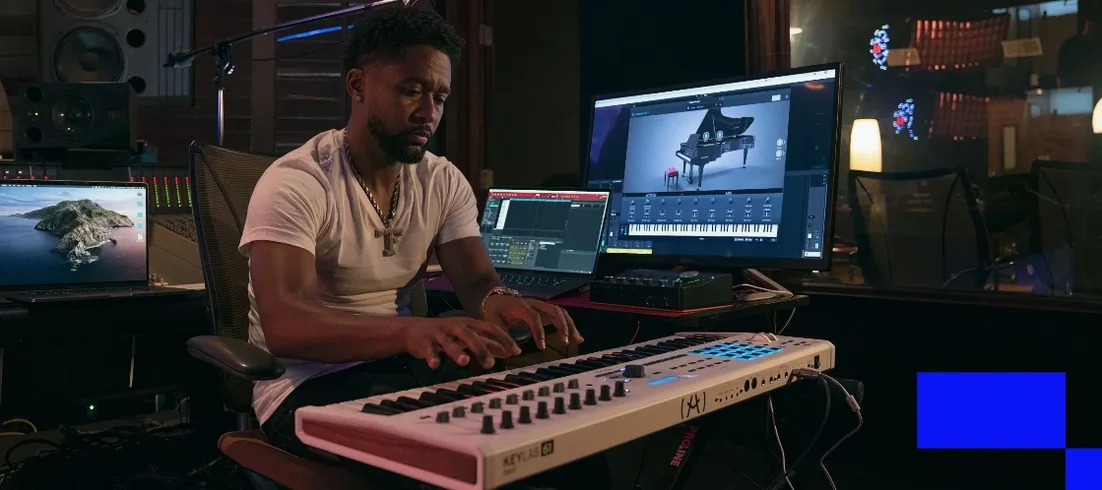 Arturia V Collection 11 Pro2025.20.26 Logic Pro Plugins 53.8 GB
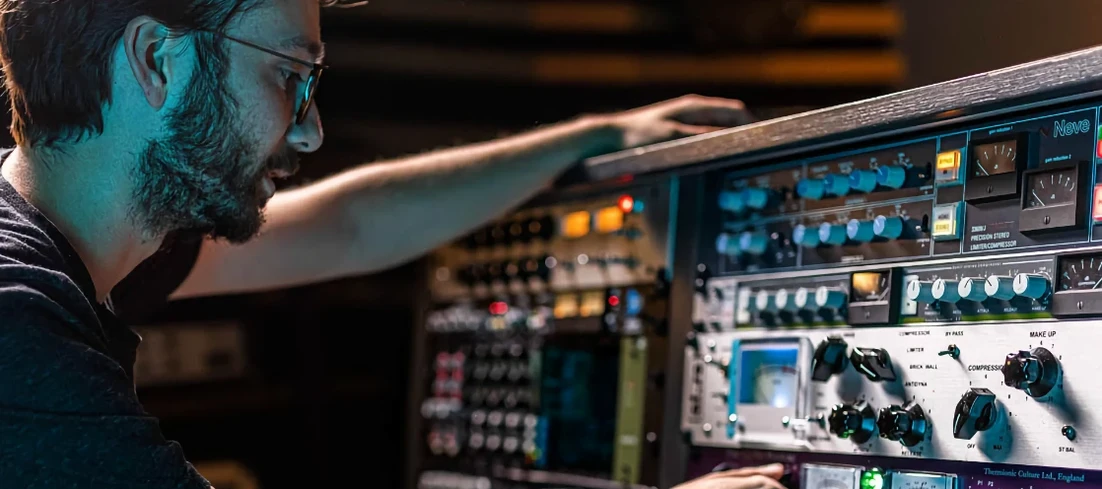 Arturia FX Collection2026.02 Logic Pro Plugins 16.1 GB
 Arturia Efx AMBIENT1.0.0 Logic Pro Plugins 285 MB