
Firmament 2.1.3 (Mac)
Updated
The catalogue note
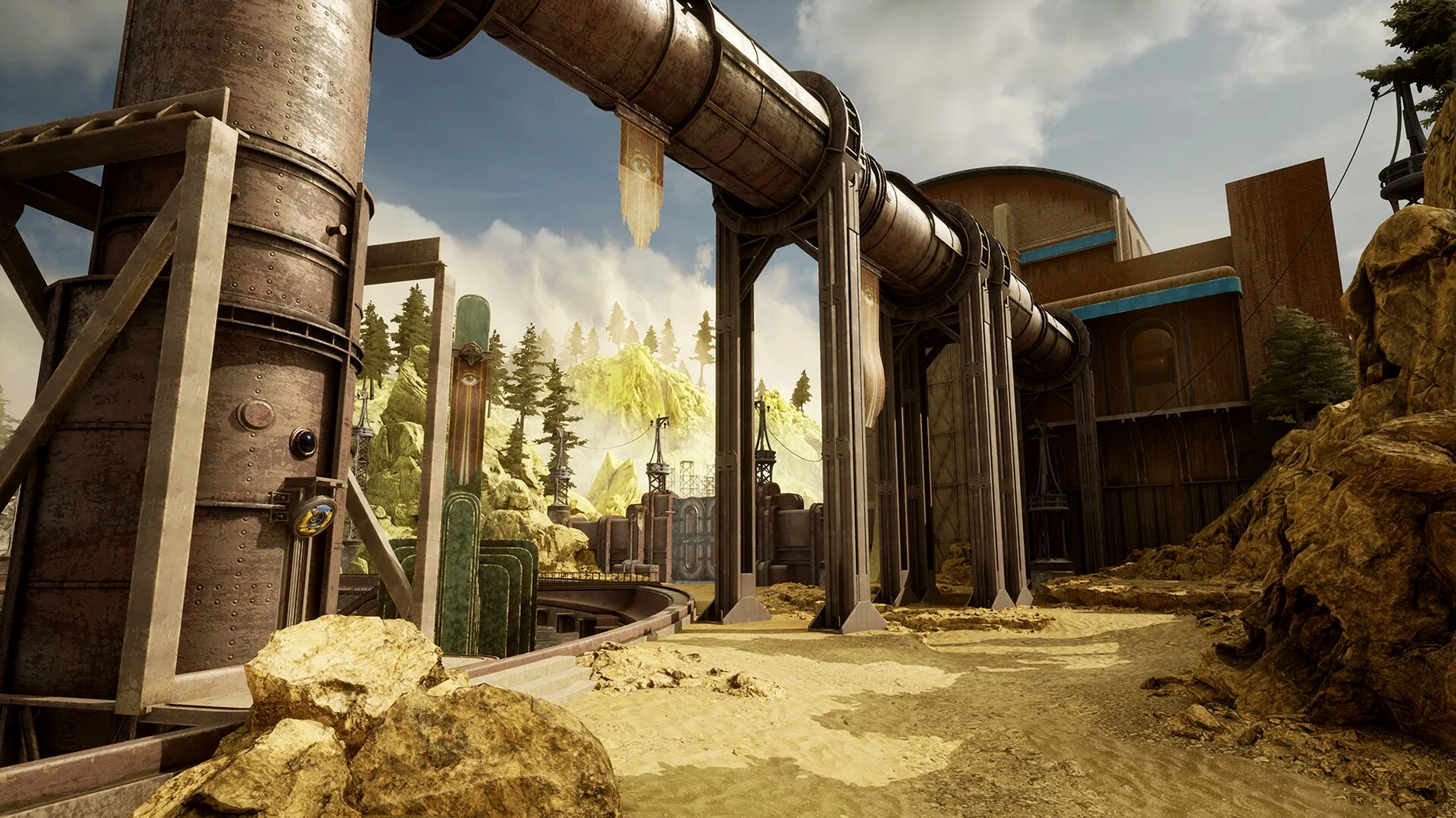
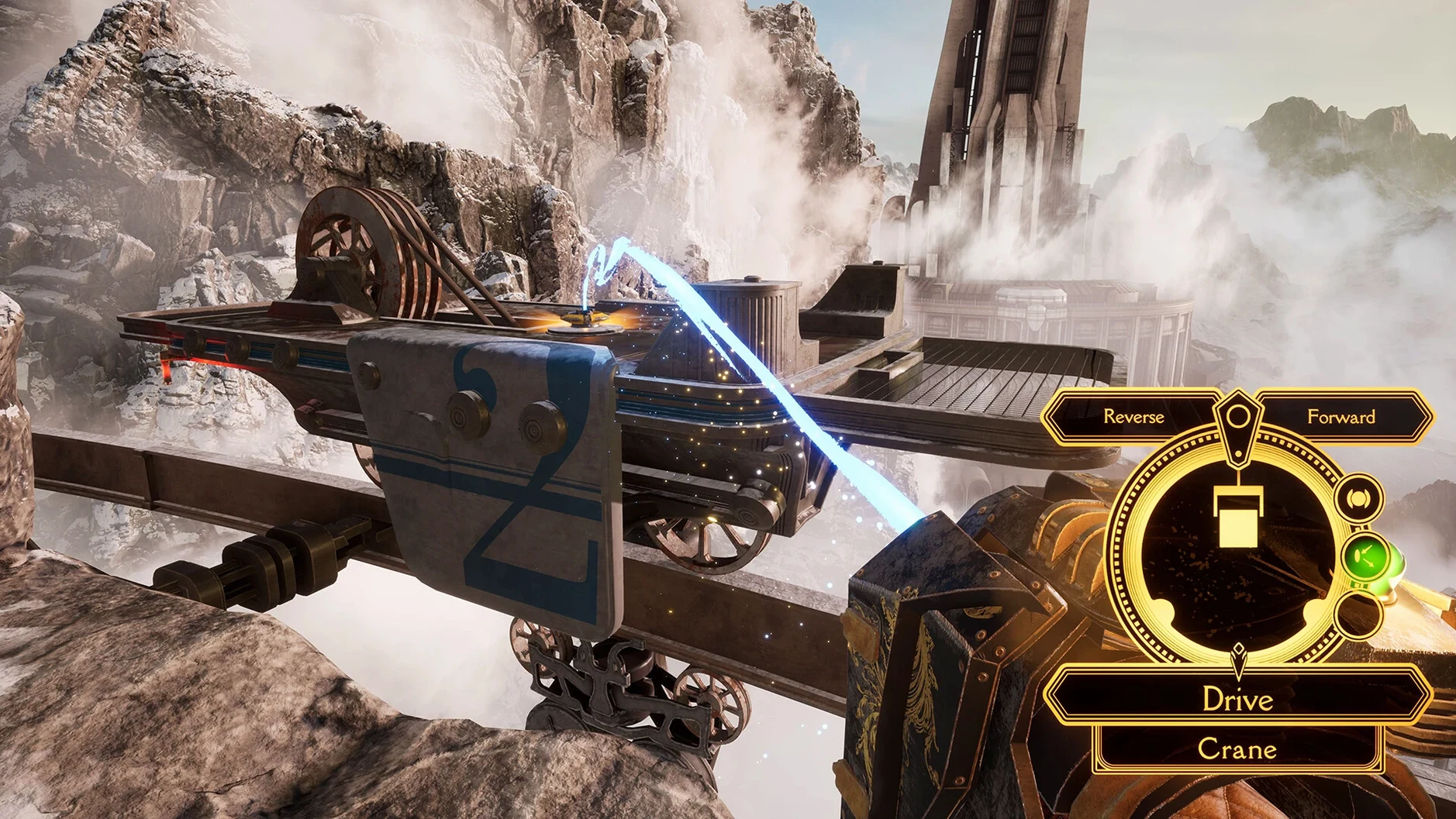
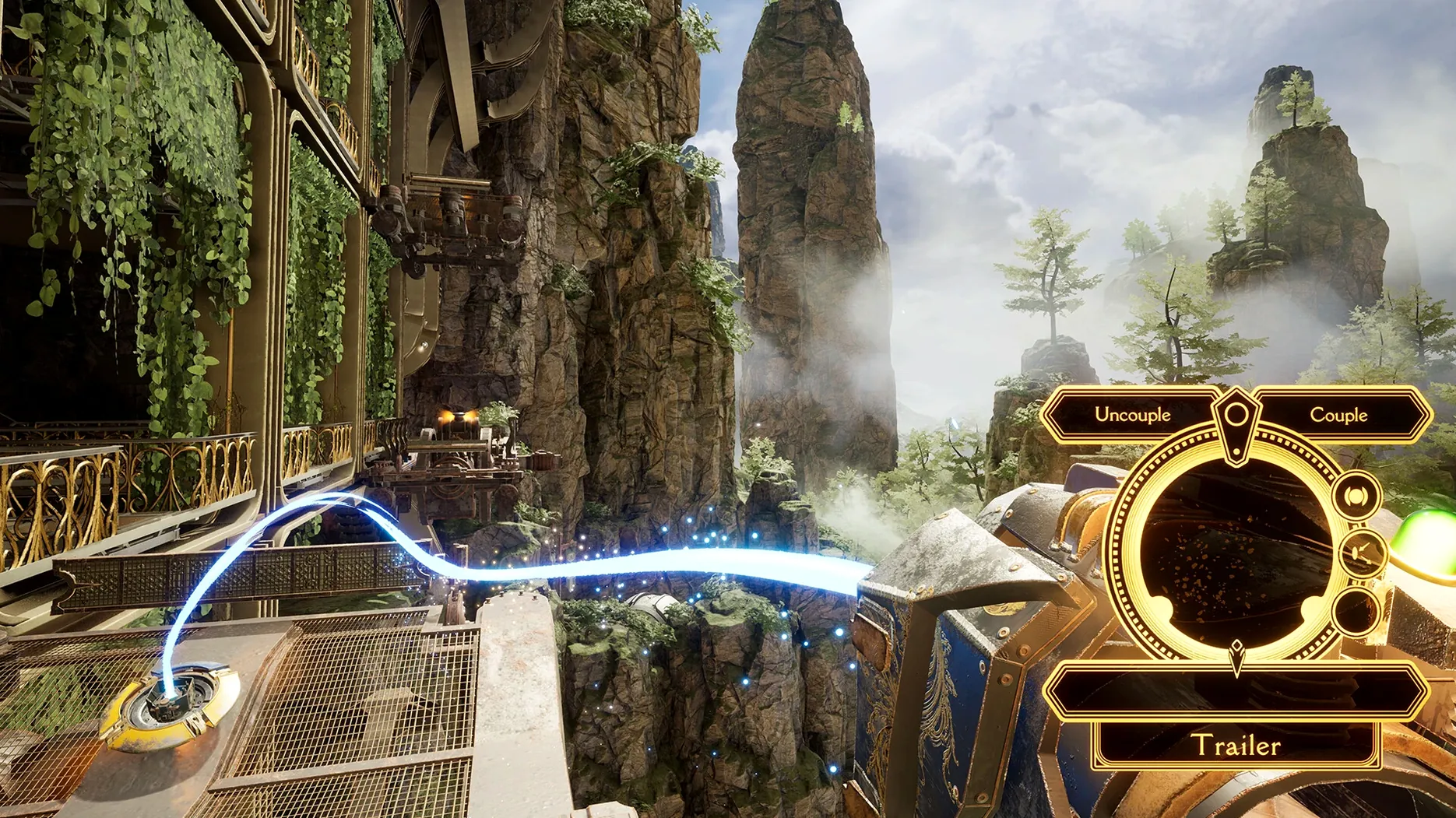
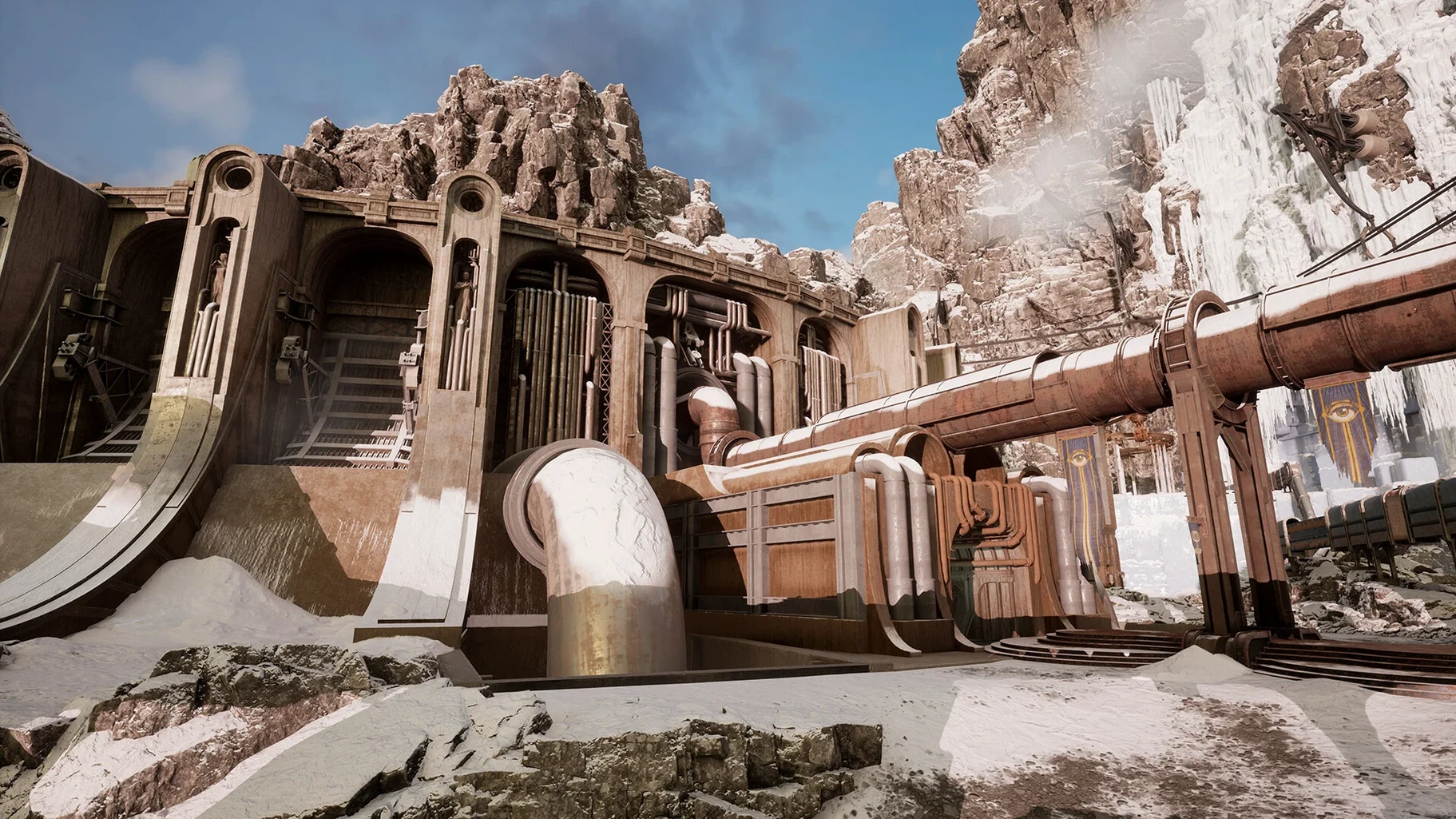
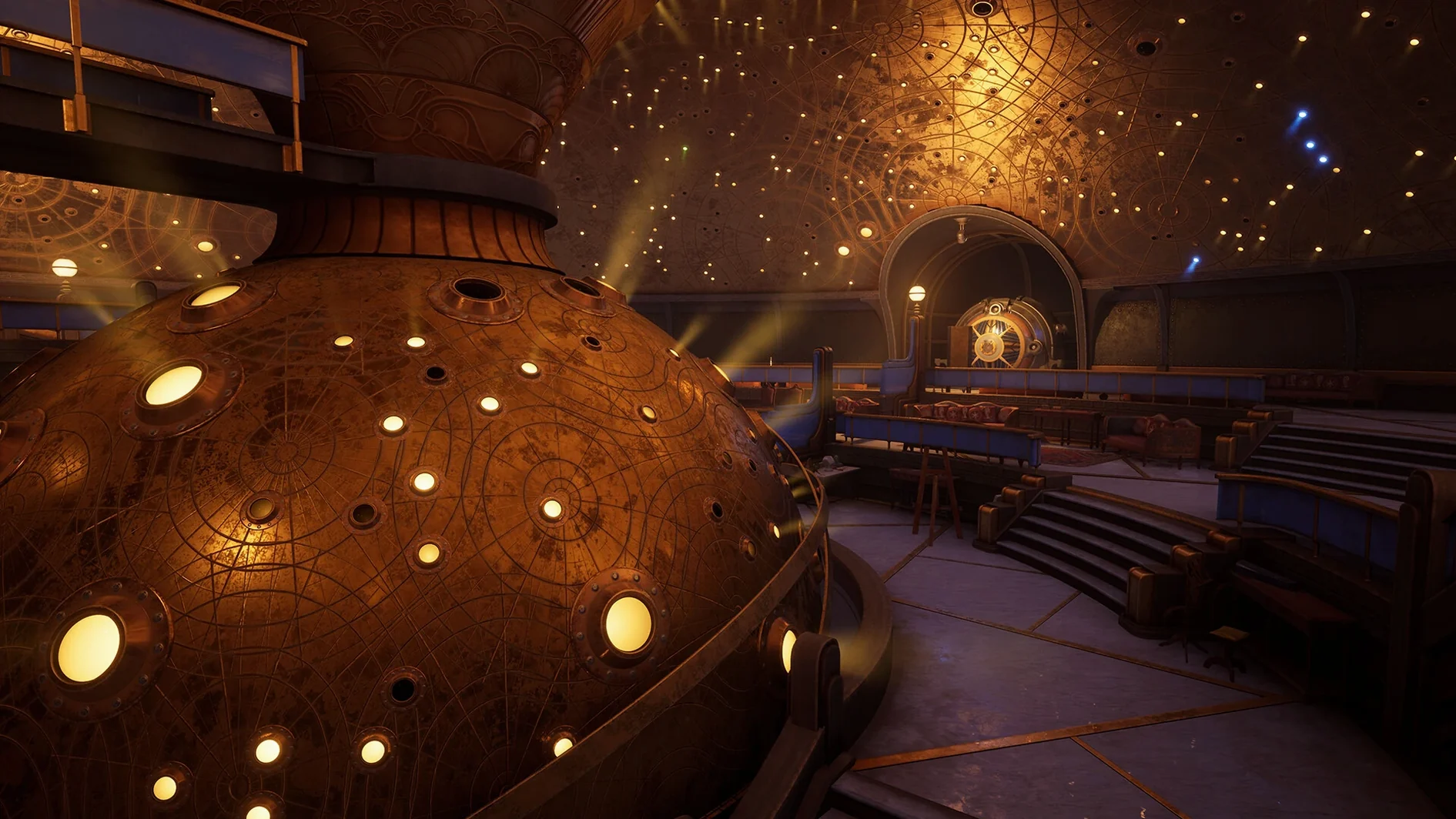
Players who cut their teeth on Myst and Riven will recognise Cyan's hand in Firmament. This first-person puzzle-adventure drops you into three connected worlds with a steampunk look and a ghostly companion called The Mentor. The goal is simple to state and less simple to do: uncover the purpose of these worlds.
Requires macOS 14.5 and runs on both Apple silicon and Intel
- Requires macOS 14.5 or newer; runs on both Apple silicon and Intel Macs.
- English voice acting, with subtitles and interface in eleven languages including Polish, German, Japanese and Simplified Chinese.
- Puzzle mechanics lean on observation and manipulation rather than combat.
Mouse and keyboard controls with modest requirements for a 2023-era release
Movement and interaction follow standard first-person conventions, so a mouse and keyboard are all you need. The worlds are detailed, but the requirement list is modest for a 2023-era release.
After you have installed version 2.1.3 and launched it for the first time, a few minutes spent adjusting a couple of settings can improve the early experience. The defaults are sensible, but the game rewards a small amount of personal tweaking.
Field-of-view slider worth adjusting on larger displays
Head into the graphics options before you start your first world. The display and performance section lets you adjust resolution and quality presets. The field-of-view slider is worth pushing up slightly if you play on a larger display; the default feels a touch narrow on a 27-inch screen.
Audio options include separate sliders for music, effects and voice. The English voice acting is well recorded, so I tend to leave that at full and lower the music a few notches to hear the ambient sounds of the machinery and environments. The game's sound design is part of the puzzle atmosphere, so keeping effects audible helps with spatial awareness.
Three open worlds from the start with the Adjunct device as your key
Firmament does not hold your hand. The three worlds are open from the start, and you can move between them using the central hub. A common early frustration is wandering without direction. The Adjunct device you carry is the key to everything: aim it at any interactive object and try its primary and secondary functions. If nothing happens, you have not found the right object yet. The ghostly Mentor will occasionally offer hints, but they are subtle.
Take notes. The game has no built-in journal, and some puzzles require remembering sequences or patterns across different worlds. A physical notebook or a quick text file on your desktop saves repeated backtracking. The worlds are not large, but the connections between them are not always obvious on a first visit.
If you get stuck on a particular mechanism, leave it and explore another world. Progress in one area often unlocks a tool or a clue needed elsewhere. The design encourages this cross-world thinking, and it is the same approach that worked in Myst.
DRM-free installation that can be copied to an external drive
Firmament runs as a standard macOS application from the disk image installation. Because it is DRM-free, you can copy the installed game folder to an external drive and launch it from there if you move between Macs. The game respects macOS window management: you can use Mission Control to switch away and back, and the game pauses when it loses focus, which is helpful for quick reference checks.
If you use multiple displays, Firmament runs full-screen on one monitor while leaving the other free for a browser or notes. The game does not force a resolution change on secondary displays. The sound output follows your system audio device, so Bluetooth headphones or a USB DAC work without extra configuration.
For players who want to search for hints or solutions without leaving the game, the macOS split-view feature works well: put Firmament on one side and Safari on the other. The game's resolution scales down acceptably in split view, though text becomes smaller.
Firmament for mac free download offers a puzzle-filled steampunk adventure for fans of exploration and narrative. No additional launchers or accounts are required.
Before it goes on the Mac
- macOS 14.5 or later
- Apple silicon or Intel
Questions from the room
Does Firmament run on Intel Macs?
Yes, the game supports both Apple silicon and Intel architectures, provided you are on macOS 14.5 or newer.
What languages are available in Firmament?
The interface is available in eleven languages, including English, Russian, German, Spanish, Italian, Simplified Chinese, Korean, Polish, Portuguese, French and Japanese. Voice acting is in English.
Installing it on the Mac
- Mount the downloaded disk image.
- Run the standard installer.
- Pick a destination when prompted — the Applications folder is the sensible choice.
Notes from the control room
Sign in or open a catalogue account to leave a note.
No notes from the room yet. If you have used this build for a week, a short note helps the next person.