

Feed the Deep 07.09.2024 (Mac)
Updated
The catalogue note
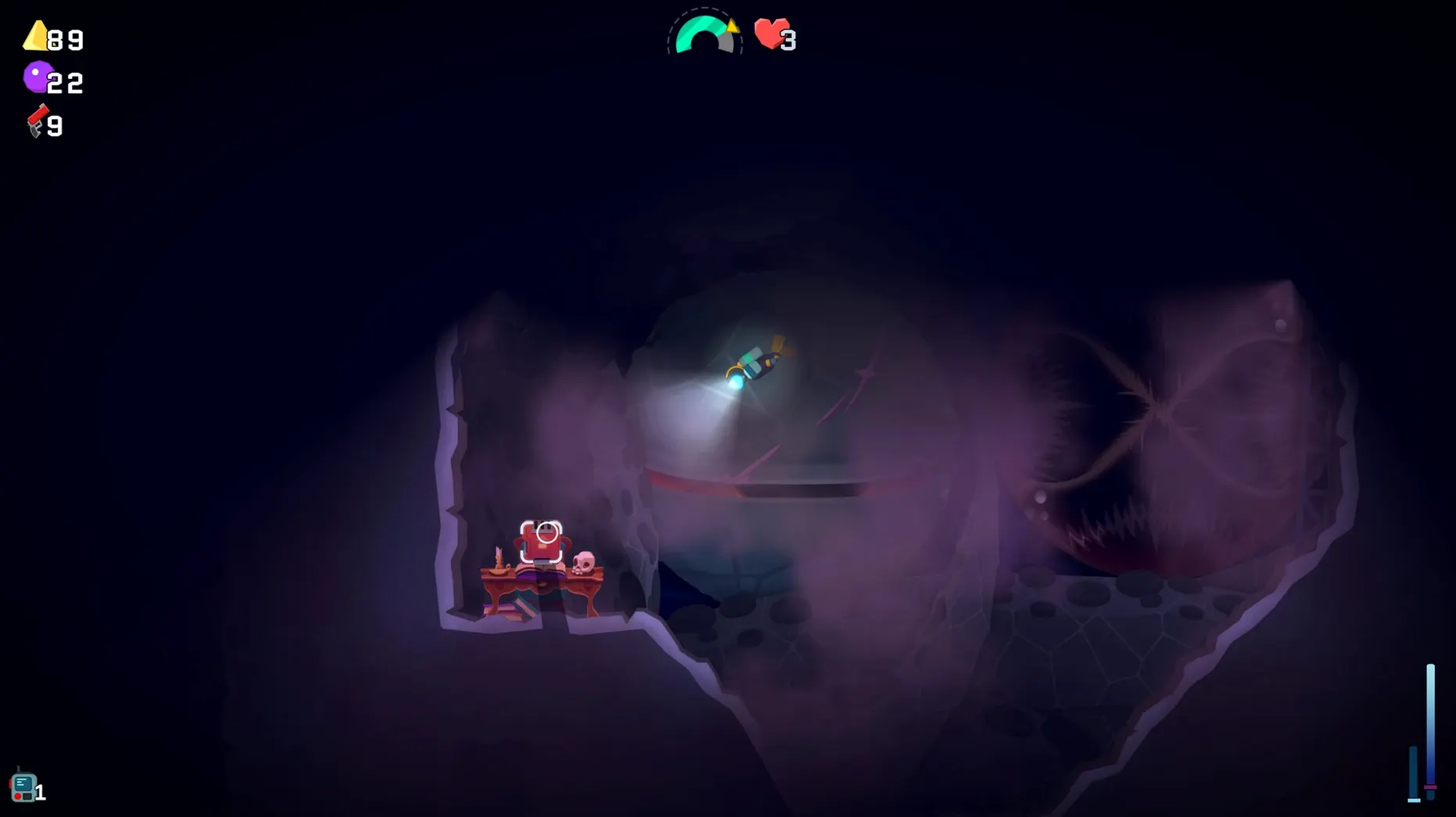
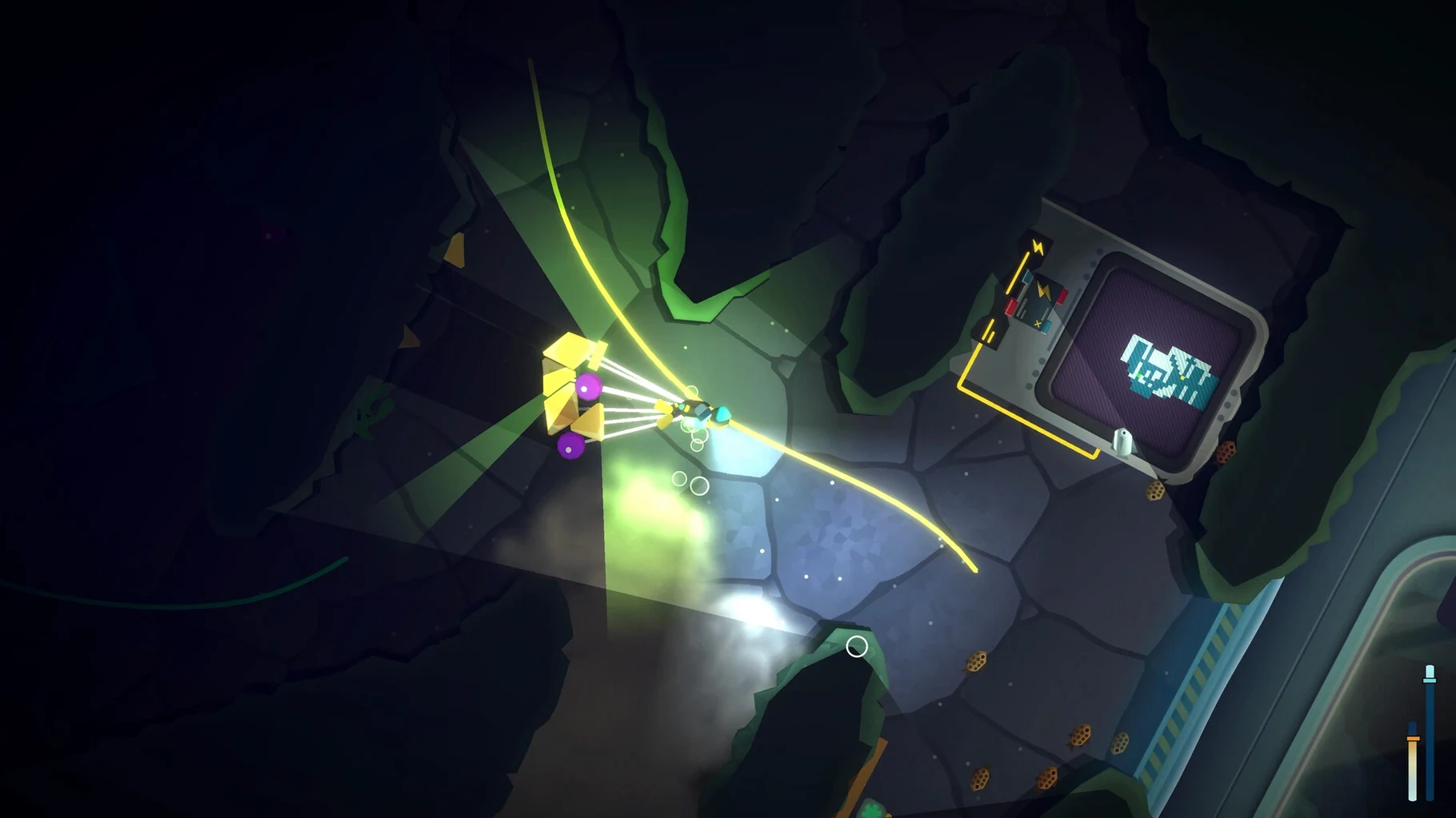
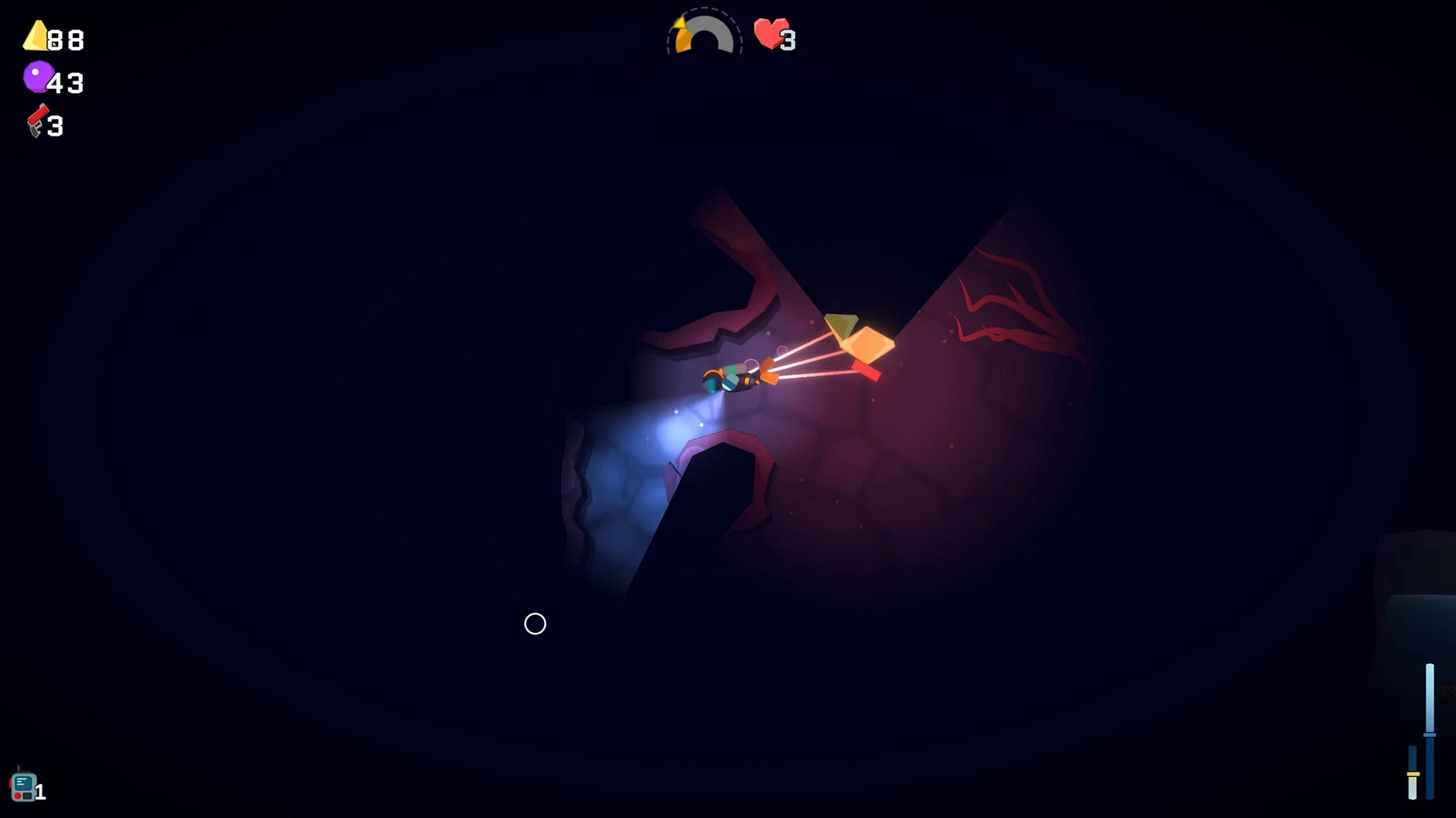
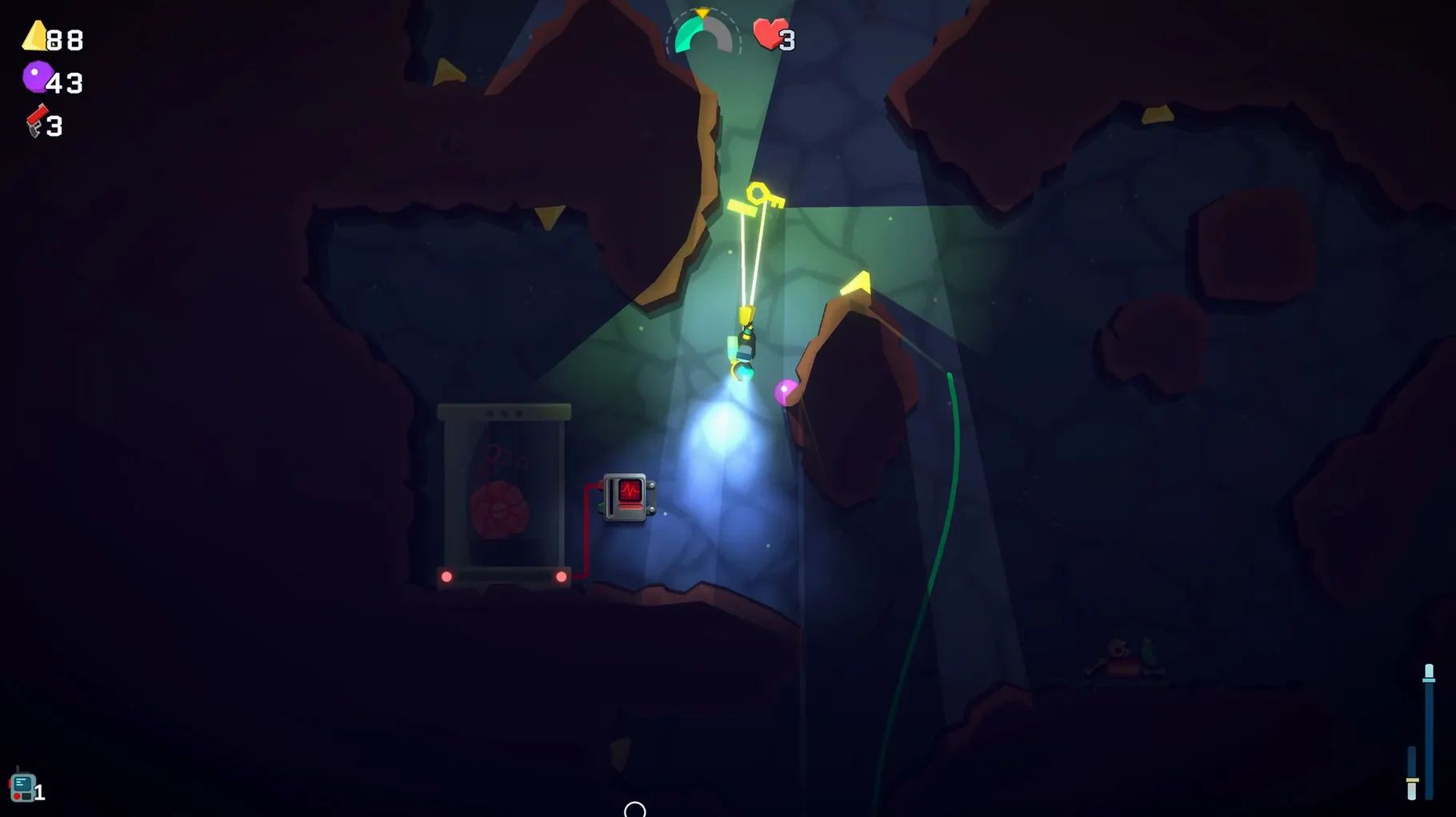
The soundtrack by Cedar Jones and the shifting cave systems create a genuinely oppressive atmosphere.
Set your own pace in a methodical roguelike
- Players who want a methodical roguelike rather than a twitch shooter — you set your own pace.
- Fans of Dome Keeper and Spelunky who appreciate resource management under pressure.
- Anyone looking for a Lovecraftian undersea setting with limited oxygen, dark spaces and hostile wildlife.
Death resets progress and text may default to the wrong language
- The game is an action-focused roguelike; death resets progress, though caves change each run.
- Interface languages include English, German, Spanish, Simplified Chinese, Portuguese, French and Japanese — if text looks wrong after launch, change the language in settings.
- It is a small download but can occupy focus for extended sessions; no cloud saves are mentioned.
Fix garbled text by changing the language in settings
On the Mac side, the most frequent issue people hit is the text looking wrong after launch. The game defaults to a language that may not match your system language — if you see garbled or unexpected characters, go into the settings and switch to your preferred language from the seven available options. This is mentioned in the build notes and it usually resolves display problems without a restart.
Another point that trips up new players: the game runs natively on both Apple Silicon and Intel Macs, but if you are on an older Intel machine and the game feels unresponsive, check that your macOS is up to date. The build was tested on macOS Sonoma on an M1 MacBook Air, so anything older than that may behave differently. There is no Rosetta workaround needed — the binary handles both architectures directly.
Some people report confusion around the resource exchange mechanic. When you collect materials in the caves, you trade them for upgrades and items at specific points. If the trade interface does not appear, you may not be at the correct depth or you might have missed a prompt. Move slowly and look for interactable objects near the cave walls. The game does not hold your hand, so it is easy to overlook a usable node in the dark.
Works on both Apple Silicon and Intel Macs
Based purely on the listed requirements and build specs, here is what you should know before you start:
- Architecture — works on both Apple Silicon (ARM) and Intel (x86 64-bit) Macs. No separate download needed.
- macOS version — the minimum is not stated explicitly, but it was tested on macOS Sonoma. Older systems may still run it, but that is not guaranteed.
- Install size — the download is a disk image; after mounting, you drag the app into Applications. The final footprint is small, typical for a pixel-art roguelike.
- Audio — the soundtrack is by Cedar Jones and it is the only voice language listed as "musical accompaniment". There are no spoken voiceovers, so the audio load is minimal.
- No activation — the build notes say activation is not required. You mount, copy, launch.
Runs smoothly alongside other apps on a secondary monitor
Because the game is a standalone app with no launcher or DRM wrapper, it behaves well alongside other software. You can run it on a secondary monitor while keeping a browser or music player open on the main screen — the game does not force exclusive fullscreen by default, so switching spaces works as you would expect.
macOS Stage Manager and Mission Control handle the game without issue. If you need to check a walkthrough or a resource guide mid-run, you can swipe to another desktop and come back without the game crashing. Just be aware that the game does not pause automatically when you leave it — the oxygen timer keeps ticking, so only step away between dives.
For users who like to feed the deep for mac free download and keep a clean workflow, the disk image mounts like any standard DMG. No extra permissions or security overrides are needed. The game does not hook into system audio routing or accessibility features, so it coexists quietly with other apps.
If you use macOS shortcuts or Automator, you can create a simple workflow to launch the game and mute other audio sources at the same time — the soundtrack benefits from being the only sound in the room. Otherwise, the game requires no special integration. It is a straightforward drag-and-drop install that gets out of your way once it is running.
Before it goes on the Mac
- macOS version not specified by developer; tested on macOS Sonoma
- Architecture: Intel and Apple Silicon
- Tested on MacBook Air (M1, 2020)
Installing it on the Mac
- Mount the downloaded disk image.
- Drag the app into the Applications folder alias.
- After copying finishes, launch the app from Launchpad.
- If the text displays incorrectly, change the language.
Notes from the control room
Sign in or open a catalogue account to leave a note.
No notes from the room yet. If you have used this build for a week, a short note helps the next person.
Also filed under Games
The whole Games rack Farming Simulator 251.25.1 Games 31 GB Updated
 Factorio2.1.24 Games 5.7 GB Updated
 Firewatch1.12a Games 2.1 GB
 Five Hearts Under One Roof2024.11.22 Games 26 GB
 Euro Truck Simulator 21.62.1 Games 35 GB Updated
 Franchise Hockey Manager 1111.1.2024 Games 1.3 GB
 Frostpunk1927 Games 8.9 GB
 Fury Unleashed1.9.1 Games