
Home › Games › Euro Truck Simulator 2
Updated

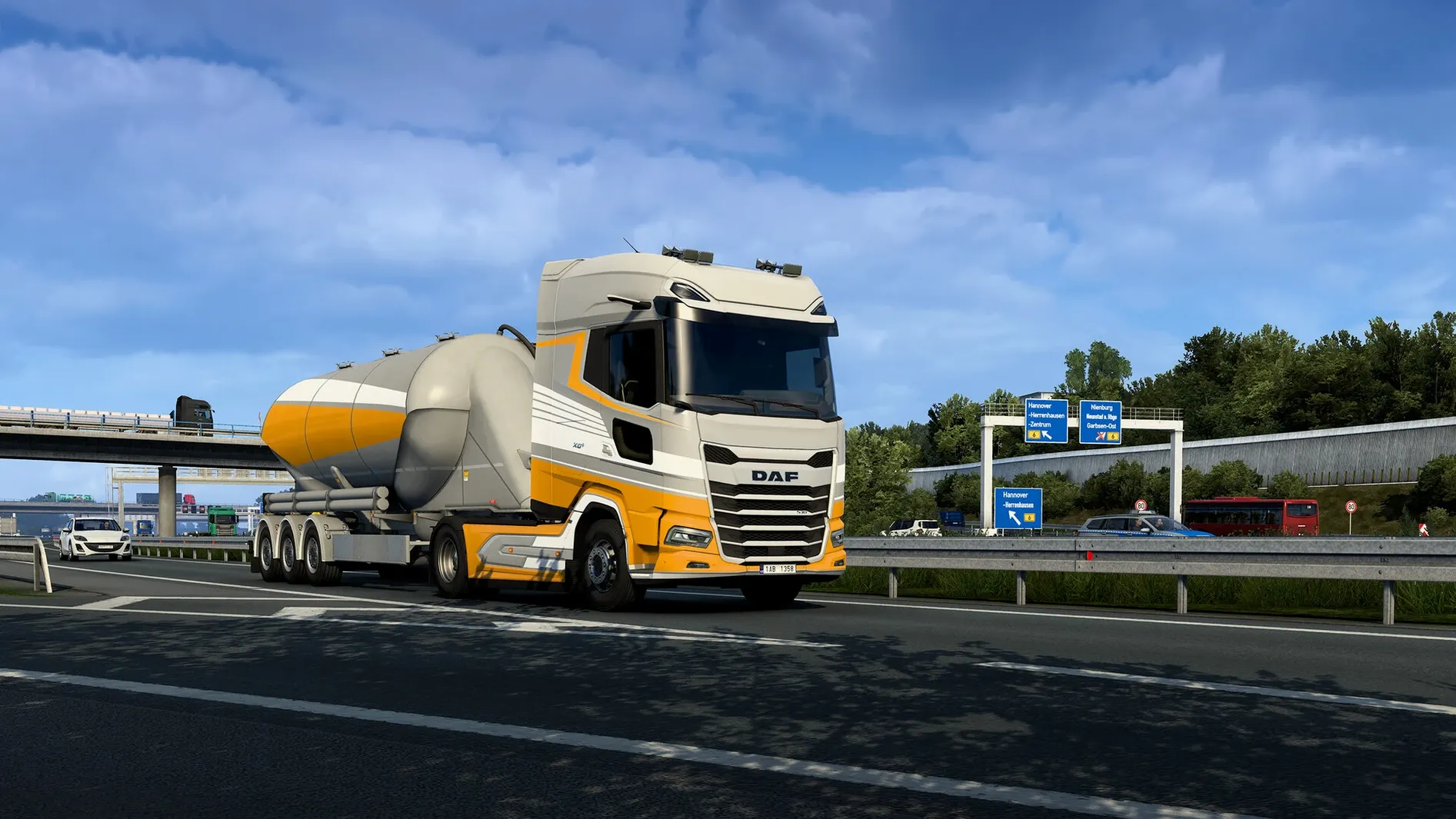
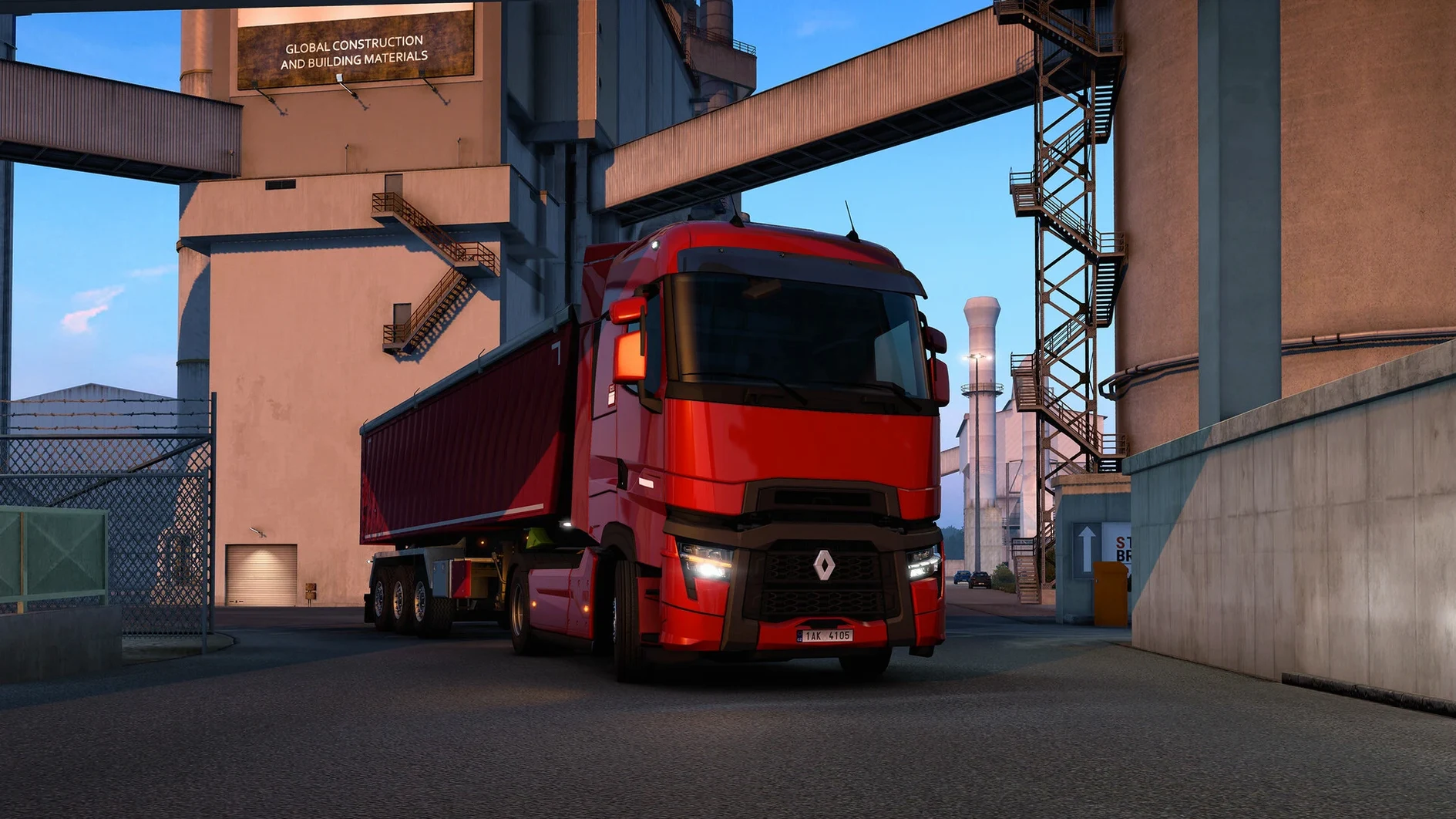
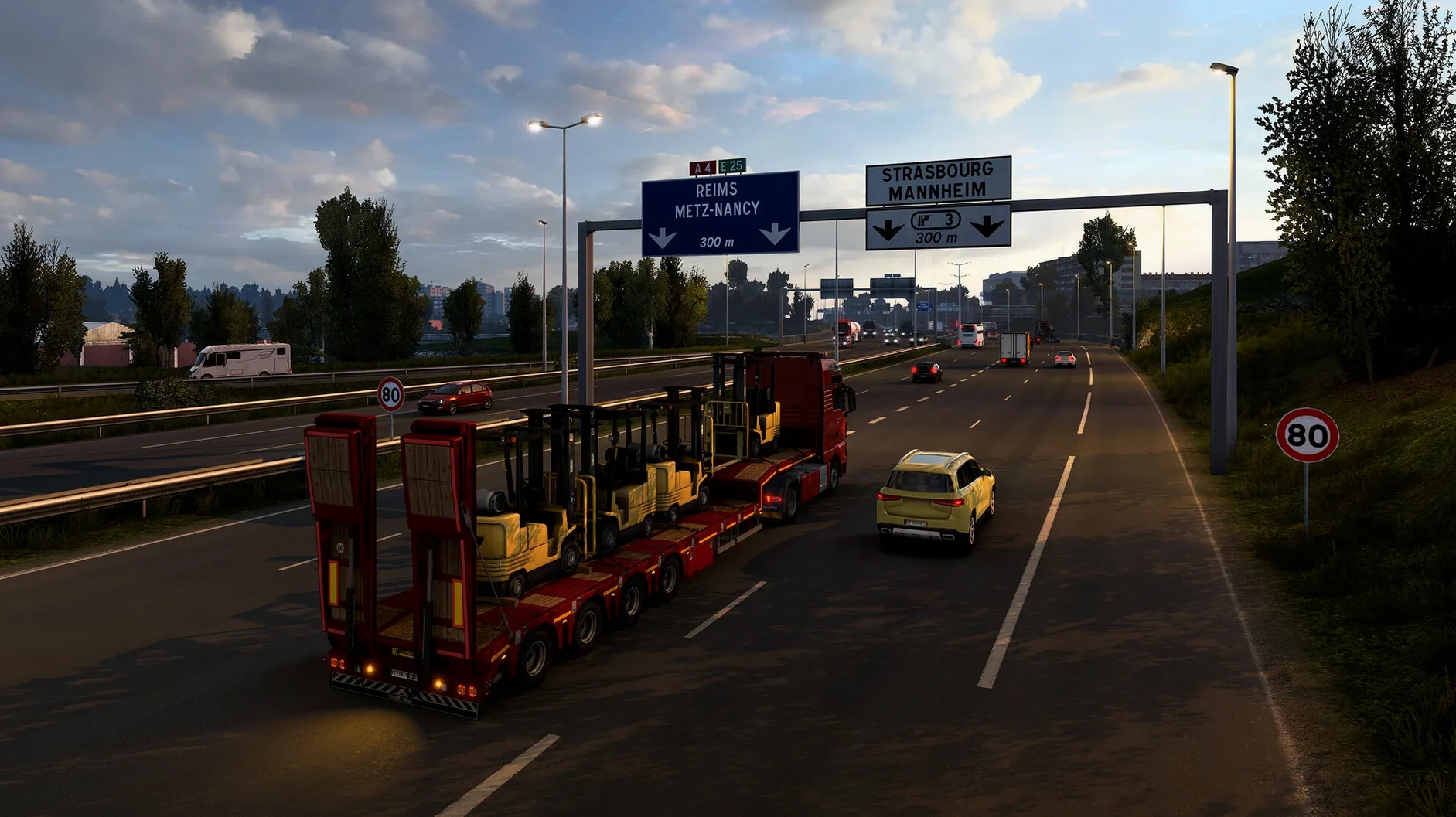
The catalogue note
Version 1.61.1.1s of Euro Truck Simulator 2 brings a handful of welcome changes. Proximity Exploration now reveals a small area around your truck as you drive, which makes finding delivery points in unfamiliar cities less of a guessing game. The update also adds the Volvo FH Series 6 100 Year Edition, reworks the Livestock Trailer completely, and introduces an Improved Material System for selected trucks.
Runs on Intel Macs, requires Rosetta on Apple Silicon
Euro Truck Simulator 2 is a 64-bit Intel build, so it runs on older Macs and Intel-based Macs with macOS up to the last supported version. Don't expect Apple Silicon optimisations; if you're on an M-series Mac, you'll need Rosetta. The game simulates long-haul trucking across more than 60 European cities, from Great Britain to Poland, with hundreds of recognisable landmarks. For a 2012-era sim, it holds up fine on integrated graphics at medium settings, but a dedicated GPU helps keep things smooth in dense cities.
Controls and gameplay expectations
The game works with a keyboard, a gamepad, or a steering wheel. The steering wheel is the most immersive, but a gamepad with analogue triggers handles throttle and braking well. You start as a hired driver, then build your own fleet and manage a growing business. The interface language list is long — 23 languages including English, German, Russian, Polish, and Simplified Chinese — so localisation is rarely an issue. The installer asks you to mount the disk image and drag the game to Applications, which is standard for Mac ports. Expect a solid simulation, not an arcade racer; cargo physics and fuel management matter.
Remap keys before your first job
Once the game is in Applications and you've launched it from Launchpad, spend a few minutes in the settings before starting your first job. The key bindings screen can be remapped to suit a keyboard or a controller — the default layout works, but you might want to adjust the look-around keys or assign the retarder to a more comfortable button. The graphics options let you dial in resolution and detail level; starting at medium and then raising individual settings is a sensible way to find the balance between visual quality and performance on an Intel Mac.
Your first delivery should be a short one. Pick a job with a distance under 300 kilometres from the job market screen. This gives you time to get used to the truck's weight, the gearbox behaviour, and the roundabout etiquette without the pressure of a timer running down. The game's tutorial messages pop up as you go — read them, because they explain things like how to use the parking camera and when to rest at a service station.
Fix crashes and controller detection issues
The game doesn't start or crashes on launch
If the game bounces in the Dock and then disappears, the most likely cause is missing Rosetta on an Apple Silicon Mac. Euro Truck Simulator 2 is a 64-bit Intel build, so it requires Rosetta 2 to run on M-series hardware. Open Terminal and type softwareupdate --install-rosetta if you haven't done so already. On an Intel Mac, check that your macOS version is still supported — the game targets older system releases, and very recent macOS builds may drop 32-bit compatibility layers that some parts of the engine rely on.
The game runs but feels sluggish
Then turn down the mirror quality and shadow detail. The game was designed for hardware from 2012, so even a modest dedicated GPU should handle medium settings at 1080p. If you're on integrated graphics, drop the resolution to 1600×900 or 1280×720 and disable anti-aliasing entirely.
Controls don't respond as expected
Some steering wheels and gamepads need their axis settings calibrated in the controls menu. Look for the "steering axis", "throttle axis" and "brake axis" bindings and make sure each one is assigned to the correct physical input. If a controller works in other games but not here, it might need to be plugged in before launching the game — the sim scans for devices at startup and doesn't always pick up hot-plugged peripherals.
Can't find the delivery point
The new Proximity Exploration feature in version 1.61.1.1s helps with this: as you drive near a delivery location, a small area around your truck is revealed on the map. If you still get lost, open the map with M and look for the yellow marker. The GPS route guidance can be toggled in the navigation panel — sometimes the voice directions are clearer than the on-screen arrow.
Proximity exploration saves time in London and Berlin
- Proximity Exploration — already mentioned above, but worth repeating: it's a genuine time-saver in the built-up areas of cities like London or Berlin where the delivery entrance is hidden behind a row of buildings.
- The Volvo FH Series 6 100 Year Edition — this truck comes with unique interior trim and paint options.
- The Improved Material System — affects selected trucks, making paint and metal surfaces look less flat. You'll notice it most on the newer truck models under bright daylight or at dawn.
- Music accompaniment only — the game has no voice narration or character dialogue; the soundtrack plays in the background. If you prefer silence or your own playlist, turn the music slider to zero in the audio settings.
- No activation required — after dragging the game to Applications, you launch it directly. No serial keys, no online account checks, no launcher. This is increasingly rare for simulation games and makes reinstalling on another Mac straightforward.
64-bit Intel binary runs via Rosetta on M-series
The game is a 64-bit Intel binary, so it will run on any Mac with an Intel processor and a compatible version of macOS. On an Apple Silicon Mac, Rosetta 2 handles the translation. The installer is a standard disk image — mount it, drag the application to the Applications folder alias, and wait for the copy to finish. The game then appears in Launchpad ready to launch.
Graphics performance depends heavily on the GPU. The game's assets were built for hardware from the early 2010s, so modern integrated graphics can manage it at lower settings. If you have a dedicated GPU, you can push the resolution and detail higher. The city of London and the area around the Europort tend to be the most demanding because of the number of buildings and road signs rendered at once.
The game's support for 23 interface languages means the menus and job descriptions are localised for a wide range of players. The voice language is listed as music accompaniment only, so don't expect spoken navigation instructions in your language — the in-game GPS uses text and a visual route line instead. This is a minor adjustment if you're used to voice-guided sat-navs in other driving games.
Euro Truck Simulator 2 lets you drive trucks across Europe, and some people search for "euro truck simulator torrent download". The version described here is the same 1.61.1.1s build regardless of how you obtain it — the game files and behaviour are identical once installed.
Changes in this build
Build 1.62.1.0s Native has landed with an Intel-native binary, replacing the previous Rosetta-dependent version.
Before it goes on the Mac
- Intel Mac (64-bit)
Installing it on the Mac
- Mount the downloaded disk image.
- Drag the game to the Applications folder alias.
- Launch the game from Launchpad.
Notes from the control room
Sign in or open a catalogue account to leave a note.
No notes from the room yet. If you have used this build for a week, a short note helps the next person.
Also filed under Games
The whole Games rack Factorio2.1.24 Games 5.7 GB Updated
 Farming Simulator 251.25.1 Games 31 GB Updated
 Feed the Deep07.09.2024 Games 339 MB
 Firewatch1.12a Games 2.1 GB
 Five Hearts Under One Roof2024.11.22 Games 26 GB
 Don’t Starve Together760178 Games 2.8 GB Updated
 Diablo II Resurrected1.6.81914 Games 28.5 GB
 Franchise Hockey Manager 1111.1.2024 Games 1.3 GB