

Factorio 2.1.24 (Mac)
Updated
The catalogue note
Factorio is a factory-building game set in an endless 2D world where you mine resources, research technologies, automate production and defend your creations from enemies.
Does Factorio run on Apple Silicon Macs?
Yes. Version 2.0.77 ships as a universal binary that supports both ARM (Apple Silicon) and 64-bit Intel Macs. The build was tested on macOS Tahoe running on a 2024 Mac mini with M4, and performance was stable at high factory scales.
What Mac specs do I need?
Factorio is not demanding. Any Mac with an Intel or Apple Silicon processor and macOS 10.12 or later will run it. The game uses the CPU heavily for simulation, so a faster multi-core chip helps once your factory grows large.
Keyboard and mouse work out of the box, trackpad for zoom and pan
Keyboard and mouse work out of the box — the game maps standard Mac keys (Command for build menu, Option for alt-mode). Trackpad gestures are supported for zoom and pan, but a mouse is recommended for precise conveyor belt placement. Controller support is also available via Steam Input if you prefer a gamepad.
Enable alt-mode by default before building your first belt
Before you place your first belt, open the settings menu and adjust a few defaults that make the Mac experience more comfortable.
- Enable alt-mode by default. Pressing Alt (or Option) shows what each building is producing or storing. Without it, you will constantly hover over assemblers to check their contents. The game lets you toggle this permanently in the controls settings.
- Set quickbar to three rows. The default single row fills up fast once you unlock red and green science. Expanding it early saves you from rebuilding your toolbar layout mid-game.
- Turn on show recipe icons on buildings. This overlays the current recipe on each assembler or furnace, so you can scan a row and see what it makes without opening each one.
- Adjust autosave frequency. The default is every two minutes, which can cause a noticeable hitch on larger factories. Moving it to five minutes reduces interruptions without losing much progress.
These are not critical for the first hour, but changing them before you build your first smelting column saves time later.
Handles larger scale and deeper logistics than Mindustry
Factory games on Mac fall into a few categories. Factorio sits apart from most of them in two ways: the scale it handles and the depth of its logistics.
Mindustry shares the 2D top-down view and resource chain concept, but it leans harder into tower defence. Units move automatically, turrets fire at enemies, and the factory exists to supply ammunition. Factorio's combat is simpler and optional — you can disable enemies entirely and focus purely on production. Mindustry runs on Mac, has a smaller simulation load, and is easier to pick up for a single session. Factorio rewards longer playthroughs and larger designs.
Satisfactory is the 3D first-person equivalent. It uses conveyor belts, splitters and assemblers in a similar way, but the third dimension adds vertical building and exploration. Satisfactory requires a more powerful Mac — dedicated GPU, more RAM — and does not run natively on Apple Silicon without Rosetta translation in some versions. Factorio runs on any Mac from the past decade, and its 2D engine handles tens of thousands of entities without slowing down.
Shapez strips the genre to its essence: no enemies, no resources to deplete, just an infinite map where you build factories that process geometric shapes. It runs on anything and is good for quick sessions. Factorio adds resource limits, research trees and logistics robots, which makes it more demanding to learn but more rewarding to master.
None of these replace Factorio. They are either lighter in scope or heavier on hardware.
Building too close together forces a costly rebuild later
Most new players hit the same walls. Knowing them does not spoil the fun — it just saves you a rebuild or two.
- Building too close together. Placing smelters and assemblers right next to each other seems efficient. It is not. You will need space for belts to weave between buildings, for splitters to balance lanes, and for later upgrades. Leave two or three tiles between rows.
- Hand-crafting everything. The game lets you craft items manually from the inventory screen. Doing this for more than the first ten minutes teaches you nothing and wastes time. Build assemblers early, even if they only make gears or copper wire.
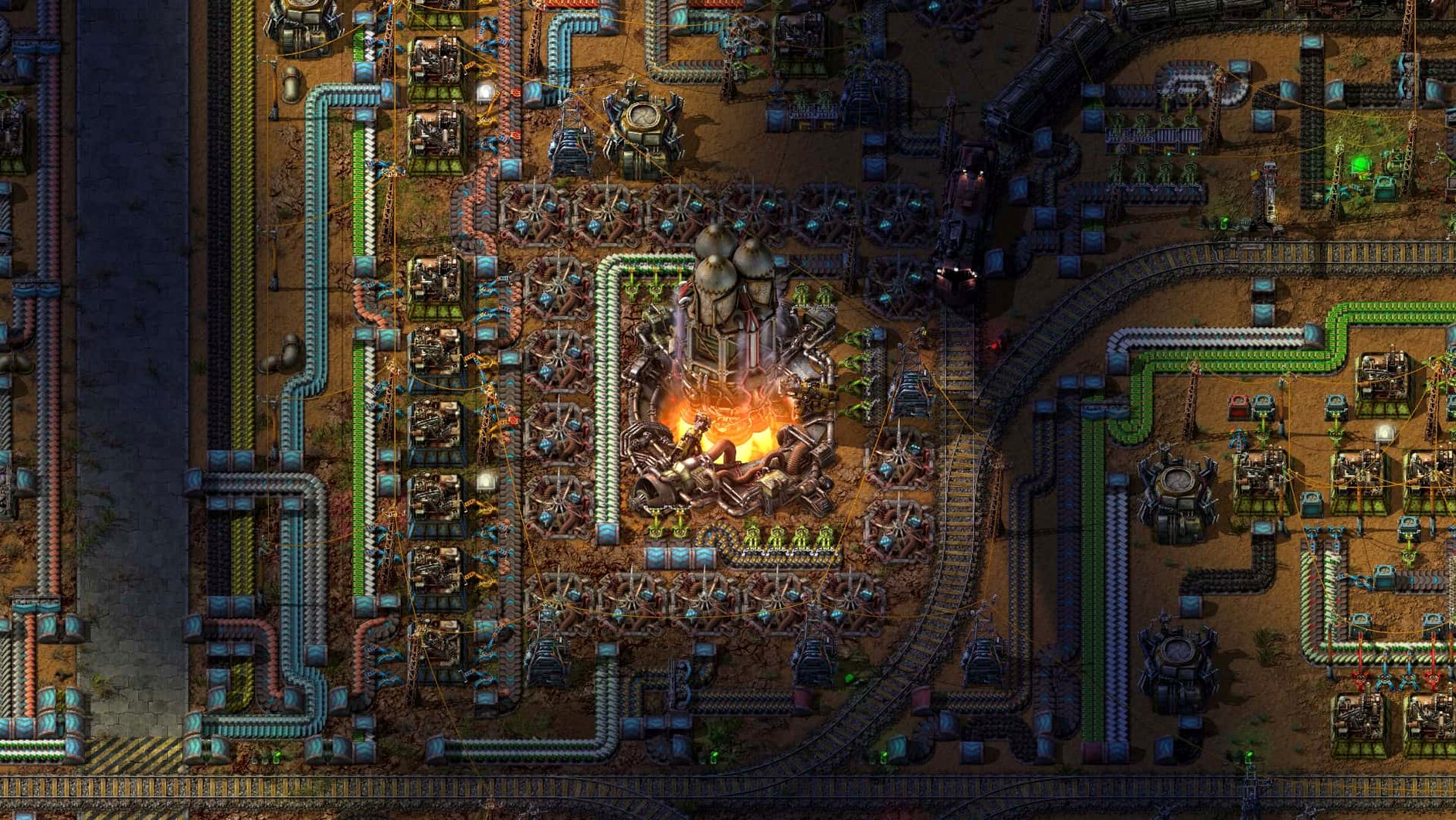
- Ignoring the main bus layout. Around the time you research oil processing, your factory becomes a spaghetti mess of belts going every direction. A main bus — four to eight parallel belts carrying iron plates, copper plates, steel, circuits and so on — keeps things organised. It is not mandatory, but it prevents the chaos that makes people restart.
- Not using blueprints. Once you build a decent smelting column or green circuit setup, copy it with the blueprint tool (B key). Paste it wherever you need more production. Manually rebuilding the same arrangement ten times is a common beginner trap.
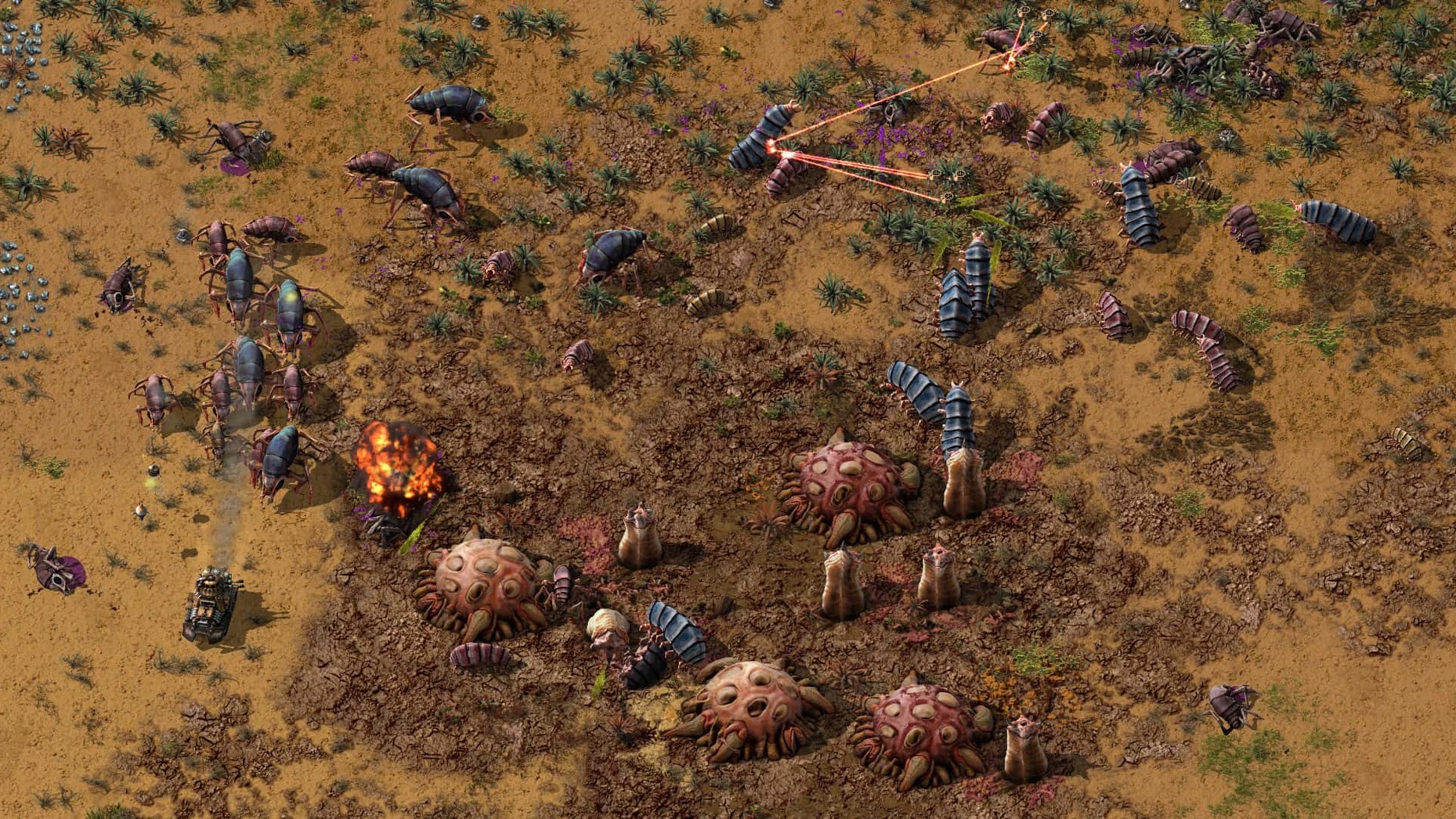
- Forgetting to defend. Biters expand over time. A few turrets near your pollution cloud early on are cheaper than rebuilding a destroyed mining outpost later. Even if you play without enemies, the habit of placing walls and turrets is useful in modded runs.
Plays offline single-player, mods work on Mac
Can I play this offline?
Yes. Factorio has no online requirement for single-player. The downloaded copy runs without internet. Multiplayer needs a connection, but the game does not phone home otherwise.
Does it work with mods on Mac?
Yes. The mod folder is at ~/Library/Application Support/factorio/mods. You can download mods from the game's official portal and drop them there, or use the in-game mod manager which handles installation automatically. Most mods are cross-platform and work identically on Mac.
Is the save file compatible between Mac and Windows?
Yes. Factorio saves are plain binary files that work on any platform. You can move a save from a Mac to a Windows PC or Linux machine and continue playing. The same applies to blueprints and mod settings.
How long does a typical game last?
That depends on your goal. Building a megabase that produces thousands of science packs per minute can take hundreds. There is no time limit and no final boss — the game ends when you decide it does.
Does the game support high-DPI displays?
Yes. Factorio renders at native resolution on Retina Macs. The UI scales automatically, and you can adjust the GUI scale in settings if elements feel too small or too large.
Can I use a trackpad?
You can. Zoom with pinch gestures, pan with two-finger drag. Right-click is a two-finger tap. For precise work — placing underground belts, aligning splitters — a mouse is noticeably faster, but the trackpad is usable for the first few hours.
Changes in this build
Factorio 2.1.24 for Mac is out. No public patch notes have been posted for this build yet.
Before it goes on the Mac
- Apple Silicon or Intel 64-bit Mac
Questions from the room
Can I play Factorio with mods on Mac?
Yes. Factorio supports mods on macOS. Place mod files in ~/Library/Application Support/factorio/mods and enable them from the game's mod menu.
Does Factorio 2.0.77 support multiplayer on Mac?
Yes. Multiplayer is fully supported across all platforms, so Mac players can join Windows and Linux games without issues.
What languages is Factorio available in?
The game interface is translated into 19 languages including English, German, French, Spanish, Russian, Chinese, Japanese, Korean and Polish.
Installing it on the Mac
- Open the downloaded disk image.
- Drag the game to the Applications folder shortcut.
- After copying finishes, launch the game from Launchpad.
- To install mods, place them in ~/Library/Application Support/factorio/mods.
Notes from the control room
Sign in or open a catalogue account to leave a note.
No notes from the room yet. If you have used this build for a week, a short note helps the next person.
Also filed under Games
The whole Games rack Farming Simulator 251.25.1 Games 31 GB Updated
 Feed the Deep07.09.2024 Games 339 MB
 Euro Truck Simulator 21.62.1 Games 35 GB Updated
 Firewatch1.12a Games 2.1 GB
 Five Hearts Under One Roof2024.11.22 Games 26 GB
 Franchise Hockey Manager 1111.1.2024 Games 1.3 GB
 Frostpunk1927 Games 8.9 GB
 Fury Unleashed1.9.1 Games