
Home › Games › Angry Birds Reloaded
Angry Birds Reloaded 4.2 (Mac)
Updated

The catalogue note
You know the slingshot. Angry Birds Reloaded for macOS keeps that familiar pull-and-release physics, then layers on remastered visuals and fresh content from the movies and later games. It’s a comfortable fit for anyone who’s spent time with the original and wants more of the same, but with a polish that suits a modern screen.
Line up shots and trigger bird abilities mid-flight
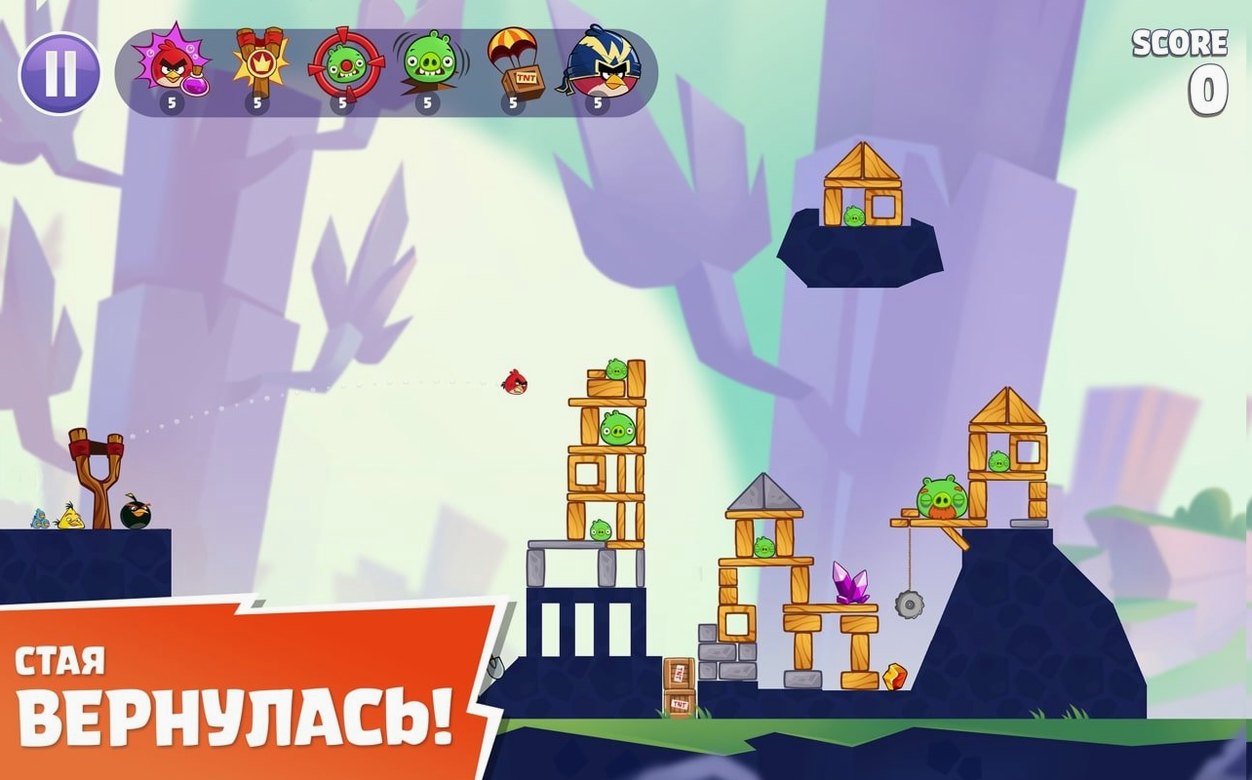
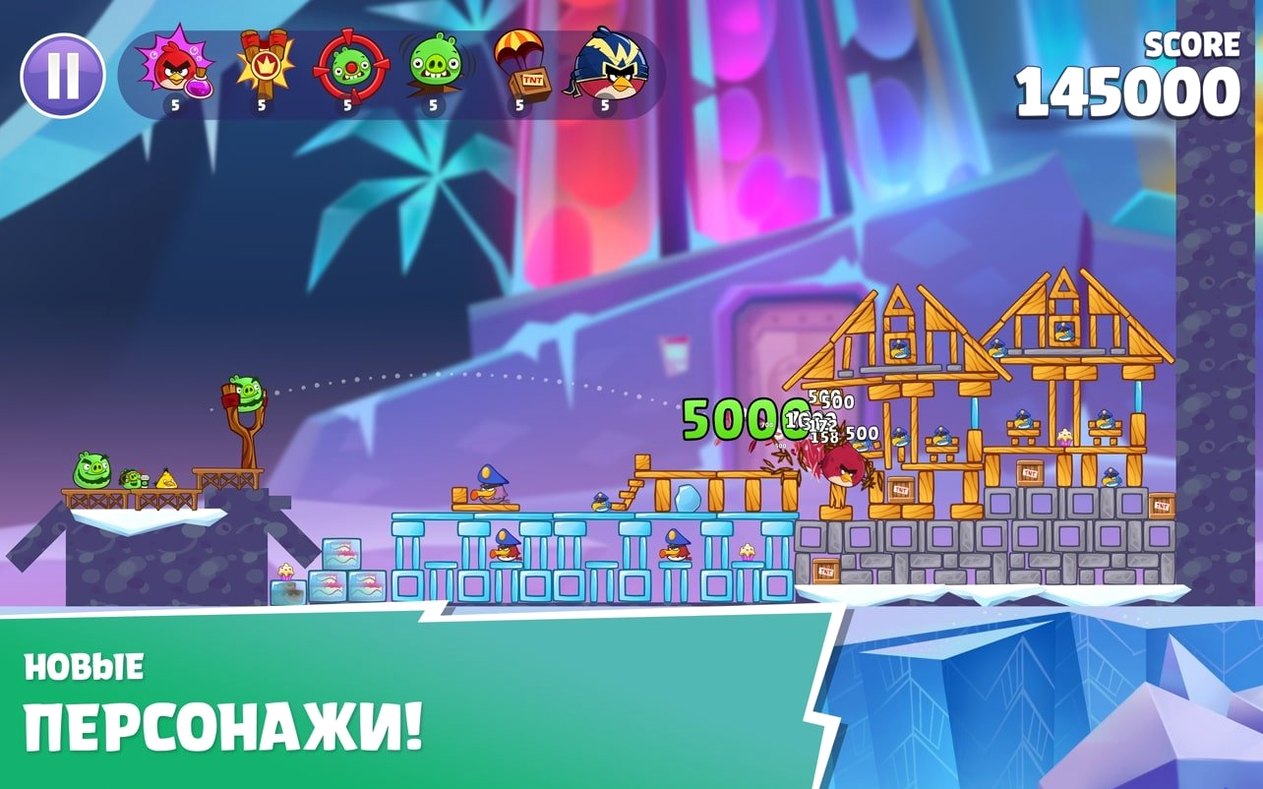
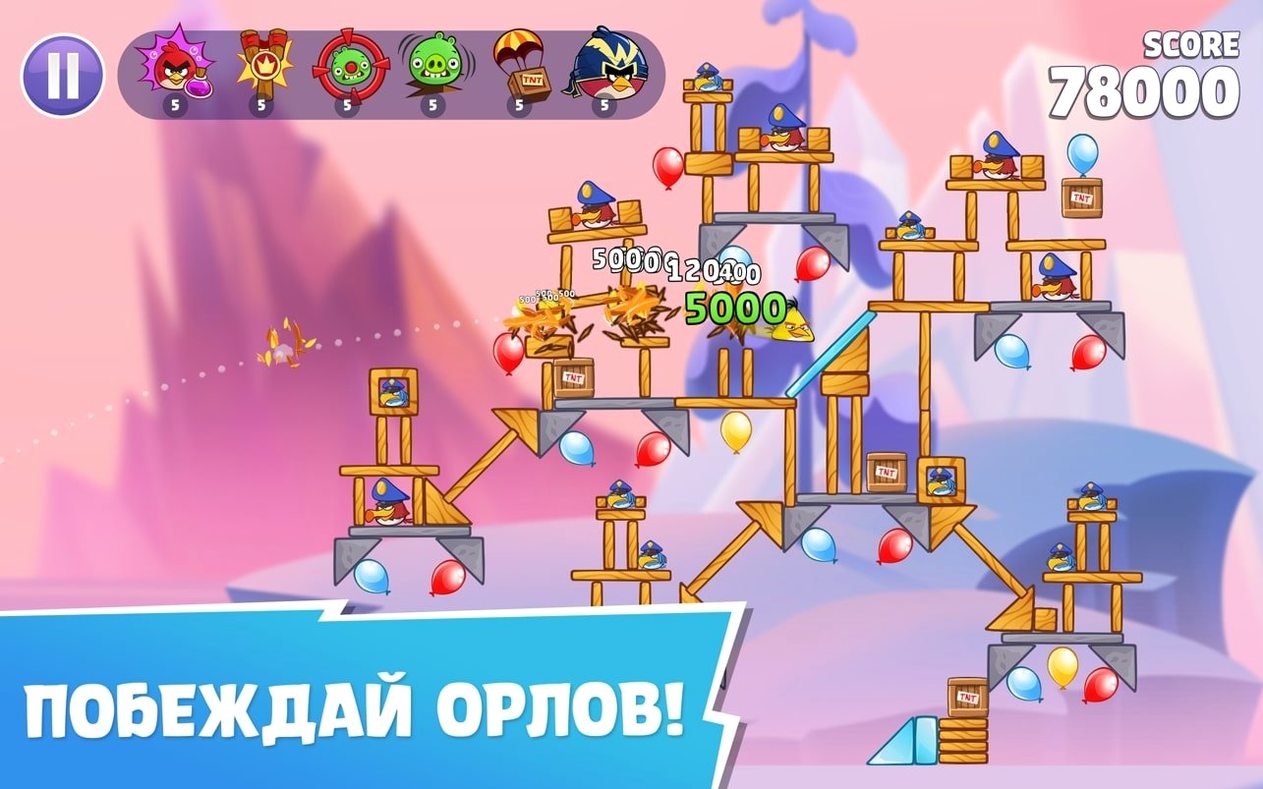
You line up the shot, drag back, and let go. Each bird has a special ability you trigger mid-flight — tap at the right moment to smash through wood, stone, or glass and topple the pigs’ towers. The new worlds introduce different layouts and obstacles, so every level is a short puzzle: which bird, which angle, which power-up timing. Eagles appear as a strategic option when you need to clear a stubborn structure.
Who it’s for
If you want a few minutes of physics-based destruction between studio sessions, this is a solid pick. The Apple Arcade exclusive runs on both Intel and Apple Silicon Macs, and the touch-friendly mechanics translate well to trackpad or mouse. It’s not a deep simulation — it’s a toy, and a well-made one.
Let the initial download finish before playing
Open the game and let the initial download finish — the full set of levels, sound files and assets pulls down in the background, so the first launch may feel slower than subsequent ones. Let it sit until the main menu shows all worlds accessible before you dive in. Once the content is local, the game responds immediately to input.
If you plan to play across devices signed into the same Apple ID, launch the game once on each device and let it sync. Scores are recorded in one iCloud account, so your progress travels between an iPhone, iPad and Mac without extra steps. On the Mac, make sure iCloud Drive is enabled in System Settings — without it, the sync won’t happen.
Spend the first few levels rediscovering the birds’ abilities. Red, Chuck, Bomb and Silver behave exactly as you remember, but the movie-origin birds have slightly different hitboxes and power timings. Fire a few practice shots in the early levels to feel the difference before you tackle the eagle stages.
Play in a window alongside other Mac apps
Angry Birds Reloaded runs as a standard Mac application, not a full-screen-only game. You can keep it in a window while Logic Pro or Reaper sits on the other side of the screen — useful when waiting for a bounce to finish. The game pauses automatically when you switch away, so you never lose your place mid-level.
Mission Control and Stage Manager coexist without conflict. If you use Stage Manager, the game window stays in its group and resumes playback when clicked. The trackpad gestures for swiping between desktops work during gameplay, though the game itself only responds to mouse or trackpad clicks on the slingshot area.
The game respects macOS volume controls and mute shortcuts. If you run audio monitoring software in the background, the game’s music and sound effects mix with your system audio — there is no per-app volume slider inside Angry Birds Reloaded, so adjust levels with the macOS volume keys or an external mixer.
Avoid pulling the slingshot too far back
- Pulling too far back — the slingshot has a maximum draw distance. Pulling beyond it just cancels the shot. Short, precise pulls give better control than full-strength yanks.
- Ignoring bird abilities — tapping the screen or clicking at the right moment activates each bird’s special move. Beginners often forget to tap, losing the extra damage that turns a near-miss into a three-star clear.
- Holding onto eagles too long — eagles are a limited resource in the game. Using them on a level you could solve with a better angle wastes them for harder levels later. Try each level three or four times before calling in the eagle.
- Not watching the physics replay — after you clear a level, the game shows a slow-motion replay of the destruction. It looks like a reward, but it also shows exactly which pieces fell in which order. Study it to understand how to replicate the shot.
- Skipping the menu — the main menu contains access to world selection, power-ups and leaderboards. New players sometimes click straight into the first level and miss that power-ups can be equipped before starting a stage.
Track best scores per world with local leaderboards
The game supports local leaderboards that track your best scores per world. These are stored on the device and update when you beat a previous score — no need to connect to a server or log in. Good for personal challenge or family competition on one Mac.
Language selection is available in the settings menu, with fourteen languages including Arabic, Korean and both simplified and traditional Chinese. The interface text and level descriptions change accordingly; the sound effects and music remain the same regardless of language choice.
The disk image you download for installation is a standard DMG with an Applications folder alias. No activation is required — drag the app, open it from Launchpad, and you are playing. The game runs natively on both Intel and Apple Silicon Macs, so there is no Rosetta translation overhead. If you download the game via angry birds dmg or angry birds reloaded dmg, the same simple install process applies.
The game saves your progress automatically after every completed level. There is no manual save button and no cloud conflict — it writes to the local game data folder and syncs to iCloud in the background. If you switch Macs mid-session, the next launch picks up where you left off.
Changes in this build
- Released 2021-07-16.
Before it goes on the Mac
- macOS 11.0 or later
- Intel or Apple Silicon
Questions from the room
Does Angry Birds Reloaded include content from the movies?
Yes, the game includes characters and content from the Angry Birds games and movies.
What are the system requirements for Angry Birds Reloaded on Mac?
The game requires macOS 11.0 or later and works on both Intel and Apple Silicon Macs.
Installing it on the Mac
- Open the downloaded disk image.
- Drag the app to the Applications folder alias.
- After copying finishes, open the app from Launchpad.
Notes from the control room
Sign in or open a catalogue account to leave a note.
No notes from the room yet. If you have used this build for a week, a short note helps the next person.
Also filed under Games
The whole Games rack Alice: Madness ReturnsBuild 7889667 Games 8.3 GB
 Age of Empires II: Definitive Edition1.3 Games 75 GB Updated
 Assassin's Creed Shadows1.0.35 Games 145 GB
 ASYLUM1.5.0 Games 11 GB
 Badland Party2.0.0 Games 186 MB
 Batman: Arkham City - Game of the Year Edition1.2.1 Games 11.3 GB
 Abalon: Roguelike Tactics CCG2.97.1 Games 128 MB
 BattleBlock Theater2026.11.04 Games 2.2 GB Updated