
Home › Games › Abalon: Roguelike Tactics CCG
Abalon: Roguelike Tactics CCG 2.97.1 (Mac)
Updated
The catalogue note
Pick a summoner, build a deck of over 400 cards, and step onto a grid-based battlefield where every move and card play matters. That is Abalon in its current form, the sequel to Hero Mages and a game that wears its tabletop inspiration openly. Here is what you actually do minute to minute.
Draft Your Deck Between Fights
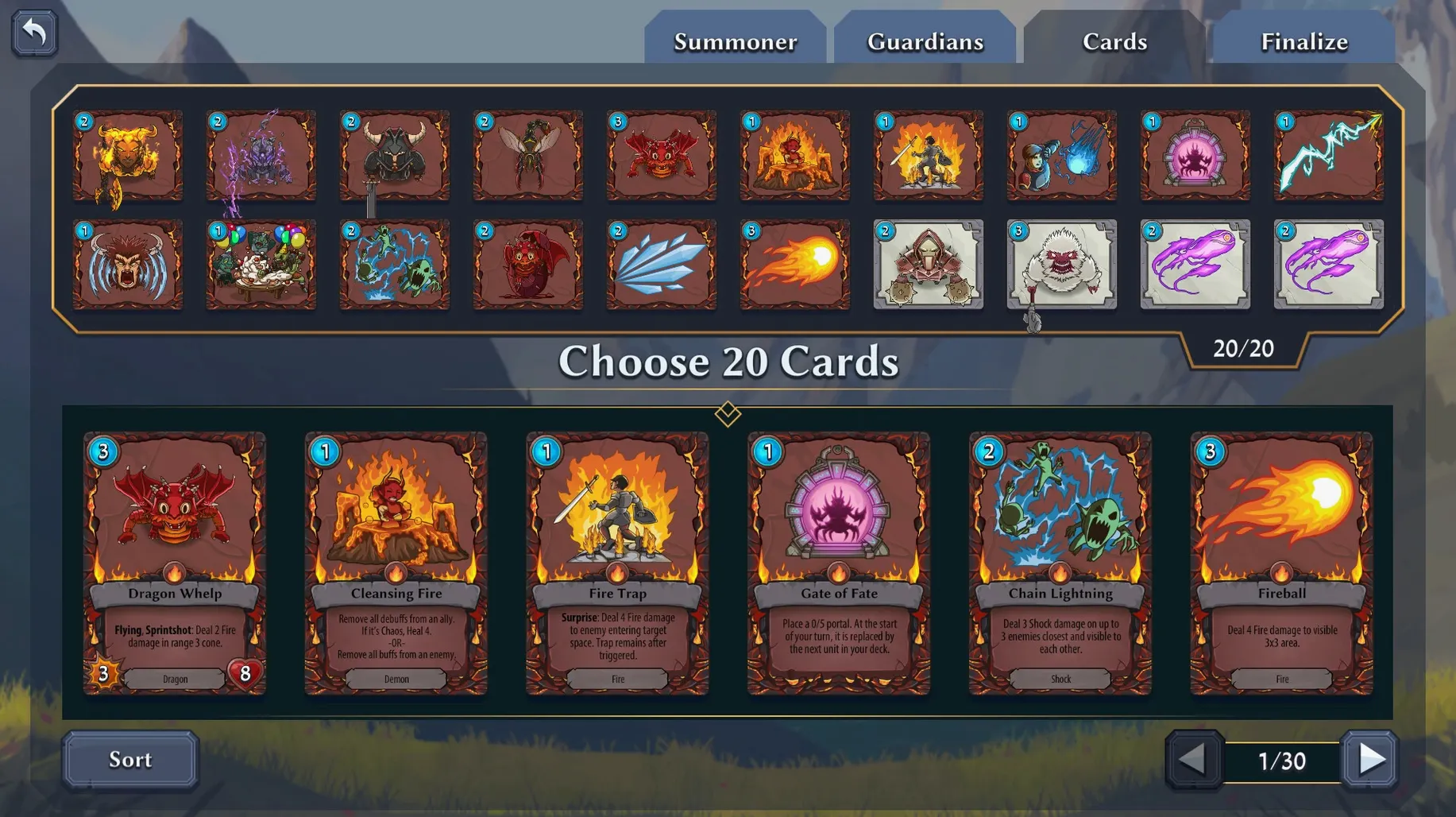
Before combat, you choose from 20 summoners and assemble a deck from the cards you have found. Each run is a roguelike, so that deck grows and shifts as you go, and every card you add changes how the next fight opens.
Move and Cast on a Grid
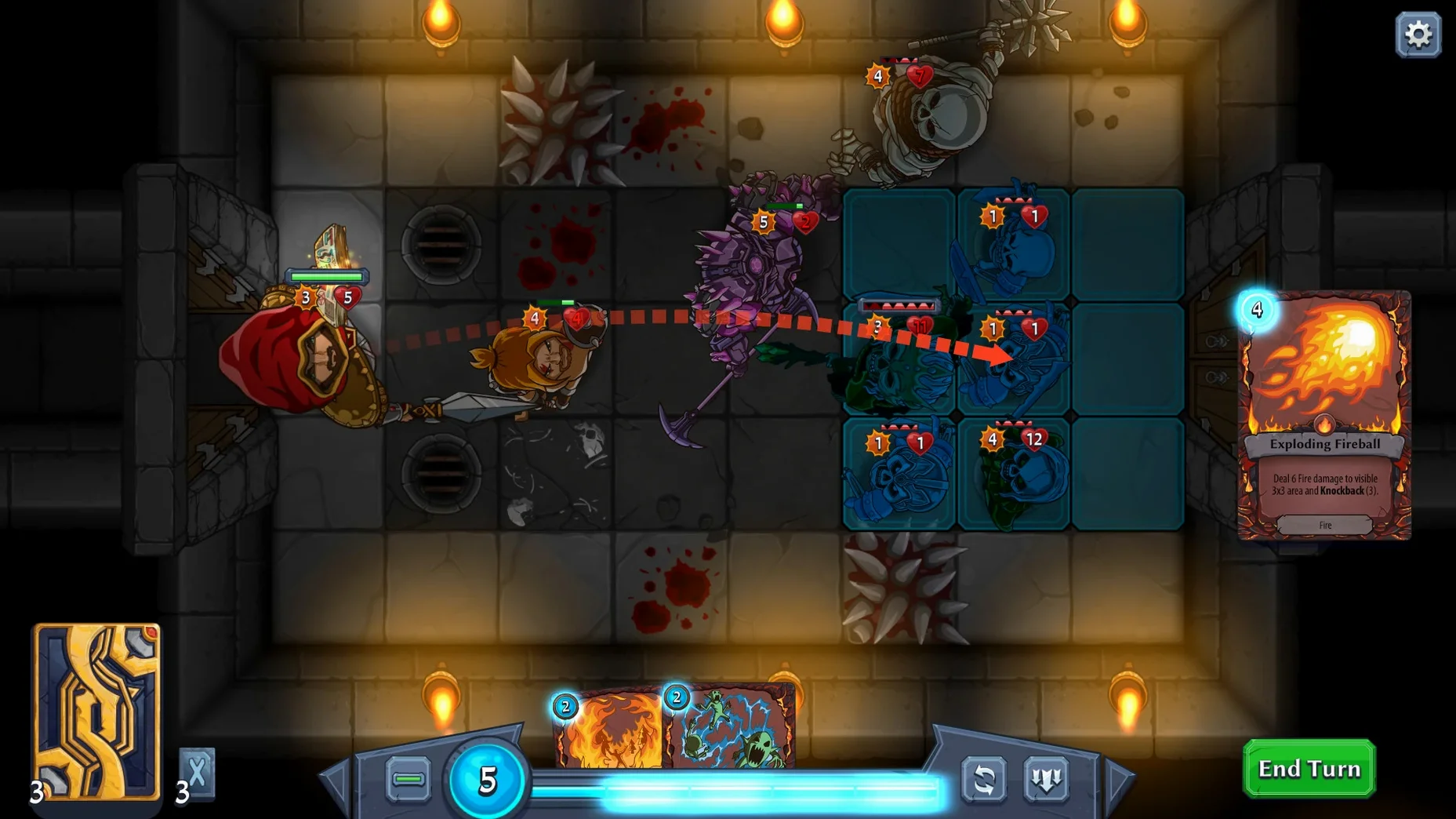
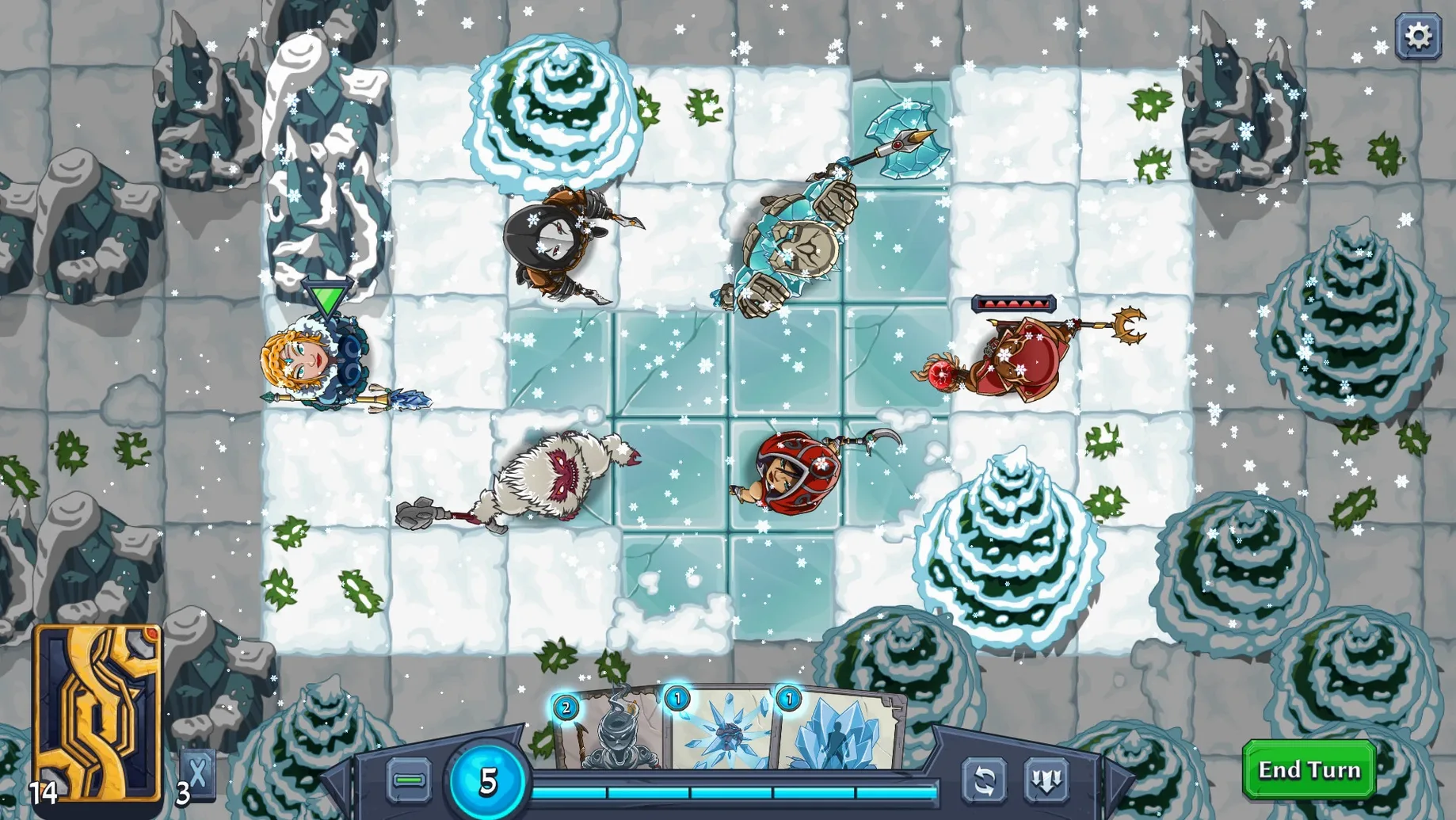
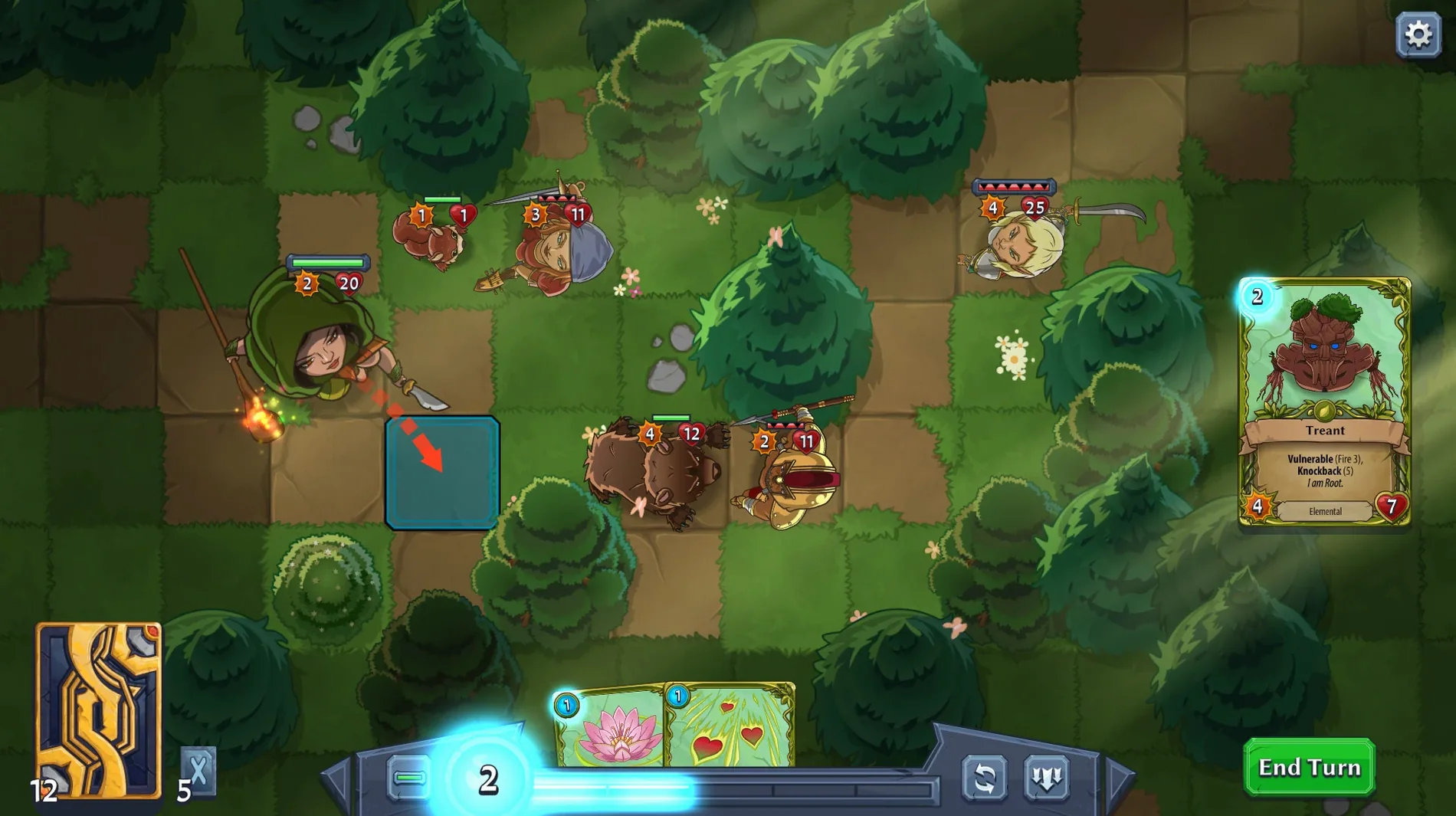
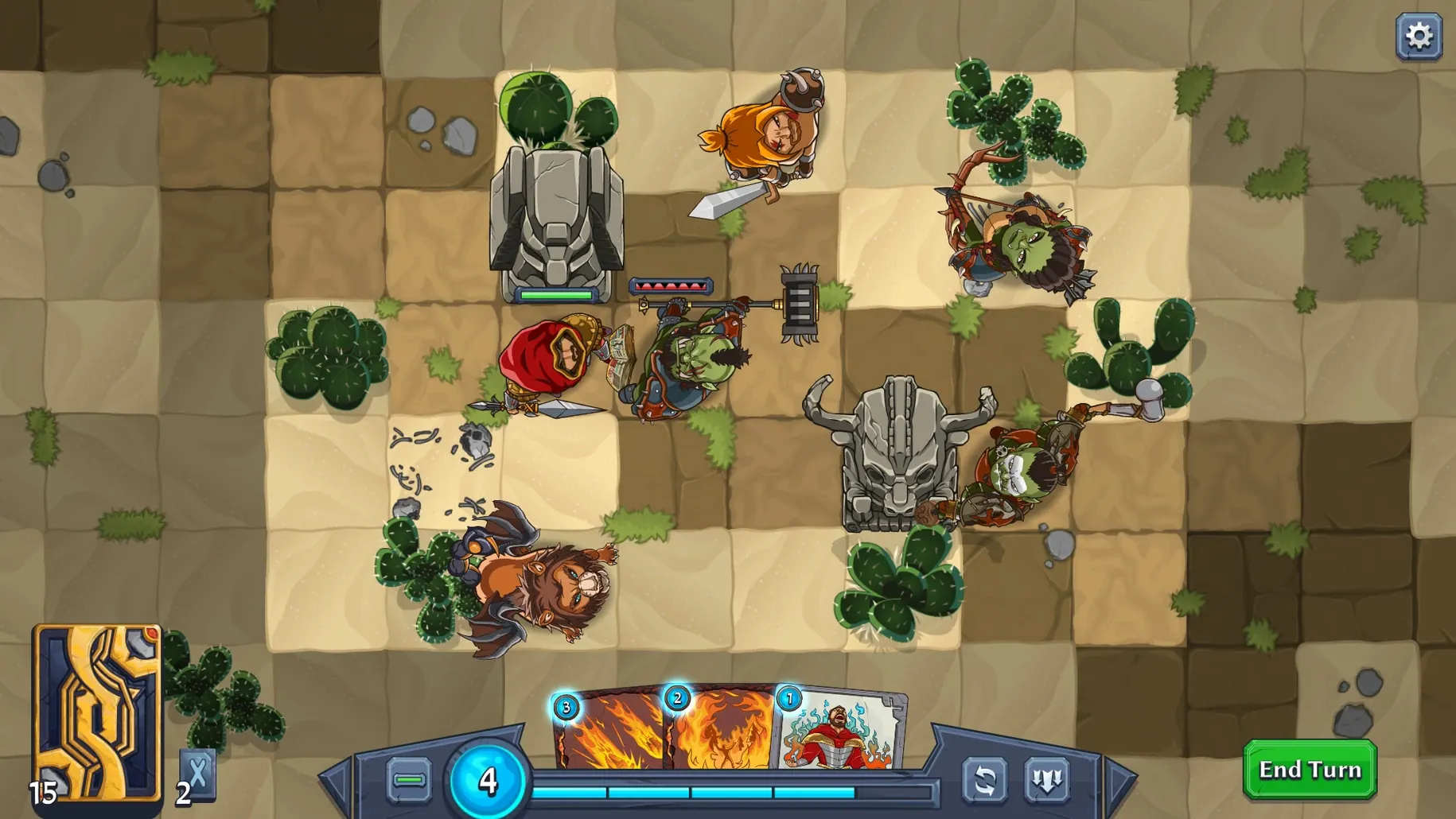
Combat is turn-based and tactical. You position units on a grid, play cards to summon, buff, or attack, and watch the board state change with each action. It is closer to a board game than a typical CCG, so positioning often matters as much as the cards in your hand.
Resolve Events with a D20
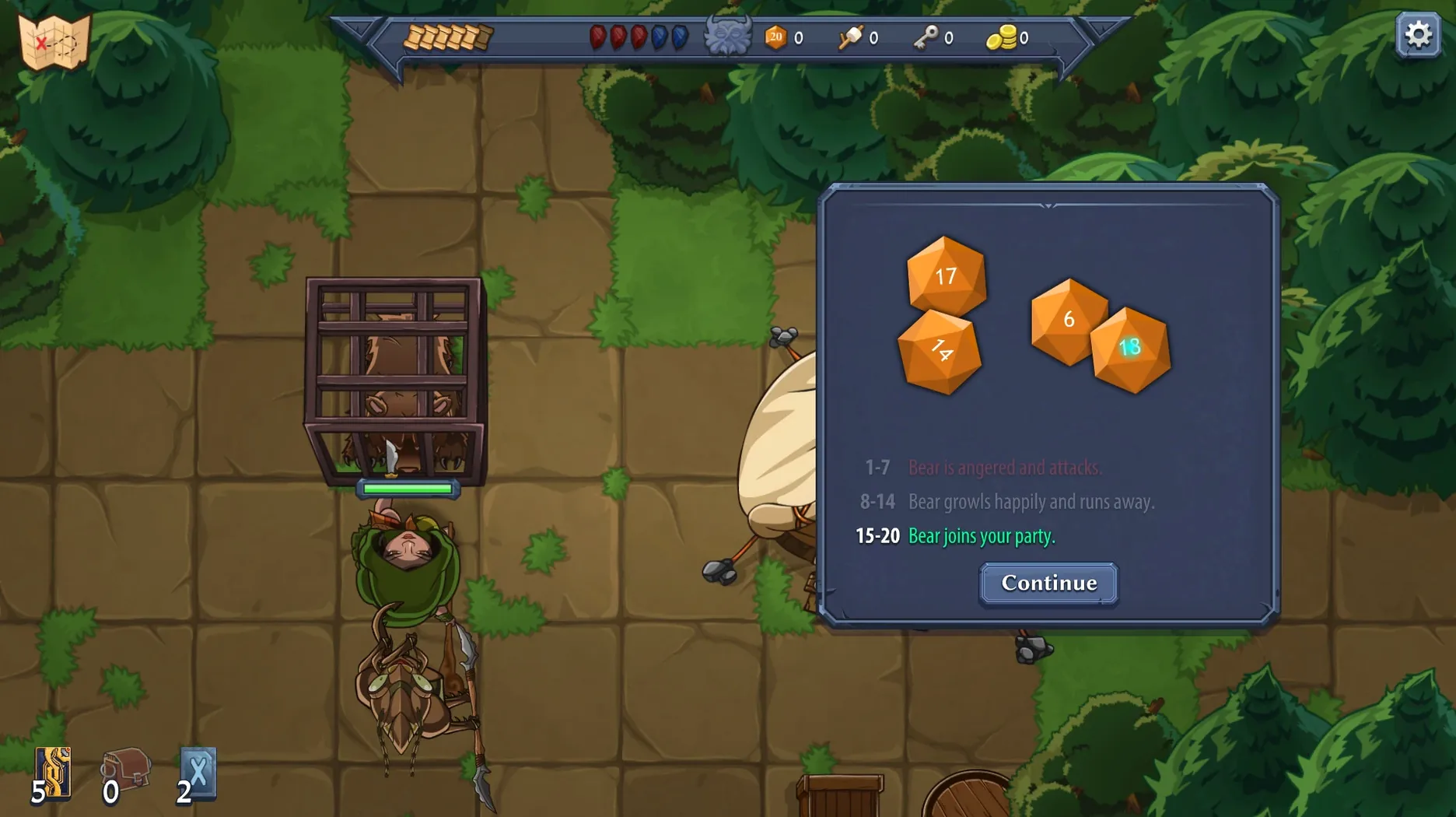
Between battles, you explore five worlds and hit scripted events. A D20 dice roll decides the outcome, and that randomness can swing a run. It keeps the roguelike tension alive and makes each playthrough feel different.
Game Won't Launch If Your Mac Is Online
A few things tend to trip people up when they first start, and none of them are bugs. The most frequent is the internet connection requirement. The game will not launch or will hang if your Mac is online, so you need to block Abalon's network access with a firewall tool before you start. A simple rule in Little Snitch or macOS's built-in firewall does the job. Forget this step and the game sits at a loading screen or refuses to initialise properly.
Another common snag: the game fails to open after dragging it to Applications. The developer ships it with extended attributes that macOS quarantines. If you double-click and nothing happens, open Terminal and run sudo xattr -c -r /Applications/Abalon.app. That strips the quarantine flag and lets it launch. You only need to do this once.
Beginners also hit the deck limit early. The cap is 20 cards, and it is easy to fill that with flashy new finds and end up with a bloated hand that has no synergy. Keep an eye on your card count between fights and trim cards that do not match your summoner's two elements.
Real-Time Map Exploration Across Five Worlds
I pick a summoner tied to Arcana and Void, two elements that give me control spells and direct damage. The run starts in the first of five worlds. Exploration is real-time here, so I move my character across the map, click on an encounter node, and the game switches to a D20 resolution screen. The roll lands well, and I pick up a new card from the reward pool.
Next encounter is a combat node. The board appears, a grid with my summoner on one side and enemy units on the other. I draw from my 20-card deck and play a creature card to summon a unit onto a tile near the centre. The enemy moves forward, and I use a buff card on my summoned unit to give it extra attack. The turn ends. The enemy attacks my unit, and I lose the buffed creature but now have enough mana to play a direct-damage spell from my hand. I finish the fight with a few cards left in the deck.
Between combats, I visit a shop node and spend currency on a card that mutates creatures into hulk squirrels. It is a ridiculous but effective strategy. I add it to my deck, check the card count, and remove a weak starter card to stay under the limit. The run continues until I either beat the world boss or my deck runs out of steam and I start over.
Ignoring the Grid Hurts Your Own Summoner
The biggest mistake is ignoring the grid. New players treat Abalon like a pure card game and play spells without considering unit positions. A card that deals area damage can hit your own summoner if they are standing in the blast zone, and a summoned creature placed on a bad tile gets surrounded and killed in one turn. Move first, play cards second.
Another mistake is hoarding cards. The 20-card limit forces you to cut weak cards, but beginners hold onto every card they find, ending up with a deck that has no focus. Each summoner is linked to two elements, so build around those. Ditch anything that does not fit your pair, even if it looks strong on its own.
Finally, people skip the event nodes that use the D20 roll. Those events can give you powerful cards or permanent buffs, and skipping them means you enter boss fights underpowered. Roll the dice. Losing a roll is better than missing out on a run-defining card.
Changes in this build
- Fixed sorting cards with a gamepad selecting background cards.
- Fixed the metamorphic harness vanishing after a transformed animal died.
- Fixed morphed animals disappearing from the deck after death.
- Fixed the New & Improved Alchemy encounter continuing to produce potions after brewing a big healing potion.
- Updated the French translation of Offhand.
Before it goes on the Mac
- macOS: not specified
- Architecture: Apple Silicon (ARM) and Intel (x86_64)
Questions from the room
How many cards are in Abalon?
The official page lists over 400 cards, so deck variety is substantial.
What architectures does Abalon support on Mac?
It runs on both ARM and 64-bit x86 Macs.
Installing it on the Mac
- Open the downloaded disk image.
- Drag the app into the Applications folder alias.
- Once copying finishes, launch the game from Launchpad.
- If it does not start, run
sudo xattr -c -r /Applications/Abalon.appin Terminal. - The game does not work with an active internet connection, so block its access with a firewall tool.
Notes from the control room
Sign in or open a catalogue account to leave a note.
No notes from the room yet. If you have used this build for a week, a short note helps the next person.
Also filed under Games
The whole Games rack A Short Hike1.10.1 Games 219 MB
 7 Days To Die3.4.0 Games 16 GB Updated
 Age of Empires II: Definitive Edition1.3 Games 75 GB Updated
 Alice: Madness ReturnsBuild 7889667 Games 8.3 GB
 Angry Birds Reloaded4.2 Games 431 MB
 Assassin's Creed Shadows1.0.35 Games 145 GB
 ASYLUM1.5.0 Games 11 GB
 Badland Party2.0.0 Games 186 MB