
Home › Games › Alice: Madness Returns
Alice: Madness Returns Build 7889667 (Mac)
Updated
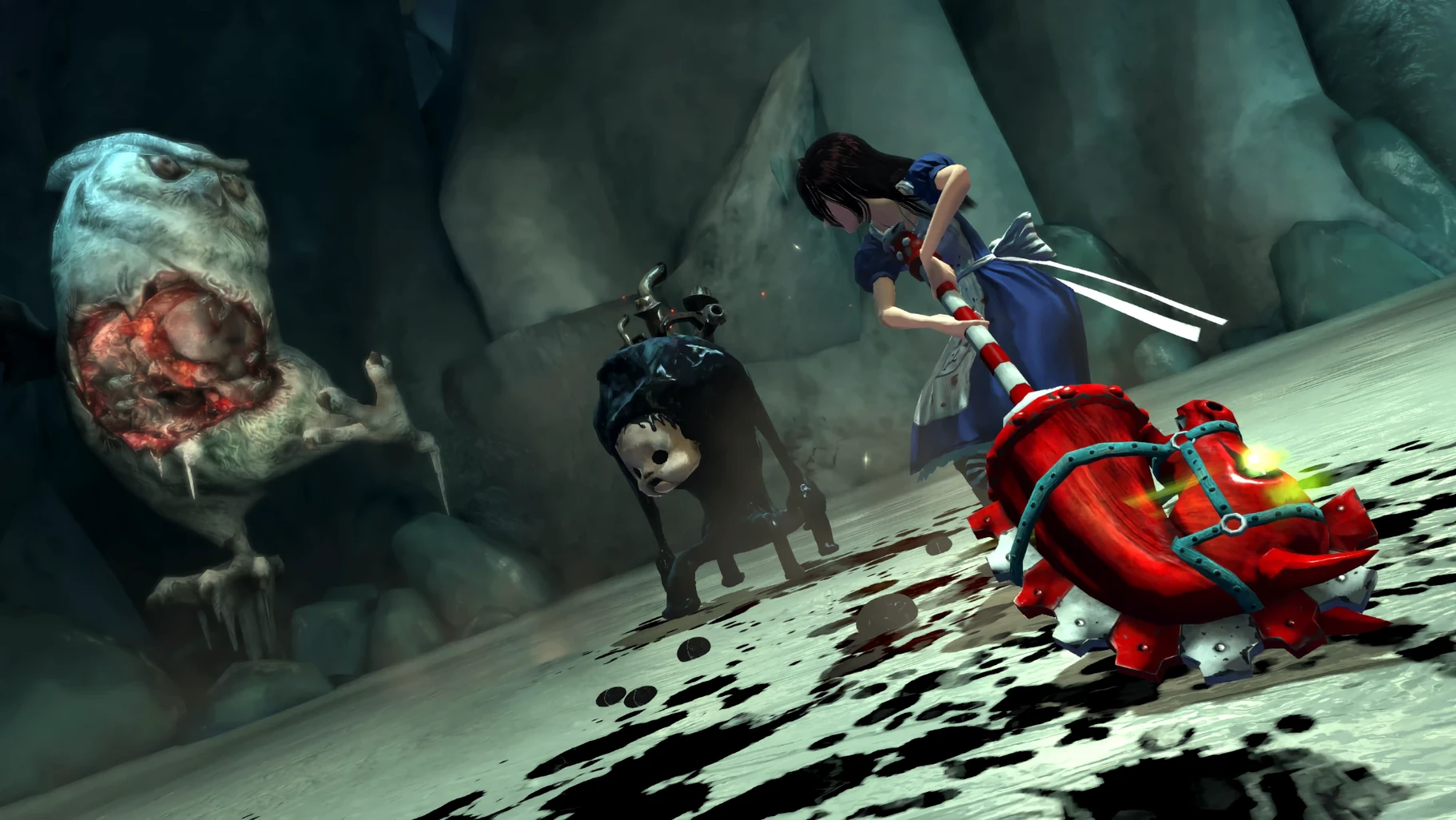
The catalogue note
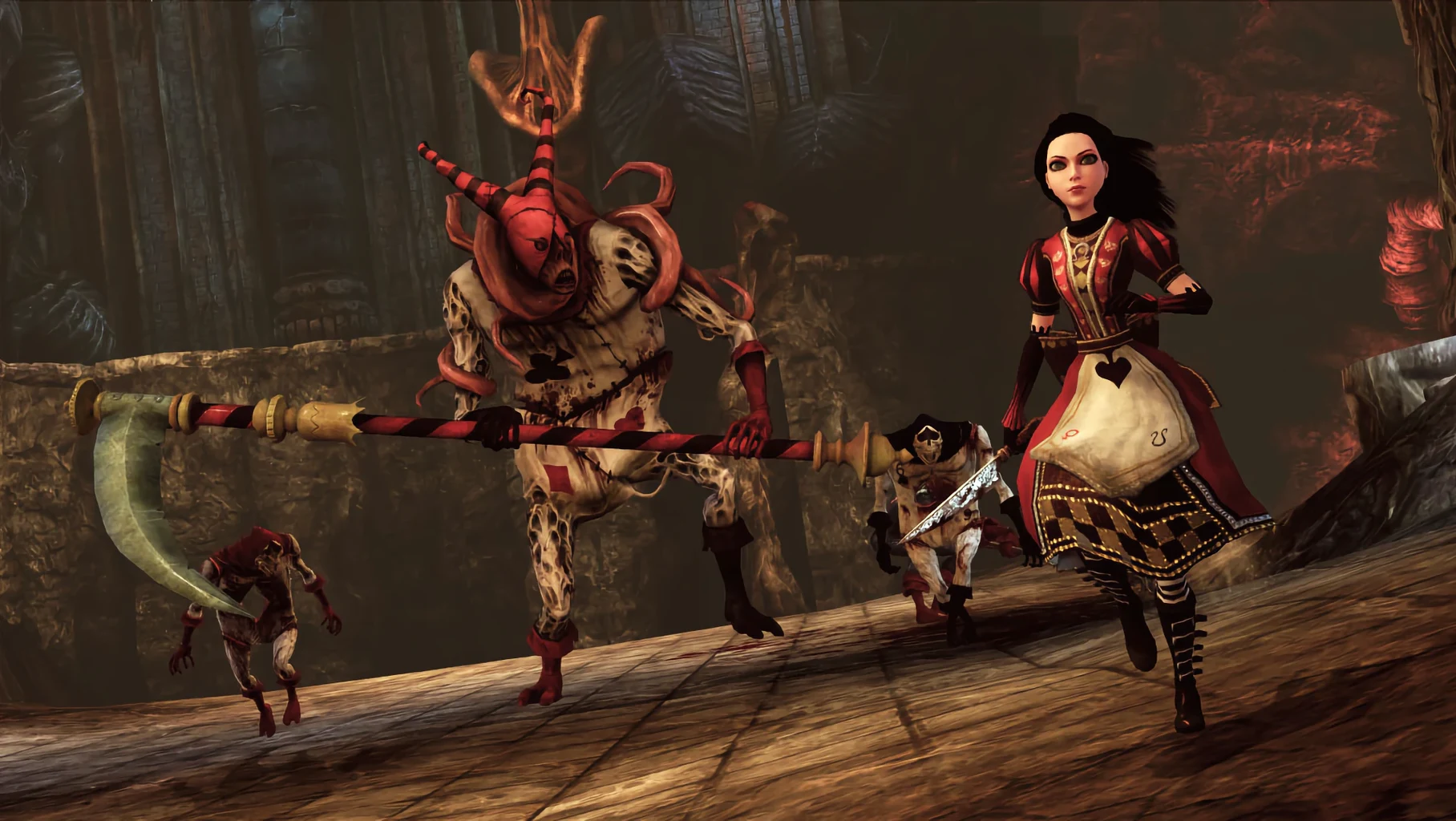
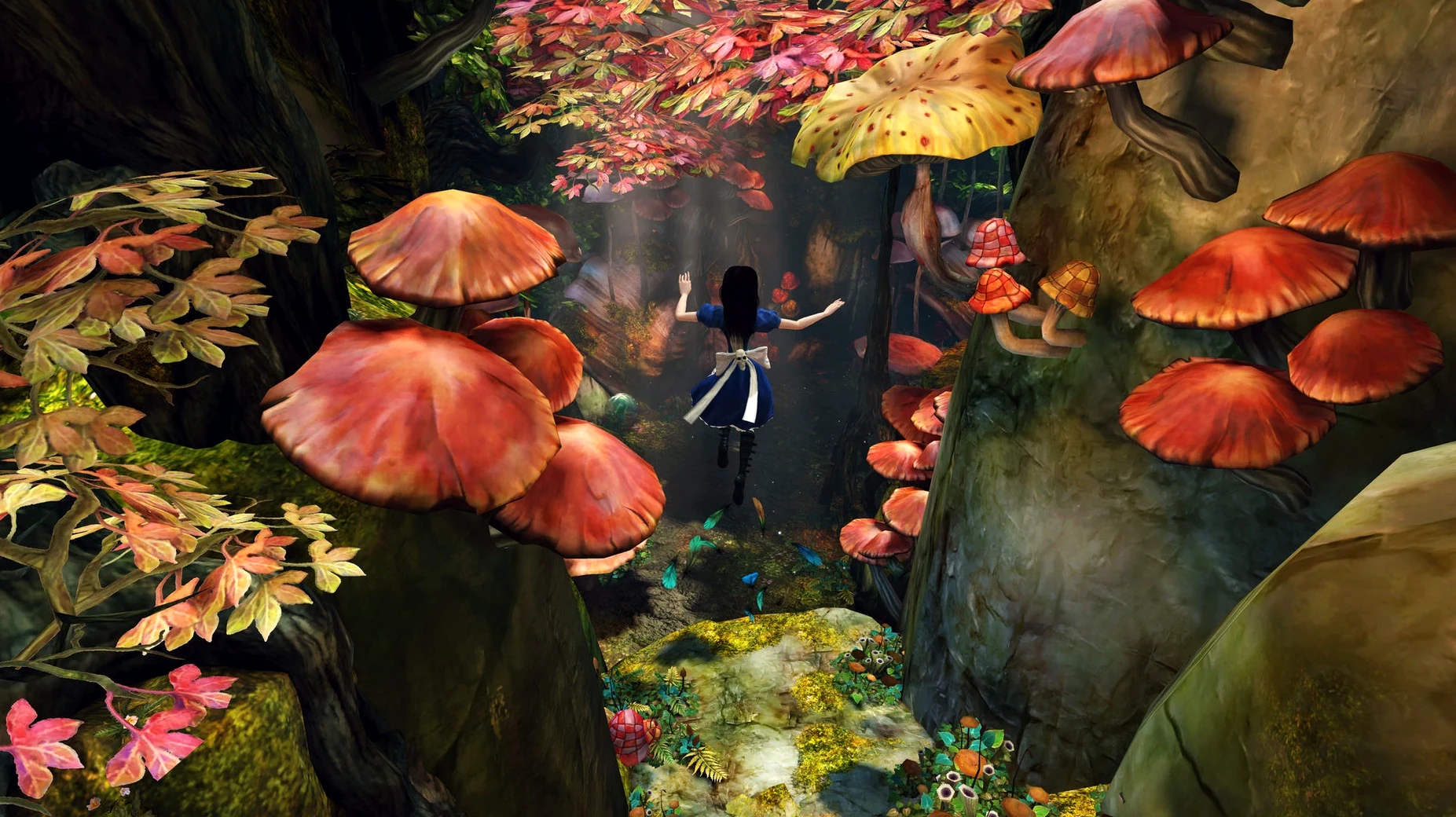
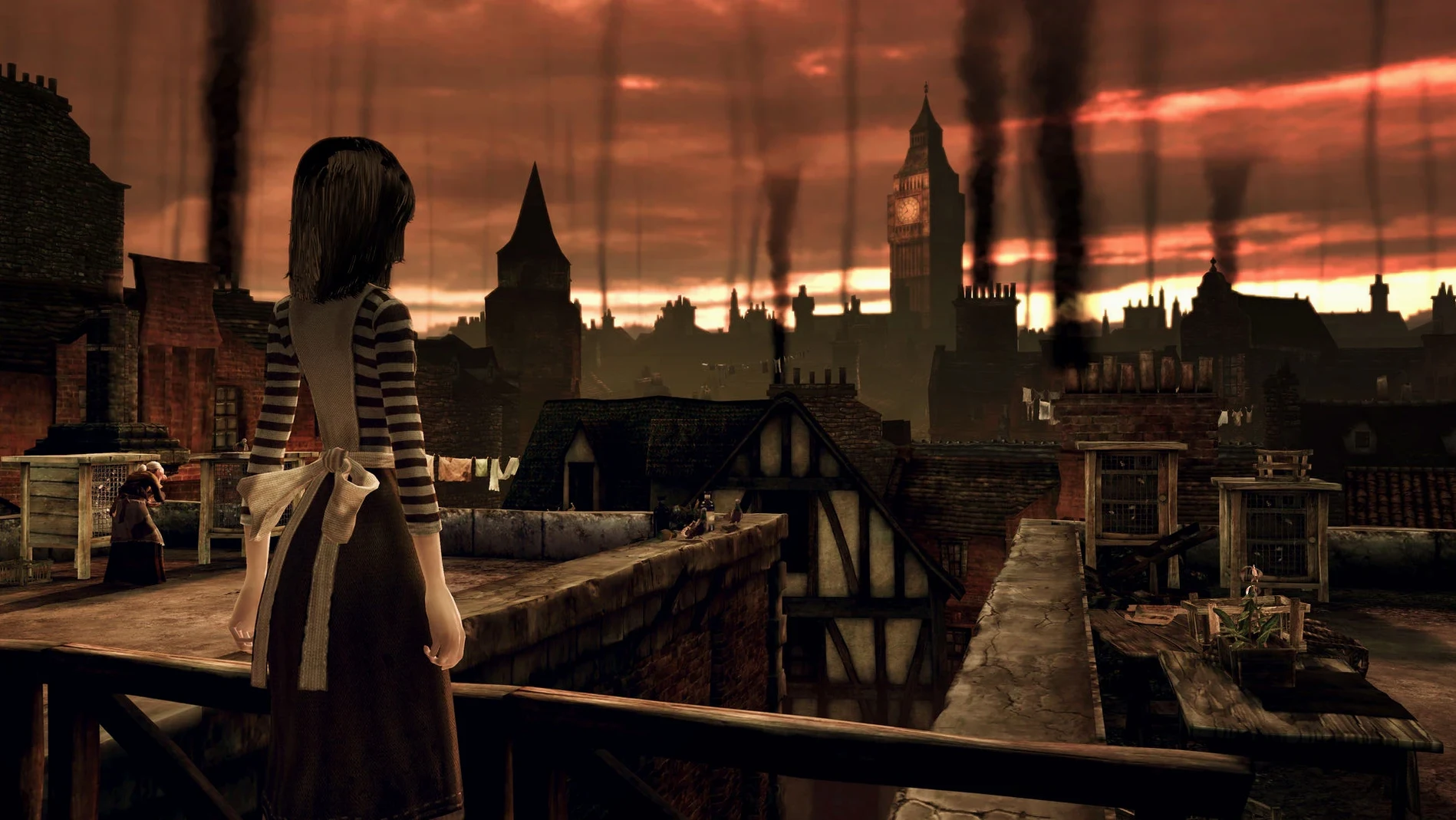
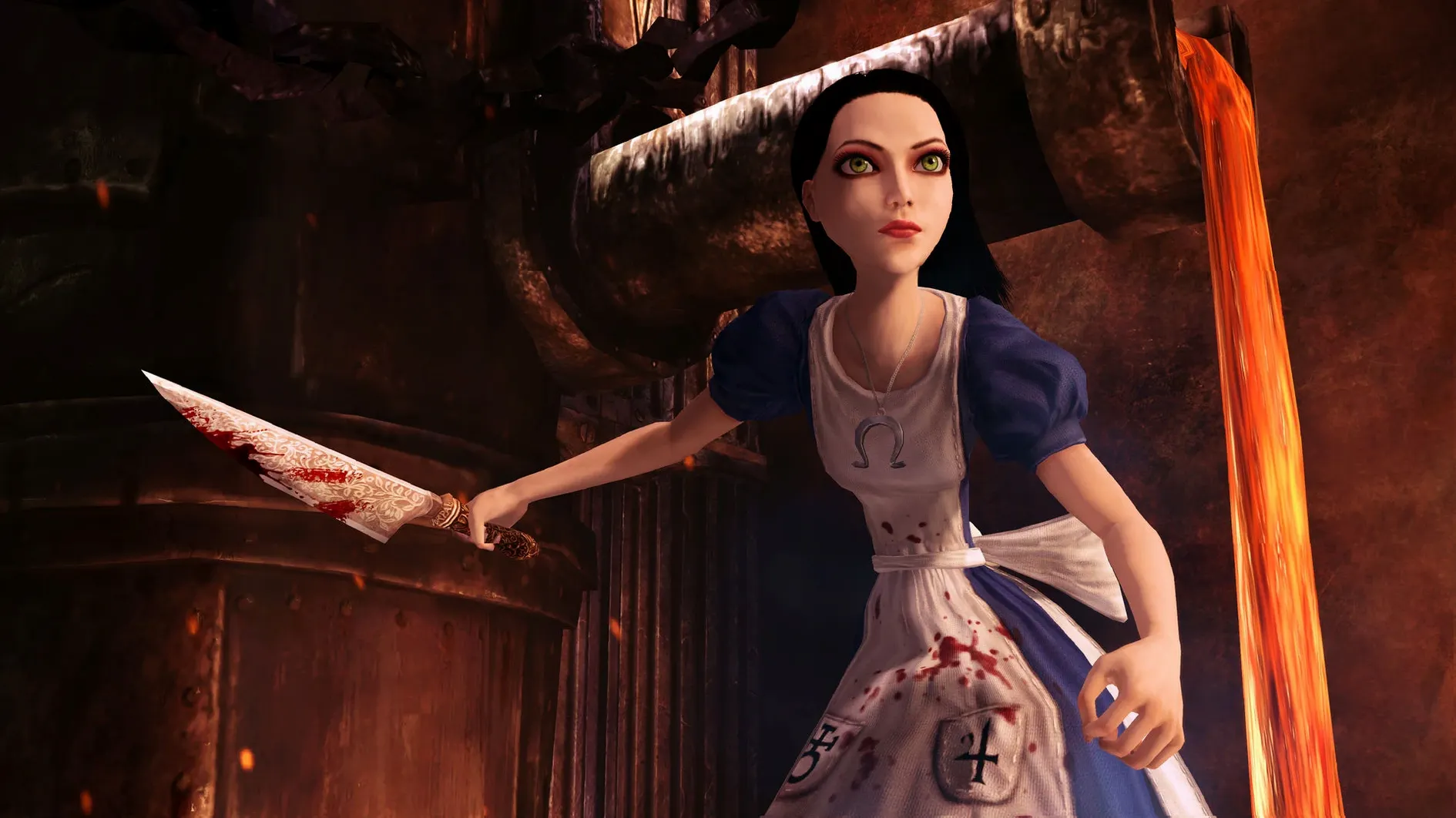
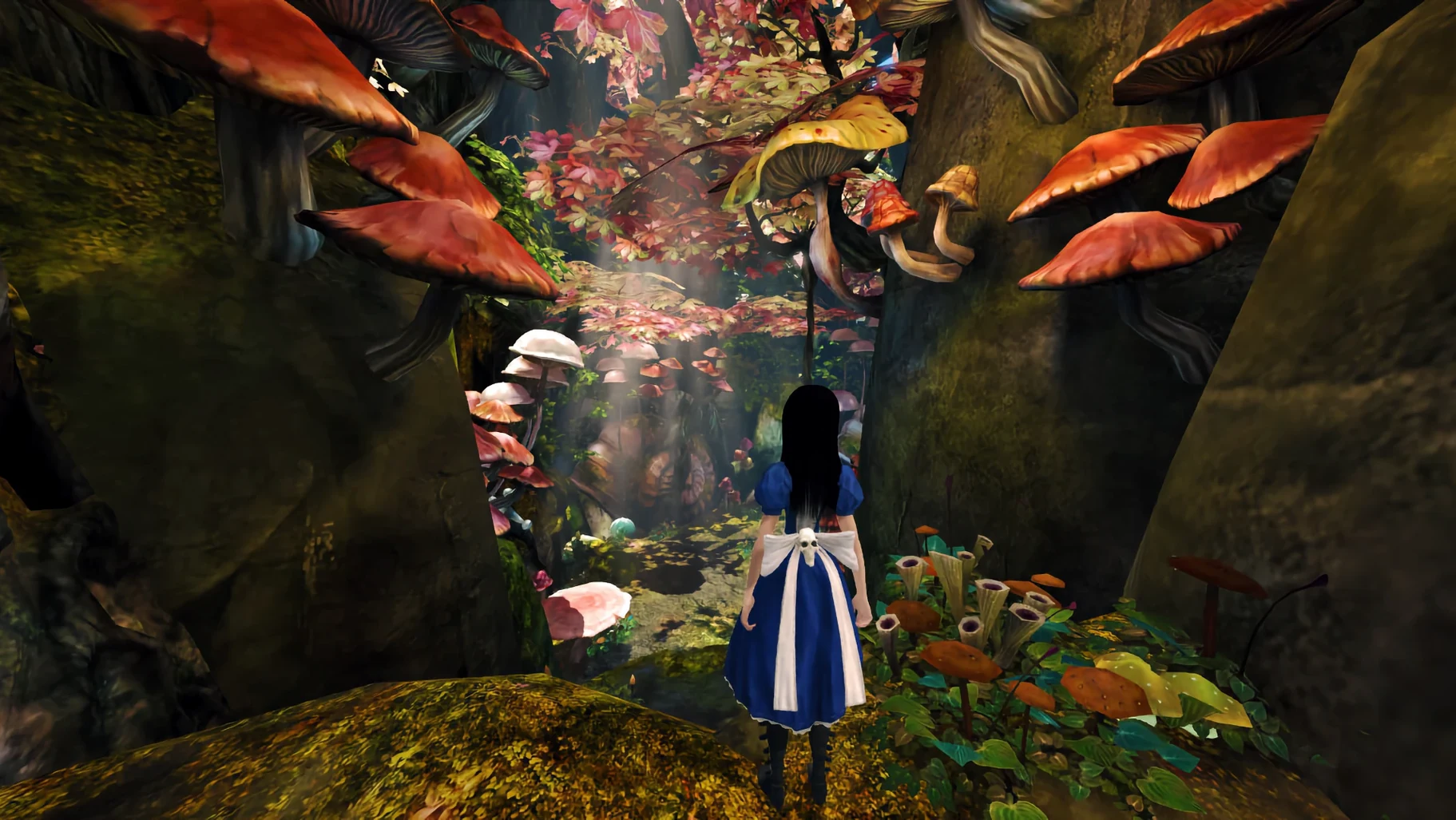
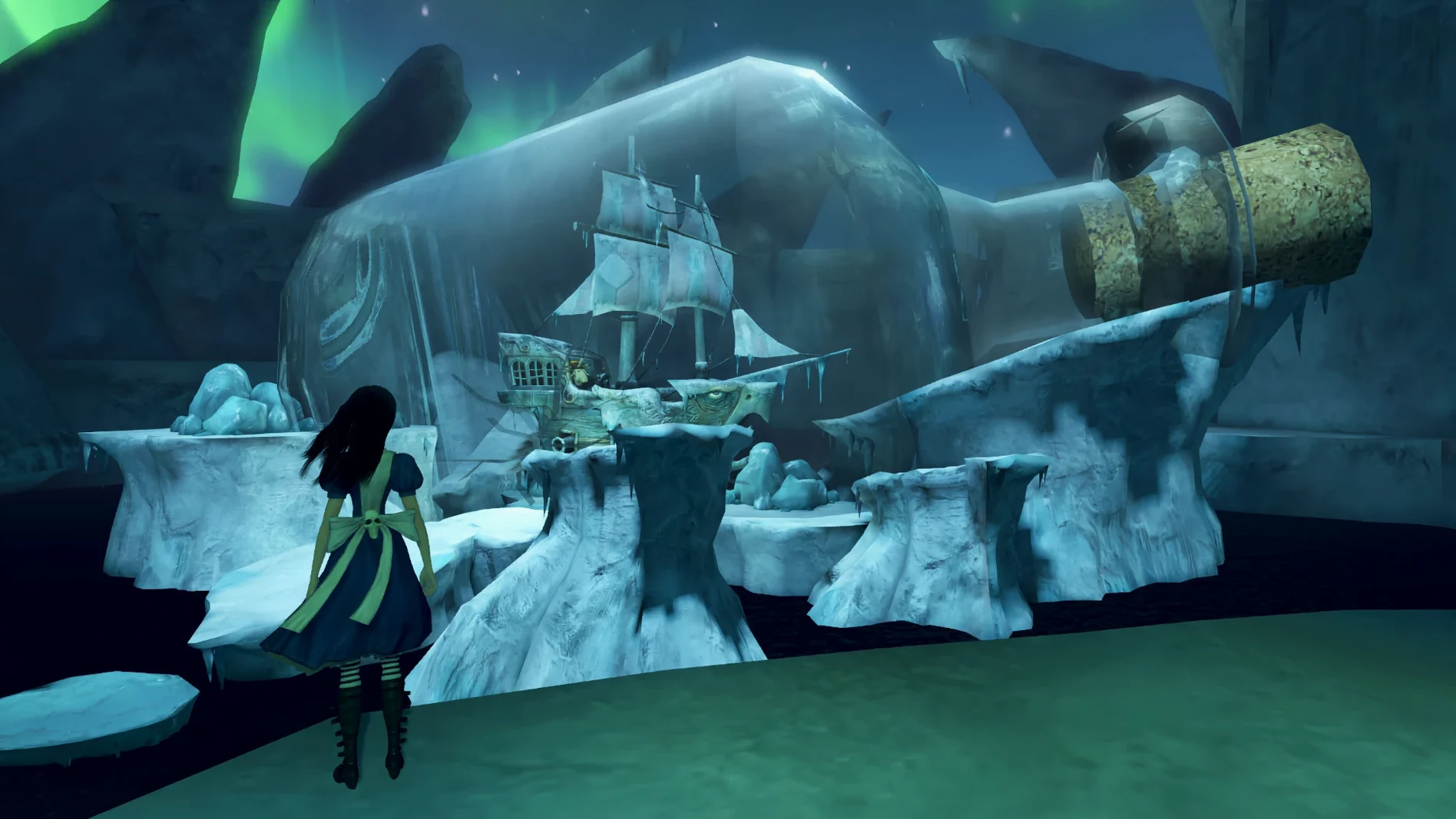
Alice: Madness Returns is a third-person action-adventure game that follows Alice through a twisted version of Wonderland after a childhood fire and her stay in a psychiatric hospital.
Third-person action-adventure — you control Alice directly, fighting enemies with a blade, a teapot cannon, and a horse-headed staff.
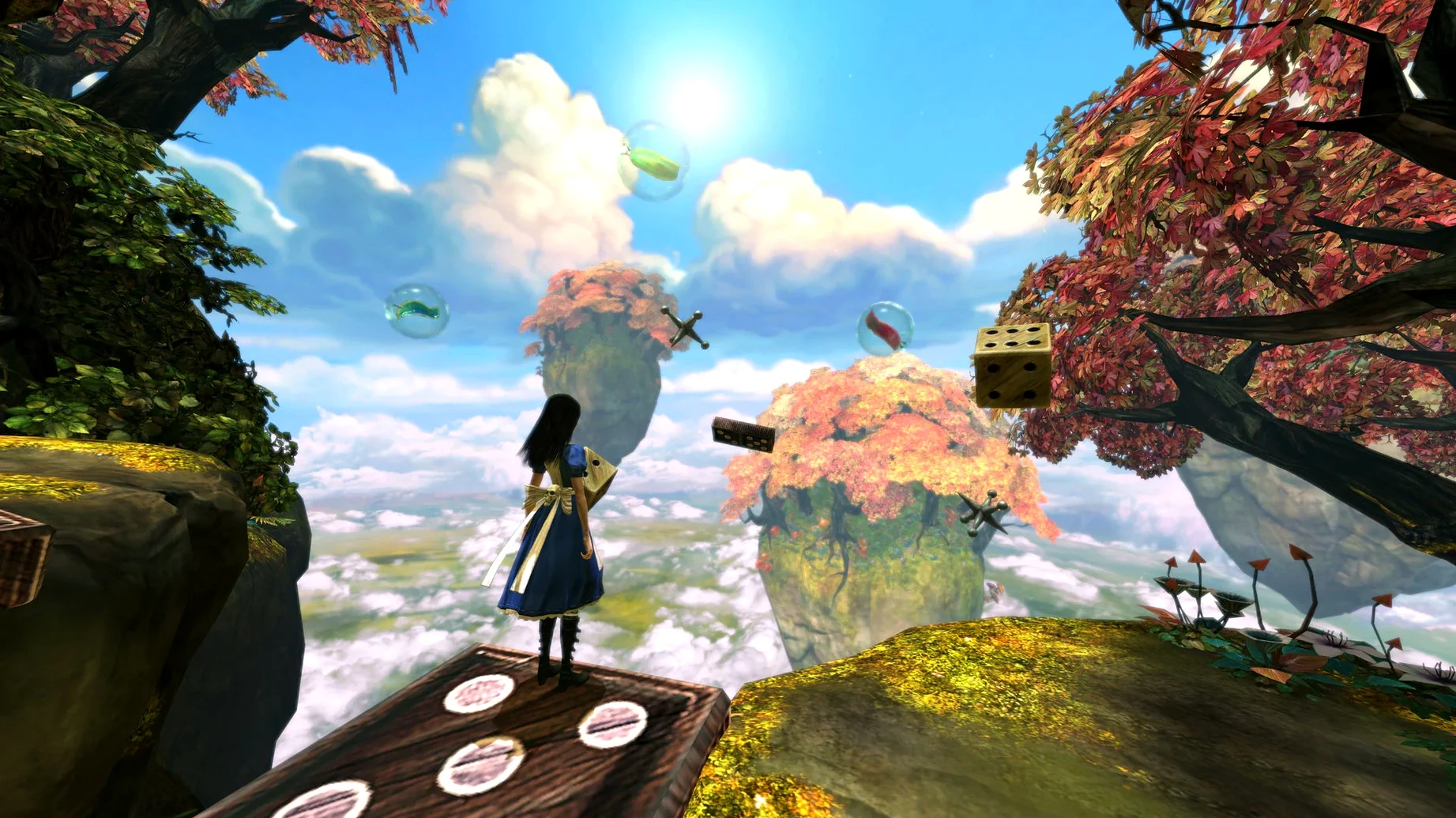
Puzzle sections — the game mixes combat with interactive puzzles: overcoming obstacles, remembering melodies, solving chess problems, and assembling images from parts.
Magical abilities — Alice can shrink to fit small spaces or grow to a large size, and she can float short distances using the wide hem of her dress.
Sequel to American McGee's Alice — the story continues from where the original left off, so a little familiarity helps but isn't required.
Who it suits — players who enjoy gothic atmospheres, macabre storytelling, and combat that asks for timing rather than pure reflexes.
Who might not — those looking for fast-paced, fluid combat or a light-hearted platformer will find the controls dated and the tone heavy.
What changed in daily use between versions
The build 7889667 [Wineskin] is the current release, and there is no earlier version to compare directly. For anyone who has played the original Windows release or a previous wrapper-based port, the main difference is the absence of activation. Earlier distributions of the game often required online authentication or a disc check; this build skips that entirely, which means you can start playing immediately after copying the app to your Applications folder. The Wineskin wrapper handles the Windows executable transparently, so the game itself behaves identically to the 2011 original — no new content, no performance patches, no altered assets.
Right-click to switch between seven interface languages
- Language switching via right-click — the build includes seven interface languages and six voice languages. To change the language, right-click the game entry in the wrapper rather than searching for an options menu inside the game. This is faster and avoids the in-game language selector, which can be hidden behind resolution or graphics settings.
- Command-Tab for resolution changes — if the game launches at a resolution that does not fit your display, switching applications with Command-Tab and then returning can force a resolution refresh. This is a Wineskin quirk, not a game feature, but it saves closing and reopening.
- Fix file in the disk image — the downloaded image contains a Fix file alongside the app. Running it before the first launch can prevent common wrapper errors. It is worth doing even if the game starts without issues, as it sets up some Wineskin dependencies in the background.
- Disable motion blur for lighting problems — if the game looks overexposed or the lighting seems off, turning off effects like motion blur in the graphics options often resolves it. The same setting can help if the gamma appears too high or too low.
A workflow for starting the game from scratch
This walkthrough covers the full setup for someone who has just downloaded the disk image and wants to play without troubleshooting later.
- Mount the downloaded .dmg or .iso image by double-clicking it.
- Drag the Alice: Madness Returns app into the Applications folder alias inside the image. Copying takes a few minutes; the game is around 8 GB.
- Before opening the app, run the Fix file located in the same image. It runs a short script and closes automatically.
- Eject the image and open the app from Launchpad or the Applications folder.
- If the game window appears but the screen is black or the colours are wrong, quit the game, open System Settings > Displays, and check that your display runs at a standard resolution such as 1920x1080. If you use a non-standard panel, consider creating a virtual 16:9 display at 1920x1080 using Better Display.
- Right-click the game entry in the wrapper menu (it may appear as a small icon in the menu bar or dock) and select your preferred language. The game will remember this setting for future launches.
- Once in the main menu, go to Options and disable motion blur and any other post-processing effects. This step is optional but recommended for consistent lighting on modern macOS versions.
- Start a new game or load a save. The game runs in third-person view with combat, platforming, and puzzle sections from the first screen.
If the game fails to launch after these steps, open the app package contents and navigate to Contents/SharedSupport/prefix/drive_c/Appstorrent Games/Alice Madness Returns/Engine/Config/. Replace the BaseEngine.ini file there with a downloaded version. This is a last resort fix for wrapper configuration conflicts on macOS Sequoia.
Before it goes on the Mac
- macOS: any recent version
- Architecture: Intel and Apple Silicon
- Interface languages: English, Russian, German, Spanish, Italian, French, Japanese
Questions from the room
Can I change the game's language?
Yes, right-click the game entry to change the language. Supported languages include English, Russian, German, Spanish, Italian, French, and Japanese.
Installing it on the Mac
- Mount the downloaded disk image.
- Drag the app into the Applications folder alias.
- After copying finishes, open the app from Launchpad.
- If the game shows an error at launch, run the Fix file inside the image.
- If lighting or overexposure issues appear, disable effects such as motion blur.
- If needed, change the screen resolution or switch apps with Command-Tab.
- If the fixes above do not help, open the app package contents and go to
Alice Madness Returns.app/Contents/SharedSupport/prefix/drive_c/Appstorrent Games/Alice Madness Returns/Engine/Config/. - Download the BaseEngine.ini file, unpack it, and replace the file in that folder.
- If the game still does not start, create a virtual 16:9 display at 1920x1080 with Better Display.
- For downloads, use Free Download Manager or Motrix with browser extensions for Chromium-based browsers.
- For torrent files, use qBittorrent.
- To change the language, right-click the game entry.
Notes from the control room
Sign in or open a catalogue account to leave a note.
No notes from the room yet. If you have used this build for a week, a short note helps the next person.
Also filed under Games
The whole Games rack Angry Birds Reloaded4.2 Games 431 MB
 Age of Empires II: Definitive Edition1.3 Games 75 GB Updated
 Assassin's Creed Shadows1.0.35 Games 145 GB
 ASYLUM1.5.0 Games 11 GB
 Abalon: Roguelike Tactics CCG2.97.1 Games 128 MB
 A Short Hike1.10.1 Games 219 MB
 7 Days To Die3.4.0 Games 16 GB Updated
 Badland Party2.0.0 Games 186 MB