
Home › Games › Assassin's Creed Shadows

Assassin's Creed Shadows 1.0.35 (Mac)
Updated
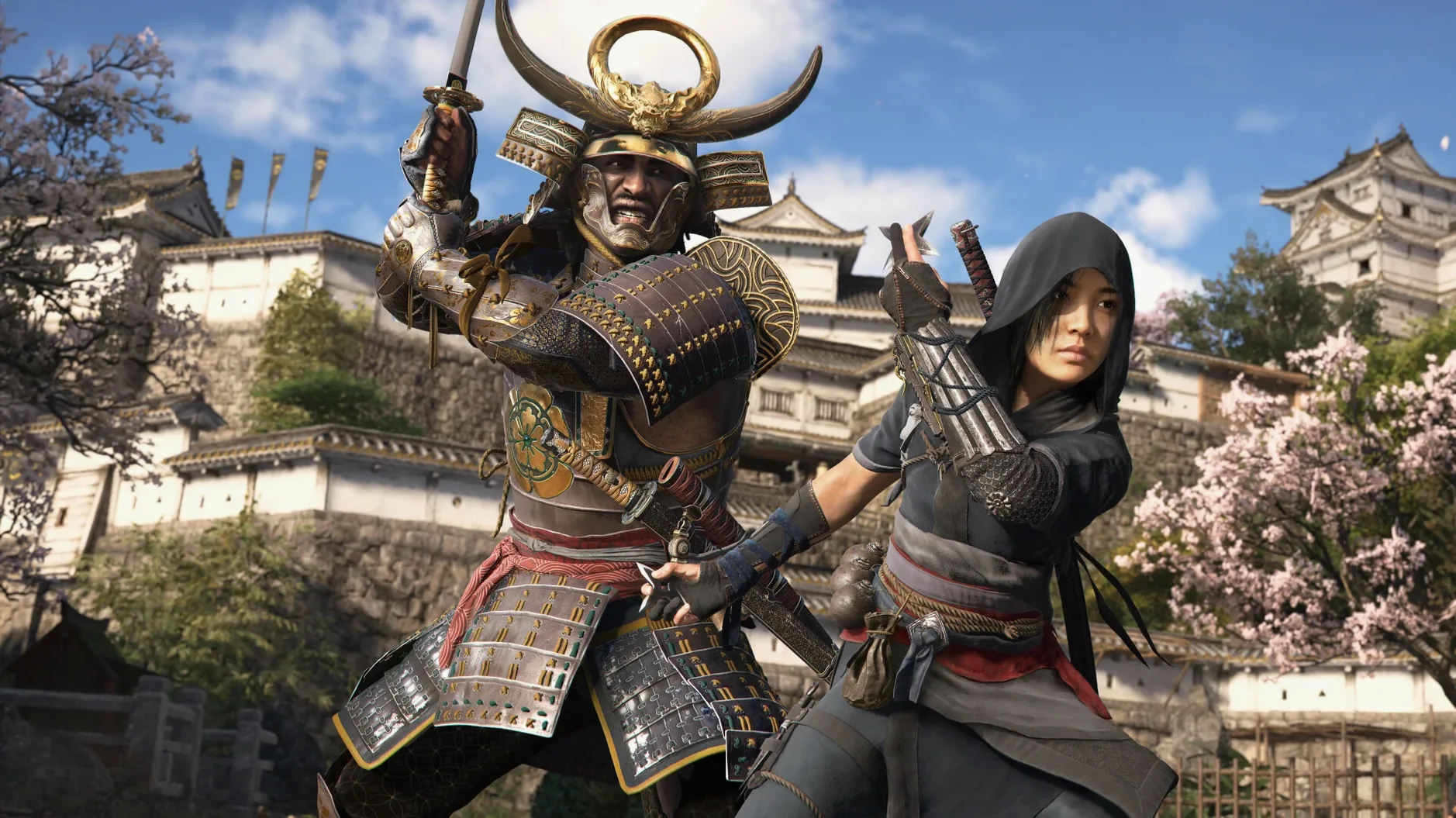
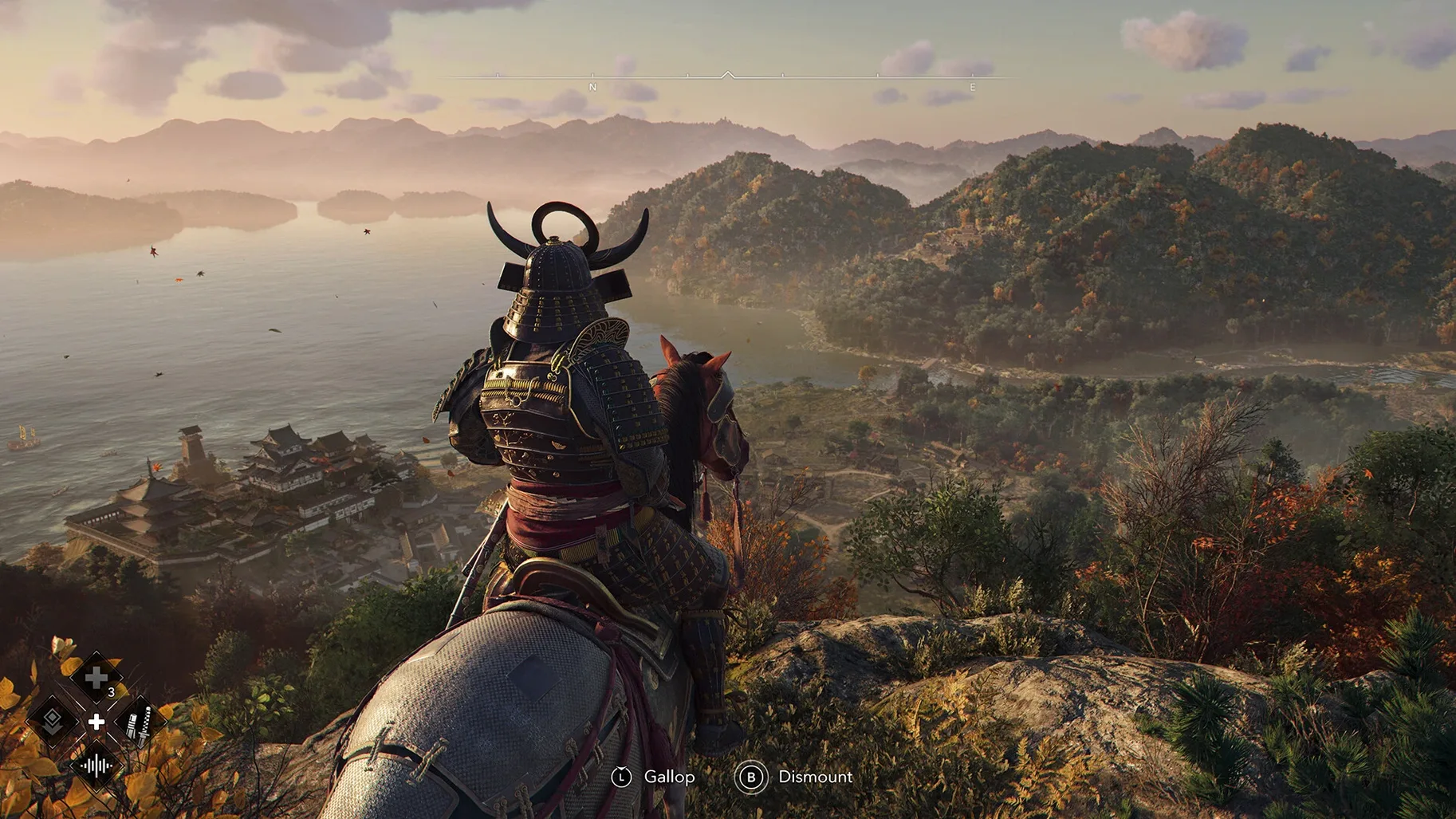
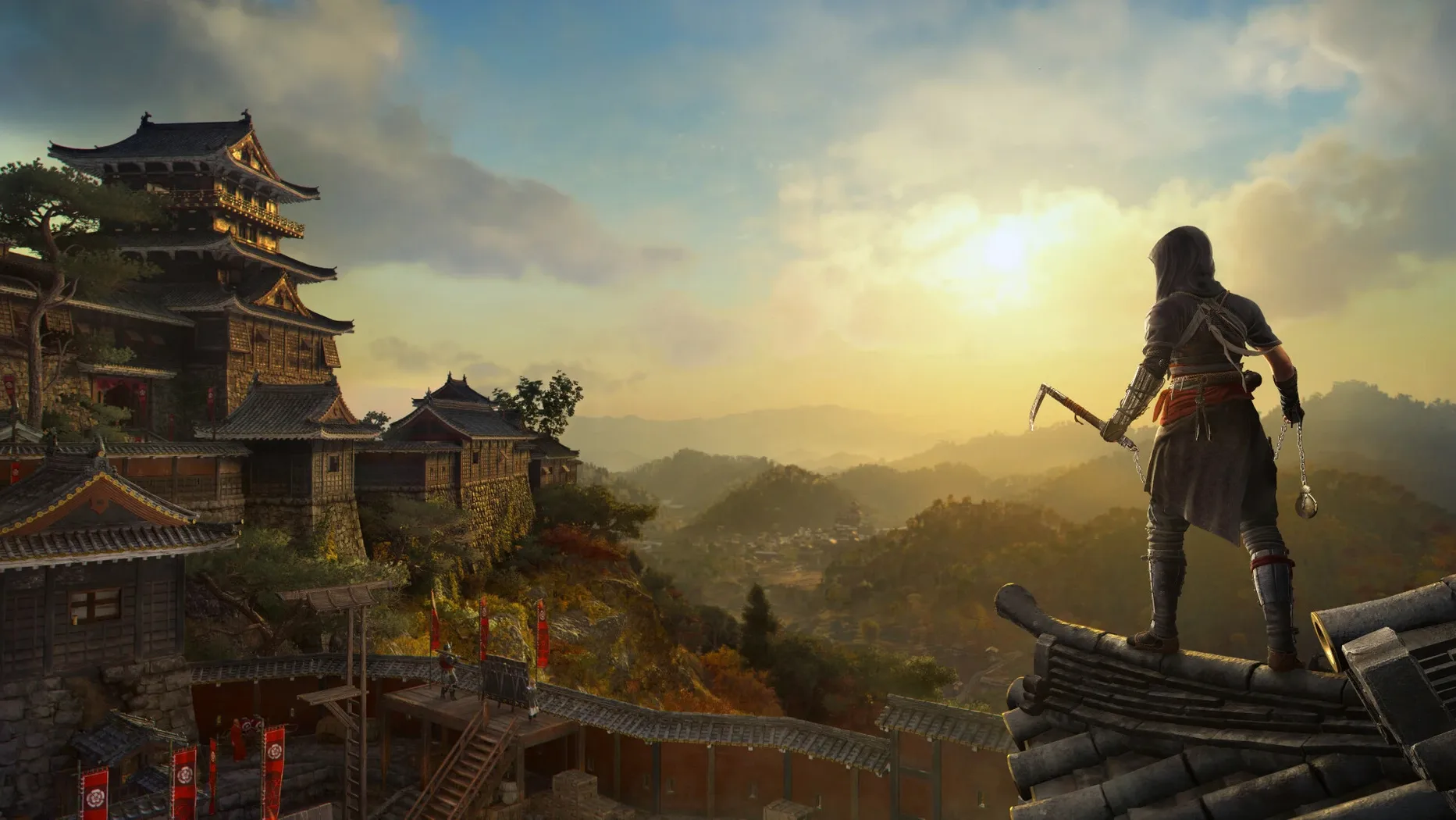
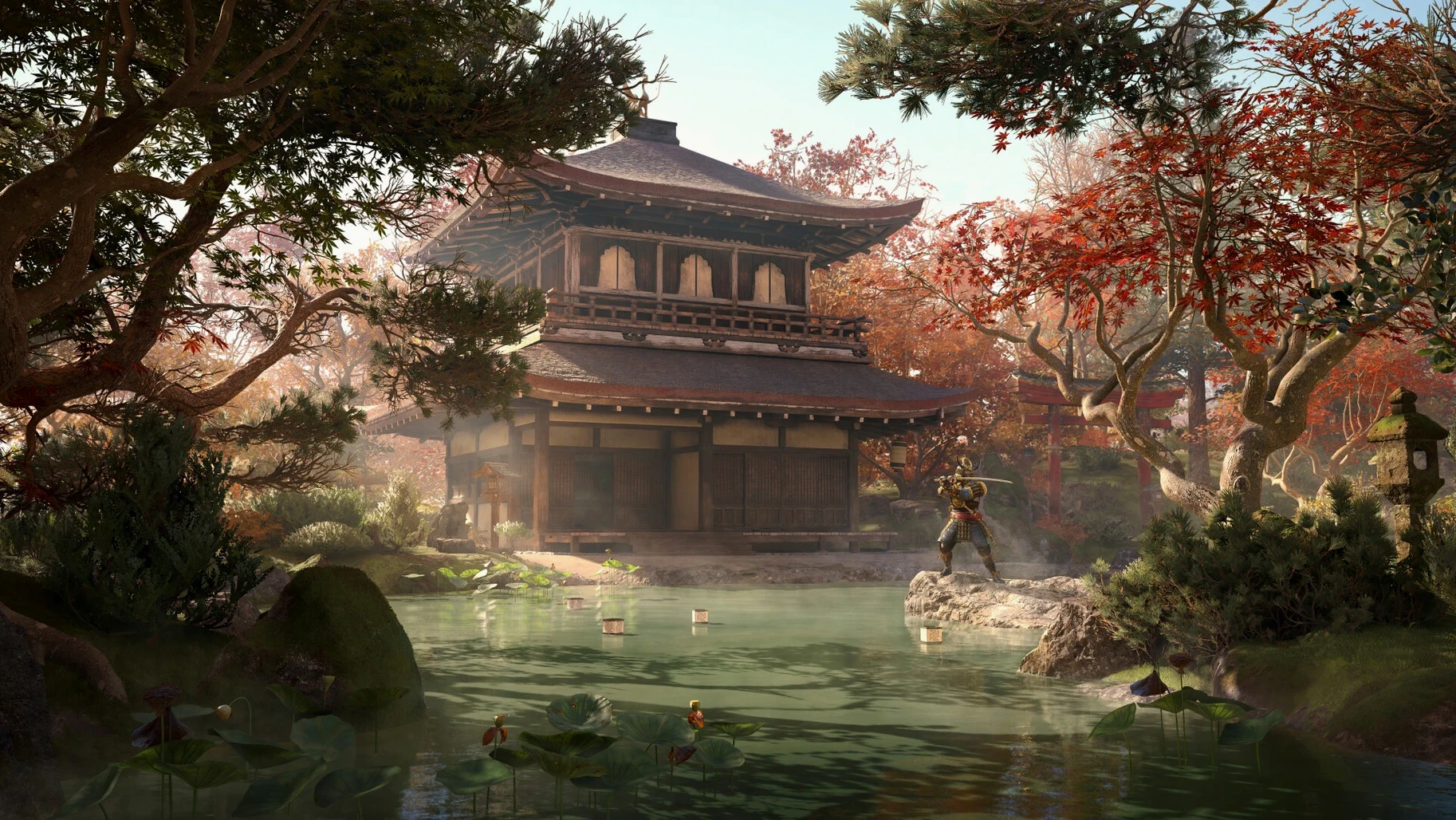
The catalogue note
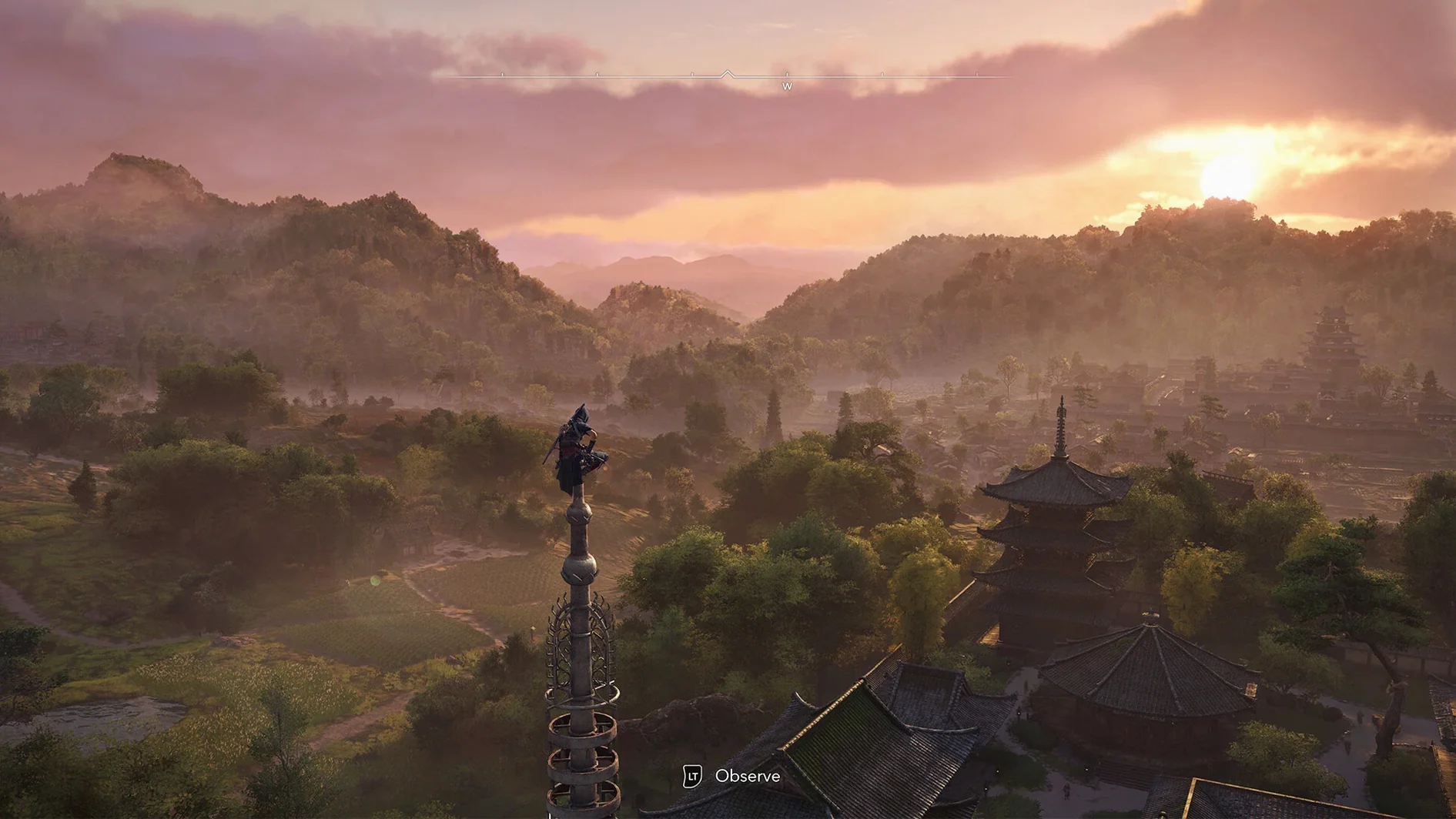
The Pathfinder tool is your first clue that Assassin’s Creed Shadows means business. Point it at a distant pagoda and the game paints a route through rooftops, bamboo groves, and riverbeds — no compass clutter, just a subtle glow on the ground that respects line of sight.
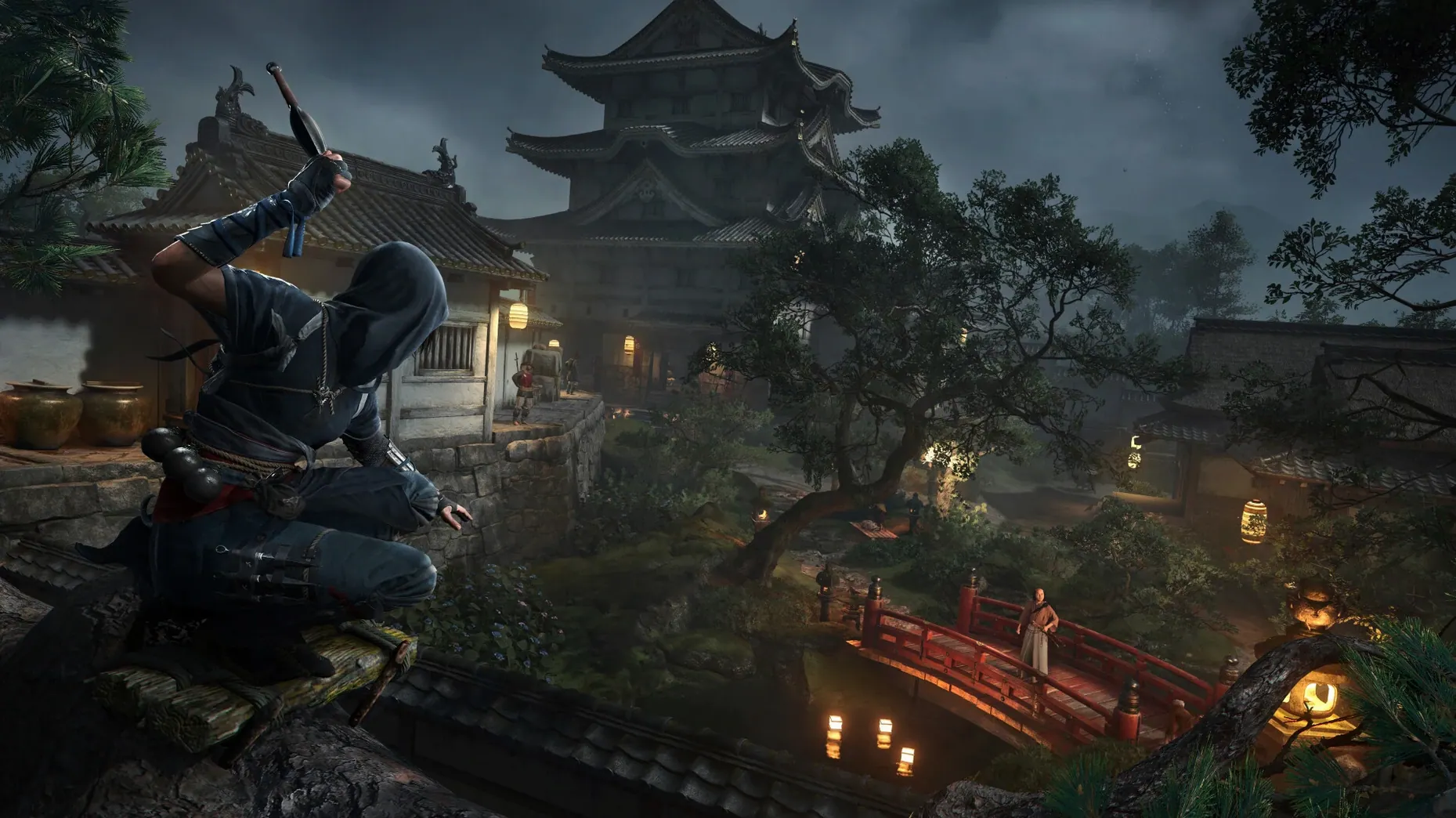
Scout and infiltrate
You spend most minutes reading the environment. Weather shifts mid-run: a rain squall muffles your footsteps but also dulls the torches, forcing you to memorise guard patrols rather than rely on light. Naoe’s grappling hook turns a castle wall into a vertical puzzle; Yasuke’s heavier frame means you pick a different line through the same keep.
Craft and train in the hideout
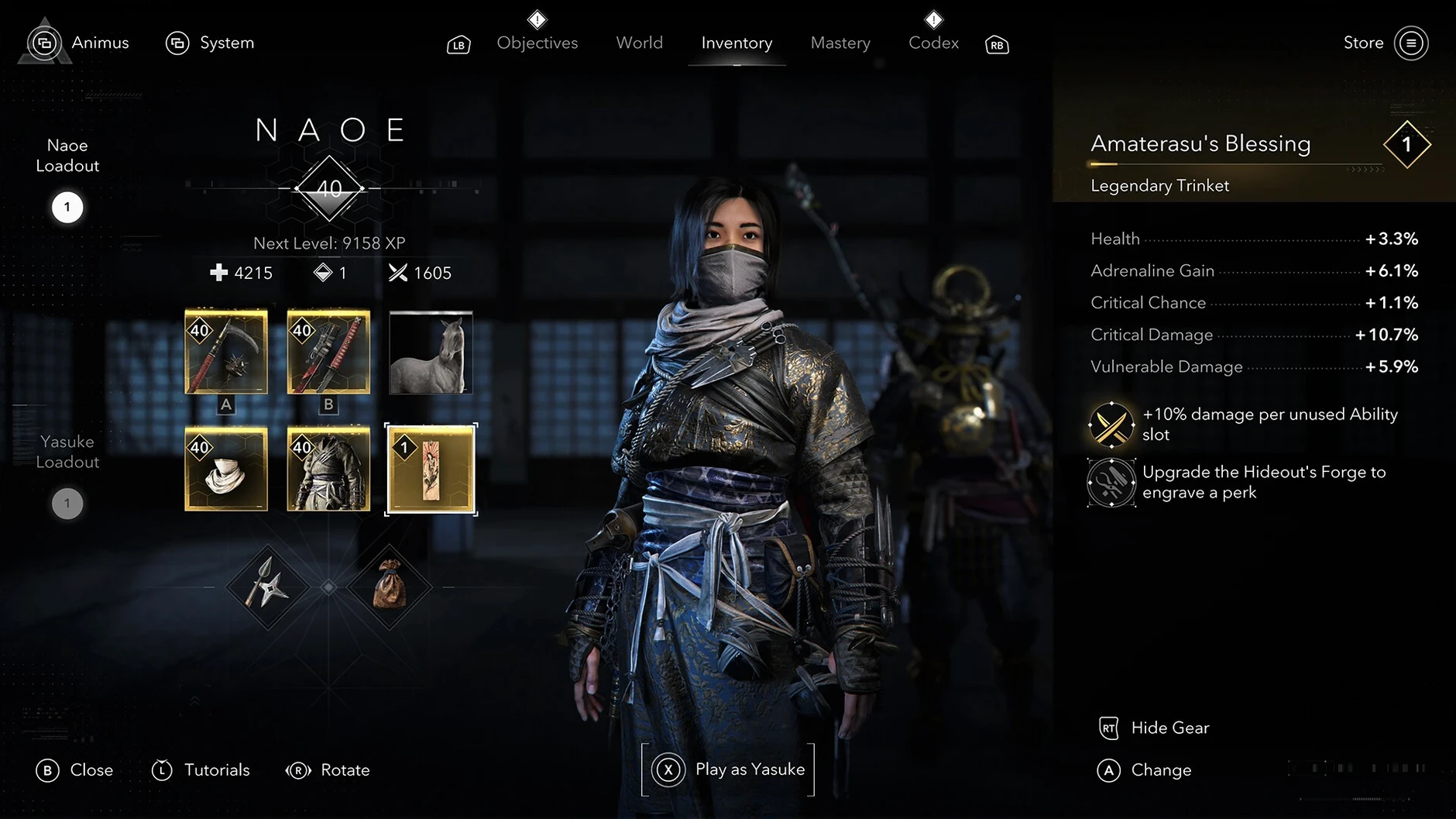
Between missions the hideout is where you breathe. New equipment gets hammered out on the forge table, allies spar in the yard, and you can walk up to a key character to trigger a conversation that changes how the next region’s network behaves. The environment remembers: leave a tool rack half-built and it stays that way until you return.
Fight with consequences
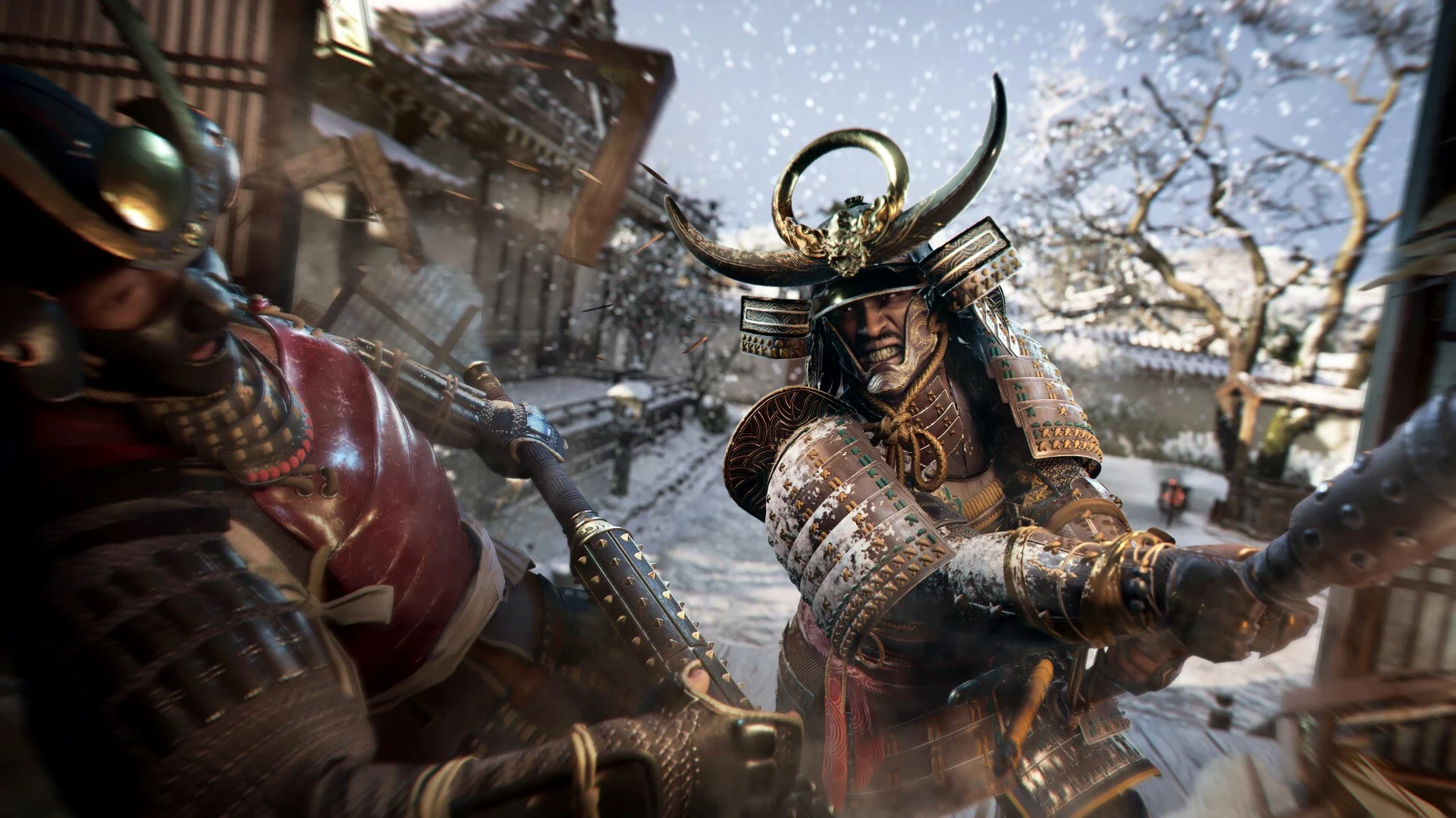
Combat is deliberate. A single swing from Yasuke’s kanabō can break a guard’s stance, but the same hit against a wooden bridge pillar sends splinters into the river below, altering the approach for anyone who follows. Open-world systems talk to each other — burn a supply tent and the local garrison stays under-supplied for several in-game days.
130 GB is a firm requirement, not a suggestion
Two things come up repeatedly. First, the storage: 130 GB is a firm requirement, not a suggestion. The game unpacks a substantial world with multiple seasons and weather states, and the texture data for feudal Japan’s castle towns and shrines adds up. A fast internal SSD is ideal; external drives that meet the speed spec work, but expect longer load transitions between regions.
Second, the Ubisoft account. The game demands one at first launch — no offline workaround, no local-only mode. You register once, link it, and from then on the launcher handles authentication in the background. If you share a Mac with someone else, each user needs their own account.
The initial copy takes time even after Finder says it's done
The most frequent hiccup happens during the initial copy. Dragging the app from the disk image to Applications looks straightforward, but the full 130 GB transfer takes time. If the Finder reports that copying has finished before the progress bar actually completes, wait for the dock icon to settle — launching early can produce a “corrupted install” error that requires deleting and re-copying.
Another one: seasonal weather transitions sometimes cause a brief frame hitch on the first load after the change. This isn’t a crash, just the engine compiling shaders for the new environment. Let it sit for a moment and the game recovers.
System Settings > General > About tells you the exact build.
Action-adventure players who prefer a slower pace of exploration
Action-adventure players who appreciate a slower pace of exploration will feel at home here. The game doesn’t push you toward markers; it drops you into a province and trusts you to follow a scout lead or investigate a shrine on your own. Open-world completionists will also find depth — every war-torn province has its own supply state, and the hideout’s training and crafting loops reward returning between missions rather than bingeing the critical path.
Mac users with M3 or M4 machines have an extra visual layer: hardware-accelerated ray tracing and HDR support. On those chips the lighting in castle interiors and during dusk patrols gains noticeable depth. M1 and M2 users still get the full game at the low preset targeting 720p 30 fps — the same world, the same systems, just without the ray-traced reflections.
Players who enjoy dual-protagonist stories should also take note. Naoe and Yasuke aren’t interchangeable skins; their movement, combat, and infiltration tools are fundamentally different, so replaying a region with the other character changes the route through it.
Use scouts sparingly because each one takes real in-game time to return
The scout network is worth understanding early. Instead of revealing the entire map at once, you dispatch scouts to track specific targets — use them sparingly because each scout takes real in-game time to return. The interface shows how many are available and how long they’ll be away, but it’s not explained in the opening tutorial.
The hideout’s layout customisation is more than cosmetic. Positioning the forge near the training yard reduces the distance you walk between crafting and testing equipment. Key characters appear in the hideout after certain missions, and talking to them there can unlock new scout abilities or ally recruits that aren’t available from the field menu.
Weather effects interact with stealth in a way the game doesn’t spell out. Heavy rain masks Naoe’s footsteps completely — you can sprint past a guard who would normally hear you. Snow, on the other hand, leaves footprints that patrols can follow if you don’t break line of sight quickly. The season wheel in the pause menu shows the current forecast, but the game never tells you to check it before a stealth run.
Before it goes on the Mac
- macOS 15 Sequoia
- Apple Silicon
- 16 GB RAM
- 130 GB available storage
- Ubisoft account required to launch
Installing it on the Mac
- Open the downloaded disk image.
- Drag the app to the Applications folder alias.
- Launch the app from Launchpad after copying finishes.
- Register a Ubisoft account to start the game.
Notes from the control room
Sign in or open a catalogue account to leave a note.
No notes from the room yet. If you have used this build for a week, a short note helps the next person.
Also filed under Games
The whole Games rack ASYLUM1.5.0 Games 11 GB
 Badland Party2.0.0 Games 186 MB
 Batman: Arkham City - Game of the Year Edition1.2.1 Games 11.3 GB
 BattleBlock Theater2026.11.04 Games 2.2 GB Updated
 Big Ambitions1.0.3682 Games 2.3 GB
 BLACKTAIL1.5 Games 12 GB
 Angry Birds Reloaded4.2 Games 431 MB
 Alice: Madness ReturnsBuild 7889667 Games 8.3 GB