Home › Games › BattleBlock Theater

BattleBlock Theater 2026.11.04 (Mac)
Updated
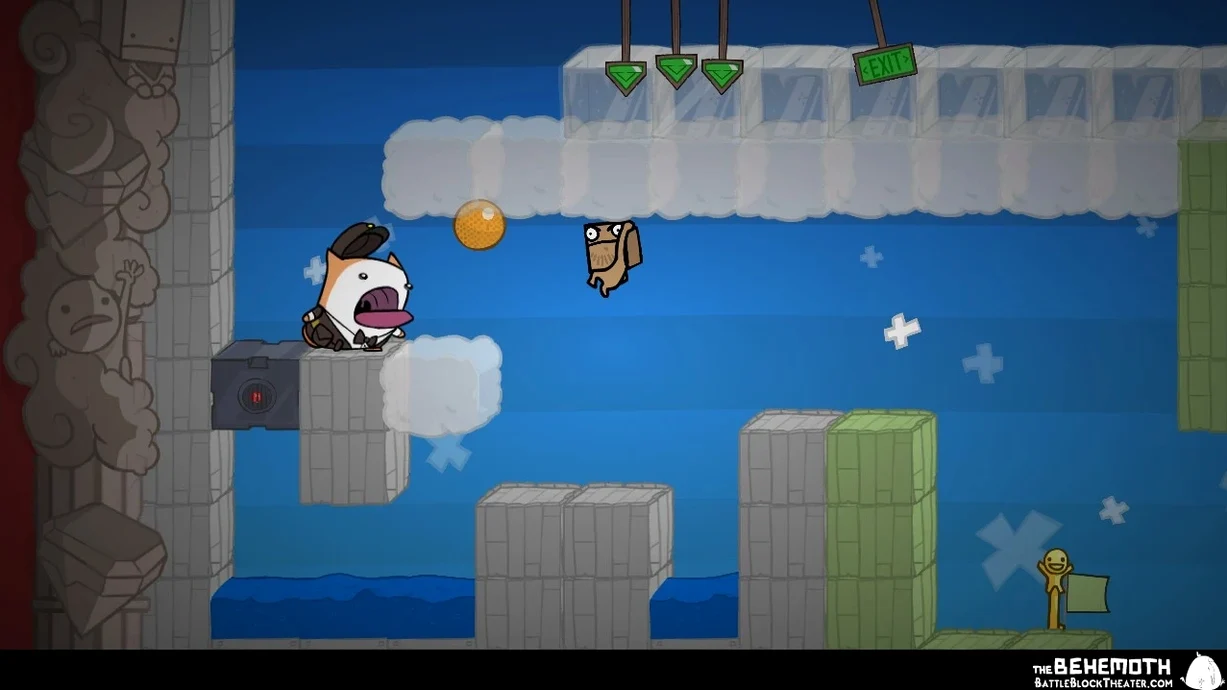
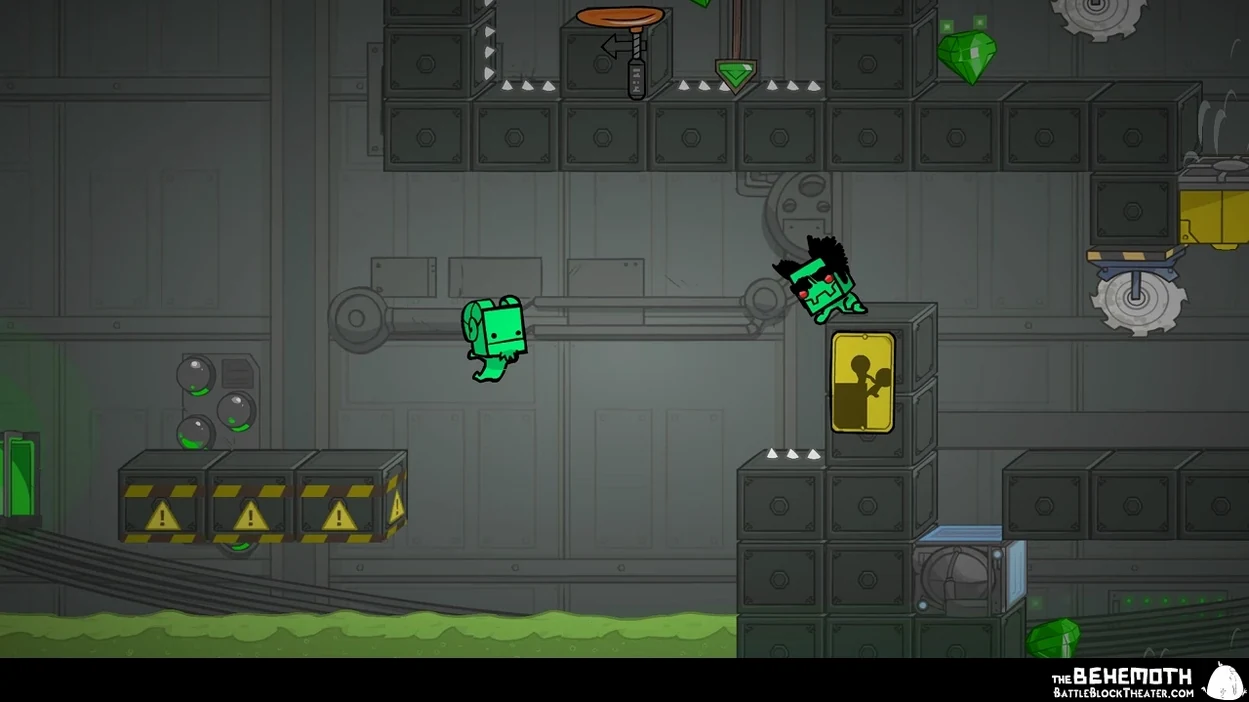
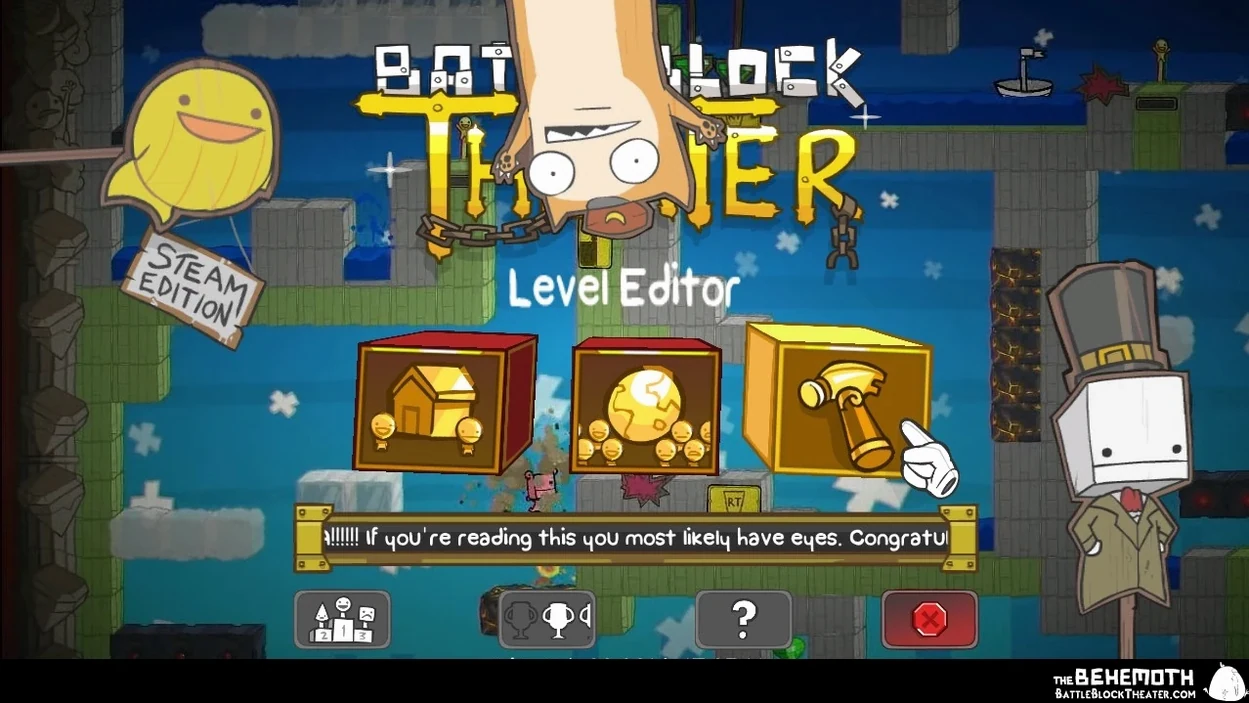
The catalogue note
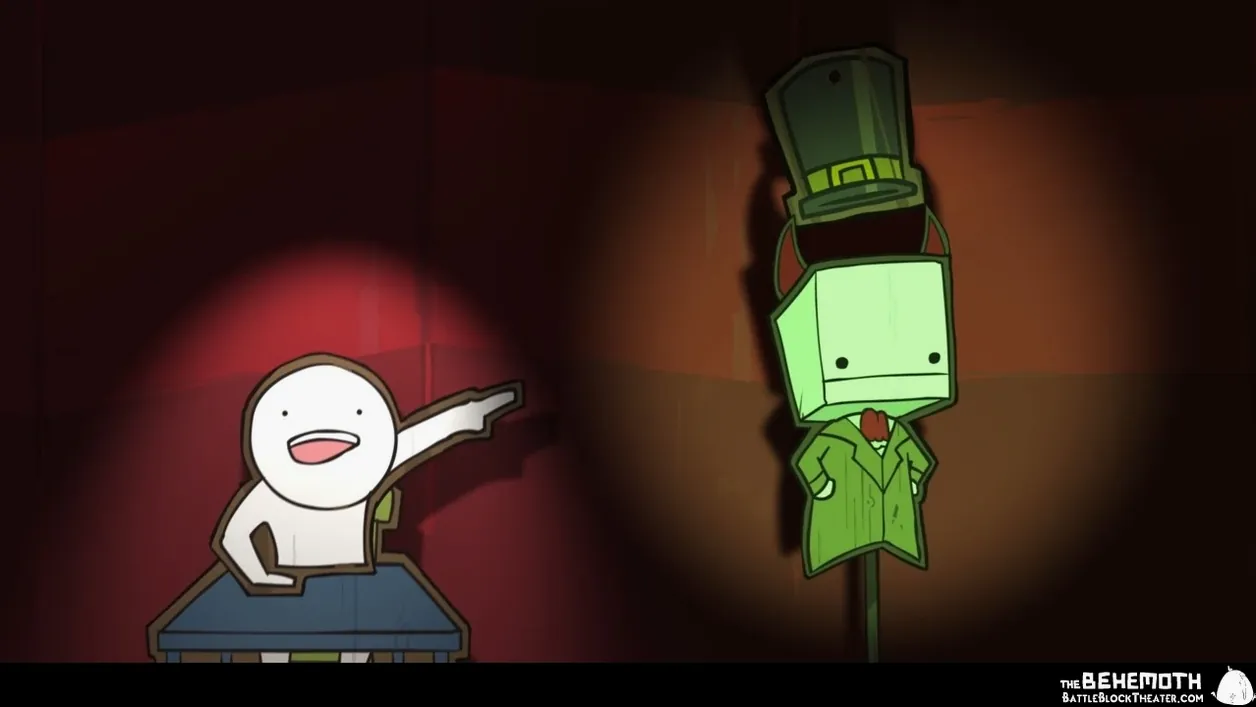
The level editor ships with over twenty interactive block types, which is what pulled me in. A side-scrolling action game dressed as a sadistic theatre production — you jump, solve simple platform puzzles, and battle through roughly 300 imprisoned performers. The Behemoth built it with local co-op for up to two players, plus a separate arena mode and a level-sharing system so the community keeps the stage busy.
| Detail | Value |
|---|---|
| Developer | The Behemoth |
| Release | 15 May 2014 |
| Architectures | ARM (Apple Silicon) and Intel 64-bit |
| Interface languages | 11 including English, Russian, German, Spanish, Italian, French, Japanese, Korean, Portuguese, and both Chinese variants |
Story mode is co-op only locally, but the arena and the user-made levels give single players plenty to do. If you want a straightforward platformer with a dry narrator and a level editor that actually gets used, this port is solid.
Runs as a native executable on both ARM and Intel Macs
BattleBlock Theater sits alongside other Mac games as a native executable that respects your system's architecture. Because it supports both ARM and Intel 64-bit, it launches on any modern Mac without translation layers. The game uses standard macOS conventions — the disk image mounts normally, you drag the app to Applications, and Launchpad picks it up after the first copy.
The controller support is worth noting if you already use a gamepad for other titles. Local co-op relies on having at least one controller connected for the second player; the game recognises most USB and Bluetooth controllers that macOS detects natively. If you prefer keyboard and mouse, single-player works with those too, but the co-op design assumes a second input device.
Level sharing happens through the game's own online system, not through iCloud or AirDrop. You publish creations from the level editor, and the community can download and rate them. This keeps the workflow self-contained — no need to export files or manage folders manually.
Plays offline for story and arena mode
Does the game need an internet connection to run? No. The story mode and arena mode work entirely offline. The level browser and upload system require a connection, but the core gameplay does not.
Can I play co-op over the internet? The official design is local co-op only, meaning two players on the same screen. The game does not include online matchmaking or remote play together features. If you want to play with someone in another room, you need a controller for each player and the same display.
What happens if I switch from an Intel Mac to Apple Silicon? The application is a universal binary, so it runs natively on both. You can move the app between machines without re-downloading. Save data transfers with the rest of your user folder, though the game uses its own save location inside ~/Library/Application Support rather than iCloud.
Is the level editor complex to learn? The editor gives you over twenty interactive block types to place, but the interface is straightforward — you select a block, place it on a grid, and test your level. The learning curve is shallow compared to dedicated level editors in other games.
Hidden commentary changes when you fail repeatedly
- The narrator's commentary changes based on your performance, including when you fail repeatedly. It is worth dying a few times just to hear the different lines.
- The game remembers which weapons you had equipped between checkpoints, so you do not need to re-select them after respawning.
- Arena mode includes eight different rule sets, which gives variety beyond the story campaign. Some arenas work well with one player, others are clearly designed for local competition.
- The level browser lets you filter by rating and recent uploads, making it easier to find quality community content without scrolling through everything.
- Hardcore mode in the story campaign grants only one life per level — no continues, no checkpoints. It is a separate setting, not something you can toggle mid-game.
Installs via a single drag-and-drop on any Mac
The game runs as a universal binary, so installation is a single drag-and-drop regardless of whether you use an Intel Mac or an Apple Silicon model. The disk image contains the application and a shortcut to the Applications folder — no installer, no background processes.
macOS Tahoe was the test environment for this build, and a 2024 Mac mini with M4 was the hardware used during testing. The game does not require Rosetta 2, which means it launches as a native ARM application on Apple Silicon systems. Intel users get the 64-bit x86 variant without any emulation layer.
No activation is required. You open the app and it starts immediately — no account login, no serial number entry, no online handshake. The game is self-contained once installed.
The interface supports eleven languages, but the voice audio is English only. That means subtitles and menus adapt to your chosen language, while the narrator and character voices remain in English regardless of the interface setting. If you prefer playing in Russian, German, French, or any of the other supported languages, the text will be localised, but you will hear the original English voice work.
Before it goes on the Mac
- Apple Silicon or Intel 64‑bit Mac
Questions from the room
Can I play BattleBlock Theater solo on Mac?
Yes. The single-player campaign is fully playable alone, and the arena mode supports solo matches as well.
Does the Mac version support Apple Silicon natively?
Yes. The app runs on both ARM (Apple Silicon) and 64-bit Intel architectures without emulation.
Installing it on the Mac
The BattleBlock Theater mac download clocks in around 2.2 GB and ships as a single bundle that runs on both Apple Silicon and Intel 64-bit machines — no separate installers to juggle.
- Mount the downloaded disk image.
- Drag the BattleBlock Theater app bundle into the Applications folder shortcut.
- Once copying finishes, launch the game from Launchpad.
Notes from the control room
Sign in or open a catalogue account to leave a note.
No notes from the room yet. If you have used this build for a week, a short note helps the next person.