
Home › Mac Apps › ACDSee Photo Studio

ACDSee Photo Studio 26.0.3 (Mac)
Updated
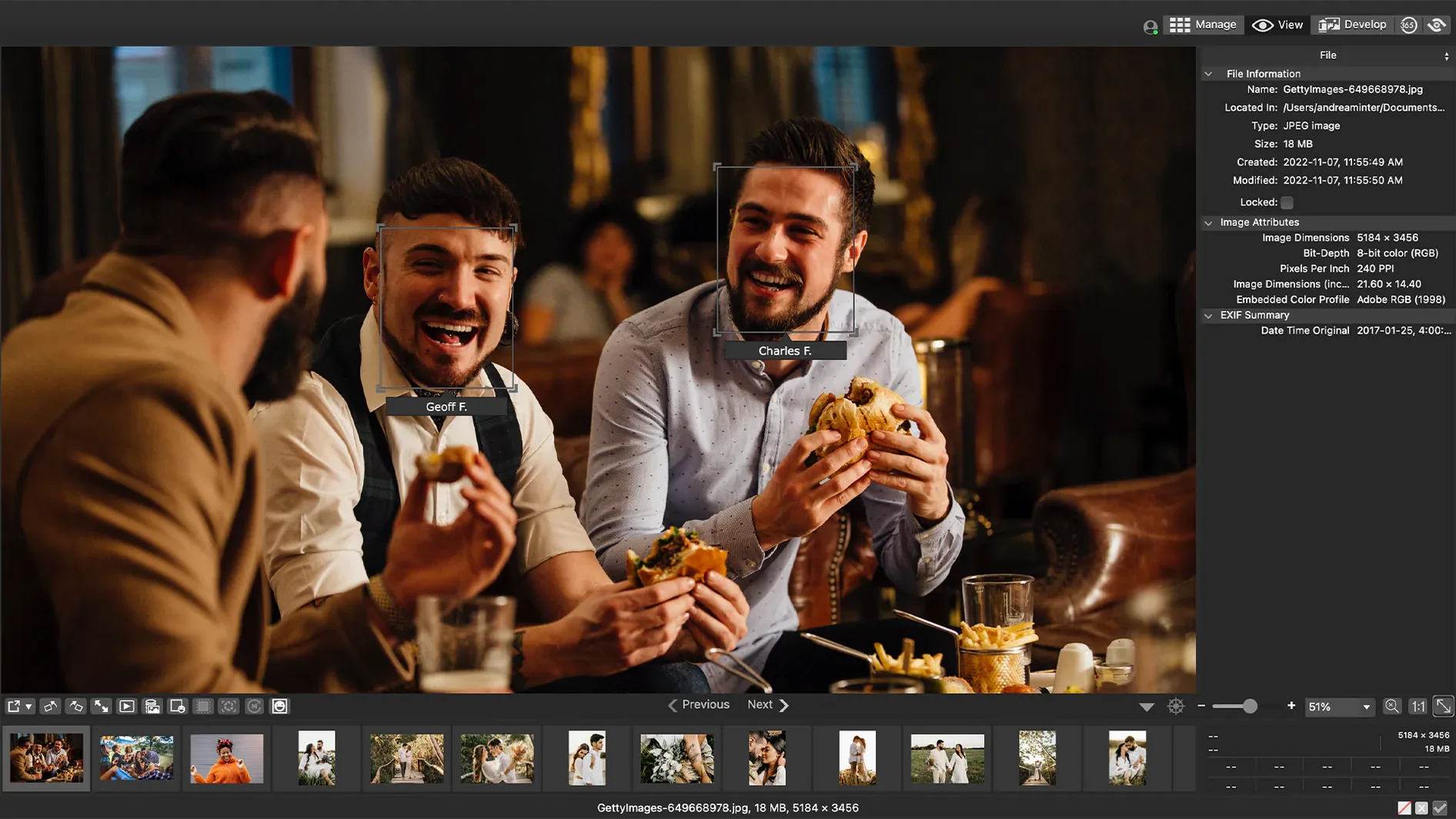
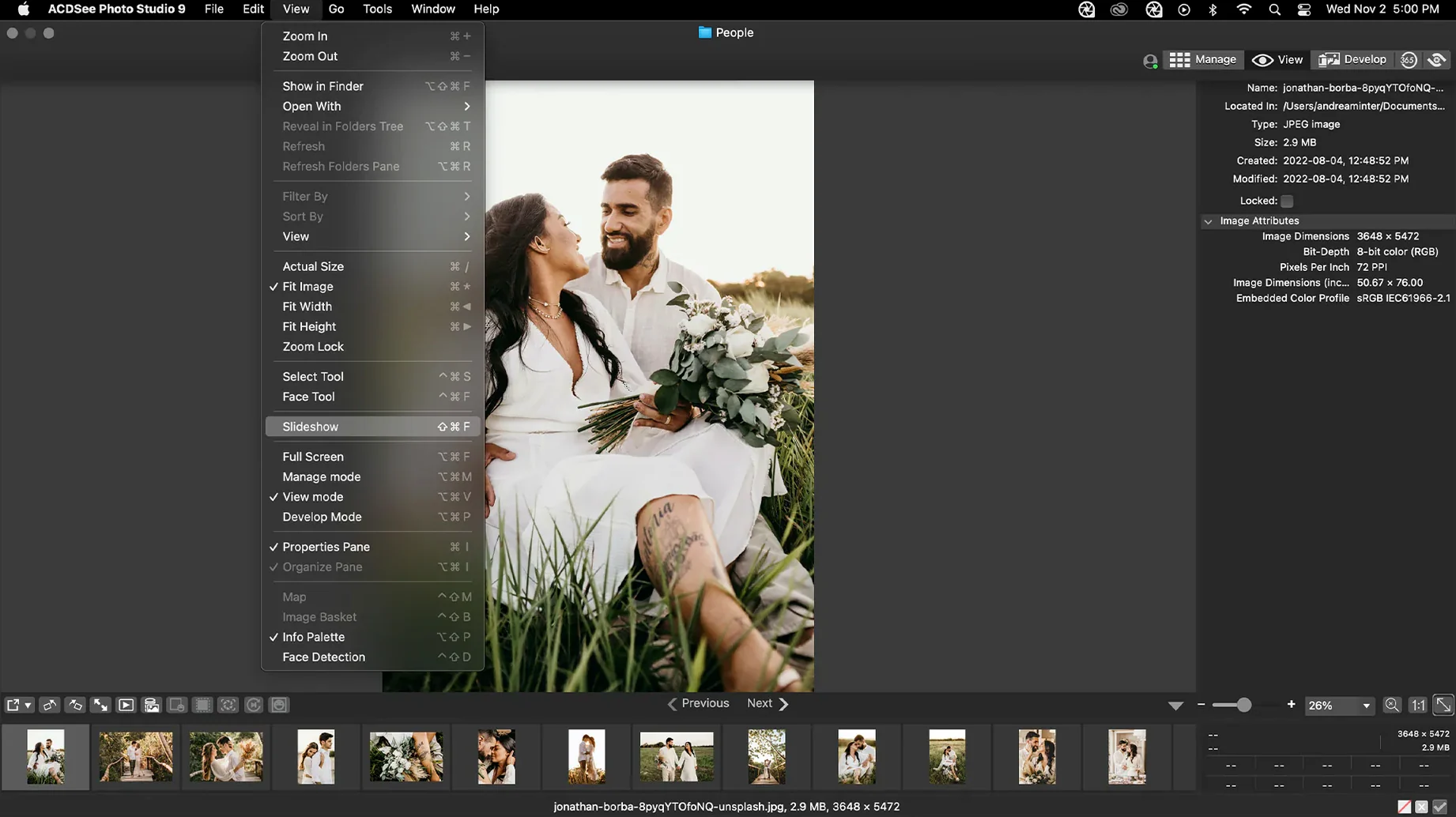
The catalogue note
The keyword editor in ACDSee Photo Studio 26 for Mac now stops editing when you click away — a small fix, but one that tells you the developers are paying attention to workflow friction. For anyone who spends hours culling and keywording, those seconds add up.
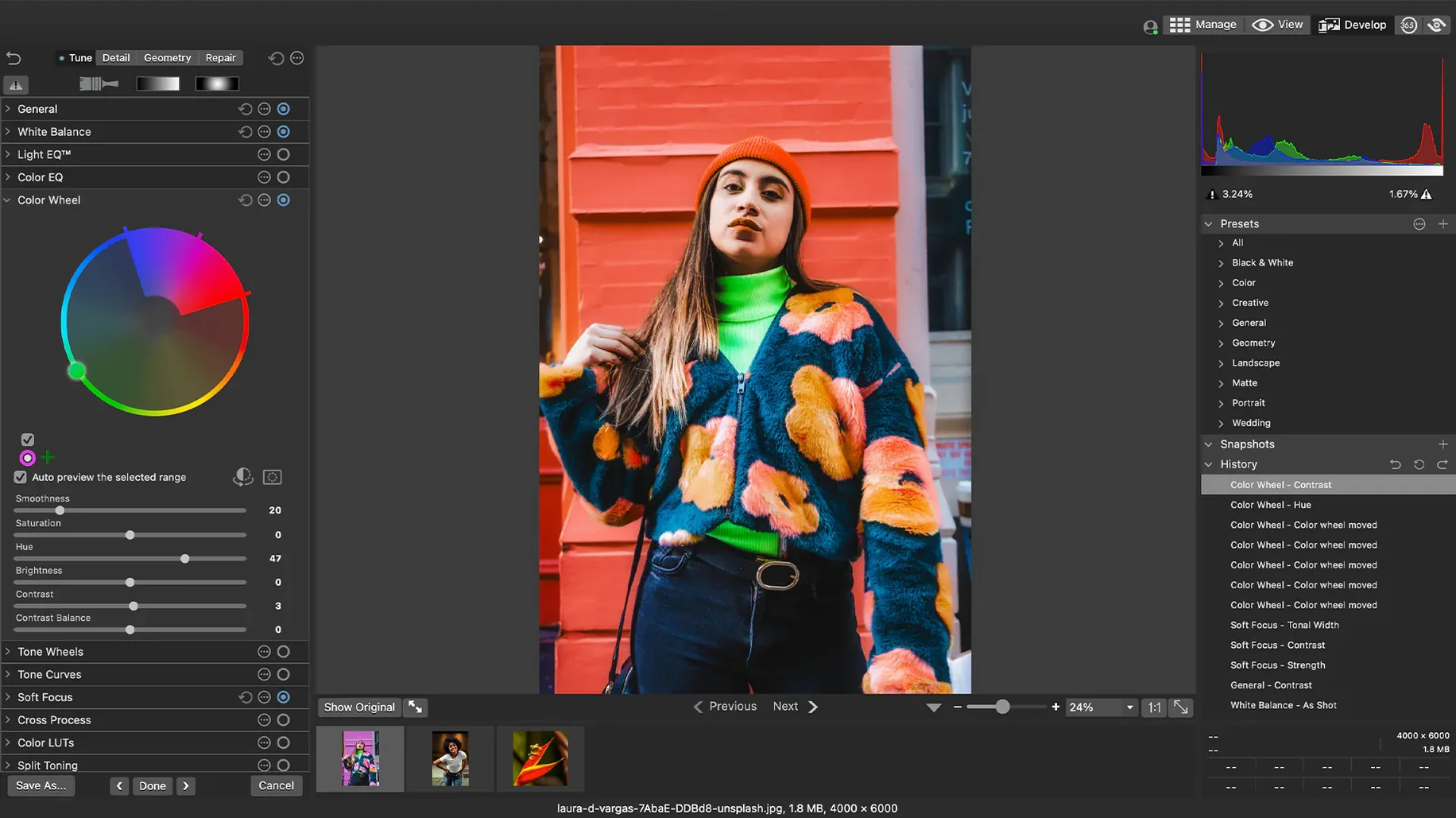
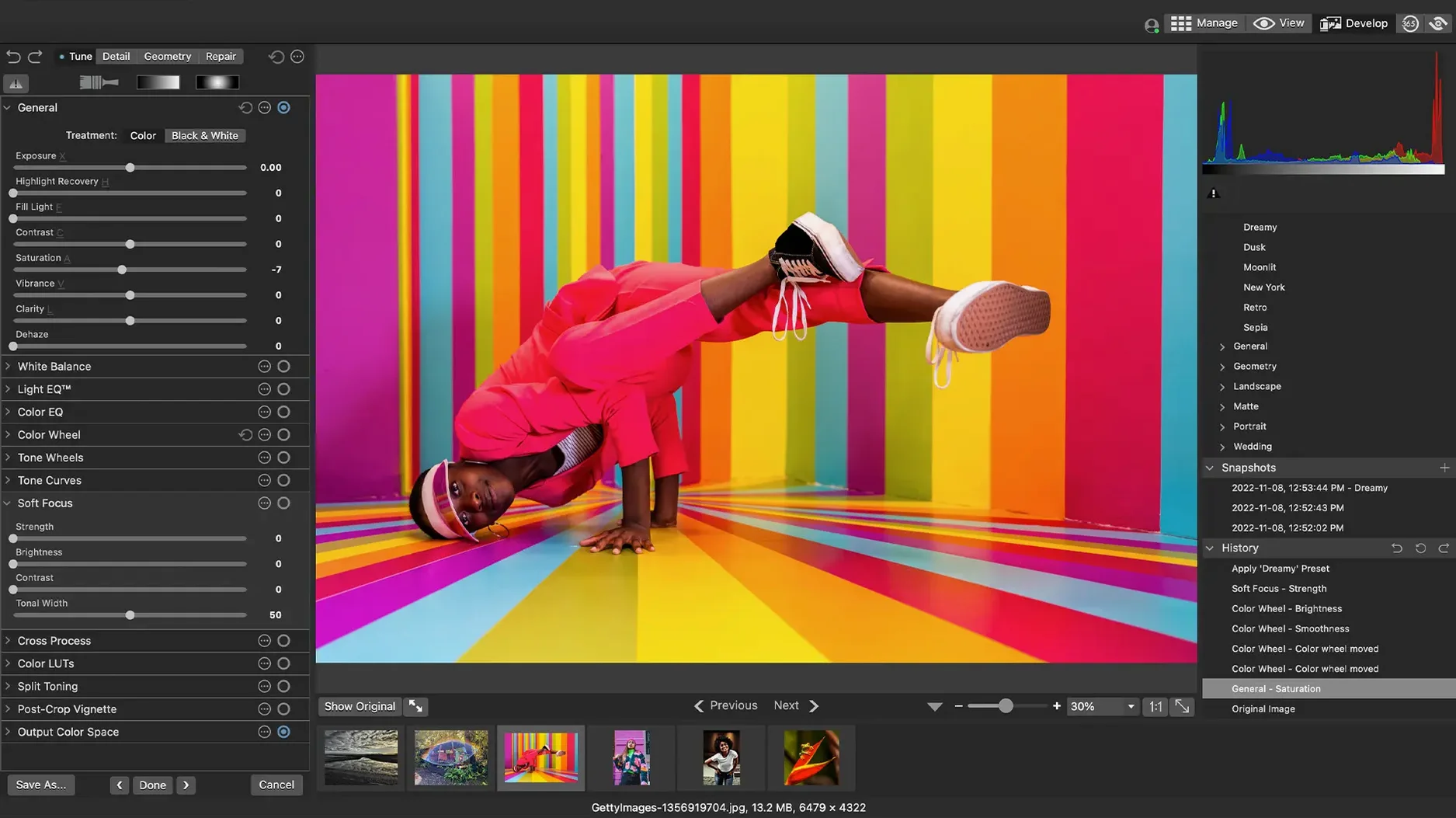
Batch-edit RAW exposure and color without leaving the catalog
- Adjusting exposure, clarity, sharpness, lighting, color, noise, and detail directly in RAW files without leaving the catalog.
- Customisable batch presets that apply the same development settings to a folder of shots — useful when lighting conditions were consistent but the camera’s auto-exposure varied.
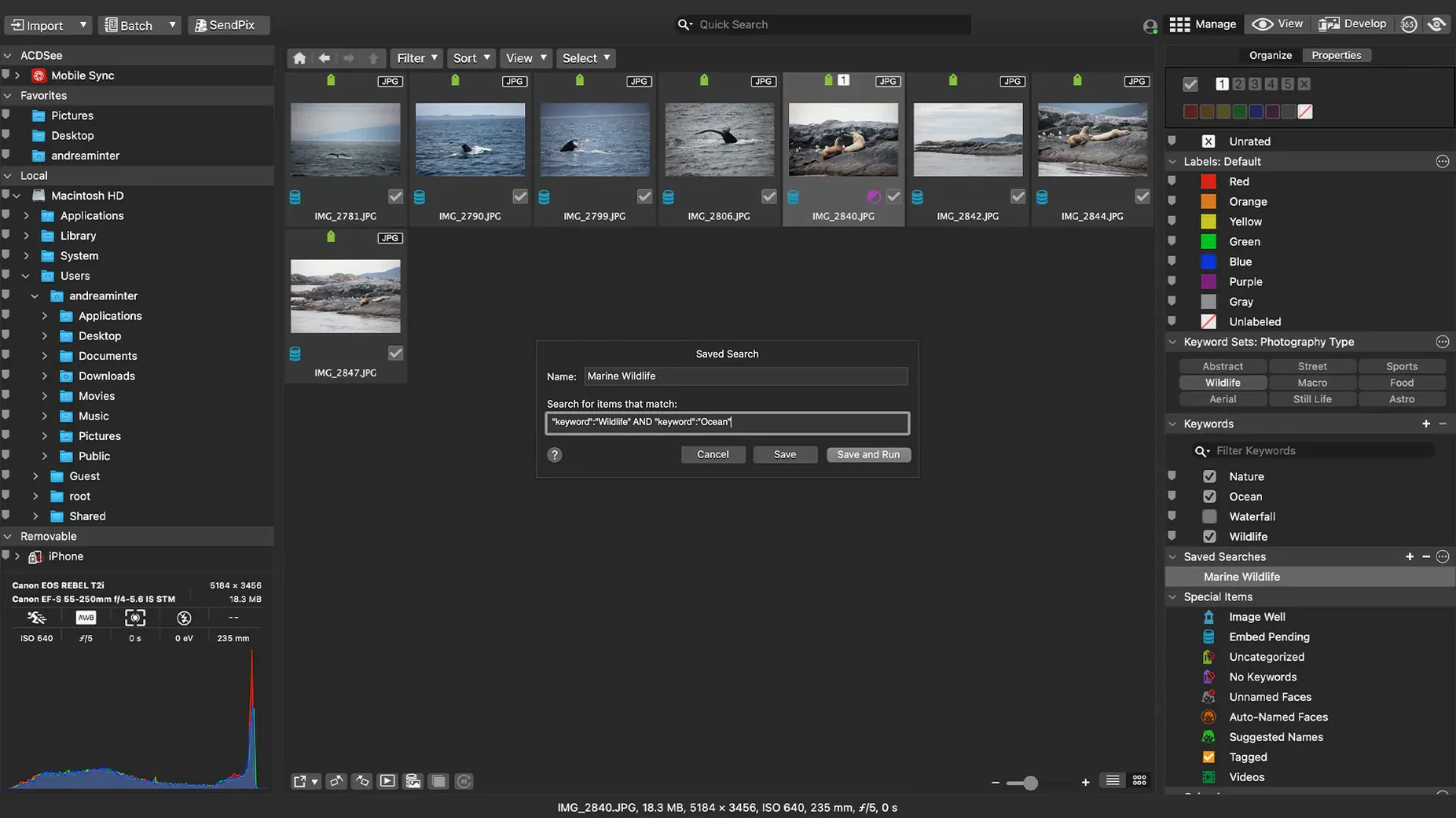
- Drag-and-drop search, which lets you combine keywords, categories, and EXIF criteria without building a query string. It works because the underlying database is solid.
- Displaying and editing EXIF and IPTC metadata across multiple selected files at once.
Requires macOS 14.0 and fixes RAW file rating inaccuracies
- Version 26.0.3.3479 requires macOS 14.0 or later — no support for earlier macOS releases.
- The current release fixes an issue where RAW file ratings were read inaccurately in some scenarios, so ratings should now behave as expected.
- iCloud integration had a fix applied; if you use ACDSee with iCloud folders, updating is worthwhile.
- Interface language is English only.
Set the thumbnail size to match your screen resolution
Once ACDSee Photo Studio 26 is open, head to the preferences and change the default thumbnail size to something that matches your screen resolution. On a 27-inch display, medium thumbnails feel cramped; on a laptop, large thumbnails waste scrolling time. Find the setting that lets you preview images without clicking into each one — this alone speeds up culling more than any feature.
Set the RAW processing defaults before you import anything. If you shoot with a Canon or Nikon, the camera profile baked into the file is a starting point, but ACDSee applies its own interpretation by default. Adjust the sharpening and noise reduction sliders to a level that suits your typical ISO range — you can always refine per-image later. The batch presets are the most efficient way to apply those baseline settings to your first import.
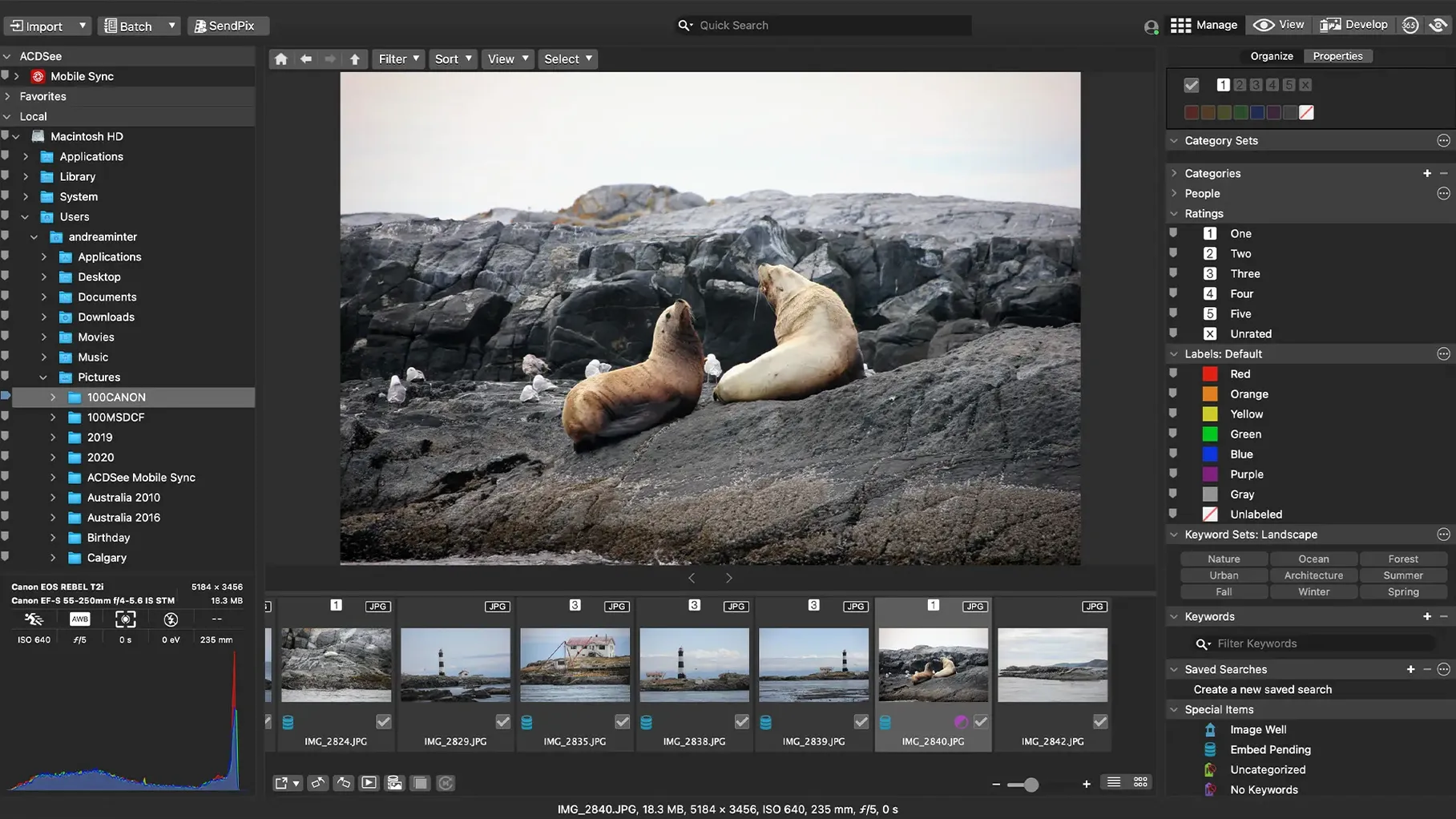
Decide on a folder structure early. ACDSee’s catalog respects the file system; it does not lock your originals into a proprietary vault. If you organise by year/month/event on disk, mirror that in the Manage mode’s folder pane. The date-sorting tool works best when the folder hierarchy already matches how you think about time.
Set up a few keyword groups that cover your most common subjects — portrait, landscape, macro, product — and attach them to test files. The drag-and-drop search becomes useful once those keywords exist; without them it is just a file browser.
Move through hundreds of RAW images per session with non-destructive batch edits
Photographers who shoot in RAW and need to move through hundreds of images per session benefit most. The non-destructive adjustments mean you can batch-edit a wedding reception’s exposure and white balance in under a minute, then tweak individual shots without losing the group settings. Someone who shoots JPEG-only and edits in a pixel-level editor will find less value here — the strength is in volume and metadata, not pixel pushing.
Mac users who migrated from Windows and remember ACDSee from the XP era will feel at home. The interface follows the same two-pane browser-plus-preview model that made ACDSee a Windows staple. For those who never used it before, the learning curve is shallow if you already understand the difference between a catalog and a file browser.
Archivists and stock photographers benefit from the duplicate finder and EXIF/IPTC editor. When you have tens of thousands of files from multiple cameras and memory cards, finding near-identical shots and embedding consistent captions, copyright notices, and keywords saves hours that no AI tool currently handles reliably.
Event and sports photographers who sort by date and rating will appreciate that version 26.0.3 fixed the RAW rating read — it now respects the star rating you assign, even when you switch between camera makes in the same import batch.
Develop mode keeps your original files untouched
Does ACDSee change my original files? No, unless you export or save a processed version. The Develop mode writes adjustments into a sidecar file or the catalog database, not into the RAW or JPEG. Your originals stay untouched, which is the standard for any serious photo management app.
Can I use it alongside Adobe Lightroom or Capture One? Yes. ACDSee reads the same folder structures and respects existing sidecar files from other applications, provided they are standard XMP. It will not overwrite them unless you tell it to. Many users keep a second catalog for specific projects where they prefer ACDSee’s batch workflow over the competition’s.
How does the duplicate finder work? It compares files by visual content, not just file name or size. That matters when you have the same image with different filenames from two camera bodies or after re-importing a backup. It flags candidates and lets you review before deleting.
Does it support Fujifilm RAF and Sony ARW files? Yes, alongside the 450+ camera models mentioned in the specifications. If you shoot with a less common body, check the developer’s supported-camera list — they update it with each major version, and version 26.0.3 includes recent models.
Can I export directly to social media? No. ACDSee is a desktop application focused on management and editing. Export goes to a folder, email, or printer. Resizing for Instagram or Facebook is done via the export presets, but you then upload manually. This keeps the tool fast and avoids the bloat of built-in sharing modules that date quickly.
What happens if I stop using ACDSee later? Your files remain in their original folders with their original names. The keywords and categories are stored in the database, but you can export them as XMP sidecars or IPTC data embedded in JPEGs and TIFFs. There is no lock-in beyond the time you invested in metadata entry — the same lock-in every catalog app has.
Changes in this build
- Fixed a crash when adding a new keyword or category in a certain scenario.
- Fixed an issue where clicking away from a new keyword or category did not stop editing.
- Fixed inaccurate reading of RAW file ratings in certain scenarios.
- Fixed an issue with iCloud integration.
Before it goes on the Mac
- macOS 14.0 or later
- Intel or Apple Silicon processor
Questions from the room
Can ACDSee Photo Studio 26 edit RAW files?
Yes, it can adjust exposure, clarity, sharpness, lighting, color, noise, and detail in RAW files.
Installing it on the Mac
- Mount the disk image and run Open Gatekeeper friendly.
- Press Enter in the Terminal window to bypass Gatekeeper.
- Drag the app to the Applications folder.
- Open the app when installation is complete.
Notes from the control room
Sign in or open a catalogue account to leave a note.
No notes from the room yet. If you have used this build for a week, a short note helps the next person.
Also filed under Mac Apps
The whole Mac Apps rack ABBYY FineReader PDF15.2.14 Mac Apps 900 MB
 Adobe Acrobat Pro26.002.21901 Mac Apps 3.1 GB
 Adobe Dimension4.1.7 Mac Apps 3.5 GB
 Adobe Dreamweaver21.8.0 Mac Apps 3.2 GB
 Adobe Illustrator30.8.2 Mac Apps 3.4 GB
 Adobe InDesign22.0.0 Mac Apps 1.9 GB Updated
 Adobe Lightroom Classic15.6.0 Mac Apps 3.7 GB
 Adobe Photoshop28.0.0 Mac Apps 3.5 GB Updated